A:AnswerTry a different cable. If you still cannot get a display on your monitor, please feel free to contact our support team at 866-695-2237; they are available to assist 24/7 for in-warranty products.
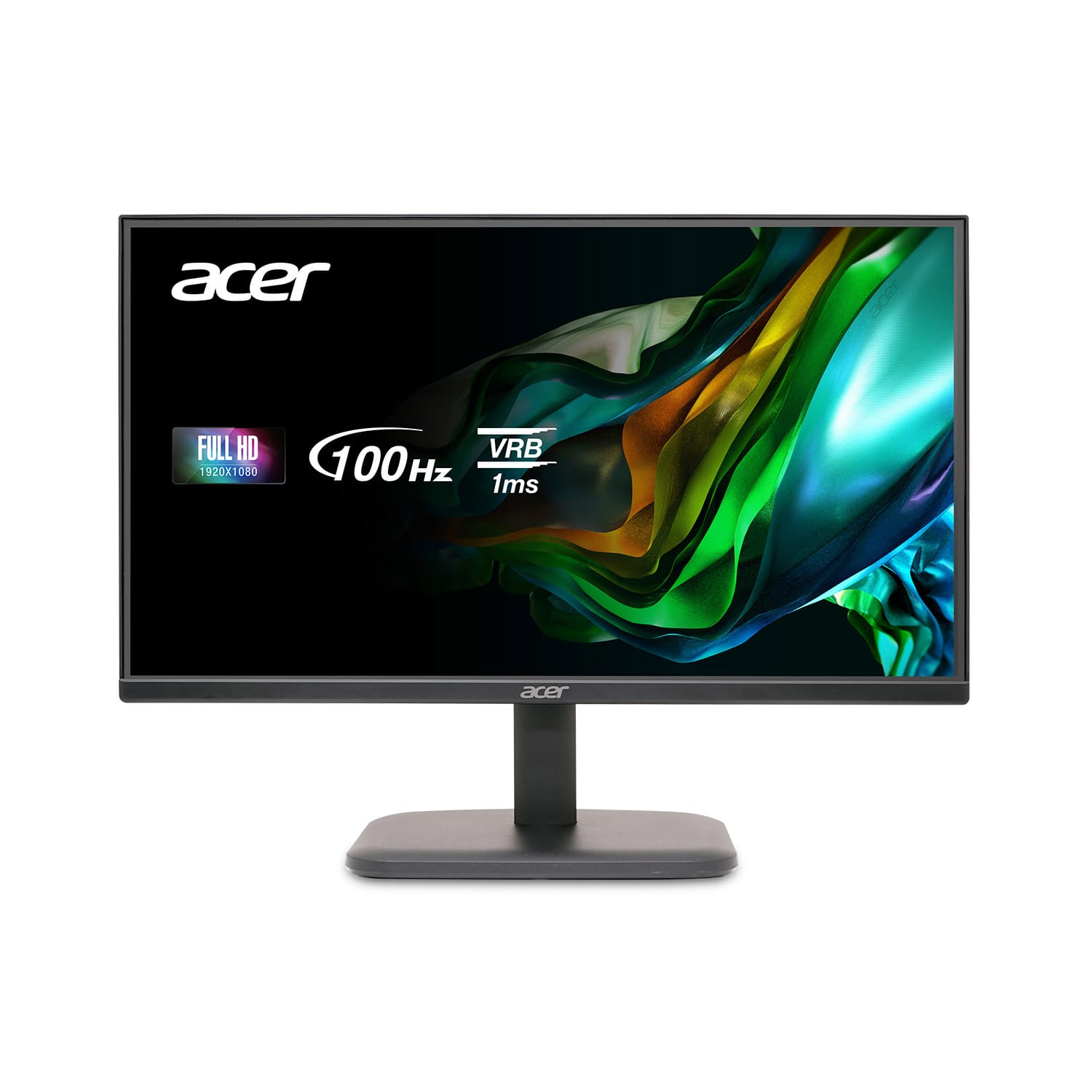
A:Answermake sure any screen is compatible with the full specs of a ps5, 4k resolution and 120hz or you might be missing out, i’m pretty sure this monitor does NOT, the cheapest smallest TV i found was almost a thousand bucks that did all that.
A:AnswerIt only requires an electrical supply (wall outlet) and a computer or other video device to plug into to display its video or image content. This monitor does not have speakers.
A:AnswerVGA is for video only, not audio.
Many sound systems that use HDMI for input also have an output to pass through video.
If yours doesn't, there are HDMI "splitters" available.
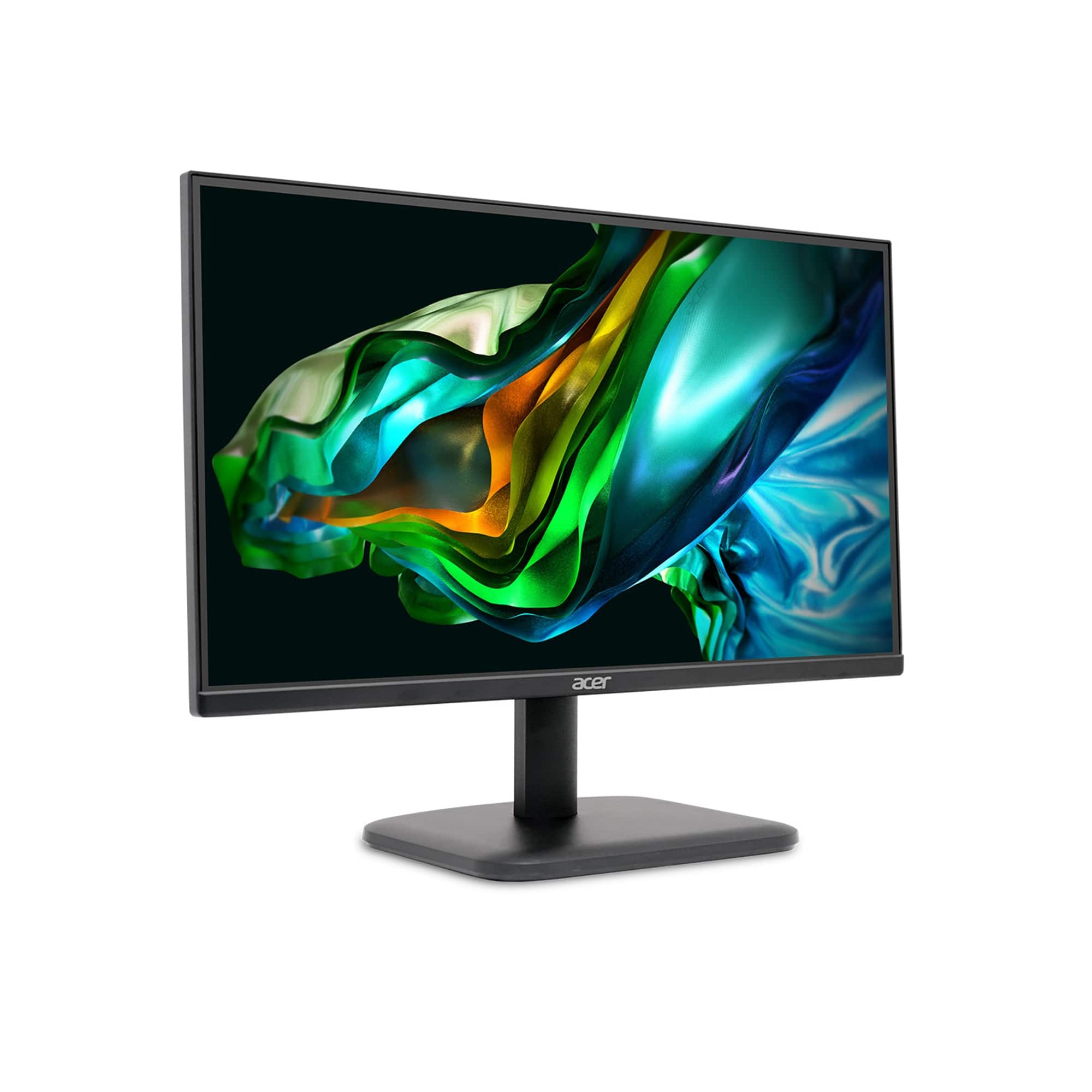
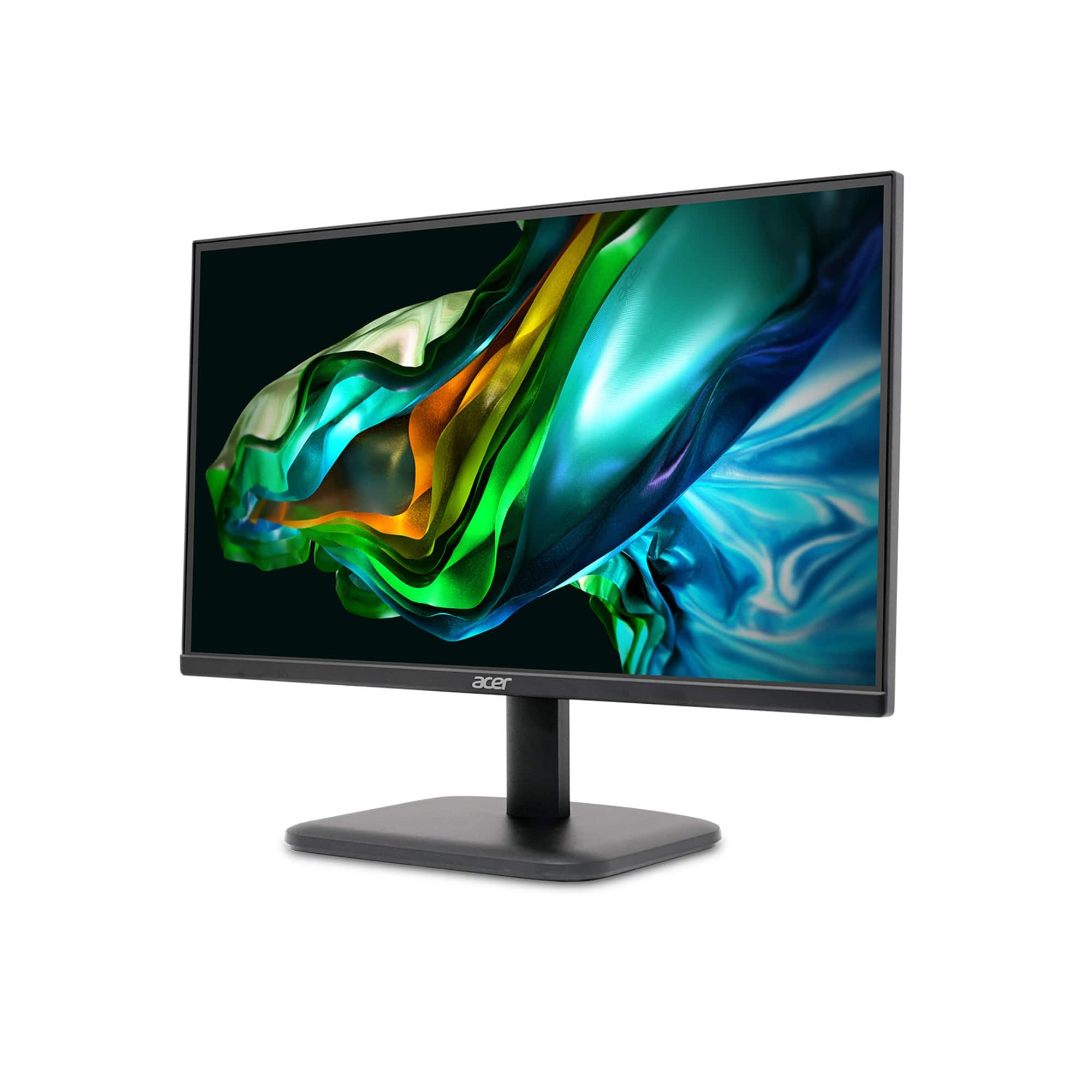
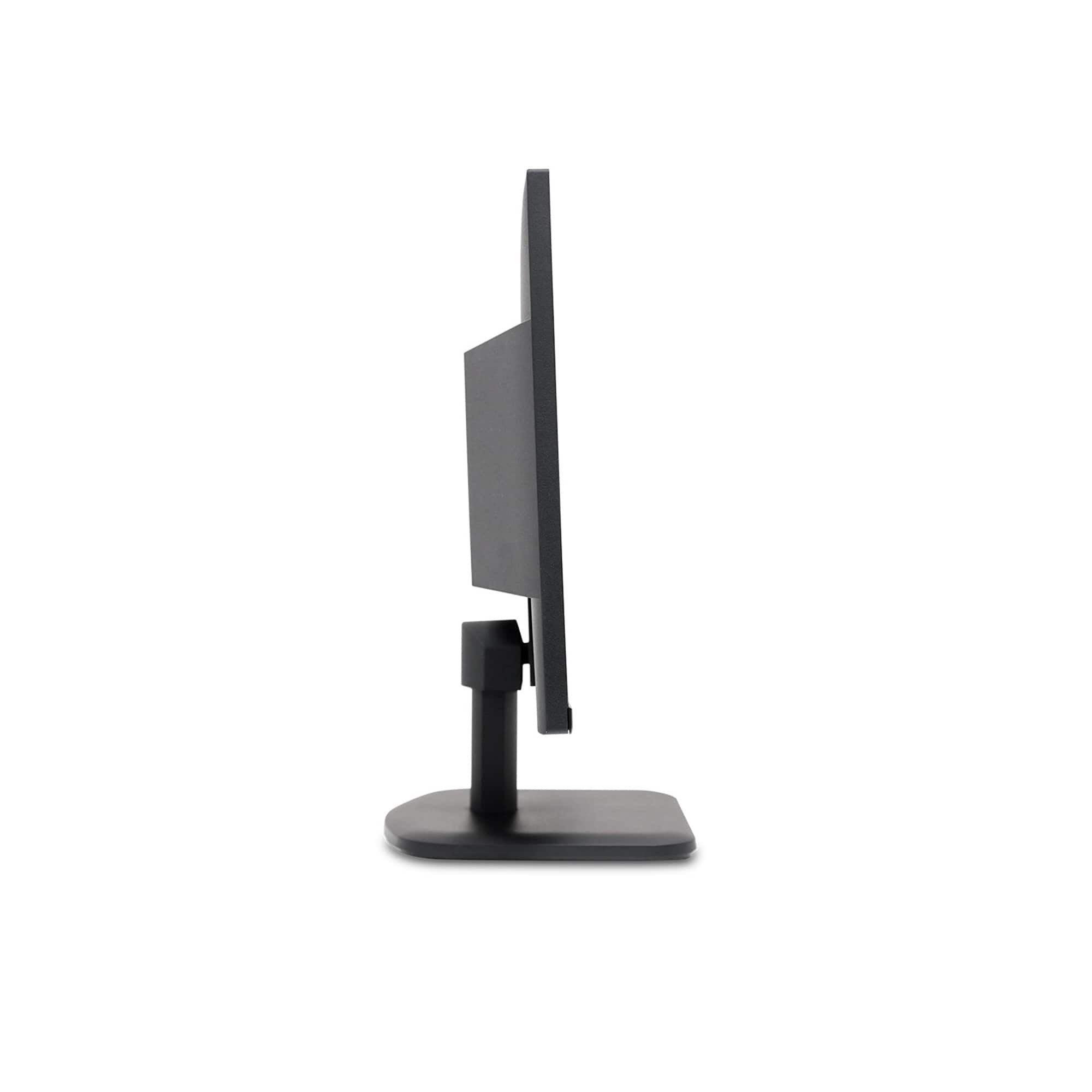
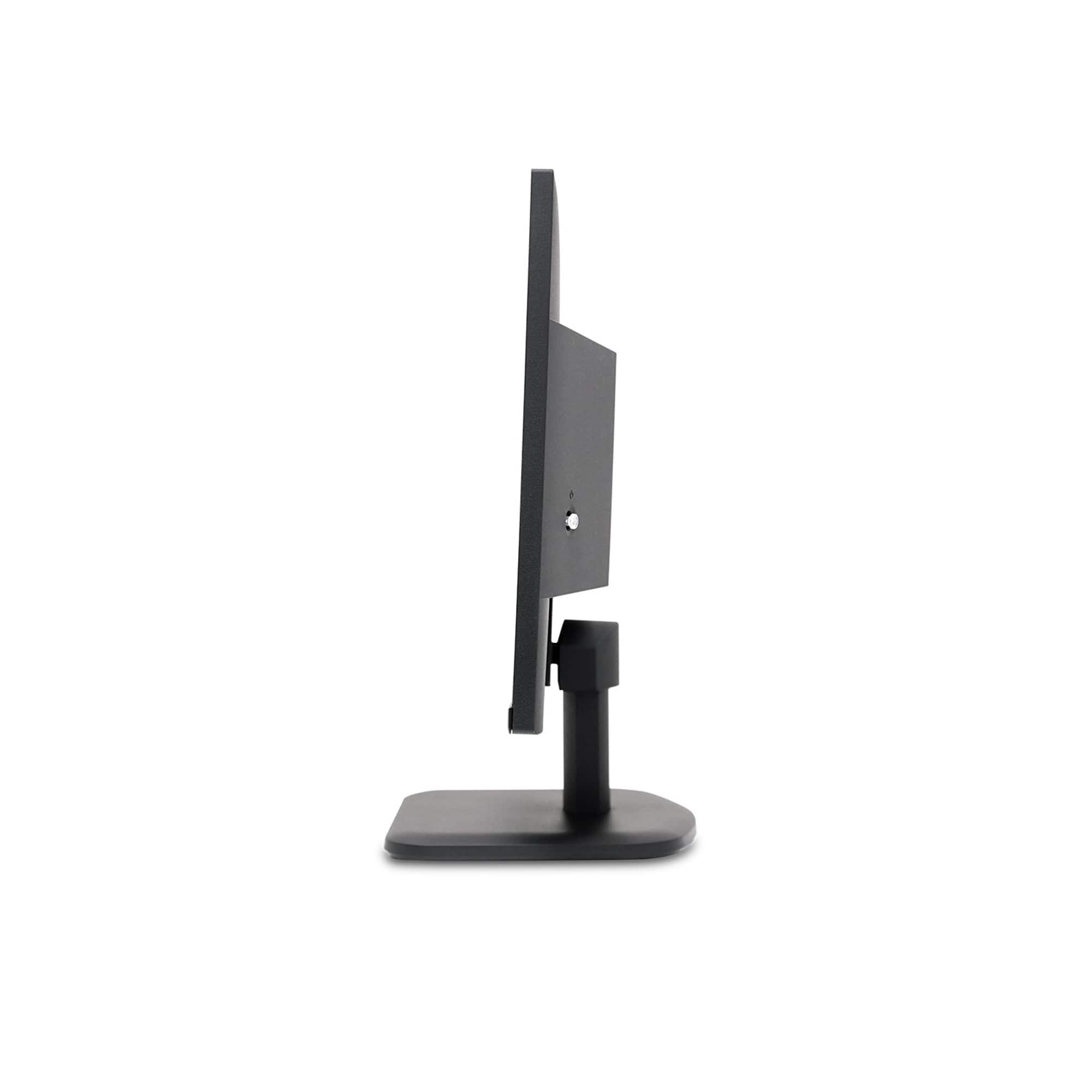
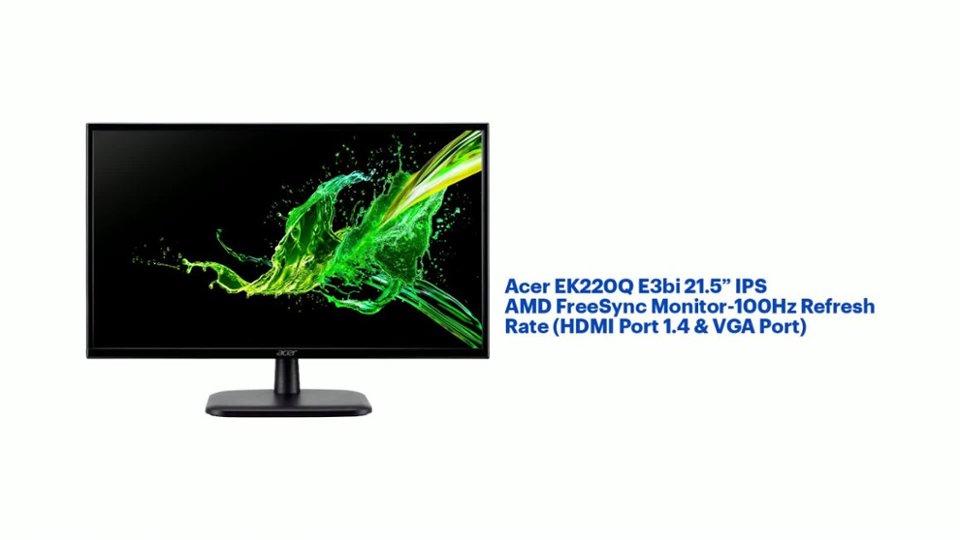
A:AnswerThis model does not support height adjustment, swivel or pivot. But the monitor tilts forward and back to a degree, and the dimensions with the stand are: 21.21 x 16.18 x 7.56", WxHxD.
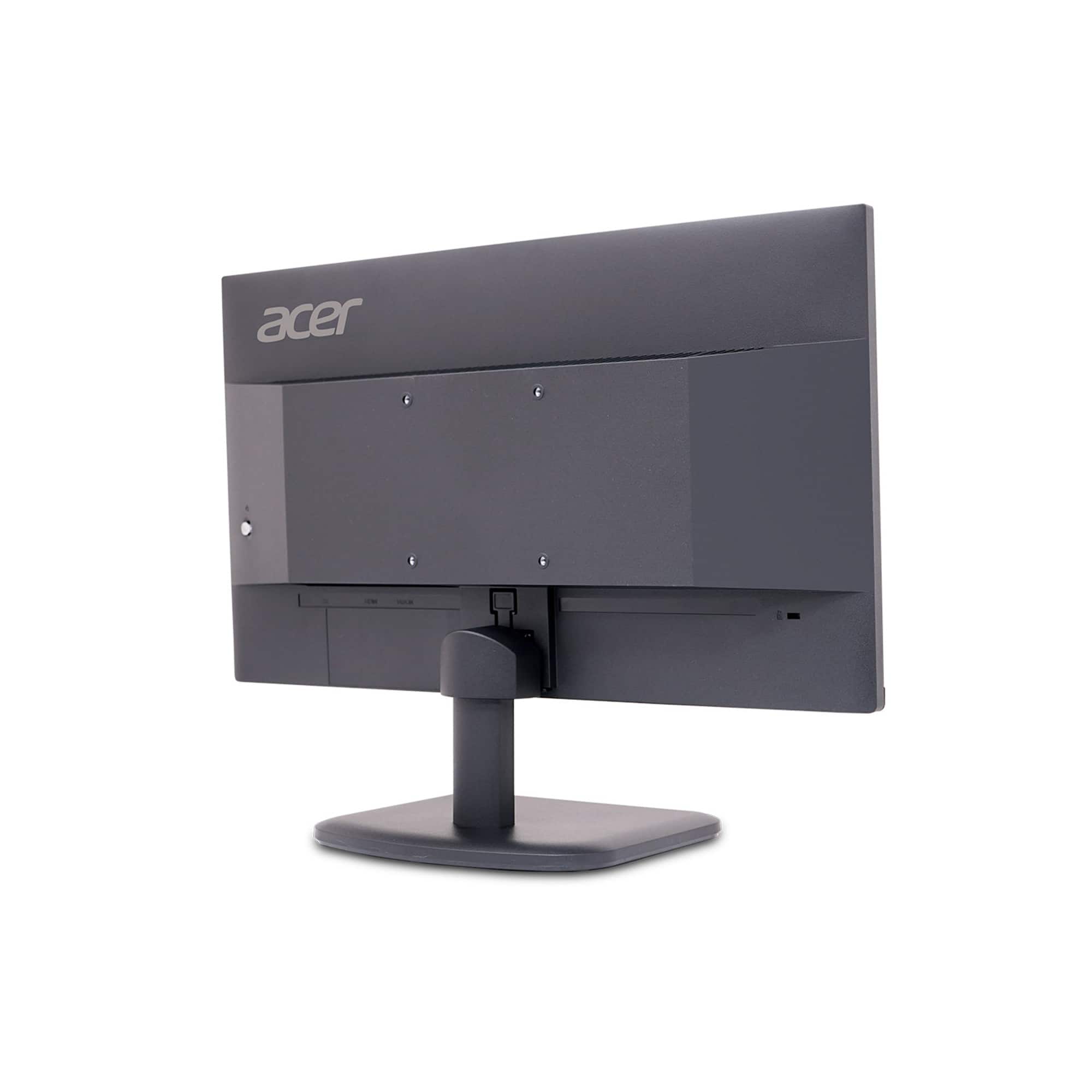
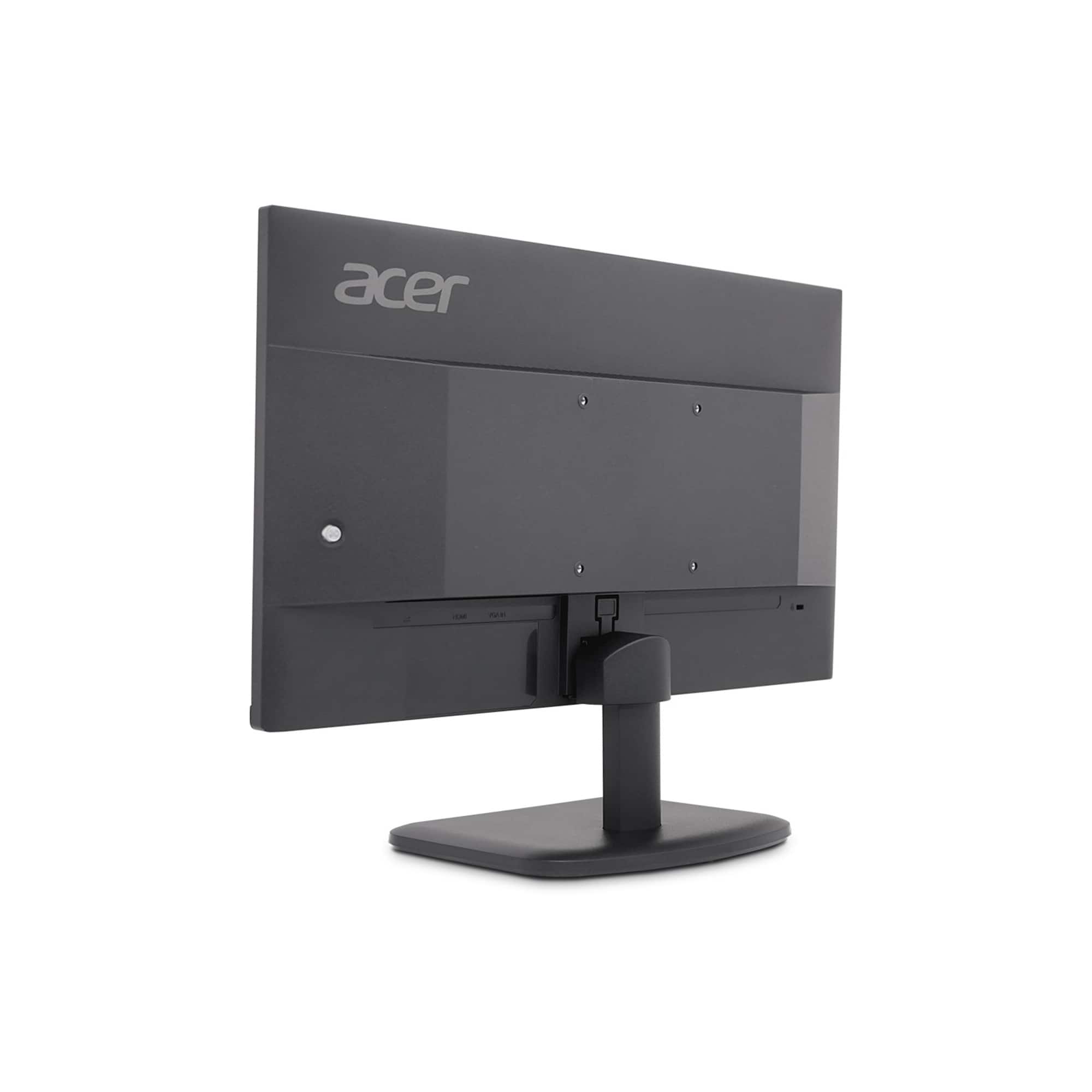
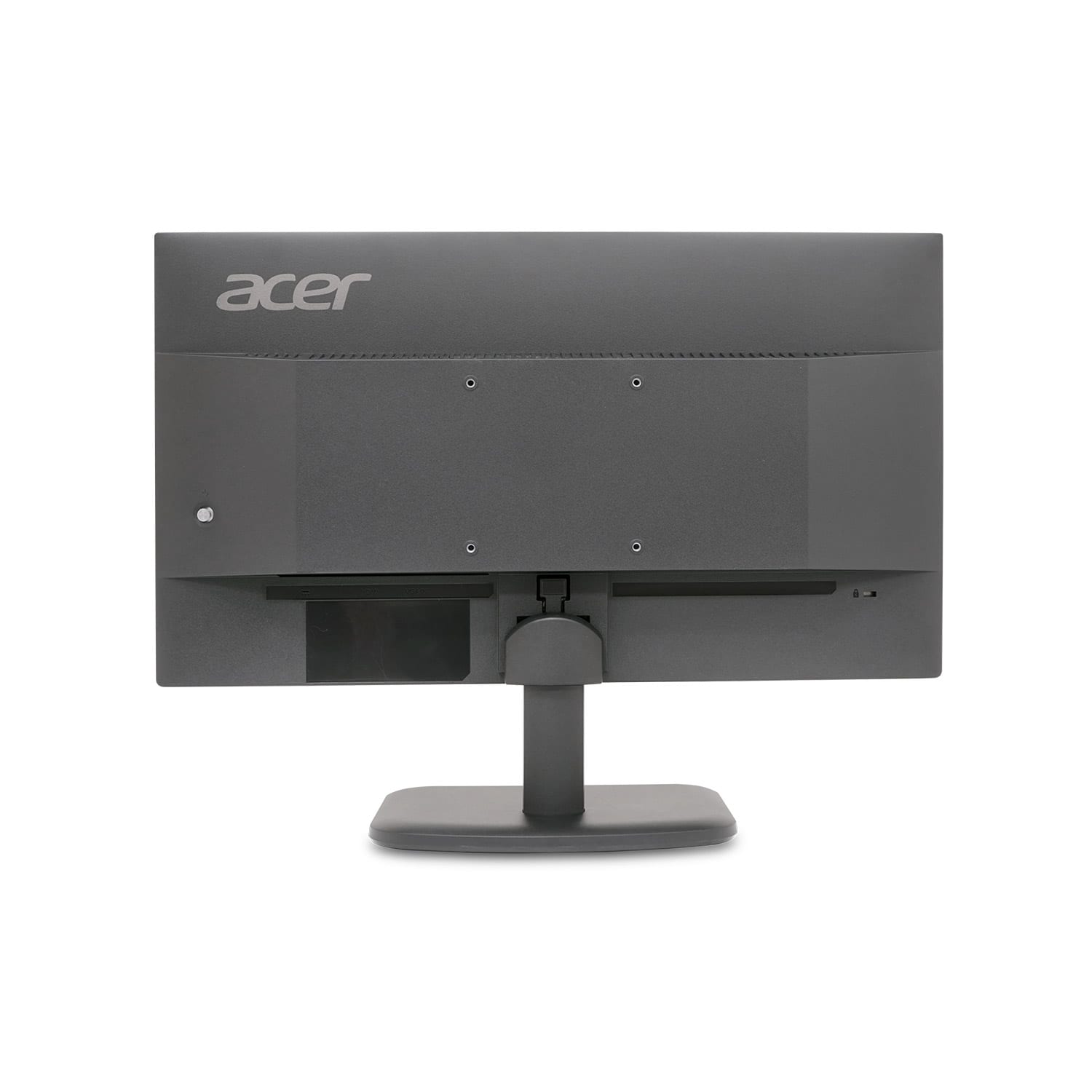
A:AnswerJust push the blue button on the back until it turns off, thats why it blinks because your monitor is not turn off, you have to press that button until the blue light stops