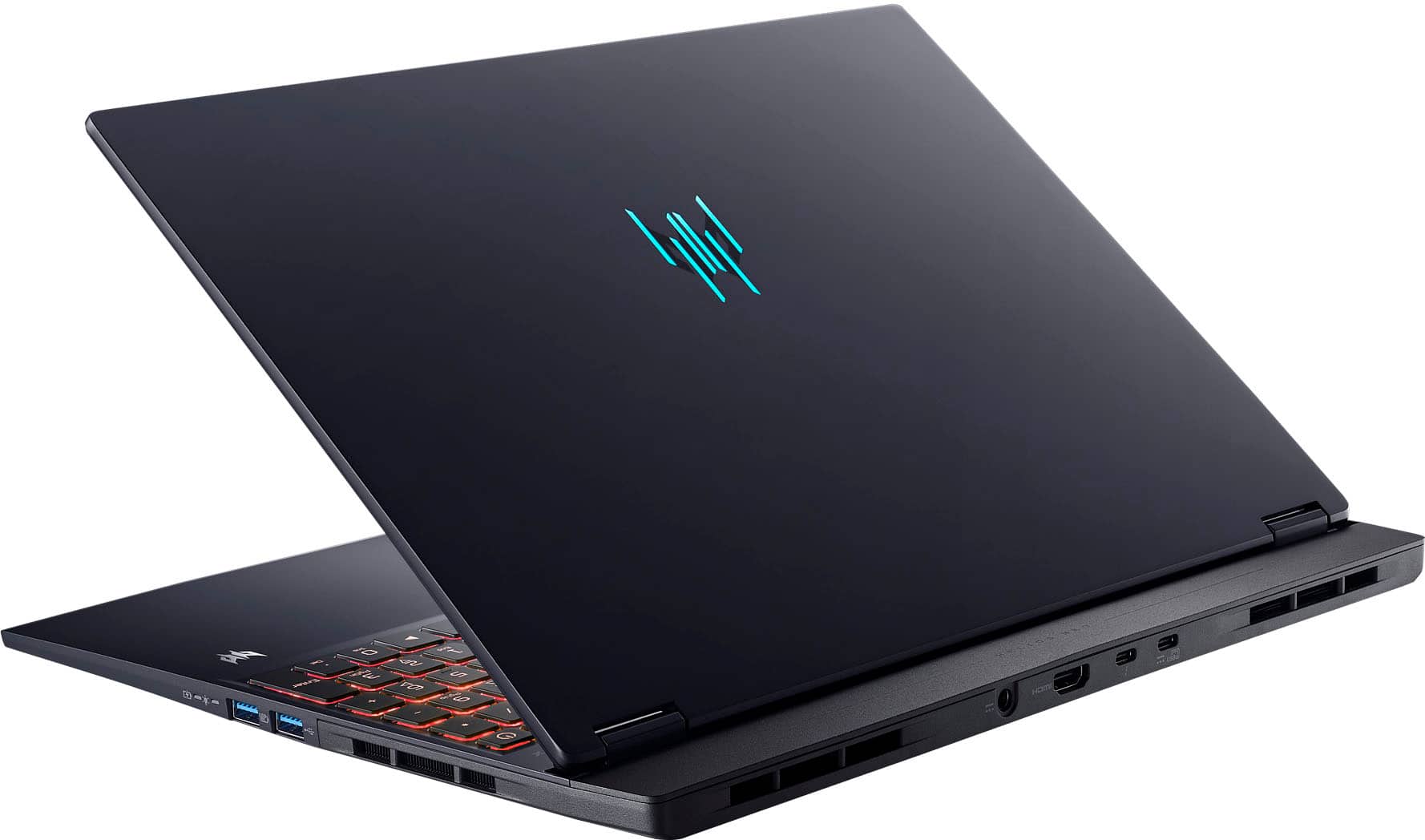
A:Answer The manufacturer's warranty is a domestic warranty good in the country of purchase, however all Acer laptops include an International Travelers Warranty. This applies to genuine travelers only; if you travel a lot we highly recommend you read the terms and conditions at https://community.acer.com/en/kb/articles/15377-acer-international-travelers-warranty. This page also provides links to the ITW service locations and ITW Service Limitations. Our customers who live outside North America and need warranty service will ship the laptop to the US repair location. Once repaired we can ship it back to a US address and they usually provide a friend or family members contact information, address and phone for us to return after repair. Once received the family member/friend ships the laptop to the owner. You can go to our website under Support to book a repair online, or you can contact Chat Support for help with this as well.







![The text on the image reads:
"OLEI I dtsx Esc F1 & F2 F3 de F4 F5 o F6 F7 D F8 C- F9 F10 & F11 F12 AN PrtSc t Ins Del H >/II H ~ 1 ! 1 @ 2 # 3 $ 4 % 5 A 6 & 7 . 8 [ 9 ] O | + = Backspace Numik / Tab Q W E R T Y U I O P { [ } ] I / 7 Home 8 A 9 PglUp - Caps Lock A S D F G H J L : a - Enter 4 a 5 6 V + 1 Shift Z X V N M - > - ? / 1 Shift 1 End 2 V 3 PgDn Enter Ctrl Fn Alt Alt Gr i O 3re Del"
The text is a list of keyboard shortcuts for various functions, such as Esc, F1, F2, F3, F4, F5, F6, F7, F8, F9, F10, F11, F12, and more. The shortcuts are organized in a way that makes it easy for users to find and use them while working on their computers.](https://pisces.bbystatic.com/image2/BestBuy_US/images/products/e9e6c769-2ef3-4649-ad17-3fab10424316.jpg)