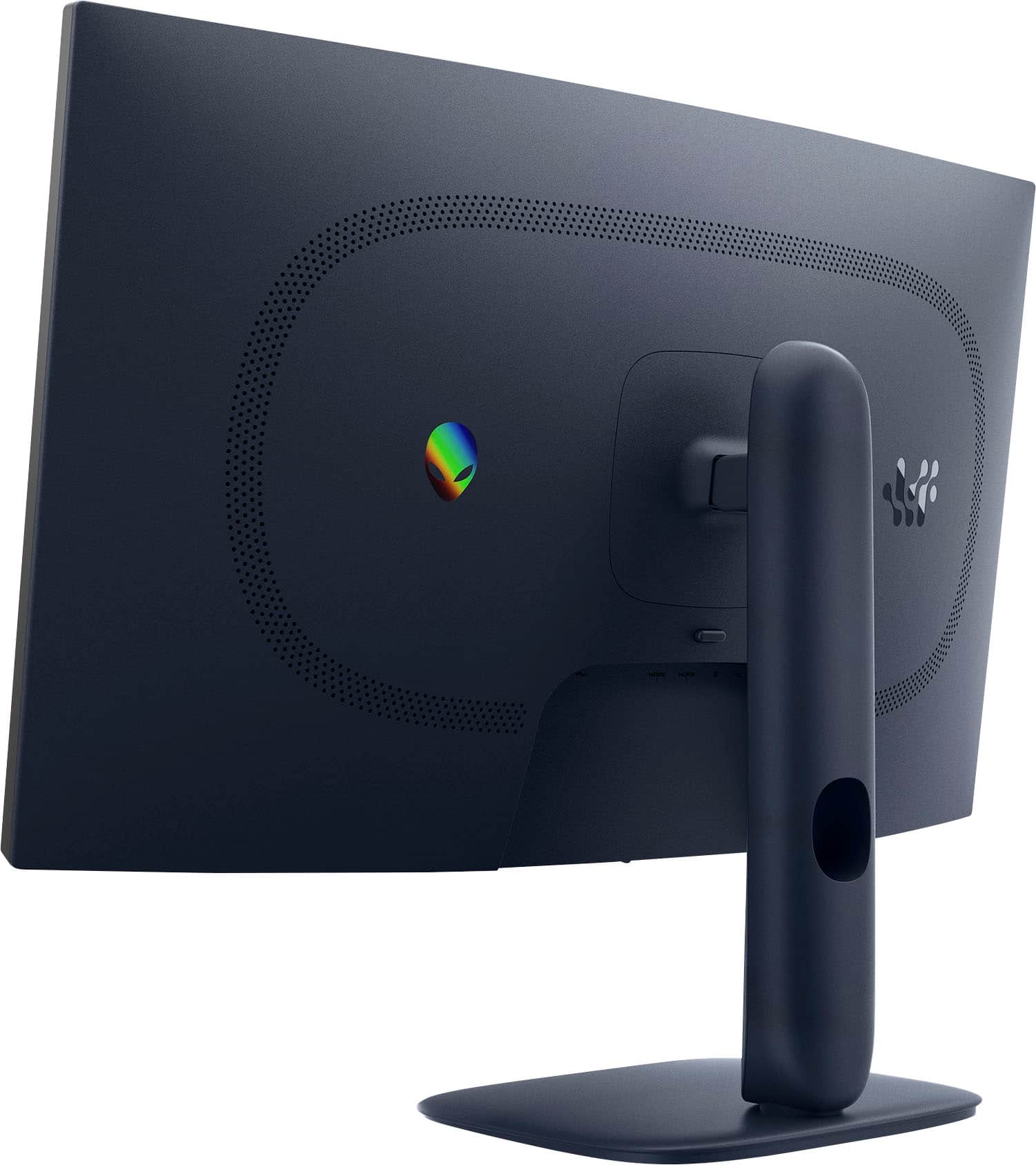
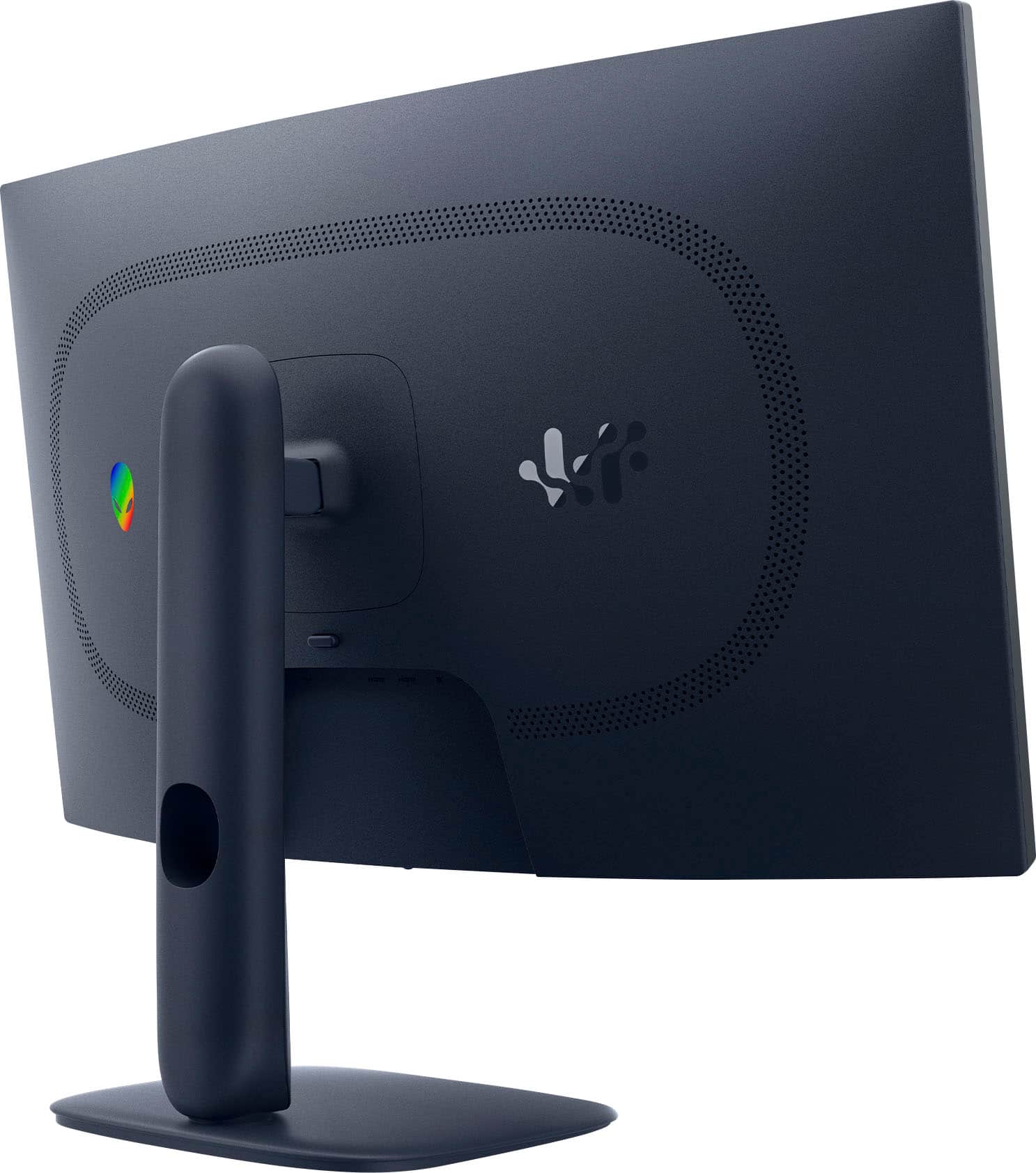
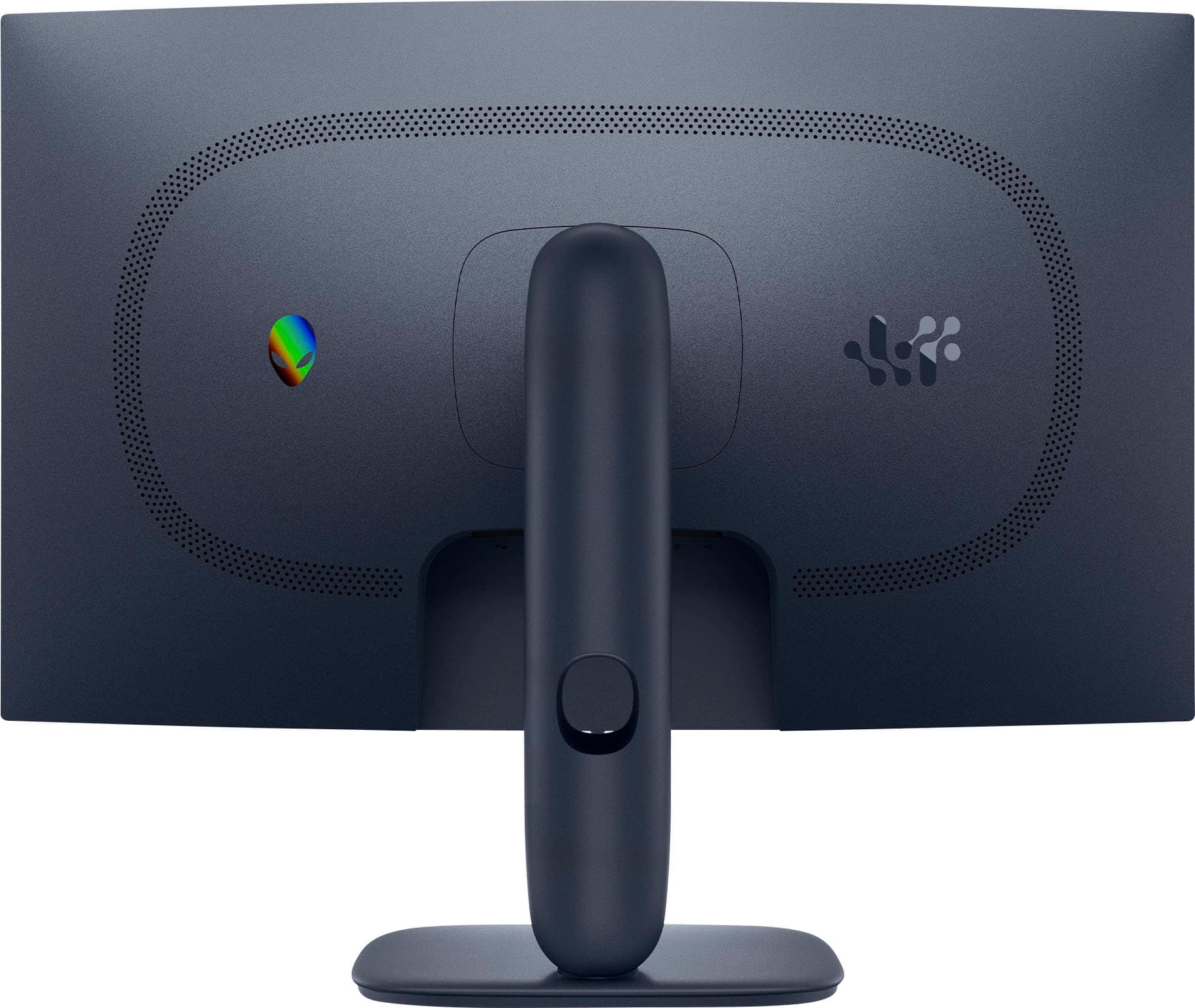
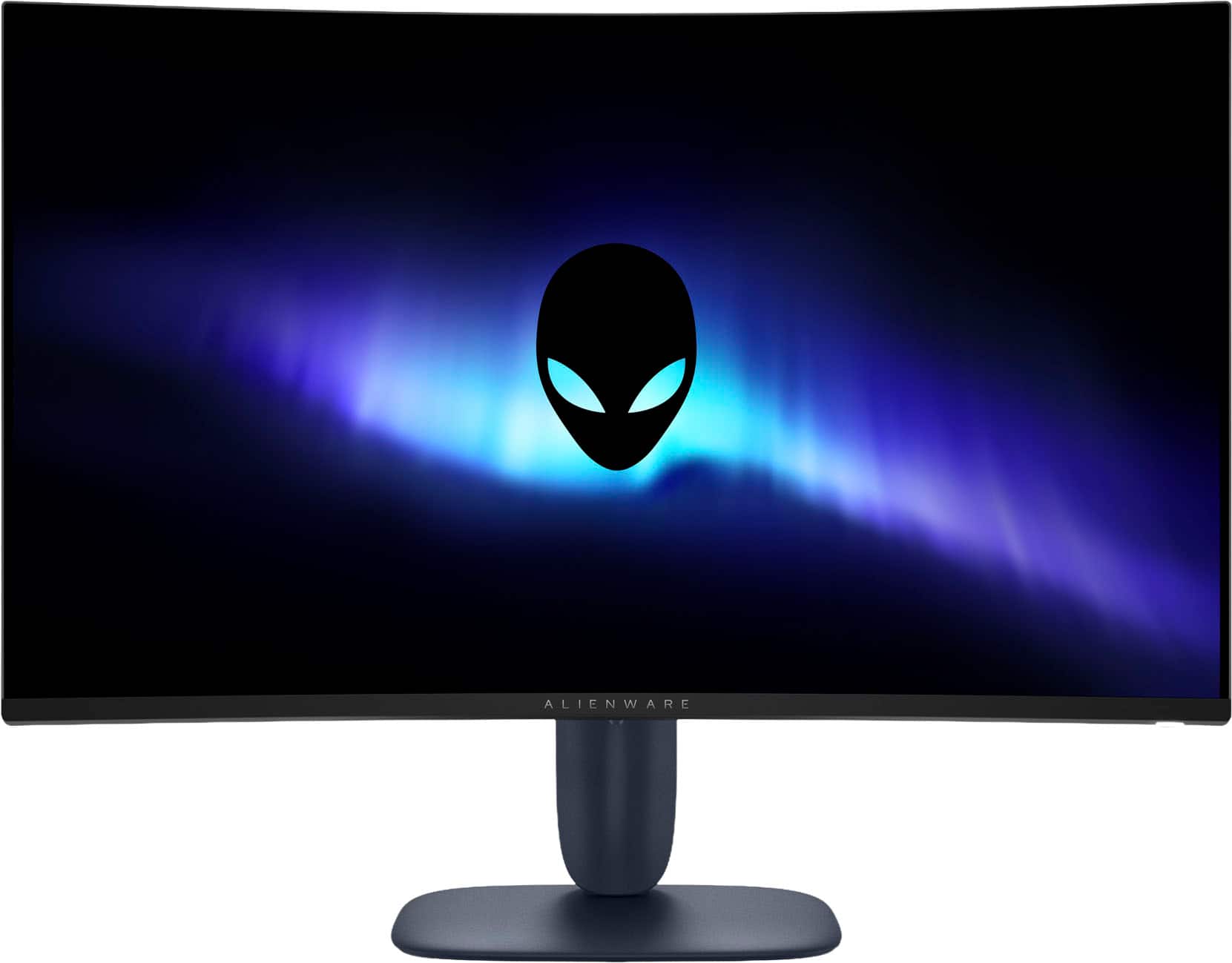
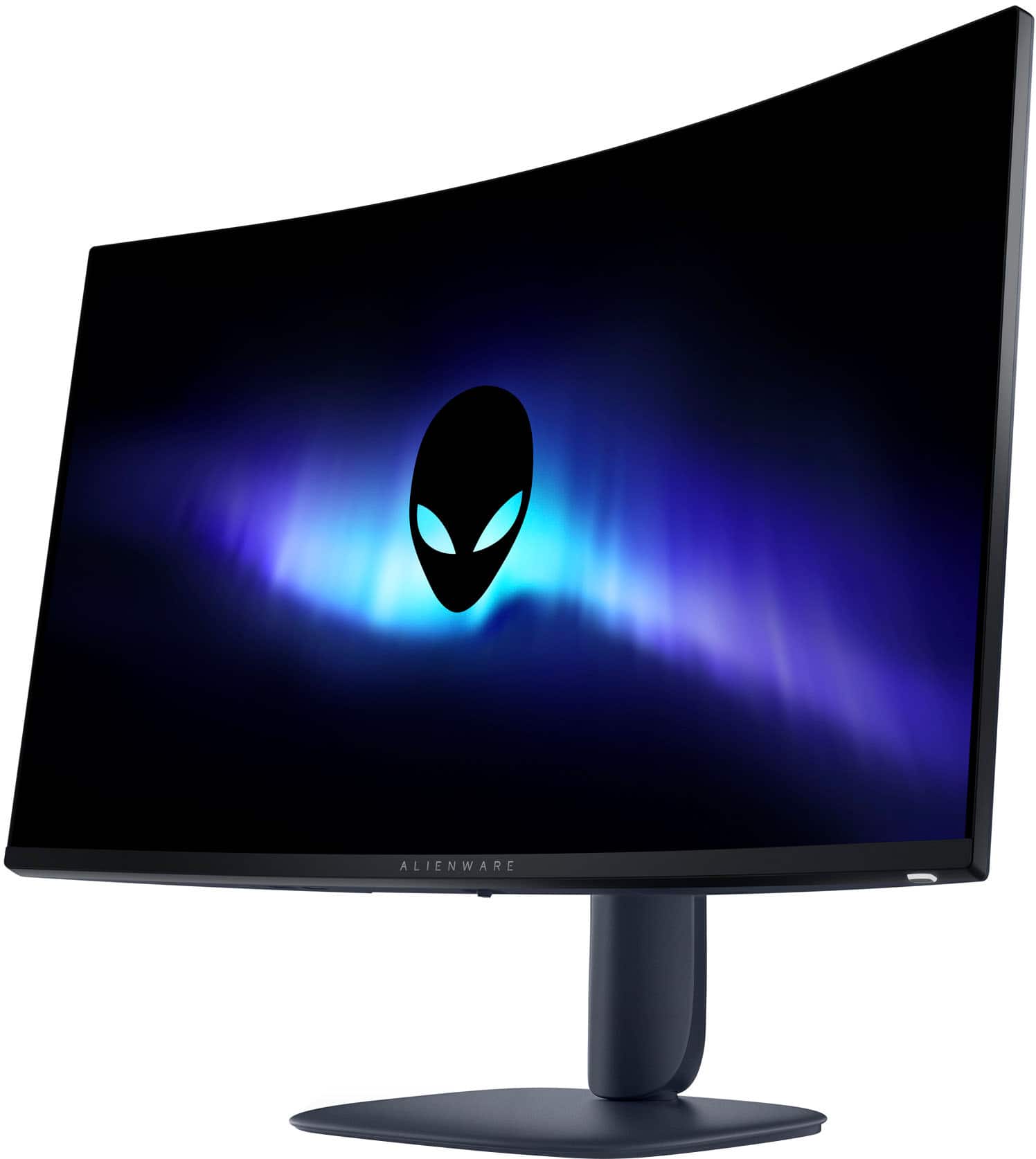
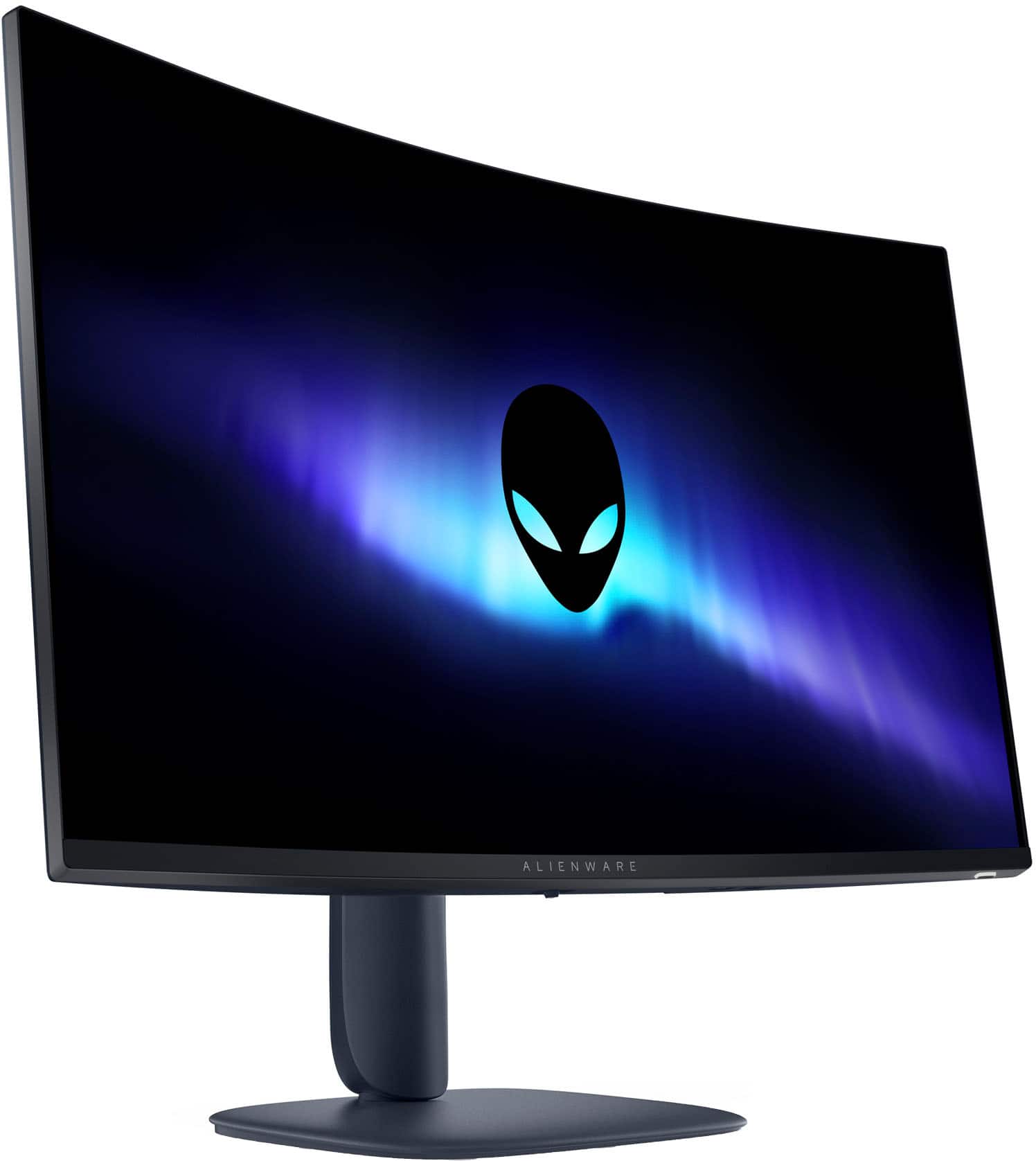
A:Answer Yes, but only up to 120–144 Hz depending on the Xbox model. On your Xbox:
1. Go to:
Settings → General → TV & Display Options
2. Set
Resolution: 1440p
Refresh rate: 120Hz
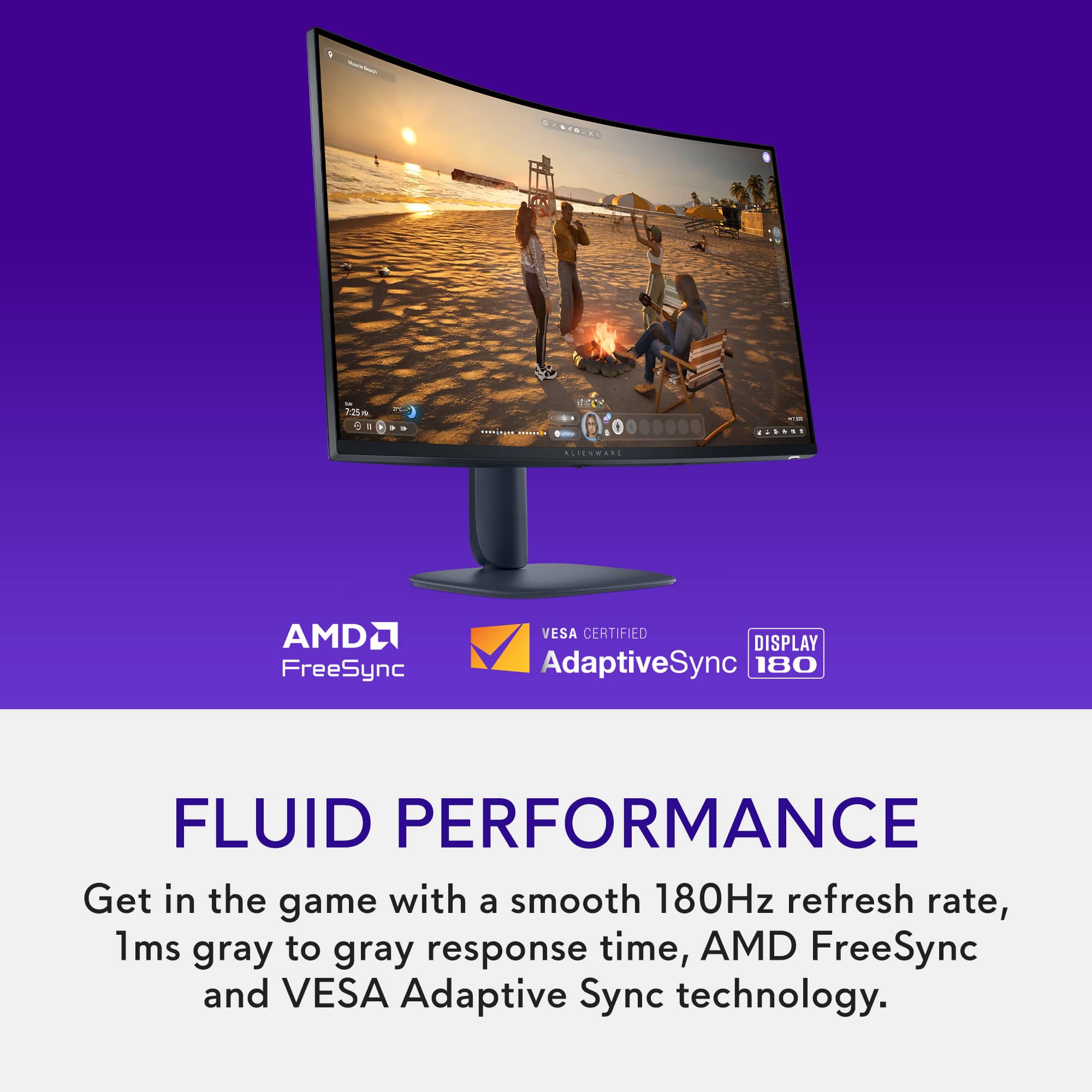
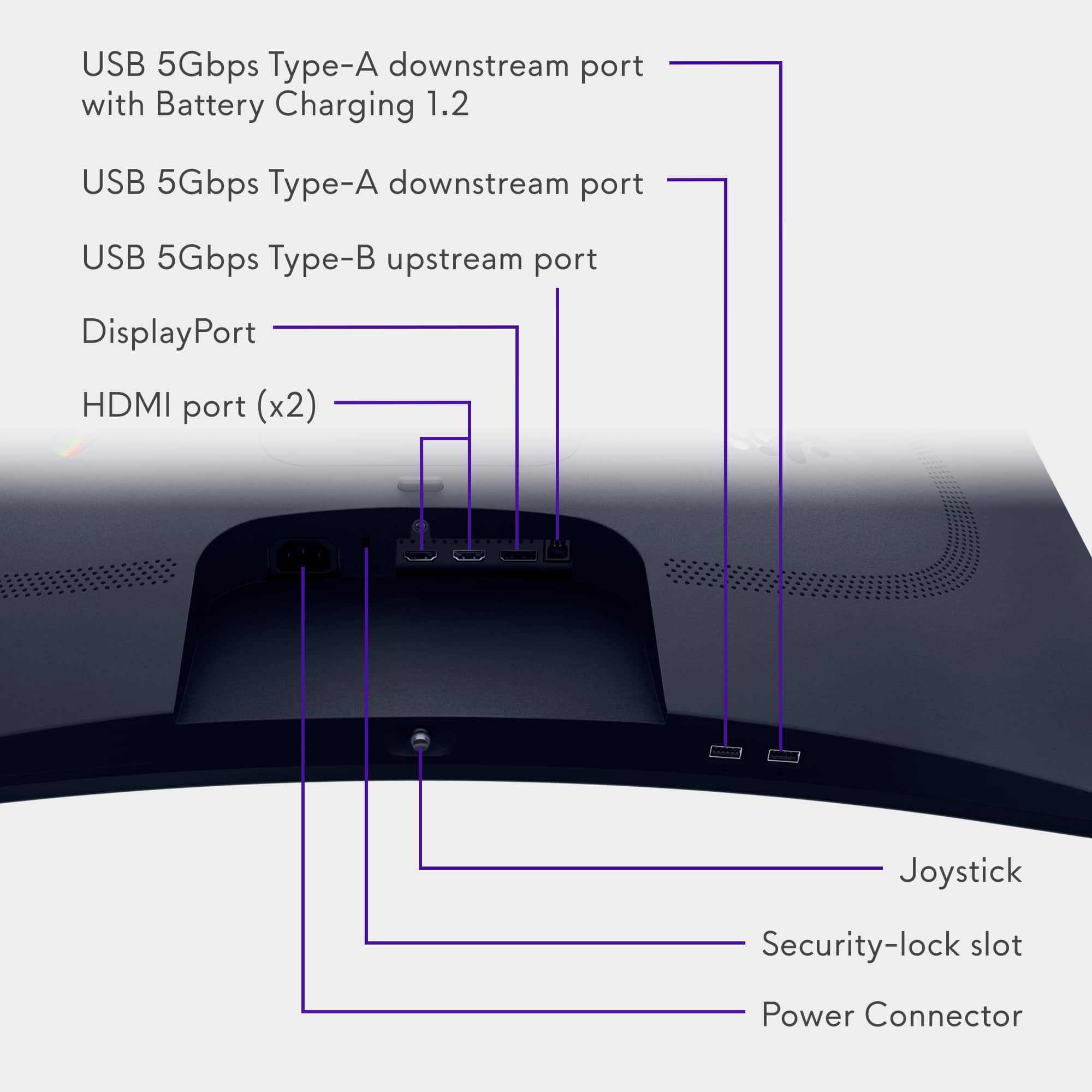
This is the highest refresh setting the Xbox will allow, and the AW3225DM fully supports it over HDMI 2.1.
If your Xbox stays stuck at 60Hz, check these:
Use a certified HDMI 2.1 cable.
The monitor's HDMI ports support HDMI 2.1 (HDCP 1.4 & 2.3) at up to 144Hz QHD. No adapter will convert Xbox HDMI → DisplayPort at high refresh rates because HDMI → DP active converters cannot output above 120–144Hz QHD, and Xbox does not output DP-native signals.
180Hz is PC‑only via DisplayPort.