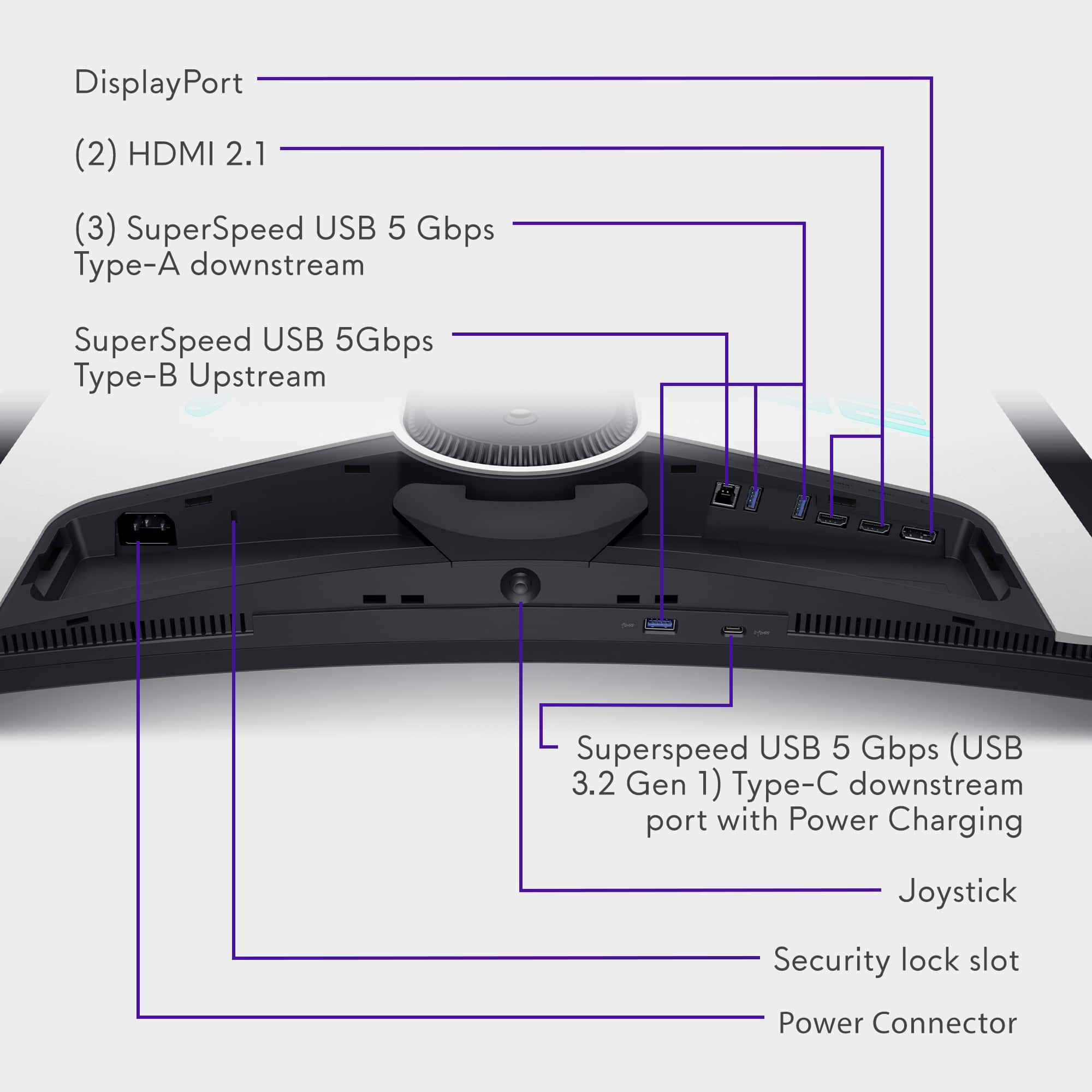
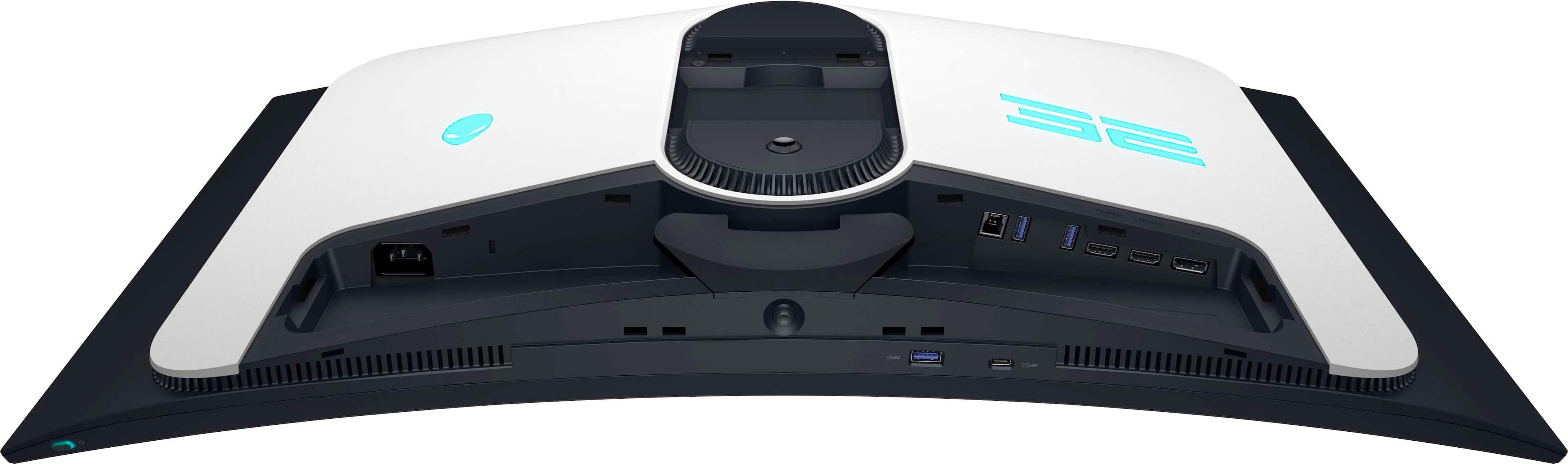
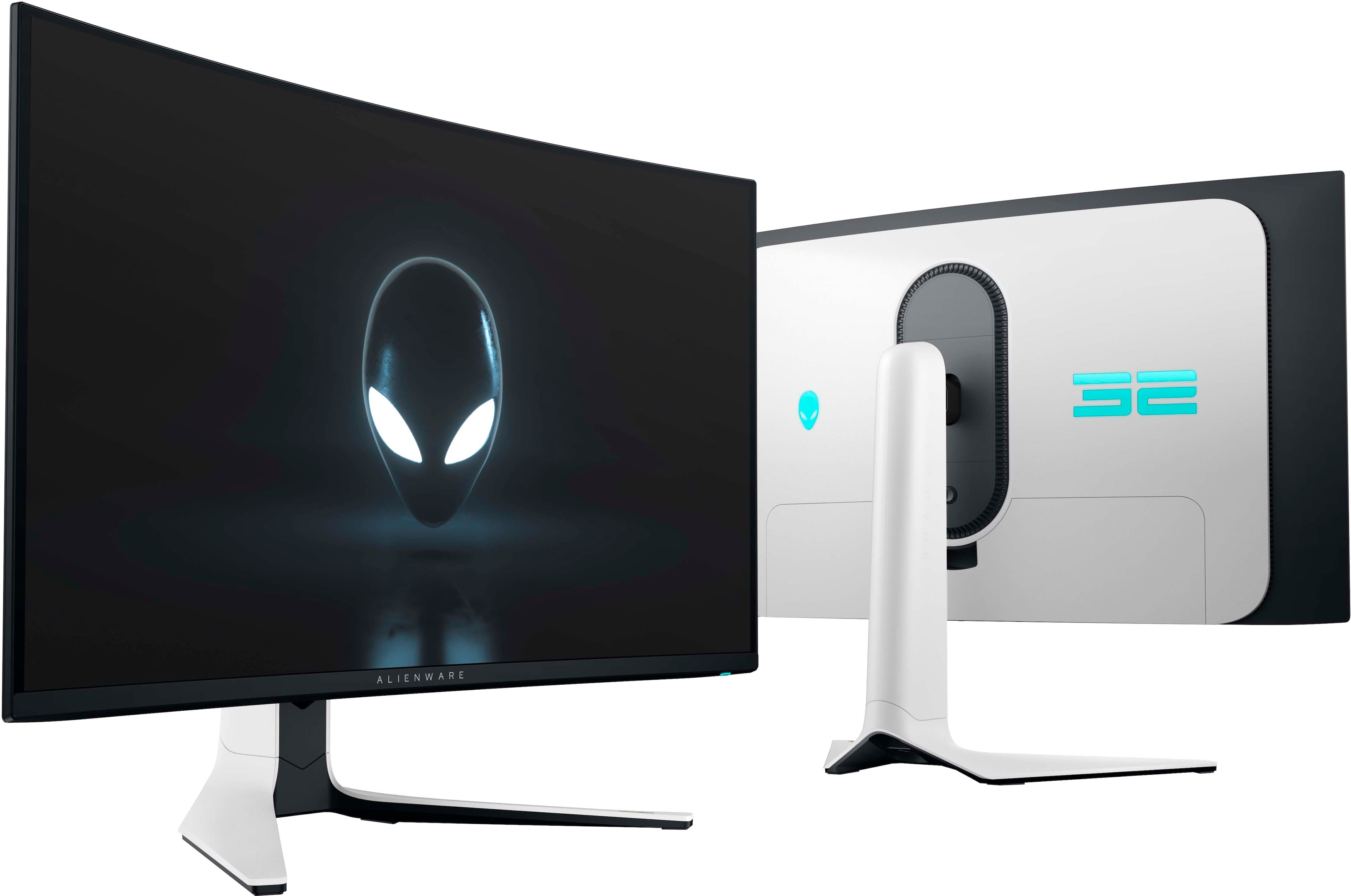
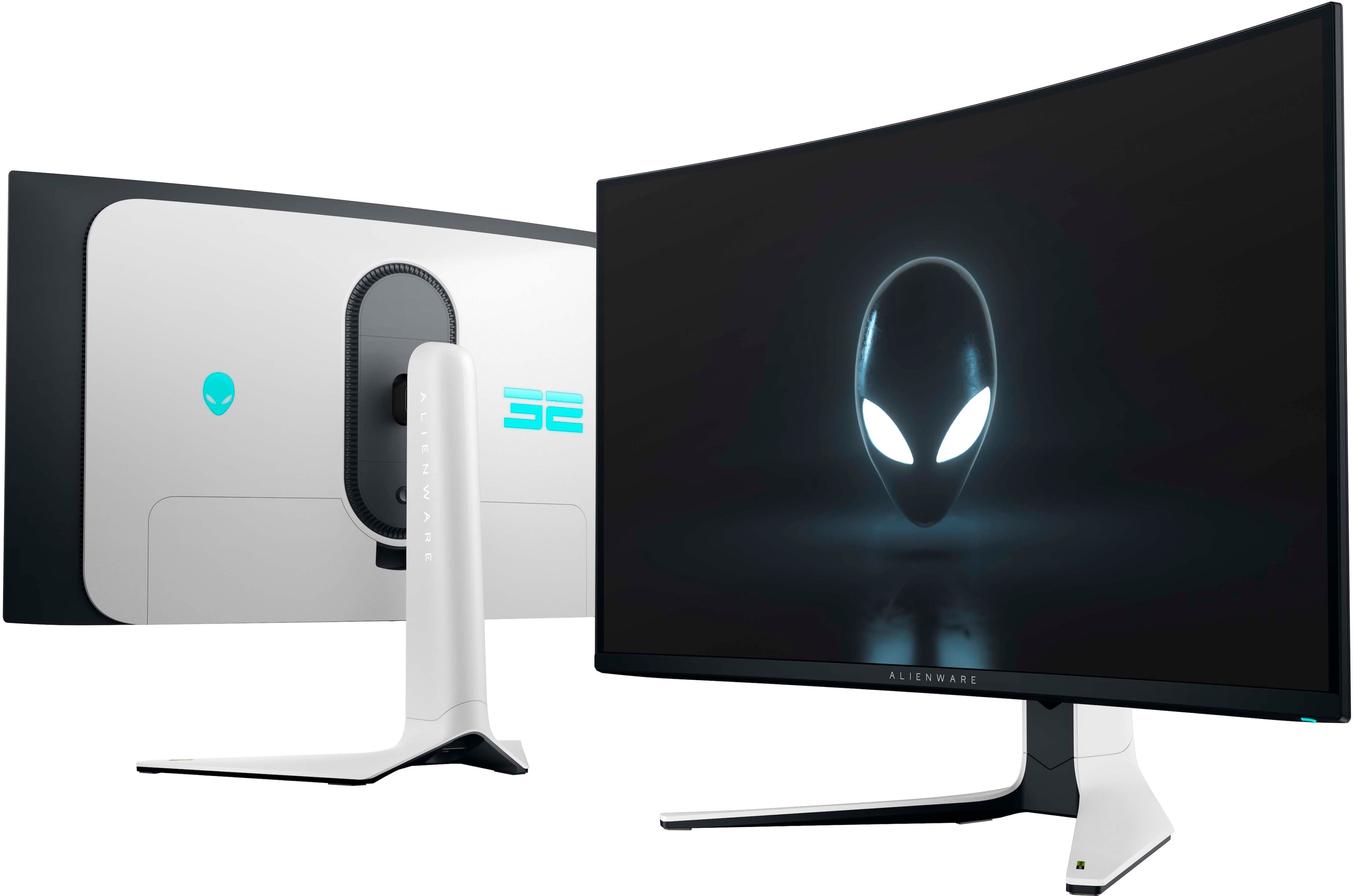
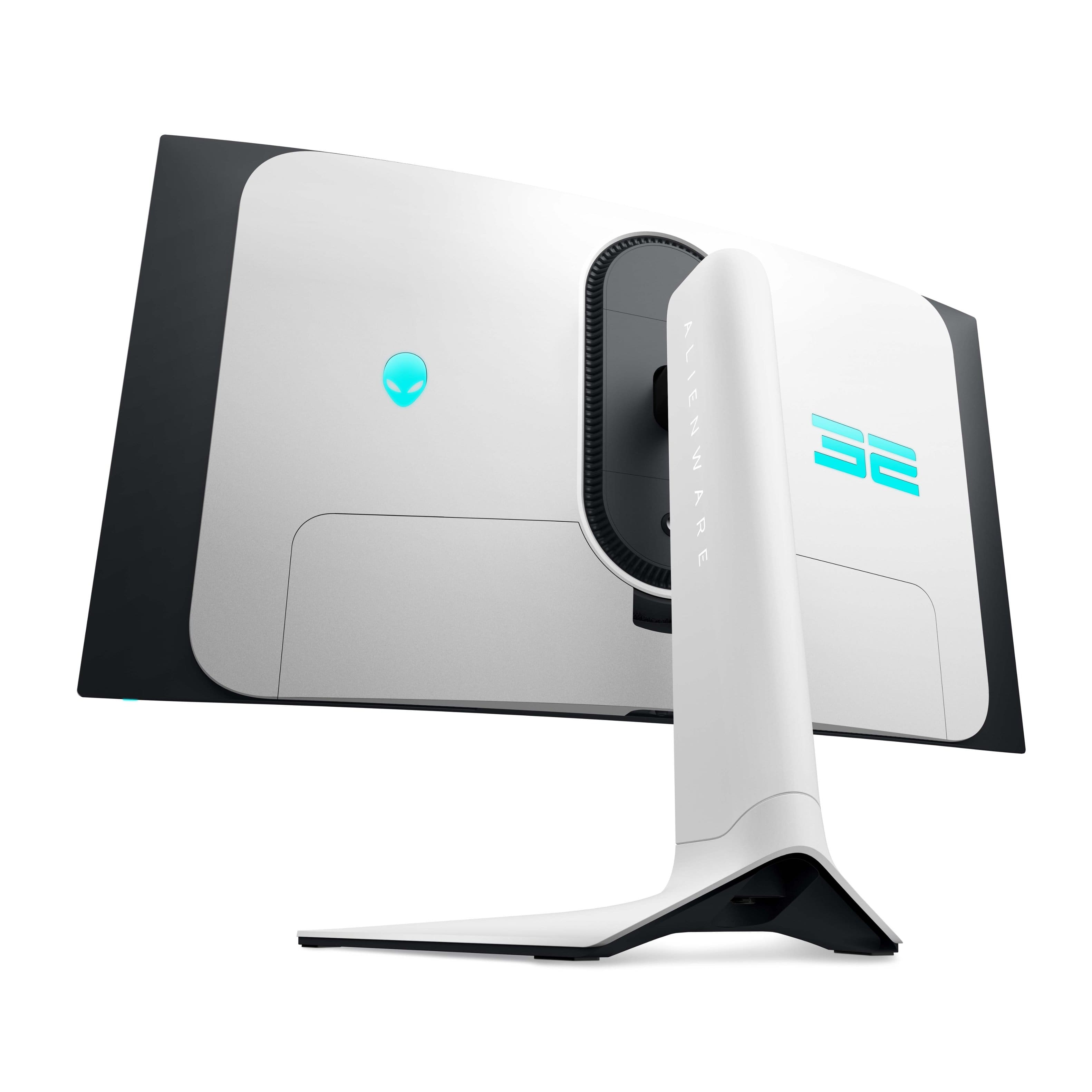
A:Answer Use the monitor’s joystick (back underside):
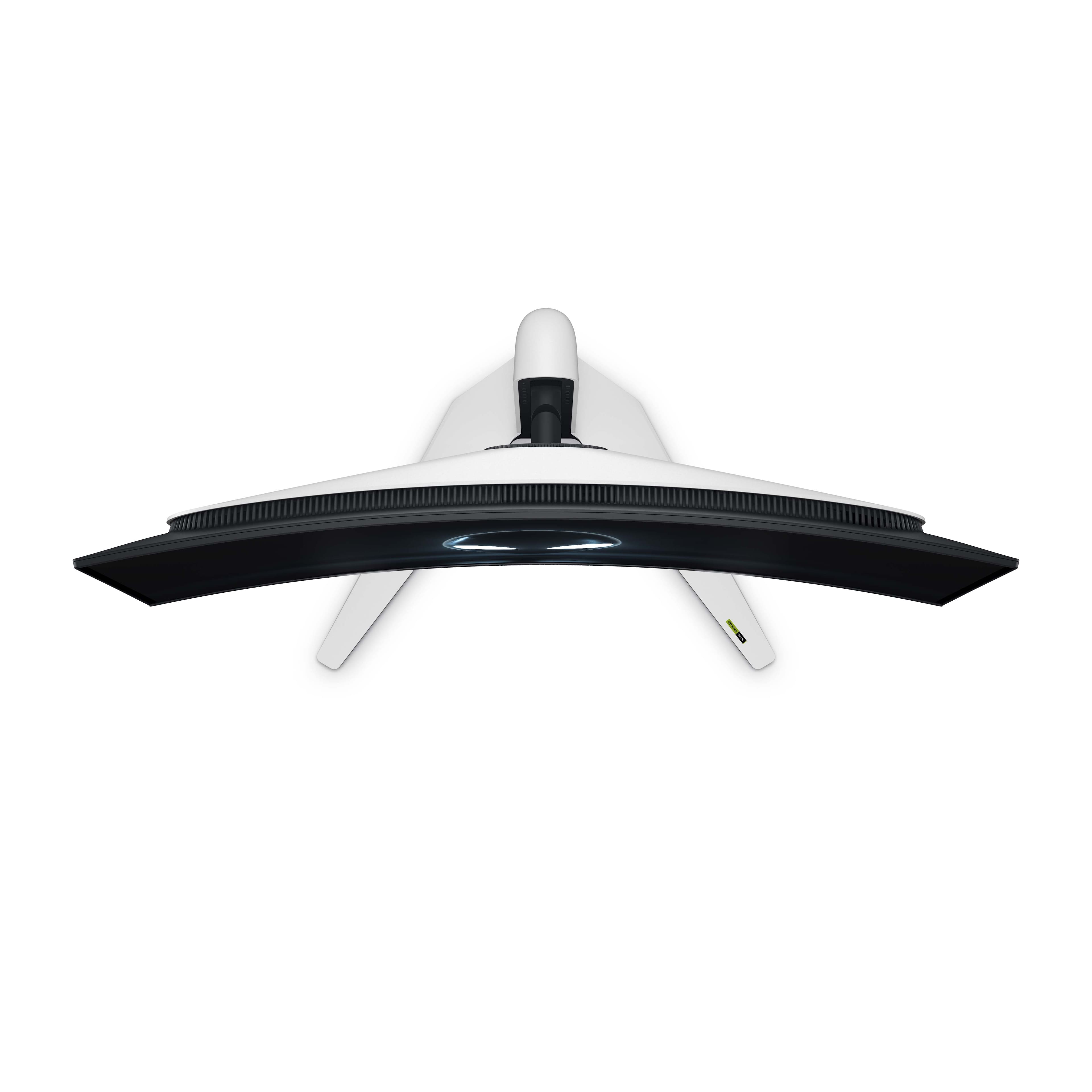
Press the joystick on the back of the monitor to open the On‑Screen Display (OSD),
Go to Menu → AlienFX Lighting,
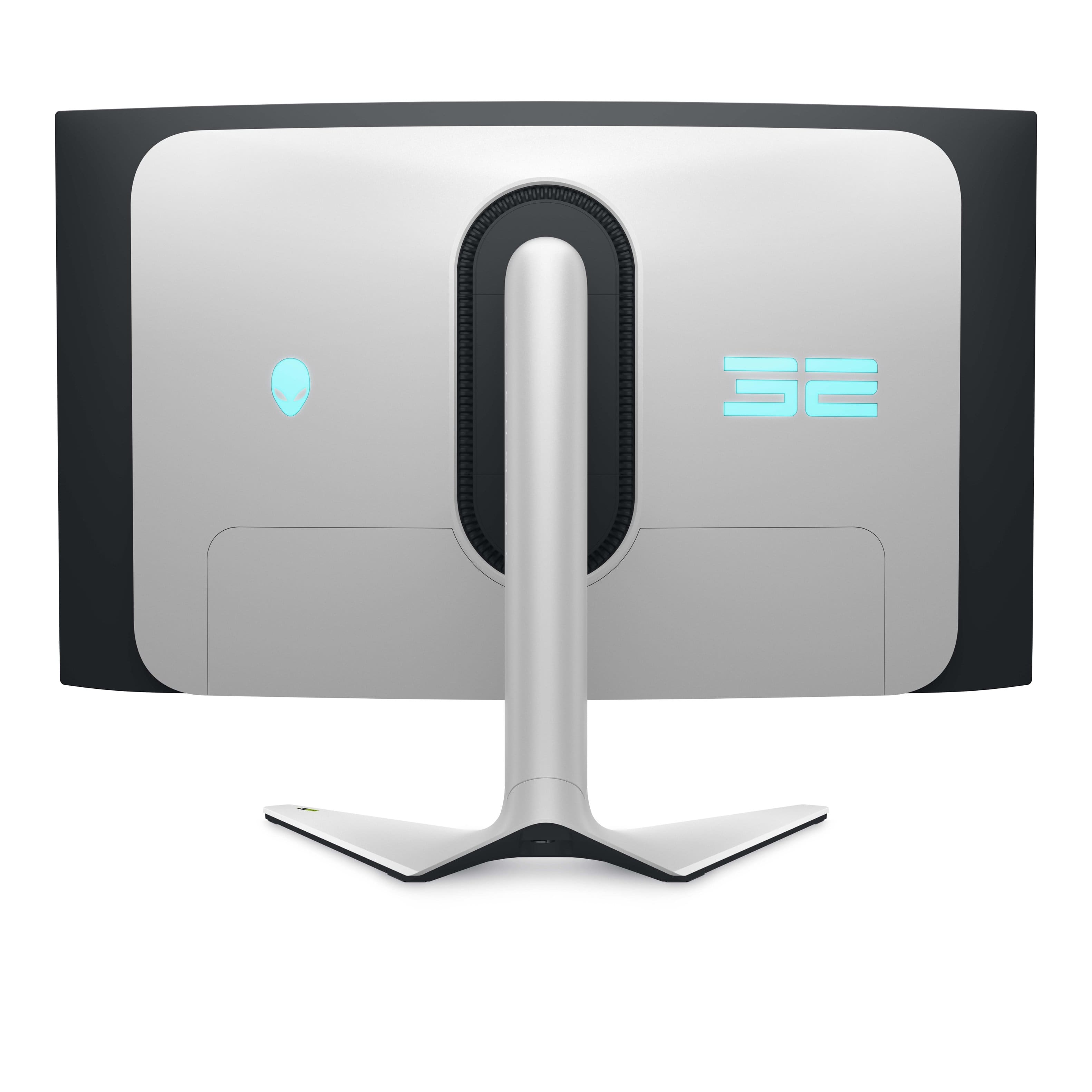
Choose the lighting zone:
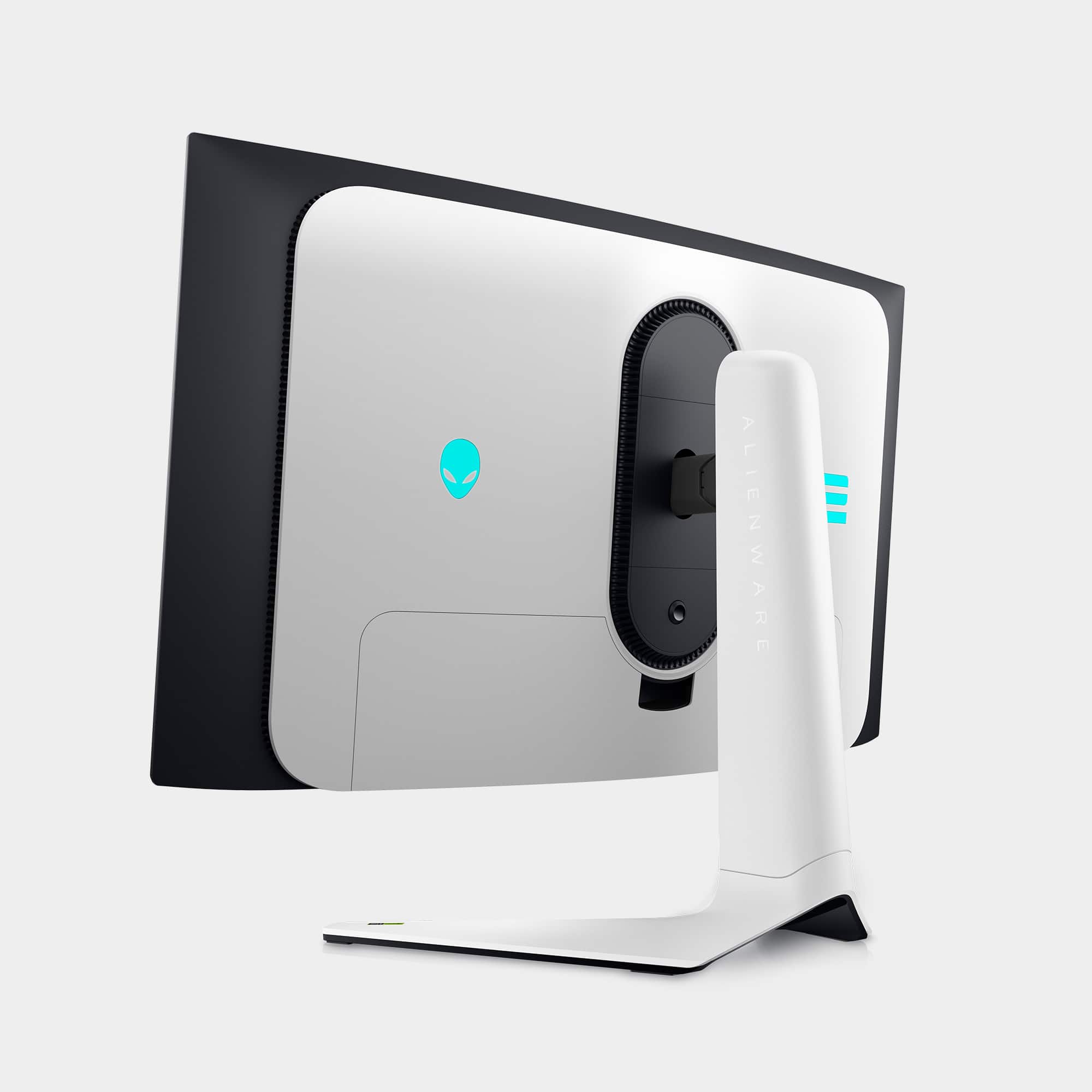
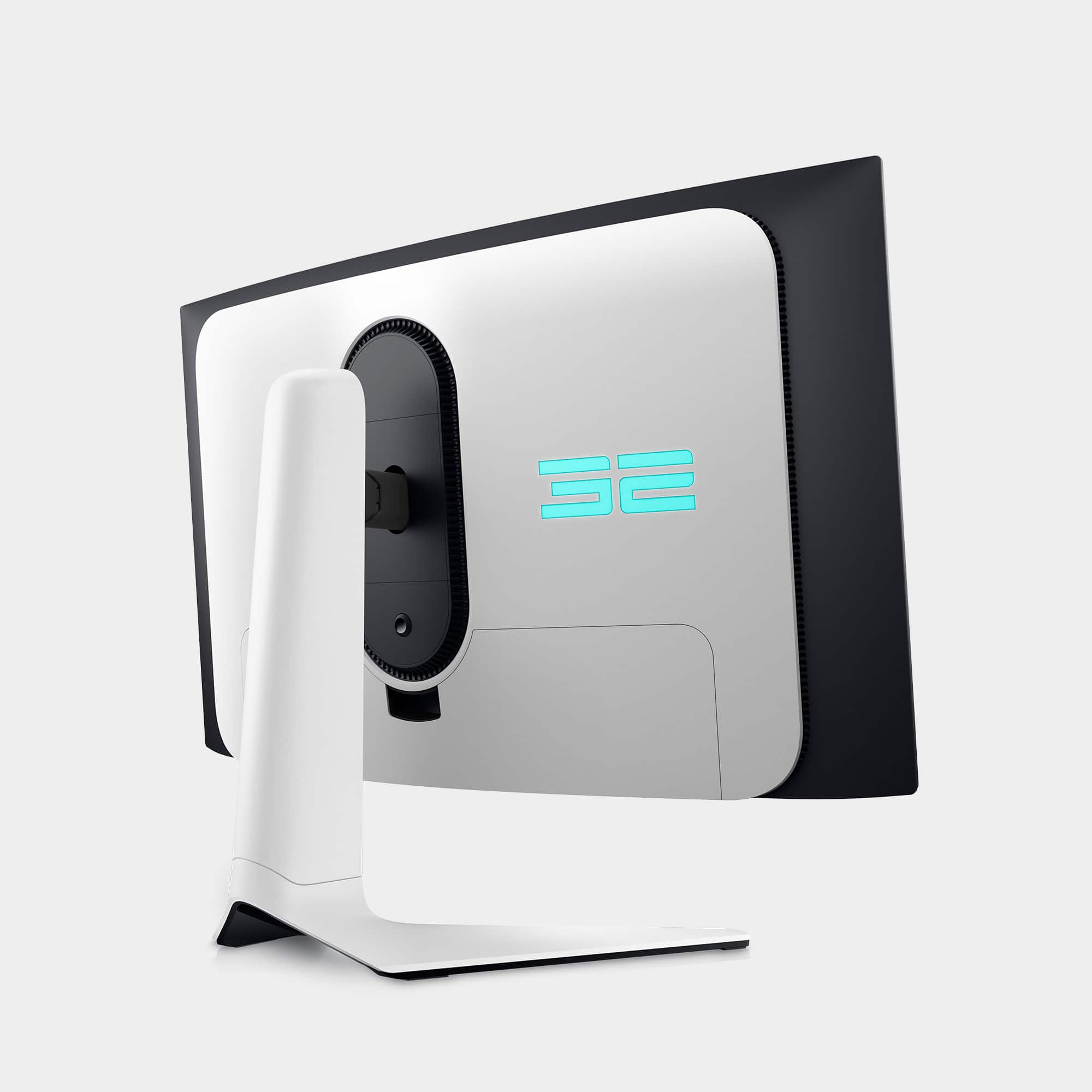
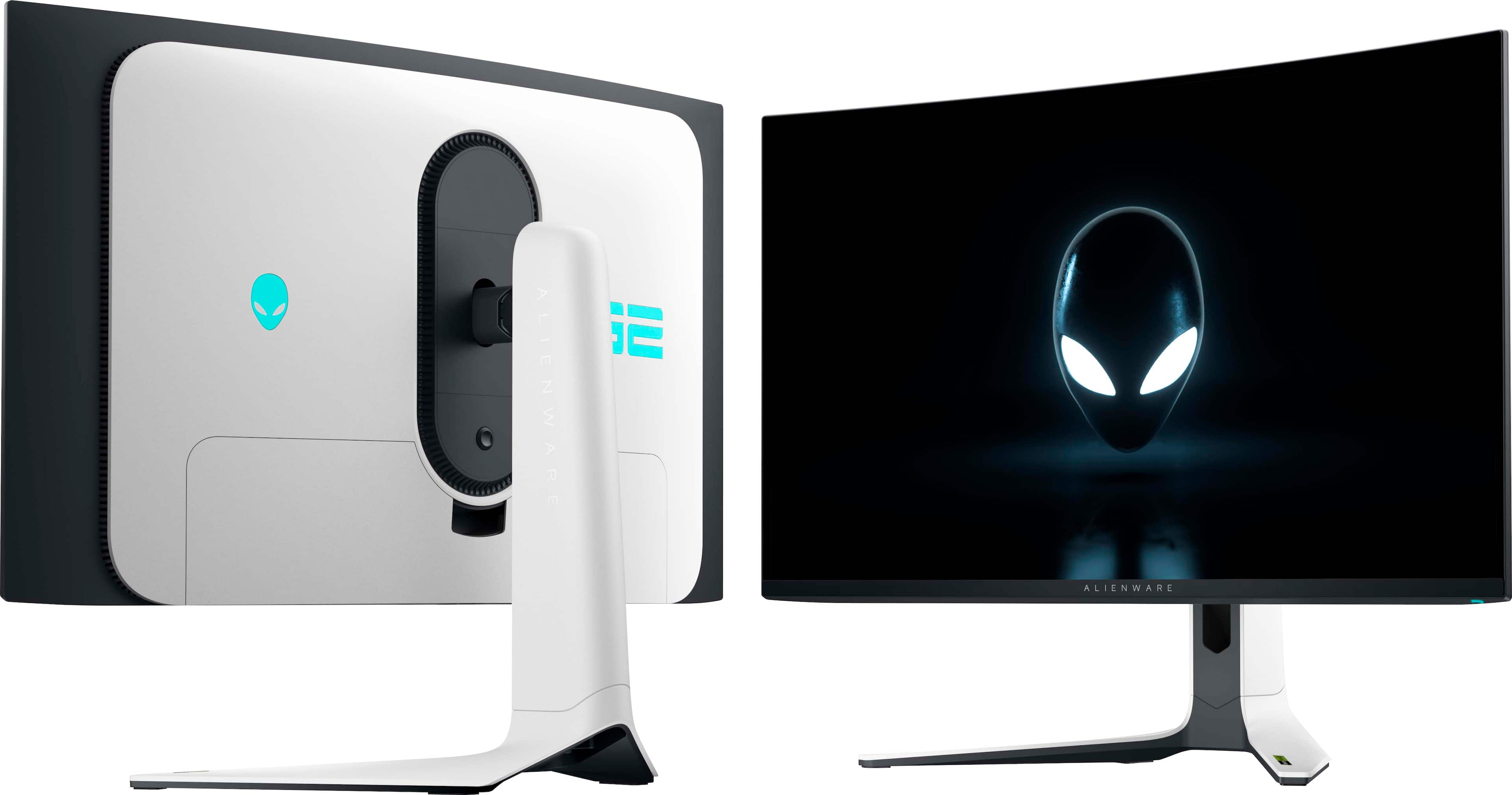
Rear Alienware logo,
Rear ring / accent lighting.
Select:
Color,
Brightness,
Effect (Static, Breathing, etc.).
Exit and changes apply instantly.