Early Black Friday DealsNew Doorbusters every Friday.Shop now

Main Content

Questions & Answers

Your price for this item is $169.99
Page Showing 21-40 of 151 questions
  • QuestionDo the photos you upload keep viewing until you upload more.

    Asked by Mimi.

    • Answer Yes. All photos sent to the frame go to the Internal drive. A slideshow can be setup and any additional photos will continue to add to the slideshow. For more tips on how to use this frame contact [email protected].

      Answered by Aluratek

  • QuestionCan it use a 64 or larger sized SD card and play from it?

    Asked by Venu.

    • Answer We recommend 32Gb or smaller since those cards will be formatted in FAT32. But it may work with a 64GB card if you format the card on your computer to FAT32. The current format maybe some sort of exFat.

      Answered by Aluratek

  • Questionwill it play videos

    Asked by mikem.

    • Answer Yes. We recommend short videos and they should be formatted in .avi, 16 bit audio or .mp4. Contact us for formatting tips if you run into issues. [email protected].

      Answered by Aluratek

  • Questionif I connect a usb device (flash drive), will the frame be able to recognize the separate files in which the photos on the device are organized?

    Asked by chicagobill.

    • Answer I wondered about that as well. I tried it and it does work.

      Answered by Frank

  • QuestionCan photos added to the frame be removed or rearranged by using the app? In other words, if I want to delete a few photos from the frame, do I need to it from the frame itself manually or can they be deleted from the app?

    Asked by RYTHM1.

    • Answer No. The app has no more control of the frame once a photo is sent via WIFI. See my notes below for deleting photos. ********* DELETE PHOTOS ON WIFI FRAME **************** From the home screen you tap on the photo frame looking box (picture frame window on the home page - top left, has 3 little photos showing inside). This takes you to a menu we call the photo app. Here you will see a number of tabs to the left (All, Internal Storage, USB, SD, Favorites, etc). Tap on INTERNAL. Over on the top right there is a 3-dotted line. Tap on the 3 dots and a new menu appears at the top. The photos will have little circles or boxes at the top right. Start selecting the photos you wish to delete and then tap the TRASH CAN icon that appears in the top right menu. Hit OK. REMEMBER All photos on our fames are only copies of Photos, not the originals. The originals should still be on phones, memory cards, or a computer.


      Answered by Aluratek

  • QuestionDoes this altar the photos at all? As in- does it crop the photos at all?

    Asked by GH55.

    • Answer If you have full screen on when trying to show Portrait photos then the unit may crop the tops and bottoms and stretch the photo. So if you have a mix of portrait and landscape set the full screen to off or choose something different in display ratio.

      Answered by Aluratek

  • Questiondo i need to purchase sd card

    Asked by terry.

    • Answer If you wish to use a memory card then yes get an SD card or USB thumb drive. Make sure the memory card is 32GB or smaller. The frames read FAT32 format, and those cards come naturally in that format. Anything over 32GB will come in a different format, though most 64GB cards can be reformatted to FAT32. But this frame can also just be used by sending photos via WIFI from your phone. You can also connect the frame to your computer with USB cable.

      Answered by Aluratek

  • QuestionWill this frame play both photos and videos from the same file? Or is it necessary to play either all photos or all videos?

    Asked by M.

    • Answer The Slideshow will only play photos. Videos will play in the video section. Photos must be in .jpg format, video must be in .mp4 or .avi format.

      Answered by Aluratek

  • QuestionCan we send photos to this from multiple users and devices from anywhere?

    Asked by Anonymous.

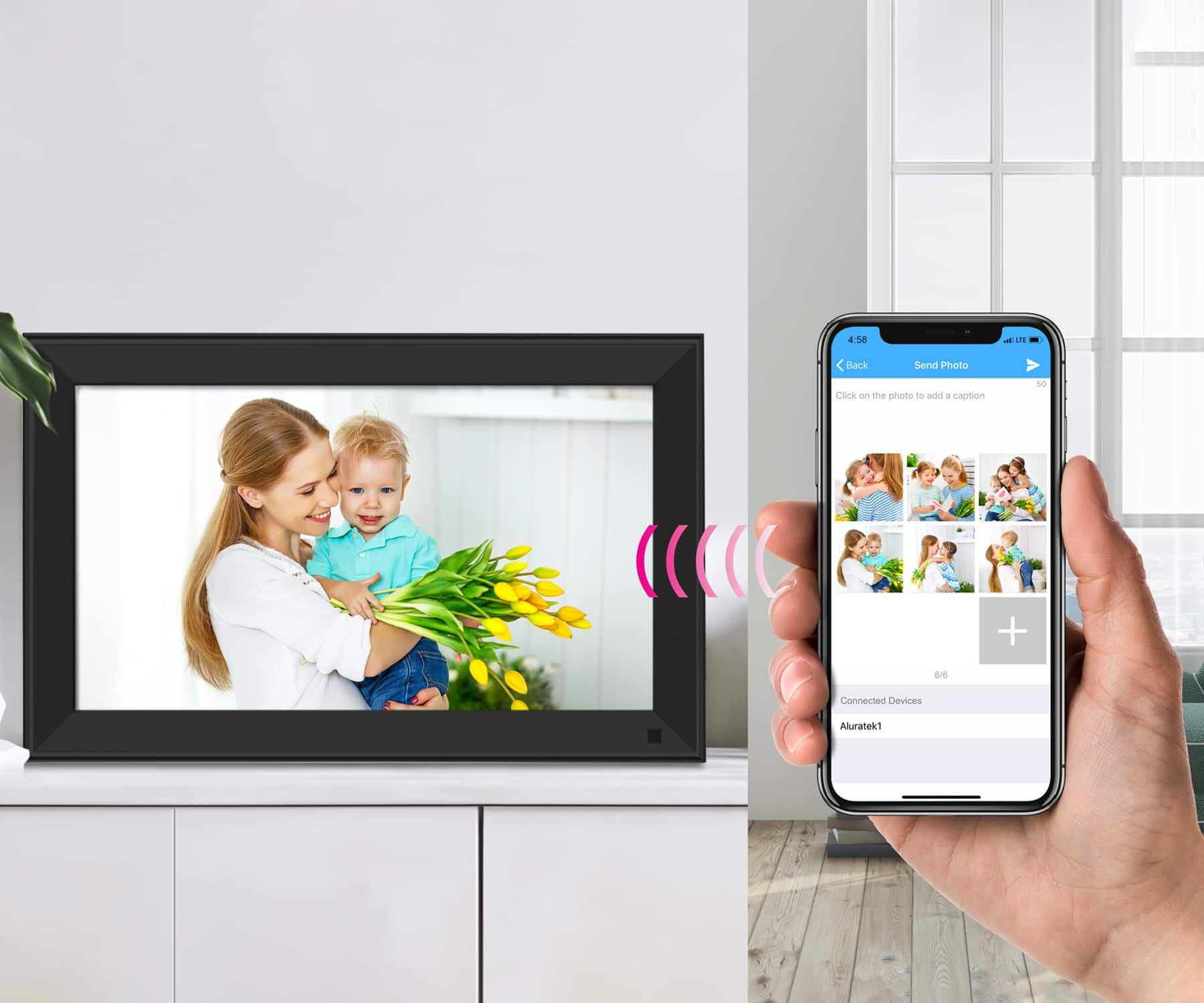
    • Answer Yes. There are 2 ways to do this. The main method is that the first person to setup the frame will download the Smart Frame app for phone. Bind that to the frame. All additional users also download the Smart Frame app for phone, they login using their own user and pass, then they also bind to the frame but they do so slightly different. Once they are bound to the frame then as long as the frame is connected to WIFI those additional users can send photos to the frame anywhere from the U.S. or Canada. Contact [email protected] for more specifics and help with setup if you have troubles.

      Answered by Aluratek

  • Questiondo the pictures slide automatically or do i have to manually change them

    Asked by Anonymous.

    • Answer You can choose to stay on a particular photo or play a slideshow. If playing a slideshow, you can choose a determined time between slides so your photos cycle through quickly or more slowly. You can also select how the frame transitions from one image to the next, like fading in and out, etc.

      Answered by user775481

  • QuestionI read that you should not unplug this Aluratek digital frame, (other digital frames too), while it is on and running. What happens and what should be done if the electricity goes off? Ours goes off several times a year.

    Asked by Farmgirl66.

    • Answer Mine is plugged into a wall outlet where it’s also attached to a light switch we turn on and off several times a day. This has lasted for years constantly being turned on and off with the light switch.

      Answered by SarahB

  • QuestionI have an old Electronic Frame that stopped functioning, with 100's of photos still in it's memory. Are the photos still retrievable so I can put them on a new Electronic Frame ? My old Frame has a SD/MMC port and 2 different USB ports. TY

    Asked by Whit.

    • Answer Please try to connect the frame to the computer. If the computer is able to recognize the frame, you will able to transfer the picture from the internal memory to the computer.

      Answered by Aluratek

  • QuestionCan the frame display Google photos ?

    Asked by GN.

    • Answer No, the frame does not support Google photos. It supports pictures/video you sent via the app. Or the frame also support USB thumb drives and microSD card directly. Google photos are stored in the cloud. So in order to use them you first need to download them to your phone or computer. Then you can send them in our phone app, or you can put them on a USB or SD card (32GB or smaller).

      Answered by Aluratek

  • QuestionHow many photos will it store

    Asked by Muryfam.

    • Answer Your question is about space really. It has 16 gb of internal pre-installed space. How many pictures it will hold depends on the quality of your picture. For instance if it's a quality of 720 it will hold more pictures. If your picture is a quality of 1080 it will hold less pictures than the 720. If the quality of your picture is a 4k picture it will even less. A 720 picture quality will hold the most and not be as clear as a 4k picture and a 4k picture quality will hold the least, but have the best picture quality. Also look to see what is the highest picture quality the picture frame will display in. Not all will display a quality of 4k, but will let you upload it anyways and display it at the highest picture quality the frame can do. So you might upload a picture quality of 4k, but your frame will only display the highest quality it can do of 720 if that is the highest display quality the frame can do. It will still take up the space of a 4k picture though in the memory card. If you're uploading your pictures from your cell phone or computer look to see how much space the pictures you want to upload takes on those devices and that's how many pictures you can fit. So however many pictures you can fit in 16 gb is how many it will hold. You can also install a memory card as additional space as well. Check the box to see what size memory card it will use up to and don't go bigger than the recommended gb memory card as that could cause problems. Hopefully this helps you as any of the digital picture frames will be the exact same in this regard.

      Answered by Anonymous

  • QuestionHow do you use the favorites opption?

    Asked by wontbuyDellagain.

    • Answer To create favorites go into the photo app on the frame (from the main menu tap on the big picture window with 3 little windows inside). Tap on INTERNAL on the left. Then tap a photo to start the slideshow. As the photos play if there is a photo you want to set as favorite just tap once on the photo when it appears. A menu will appear at the bottom. Look for a Heart-Shaped icon. Tap on that and you are done. Those photos will now appear in the favorites folder.

      Answered by Aluratek

  • QuestionHow do you upload music to the frame?

    Asked by Anonymous.

    • Answer Make sure audio is in .mp3 format for 16 bit audio. Upload to the frame from an SD card or USB thumb drive. Be sure the memory card is 32GB or smaller. You can also connect the frame to a computer using USB cable and send audio that way. Contact [email protected] for more tips and help.

      Answered by Aluratek

  • QuestionCan this show a powerpoint slide show?

    Asked by NN.

    • Answer It cannot do this if you intend to use native Powerpoint format. You would need to convert all slides to .jpg format, but often times that can change the nature of the powerpoint, especially if you are using animations, sequencing of events or information, and the fonts may appear smaller once converted to .jpg. The frame is perfect for photography and if you are able to break your PowerPoints into .jpg photos without changing the effect and timing of the presentation then it should work for you.

      Answered by Aluratek

  • QuestionIs it OK to turn this frame on and off w a smart plug? I bought a different one on Amazon, when I got it, there were all kinds or warnings to not unplug the power while it is on. Even on the boot-up screen. Don't want an electronically fragile product!

    Asked by JimmyJoe.

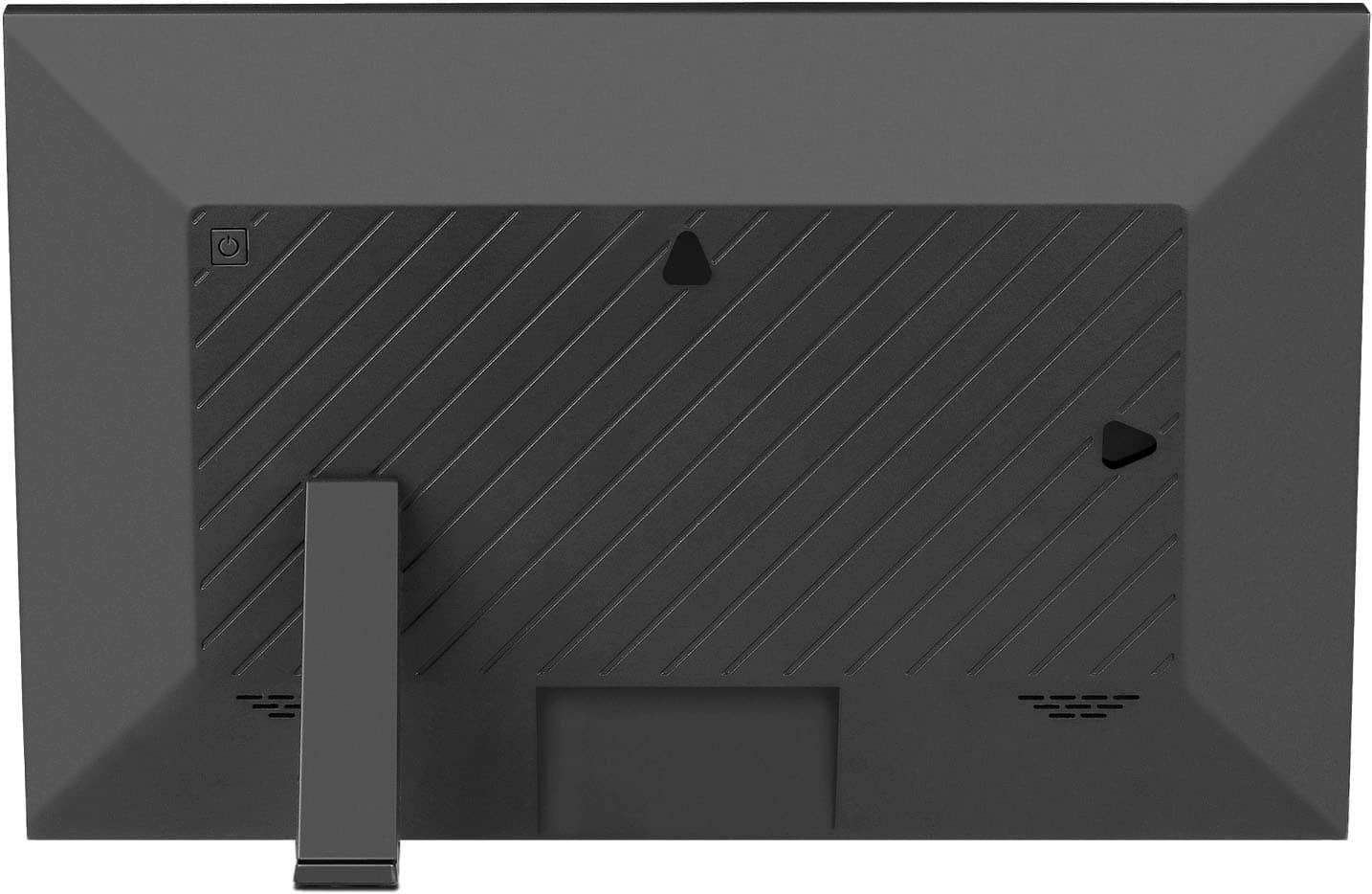
    • Answer This is a motion sensor frame. I recommend going into Settings > System Settings > Display and turn on the motion sensor. You can also setup the auto on and off time. A smart plug will certainly work, but those other two alternatives are what the frame was designed for. We do have frames with manual power buttons, but this unit was designed for the motion sensor to allow the frame to operate in Wake and Sleep modes.

      Answered by Aluratek

  • QuestionDo the pictures increase in size if I buy a larger frame?

    Asked by Auntie.

    • Answer This depends on how the photos was taken in a camera or phone. Photos do not need to be larger than 1600x1200 for a 15 inch screen, but a larger screen will allow a larger photo providing it was shot using the appropriate specs. You can use full screen mode, but this could alter portrait photos by stretching them too wide making them look unbalanced. Go to www.aluratek.com and check out our FAQ section on photos, sizes, formats, editing, etc.

      Answered by Aluratek

  • QuestionOur mom has limited data on her phone. If we send photos will it use her cellular data or goes through the wifi?

    Asked by SCD.

    • Answer I'll attempt to answer this:. It depends, if she accesses it from a wifi connection, like at home, then she shouldn't be using data. Just make sure she connect to her wifi. Now when she's away from a wifi connection, then she'll likely be using data.

      Answered by Texan