A:AnswerHi gmapv, Open the Amazon Halo app .
Select Settings .
Select Connect Alexa to Halo, then turn on the setting.
For additional security, you can choose to require a passcode before Alexa answers any questions about your Halo profile.
Once you've connected Alexa to Halo, you can ask your Alexa-enabled devices questions about Sleep, Activity, Tone, and Body data from the past week. Try saying things like, "How's my sleep?" or "What's my resting heart rate?"
Note: Halo Band status (such as battery level) and Halo health data/services (such as activity and sleep scores) are only found in the Amazon Halo app and aren't displayed in the Alexa app. Thank you!
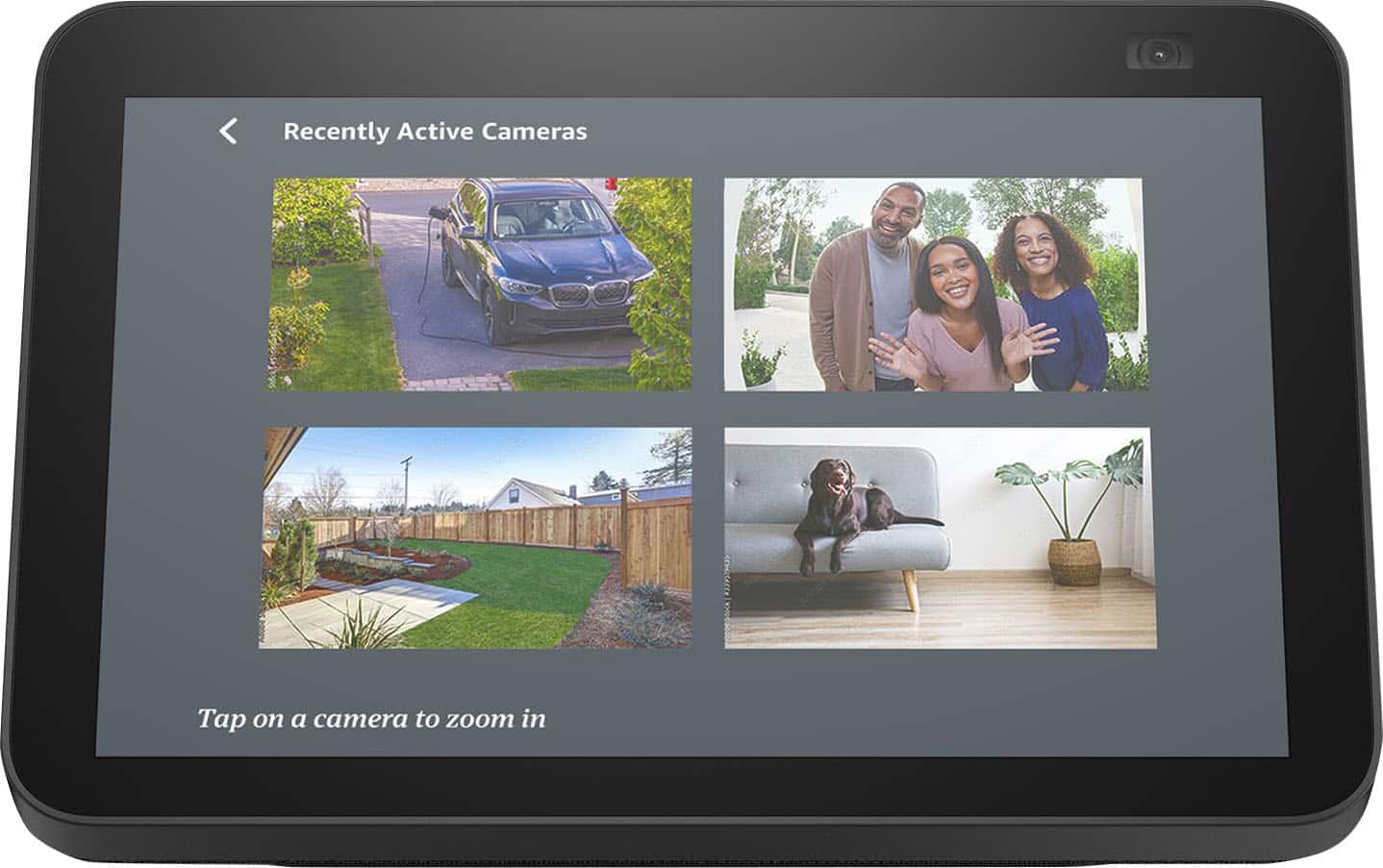
A:AnswerHello BoBo, this does work with Arlo and Blink. I actually use both of those myself with my Echo Show. After you set up your new Echo Show you will need to go into your Alexa App and link your Arlo and Blink accounts. You can do this under the Skills section of the Alexa App.
Have a great day!
A:AnswerHello Cheryl,
I understand that you want your dad's calendar to sync and show on your Echo Show 8. You are able to add accounts on your Alexa app which will allow you to sync calendar and email. Those accounts are Google, Microsoft and Apple. You can add these accounts in the start up page of you Alexa app by searching calendar and it will proceed to walk you through the set up. Hope this has answered your concern.
Have an amazing day!
A:AnswerHello KiKi!
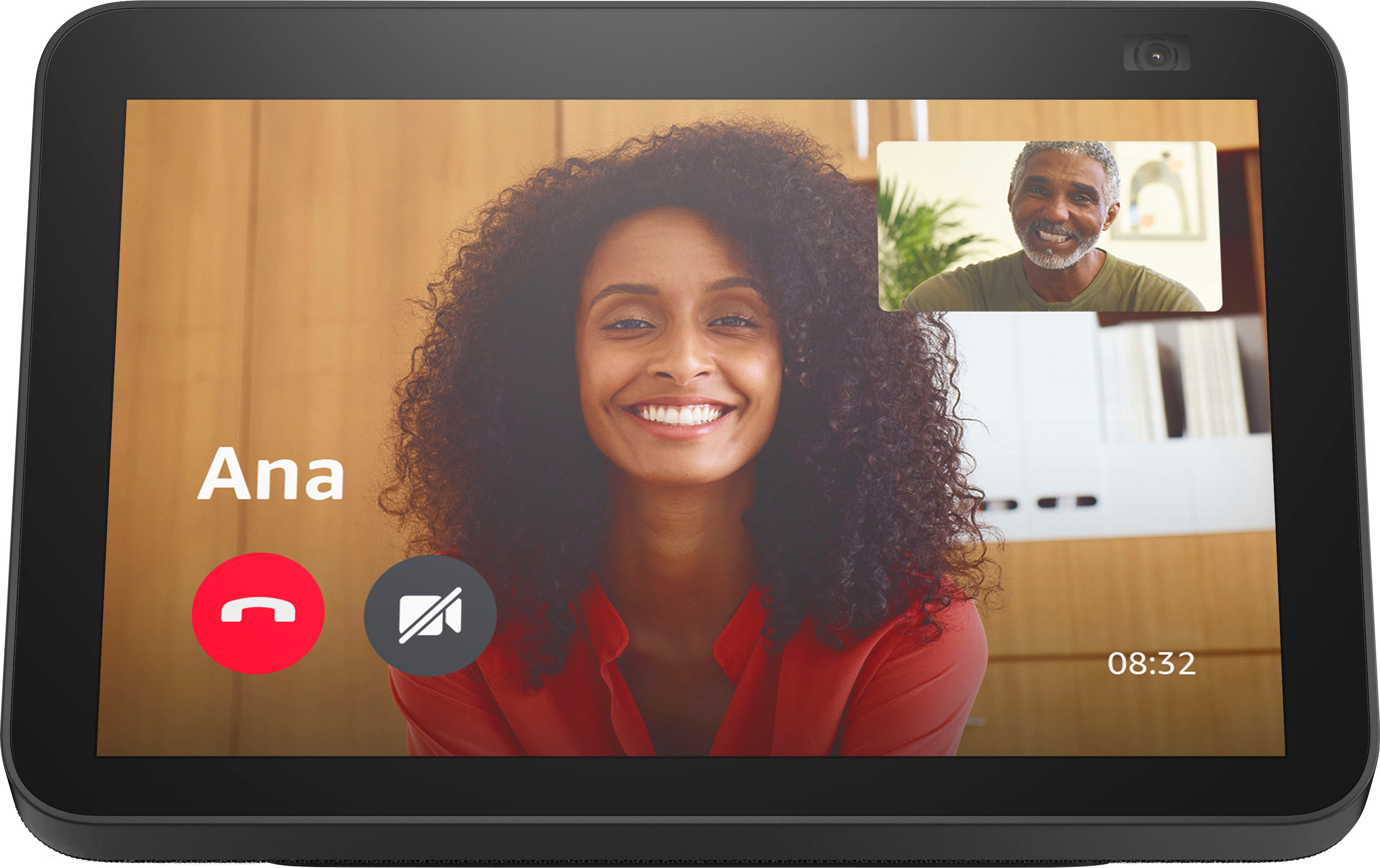
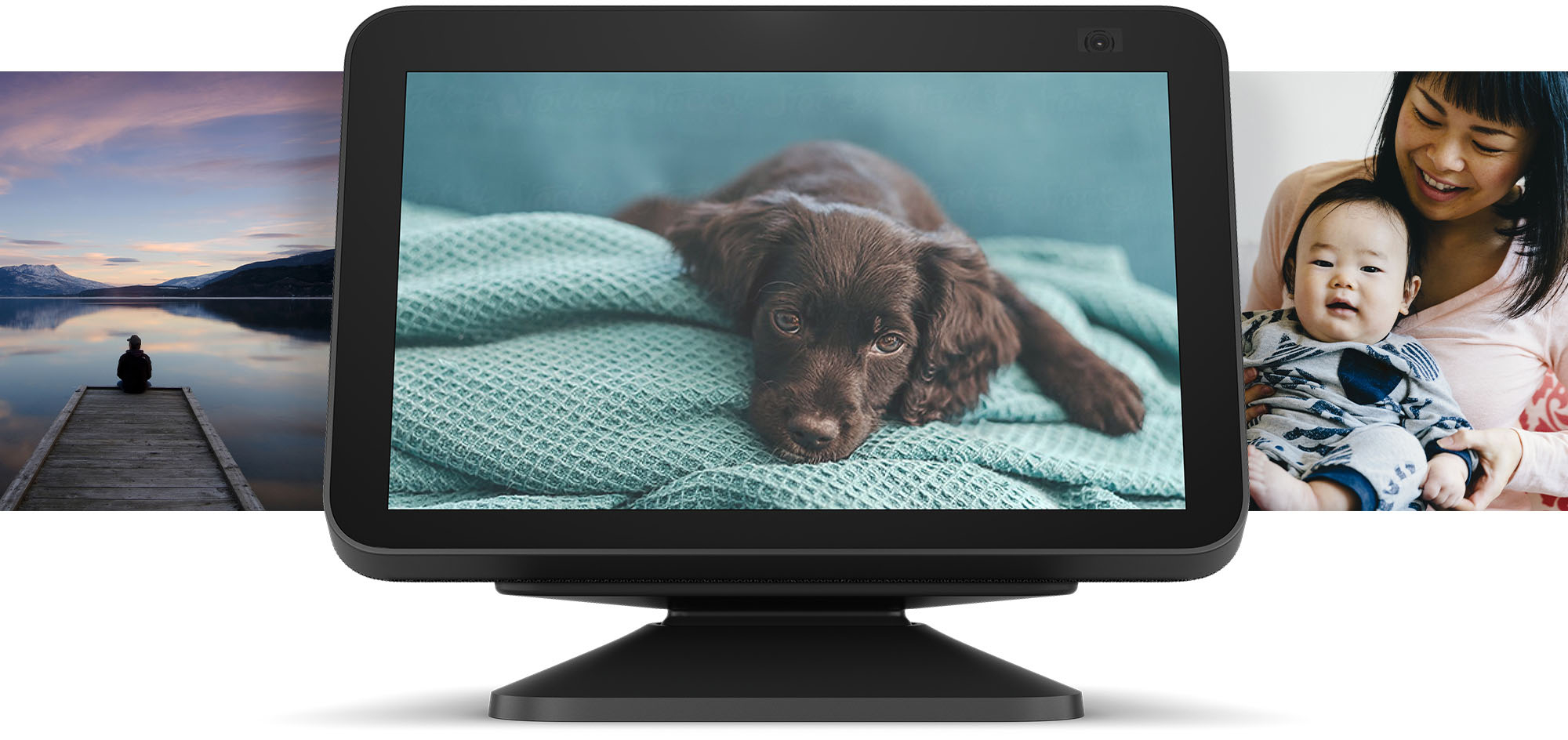
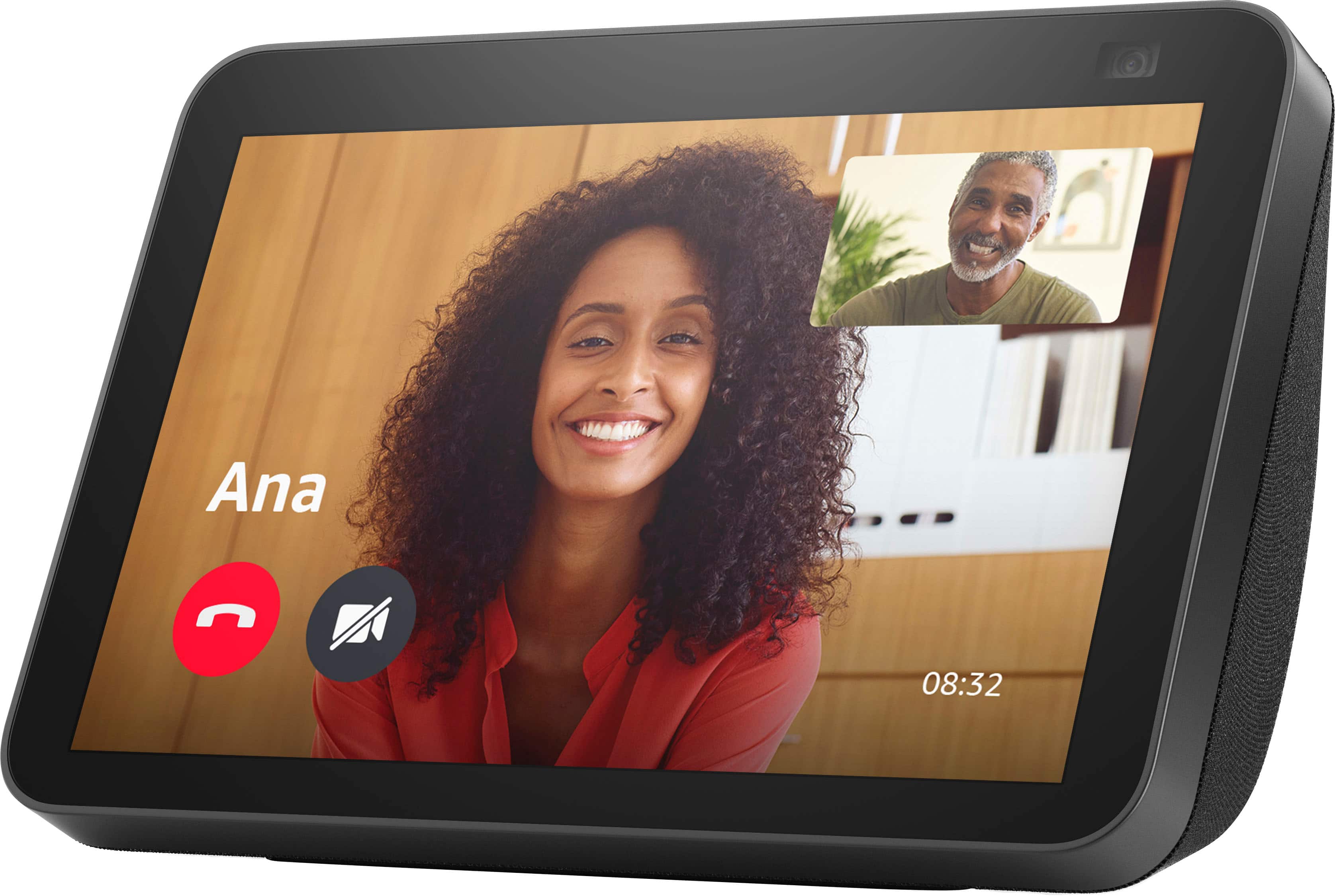
Yes the Echo Show8 is compaptible with any and all Alexa devices. The new Echo Show 8 has some great upgraded features too! The device now has a 13 MP camera that is built to keep you in frame! The camera has auto-framing that can zoom and tilt to always keep you in frame and centered for video calls. You can also look in when you're away with the built-in camera. The Echo Show 8 gives you control of compatible devices like cameras, lights, and more using the interactive display, your voice, or your motion. I hope that helps explain some of the features of the Echo Show 8. Have a great day!
A:AnswerHi Steve,
At a glance, the biggest difference is the camera went from 2mp to 13 mp camera, auto framing and auto zoom while on video calls. the ability for family members in your network (through Amazon photos- to drop photos from their device to yours when you allow). I hope this info helps. Have a great day!
A:AnswerYes, you can use Alexa to control many other brands besides 'alexa/amazon'. First, you do have to set up your RING device using the Ring app (or whatever camera brand you have), then (google to find out how) program Alexa to include this SKILL (that's what they call other brands controls). Then these Alexa devices run the new skill. I have added skills for 'Cync'...a GE brand, Merosa...a garage door controller, Amcrest...a security devices brand. Once the skill is incorporated, it's all transparent and Alexa handles them all.