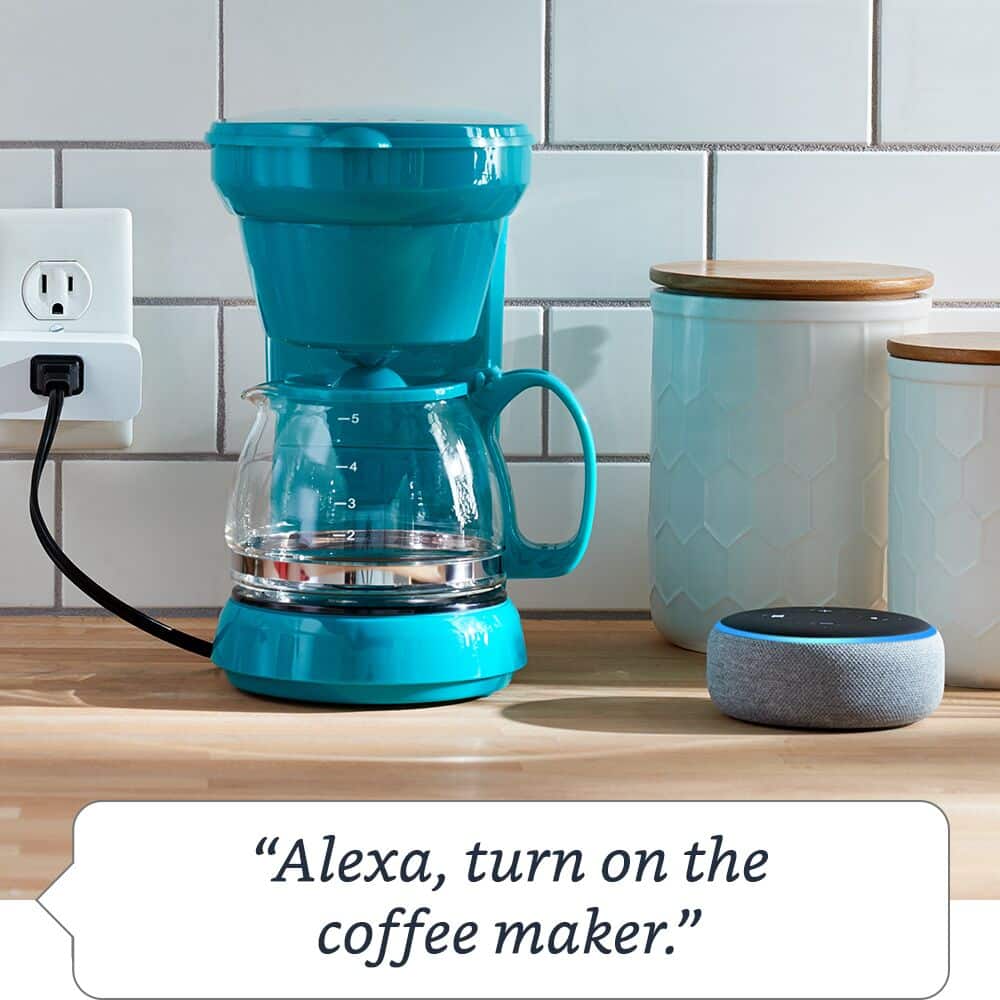
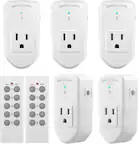
A:AnswerYes, throught the Alexa app. You can turn the lights with your phone on as long as the wifi is working at the location the plug is being used. I use it to turn my lights on before I get home, or if I forget from the driveway when I get home.
A:AnswerI have been using a 1500 Watt heater and it is fine. I even connect this to a surge protector (Make sure it is rated 1875 Watt surge protector) and make sure there's no other strong devices using the same surge protector / amazon plug.
A:AnswerHello Pants!
To help set up your Plug, follow these simple steps.
Plug your device into the wall.
Open the Alexa app .
Select Devices .
Select .
Select Add Device .
Select Plug.
Follow the instructions to setup your device.
Thank You for your question have a great day.
A:AnswerHi pam, Open the Alexa app on your phone.
Tap the devices tab on the bottom-right of the page.
Choose “Plugs” on the top.
Choose the plug you want to control.
Tap “Create a routine” on the bottom of the page.
Tap the + button on the top-right of the page.
Tap the + button next to “When this happens.”
Choose “Schedule.”
Select the time you want to turn the plug on (or off) and then select the days of the week you want this to apply to.
Tap “Create.”
Repeat the steps if you want it to automatically turn off at a certain time too. I hope this helps. Thank you!