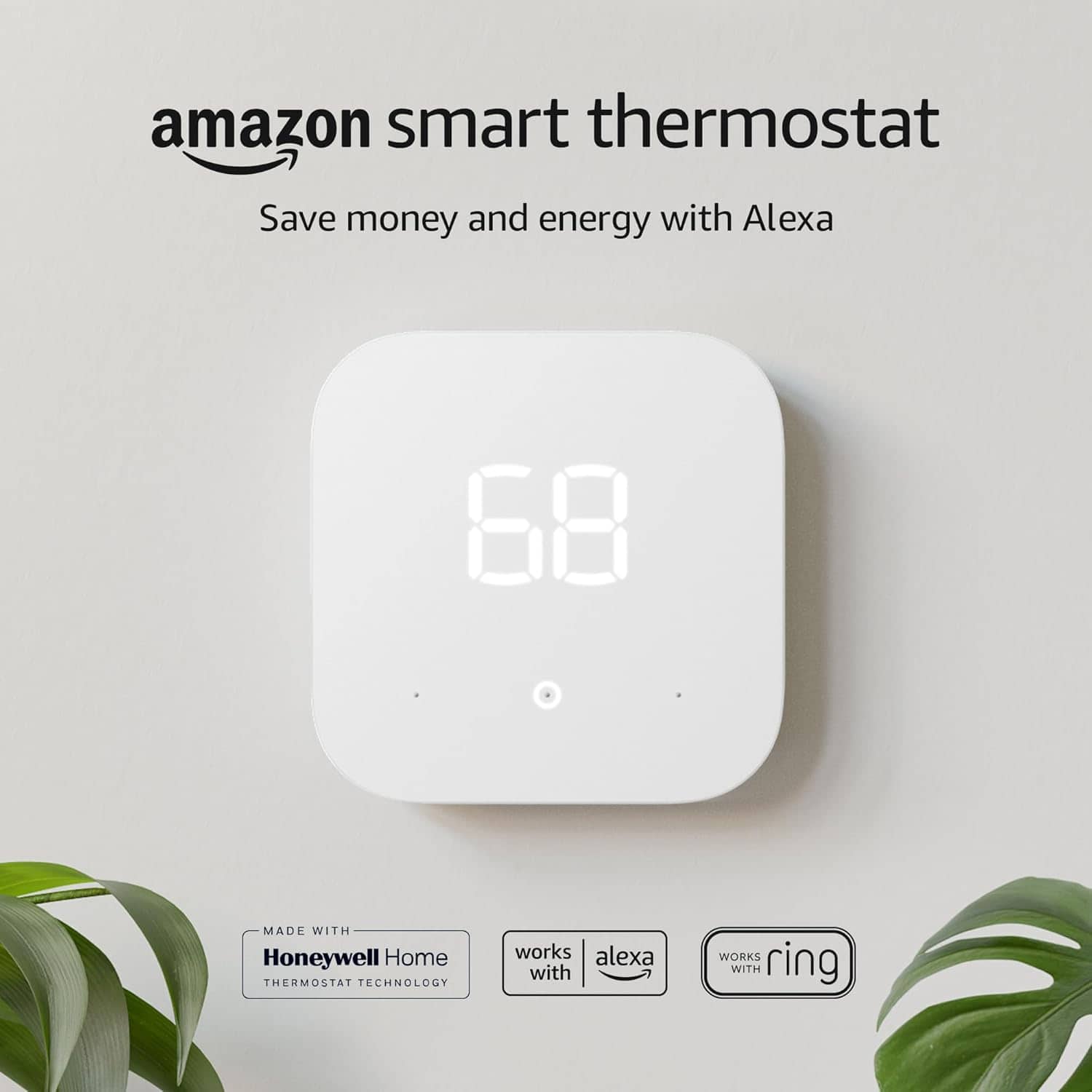
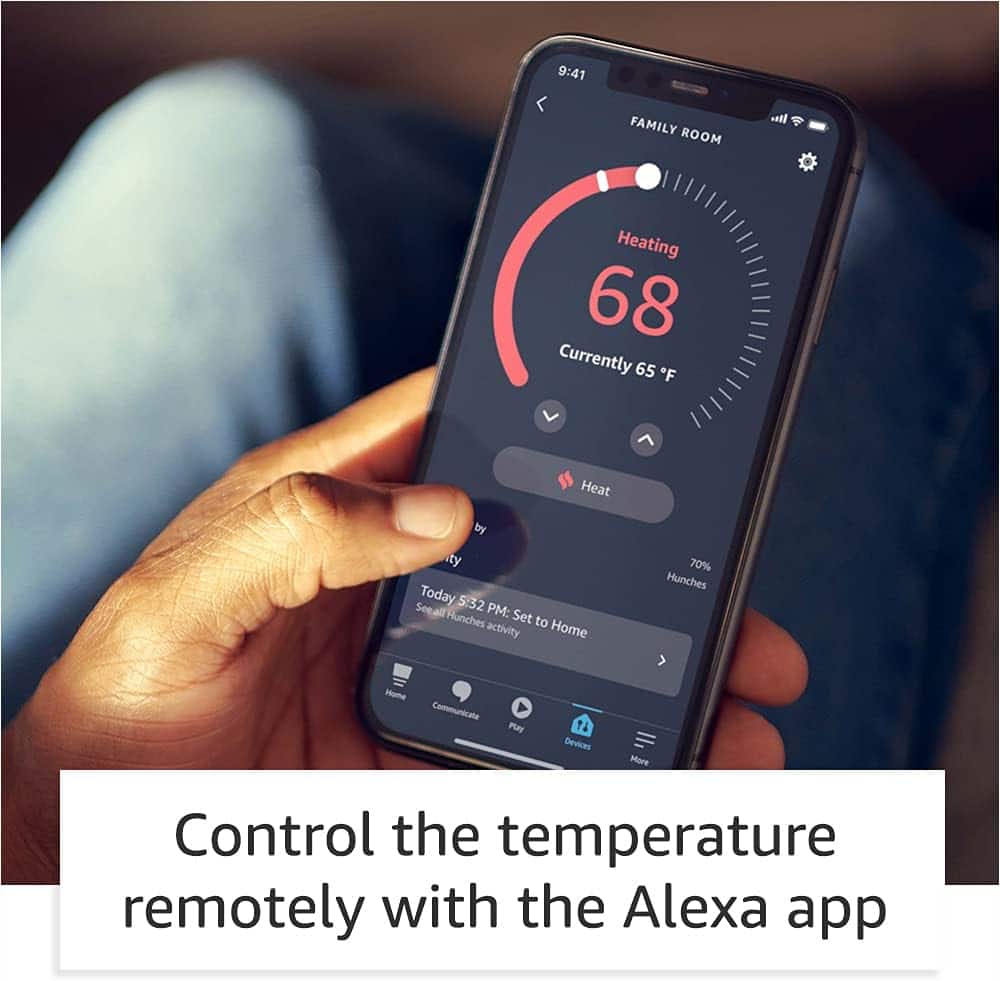
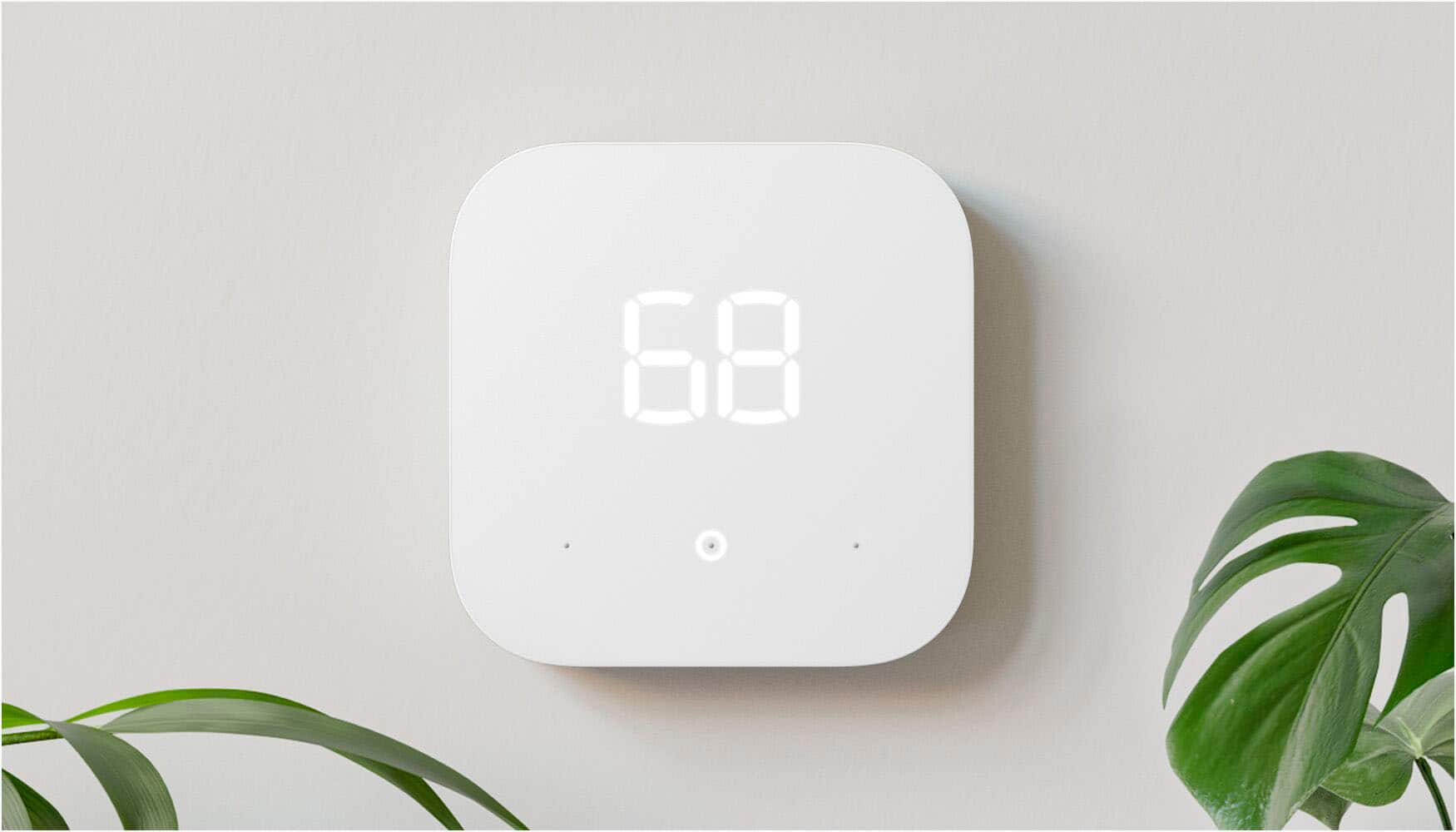
A:AnswerHi Marg25! Unfortunately there is not currently a way to lock the Amazon Smart Thermostat from being changed, either on the device itself or through the app. You could set up Routines in order to keep the temperature within a certain range, but someone will still be able to press the buttons on the thermostat and 'change' the temperature which could result in the HVAC system running a lot more than you'd like. Hope that helps, have a great rest of your day!
A:AnswerHello,
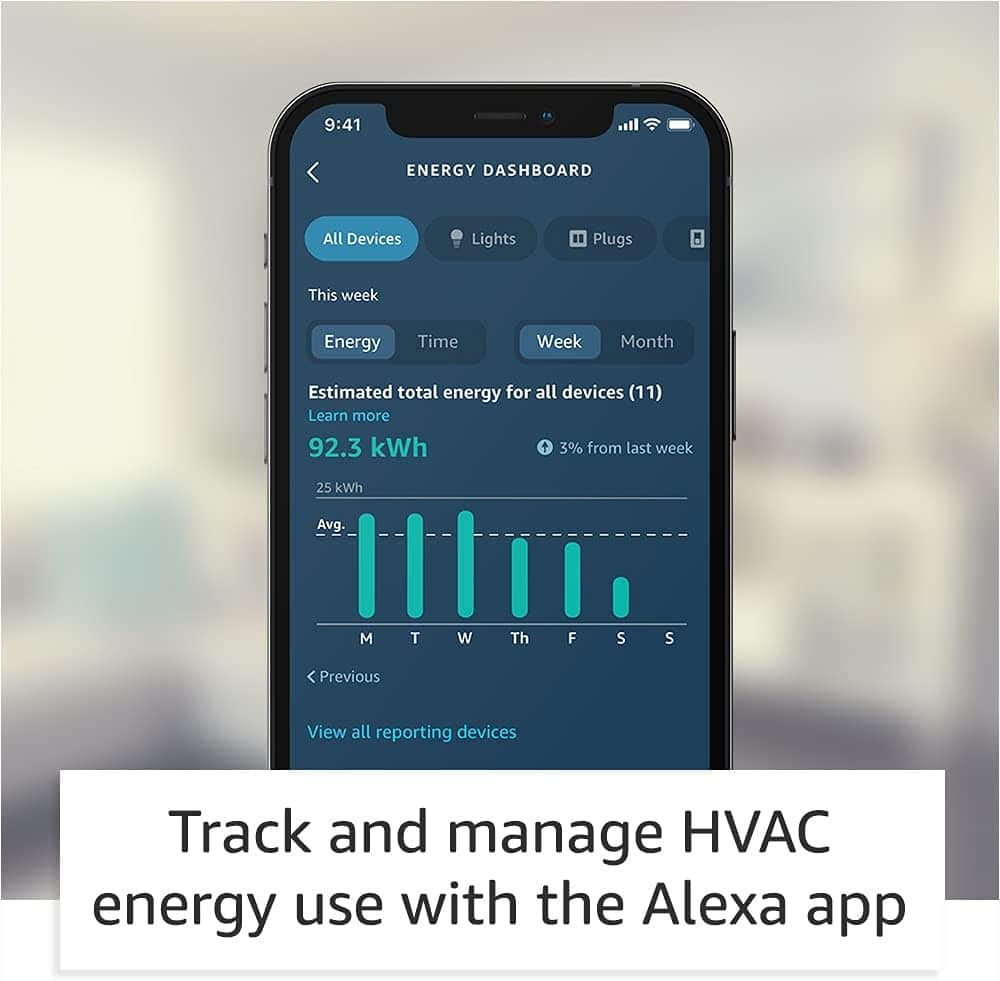
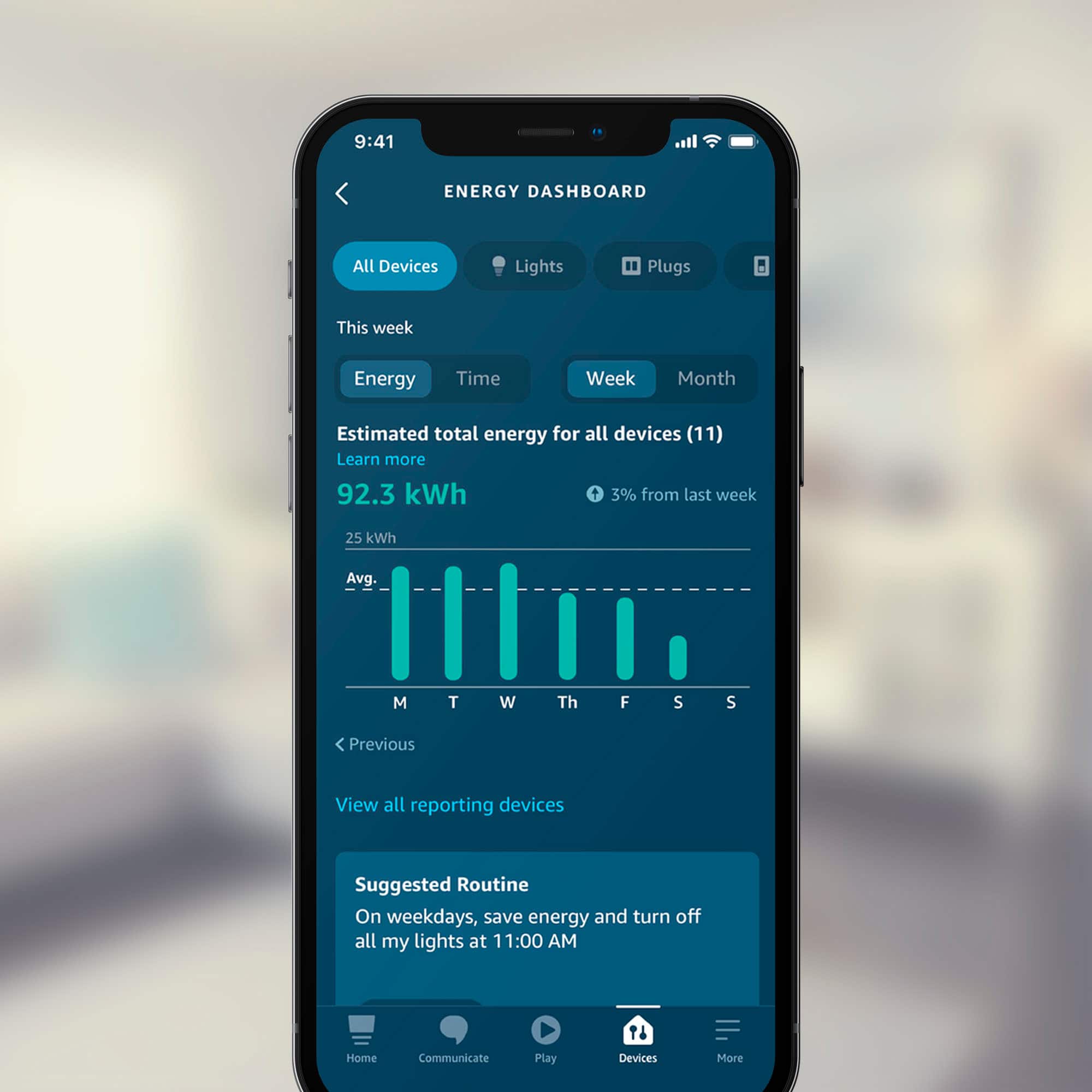
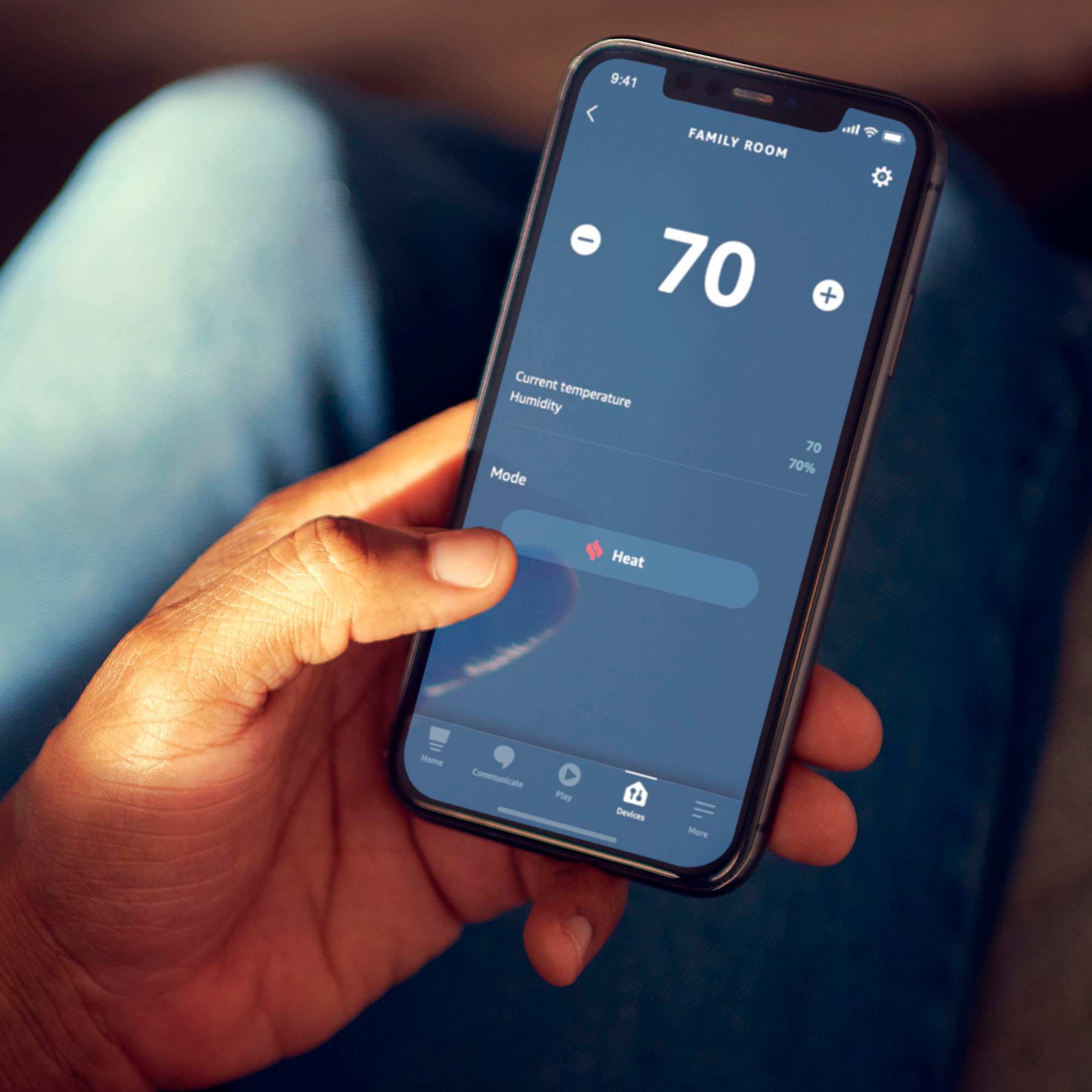
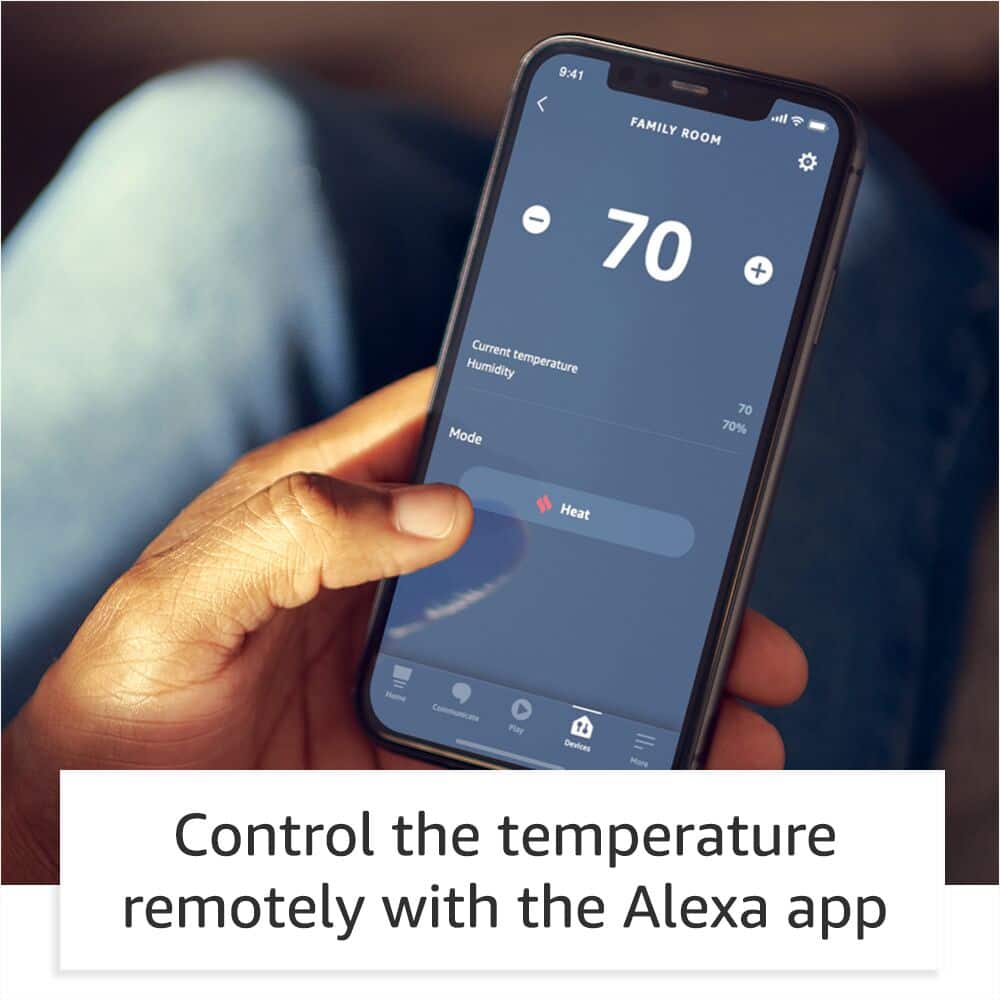
The Amazon Smart Thermostat requires the Alexa app and wifi to set up the device.The thermostat does not have a far field microphone, so it requires an Alexa enabled device to voice control. There is an option to control with both the Ring app and Alexa app. For additional features like indoor humidity sensor reporting, energy dashboard monitoring, hunches, and scheduling, the Alexa app is required. Hope this helps!
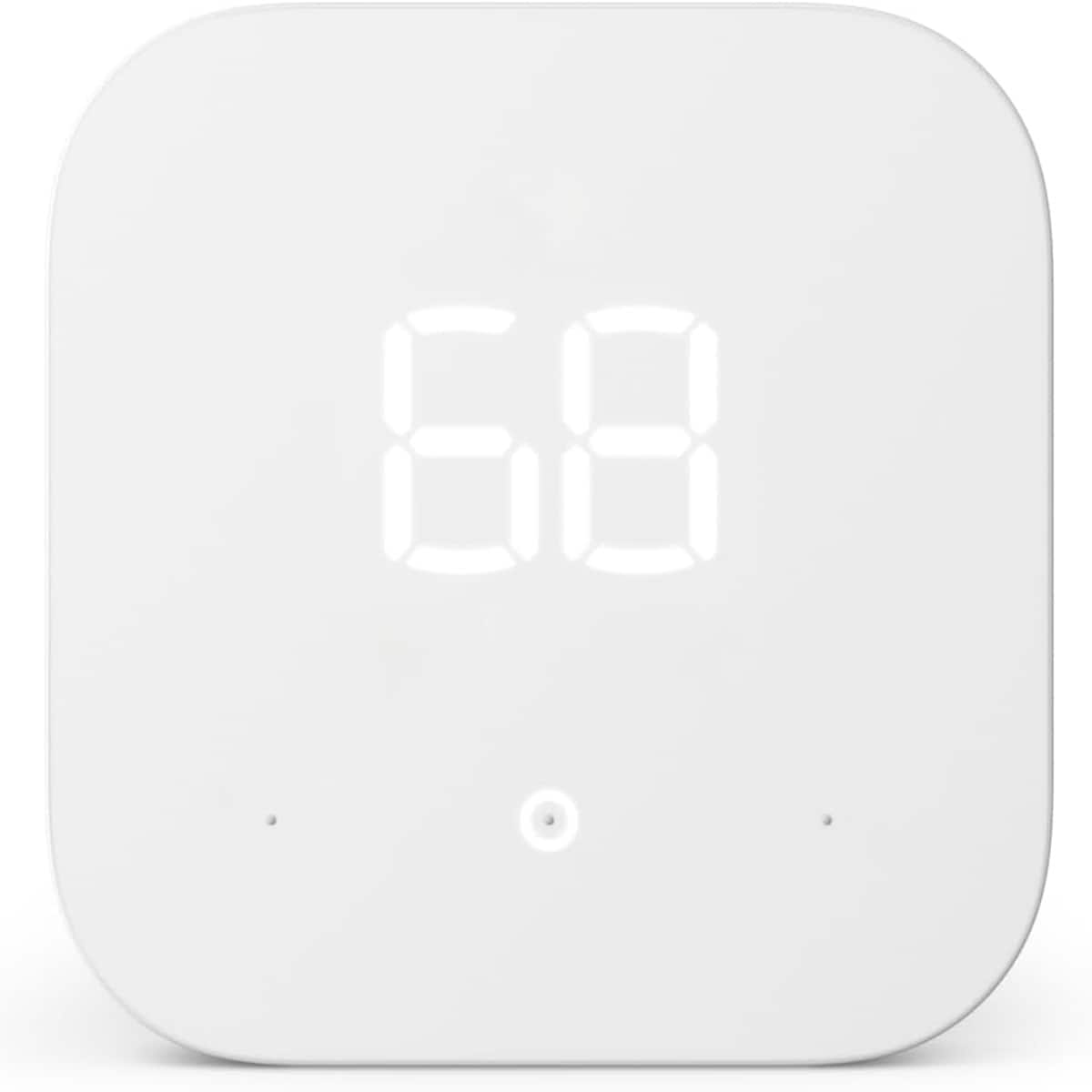
A:AnswerHello and I am sorry for the trouble you're having with your thermostat. If your thermostat has power to it and is ready for setup and you go to the Alexa app and tap Devices>Add a Device (the + sign in the top right corner)>Add Device>Thermostat>Amazon and it is still not showing up then you may need to reach out to either Best Buy's Geek Squad or Amazon's customer service for further troubleshooting assistance. Thank you for reaching out with your question and I hope this helps some and that you have a great day!
A:AnswerNo, this thermostat does not have the reporting capabilities of a Eccobee. It will allow you to set on and off times, and will automatically adjust heat or cold when it detects you have left the house, or at night when you go to bed. It works well with Alexa.
It is also a lot less cost than any other thermostat I know of.
A:AnswerIt keep the temp if you put 75 and ur house get colder due to weather or anything it heats up and if it’s the other way around it will cool ur house
A:AnswerHi TJinTally! You can set this thermostat up into a routine with alexa enabled devices and have it turn on or off with different actions, including door or window sensors. In most cases, you can program the routine to turn on or off when the door opens or closes, but not necessarily open for a pre determined amount of time. Hope this helps, enjoy your day!