A:AnswerHello Scott! At this time this device does not support smart humidity control. Thanks so much for your question and I hope you have a fabulous day!
A:AnswerDoes Amazon smart thermostat work with electric heat?
Amazon Smart Thermostat is compatible with most 24V HVAC systems (like conventional force air, heat pump, radiant boilers, etc). It does not work with 110-240V HVAC systems (like electric baseboard heat). Smart Thermostats require a C-wire (most homes have one) or a C-wire adapter kit (sold separately).
A:AnswerI have it hooked up to mine. I haven't seen the aux heat come on yet, but it's also been above 40 degrees since I hooked it up. All the wire connections are there and heat and cool are both working.
A:AnswerHello Razalghul! If your thermostat doesn't have the C wire needed for use with this smart home thermostat, you would need to purchase a C adapter separately in order to make it compatible. Also you will not be able to do single room controls if your radiator has that feature. This will only have heating/cooling setting available for the entire home. I hope this helps and that you have an amazing day!
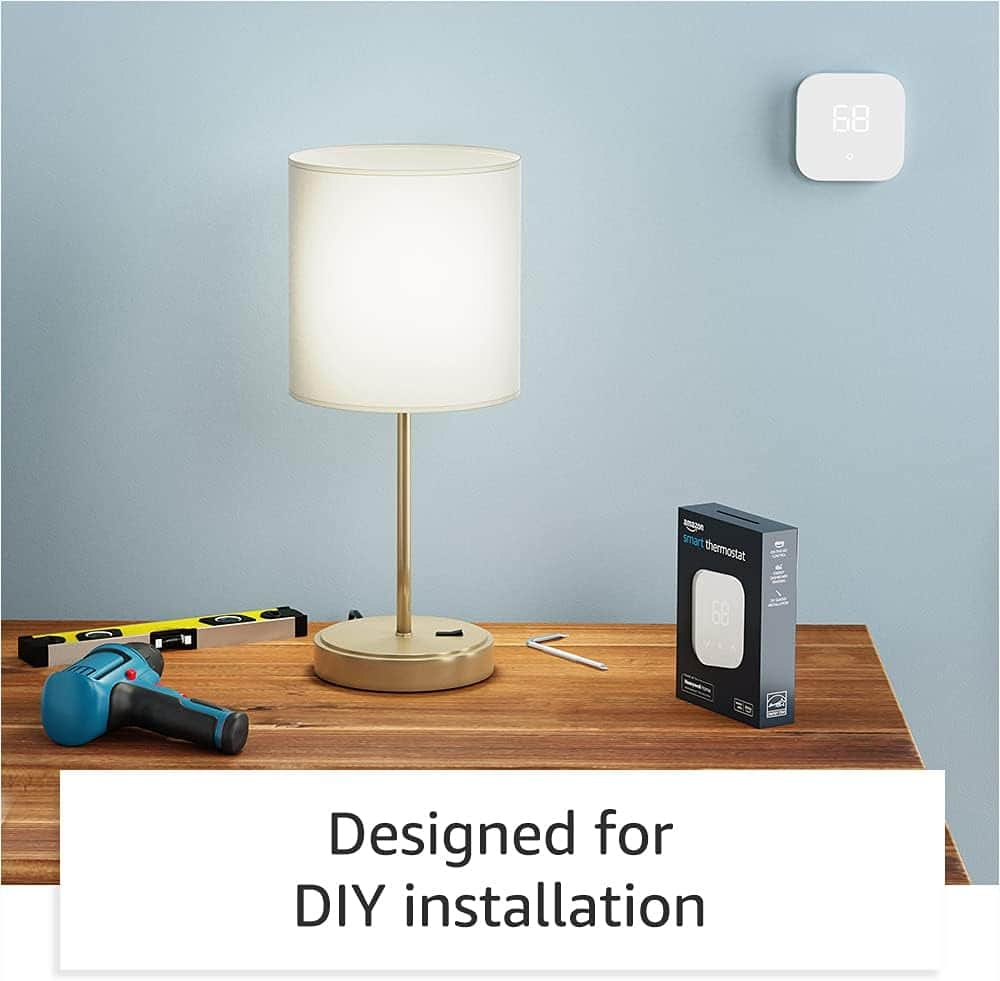
A:AnswerHi Wow! Here's the installation instructions for the Amazon Smart Thermostat, they break down what each wire is used for and how to connect;
1. Remove the faceplate or box from your old thermostat. Before disconnecting any wires, take a picture of the wiring connections for later reference.
2. Look for any of the following indicators that your system is high-voltage:
Warning labels that say 110v or 220v
Wires labeled L1 or L2
Wires connected by wire nuts (screw-on caps)
If you see any of those high voltage indicators, the Amazon Smart Thermostat won't work with your system.
3. Make careful notes of which terminals have wires connected. Take a photo with your phone for reference, including the terminal labels.
4. Remove one wire at a time. Use the stickers that came with your Amazon Smart Thermostat to label each wire with the terminal it came from. Repeat until all wires have been removed and labeled. Don't let the labeled wires fall back into the wall.
5. Make sure there is a wire for the C terminal, which provides power from the HVAC system to the Thermostat. If you have no wire for the C terminal, some newer homes might have an unused wire behind the wall plate. If there is no unused wire to convert to a C wire, a C-Wire Adapter is required. We recommend the adapter compatible with the Amazon Smart Thermostat.
6. If you find an unused wire, label it with the C sticker, and connect the other end of that wire at your HVAC system's control panel to the C terminal, sometimes labeled as "24V" or "24 common". Then connect the end at the Thermostat to the C terminal.
7. Remove the wall plate from your old Thermostat. Install the Amazon Smart Thermostat optional trim plate if you want, and then install its wall plate so the labeled wires can come through.
8. When the wall plate is fastened to the wall, connect each labeled wire from the wall into the slot as directed in the Alexa app. Refer to the labels, and the picture you took if needed. After connecting, gently tug each wire to make sure they're connected. Make sure the R terminal switch is in the up position.
9. Close the wire cover on the wall plate. Then align the Amazon Smart Thermostat faceplate with the wall plate and press together gently until it clicks into place.
10. Turn the heating/cooling system power back on at the breaker box or switch where you turned it off.
Thanks for your question, I hope this helped!
A:AnswerThere are modes that include "heat", "cool", "off" and "auto". Auto mode allows you to set a high and low temperature, it will be maintained between the two, so the answer to your question is yes.
A:AnswerIf you have a c-wire it’s pretty straightforward -maybe 5-10 minutes. If you don’t have a c-wire, you will need to install a c-wire adapter inside the furnace box - 20-45 minutes.