




Black Friday is hereShop new DoorbustersShop now

Main Content

Questions & Answers

Page Showing 1-7 of 7 questions
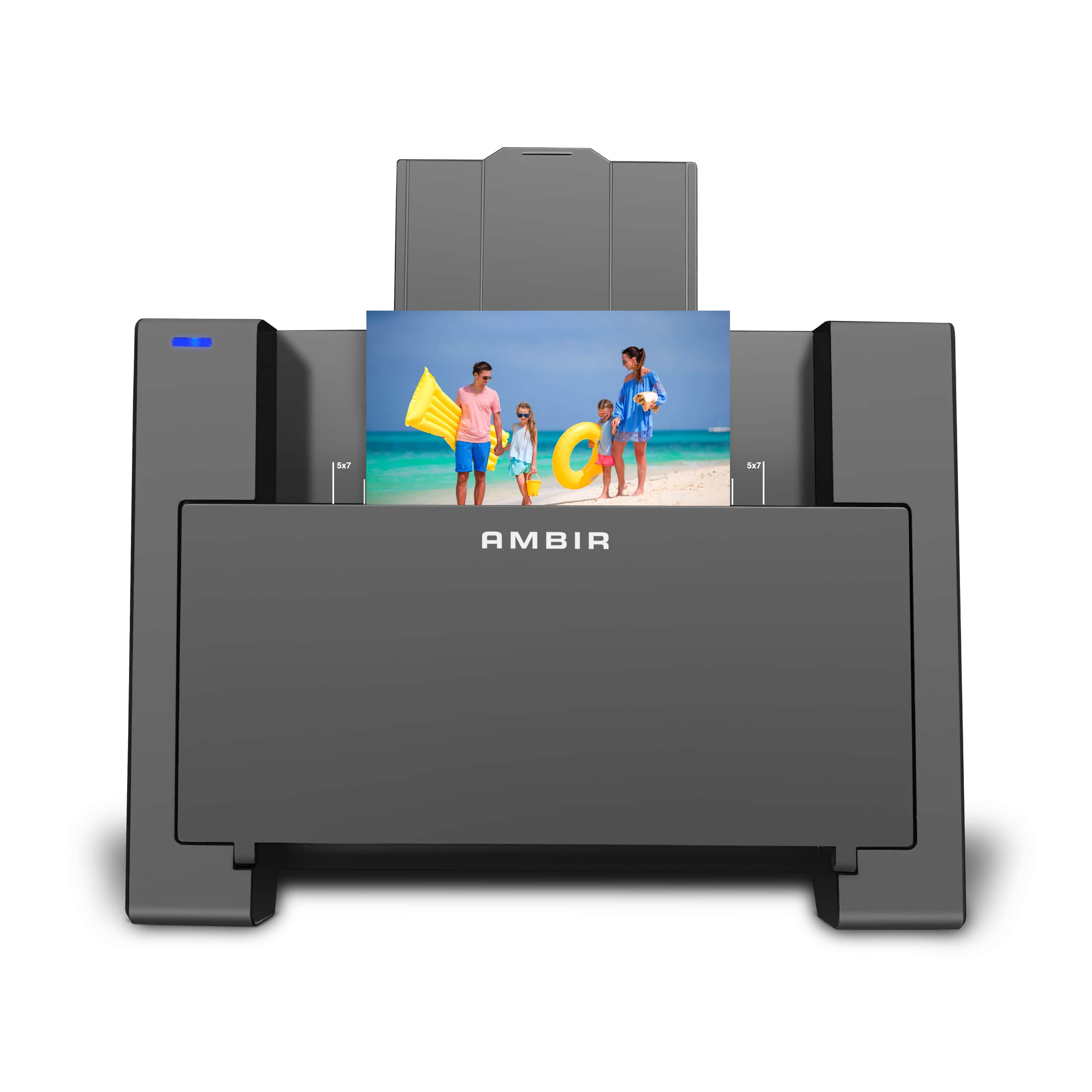
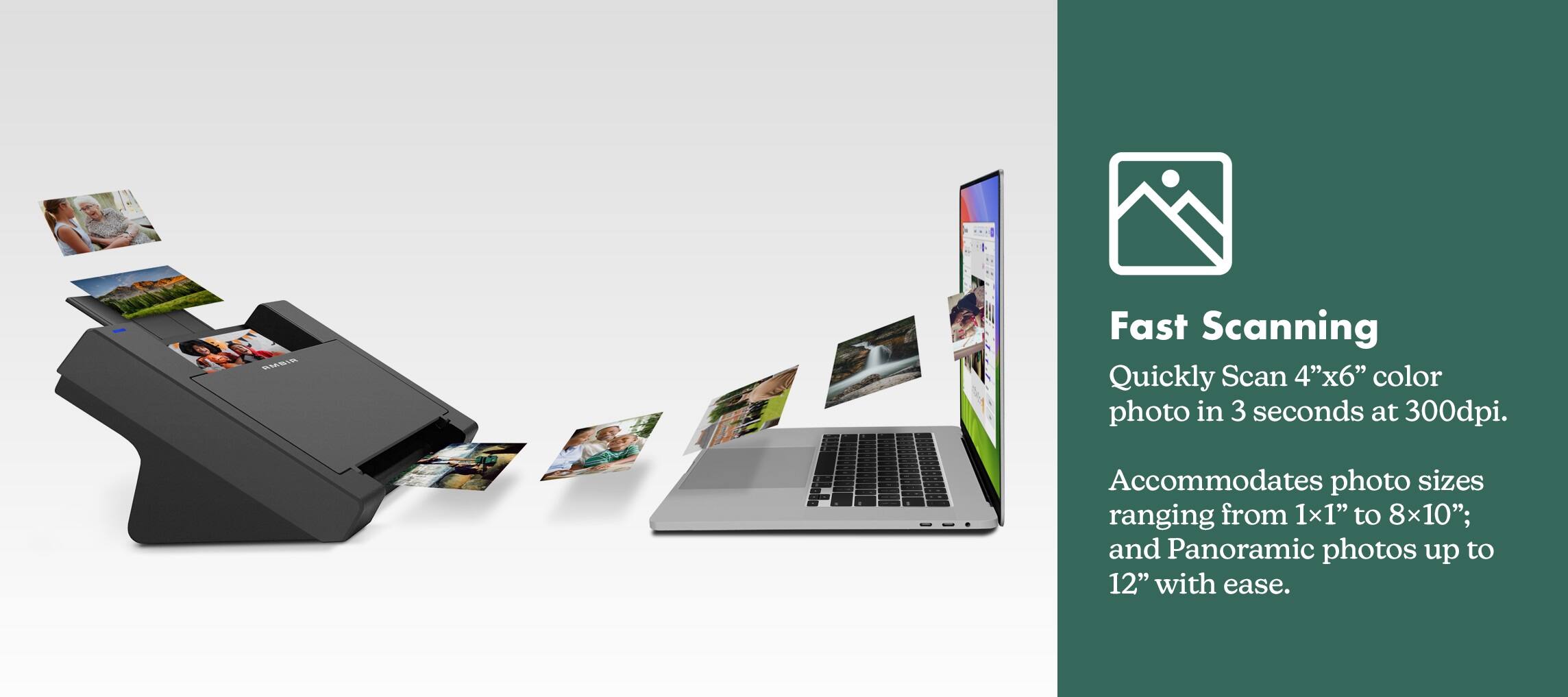
  • QuestionHow fast can this scanner scan a 4x6 photo?

    • Answer This scanner can scan a 4x6 photo in 3 seconds at 300 dpi.
    This question and answer was generated by AI based on customer and product data.
  • QuestionWhat is the maximum resolution this scanner can produce?

    • Answer This scanner has a maximum scanning resolution of 600 x 600 dpi.
    This question and answer was generated by AI based on customer and product data.

  • QuestionDoes this scanner come with any software?

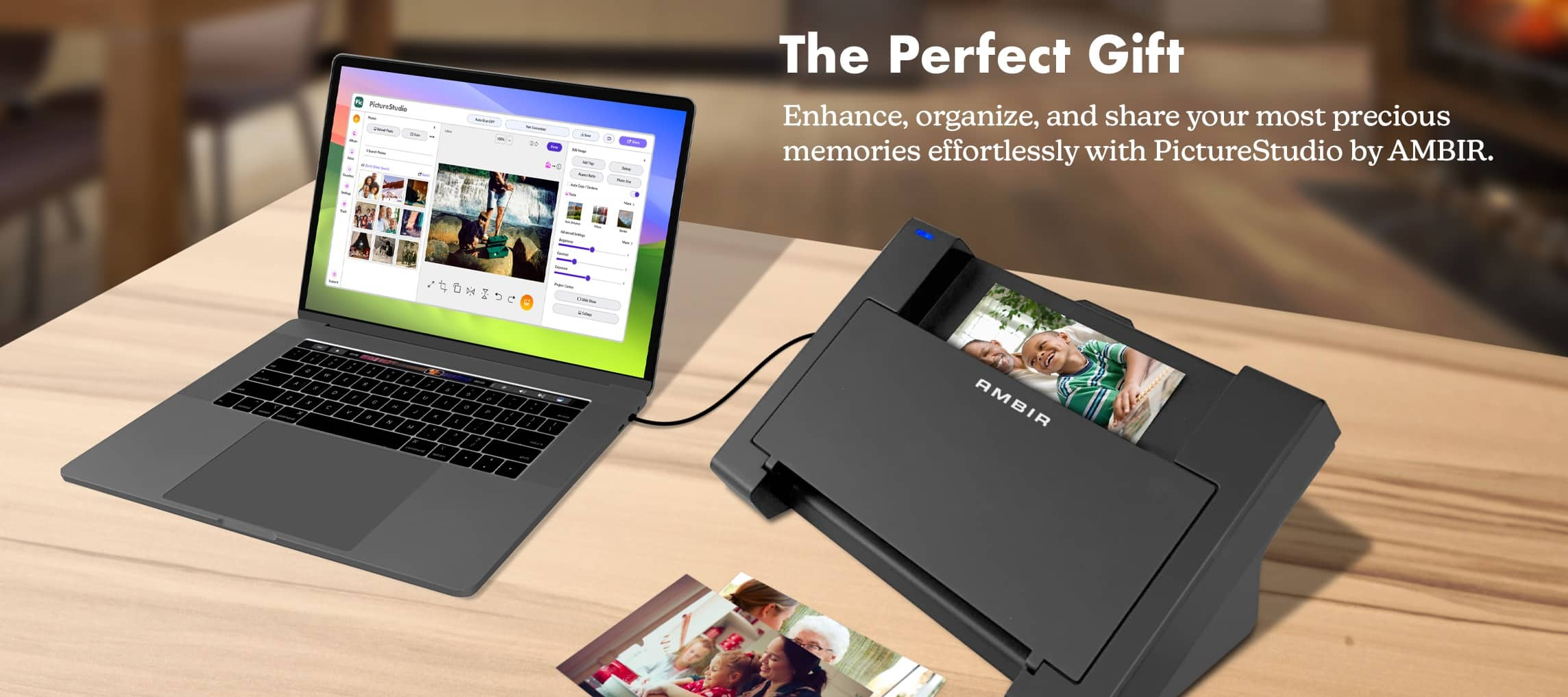
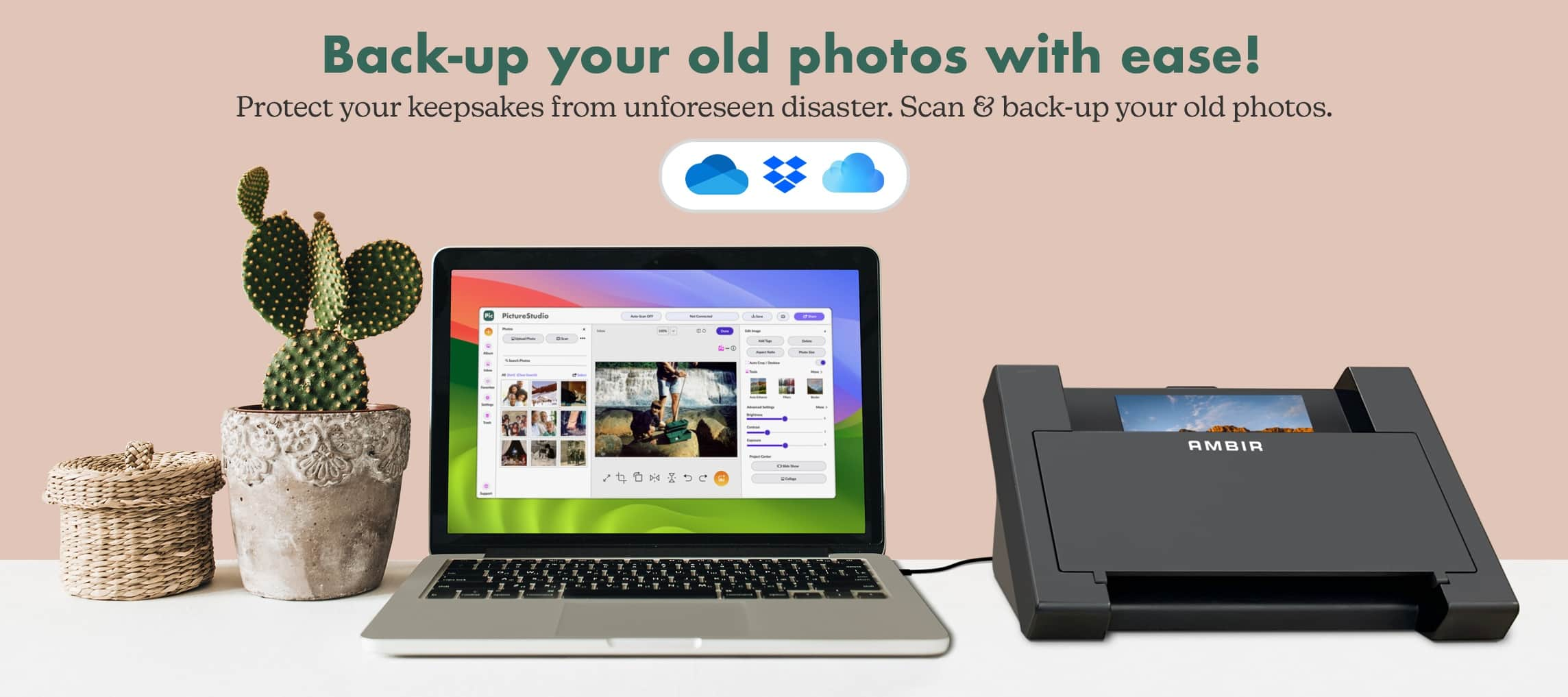
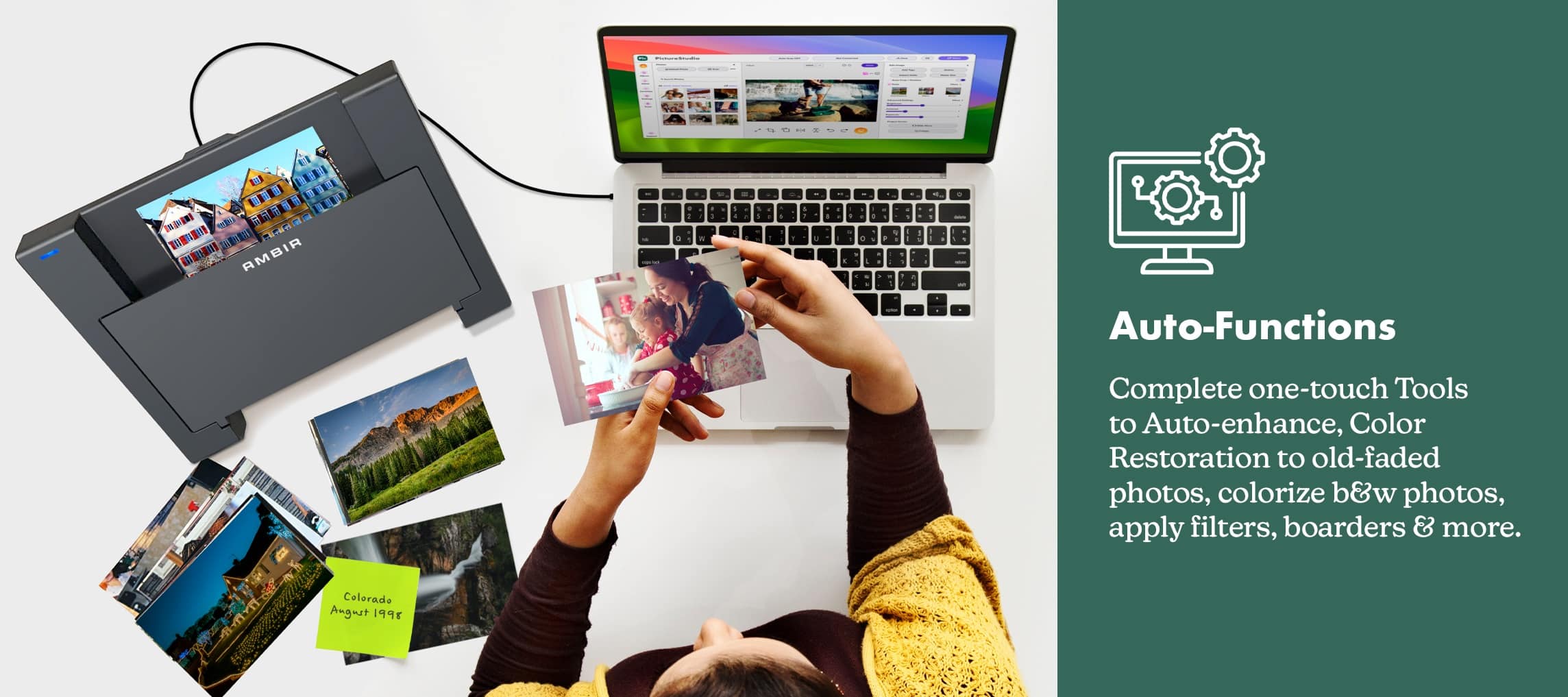
    • Answer Yes, this scanner comes with PictureStudio photo editing and organization software.
    This question and answer was generated by AI based on customer and product data.

  • QuestionHow does this scanner connect to my computer?

    • Answer This scanner connects to your computer easily with a single USB cable.
    This question and answer was generated by AI based on customer and product data.
  • QuestionWhat is the maximum size photo this scanner can handle?

    • Answer This scanner can scan photos from 1 inch x 1 inch up to 8 inches x 10 inches. It can also scan panoramic photos up to 12 inches.
    This question and answer was generated by AI based on customer and product data.

  • QuestionHow many photos can be loaded into the feeder?

    Asked by prof2000.

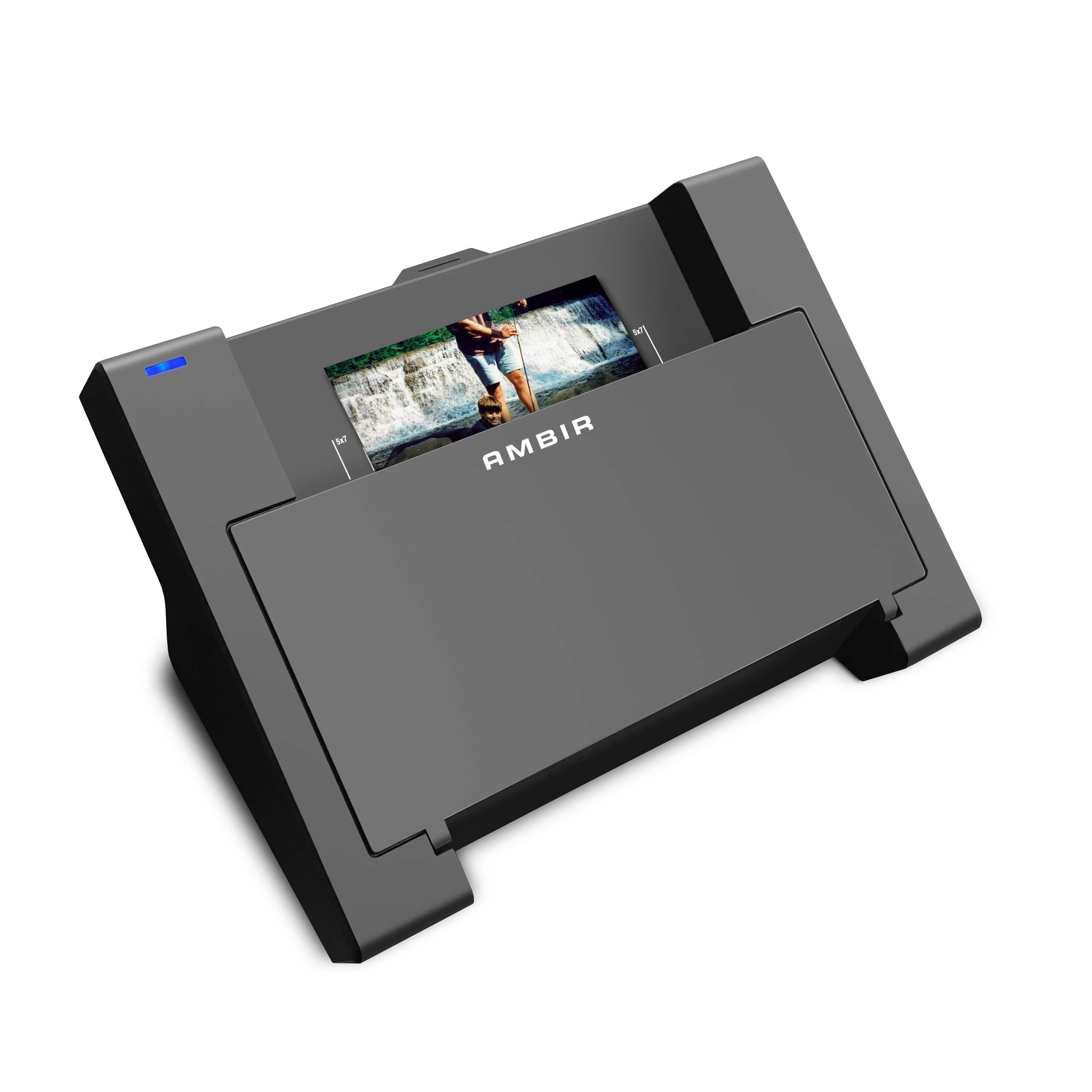
    • Answer The scanner was specifically designed to scan and protect the integrity of old photos. Only one photo can be placed in the feed tray at a time. However, it features an auto-scan mode in its software, allowing users to continuously insert photos into the tray without needing to manually initiate each scan.

      Answered by MACKY

  • QuestionIs there a special tool to use when scanning a very small photo (say 1"X1") ?

    Asked by prof2000.

    • Answer No specific tools are required to scan photos as small as 1x1. However, you may find it easier using the included carrier sheet. Would also recommend disabling "auto scan" to make sure the picture is in the proper position (when not using the carrier sheet).

      Answered by Anonymous