Questions & Answers
- Model:
- BVN900M1
- |
- SKU:
- 6411066
Highly rated by customers for: Battery Life, Overall Performance, Ease of use
$127.99Your price for this item is $127.99
Page Showing 41-50 of 50 questions
Q: QuestionCan an extension cord be used with this? It's not long enough for where I need it naturally.
Asked by Anonymous.
- A:Answer Would not recommend it.
Answered by Patrick
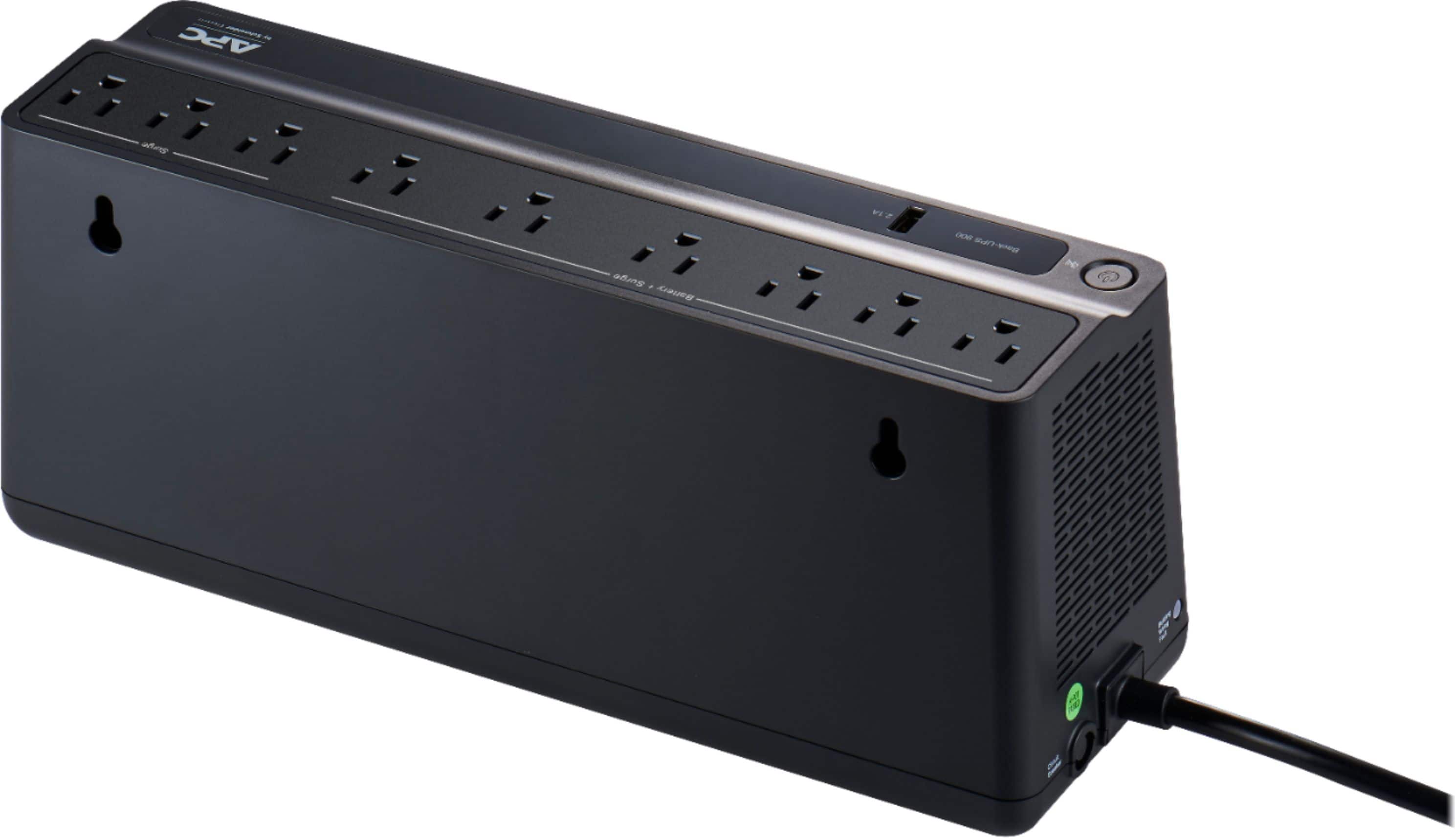
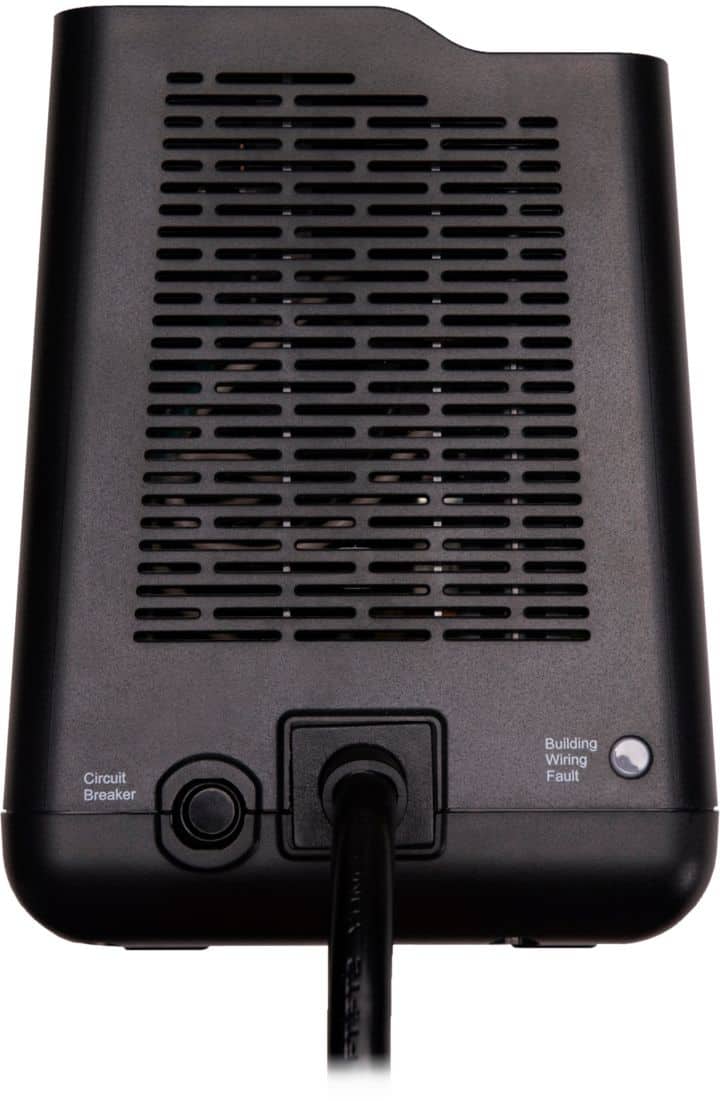
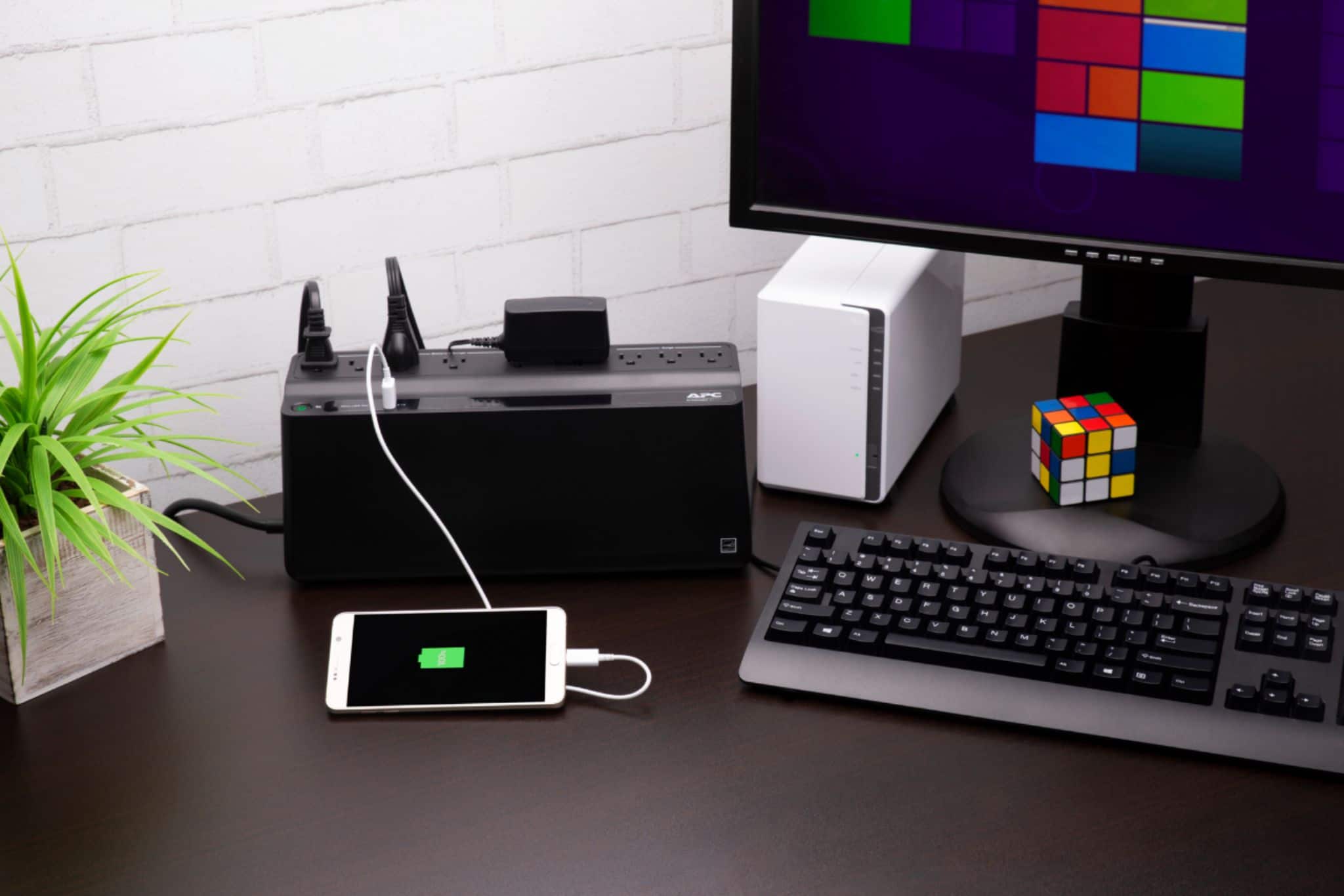
Q: QuestionDoes it run hot, can the unit be placed on carpeting or does it have to be on a hard surface?
Asked by wooosh.
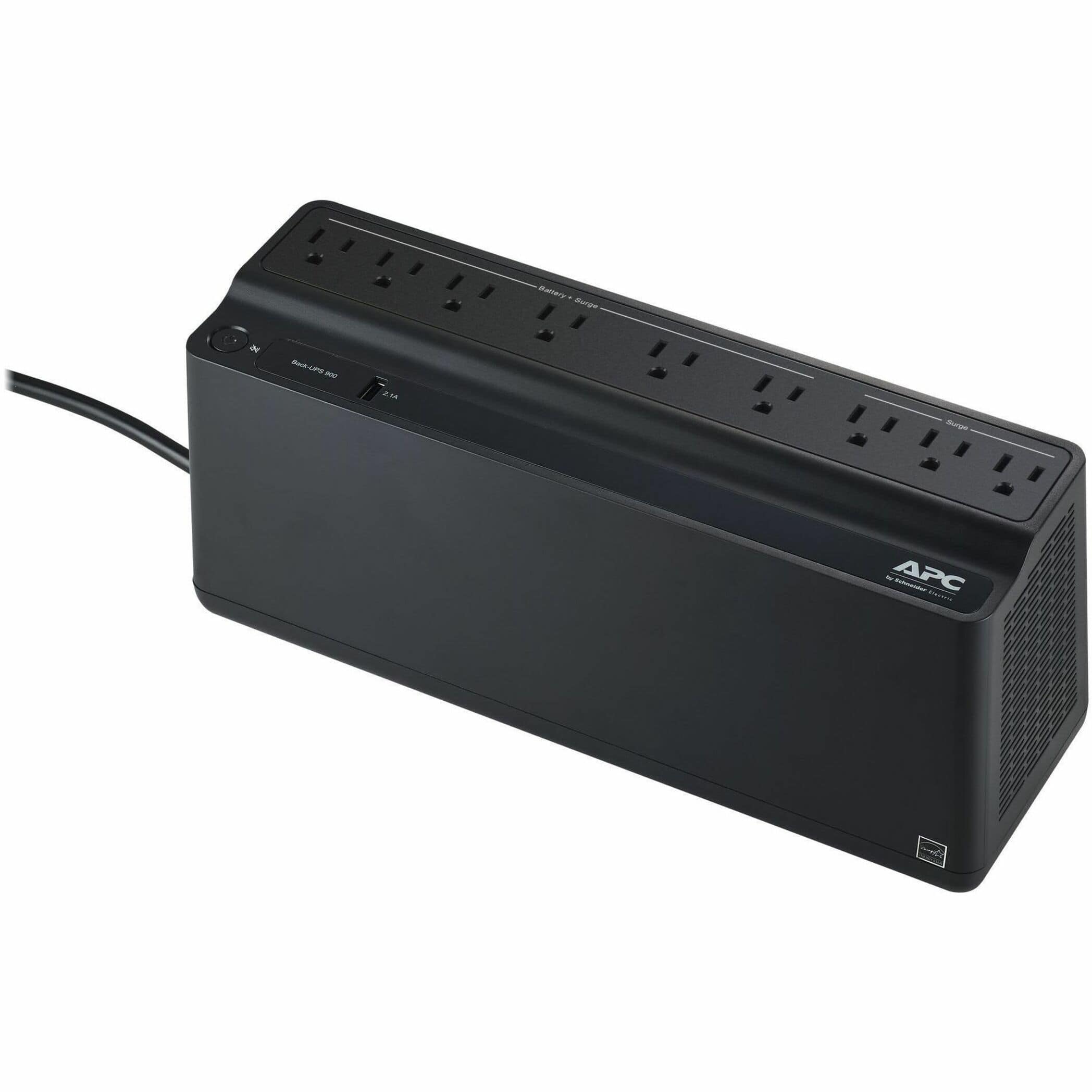
- A:Answer Thank you for your interest in our products. The BVN900M1 would not run hot. You can sit the unit on carpet as well.
Answered by APCProductSupport

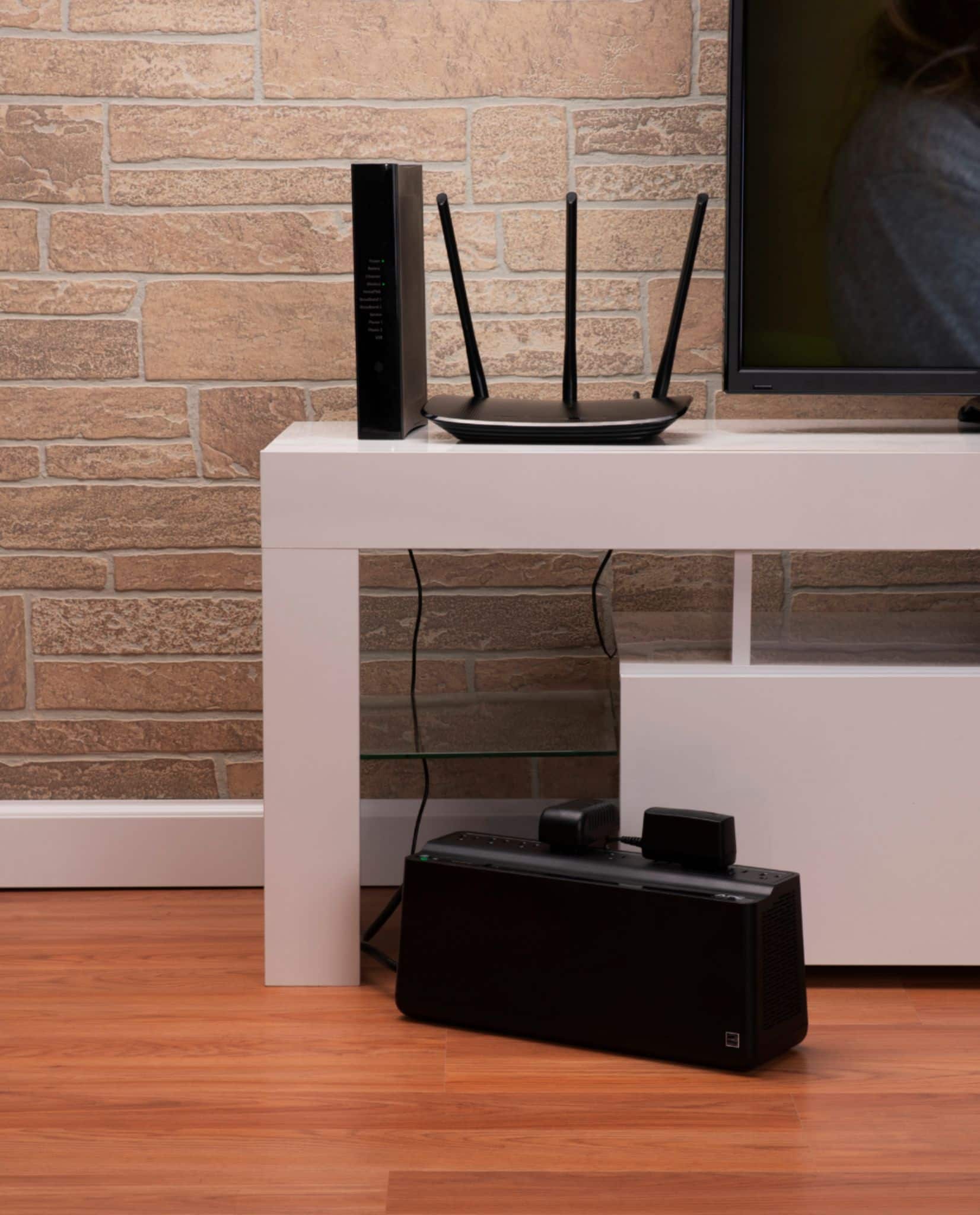
Q: Questioncan i use this for my tv
Asked by JoeG.
- A:Answer You can for conditioning the line a bit, but the TV won't run very long on this battery.
Answered by Bill
Q: QuestionCan this be used to stop a 360 watt pellet stove from going into shut down mode during power dips?
Asked by Stovman.
- A:Answer APC's Back-UPS and Smart-UPS SC product lines are designed for use with computer type loads only. They are not designed to be used with motor loads such as fish filters, air conditioning units, space heaters, vacuum cleaners or any other machinery. One potential issue is the inrush current draw for a motor. It can easily overload a Back-UPS UPS model. Secondly, these models of UPSs output a stepped approximated sine wave when on battery. This waveshape, while ideal for computer type equipment, is not particularly compatible with most motor loads. The result may be that motors run very slowly, erratically, or not at all when the UPS is on battery. If you need additional assistance, please, feel free to reach out to us directly at https://www.apc.com/us/en/support/ so we can address this issue and provide you with the support you need. Support is available Monday to Friday, 8am to 8pm EST
Answered by APCProductSupport
Q: QuestionWhat type of bolt is best to mount this unit to the wall? The manual only states the distance between the bolts (240mm/9.45") but I do not see the size of the hole for wall mounting.
Asked by Mitchell.
- A:Answer To rephrase, what is the size of the screw head that will fit into the holes?
Answered by Mitchell
Q: QuestionHow long will this unit power a modem and router once during a power shortage?
Asked by Anonymous.
- A:Answer A UPS' battery back-up time / runtime will always depend on the power (watt) draw of a device. It would be best to visit our website and search for the product page of the UPS. You can then check under the Technical Specifications for the Batteries & Runtime. You can then click on View Runtime Graph. If you have additional questions or need further assistance, we offer phone support at 800-800-4272 and chat service through our support site - https://www.apc.com/us/en/support/. Support is available Monday – Friday, 8am – 8pm EST.
Answered by APCProductSupport

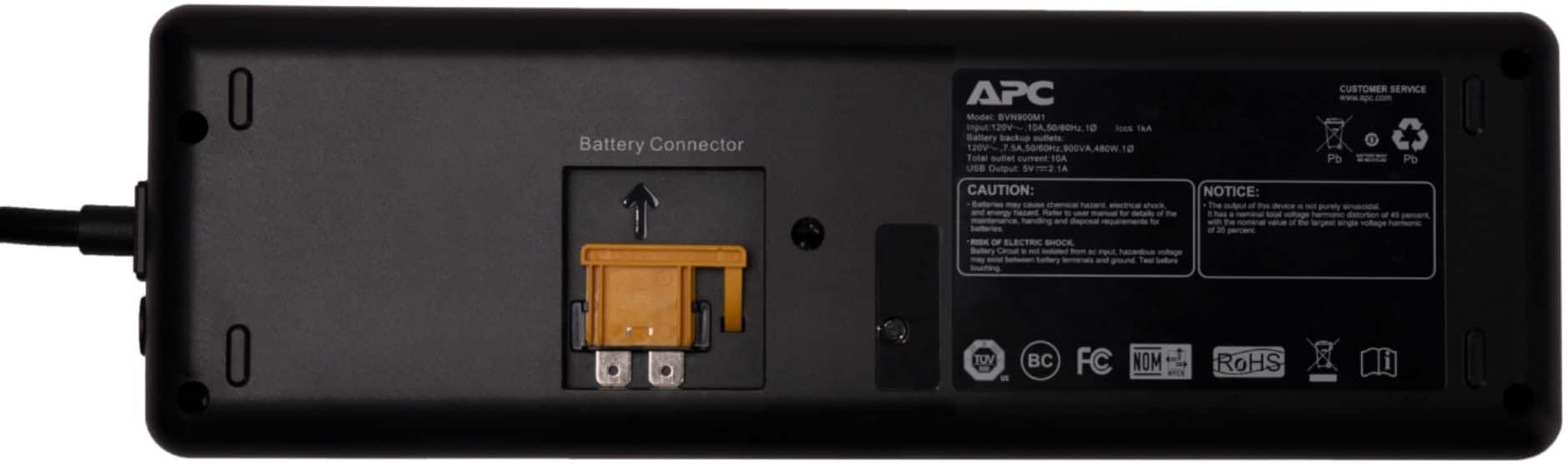
Q: QuestionHow do I replace the battery in this unit? I do not see the normal battery compartment slide. I want to make sure it is easy for me to replace.
Asked by Sunny.
- A:Answer It doesn't appear to be replaceable.
Answered by Thedford
Q: QuestionCan this unit (BVN900M1) be used while laying on it's side or does it have to kept with the outlets facing up?
Asked by DJO.
- A:Answer Straight up, on either side it doesn’t matter it will still work normally.
Answered by Backup
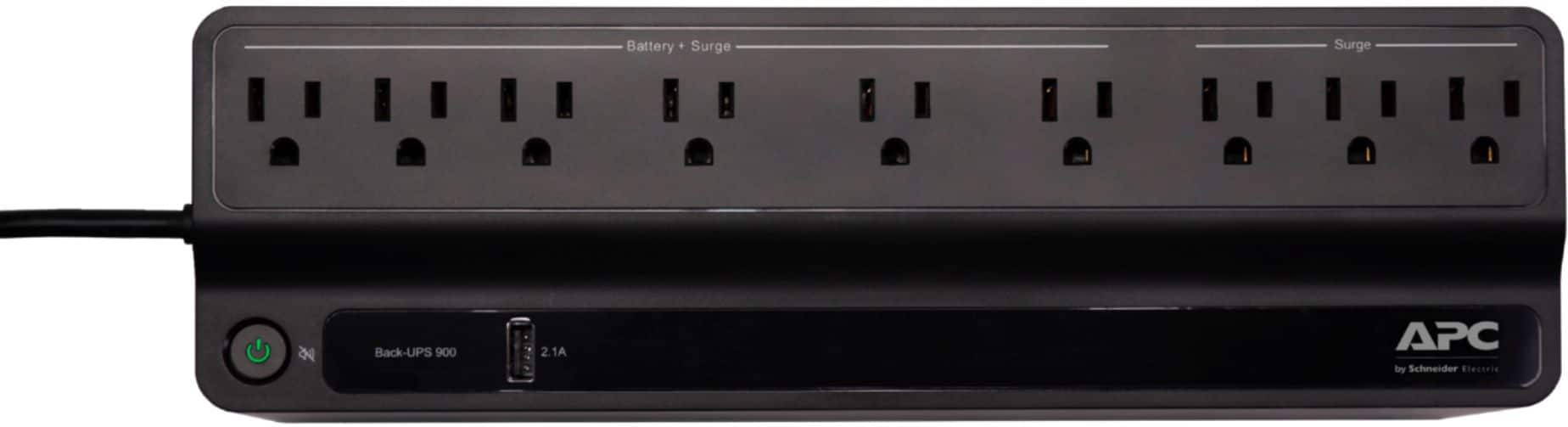
Q: QuestionDoes this unit have a mute button?
Asked by TC.
- A:Answer Yes - just quickly press the power button down (don't hold it or it'll shut off) and the unit will mute.
Answered by westsammvan
Q: QuestionCan you permanently mute , diable, the audible alarm?
Asked by WOKC.
- A:Answer Thank you for your interest in our products. The unit offers a quick mute option by shortly pressing the power button for less than 2 seconds during an alarm. There is also the option to turn off the on battery alarm completely. With the UPS turned on, you can configure the on battery indicator modes by holding down the power button and waiting for the third beep. At the third beep, the power button will cycle red/green. Release the power button and its color will indicate the mode it is in. You can mute the on battery alarm permanently by pressing the power button so the mode selector is flashing red. Once the mode as been selected please wait 5 seconds for the settings to be saved to the UPS.
Answered by APCProductSupport
Page 3, Showing 41-50 of 50 questions
Best-selling battery backup (UPS)
- Winter Sale Deal$199.99Your price for this item is $199.99
- $64.99Your price for this item is $64.99
- $66.99Your price for this item is $66.99
- $90.99Your price for this item is $90.99$96.99The comparable value for this item is $96.99
- $242.99Your price for this item is $242.99$249.99The comparable value for this item is $249.99
- $109.99Your price for this item is $109.99
- $84.99Your price for this item is $84.99
- $99.99Your price for this item is $99.99
- $167.99Your price for this item is $167.99
- $209.99Your price for this item is $209.99
- $139.99Your price for this item is $139.99
- $299.99Your price for this item is $299.99
- $203.99Your price for this item is $203.99
- $85.99Your price for this item is $85.99
- $63.97Your price for this item is $63.97$86.24The comparable value for this item is $86.24
- $239.95Your price for this item is $239.95
- $139.99Your price for this item is $139.99
- $316.99Your price for this item is $316.99
- $341.72Your price for this item is $341.72$381.31The comparable value for this item is $381.31
- $250.66Your price for this item is $250.66