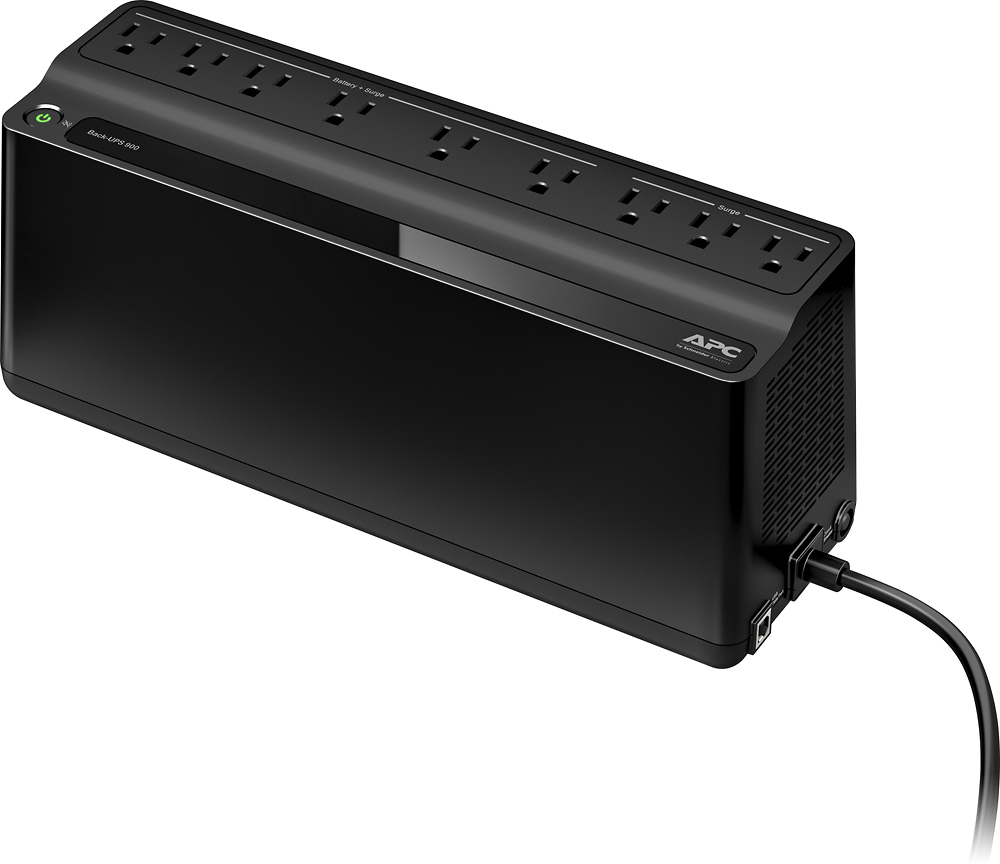
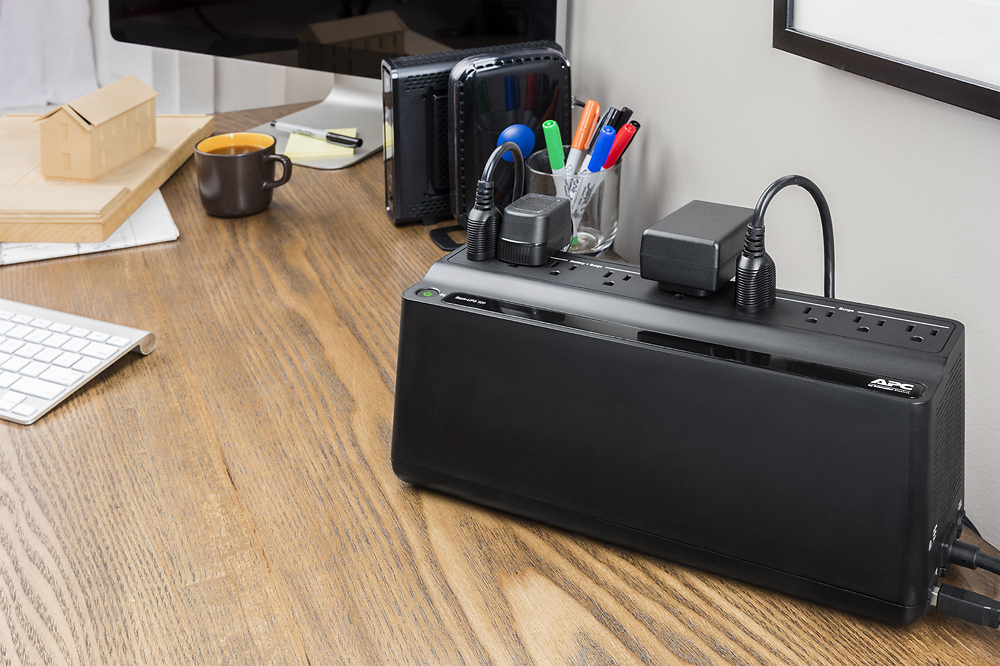
A:AnswerA UPS is for you to safely shut down, or keep at idle, not run equipment, you will never run a printer on a ups, and should never plan on doing so, it will suck it dry in seconds.
A:AnswerThank you for your inquiry. The BN900M would come with a 3 year manufactures warranty on it that would cover any factory defects. Please contact an APCbySchneider support team for further assistance with this issue. We offer email and chat services through our support site and you may also contact us directly at 800-800-4272 option 4.
A:AnswerThank you for your interest in our products. Yes the unit will automatically power back on when power returns. Just note the battery will charge till it is around 15% before it power back on.
A:AnswerI think there's a good chance it will solve the loud popping sound in your stereo but you will probably hear a softer "click" sound from the back-up battery each time the air conditioner compression starts up. I have a portable air conditioner unit near my television and each time the AC unit starts I can hear a click from the back up battery indicating that the AC unit is dropping the electrical power to my television and DVR. Fortunately, my television and DVR do not lose power on the back up battery.
A:AnswerAll I can say is, "Probably."
The key issue is the amount of power you need, not the number of devices plugged in to it.
You could have splitters plugged into splitters, and run 20 alarms clocks with no issue.
Yet it could not support a single, power-hungry 70-inch plasma television.
So the biggest question really is how much power will your devices draw, and how long do you want the backup to provide power before the battery runs out.
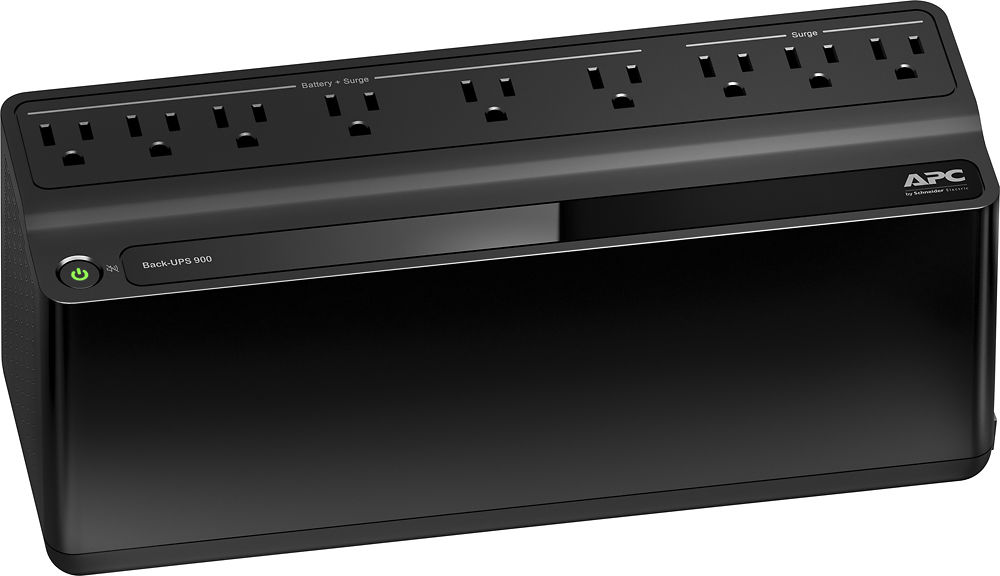
A:AnswerThe device has internal surge protection (SP) and your external SP is really not needed. A secondary SP on the input, or output may interact with the UPS circuitry. Refer to APC article: https://www.apc.com/us/en/faqs/FA158852/
A:AnswerThank you for your interest in our products. Usually when a customer using a generator I recommend getting at least a BackUPS Pro UPS. The BN900M is part of the BackUPS line and there is a chance that the power coming from the generator would be too dirty for the UPS. You may need drop the sensitivity down to low as well so the UPS doesn't stay on battery all the time. A SmartUPS Online would work the best with a generator.
A:AnswerThank you for your inquiry. There is a very small transfer time when the UPS goes to battery. On this unit is around 10-12 milliseconds. Most equipment can handle this and it shouldn't damage the external drive.
A:AnswerIf your system is plugged into it, yes. You will also want to plug the router into it as well. Just remember that the more you plug into it, the shorter the backup time.
I do a syndicated radio show from a home studio. I have 3 computers, modem, router, and BRIC unit plugged into mine. It will work just fine.
A:AnswerThank you for your inquiry. The UPS will support a 400w PC but it will be close to capacity. The unit would support 480w of equipment connected too it. Since it will be at full load you would only get around 2 minutes of runtime. You may want to look into something like our BR1000G if you wanted a little bit more runtime. The BR1000G would provide around 8 minutes of runtime.
A:AnswerI don't know if Powerchute would work under WINE and I wouldn't bother trying -- just set up native Linux software like apcupsd, which works fine and is more flexible, even if there's no pretty desktop application for a user interface. I've used apcupsd with various APC UPSes, using both serial and USB interfaces, for years. It works well.
A:AnswerThank you for inquiry. Yes you can disable the on battery alarm on this unit. The unit offers a quick mute option by shortly pressing the power button for less than 2 seconds during an alarm. There is also the option to turn off the on battery alarm completely. With the UPS turned on, you can configure the on battery indicator modes by holding down the power button and waiting for the third beep. At the third beep, the power button will cycle red/green. Release the power button and its color will indicate the mode it is in. You can mute the on battery alarm permanently by pressing the power button so the mode selector is flashing red. Once the mode as been selected please wait 5 seconds for the settings to be saved to the UPS.
A:AnswerYou can plug it into an existing 15 amp 120 Volt circuit with no problem. It is a great way to stabilize power for electronics and keep them running.