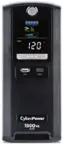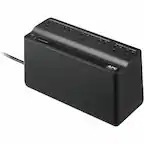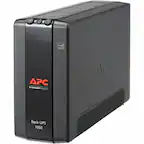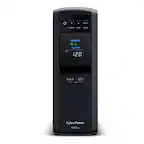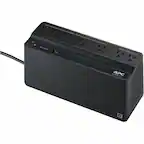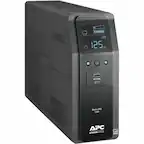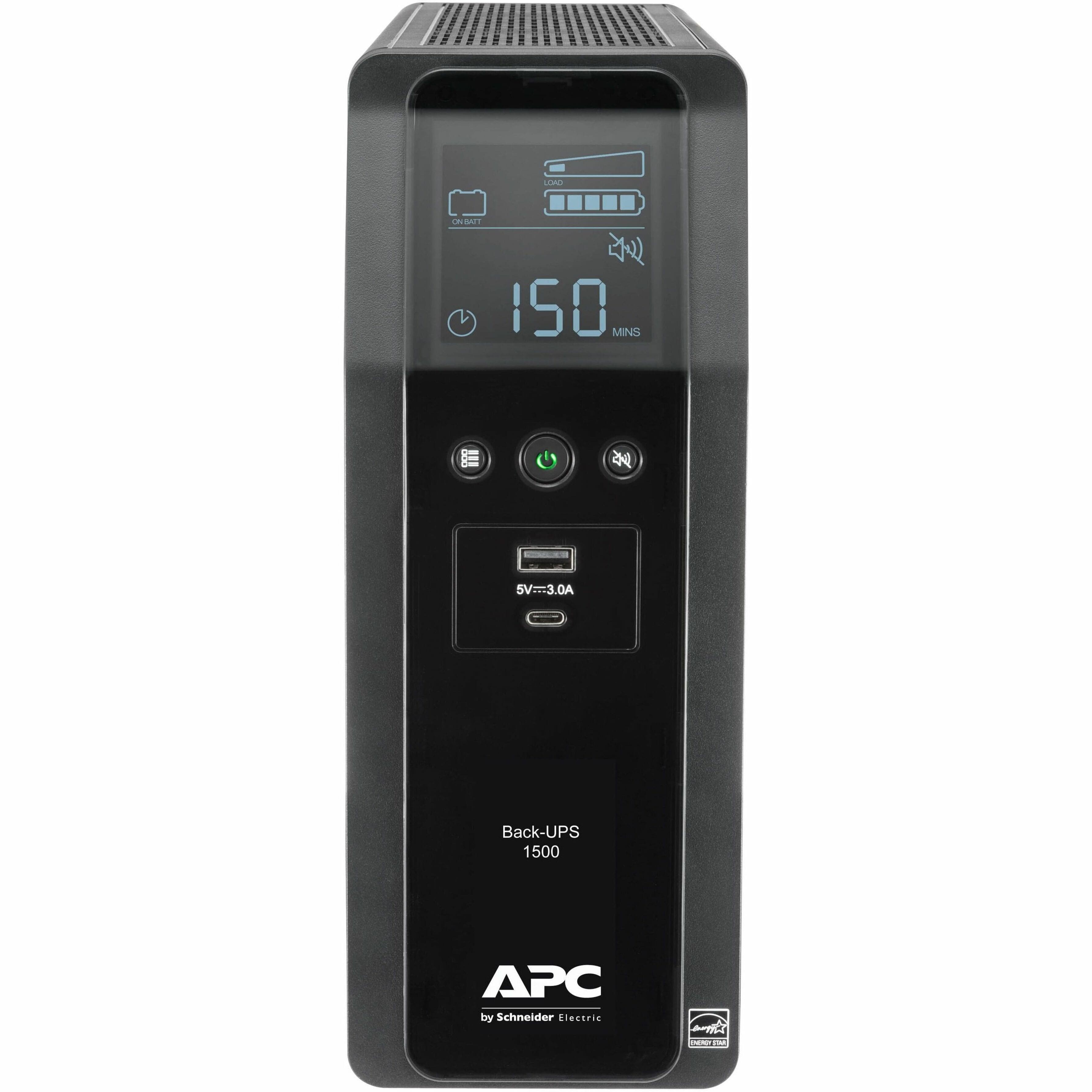
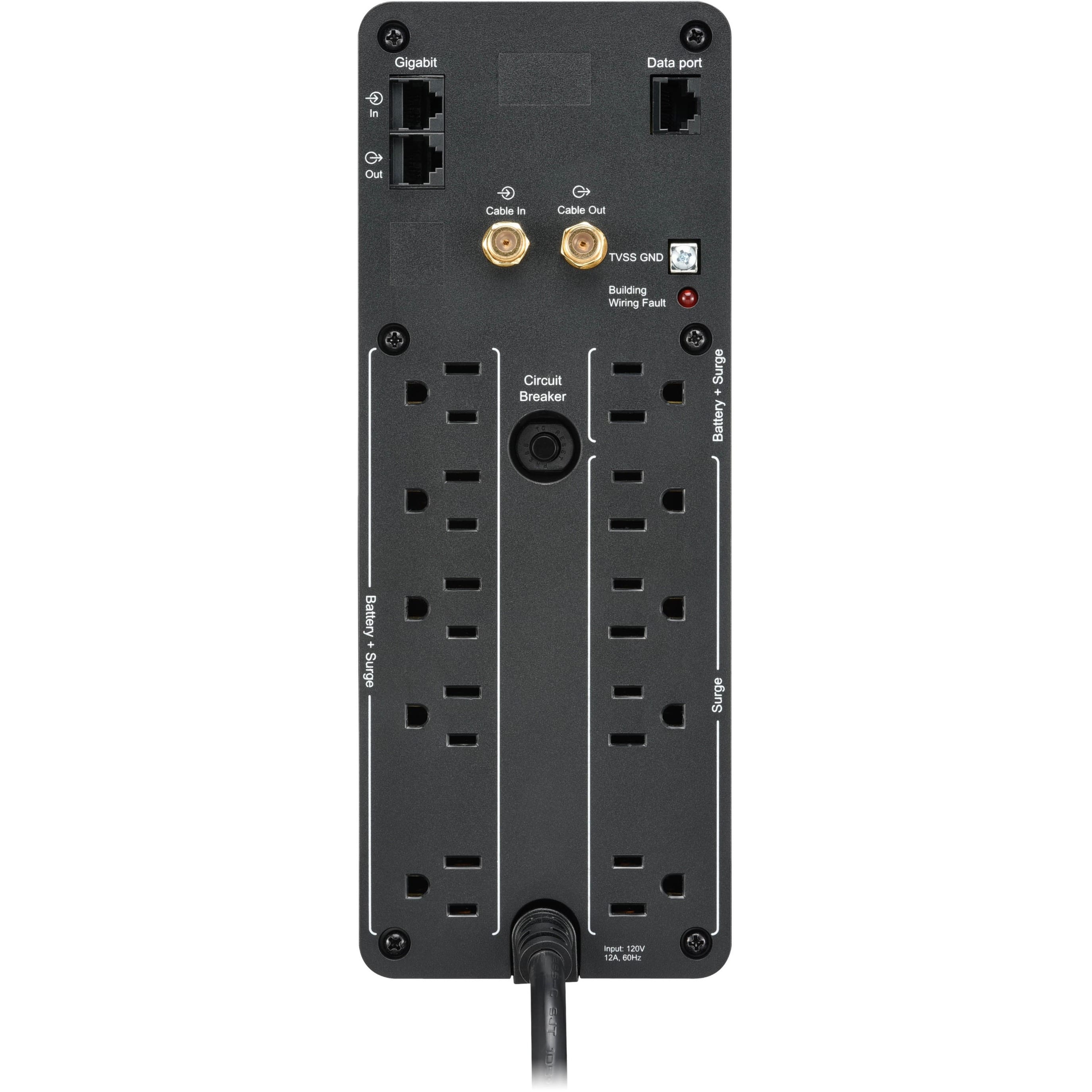
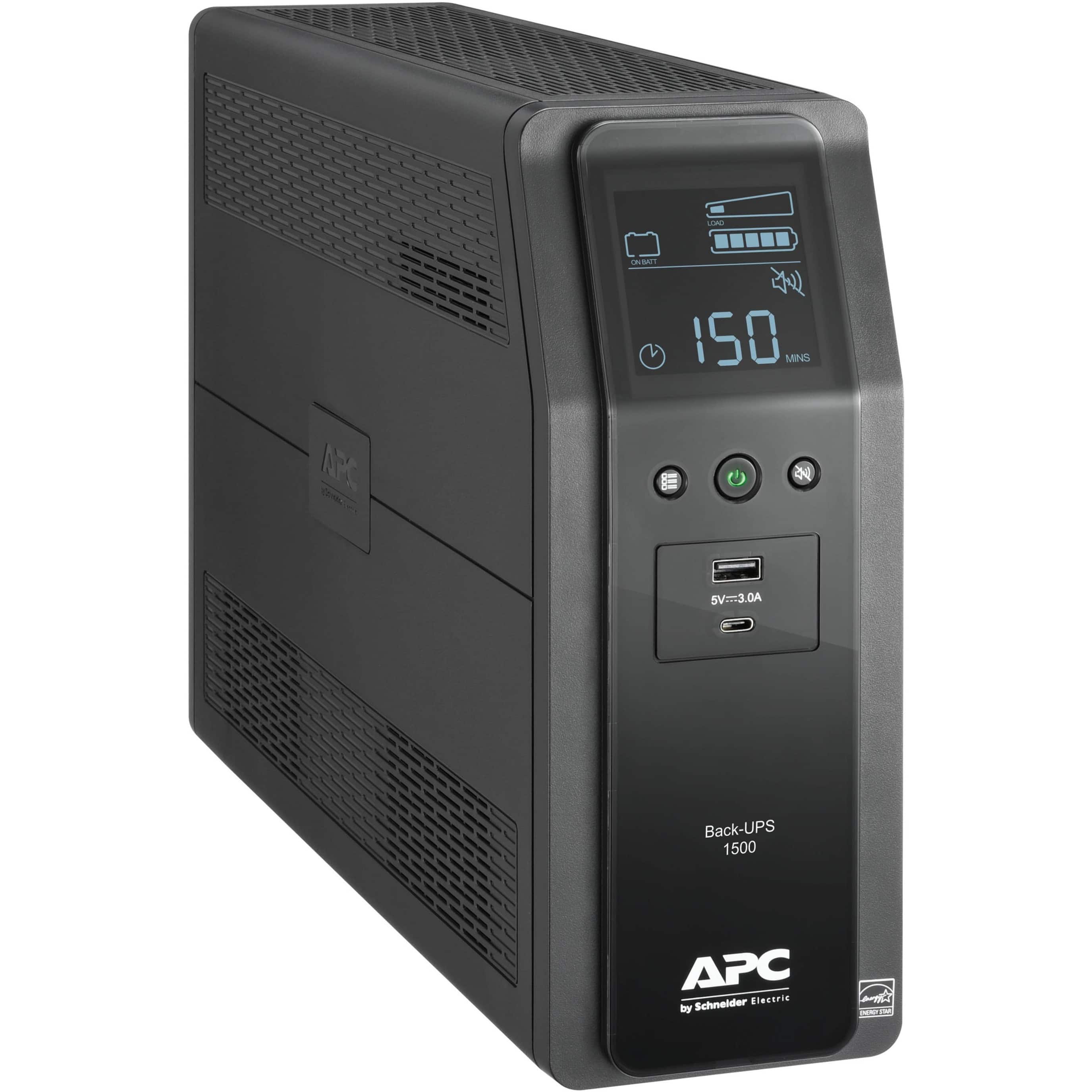
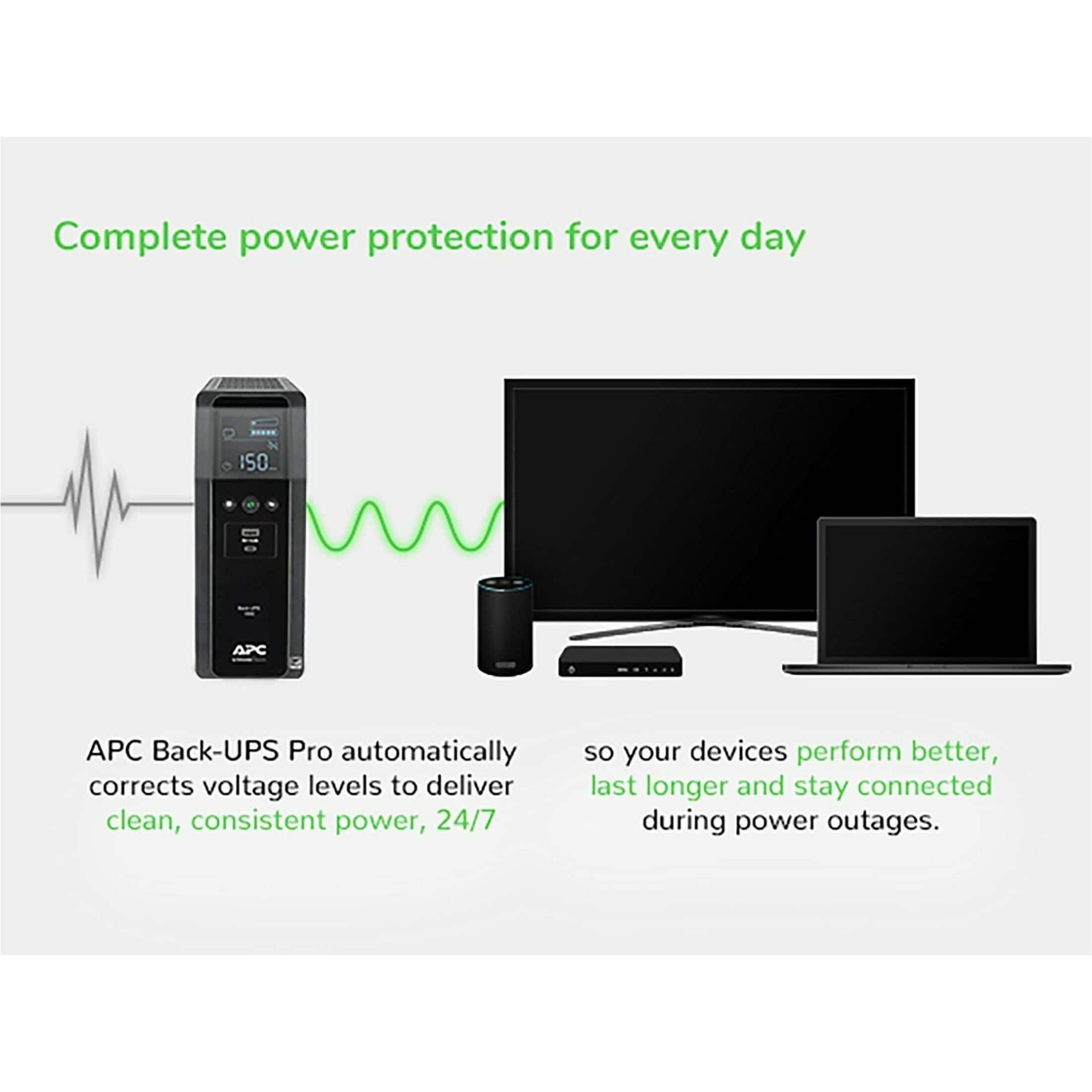


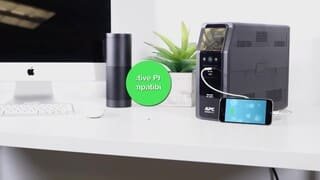
A:AnswerThank you for your inquiry. This unit would be a pure sine wave while online but it would have a step approximated sine wave while on battery. If you need a completely pure sine wave UPS you may want to consider our BR1500MS which would be a pure sine wave on and off battery.
A:AnswerThank you for inquiry. The replacement battery for the BN1500M2 is an APCRBC161. It likely isn't showing up anymore because the unit is new product family and shouldn't need a battery replacement. If you have purchased this unit and it is showing that the battery need replaced please reach out to an APCbySchneider support team since this unit would come with a 3 year warranty on it.
A:AnswerThank you for your interest in our products. The runtime would depend on how much power the computers and monitor draw. If they drew around 450 watts together it would bring the runtime to about 10 minutes. If the power draw is lower than the runtime will higher and if the power draw is higher the runtime will be shorter. You would just want to make sure that the computers don't draw over 900 watts of power so the UPS doesn't become overload.
A:AnswerDepends on what you have hooked up, My home network equipment (a couple switches and an AP) can run on one of these for over 100min. If I have my Dell workstation running (8700k/1080ti) it has 28-38min.
A:AnswerThank you for your interest in our products. It would clean up the power coming from the generator but you may need to drop the sensitivity on the UPS down to low so it doesn't stay on battery the entire time while the generator is running. Sometimes if the generator power is too dirty it will keep the UPS on battery.
A:AnswerIf your equipment is plugged in then it would have no supply and everything would turn off. Thus your camera would be unable to record. I have this same issue with an ex shappy. I solved the problem by using a large usb power supply and having a back up as card. I actually had a hidden security camera that looked like a smoke detector. It had a sd card and was chargeable. Always have a back up source so thief” thinks they have gotten away with it. The shappy will always come back if they think they are getting away with it and you’re just blowing smoke. Keep recording and when you have had enough take all your sd cards & call the PD. DS will then know you had his number the whole time.
A:AnswerThank you for your inquiry. Usually we don't recommend motorized loads connected to our UPS. At 400 watts it would provide around 13 minutes of runtime.
A:AnswerThank you for your interest in our products. You can use the following link for option on recycling options. https://www.apc.com/us/en/faqs/FA156775/
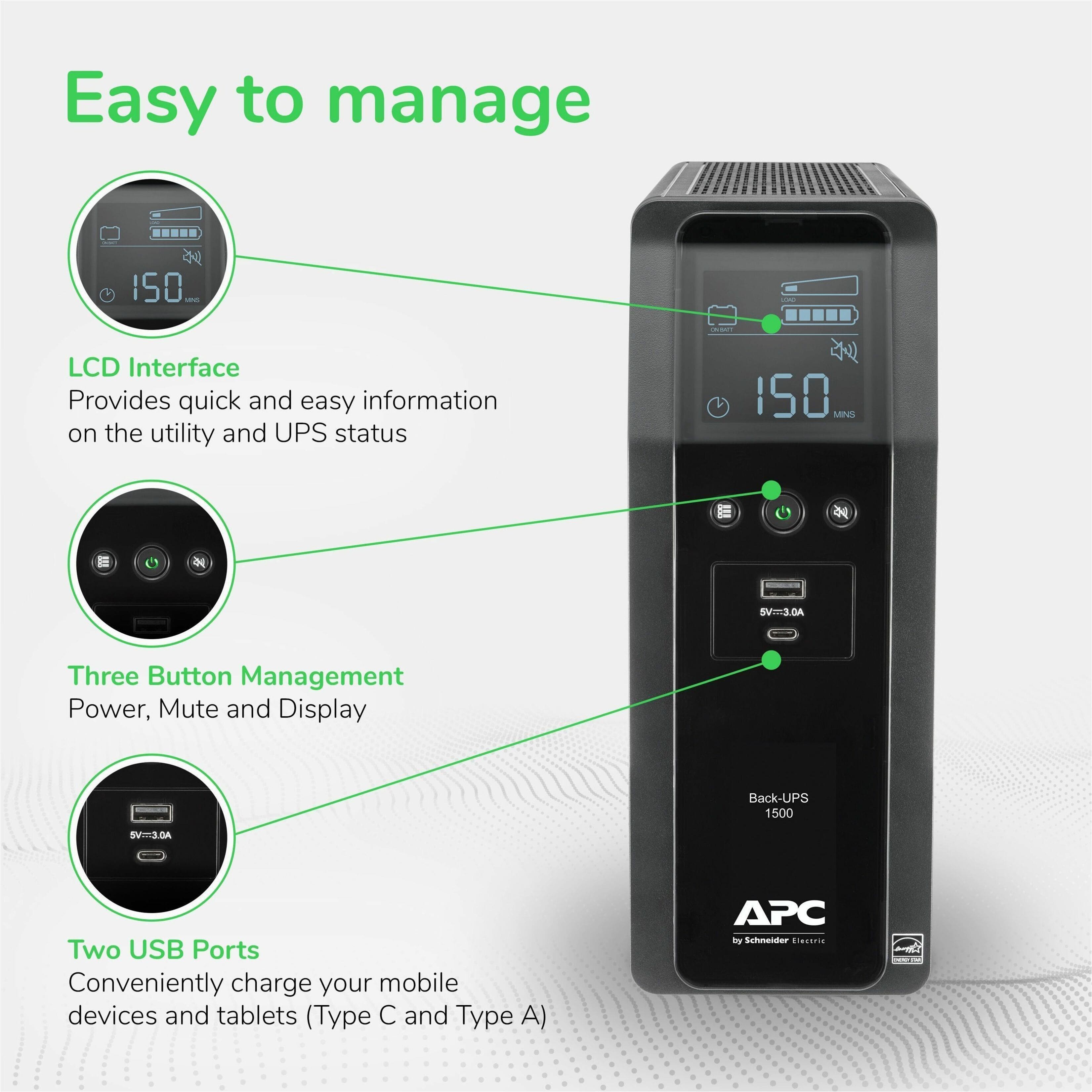
A:AnswerYes, you can. I am using this on a 55 Inch Sony and the Dish DVR Box. When then power goes out the UPS starts beeping but the devices continue to operate. There is a mute button on the front of the UPS that has to be pushed to silence the beep. I have not tested the duration of the run time but it ran just fine for about 10 minutes a few weeks ago when we lost power. There is a run time estimator on the front screen. For my setup it shows 33 minutes of runtime.
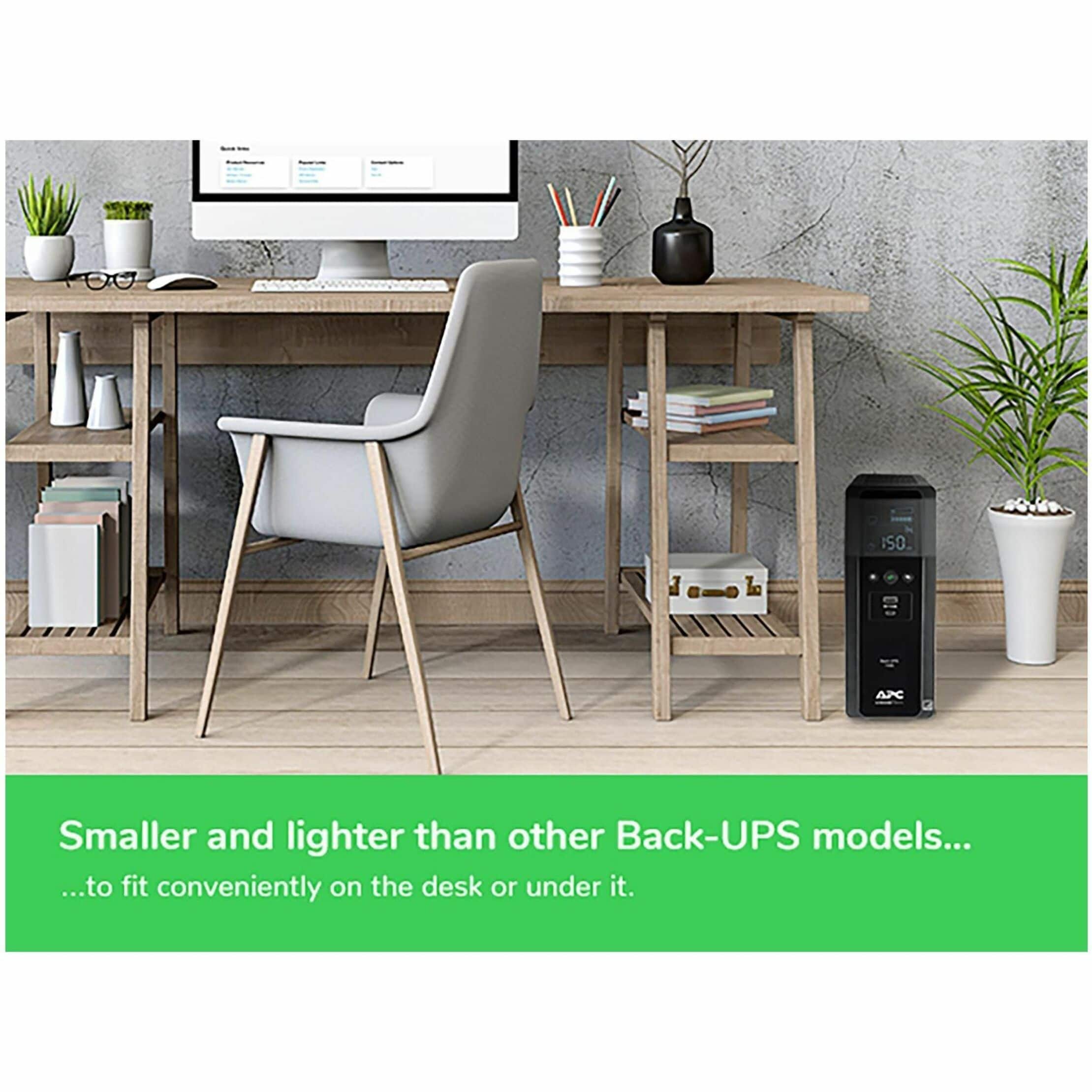
A:AnswerThe unit is designed in the temperature range of 32…104 °F according to the company's website. I would suggest keeping it well ventilated as it could produce a bit of heat when running on the battery.
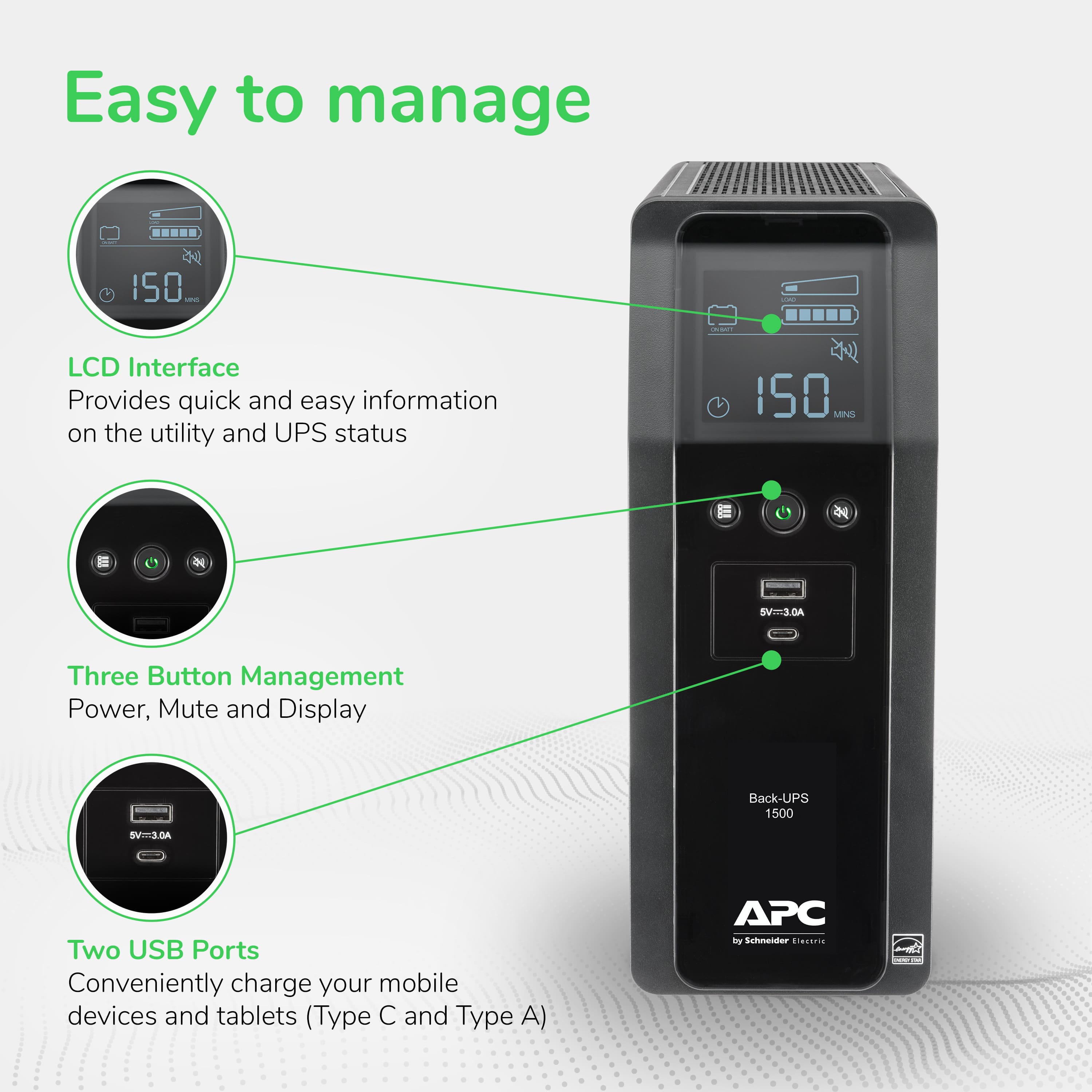
A:AnswerThank you for your inquiry. To mute the unit you would hold the mute button on the unit for 2s till you see the mute icon on the UPS. When it is muted it should have a cross through the speaker icon.This should mute all alarms on the unit. I would double check though if the alarm goes off again to make sure there isn't any other alarms on the unit besides the on battery alarm. If there is other alarms on the unit please reach out to an APCbySchneider support team for further assistance. We offer email and chat services through our support site. For the fastest service visit our chat at https://www.apc.com/us/en/tools/chat/.