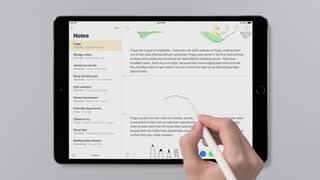
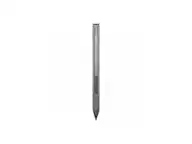
A:Answer I agree that the paperwork that came with the Apple Pencil, 1st Generation, was hard to read. However, the printed instructions aren't really necessary. Just take the cap off the back end of the pencil, revealing the Lightning Connector, plug it into the iPad Lightning Port, and follow the instructions that appear on the screen. If you still have trouble, you can call Apple Support (1-800-275-2273).
If you call Apple, you should mention that the instructions included with the product are hard to read because of the font size and color.