A:AnswerYou can enable shortcuts via the OSD. A guide can be found in section 3-7 of the manual. https://dlcdnets.asus.com/pub/ASUS/LCD%20Monitors/BE24EQK/BE24EQK_BE24EQSK_English.pdf
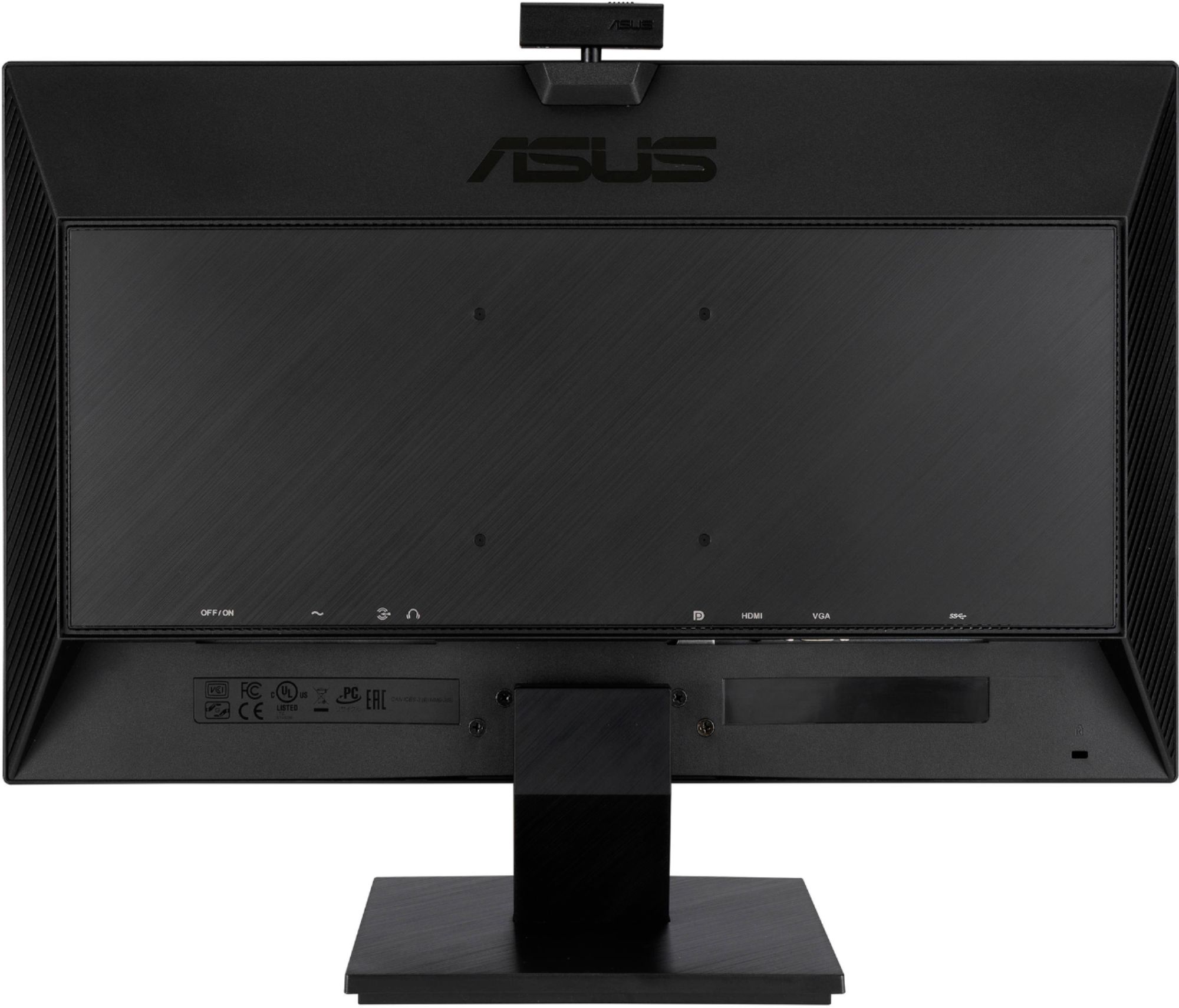
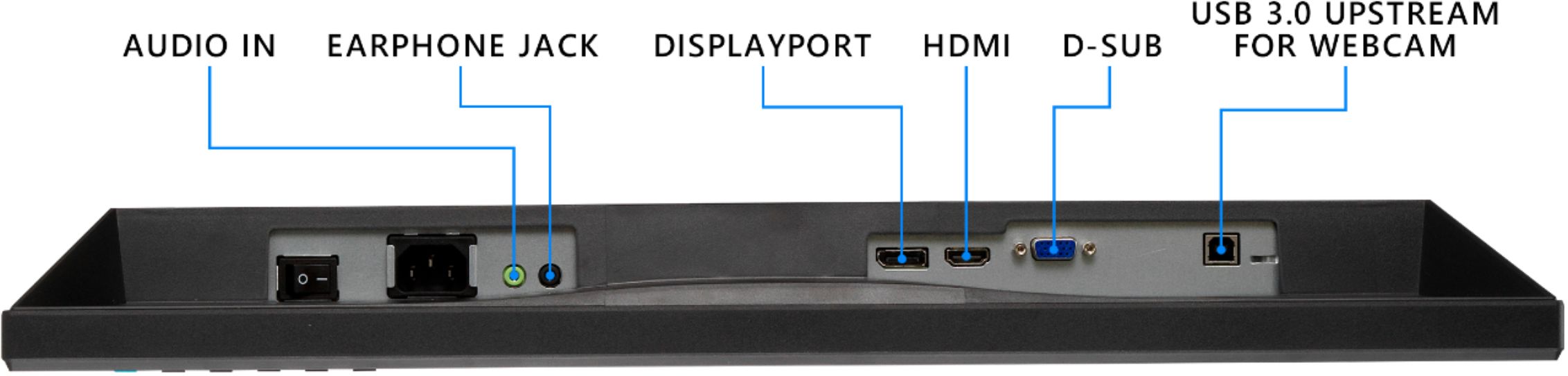
A:AnswerThis monitor supports video input via DisplayPort 1.2, HDMI(v1.4) and VGA. https://www.asus.com/us/Displays-Desktops/Monitors/Business/BE24EQK/techspec/
A:AnswerThat machine has a Mini DisplayPort video output, you would need an adapter to full size DisplayPort to be compatible with this monitor. https://www.microsoft.com/en-us/surface/business/surface-pro
A:AnswerAs long as you're able to get your MacBook Air to appropriately output to the following you should be fine:
DisplayPort 1.2 x 1
HDMI(v1.4) x 1
VGA x 1
A:AnswerThe Phys. Dimension with stand (W x H x D) is : 540 x 355 x 53 mm. For further specification, please review here: https://www.asus.com/us/Displays-Desktops/Monitors/Business/BE24EQK/techspec/
A:AnswerFor troubleshooting help, please reach out to ASUS Support either by phone, chat, or email. https://www.asus.com/support/ You can also find us on Twitter @AsusHelpUS.
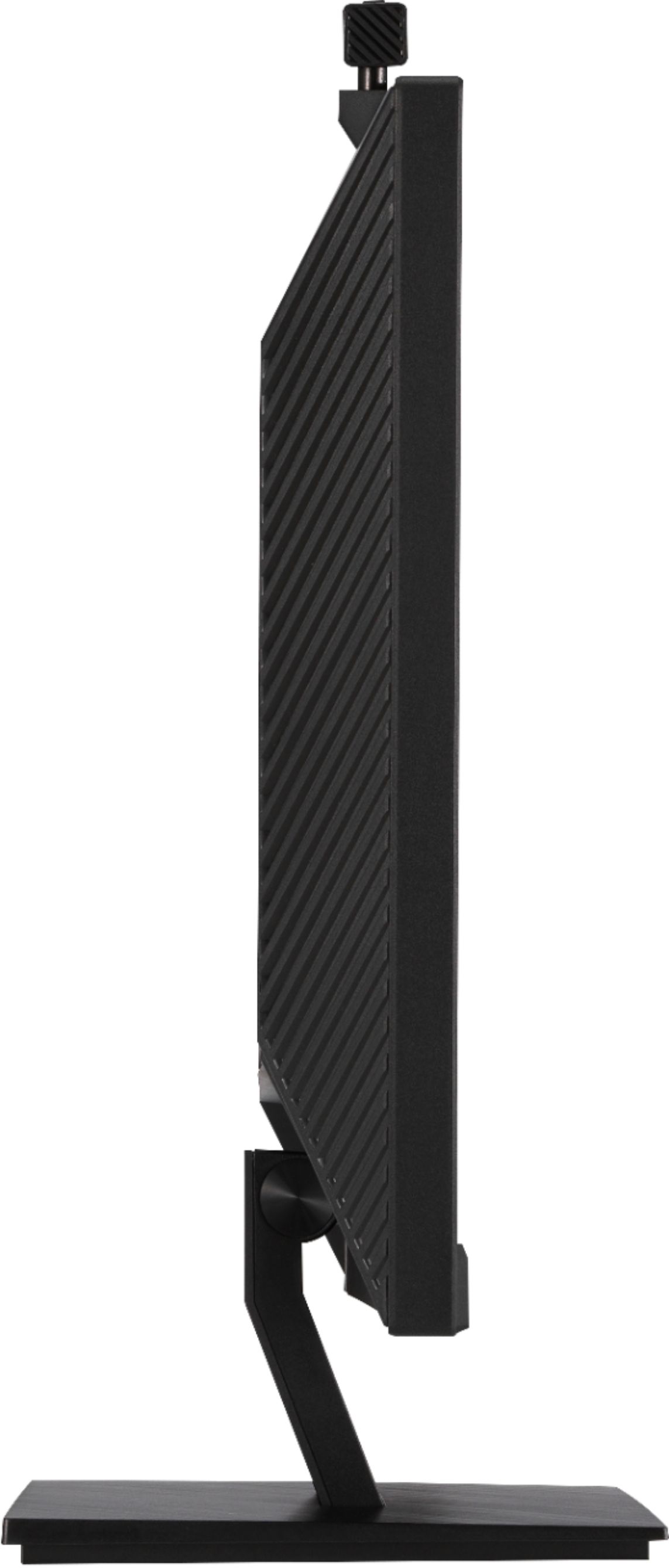
A:AnswerThis monitor does not have swivel. The full mechanical design specifications can be found here. https://www.asus.com/us/Displays-Desktops/Monitors/Business/BE24EQK/techspec/
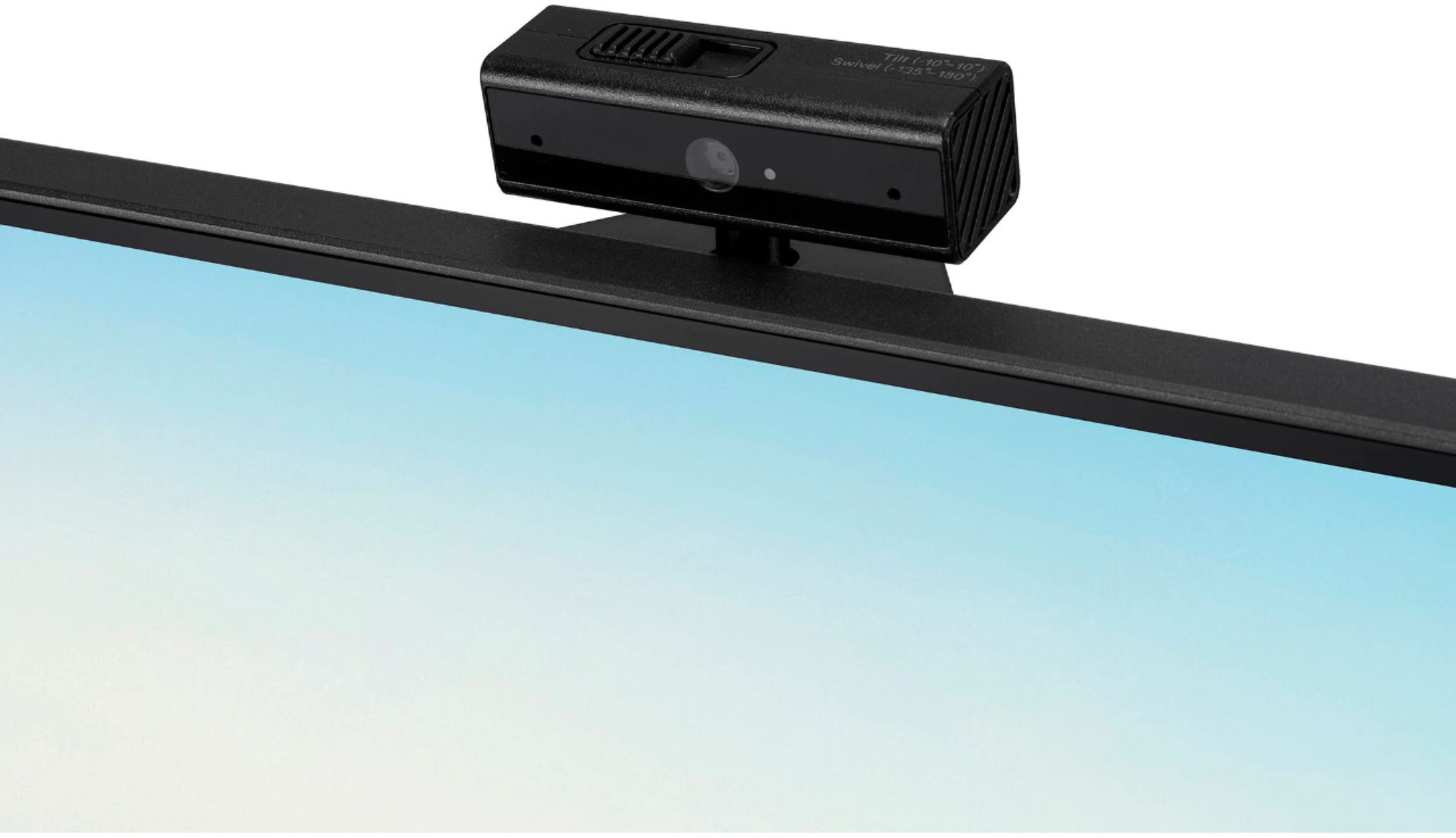
A:AnswerYou'll have the option to enable/disable. Also, keep in mind the camera is powered via USB upstream, so you can have just one monitor connected with the USB.
A:AnswerUnfortunately, I'm unable to get that answer for you. However, there are applications that you can clear/blur out your background. Some are even built into applications you may be using already.
A:AnswerNo, this model comes with HDMI 1.4. You can review the specifications here: https://dlcdnets.asus.com/pub/ASUS/LCD%20Monitors/BE24EQK/BE24EQK_BE24EQSK_English.pdf