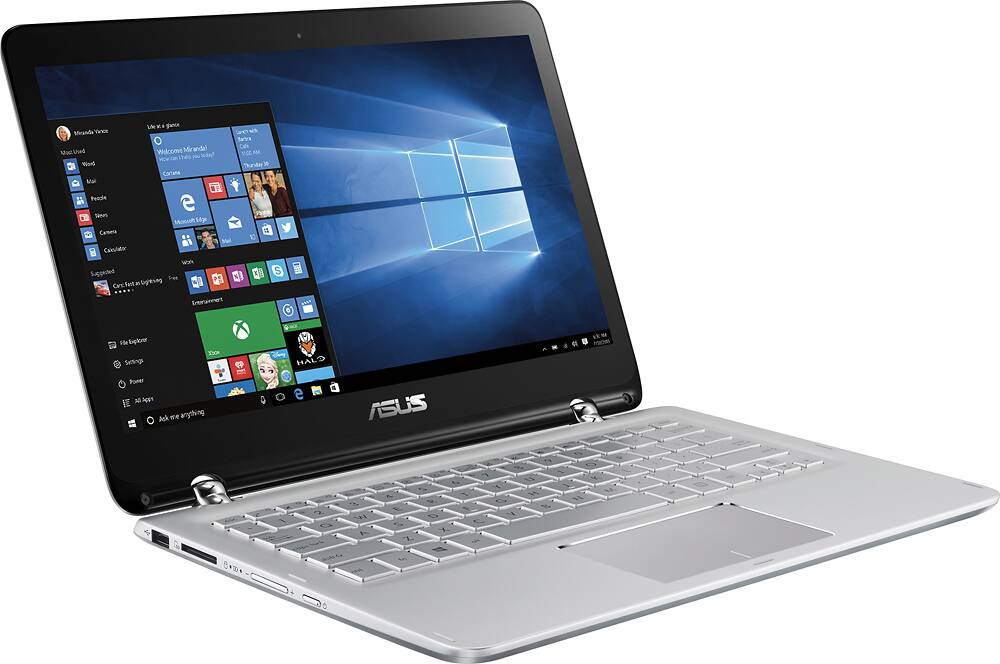
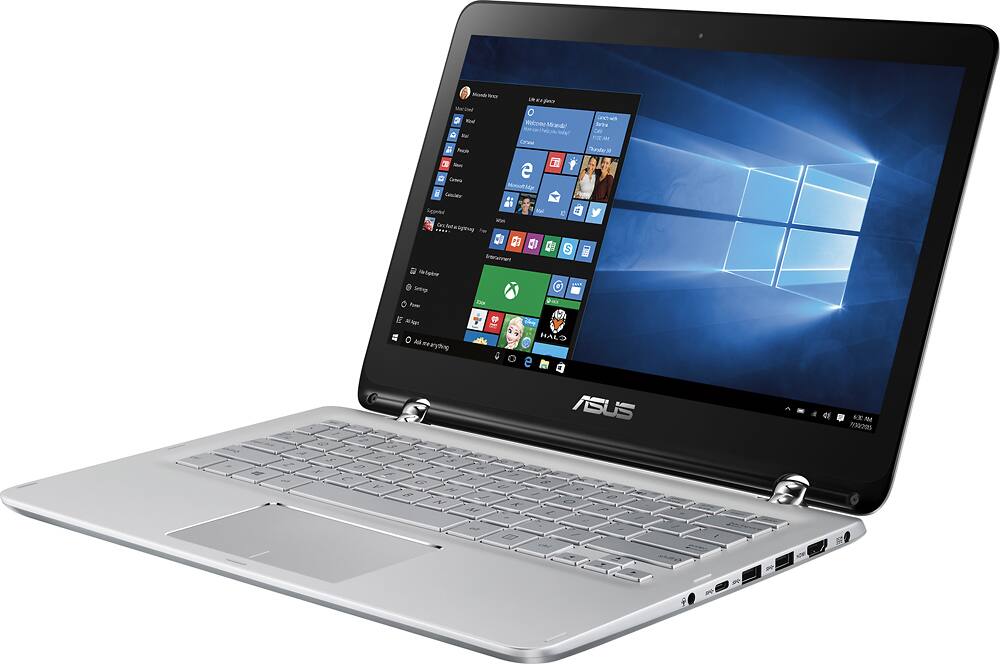
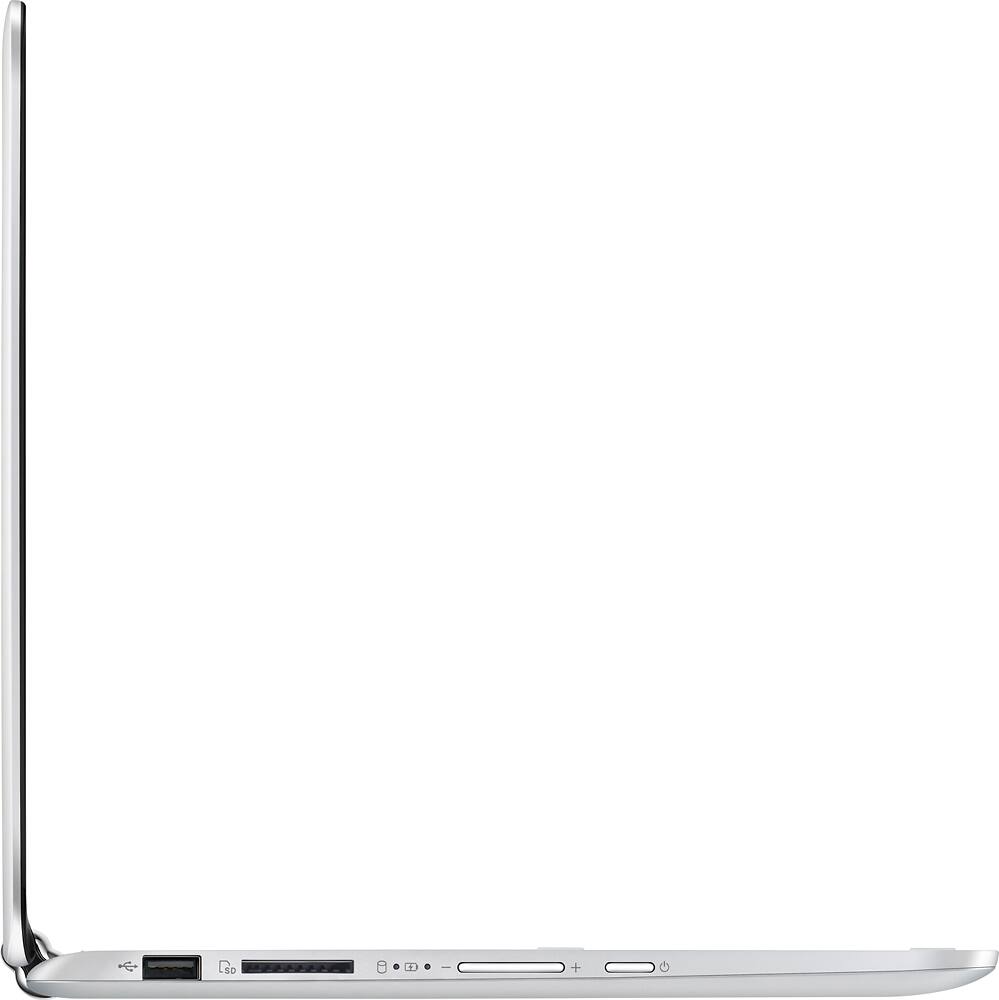
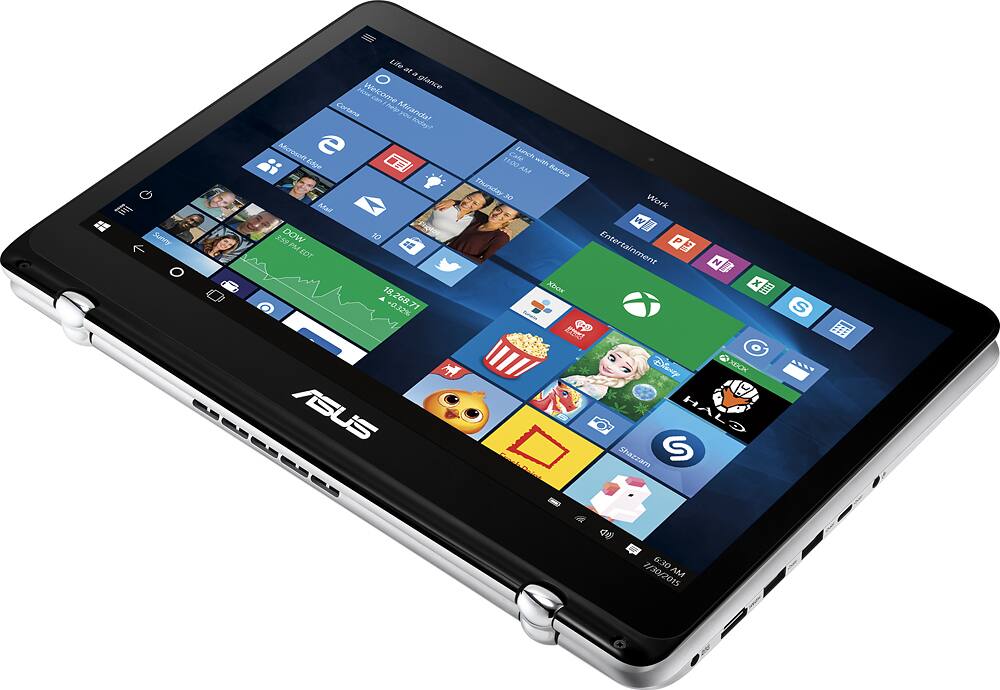
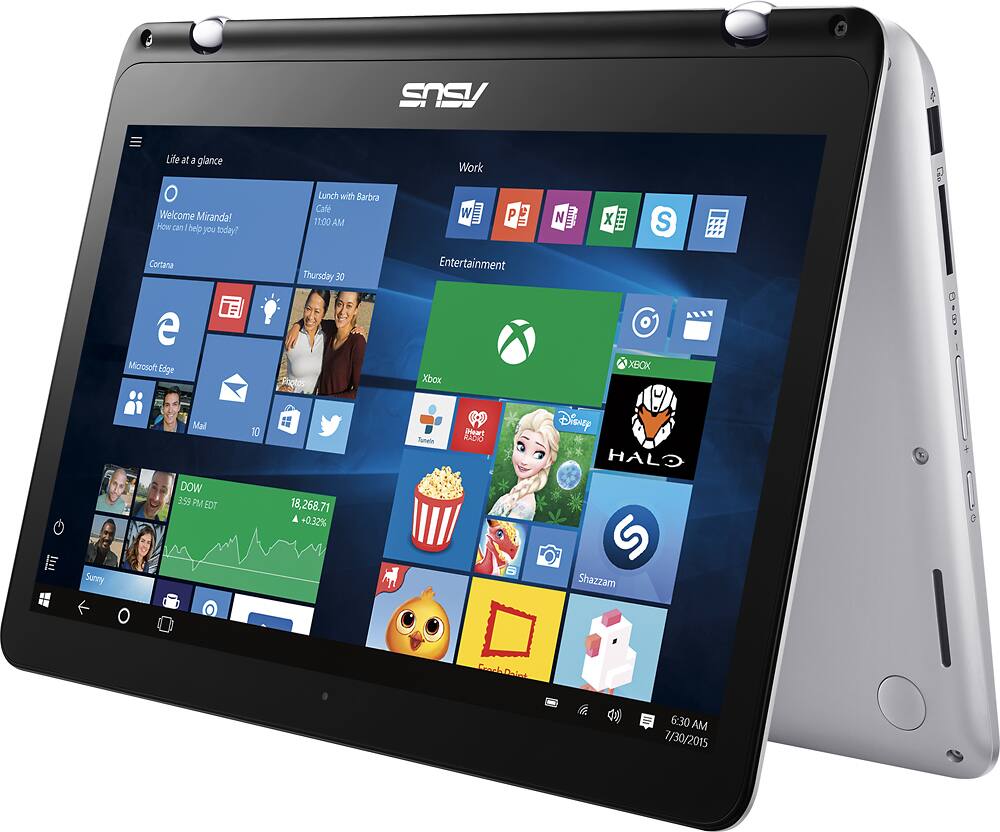
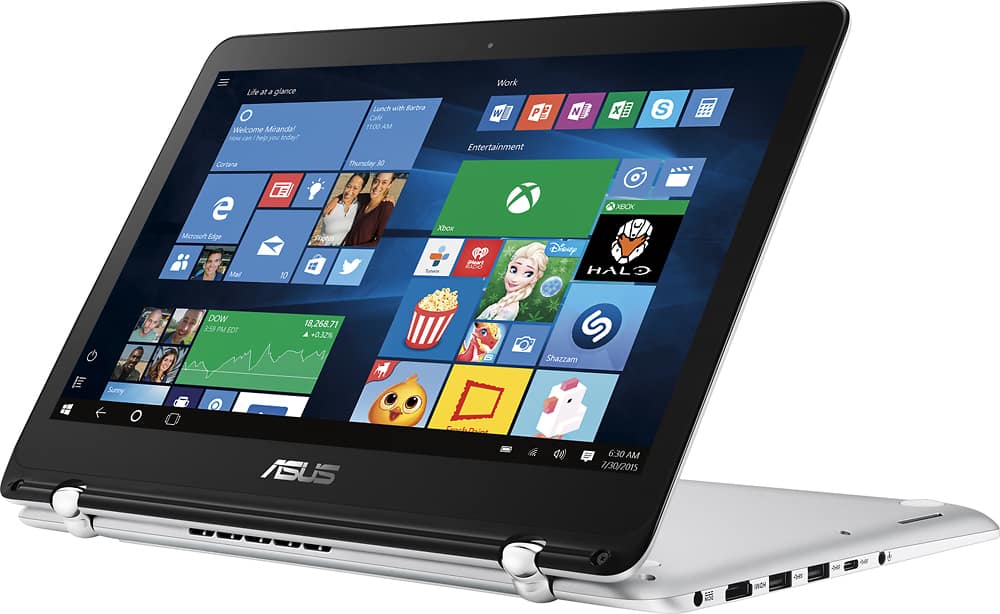
A:Answer Easiest method: go to Crucial.com. Download the system scanner. Select the 8GB (not two 4GB; a single 8GB) SODIMM recommended by Crucial.
Order. Pay. Wait for the mail to deliver.
Go to YouTube and search for "adding RAM to Asus laptop"; find one that closely resembles the Q304UA. You remove the screws from the back (keep track which goes where; they are different sized) and use a spudger to work the bottom plastic cover loose. Pop it off and find what looks like a rectangular chrome box that sticks up about 1/4 of an inch. Use a pair of precision pliers or forceps (I used a hemostat) to CAREFULLY pull up the tabs and remove the cover. There will be a piece of grey tape on the 2GB RAM stick already installed; CAREFULLY peel it back.
There are two spring-loaded clamps on the side of the RAM stick installed; pull them slightly out and they'll spring out. When both have "sprung" the RAM should "pop up" slightly. CAREFULLY pull it out noting the notch on the bottom of the RAM stick. Take your new one, match the notch with the slot, push it in until it "clicks" and the spring-loaded clamps should hold it in place. Reapply the tape cover, then the chrome cover (CAREFULLY push the tabs back in to the board).
Put the cover back on, put the screws back in, turn it on. 12GB!