A:AnswerYes, it was sold out during pre orders. I tried for 3 days to get a pre order and they were all gone within minutes. There is a company in CA that bought a ton of the pre orders and is now selling them for a higher price.
A:AnswerThere are two NVMe ports and one of them is occupied by the 1 TB NVME drive and the second is available for installing a NVMe. There are two RAM slots both of them occupied by 8 GB Samsung chips. According to Asus you can put in up to 32 GB of RAM but you cannot upgrade this RAM speed due to limitations in the BIOS that they haven't fixed yet but maybe upgradeable in the future.
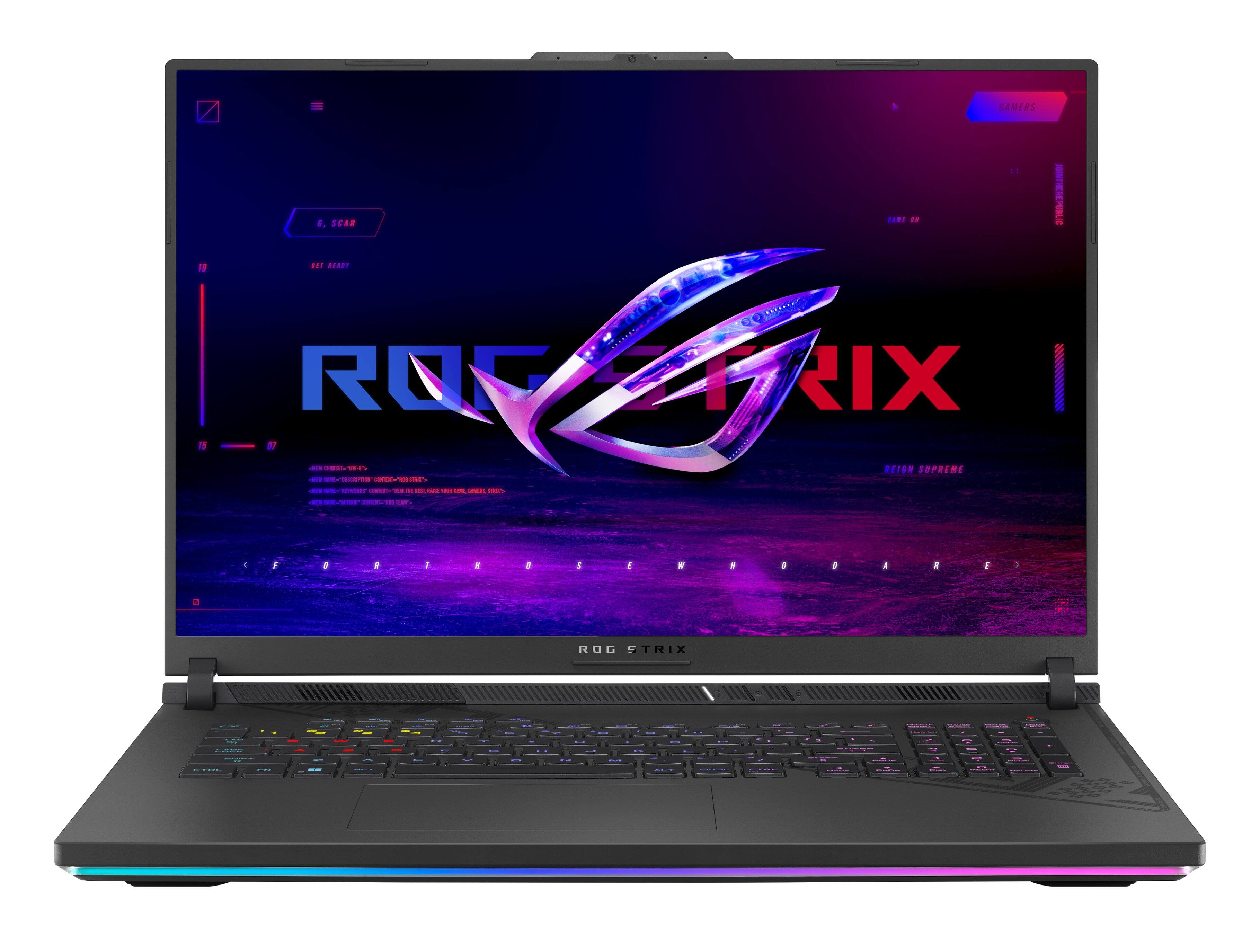
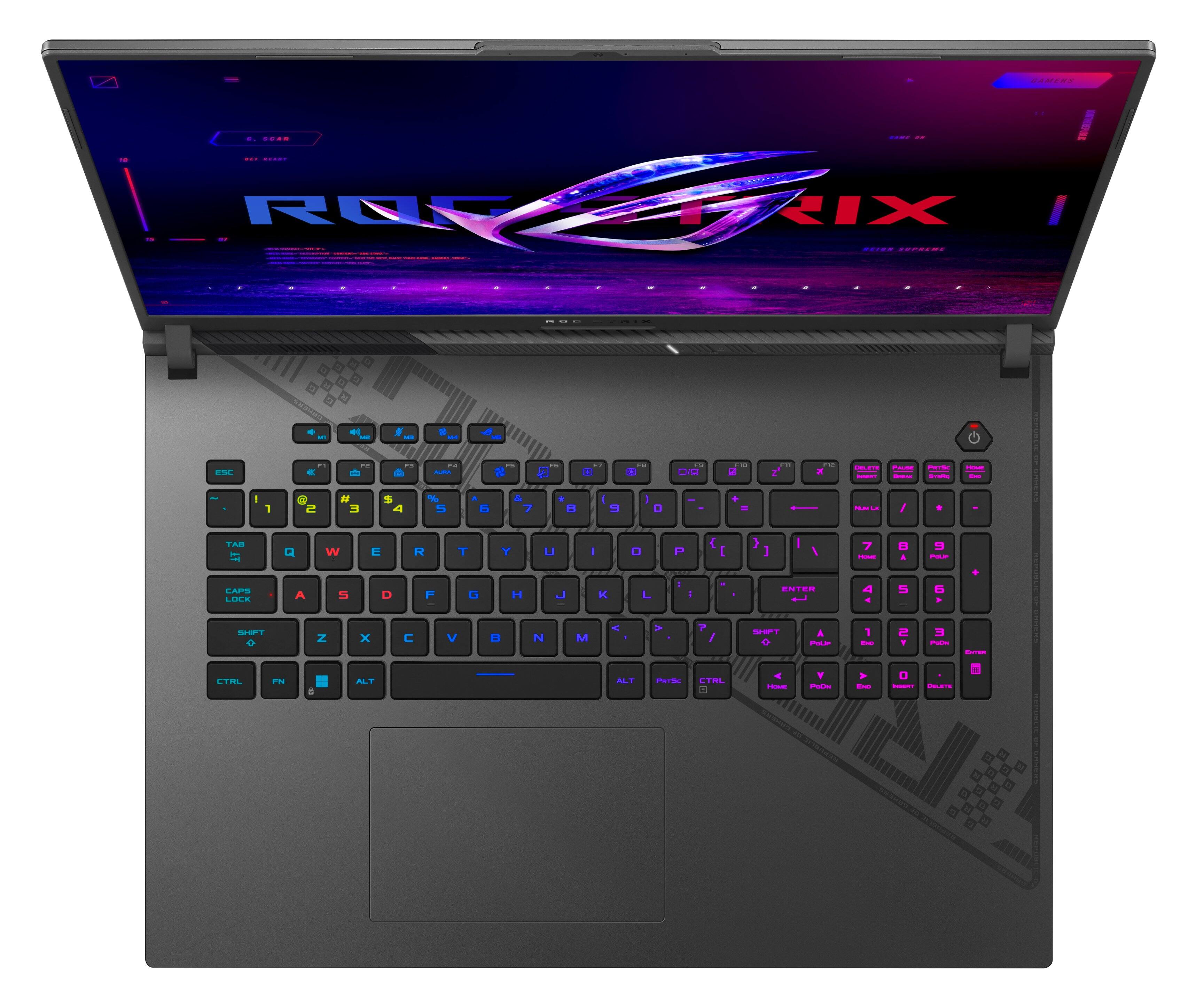
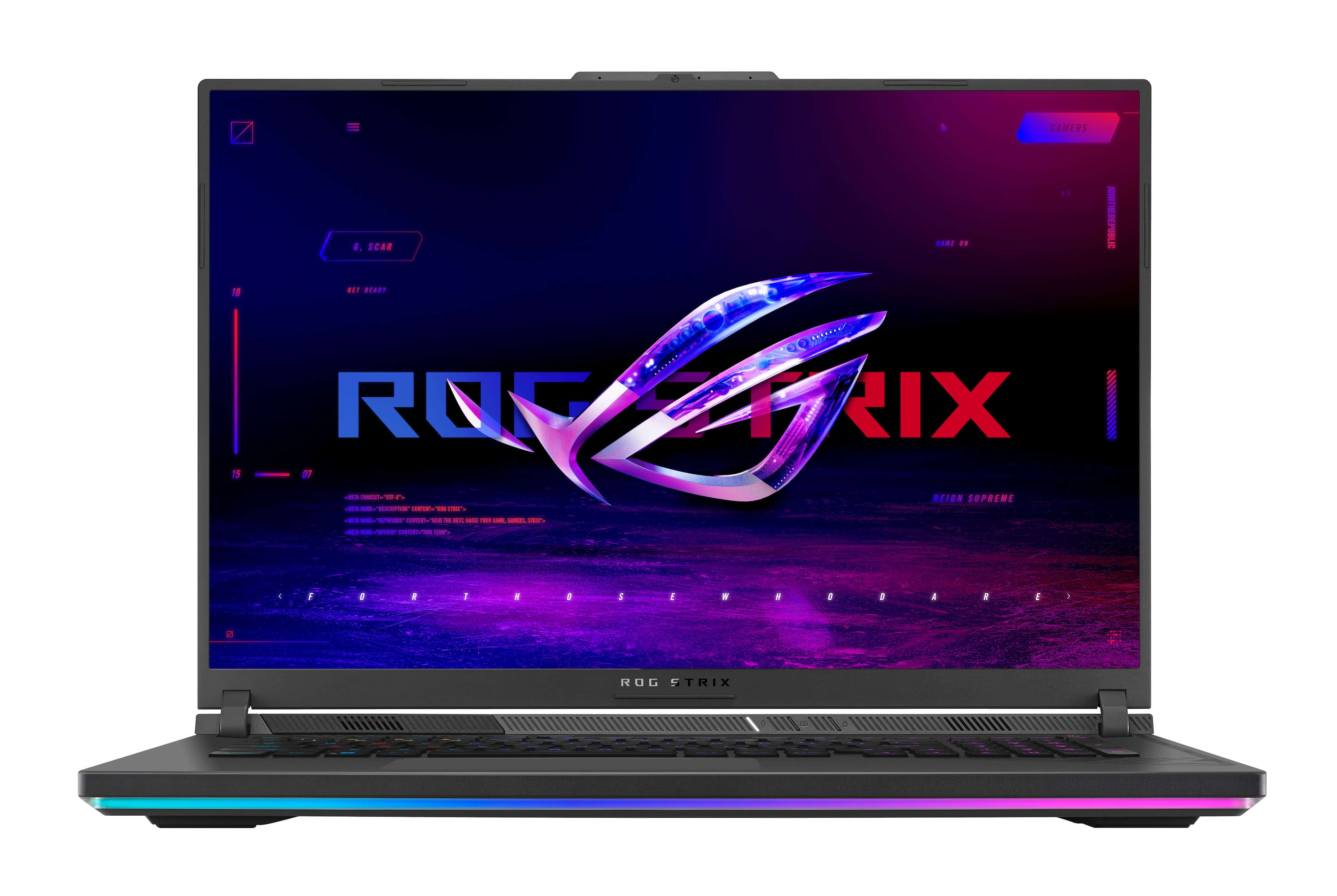
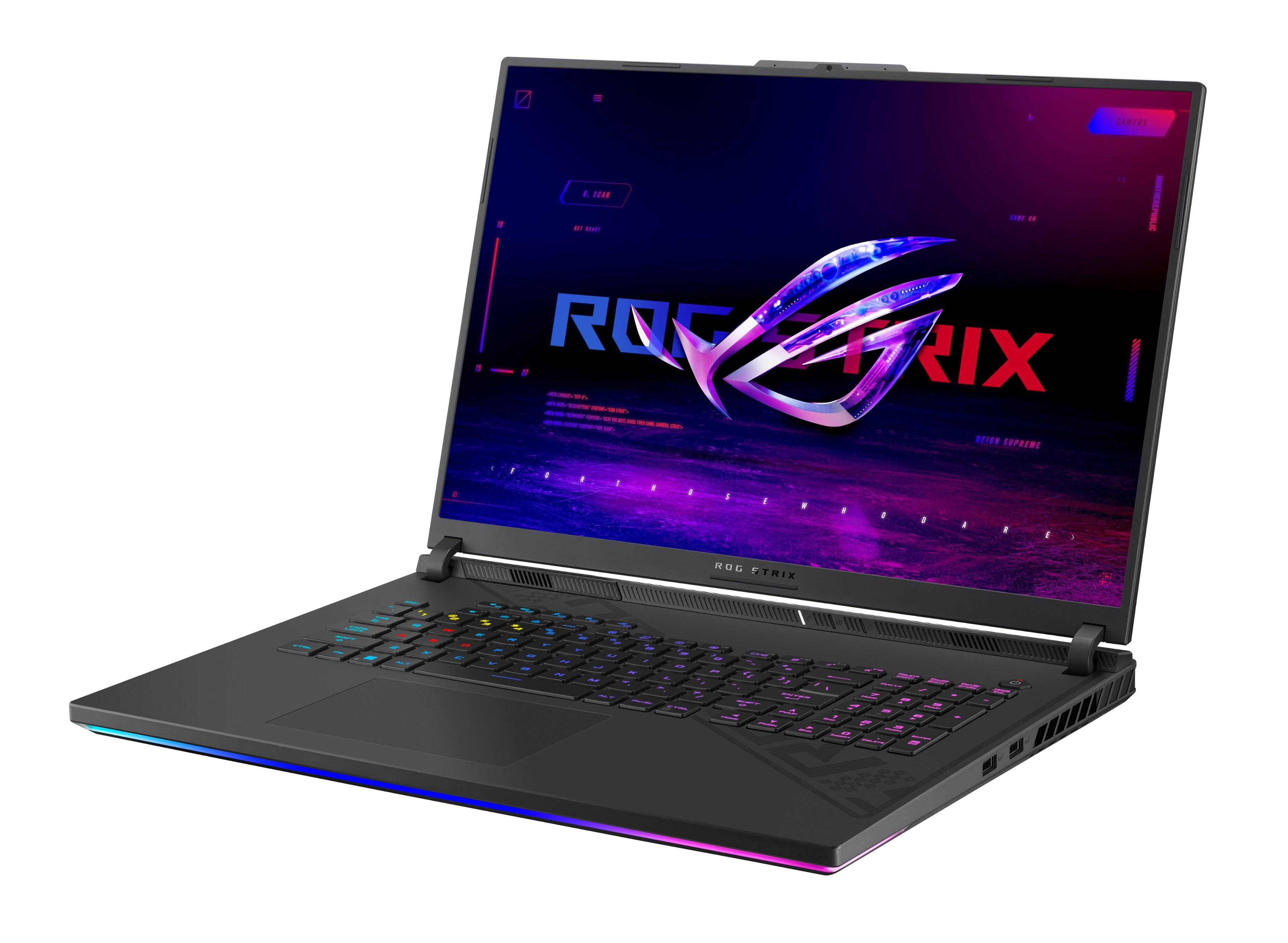
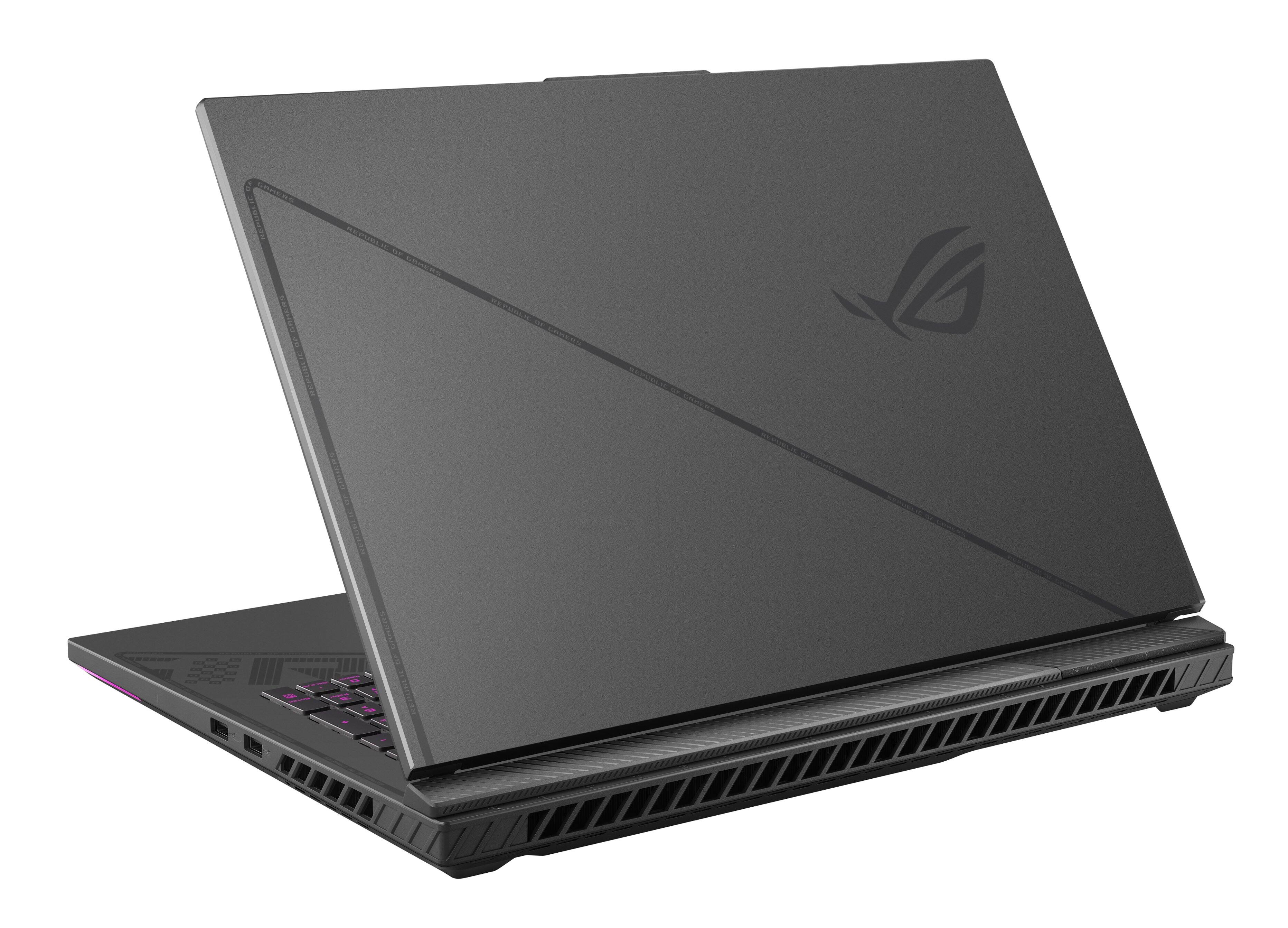
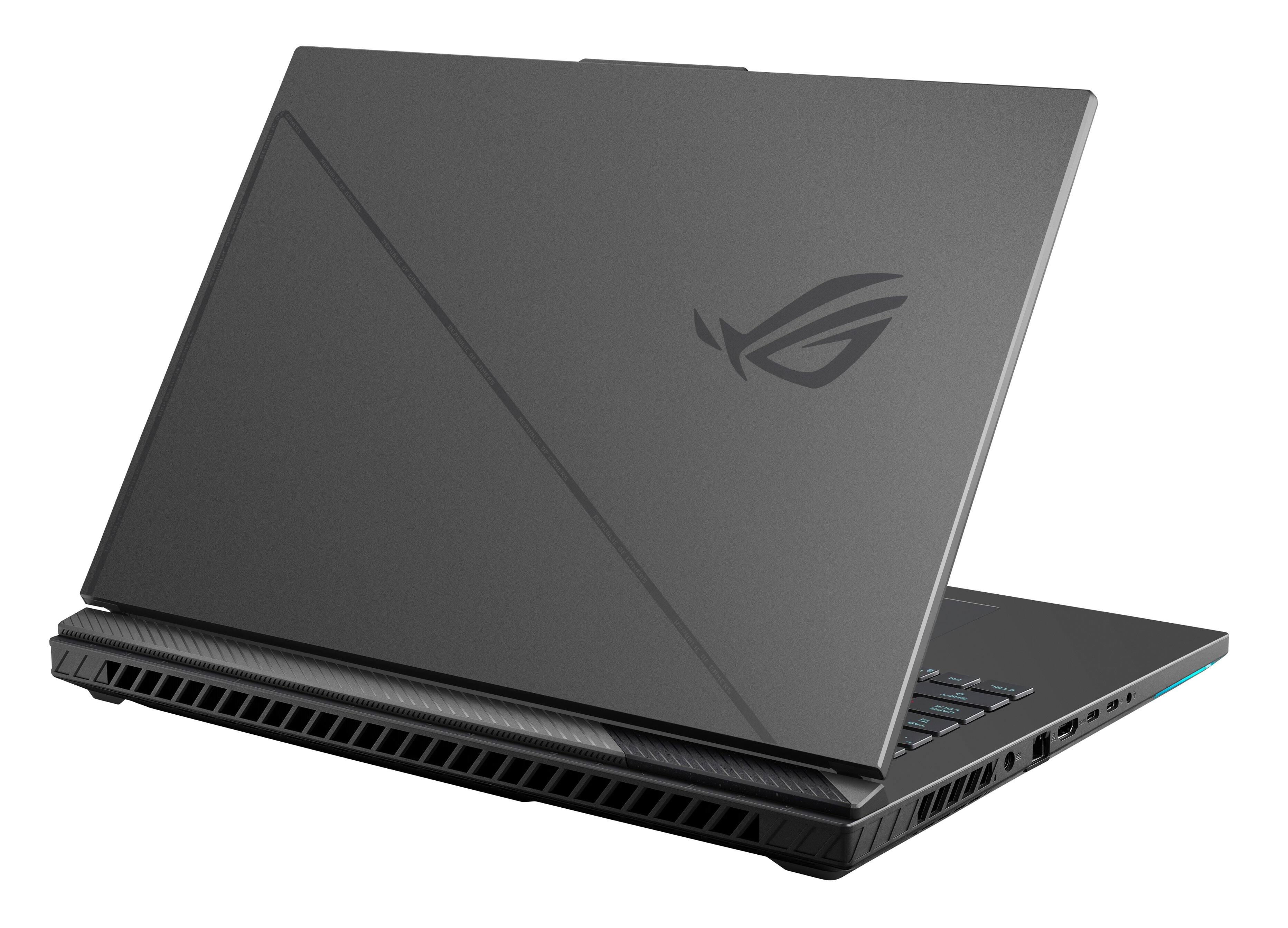
A:AnswerThis is the ASUS ROG Strix G18 G814JZ-I9.4080 that I purchased and immediately upgraded it to have 64GB 4800 RAM and 4TB NVME SSD. Not the SCAR!
A:AnswerThe latest line of ASUS laptops has a new, state-of-the-art cooling system that delivers mind-blowing performance. So yes, your laptop will be very cool and by extension, the user too. Blowing the mind of girls though will take some work.
A:AnswerMax capacity is 2 x 32GB total 64GB. Asus updated bios so that DDR5 5600 MT/s kits work. With 64GB it will drop 5600 MT/s to 5200 MT/s. Most people are using Kingston Fury impact 5600MT/s 32GB or 64GB CL40 kits.
A:AnswerSo, even though this laptop utilizes the i9-13980HX processor which does support x16 dedicated gfx pcie lanes while having capability to dedicate non gfx lanes for other pcie capable devices (nvme, etc), according to asus, it still only uses x8 of them. What a waste of resources Asus... :-(