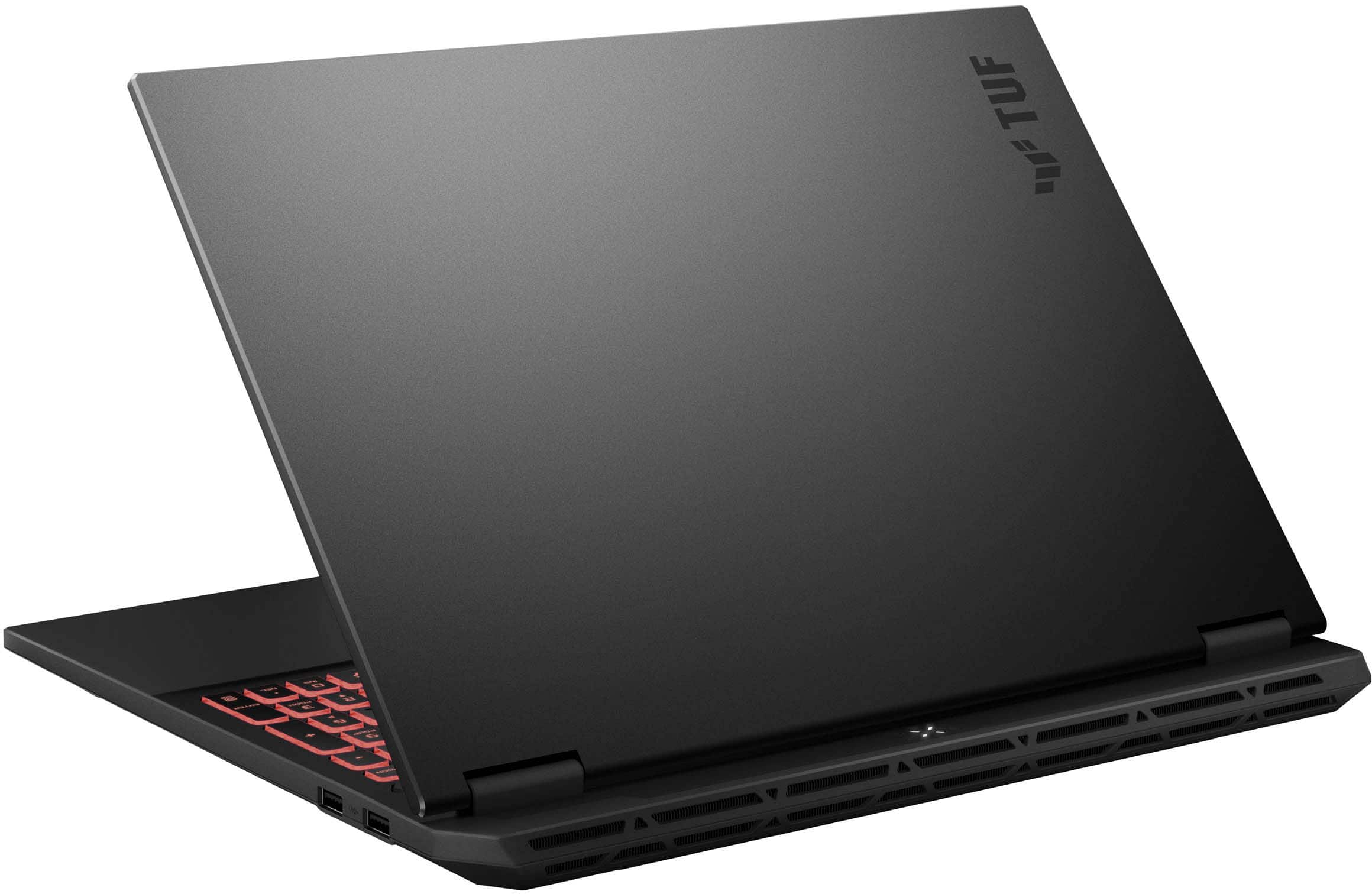
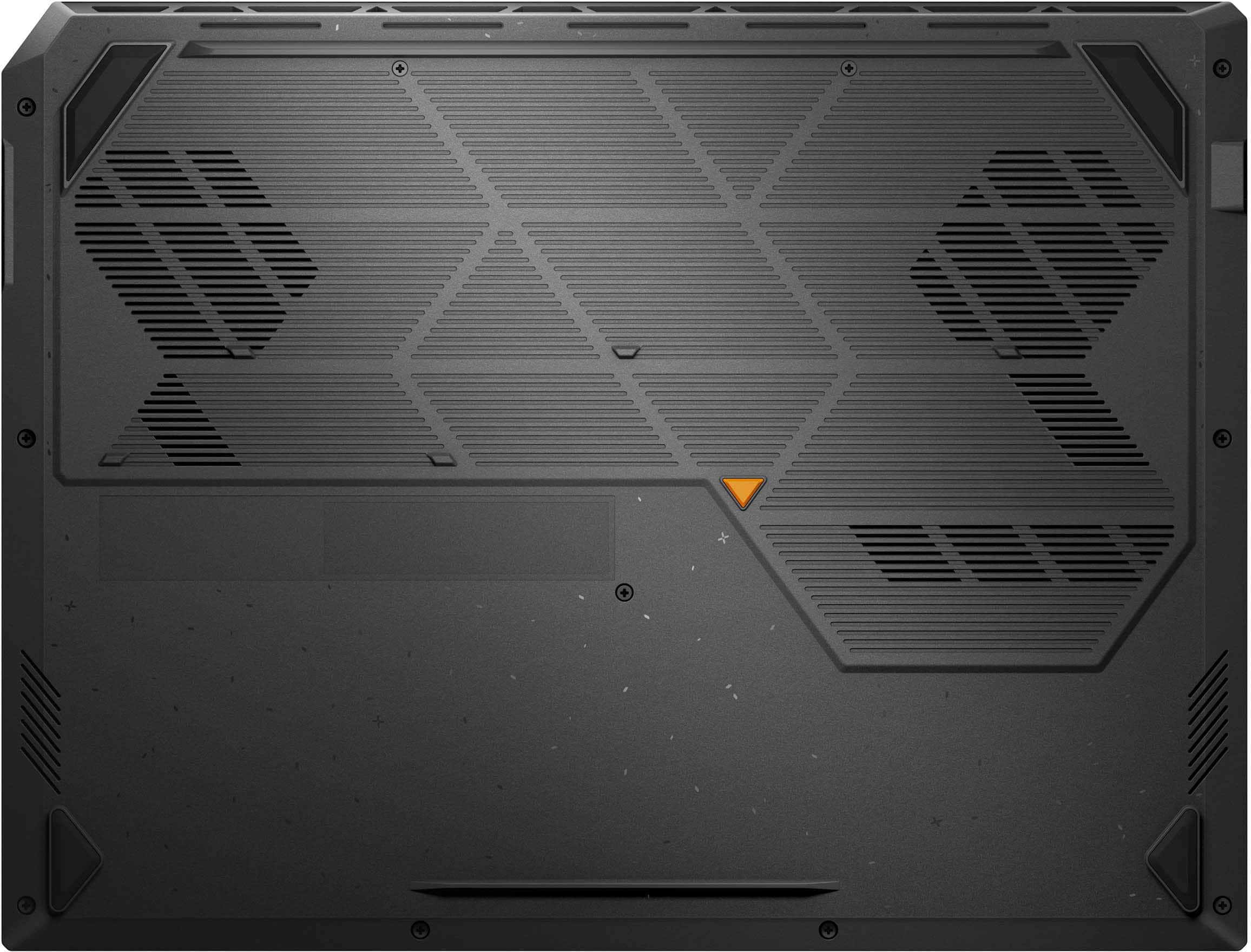
A:AnswerThe ASUS FA608UP Gaming Laptop is equipped with two M.2 2280 PCIe Gen4 slots, one running at Gen4 ×4 and the second slot at Gen4 ×2, and each slot supports up to 2TB SSD capacity.
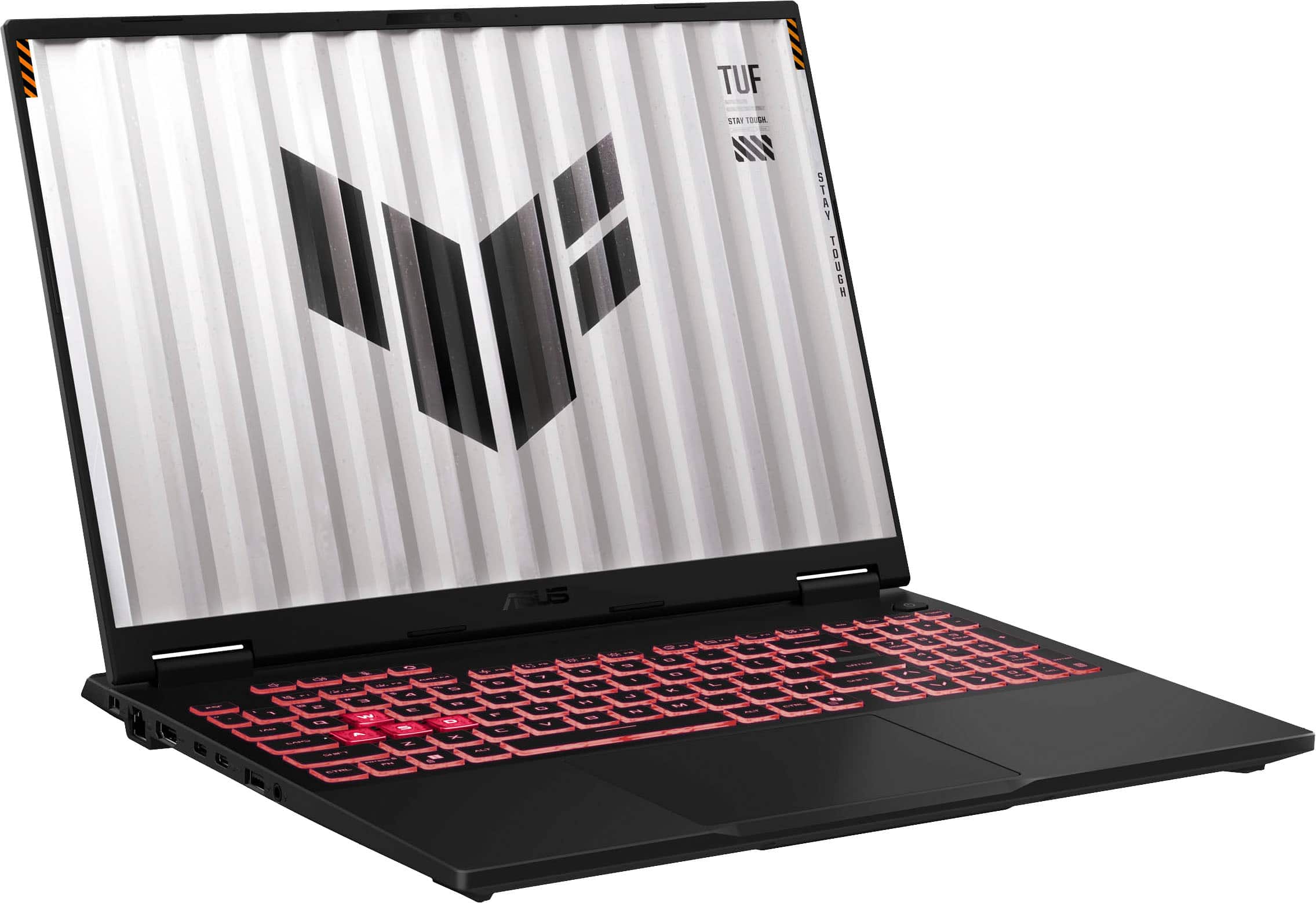
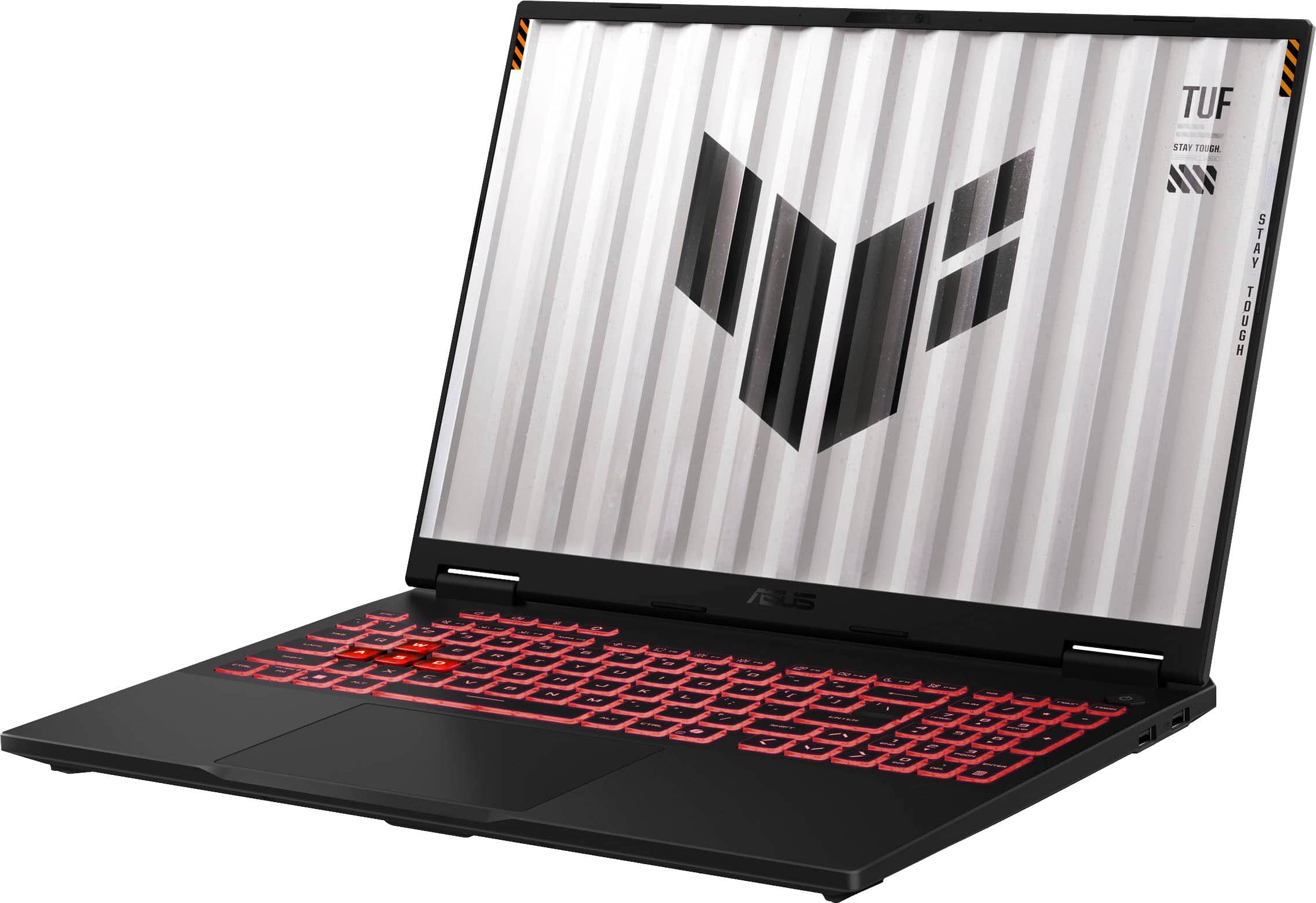
A:AnswerThe ASUS TUF Gaming A16 FA608UP laptop has 5 USB ports in total.
1 × USB 4.0 Type‑C (supports DisplayPort)
1 × USB 3.2 Gen 2 Type‑C (supports DisplayPort and Power Delivery)
2 × USB 3.2 Gen 2 Type‑A
1 × USB 2.0 Type‑A
A:AnswerThe ASUS FA608UP Gaming Laptop is compatible with any standard 3.5mm wired headphones, Bluetooth headphones/earbuds, and USB or dongle‑based gaming headsets.
A:AnswerThe ASUS FA608UP provides full support for Bluetooth headphones, including the Beats Solo 4, offering both wireless and wired connection options for reliable audio performance.
A:AnswerThe ASUS TUF Gaming A16 (FA608UP) has a 90Wh battery that delivers up to 14 hours of battery life under light workloads like web browsing and video playback.
A:AnswerTo upgrade your ASUS FA608UP laptop from Windows 11 Home to Windows 11 Pro, you’ll need to purchase a Windows 11 Pro product key directly from Microsoft. Once you have the key, you can enter it in Settings → System → Activation → Change product key to unlock the Pro features.
![TUF ... Foos 1 SA 1OUok T P .. re V ALMA A .. 0 .. F - A .. ... I ! - .. PP - - - 1 1 1 E S 4 % S A 5 & 7 . B I 9 - O - - / - 1An Q W E R T Y U I O P 4 [ I ] I 7 H.- B a 9 - EAP A S D . F G H J K L 1 ; - ENTER 4 - 5 b + UPT Z x C V N M . - 1 / SET 1 N e - .- HIE CIM - de .. - ALT ALT LIM - ...](https://pisces.bbystatic.com/image2/BestBuy_US/images/products/26287391-efce-470e-a8af-91d3197bdabd.jpg)