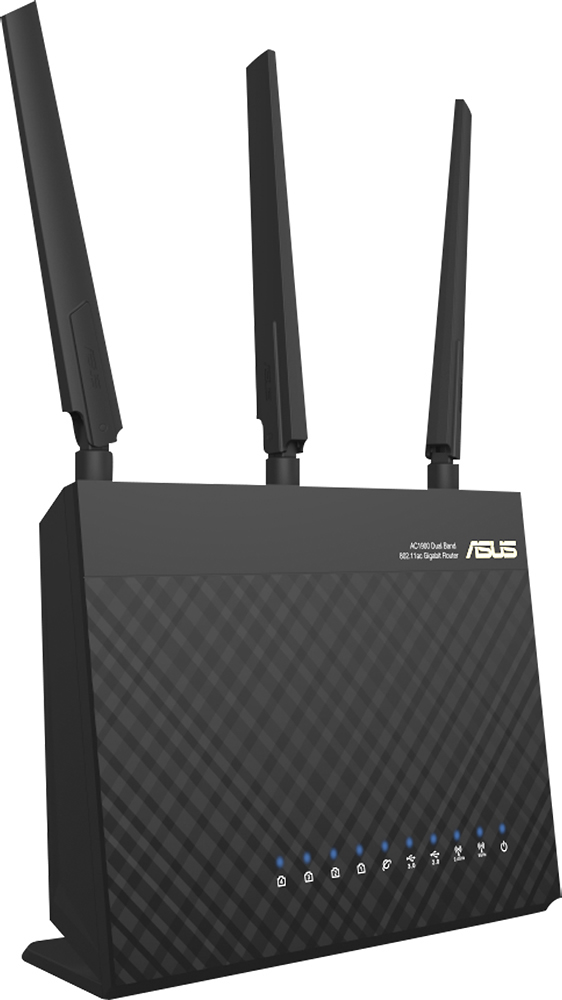
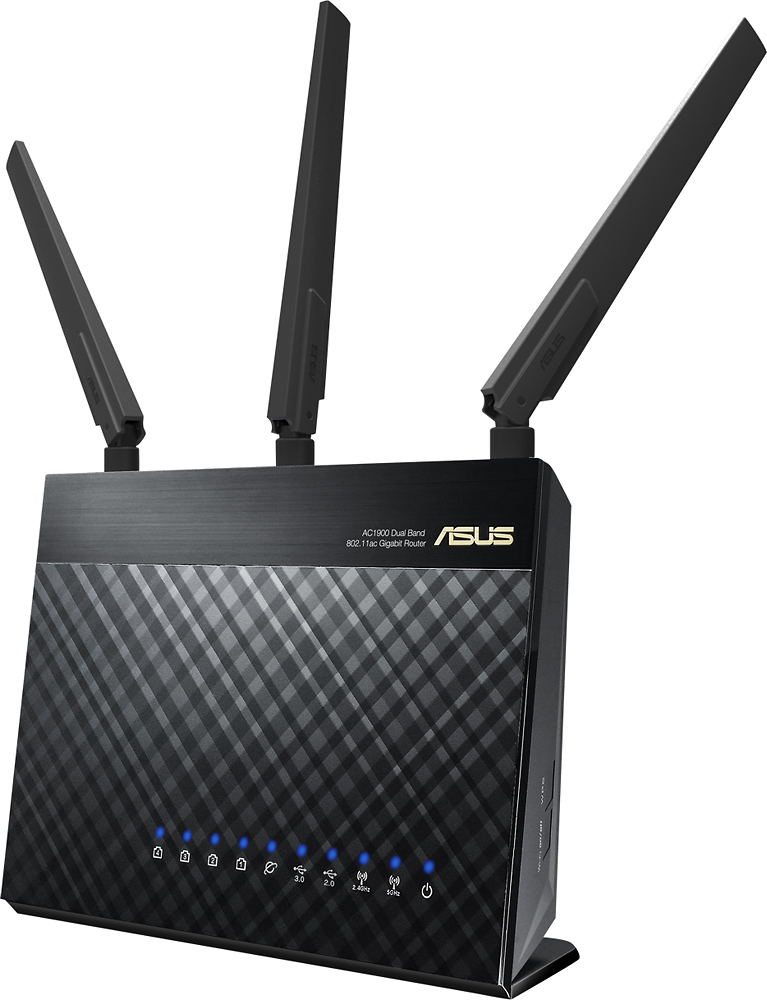
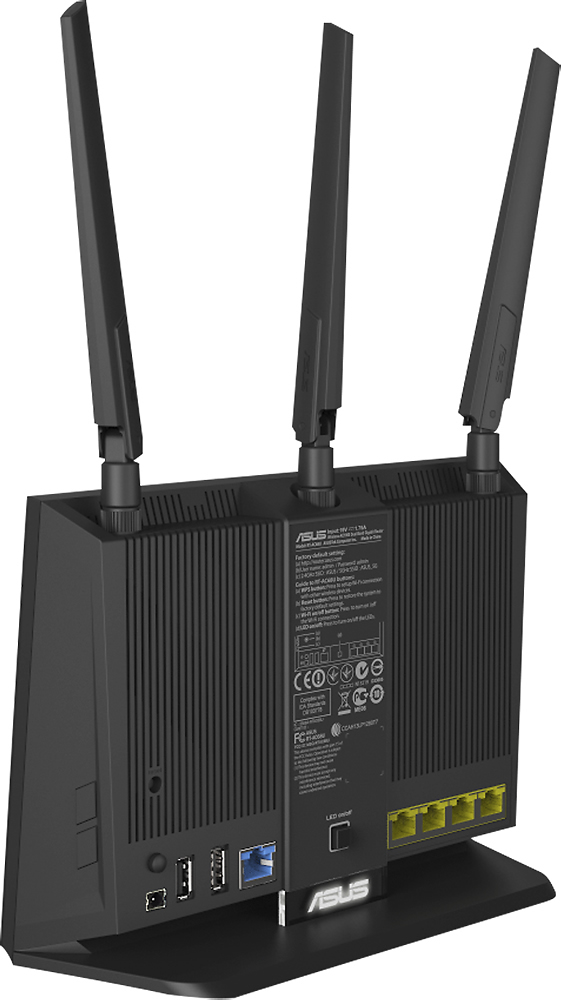
A:AnswerWired, that's about right: 4 Ethernet connections (LAN), 1 Internet connection (WAN), and 2 USB ports for hard drives or printers. Wirelessly, it should support whatever you have. We had 10+ wireless devices connected without a problem.
A:Answer"U" or "R" is the black online version that Amazon, etc. sells. "W" is the white colored version of "U". They have a dual core 800Mhz chipset. "P" is v2 of "U/R/W" -- has faster/better chipset, dual core 1Ghz, and fixes problems with USB 3 storage.
A:AnswerWithout question, the ASUS RT-AC68P. This thing rocks and won't be obsolete next year. Works with ALL my devices on 2.4GHz and all my devices that support 5GHz (both Wireless N and Wireless AC). It also gives you wireless storage (attach USB 3.0 HDD to USB 3.0 port) and wireless printing (USB2.0). It's easy to use (the management UI is easy to navigate) and it has a TON of nice tweakable features. If you don't want to mess with anything you still get excellent performance and it has a nice First-Run Setup wizard to make things easy. GREAT product!
A:AnswerYes, it does. Different devices will detect one or both bands depending on the device's specs. For instance, my computer can use either. But, my son's HP Stream only sees the 2.4.
A:AnswerSome considerations to improve your situation.
First, please think in terms of bandwidth demands per device. That is, video and gaming takes a lot of bandwidth (BW), voice (like Vonage, Skype, vchat) a bit less, browsing and email demands much less and messaging demands are irrelevant.
Then ask if these demands are going on simultaneously. If so, which demands and from what sources are these demands occurring?
The best thing to do for the high BW and low latency demands is to use hardwired connections to these locations; best examples being the boxes, play station, steaming DVDs, TVs, roku's, AppleTV, PCs used for streAming, etc).. Reason is you get 10x more performance and no noticeable contention over the hardwired connections in comparison to the wireless capabilities of your 1 wireless router. It also leaves only those wireless-only devices (phones and tablets) to use the wireless spectrum of your router.
Next, realize your router has 2 bands. 2.4ghz and the 5ghz bands. Divide up which devices will use which bands so they share the BW capacity of BOTH BANDS in a reasonable manner. If you need more wireless capacity, then get two wireless routers and divide the demand loads across the 4 available wireless bands of both routers - hey, you might actually get to use your DLink and an ASUS to support your 16 devices.
The name of the game here is to manage the available wireless capacity. If you don't you'll not arrive at a happy place. It's the 10 pounds into a 5 pound bag problem you have, not a product technology problem.
Additional configuration options can me asserted to provide BW allocation per device in the QOS options of your router but in the end, you'll need the wireless BW capacity to be available for your devices. So spectrum budget manage is the key.
Hope you follow the engineering aspects of why and what needs to be done.
RegArds..m
A:AnswerThe range is very good. I have the router at one end of my 2700 sq foot house and i am receiving 4 bars on all device on opposite end of the house. Even at the edge of my property 12,000 sq feet, im getting enough signal to stream HD movies