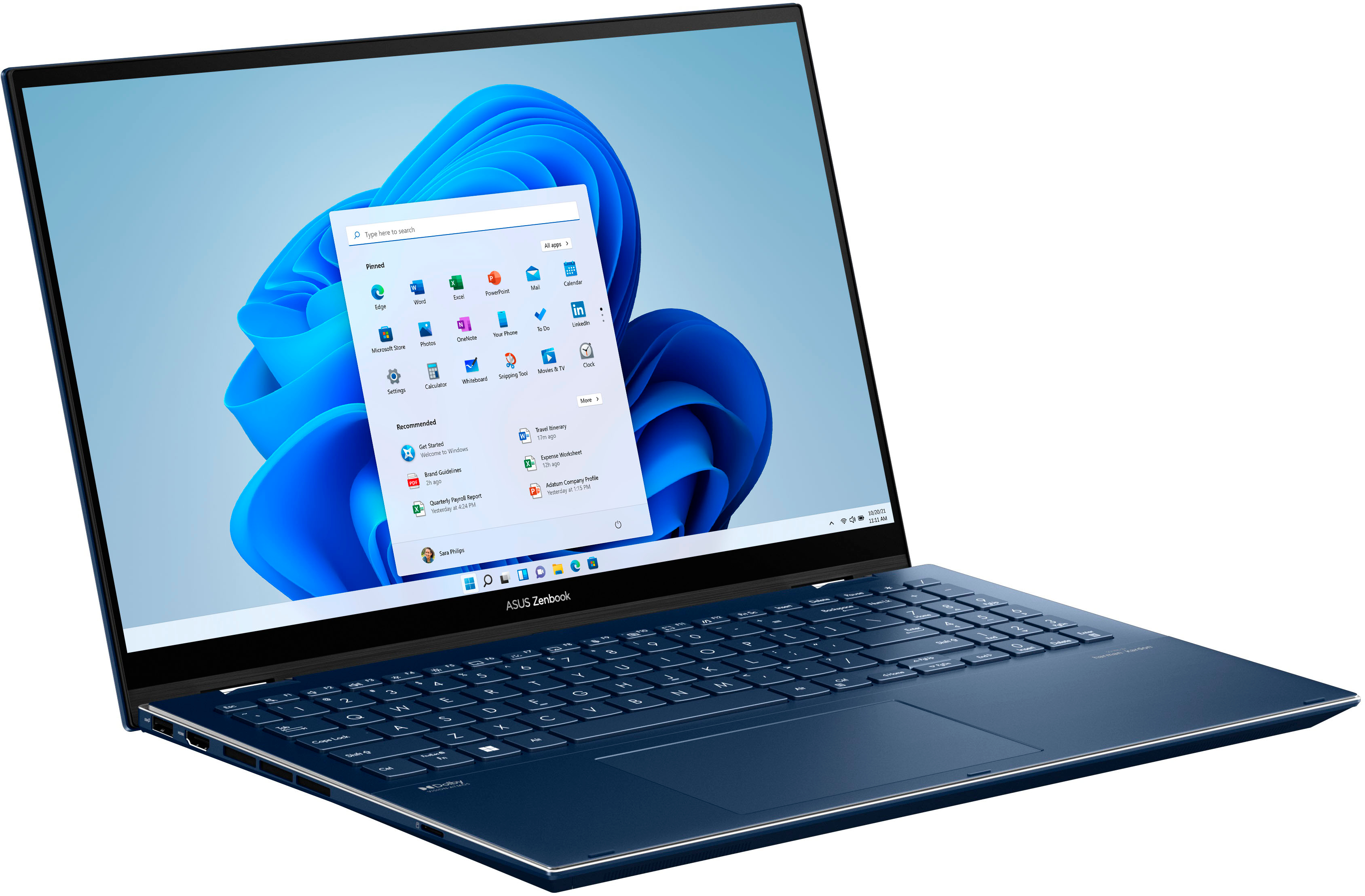
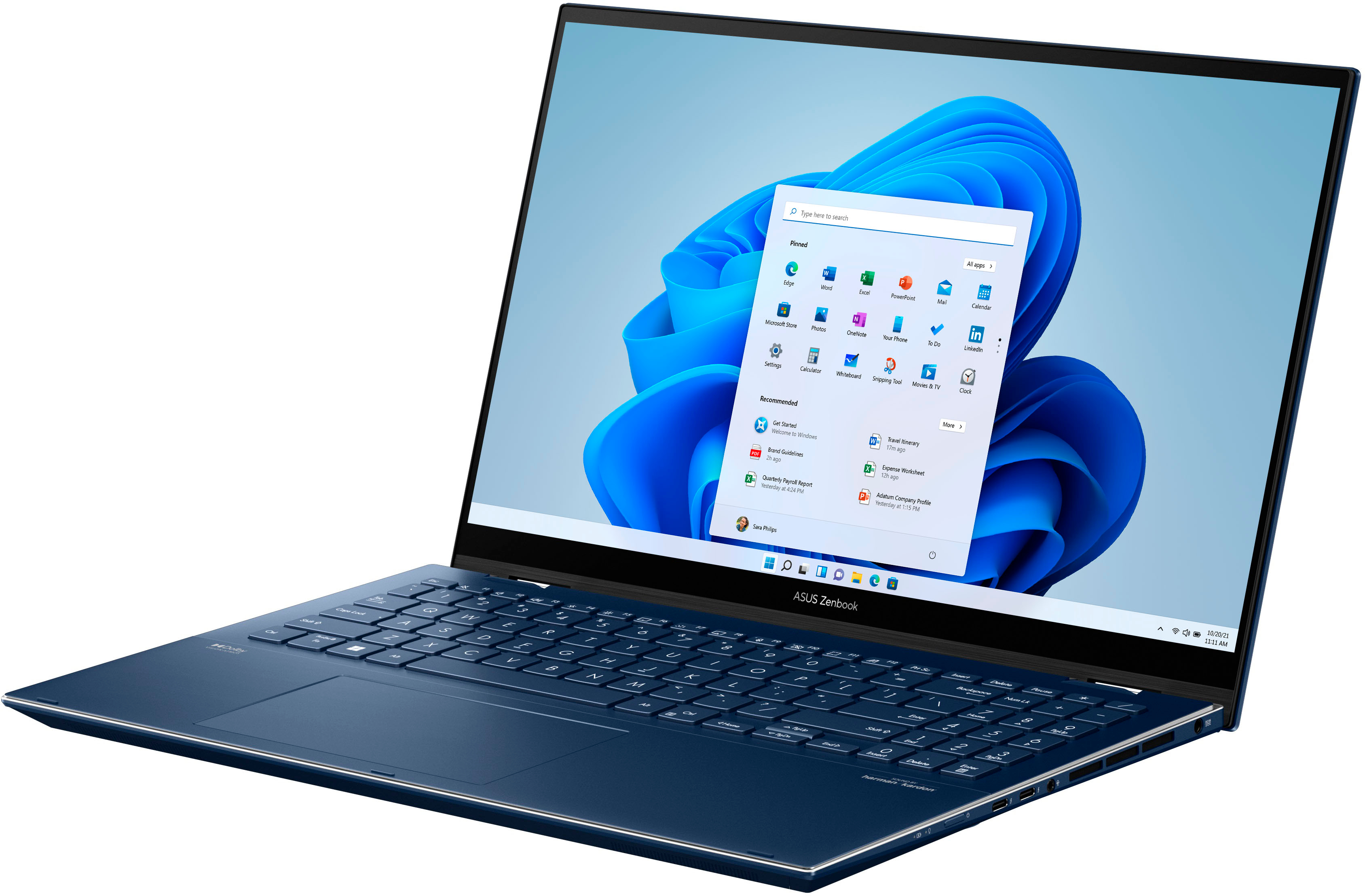
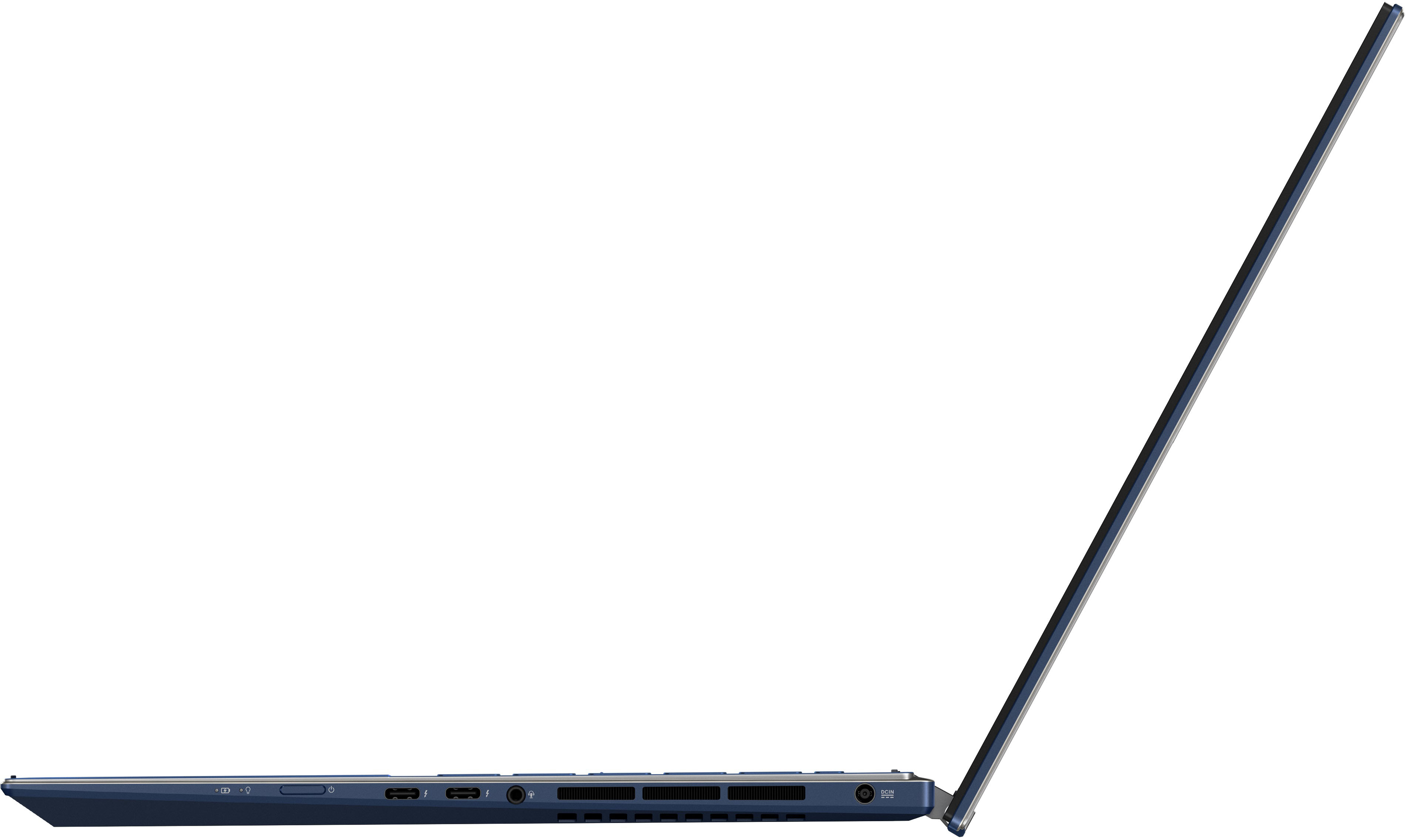
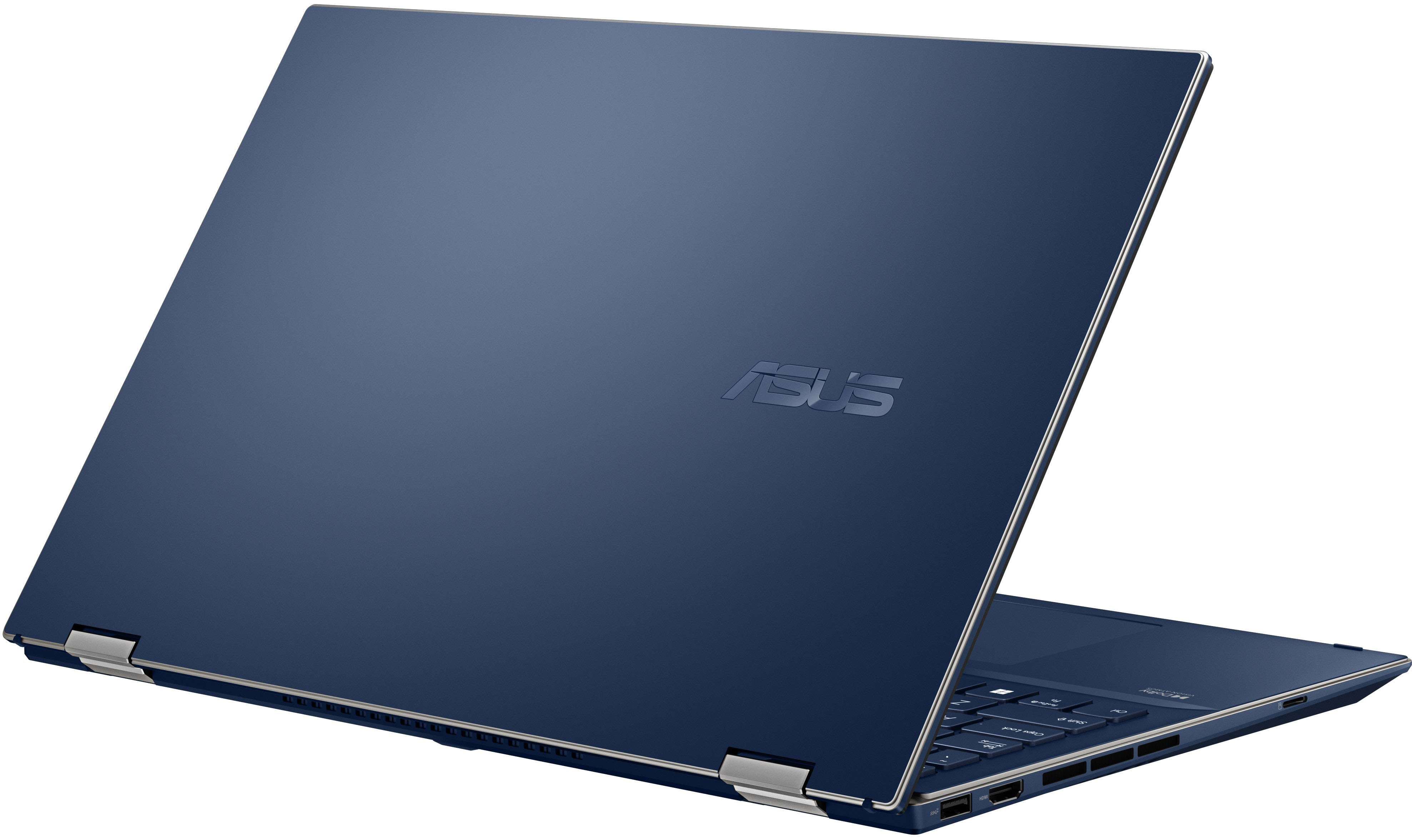
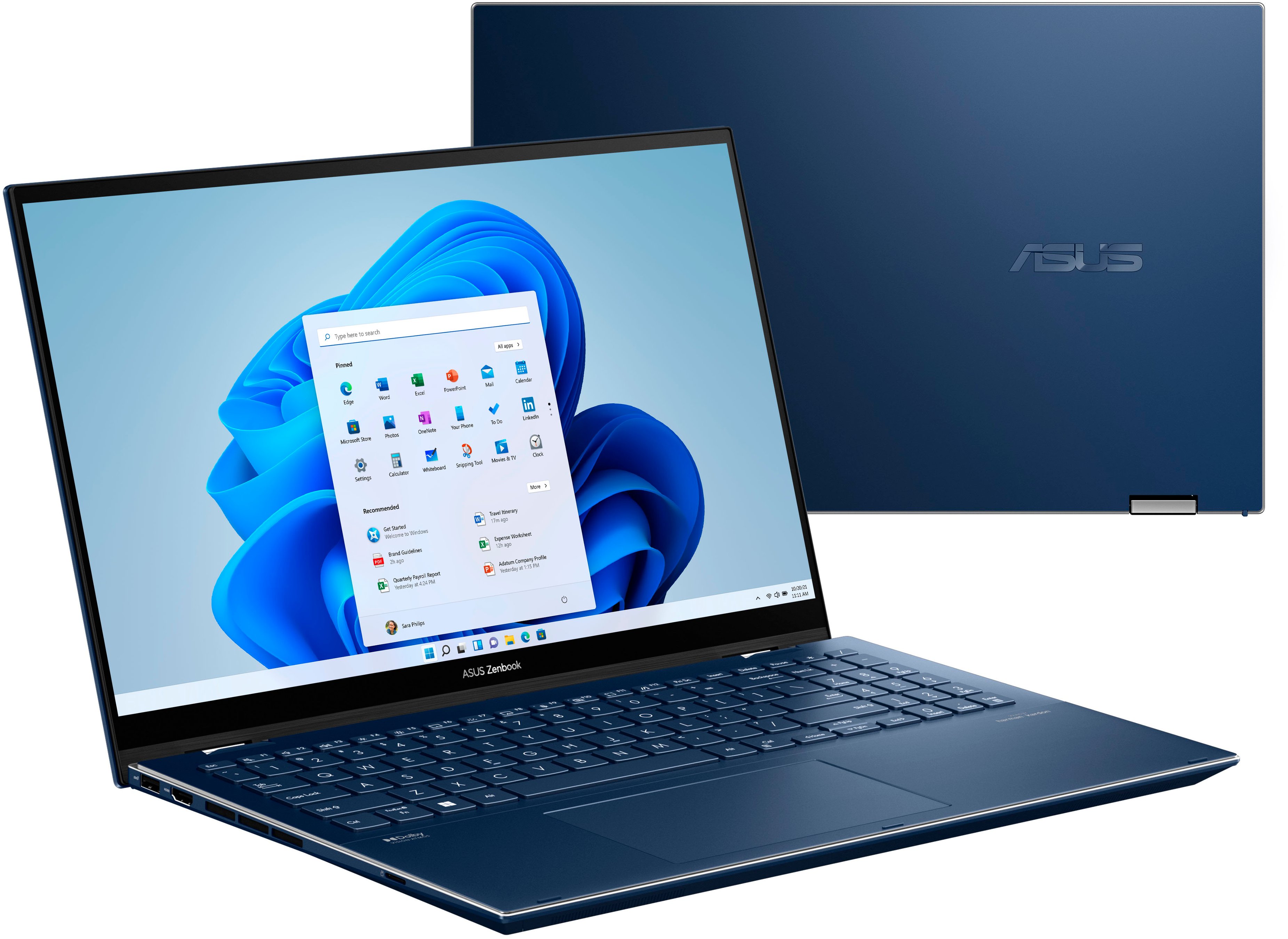
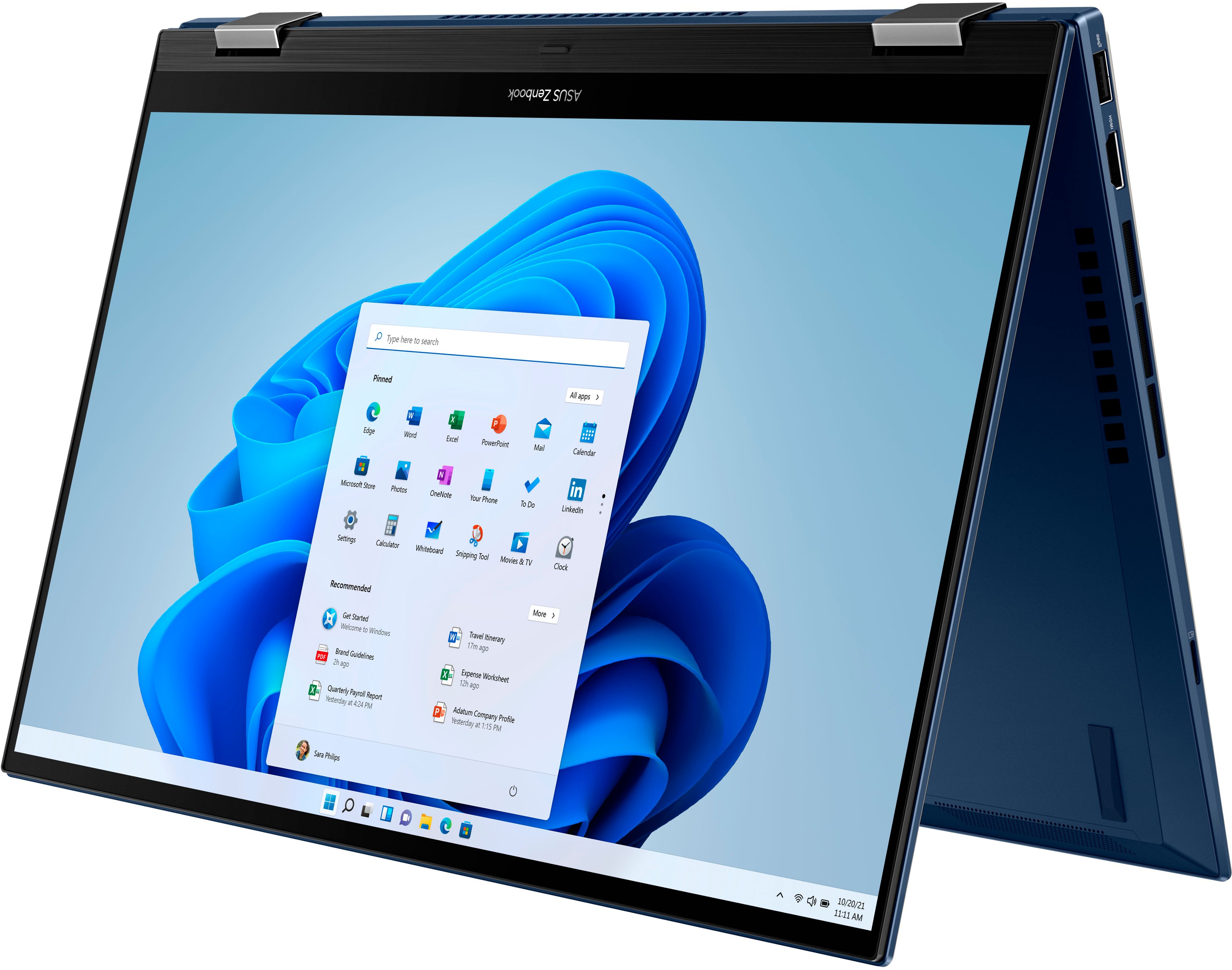
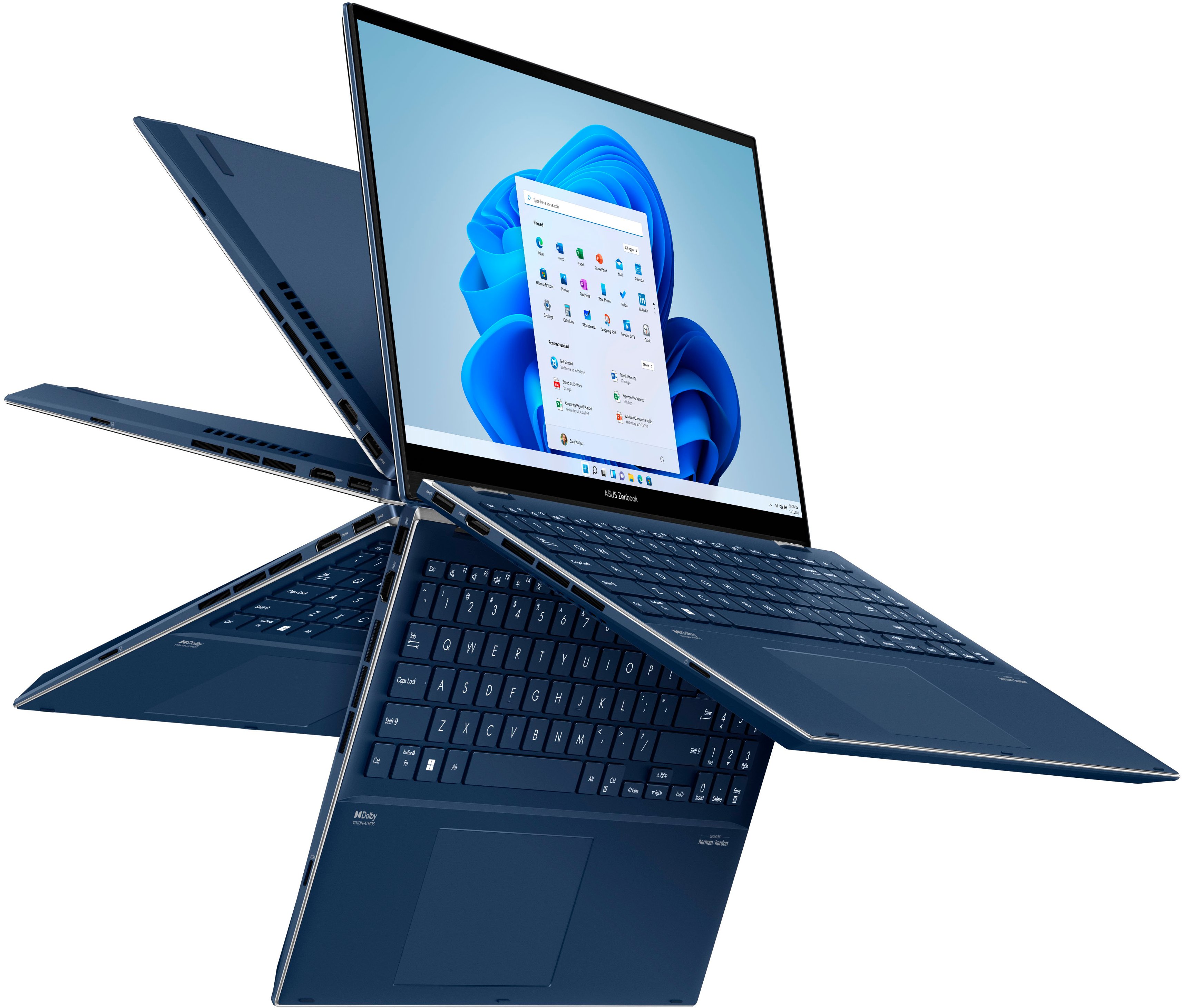
A:AnswerThe air vents that allow cool air to enter and warm air to exit are on the left and right sides of the ASUS Q538.
I noticed you referred to the ASUS Q538 as a laptop. It is a Notebook PC.
The user guide section titled 'Safety precautions explains why you should not place the unit on your lap:
"Your Notebook PC can get warm to hot while in use or while charging the battery pack. Do not leave your Notebook PC on your lap or near any part of your body to prevent injury from heat. When working on your Notebook PC, do not place it on surfaces that can block the vents."
If you need this very powerful ASUS Q538 to be used on your lap, I recommend you first purchase a device with USB-powered cooling fans meant for laptops.
I hope this helps.
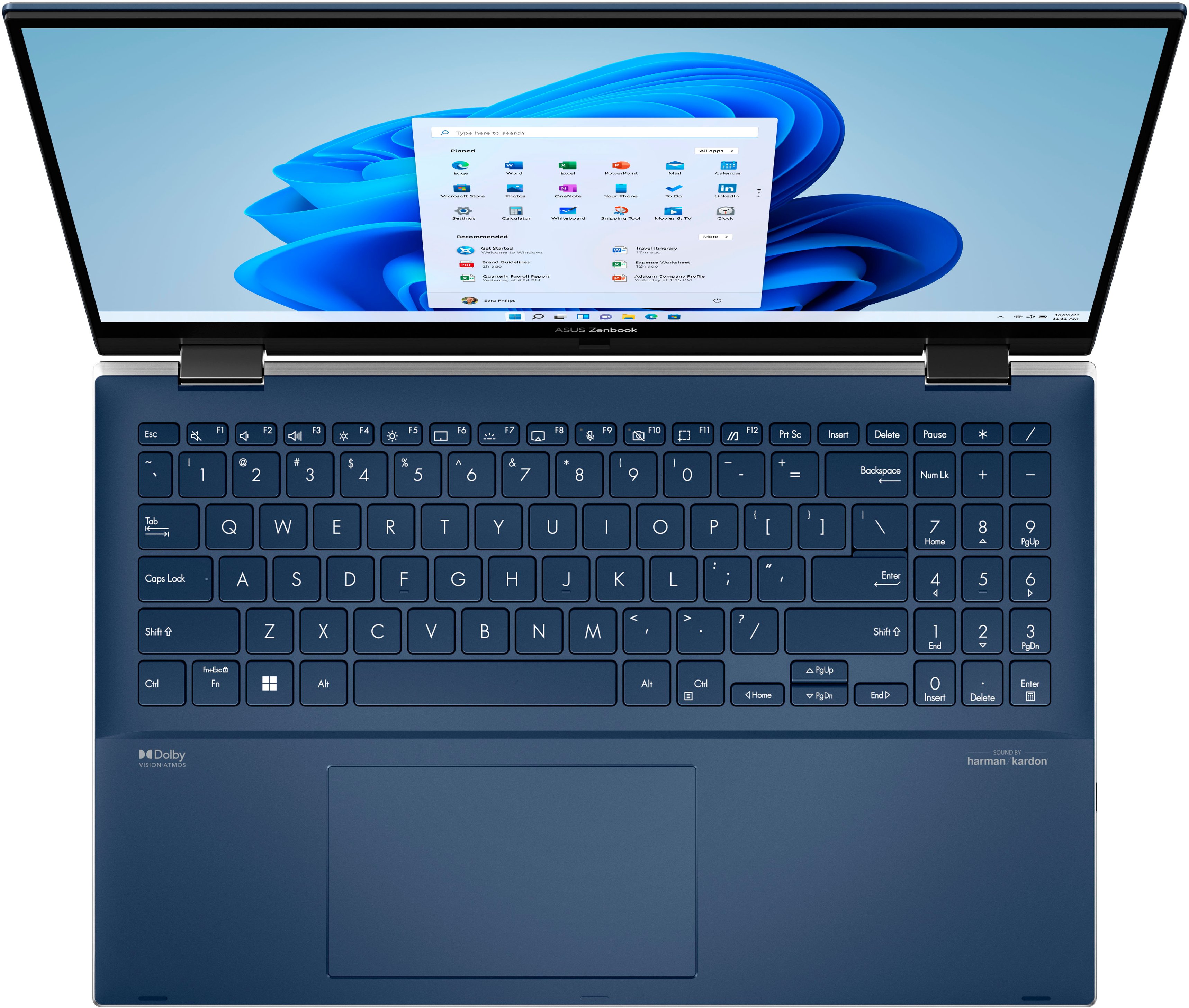
A:AnswerThe volume controls are function keys and on screen via the taskbar, mouse or touch controlled. No physical controls on either side of laptop. Good luck Becca.
A:AnswerThis laptop supports WiFi 6. It has WiFi 6e, which is the next version after WiFi 6.
This laptop's display is not your typical expected 4K. 4K is usually around 3,800 pixels wide or more. This laptop's display is 2,800 pixels wide. Asus lists it as 2.8K.
A:AnswerSo long as you're delivering the same power specs via USB-C (watts and amperes) and the computer is not heating beyond its throttle temps, your experience should be the same as the DC port.
A:AnswerIgnore the answer that says the 1TB M.2 NVME SSD is soldered to the motherboard. This is incorrect. It is removable and per the Asus response an up to 4Tb NVME SSD can be fitted.
The 16Gb of DDR5 system RAM is however soldered to the motherboard and cannot be upgraded.