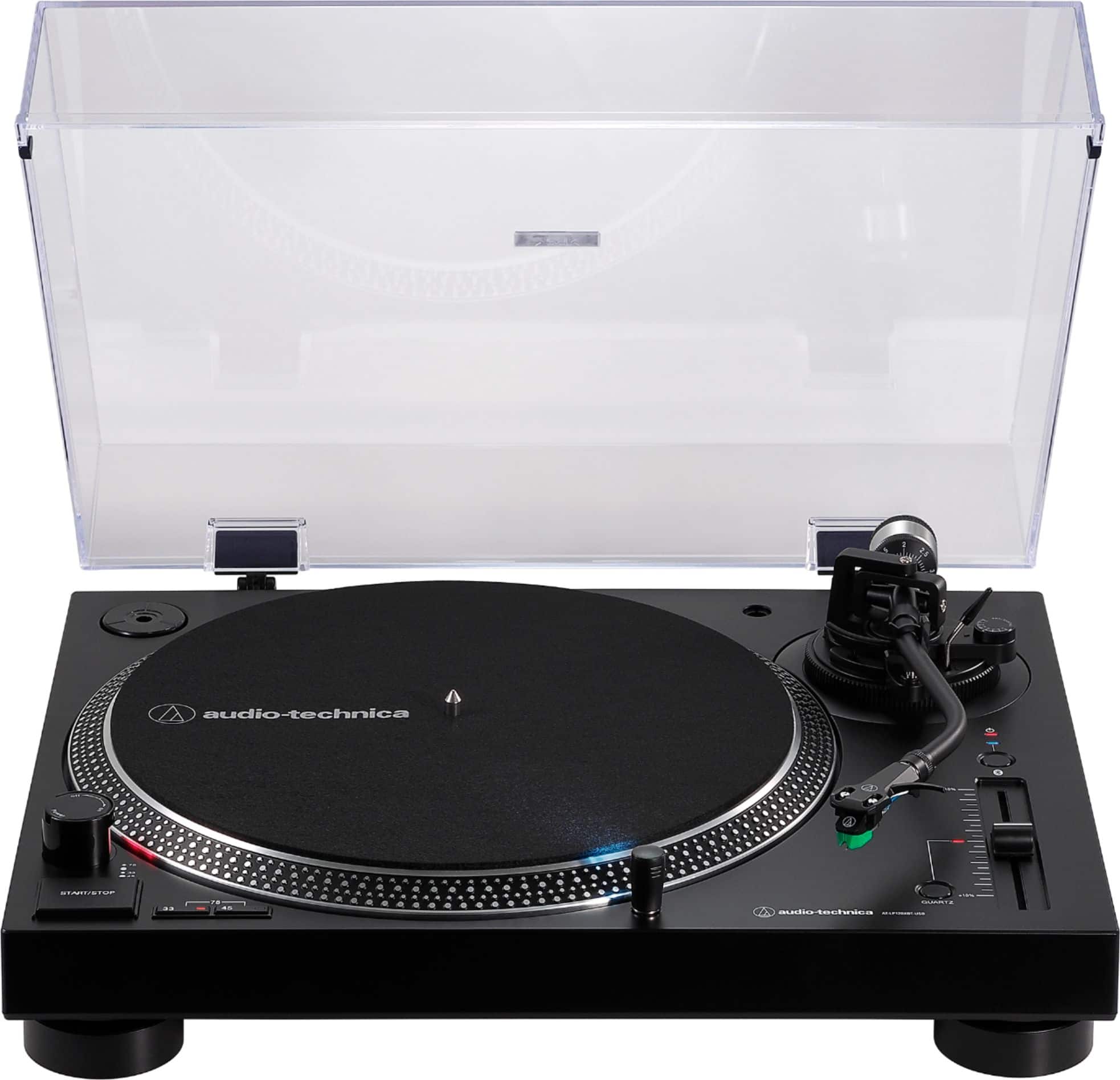
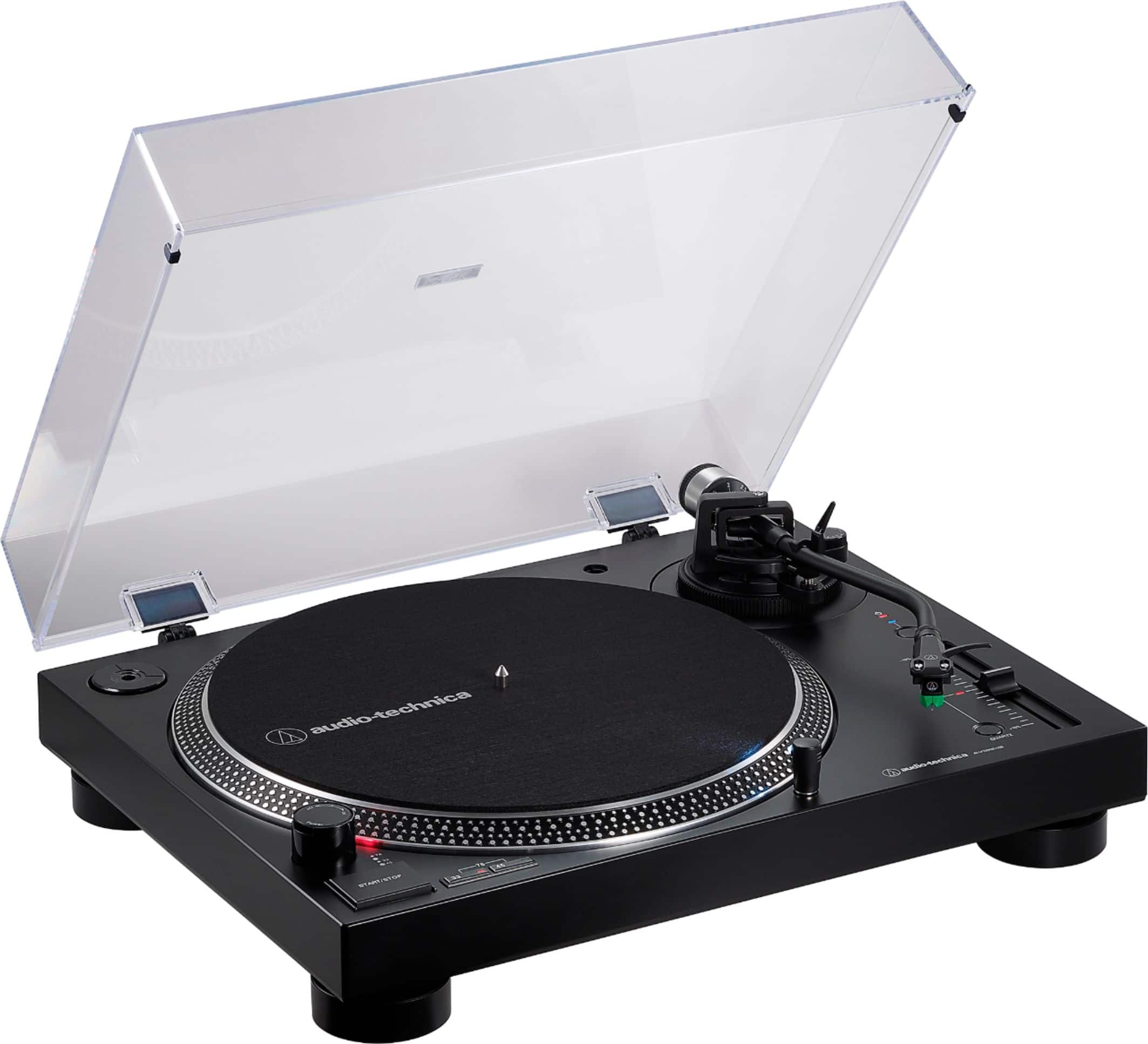
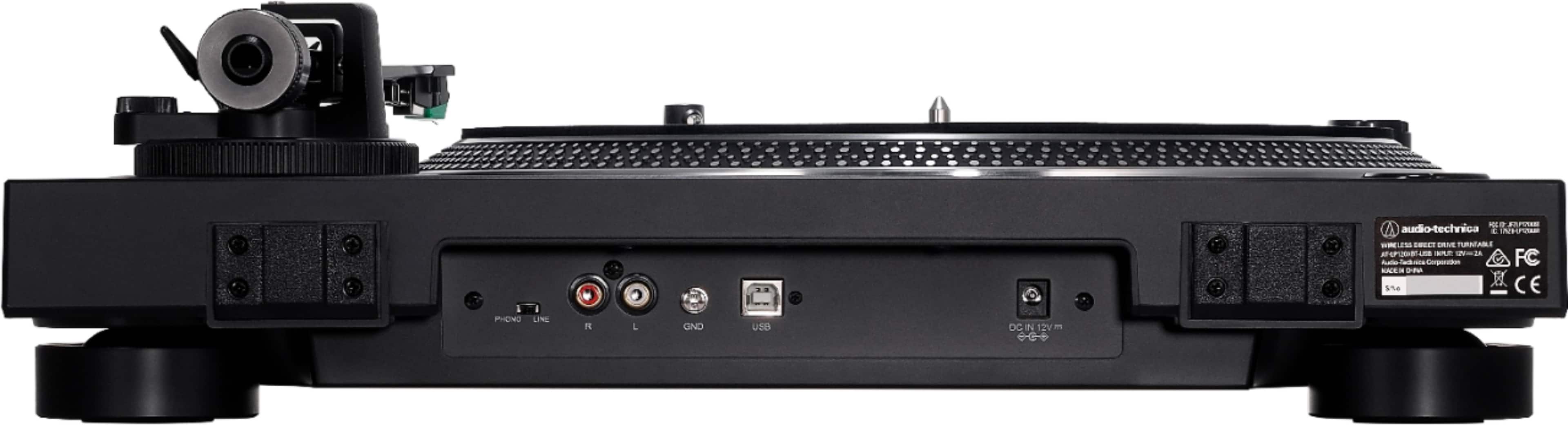
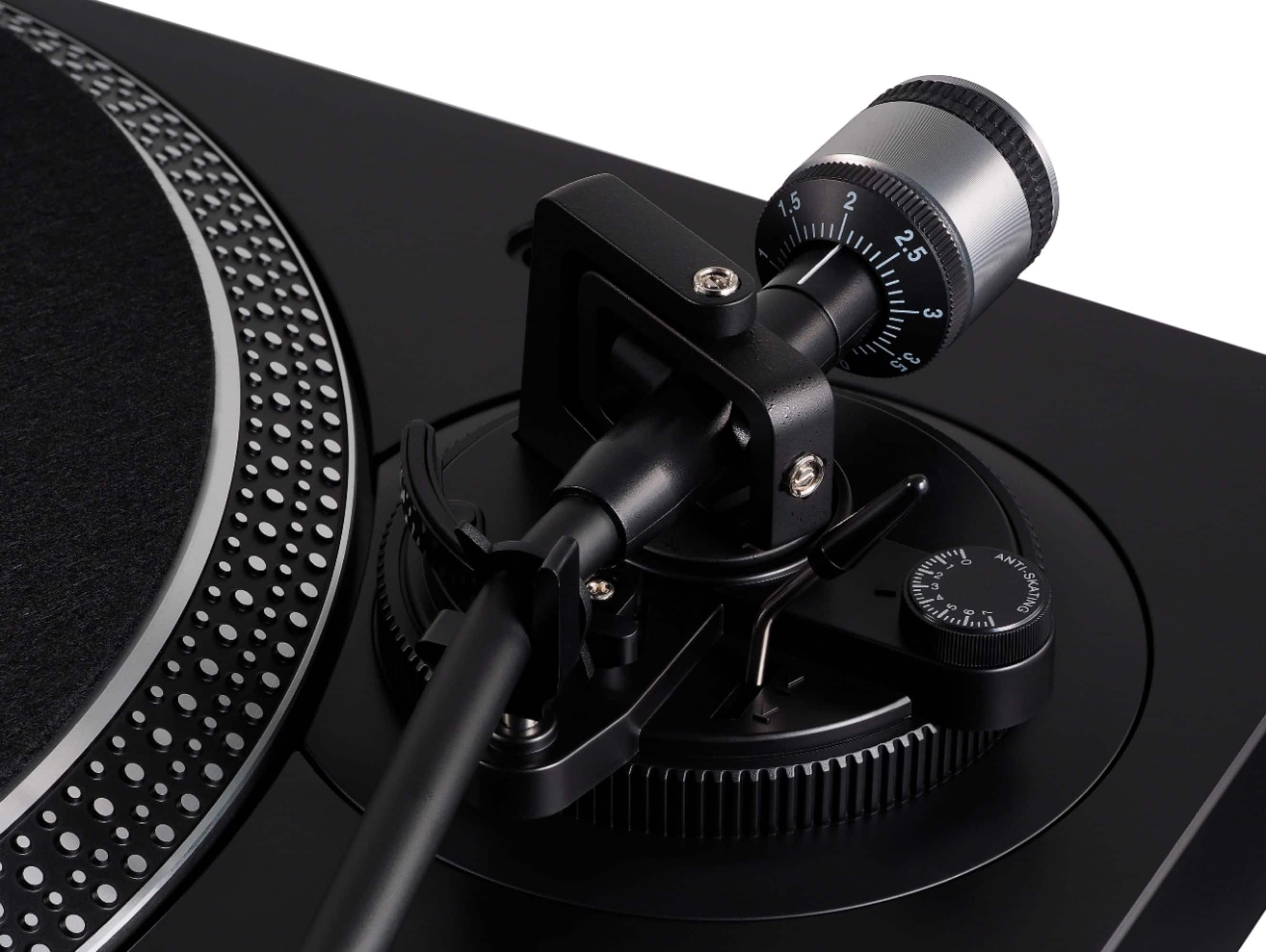
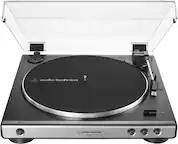
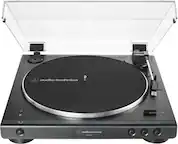
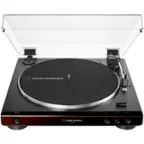
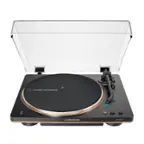
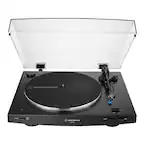
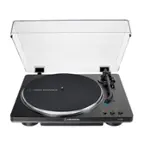
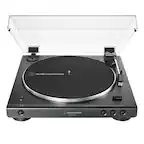
A:Answer The turntable may not pair to the Onkyo receiver. It appears the receiver requires an additional confirmation step from the turntable and the turntable does not have this. Nevertheless, turn the LG TV off and attempt to pair the turntable to the receiver again. If it still doesn't pair, reset the Bluetooth on the turntable and try again. Try resetting the Bluetooth on the turntable following the steps below.
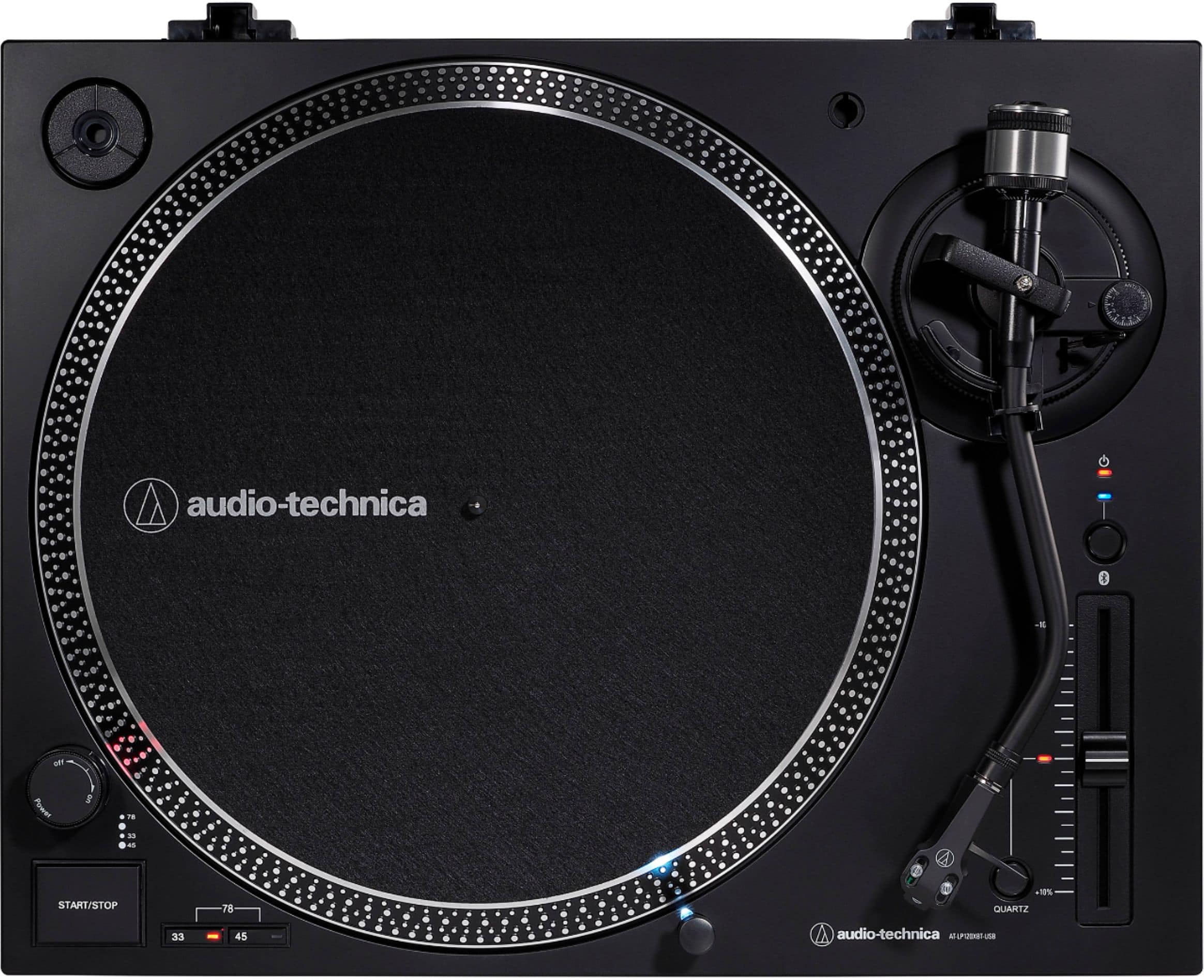
Resetting the Bluetooth on the AT-LP120XBT-USB Turntable.
1. Power off your Bluetooth audio device (speaker, headphone or sound bar). Turn any other devices that have previously been paired to the turntable off (power them down).
2. Place the turntable and your Bluetooth device within 3 feet of each other.
3.Without the turntable being in the pairing mode (the indicator light on the turntable should be solid red), press and hold down the Bluetooth button on the turntable for about 2 to 3 seconds. You will see the light begin to flash red and blue rapidly back and forth as it does when it goes into the pairing mode. After about 1 to 2 seconds of seeing this, briefly release the button (for at least 1 second) then press and hold the button down until you see the light blink just RED slowly - twice, then the indicator light will either turn OFF, or go back to flashing RED / BLUE repeating.
4. NOTE: If the light went back to flashing RED / BLUE in the previous step, go to step 5. If the light turned OFF press and hold the Bluetooth button for 2 to 3 seconds to put the turntable in the pairing mode (flashing RED / BLUE repeating).
5. Power on your Bluetooth device and attempt to pair the turntable to it again.