A:AnswerYes I believe this is an option. When you go on line to finish your set up you can go to administrative set up and finish whatever your requirements are. Kids restrictions etc. if necessary. Or anytime there after when your needs arise.
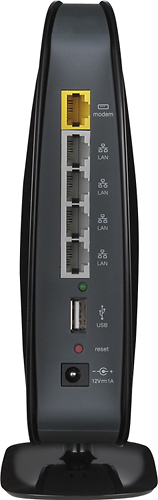
A:AnswerI set up the wireless first, then connected my laptop whenever I'm in the office to get uninterrupted service. You should be able to plug in the Ethernet cable to your computer, then to the back of the router. IF you don't connect directly, Go to "Settings>Control Panel>Network and Internet. In there, you will find where to test the settings and make sure the computer is talking to the router. You can also go to your router website as there is settings for your unit there. The information is on the paper under your router.
A:AnswerMy Belkin N-600 works well with both my. Rand new iPad, as well as our older iPad. It works with both our smart TVs, iPhone 7's, Apple TVs, MacBooks, and our dells.
Also my friends samsung has no issues with it. Works perfectly with everything.
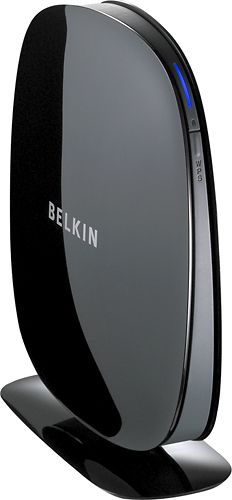
A:AnswerThe Belkin N600 cannot be set up as a wireless repeater. It can however be set up as a wireless access point but will need a direct cabled connection to your main router.
Regards,
Belkin Support