Questions & Answers
- Model:
- BE-PKRFCO
- |
- SKU:
- 6434809
Q: QuestionHas anyone used this keyboard/mouse with Linux Ubuntu? We tried for a class and the keyboard works but the mouse is lagging (but works on Win 10). Adjusting "Mouse Speed" or Polling does not seem to fix.
Asked by MouseLag.
- A:Answer I too found that the mouse was lagging on a Raspberry Pi, which is based on Debian much like Ubuntu. The fix is to start a terminal session and to type sudo nano /boot/cmdline.txt The cmdline.txt file needs to contain a single line and so append a space to the end of the line followed by usbhid.mousepoll=0 That is a zero, not the letter O at the end. Use Ctrl-S to save the file and Ctrl-X to exit the nano editor. At the command type type "reboot" (or select Logout / restart from the menus) The default mousepoll value is 10. I discovered that a mousepoll value of 4 works fine on my machine. If you Google for "usbhid.mousepoll=0" then you will find many articles about this.
Answered by Anonymous
Q: QuestionWhy is it typing in reverse (right to left)?
Asked by Sean.
- A:Answer For Windows the keyboard shortcuts for Left to Right Typing: Ctrl + Left Shift.
Answered by BestBuyEssentialsSupport Team
Q: QuestionDoes this work with Windows 10.
Asked by Anonymous.
- A:Answer In a short answer. Yes it dose work with Windows 10.
Answered by Gunslinger
Q: QuestionDoes the keyboard make sound while typing?
Asked by AV.
- A:Answer There’s a slight clicking sound not as bad as most keyboards
Answered by Debo
Q: QuestionDo they work with Windows 11?
Asked by Drew.
- A:Answer Yes they do, they are plug n play.
Answered by NicholasP
Q: QuestionWill the keyboard work with a computer running DOS 6.22?
Asked by Anonymous.
- A:Answer Thank you for your inquiry! Unfortunately, the Best Buy essentials™ Full-size Wireless Membrane Keyboard won't work with a computer running DOS 6.22. This is because DOS 6.22 doesn't support USB or wireless keyboards directly. You would need a keyboard with a PS/2 connector or an older type of keyboard that is compatible with DOS. If you have any other questions or need further assistance, feel free to ask! - Mae | BestBuy Essential Support
Answered by BestBuyEssentialsSupport Team
Q: QuestionDoes the mouse have control buttons on the thumb side?
Asked by Joe19.
- A:Answer No, the only buttons on this mouse are the right and left click and the scroll wheel.
Answered by JayThr33
Q: QuestionIs this compatible with the ps5?
Asked by boiiiii.
- A:Answer Yes, of course. I used with my Apple Macbook Air Laptop and my Asus windows pc, by swapping when ever needed for more typing work.
Answered by BanthayK
Q: Questionis this compatible with LENOVE desktop?
Asked by JoAnne.
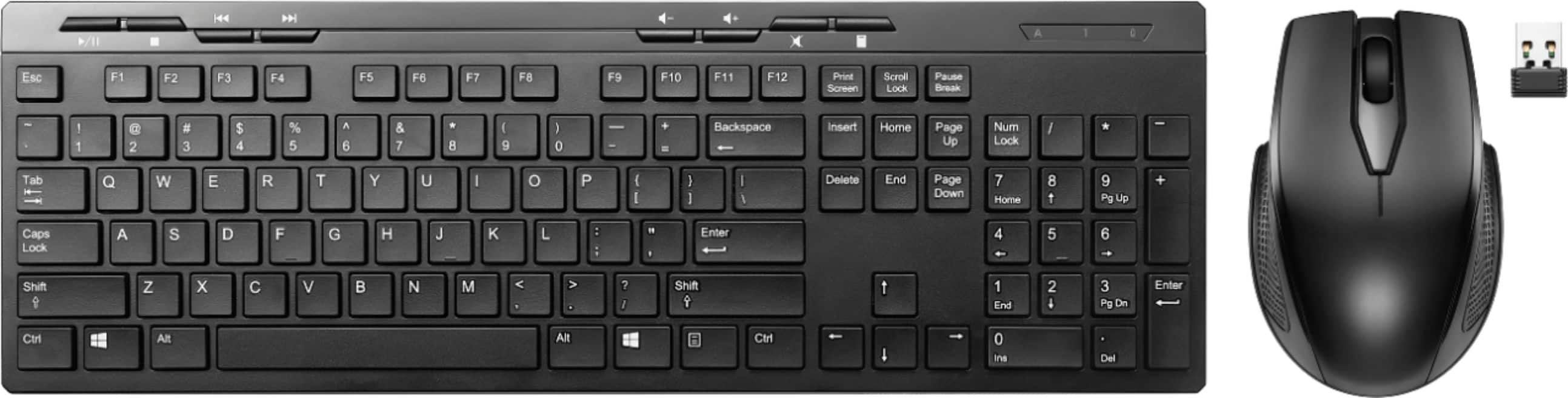
- A:Answer Yes, the Best Buy essentials™ Full-size Wireless Membrane Keyboard and Mouse Bundle with USB Receiver is compatible with most Lenovo desktop computers, as long as your desktop has a standard USB-A port. The included 2.4 GHz USB receiver plugs into a USB port and works with Windows 10 or newer, which most Lenovo desktops support. No special drivers are usually needed—just plug and play. -Ed | Best Buy Essentials Support | https://www.bestbuy.com/site/brands/best-buy-brands/pcmcat1596746025285.c?id=pcmcat1596746025285
Answered by BestBuyEssentialsSupport Team
Q: QuestionCan you connect to an android smart phone
Asked by Anonymous.
- A:Answer Yes, they operate with the software plug and playability.
Answered by NicholasP
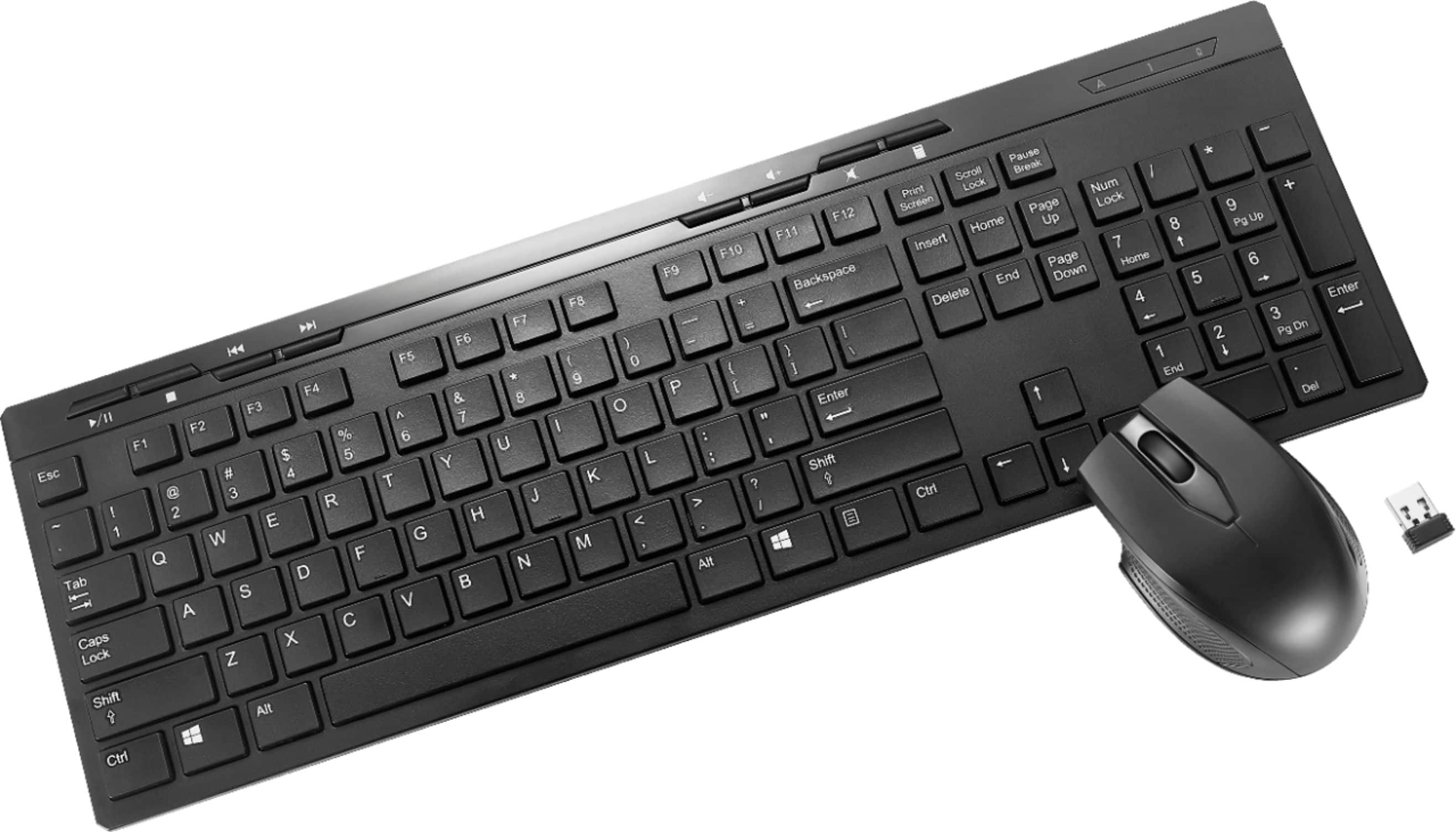
Q: Questionnice for the price. everything works except I cannot turn on sound . videos show sound is on but no sound. Is it the blue tooth not working; keyboard or ? all I see on keyboard is mute button no turn off for mute.
Asked by dbf79.
- A:Answer Thank you for your feedback, and I’m sorry to hear about the sound issue you’re experiencing with our Full-size Wireless Membrane Keyboard and Mouse Bundle. Here are a few steps you can try to troubleshoot the problem: 1. Check the Mute Button: Ensure that the mute button on the keyboard is not activated. Sometimes, pressing it again can toggle the sound back on. 2. Bluetooth Connection: Verify that the Bluetooth connection is stable. Try reconnecting the keyboard and mouse to your device. 3. Sound Settings: Check your computer’s sound settings to ensure the correct output device is selected. Sometimes, the default output device might change. 4. Driver Updates: Make sure your computer’s audio drivers are up to date. Outdated drivers can sometimes cause sound issues. 5. Test with Another Device: If possible, test the keyboard and mouse with another device to see if the issue persists. This can help determine if the problem is with the keyboard or the computer. If these steps don’t resolve the issue, please reach out to our Best Buy essentials customer support team (1-866-597-8427) for further assistance. We’re here to help and want to ensure you have a fully functional setup. Thank you for bringing this to our attention. - Mae | BestBuy Essential Support | https://www.bestbuy.com/site/brands/best-buy-brands/pcmcat1596746025285.c?id=pcmcat1596746025285
Answered by BestBuyEssentialsSupport Team
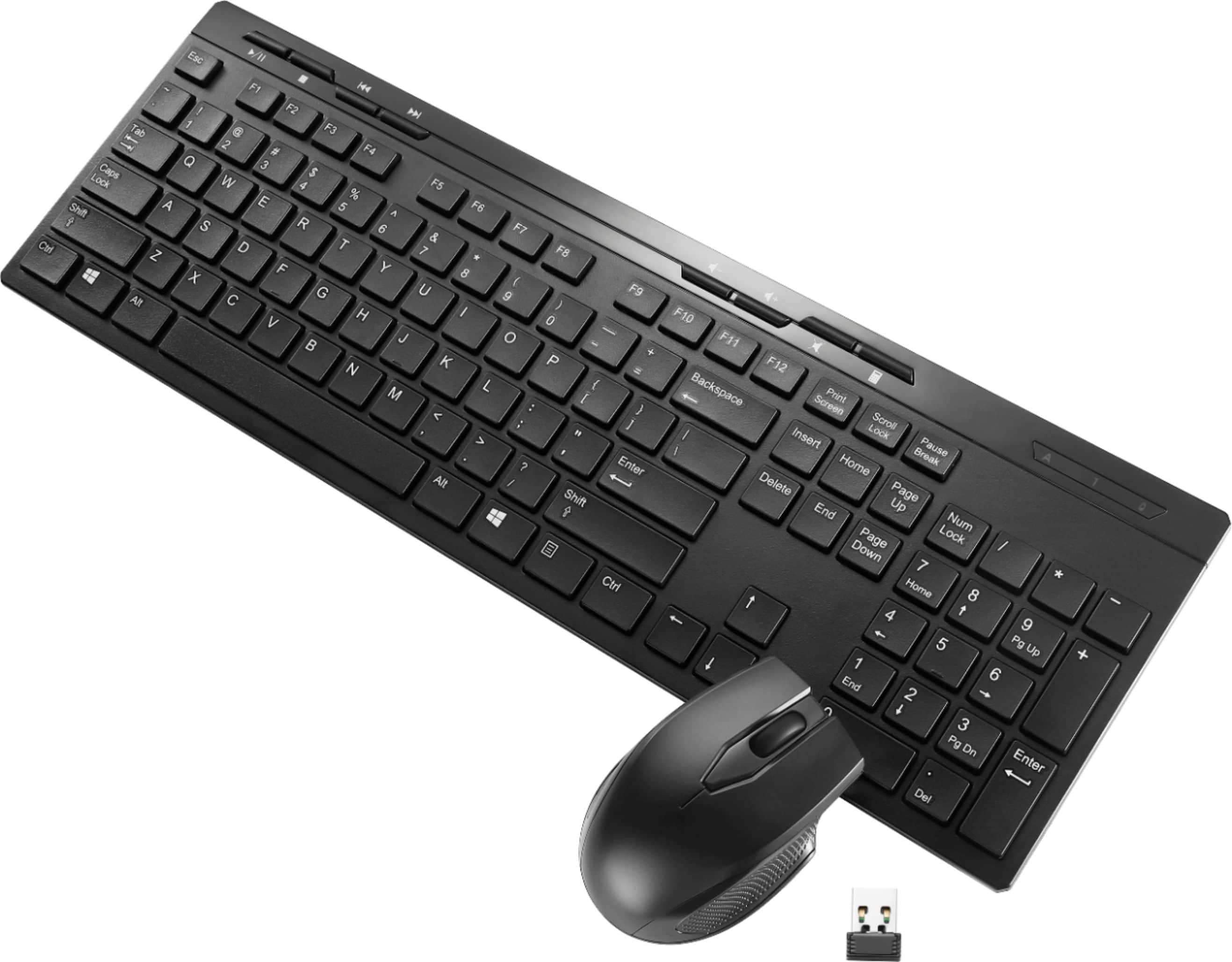
Q: QuestionI need a wireless mouse and or keyboard that will connect with Lenovo think station p 300
Asked by Snake.
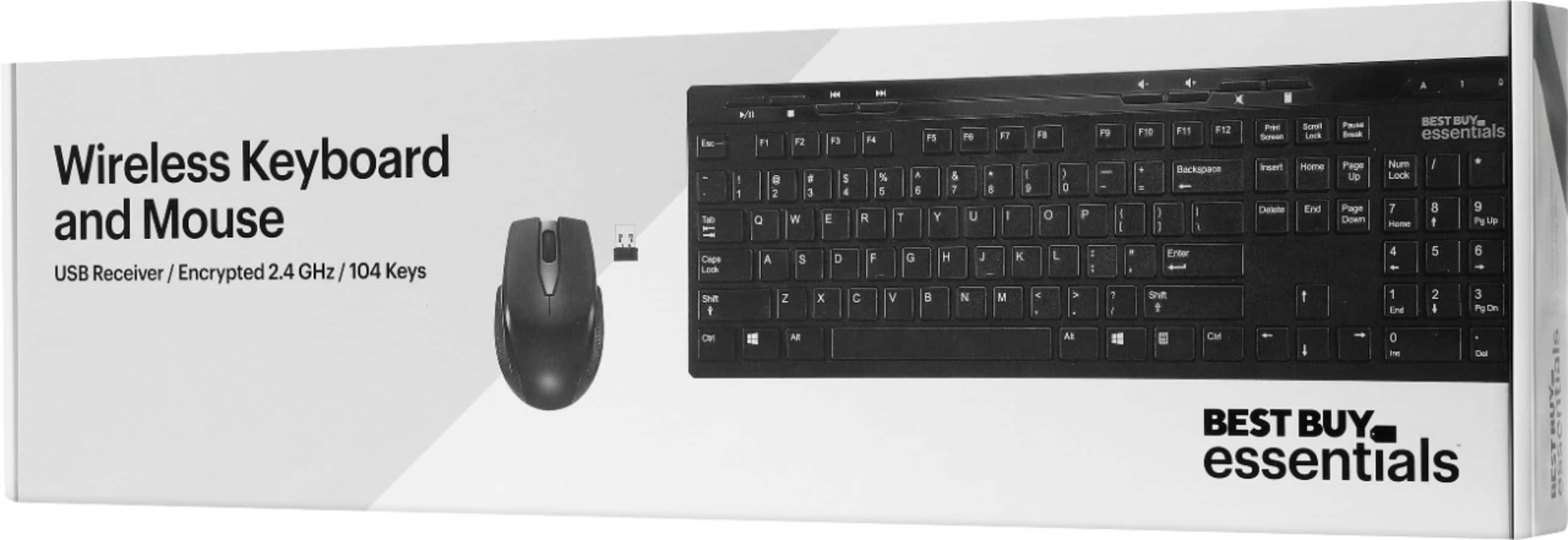
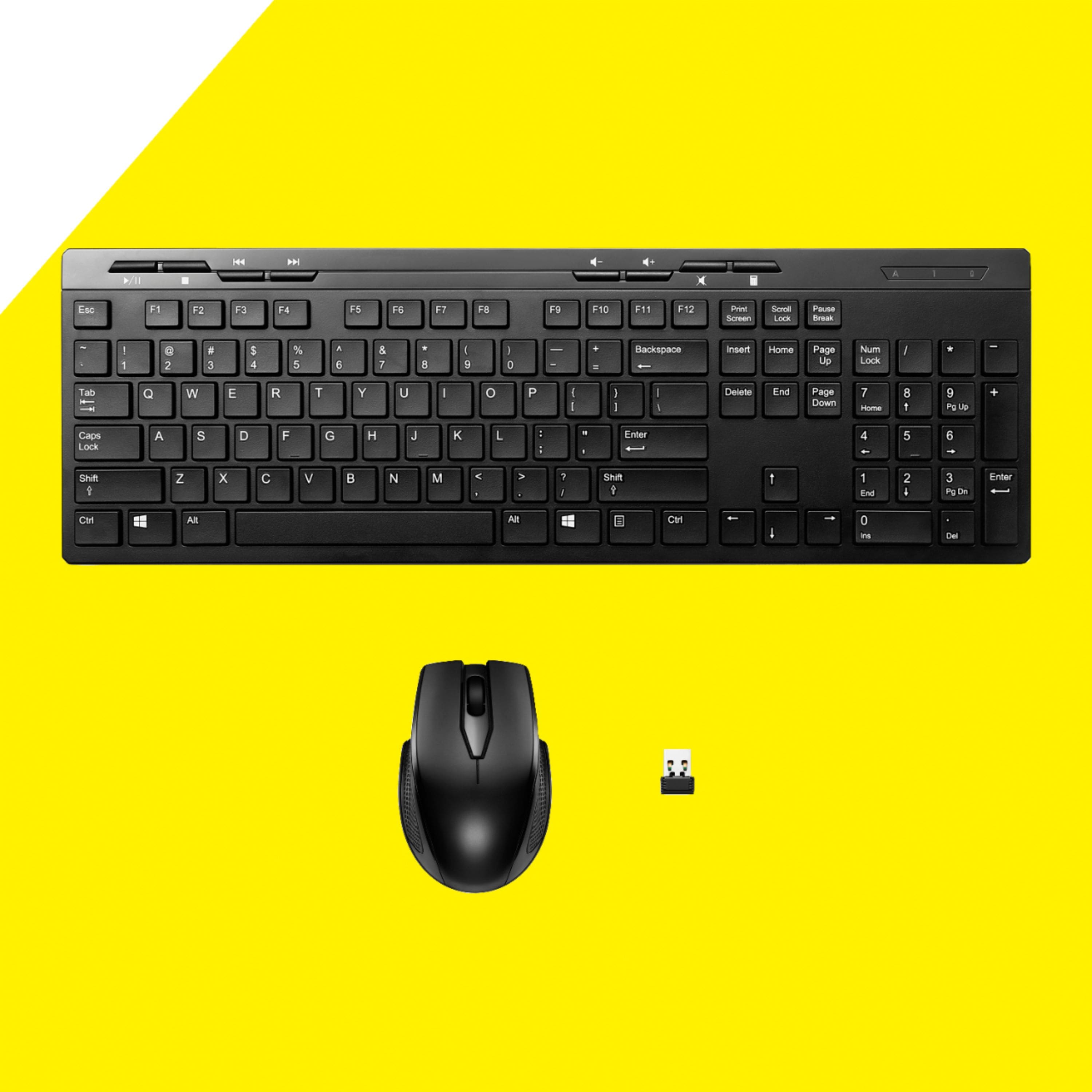
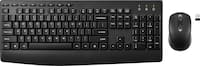
- A:Answer Thank you for your question! The Best Buy essentials™ Full-size Wireless Membrane Keyboard and Mouse Bundle with USB Receiver is a great choice for your Lenovo ThinkStation P300. This bundle includes a wireless keyboard and mouse that connect to your computer using a nano USB receiver, which plugs into any available USB port on your ThinkStation. Here are some key features of this bundle: - Full-size Keyboard: Includes a numeric keypad and multimedia keys for easy access to audio controls. - Wireless Connectivity: Operates on a 2.4 GHz frequency for a reliable connection. - Ambidextrous Mouse: Designed to fit comfortably in either hand, with a 1600 DPI sensor for smooth and accurate control. - Plug-and-Play: No additional drivers are needed; simply plug the USB receiver into your ThinkStation P300 and you’re ready to go. If you have any other questions or need further assistance, feel free to ask! - Mae | BestBuy Essential Support | https://www.bestbuy.com/site/brands/best-buy-brands/pcmcat1596746025285.c?id=pcmcat1596746025285
Answered by BestBuyEssentialsSupport Team
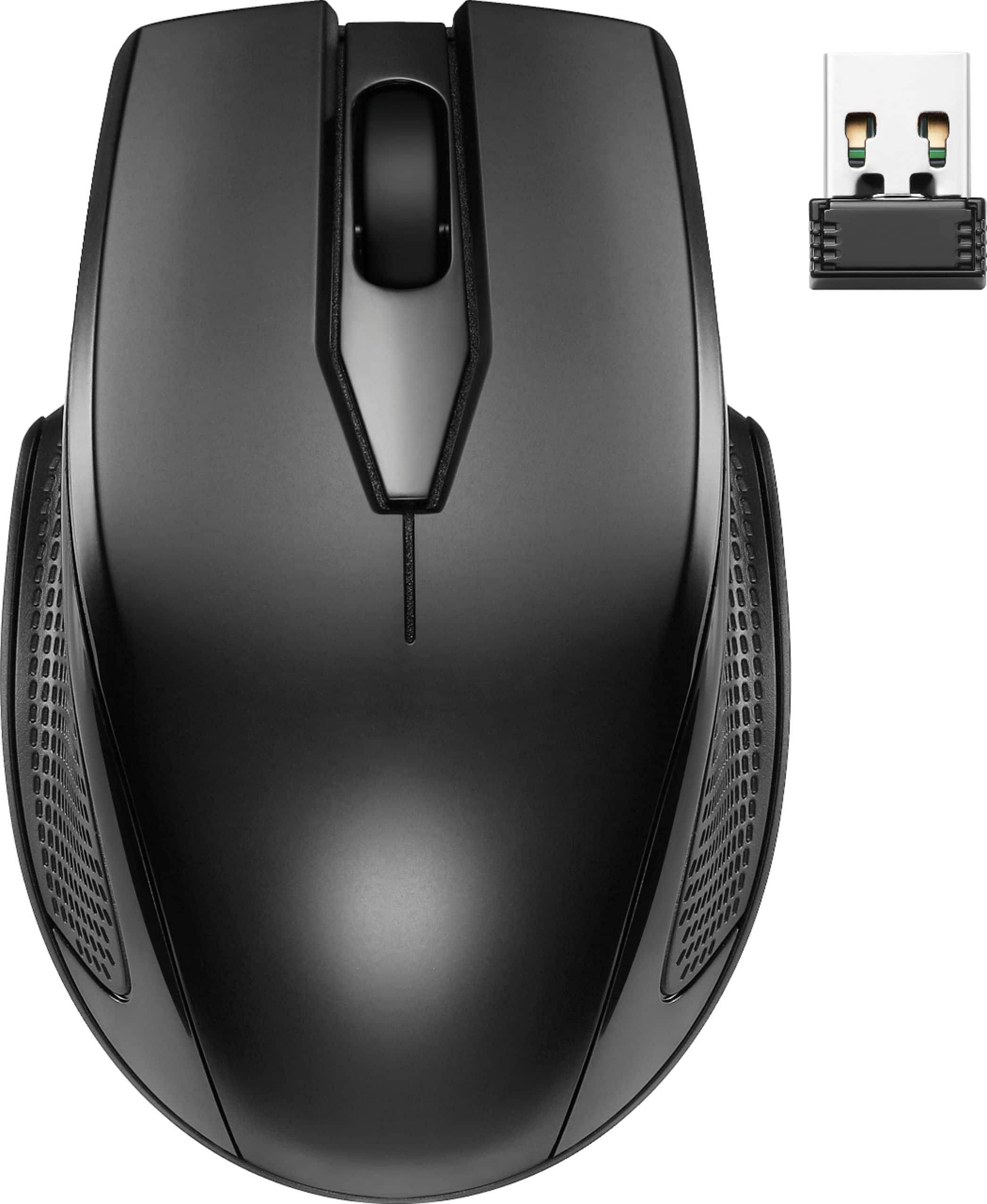
Q: QuestionMine didn't come with the USB receiver. Can you give the name and specifics for the USB so I can acquire it some way?
Asked by Aga17.
- A:Answer I’m sorry to hear that your bundle didn’t come with the USB receiver. The Best Buy essentials™ Full-size Wireless Membrane Keyboard and Mouse Bundle uses a nano USB receiver that operates on a 2.4 GHz frequency. Unfortunately, these receivers are often paired specifically with the original devices and are not sold separately. Here are a few steps you can take: 1. Contact Best Buy Support: Reach out to Best Buy customer support to see if they can provide a replacement receiver or offer a solution. 2. Check Warranty: If your product is still under warranty, you might be eligible for a replacement. 3. Consider a New Combo: If a replacement receiver isn’t available, it might be more cost-effective to purchase a new keyboard and mouse combo. If you have any questions or need further assistance, please don't hesitate to reach out. - Emman | BestBuy Essential Support | https://www.bestbuy.com/site/brands/best-buy-brands/pcmcat1596746025285.c?id=pcmcat1596746025285
Answered by BestBuyEssentialsSupport Team
Q: QuestionIs this keyboard compatible with Chrome notebook using Bluetooth connection?
Asked by AntHunny.
- A:Answer No
Answered by MelissaW
Q: QuestionI bought this yesterday and I can’t type the @ button. Is there a specific way to do it?
Asked by Maria.
- A:Answer Are you hitting the shift key when you hit the @ key?
Answered by KatD
Q: QuestionI'm trying to connect to keyboard to macbook. But It's not connecting. How to trouble shoot it.
Asked by siddu.
- A:Answer U should be able to just insert the usb piece that comes with it and it automatically connect. However, if not then you can run whatever troubleshooter for devices that the MacBook has on its OS.
Answered by MelissaW
Q: QuestionI bought a Best Buy Essential keyboard and mouse, how do stop the noise clicking sound of mouse?
Asked by bubbie.
- A:Answer Hi Bubbie! Appreciate you purchasing Best Buy essentials™ - Full-size Wireless Membrane Keyboard and Mouse Bundle with USB Receiver. It is very unfortunate that we could not modify the mouse and stop the clicking noise. JC | Best Buy Essentials Support https://www.bestbuy.com/site/logitech-mk320-full-size-wireless-membrane-keyboard-and-mouse-bundle-black/1294039.p?skuId=1294039
Answered by Best Buy CustomerSupport

Q: QuestionI need to know how big the mouse is. What are the dimensions of the mouse?
Asked by projecttoday.
- A:Answer A mouse that's 2.57 inches wide? How long is it?
Answered by Anonymous
Q: QuestionDoes this keyboard have a Caps Lock and Num Lock LED light? My issue with Logitech keyboards is that you don't know when Num Luck is ON or OFF. This is so important when entering passwords.
Asked by Pat001.
- A:Answer Yes, caps lock is green, num lock is red. Hope this helped!
Answered by Evan
Most-viewed items
- $20.99Your price for this item is $20.99$29.99The comparable value for this item is $29.99
- $69.99Your price for this item is $69.99$99.99The comparable value for this item is $99.99
- $41.99Your price for this item is $41.99$59.99The comparable value for this item is $59.99
- $199.99Your price for this item is $199.99
- $109.99Your price for this item is $109.99$119.99The comparable value for this item is $119.99
- $49.99Your price for this item is $49.99
- $49.99Your price for this item is $49.99$59.99The comparable value for this item is $59.99
- $34.99Your price for this item is $34.99
- $62.99Your price for this item is $62.99$89.99The comparable value for this item is $89.99
- $24.49Your price for this item is $24.49$34.99The comparable value for this item is $34.99
- $29.99Your price for this item is $29.99
- $109.99Your price for this item is $109.99$119.99The comparable value for this item is $119.99
- $19.99Your price for this item is $19.99
- $24.99Your price for this item is $24.99
- $46.99Your price for this item is $46.99$69.99The comparable value for this item is $69.99
- $109.99Your price for this item is $109.99$119.99The comparable value for this item is $119.99