Main Content

Questions & Answers

$9.99
Page Showing 41-50 of 50 questions
  • QuestionDoes this work with a Windows 11 HP laptop?

    Asked by Ashanti.

    • Answer Yes.

      Answered by IgorD

  • QuestionWhat's the wireless range?

    Asked by JuanChocoPlasta.

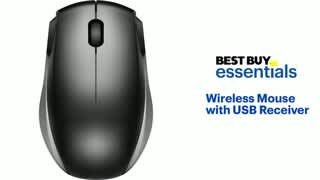
    • Answer The range is pretty decent, you could be across the room and it works, being that the USB acts as a mini antenna.

      Answered by user110367

  • QuestionDoes it have a sleep mode.

    Asked by Bill.

    • Answer Hi there, Yes. Gem Best Buy Essentials

      Answered by BestBuyEssentialsSupport Team

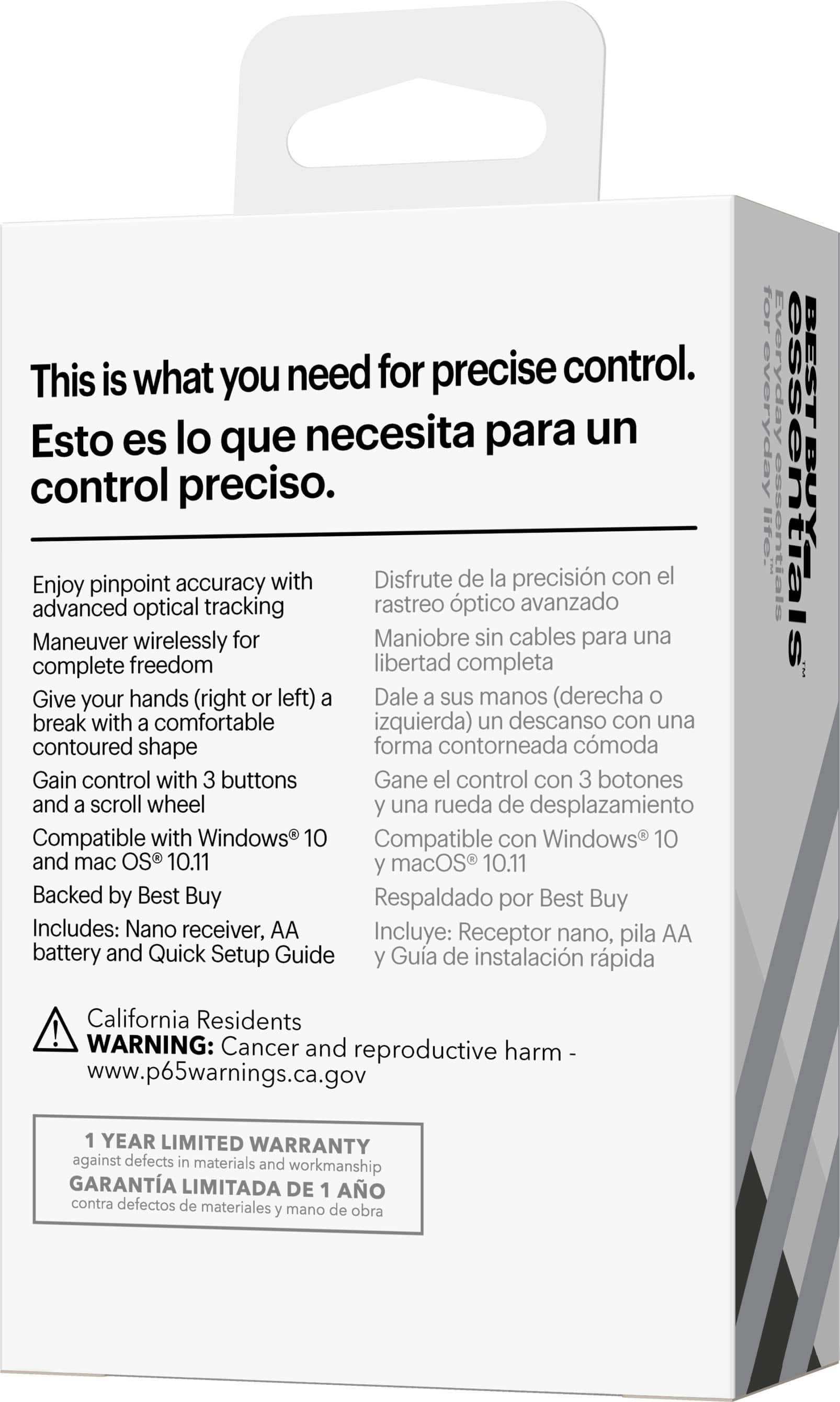
  • Question? answered says works only with Windows 10 but surely it will work well with Windows 11. Does it?

    Asked by maggemae.

    • Answer It works with our Windows 11 Laptop.

      Answered by MarilynS

  • QuestionDoes the mouse have a on/off switch to conserve the battery?

    Asked by jazzfan.

    • Answer Yes. Very tiny in the front on the bottom of the mouse

      Answered by MarilynS

  • QuestionIs this mouse compatible with a monitor? For instance, if I set up multiple monitors

    Asked by Kat.

    • Answer This mouse is compatible with Mac, Windows and Chrome computers.

      Answered by BestBuyEssentialsSupport Team

  • QuestionIt says this mouse ‘works with Mac’ …. even a MacBook Air that only has USB-C ports?

    Asked by TJ.

    • Answer It requires a USB port to use, not a C port

      Answered by LamboFan89

  • QuestionDoes it come with a unifying receiver or nah?

    Asked by G.

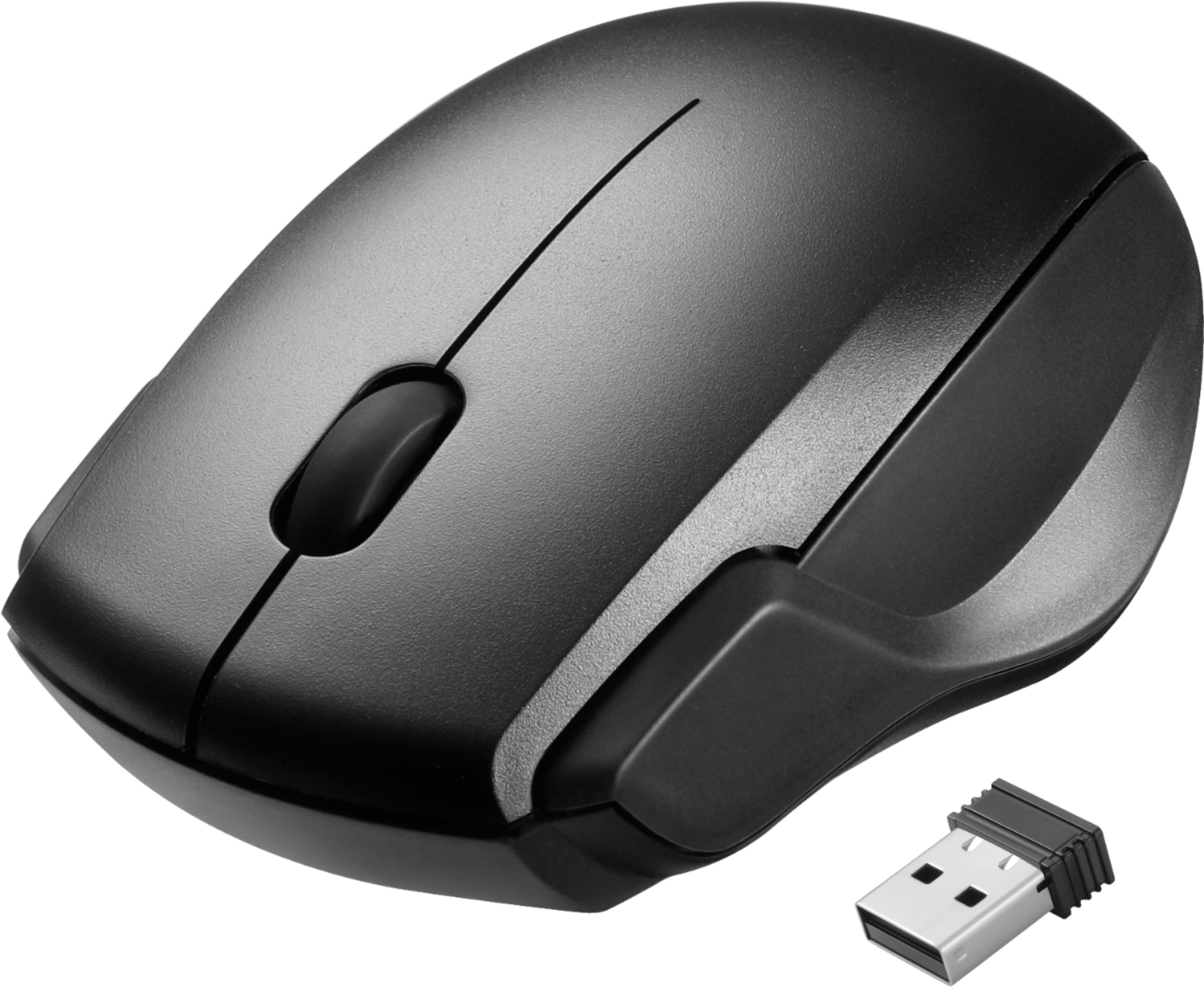
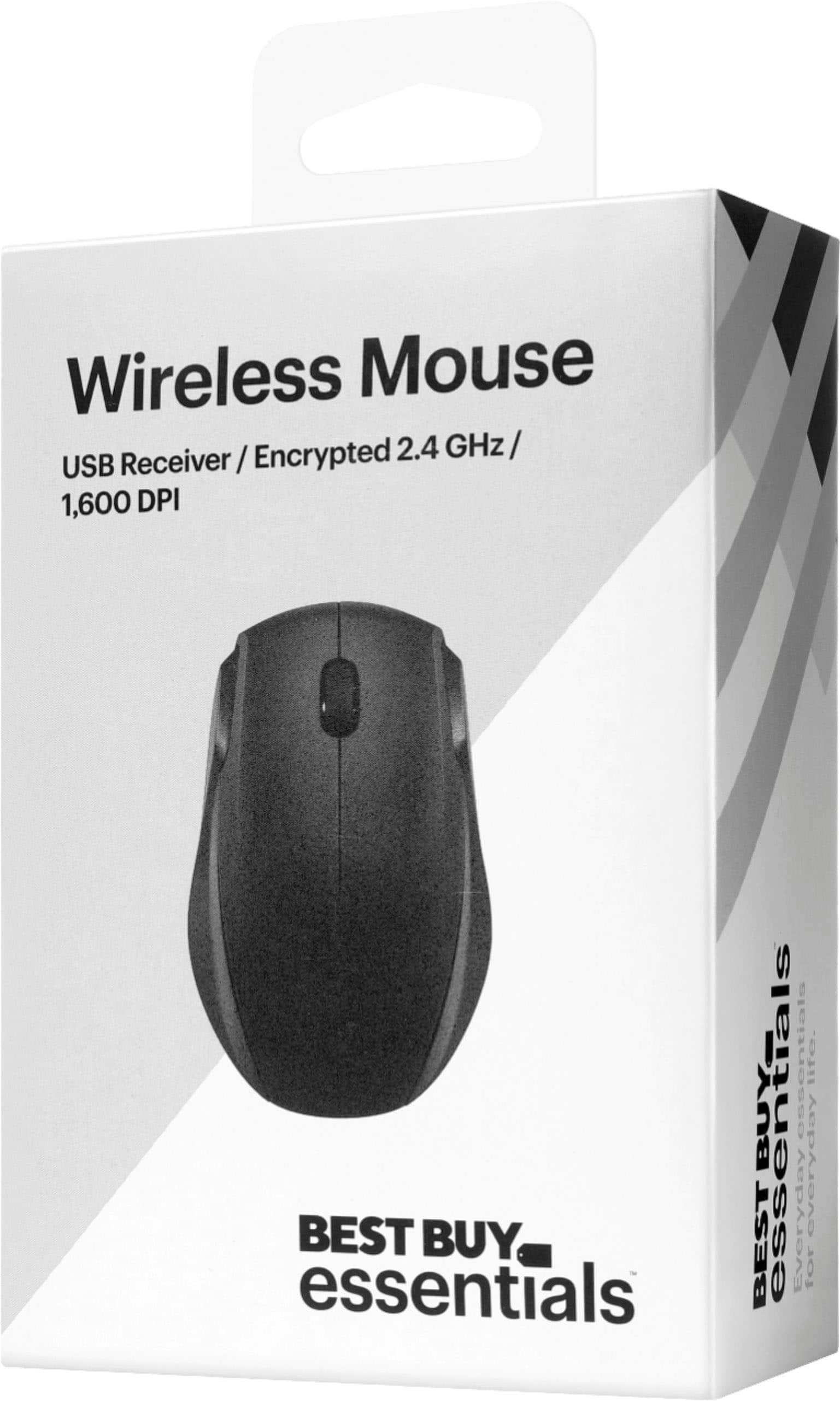
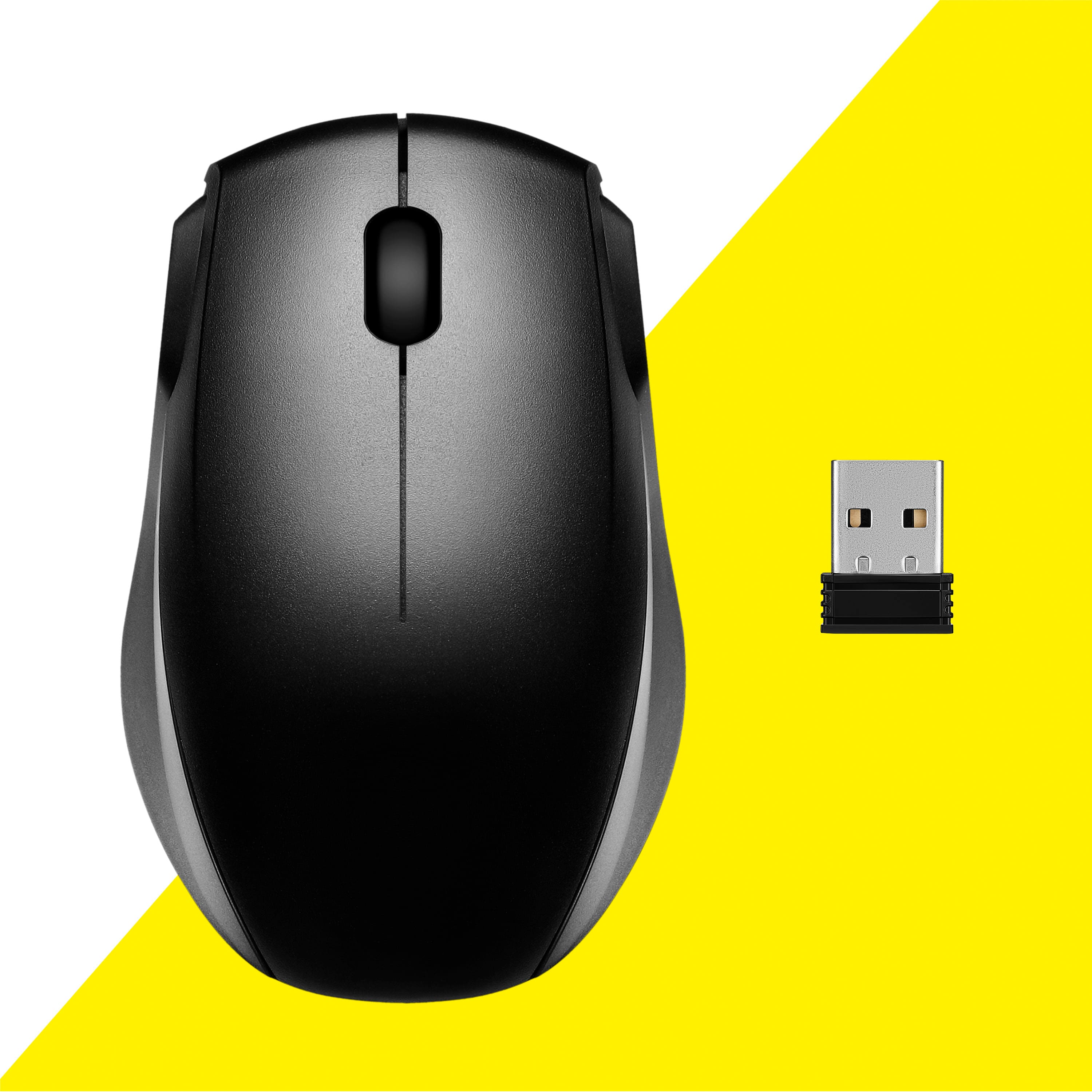
    • Answer This product comes with a receiver that is 1 on 1 paired with the mouse.

      Answered by BestBuyEssentialsSupport Team

  • Questionhow big it's ?

    Asked by AnaLu.

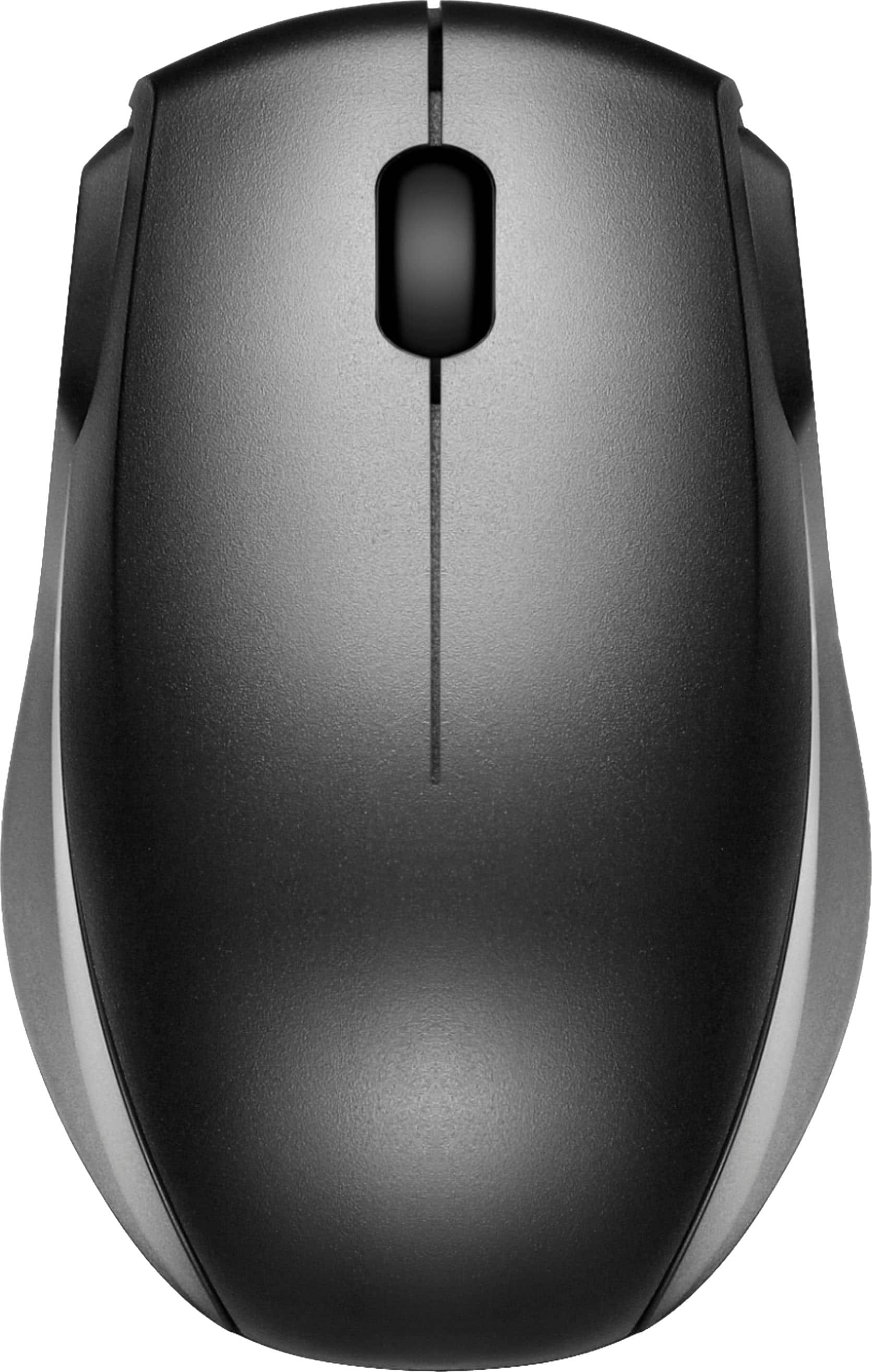
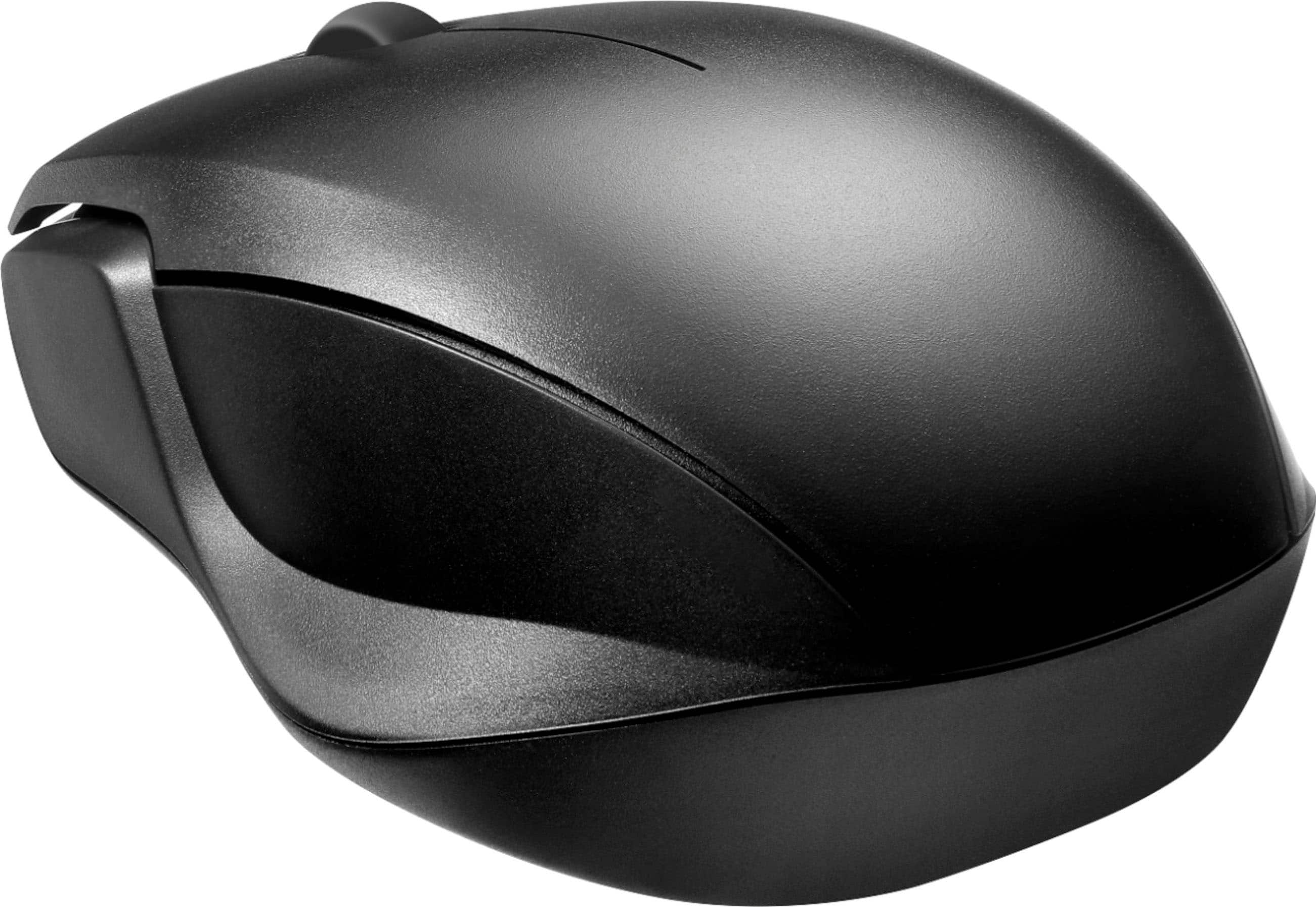
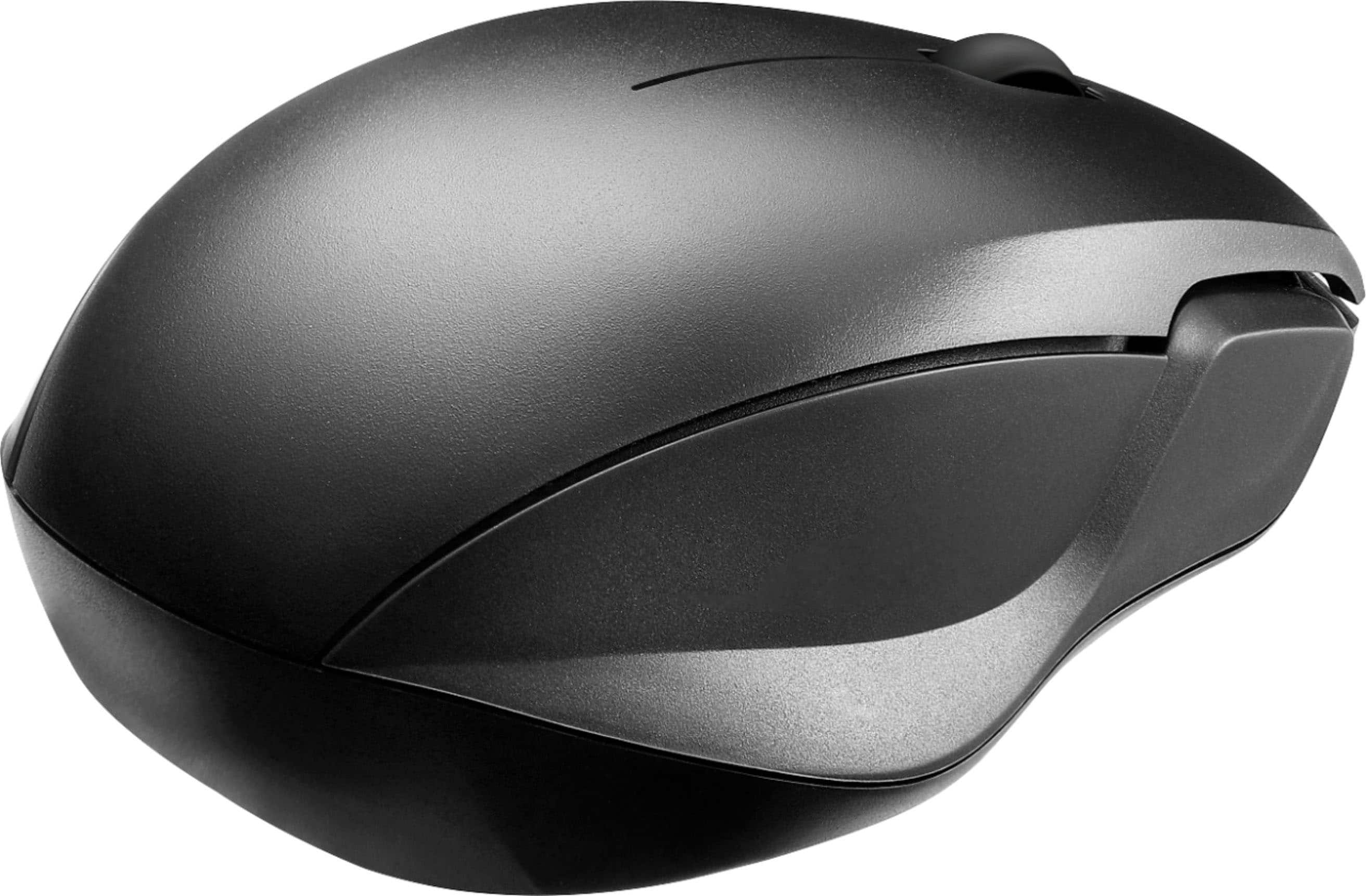
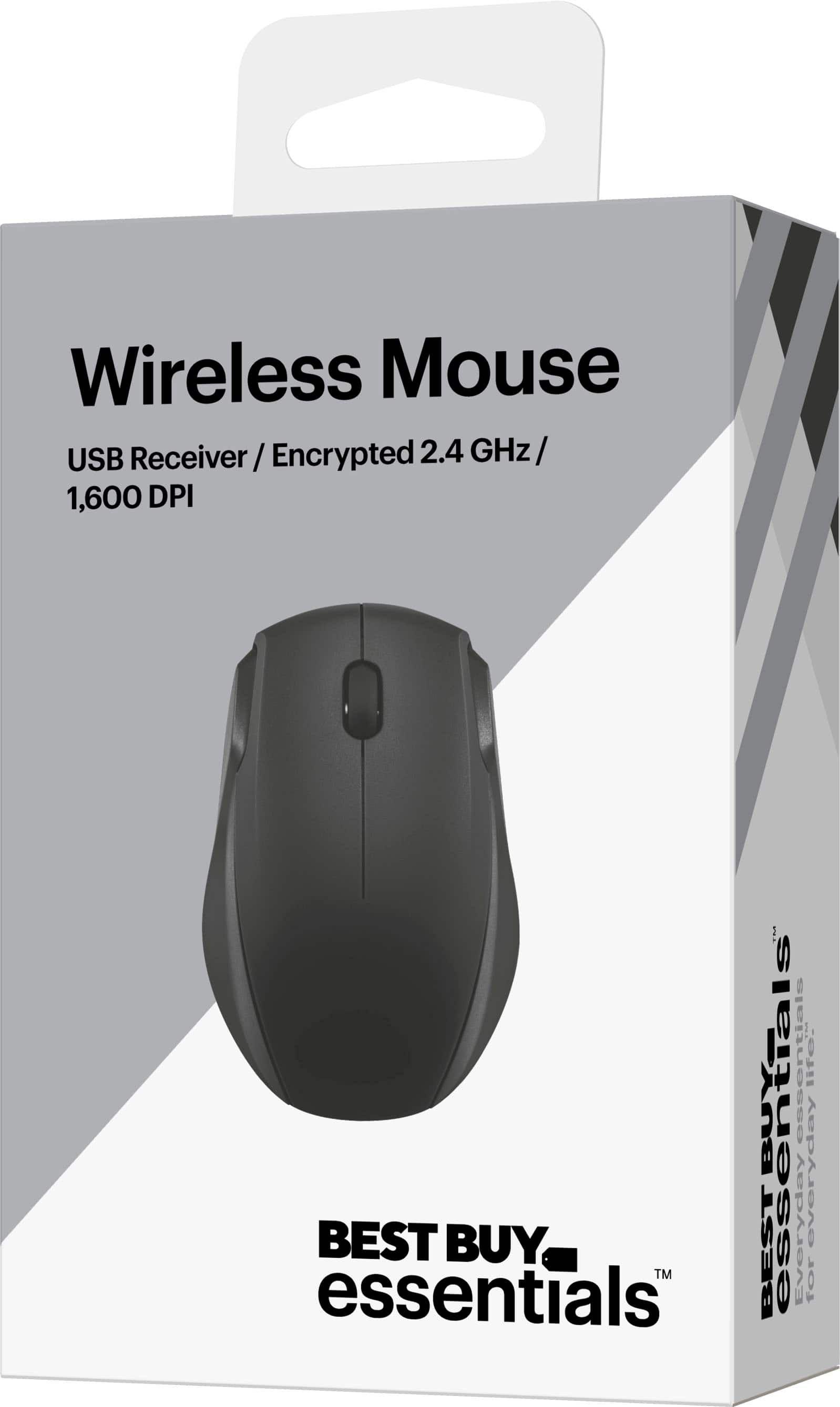
    • Answer The mouse is about the size imod an average computer mouse.

      Answered by user110367

  • QuestionHow do I connect my new best buy essentials blue tooth mouse to my dell desktop computer

    Asked by Kerry.

    • Answer Plug in usb receiver

      Answered by Morepower