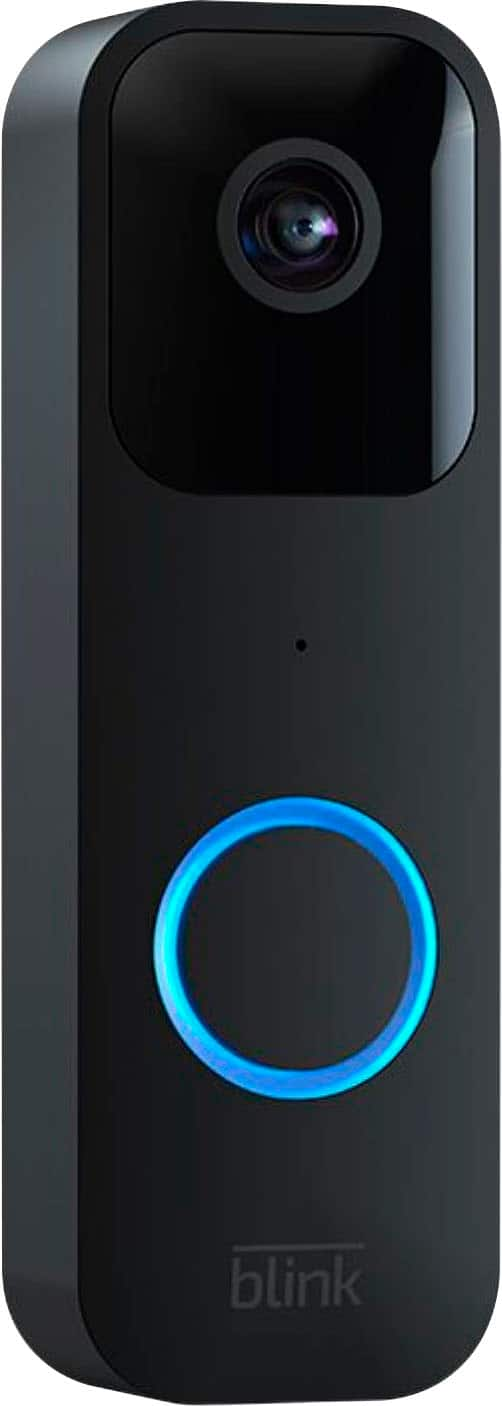
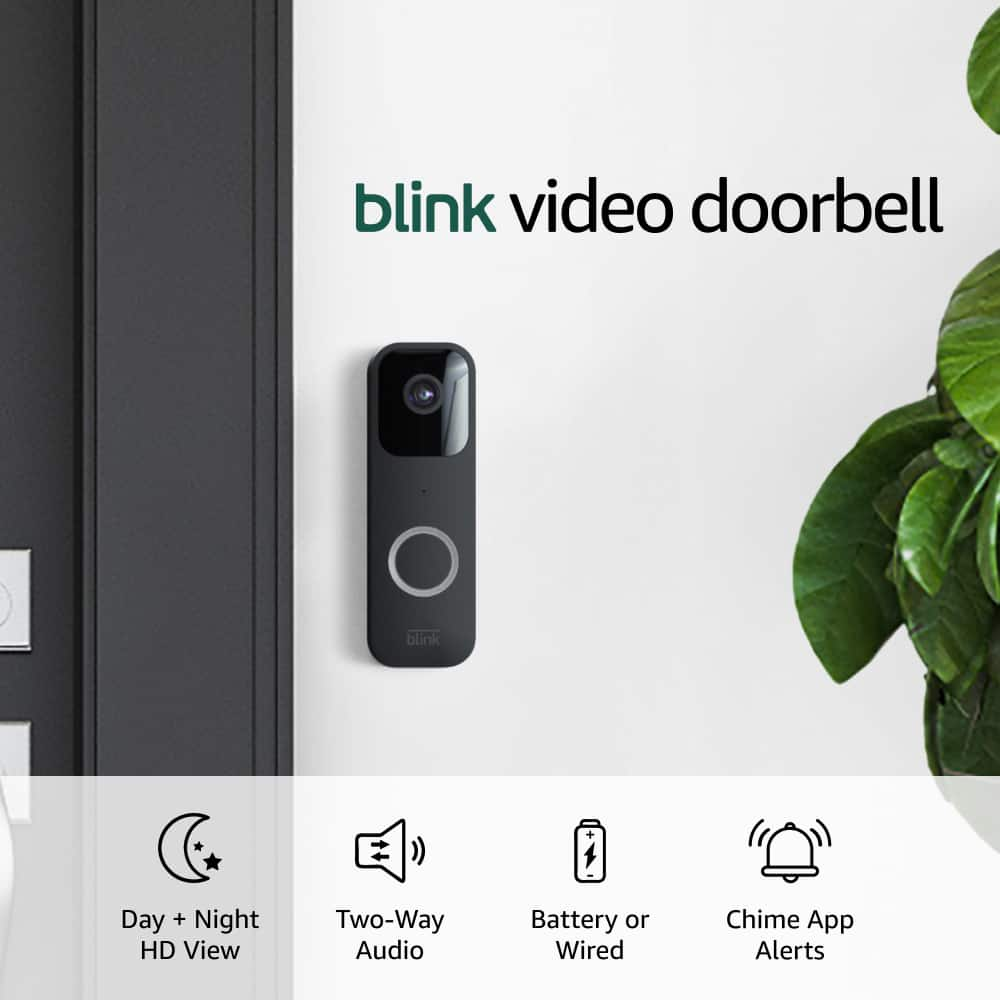
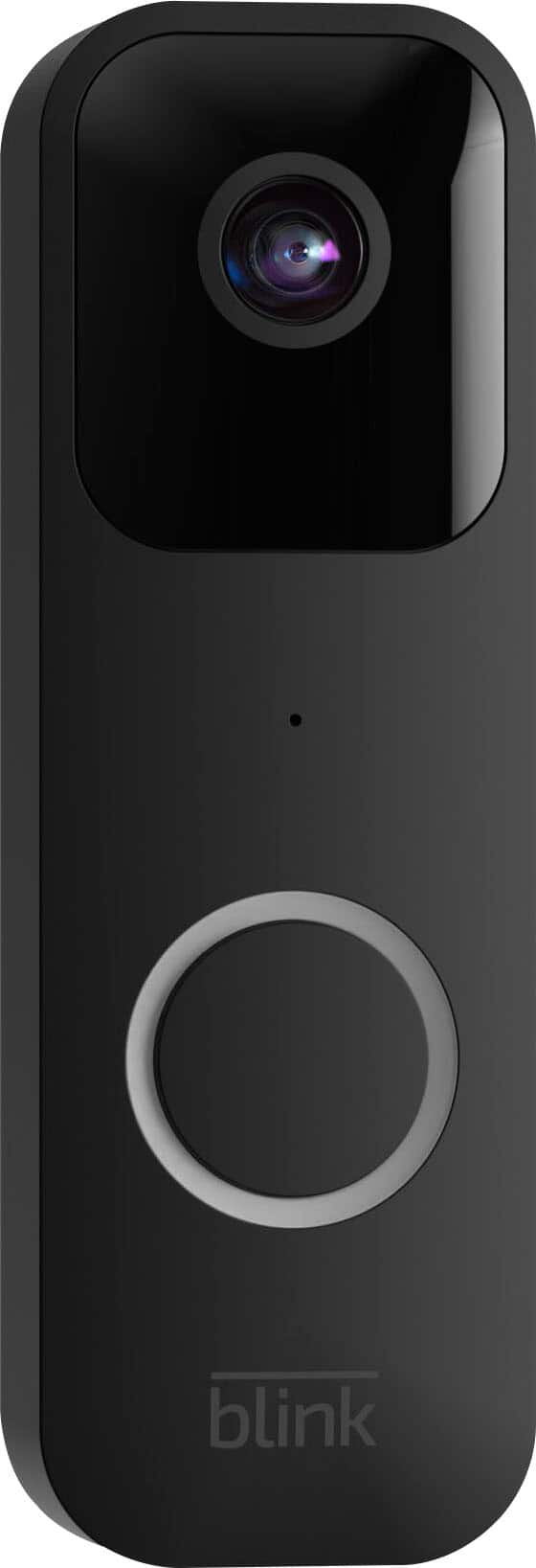
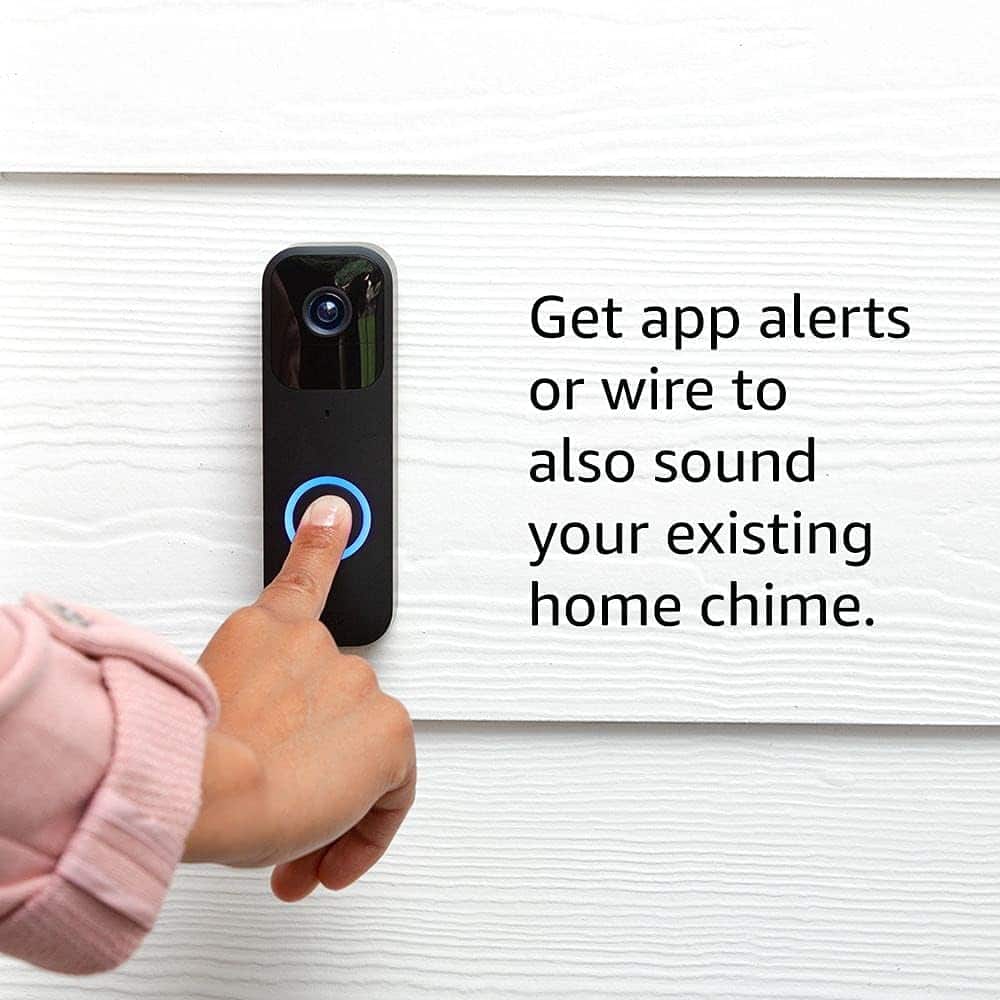
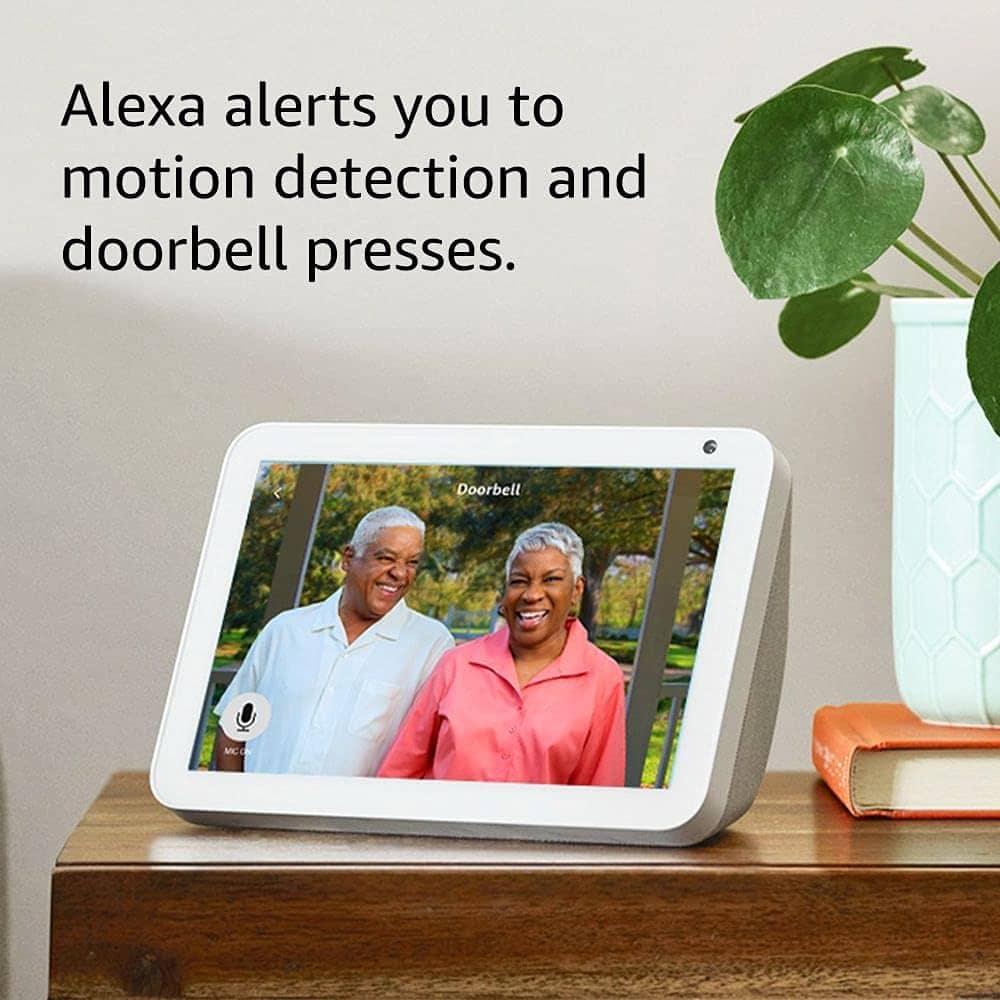
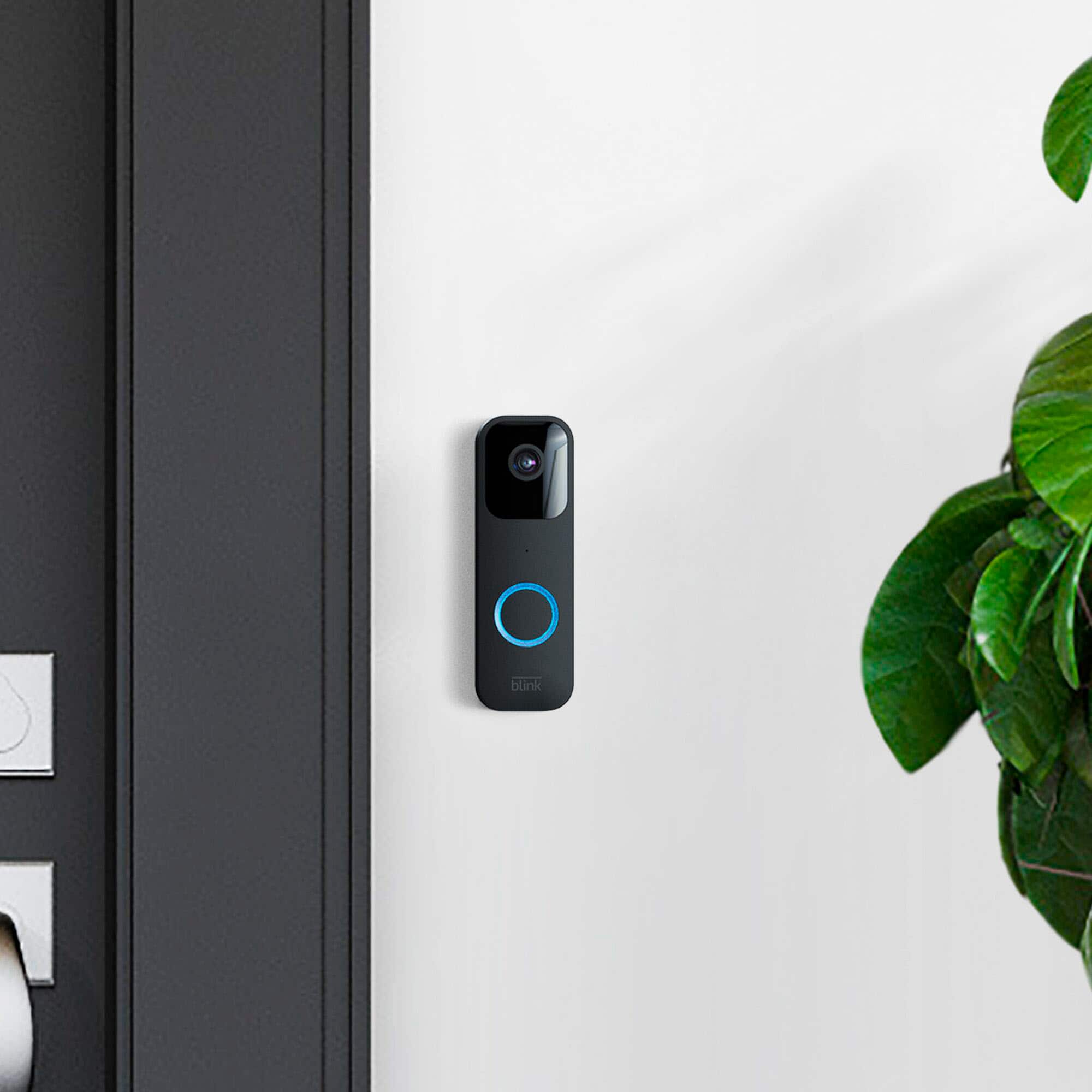
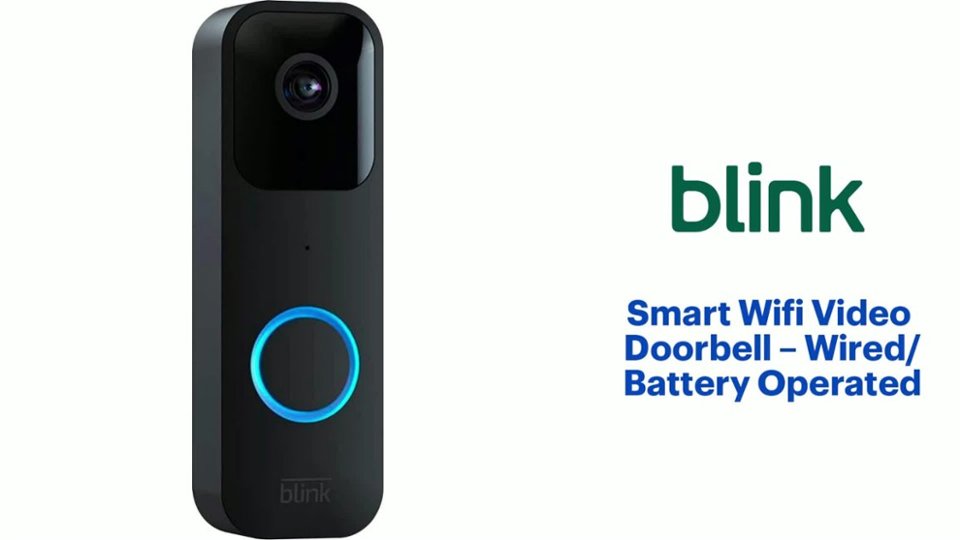
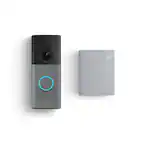
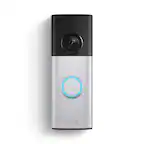
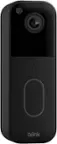
A:AnswerHello! It is optional. This doorbell is uniquely designed to work either completely wire-free or wired, depending on your home: 1. Does it consist of any wiring? Wire-Free (Battery Only): You do not need any wires at all. It runs entirely on two included AA lithium batteries. It connects to your home's Wi-Fi to send video to your phone. (Note: In this mode, it will not ring your house's physical mechanical chime, but it will alert your phone or an Amazon Echo/Alexa speaker). Wired: If you already have existing doorbell wires from an old doorbell, you can connect them to the back of the Blink doorbell. This allows the Blink doorbell to ring your home's existing indoor chime. Note: Even when wired, it still requires the AA batteries inside to operate. 2. Does it take pictures of anyone near the door? Yes, but it primarily records video clips. When someone approaches your door, the camera's motion sensor triggers. By default, it will record a 1080p HD video clip of the person so you can see exactly what they are doing.If you have a Blink Subscription Plan, it also features a "Photo Capture" mode, which takes a still snapshot once every hour throughout the day and strings them together so you can see a quick timeline of your front porch. 3. Does it alert me that someone is at my door? Yes, instantly. You will receive a push notification on your smartphone via the free Blink Home Monitor app in two different scenarios: Motion Alerts: If someone walks near your door (even if they don't press the button), your phone will ping you that motion was detected. You can customize "Activity Zones" in the app so you don't get alerted by cars driving by. Doorbell Press Alerts: If a visitor actually presses the doorbell button, you get an immediate notification. You can tap it to open a "Live View" and use the Two-Way Audio feature to talk to the person at your door through your phone. I hope this helps!
A:AnswerHello hope! Thank you for reaching out. We recommend the Blink Smart Wifi Video Doorbell be installed between 40-48" from the ground. I have attached a link that shares additional install tips to best optimize the placement and use of the doorbell. I hope this information helps!
https://support.blinkforhome.com/en_US/using-blink-video-doorbell/mounting-the-blink-video-doorbell
A:AnswerHello,
While other household devices may remain connected, Blink cameras require a highly stable 2.4 GHz signal and specific power levels to operate. To resolve this connection issue, please power cycle the doorbell by removing it from its mount and taking out the batteries for 10 seconds. If the issue persists, replace them with fresh, AA 1.5V non-rechargeable lithium batteries, as low voltage will cause the device to drop offline. Hope this helps!
A:AnswerNo, it's optional; you can use it without a wire, but a subscription is required after the free trial. It's recommended for students and small spaces.
Hope I answered it, and I would definitely look into better solid options.
A:Answerif you choose on the apps to record it yes it can be but will take the battery life faster but thats what we need for more secure especially when we are out of town
A:AnswerIt is drilled to the wall so it would definitely be a little bit of a struggle. But also the ring camera records even from a distance and as soon as it detects movement, I automatically get a notification on my phone about it.