Appliances Presidents’ Day SaleEnds 2/25. Limited quantities. No rainchecks.Shop now

Main Content

Questions & Answers

Page Showing 1-13 of 13 questions
  • QuestionCan you mount on the same mount as the 1st generation.

    Asked by JacquelineB.

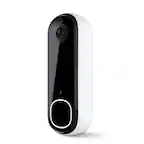
    • Answer Hello, Suflae! The Blink Video Doorbell 2nd generation would not mount onto a 1st generation mount. However, the Blink Video Doorbell 2nd generation comes with a unique mount (along with mounting accessories such as screws) you would be able to install instead. Thanks for the question, have a great day!

      Answered by Amazon Devices Customer Support

  • QuestionThe title on the listing says REQUIRED SYNC MODULE......a module was not necessarily previously required and could act as standalone; does this new model not have the ability to act without a module?

    Asked by Oscar.

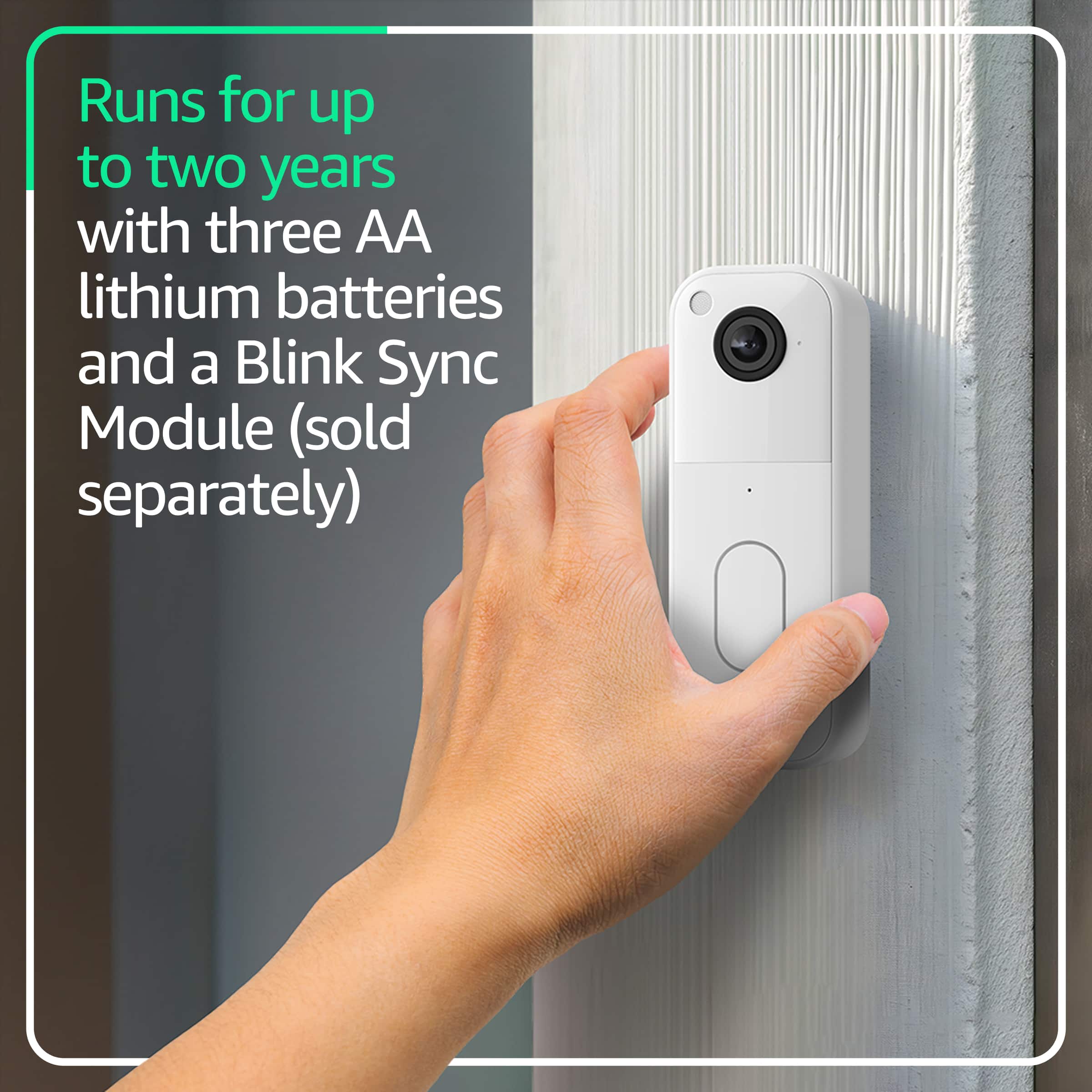
    • Answer Hi Oscar, With the newer Blink Video Doorbell (with “Required Sync Module”), it cannot operate fully standalone — it does need a Sync Module to connect and record to your Blink system. Older Blink doorbells could work without one, but this updated version requires the module for proper setup and cloud clips. Hope this helps!

      Answered by Amazon Devices Customer Support

  • QuestionIs the small part for Wi-Fi included or I have to buy it? Also is this a part important or I just can use my Wi-Fi home?

    Asked by Monica.

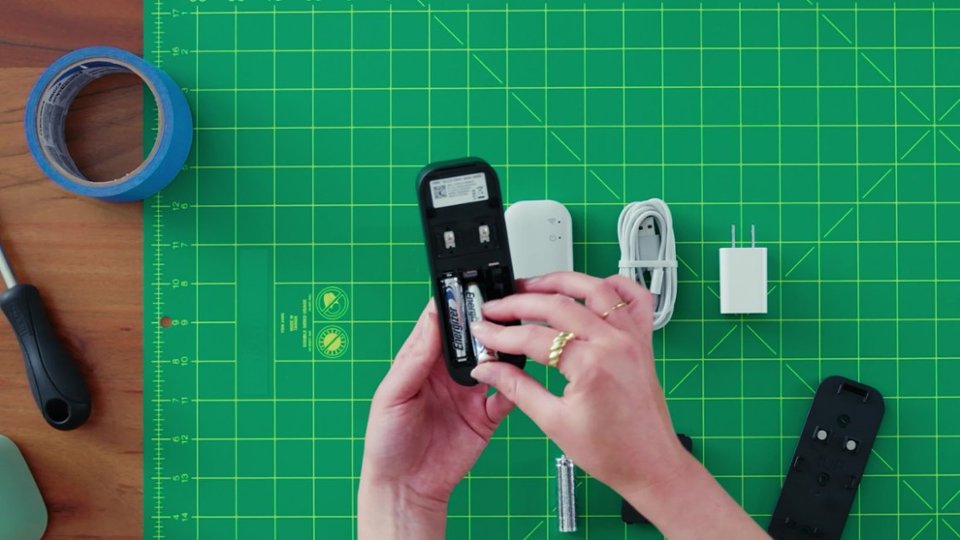
    • Answer Hello Monica and thank you for your question! The Blink Video Doorbell requires a stable Wi-Fi connection to work, you can use your home Wi-Fi for this connection. In addition to Wi-Fi the Blink Video Doorbell also requires a Sync Module. Unfortunately, this model does not include a Sync Module. This can be purchased separately or bundled with the Doorbell. Hope this helps! Have a great day!

      Answered by Amazon Devices Customer Support

  • QuestionCan best buy install the doorbell

    Asked by INstallation.

    • Answer Hi! Yes, Best Buy offers professional installation for video doorbells, including brands like Blink, through their Geek Squad smart home services. This allows you to schedule setup when purchasing the device or separately. You'll just need to provide the Blink doorbell and have a working Wi-Fi network, and the technician will help with mounting, app setup, and configuration, including connecting to voice assistants if you have them. I hope this answers your question!

      Answered by Amazon Devices Customer Support

  • QuestionHow do i hard wire the blink camera

    Asked by Paul.

    • Answer Hello Paul, To hardwire a Blink Doorbell, first shut off power at the breaker, then remove the old doorbell, connect the Blink's Y-clips (or wires directly to terminals) to your existing low-voltage wires (16-24V AC), mount the new backplate, and restore power; the app guides you to confirm compatibility and set up your chime type (mechanical/digital) while the doorbell still needs its internal batteries for operation. I hope this information helps. Have a great day!

      Answered by Amazon Devices Customer Support

  • QuestionCan you talk to someone

    Asked by Anonymous.

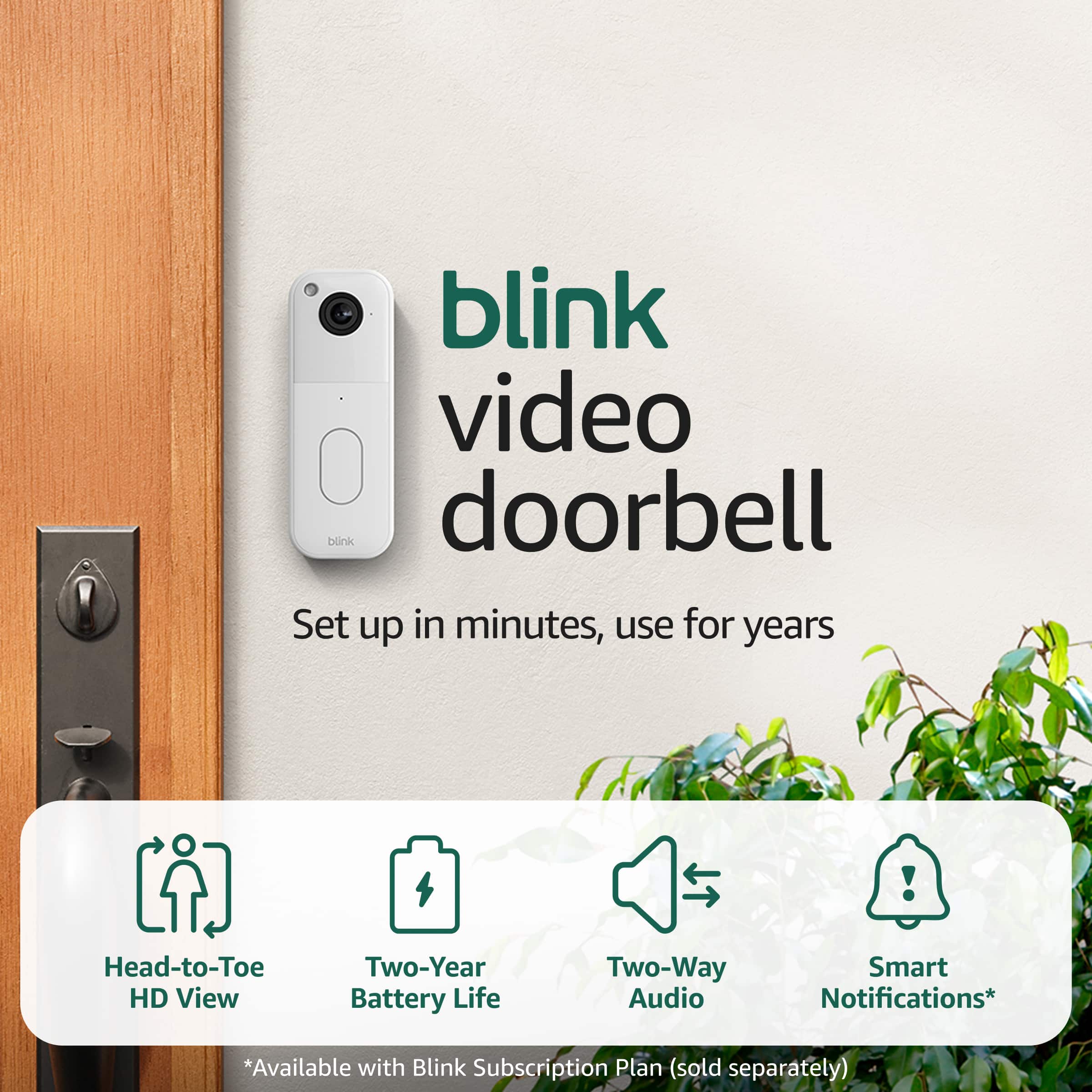
    • Answer Hello and thank you for your question! Yes, the Blink Video Doorbell allows for two way audio with the individual at the front door. Hope this helps! Have a great day!

      Answered by Amazon Devices Customer Support

  • QuestionWhere is the bell that rings

    Asked by MP.

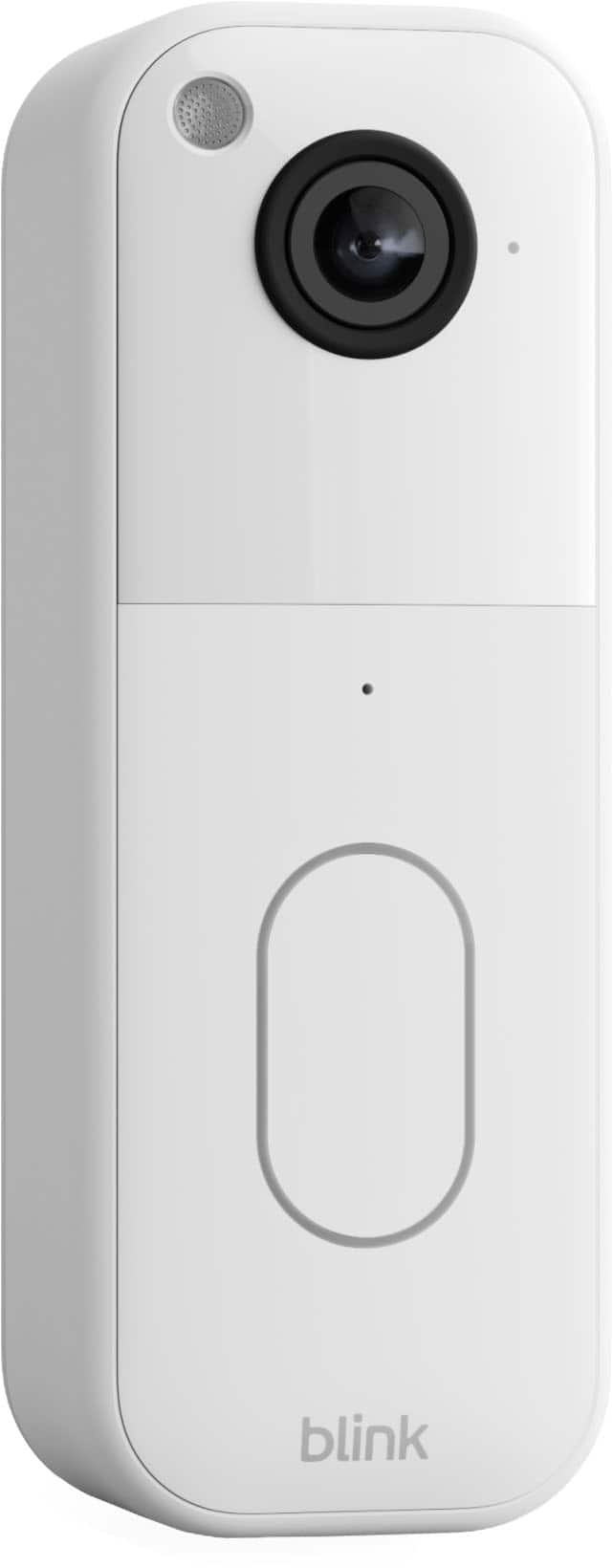
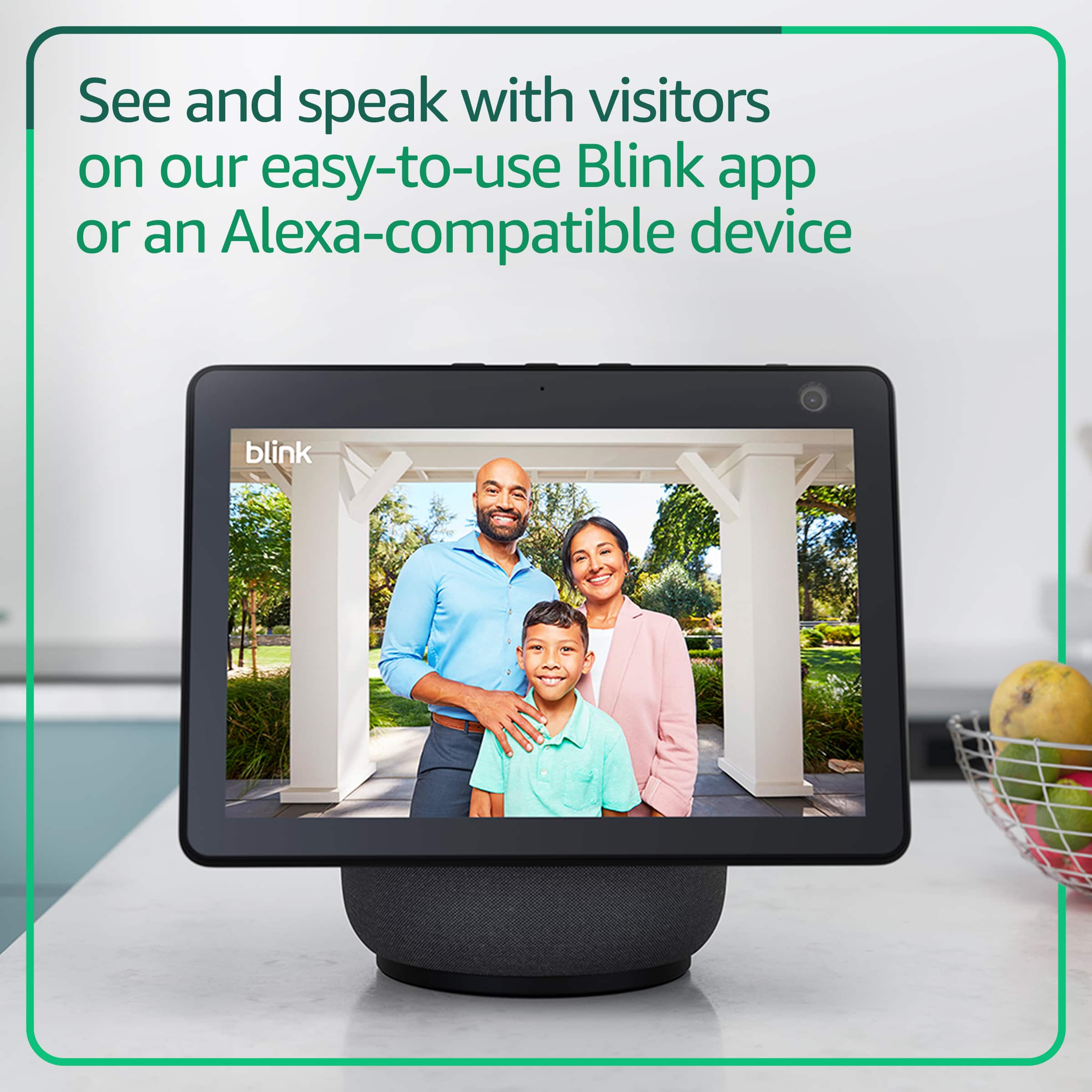
    • Answer Hi MP, the Blink Video Doorbell doesn’t have a built-in indoor chime. It will ring through your home’s existing doorbell chime if wired, or an Alexa device if used wirelessly. Hope this helps!

      Answered by Amazon Devices Customer Support

  • QuestionCan you use an sd card for local storage with the new blink video doorbell? -MH

    Asked by MH.

    • Answer Hi there! You can use local storage by plugging a USB drive into a Sync Module 2 or a micro SD card into a Sync Module XR, however this model doesn't come with either. This particular listing is for adding a doorbell to an existing Blink system that already features a Sync Module. If you'd like the Blink Video Doorbell you see here, I'd suggest picking up a separate Sync Module 2 to use the USB storage. If you run into any issues setting things up, you can always reach out via the app for some help. Personally I had to eject the USB drive in the app and re-insert it once or twice before things started working properly. I hope that helps, have a great rest of your day!

      Answered by Amazon Devices Customer Support

  • QuestionI don’t want to purchase extra apps to view who is at my door so will it work for me

    Asked by Anonymous.

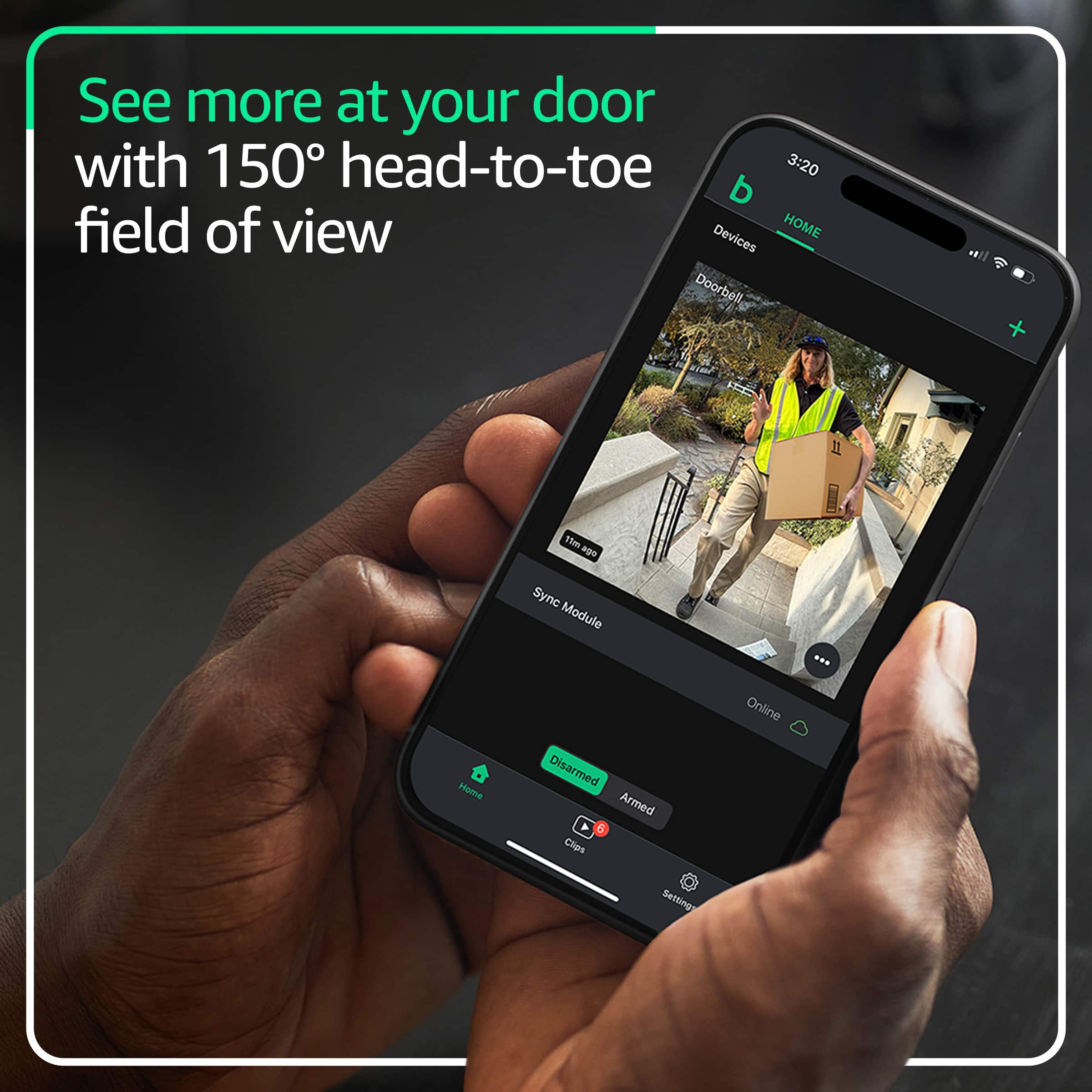
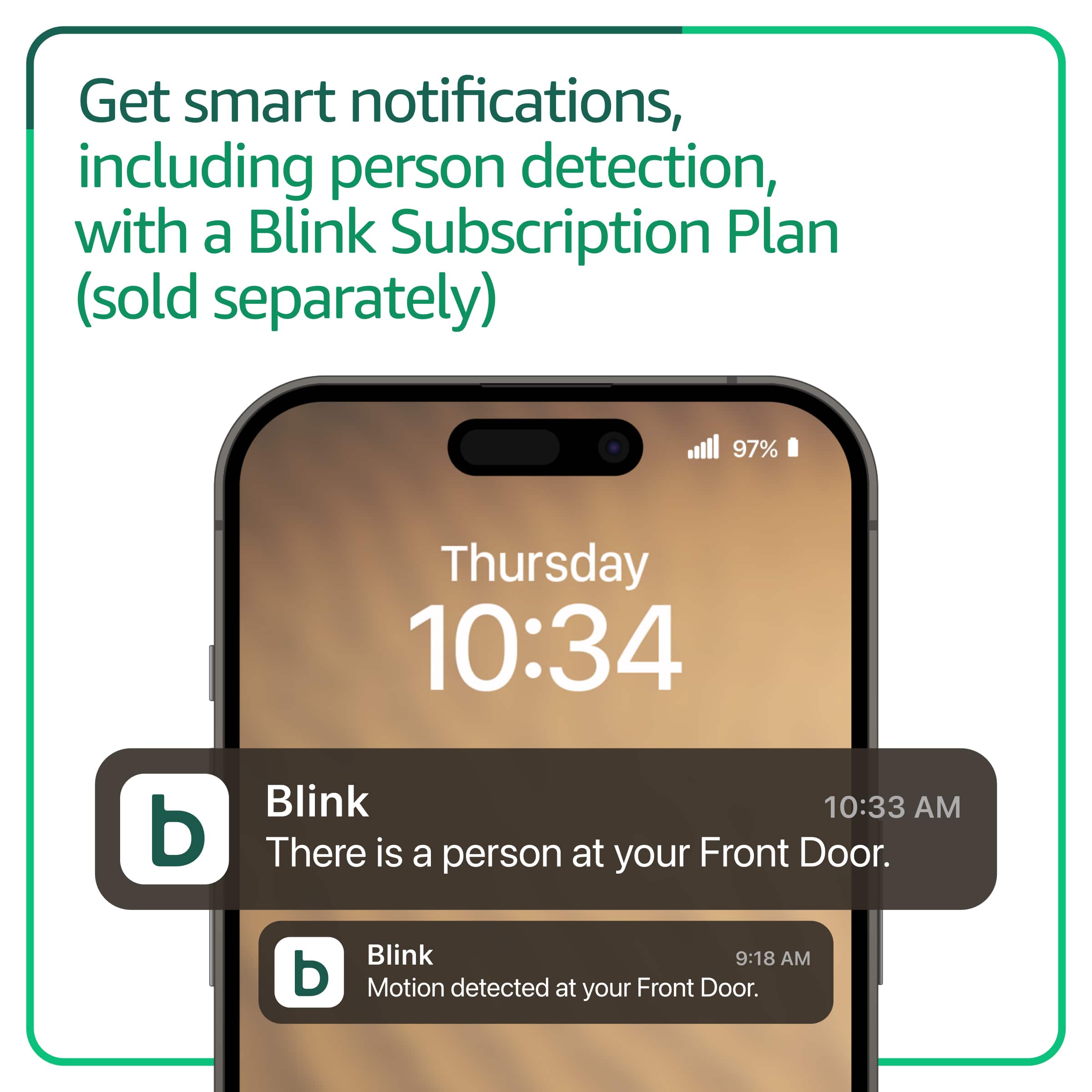
    • Answer Hello and thank you for your question! The Blink Home Monitoring app is a free app available on the app store. This is how you set up/connect the device and view who is at the door. Hope this helps! Have a great day!

      Answered by Amazon Devices Customer Support

  • QuestionDoes this doorbell work with a blink sync module XR? If it does, then storage could be a micro SD card rather than the cloud since the sync module XR allows that?

    Asked by Tim23.

    • Answer All devices across generations are cross-compatible. You may use the Sync Module XR with an original Video Doorbell, and Local Storage would still work through the SD card in the XR.

      Answered by Blink

  • QuestionCan you use this without the sync module?

    Asked by Ken.

    • Answer Hi Ken, You can use the Blink Video Doorbell without a Sync Module. It’ll still connect to Wi‑Fi and record motion or doorbell events but it operates in “Event Response” mode, meaning Live View and two-way audio only work if triggered by motion or someone pressing the doorbell. With a Sync Module, you get Live View and two-way audio at any time not just after events. Hope this helps!

      Answered by Amazon Devices Customer Support

  • QuestionCan you use your existing sync or do you need to buy a new 1

    Asked by Michele.

    • Answer Hello Michele, Yes, you can use your existing Blink Sync Module with this new Blink doorbell. I hope this information helps. Have a great day!

      Answered by Amazon Devices Customer Support

  • QuestionDoes this have color night vision

    Asked by Anonymous.

    • Answer Yes, If You Go Too Doorbell Setting, Change It From Black And White To Color.

      Answered by Anonymous