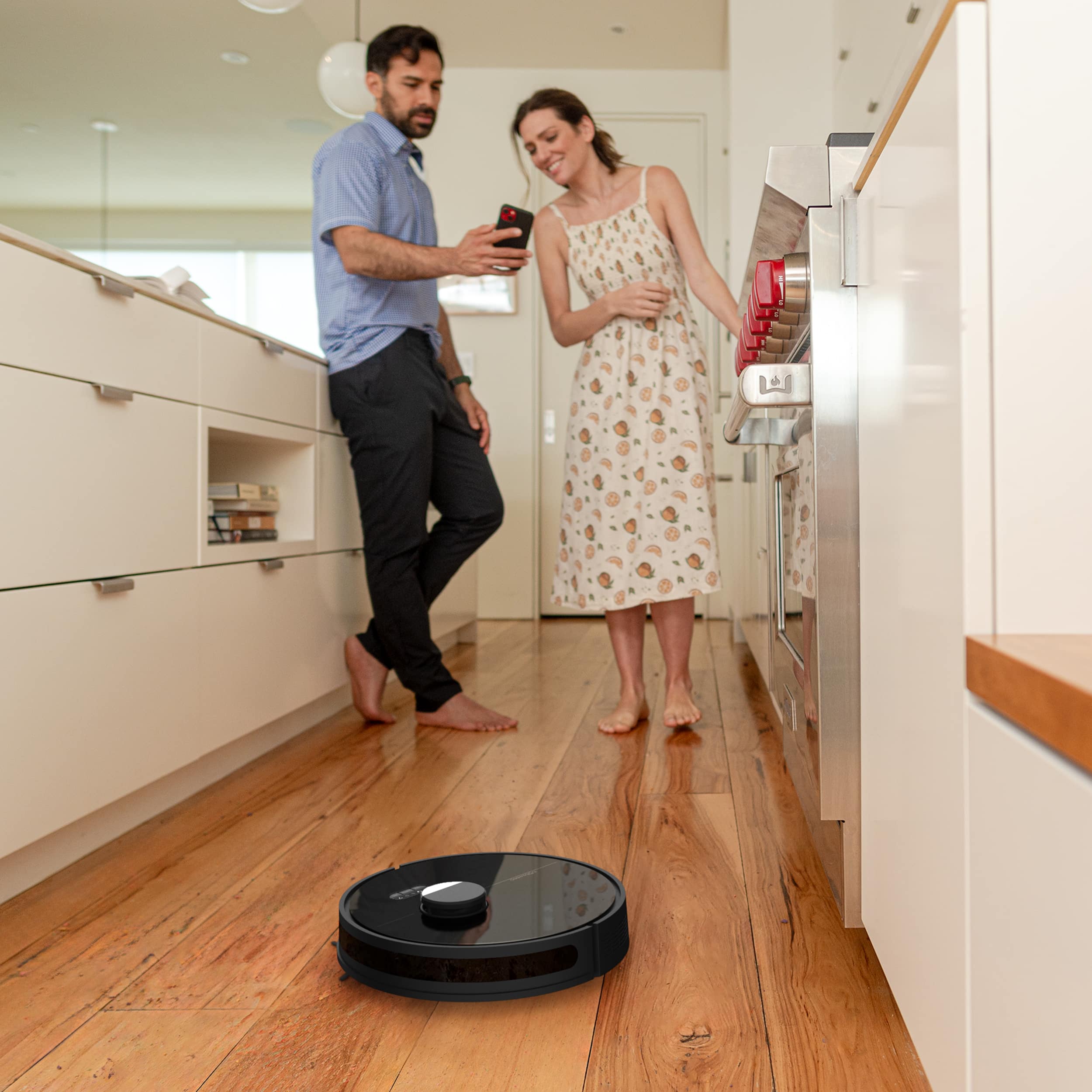
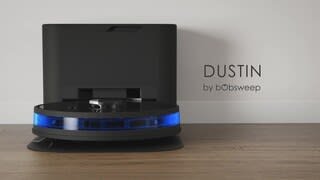
A:AnswerI dont know the height ,but will clean underneath areas if your furniture doesn't sit to low.it cleans under my couch ,bed and dining room table flawless.never gets stuck .
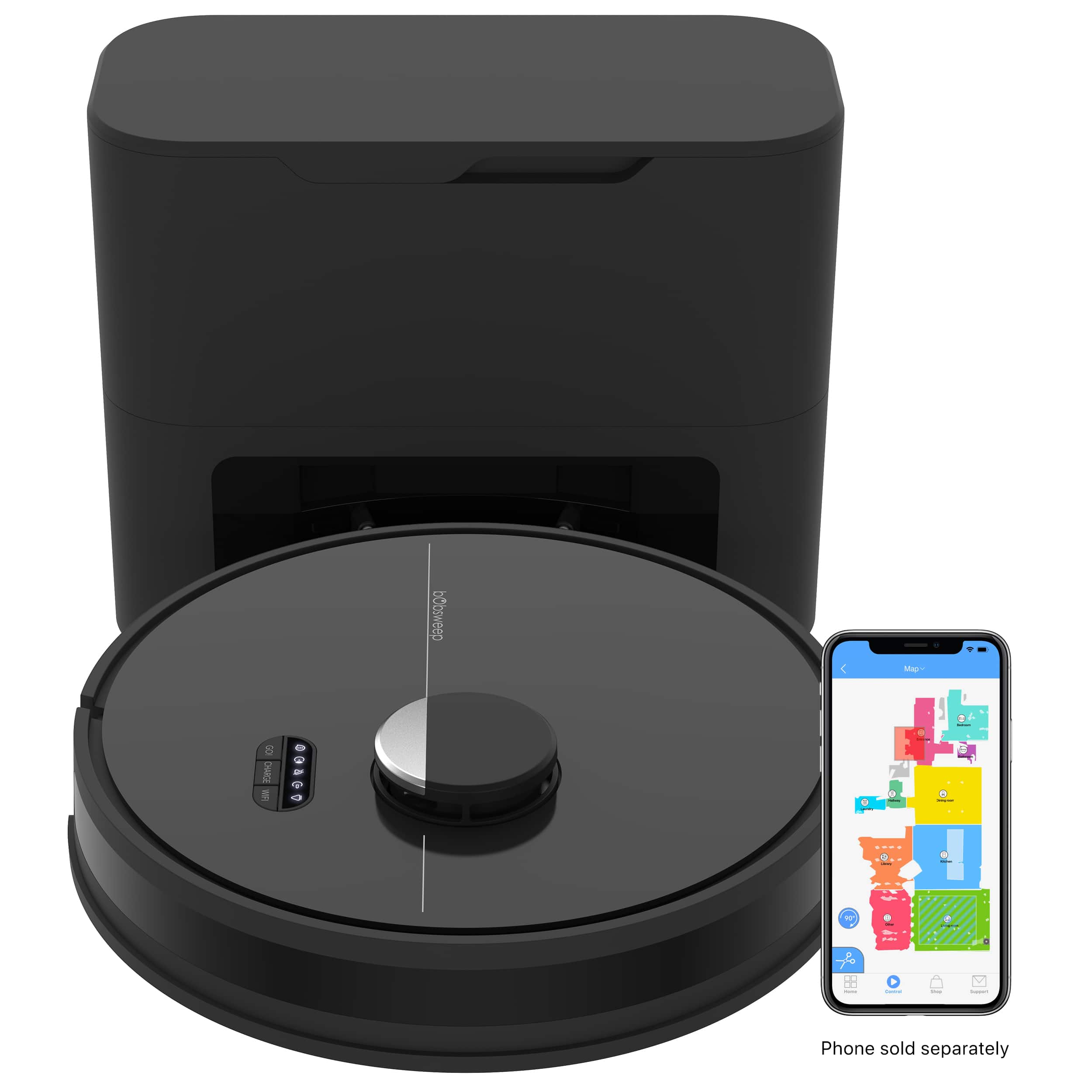
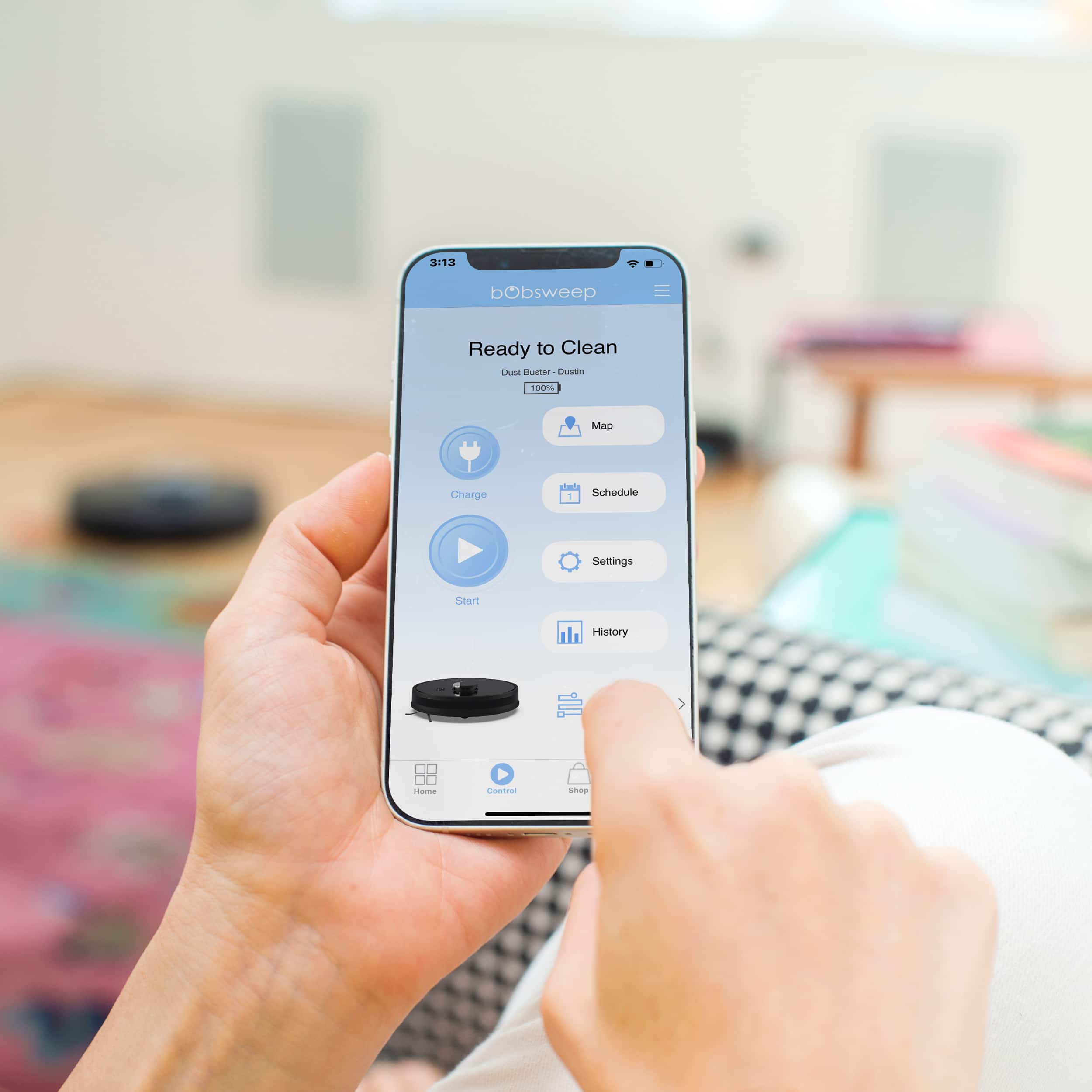
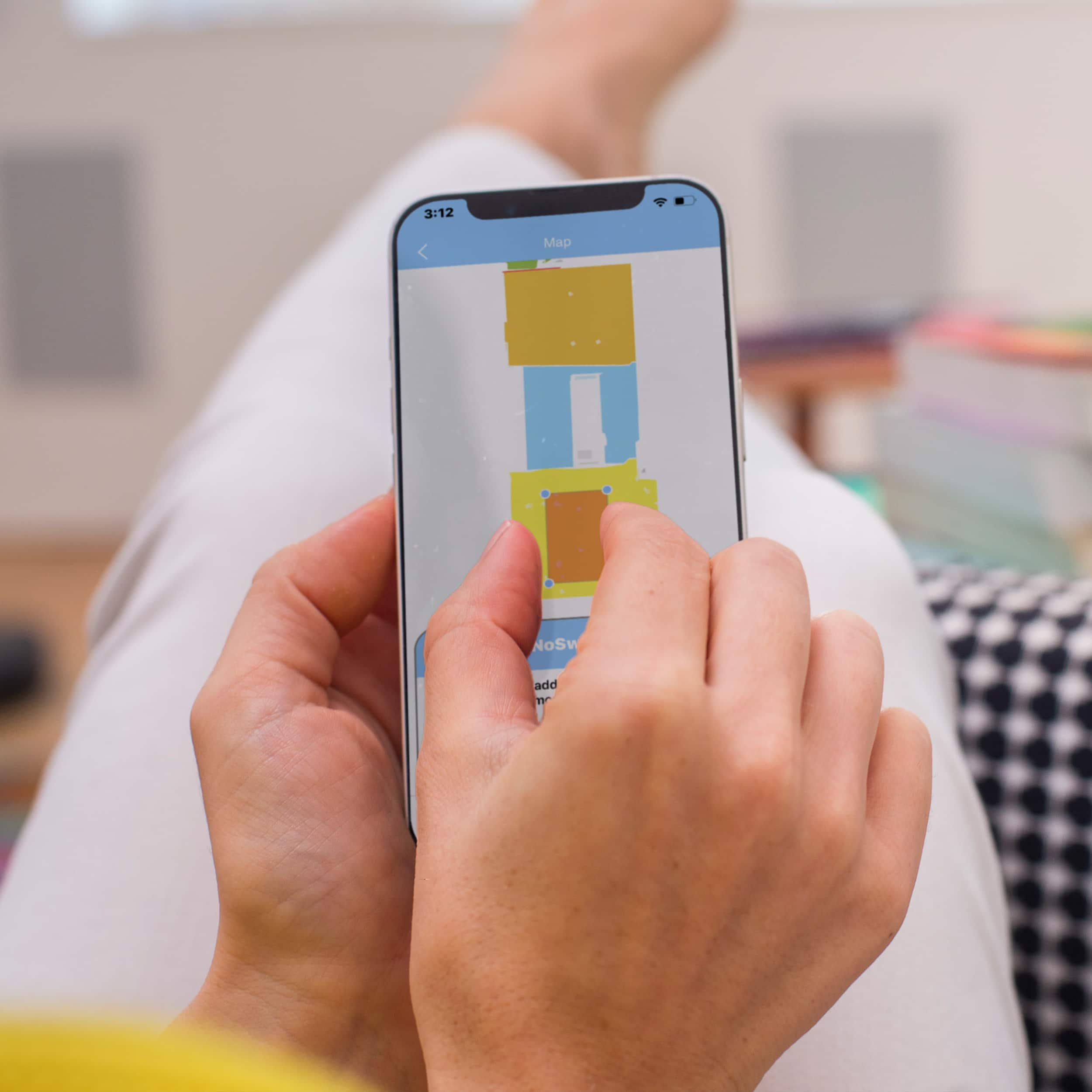
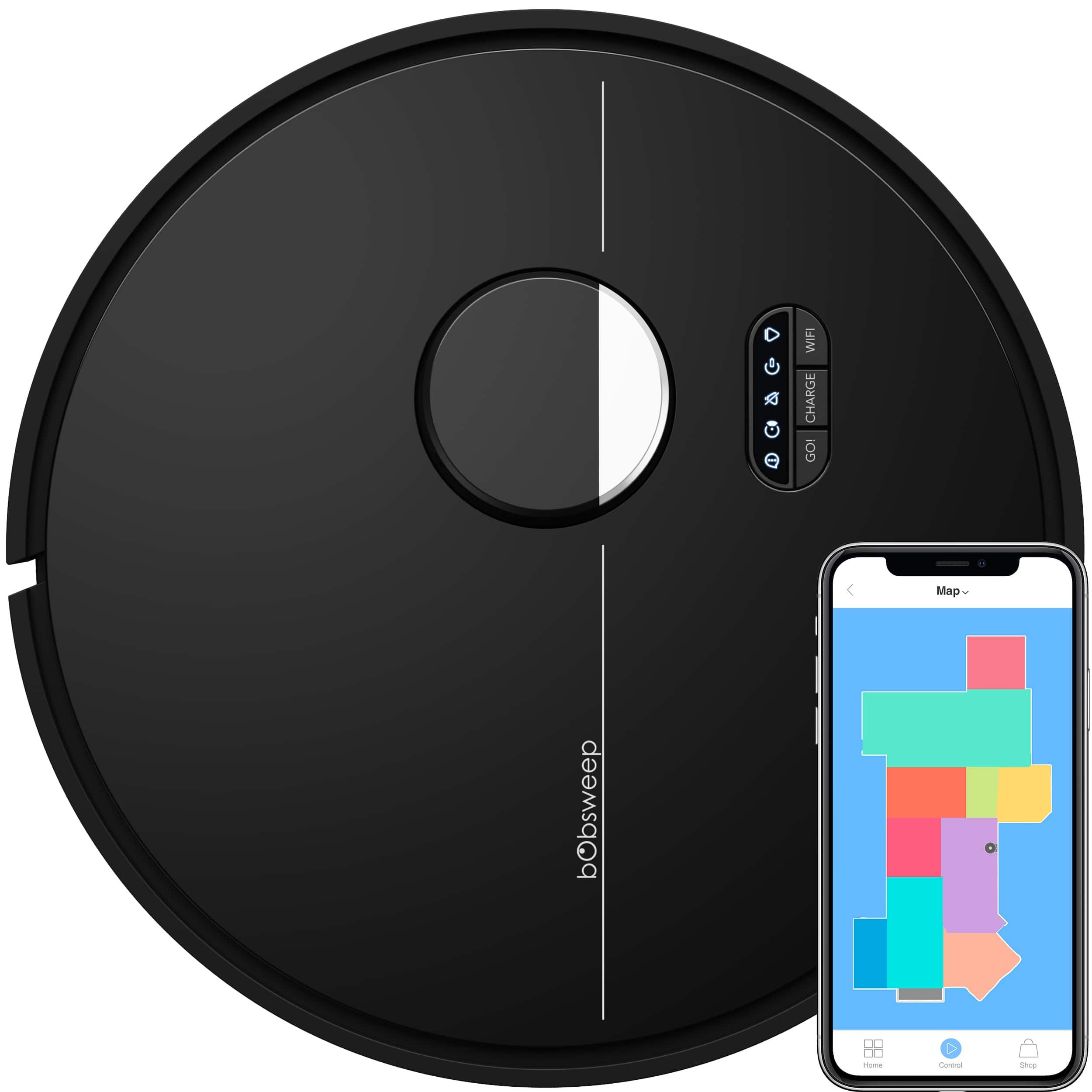
A:AnswerYes, it does have LIDAR its the black and silver thing on top (night model) and on first run it will create a map which you can watch through the app.
you can save up to 3 different maps if you want to move Dustin.
its pretty good at figuring out the different rooms automatically but you can also manually combine or separate rooms on the map if its not correct or if you just want too.
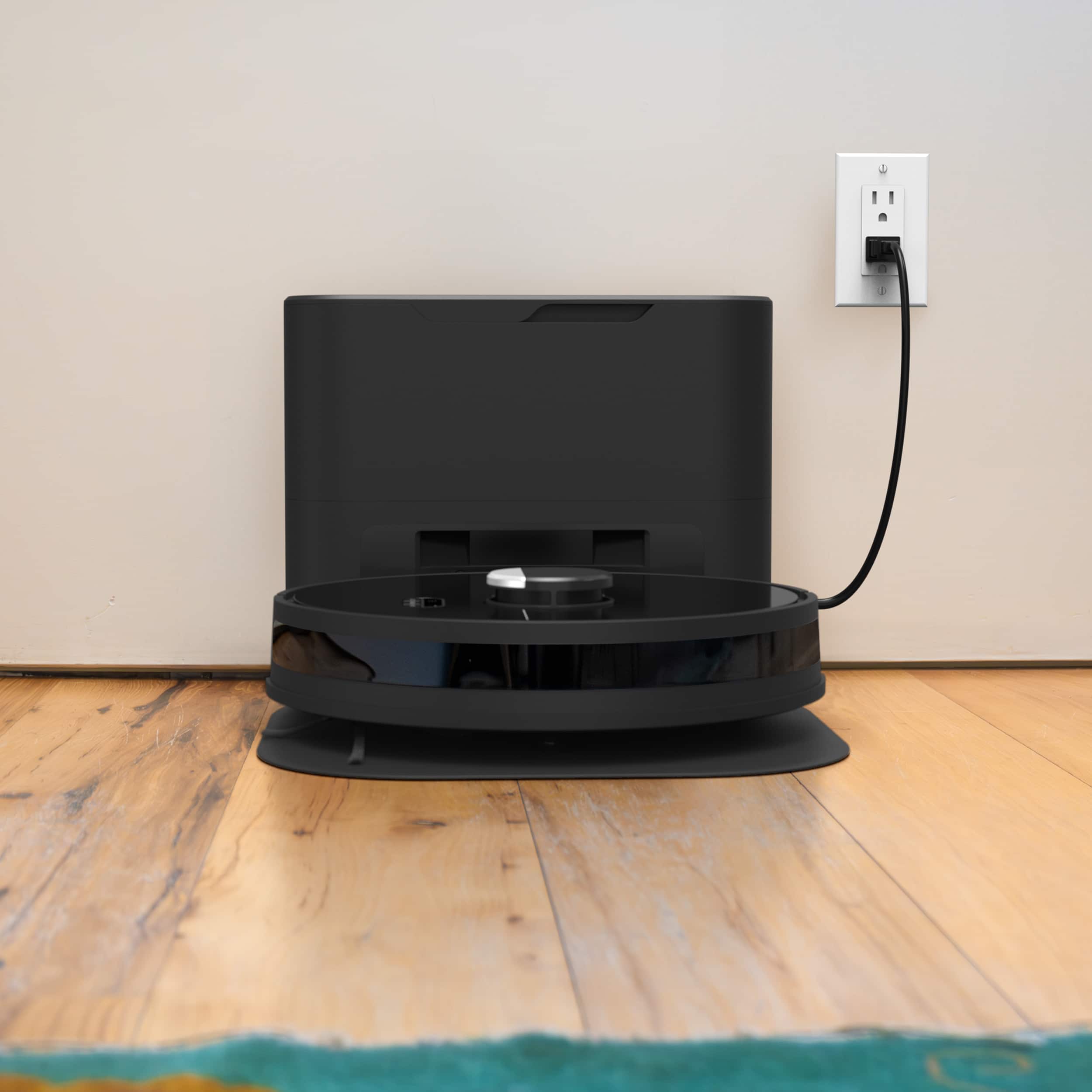
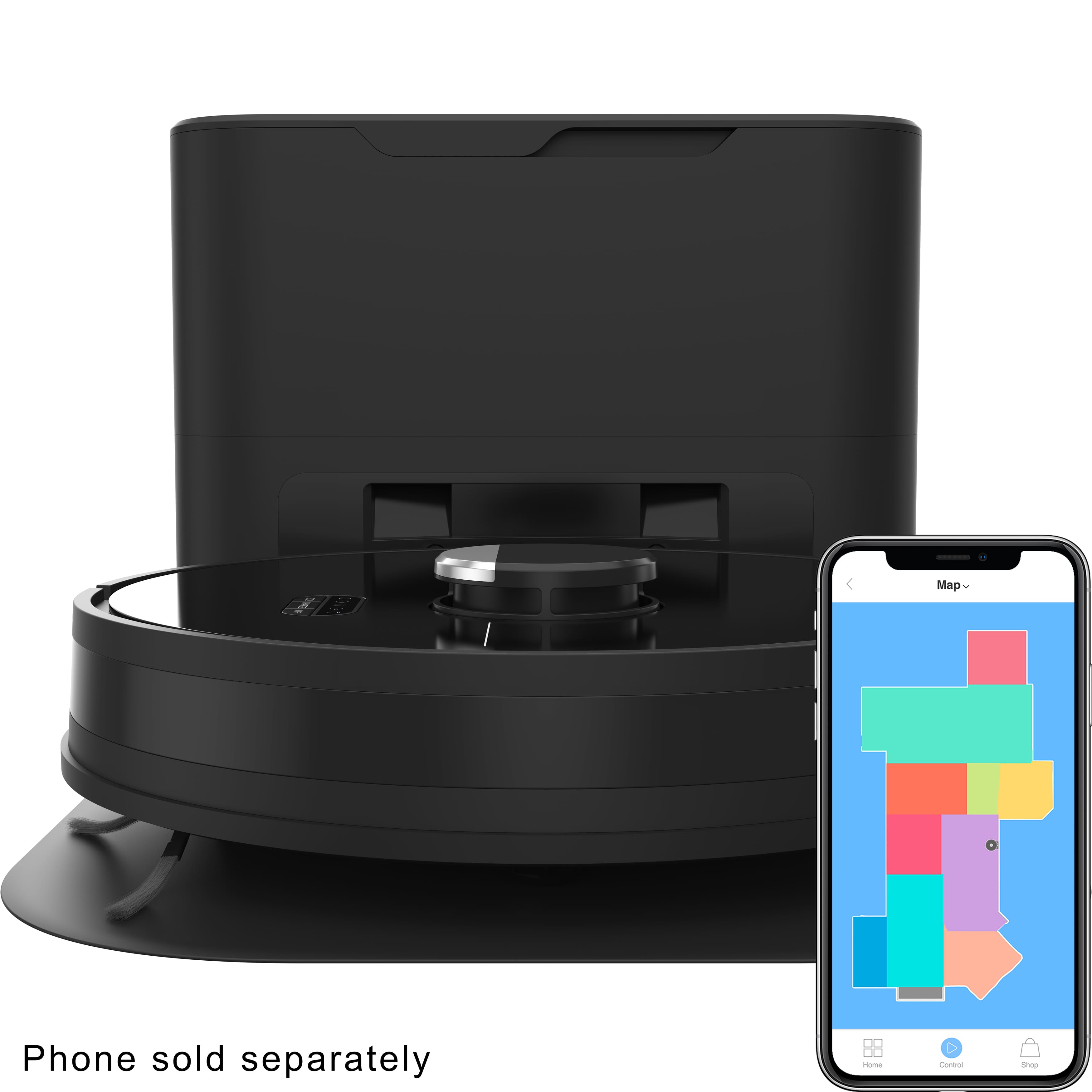
A:AnswerIt will not detect dog poop. Unfortunately it happened to me and now our vacuum smells like poop when it empties the vacuum. We cleaned the vacuum itself but the charger/collector cannot be cleaned so it stinks so badly now when the vacuum empties itself.
A:AnswerYes, you can set up a map on the app so it will only mop in certain areas. I have some area rugs and it was a little difficult to add those to the map, but main carpeted rooms were easy to avoid with the mop.
A:AnswerI have a couple of rugs in my bathroom and one is pretty thick. It will sometimes cause the vacuum to stop and I have to restart. If I pick up the rugs it works just fine.