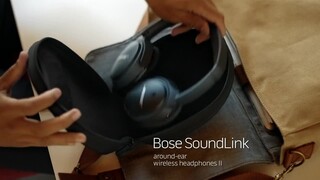
A:AnswerThe headphones usually come with an option to wire in your audio out. I prefer getting a blue tooth transmitter hooked up to your audio out and listen to the TV wireless.
A:AnswerHi, houde20.
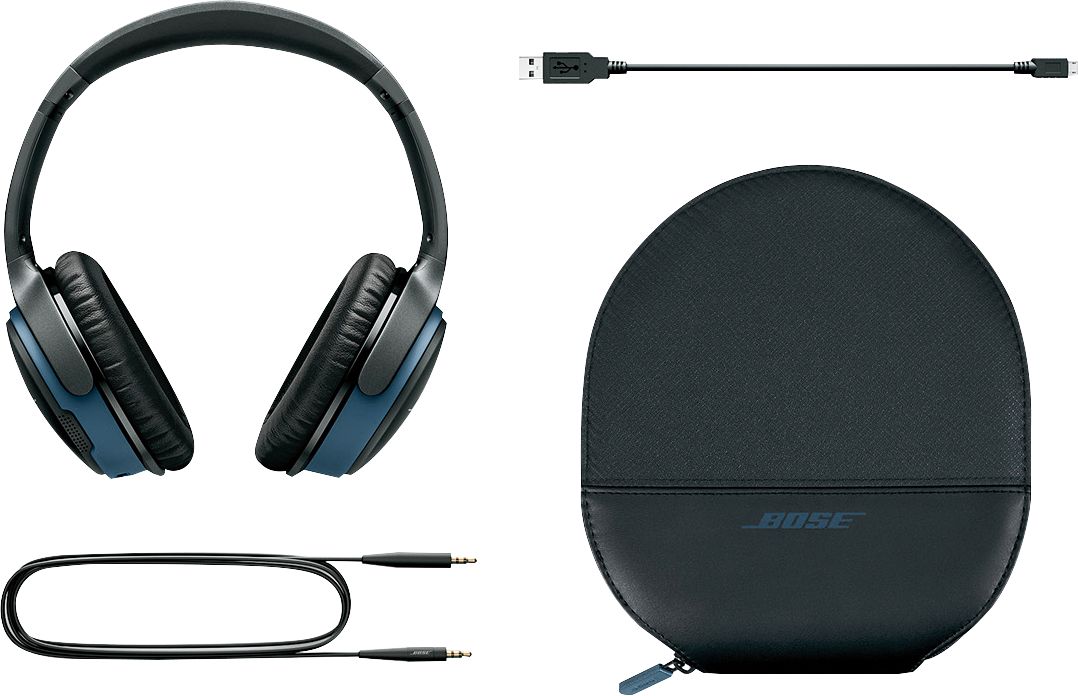
Thank you for your question. While the SoundLink Wireless Around-Ear Headphones II are not engineered specifically for gaming, we have tested a few versions of the PS4 with wired connections on a similar headset. This model would not connect via Bluetooth to the PS4, however, it may work when adding a Bose QuietComfort 25 Android audio cable.
Please see our Community article for the latest updates on this type of connection: https://bose.life/2OmBlmV. We hope this helps! Have a great day.
Jesse - Bose Support
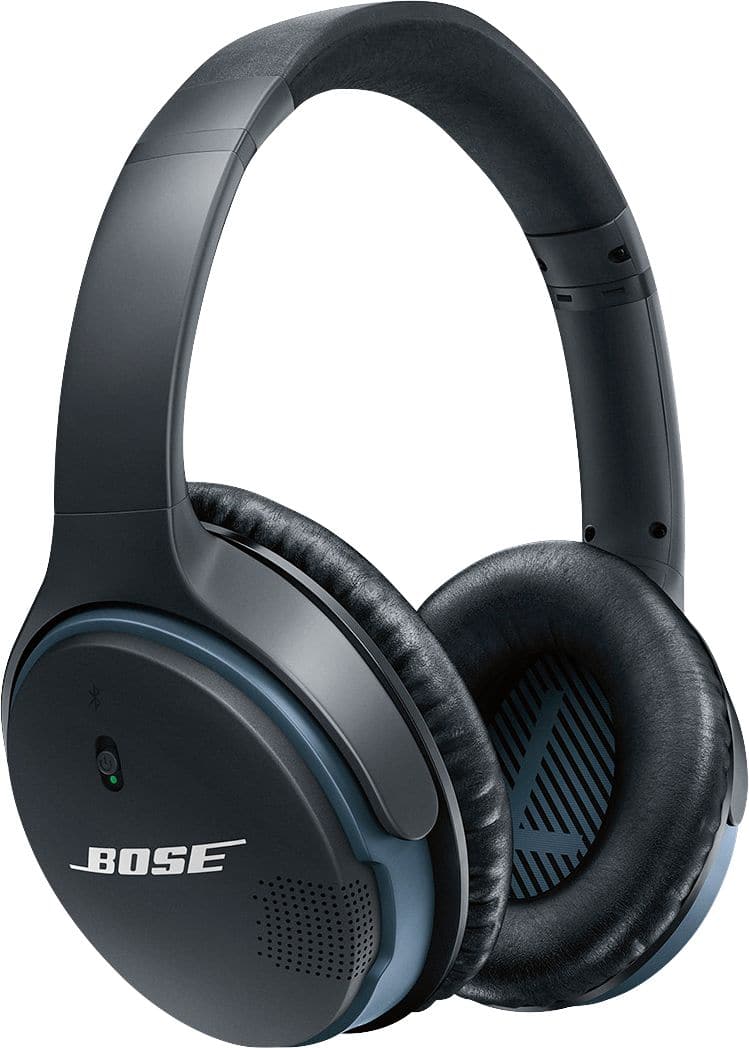
A:AnswerHello, Joe. Thanks for your question. We cannot guarantee that the SoundLink Around-Ear II headphones will be compatible with the Xbox One S. Information on Video Game Console compatibility can be seen on our Bose Community page here: https://bose.life/2JtBJC6. Though it is for the QC 35 headphones, the details are similar to the SoundLink Around-Ear II headphones. Please feel free to reach out to our support in your region if you have any additional questions https://bose.life/2JpX9Pz. We hope this helps. Have a wonderful day! Ashley - Bose Support
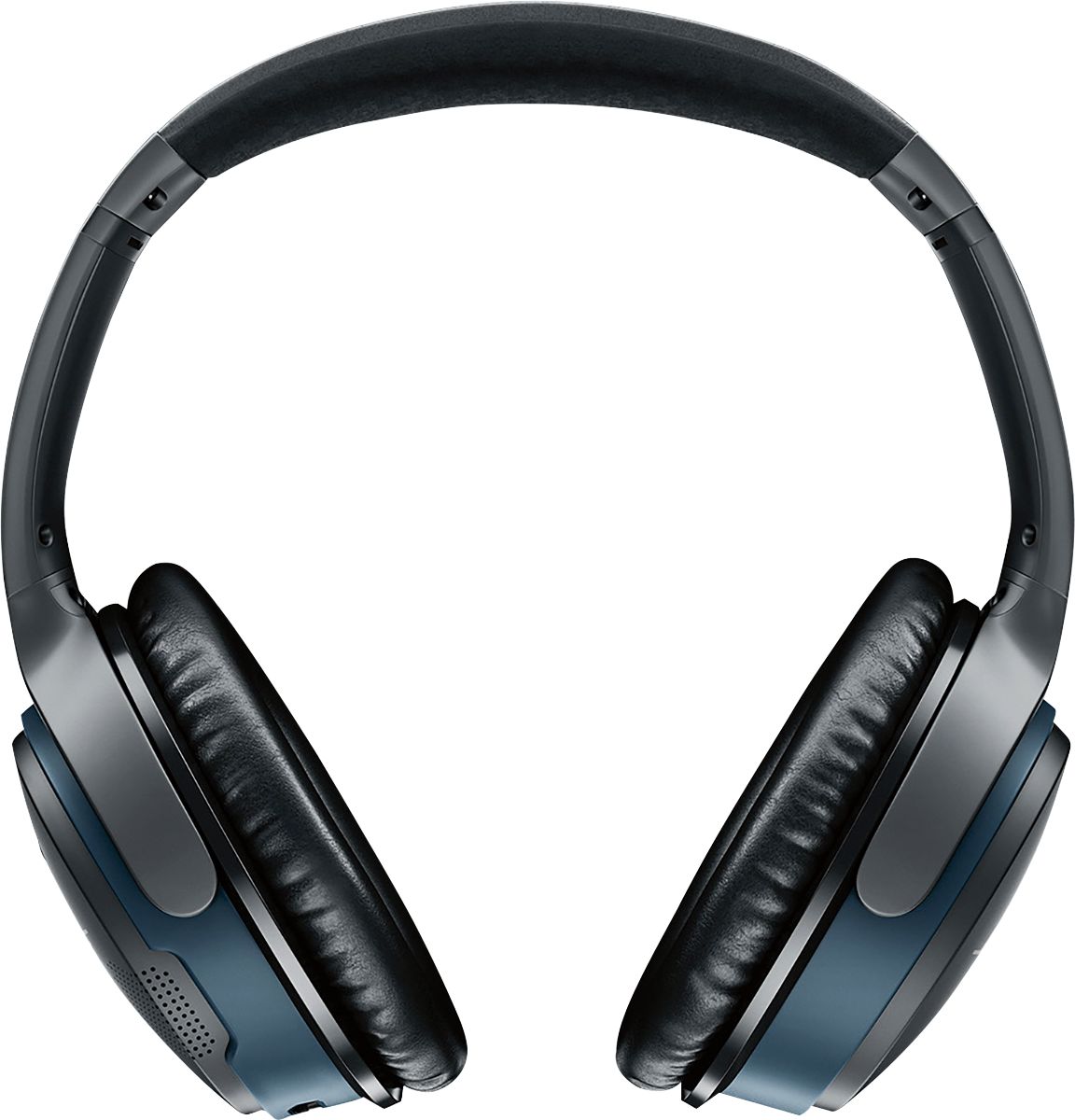
A:AnswerHi, Thanks for the great question. The ear pads on the SoundLink Wireless AE II are user replaceable.
Here is a link to your local Bose support https://bose.life/2qwENj4. They would be able to assist you in getting replacement pads. Have a great day! Tony - Bose Support

A:AnswerI will not recommend them for audio calls. The microphone will pickup all the nearby sounds. The apple earbuds or even the microphone from the MacBook will provide better call quality than these.
A:AnswerHello Hansontl! I am glad to hear that you are interested in our SoundLink around-ear wireless headphones II. For some clarification, our SoundTouch products are engineered to pair other SoundTouch products. Pairing the headphones via Bluetooth is not an option, however, you may use them as a wired connection by plugging the 3.5 mm cable into the AUX input on the speaker. Kind regards! Ashley - Bose Support