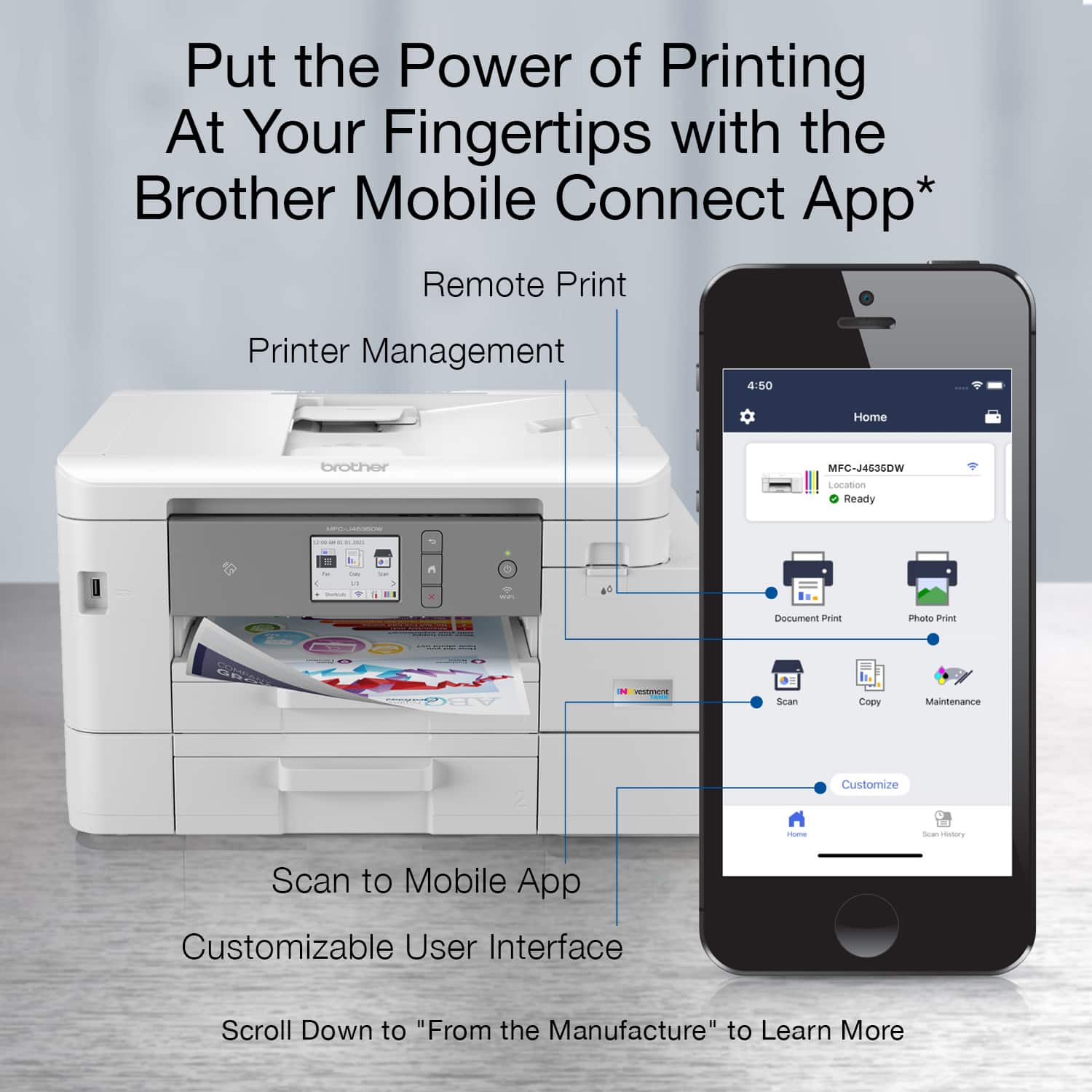
A:AnswerAll you need to do is setup the printer to your WiFi and you can AirPrint in no time. I have not had any issues with printing through a wireless connection.
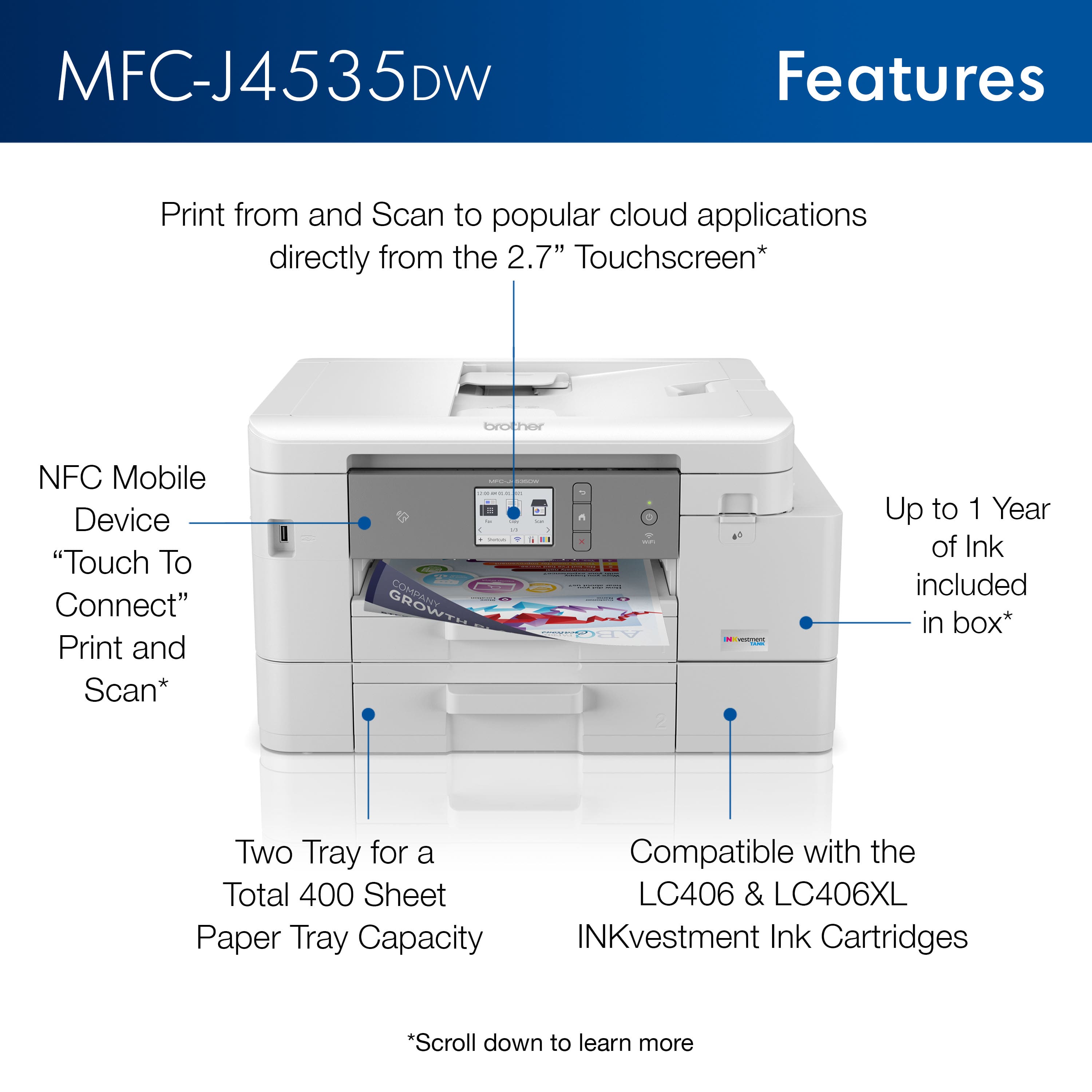
A:AnswerBoth paper trays on the Brother MFCJ4535DW machine are able to hold letter and legal size. We suggest you to check the list of recommended paper for this model at our support site.
A:AnswerYes, the Brother MFCJ4535DW is compatible with Windows 11 operating systems. Below is a link with all the compatible operating systems for the Brother MFCJ4535DW.
Answer Link: https://support.brother.com/g/b/oslist.aspx?c=us&lang=en&prod=mfcj4535dw_us_eu
A:AnswerYou can lift the top part of the printer and place pretty much any item on the glass to make a photocopy of it but if the lid cannot be completely closed, the copy may not be of the highest quality.
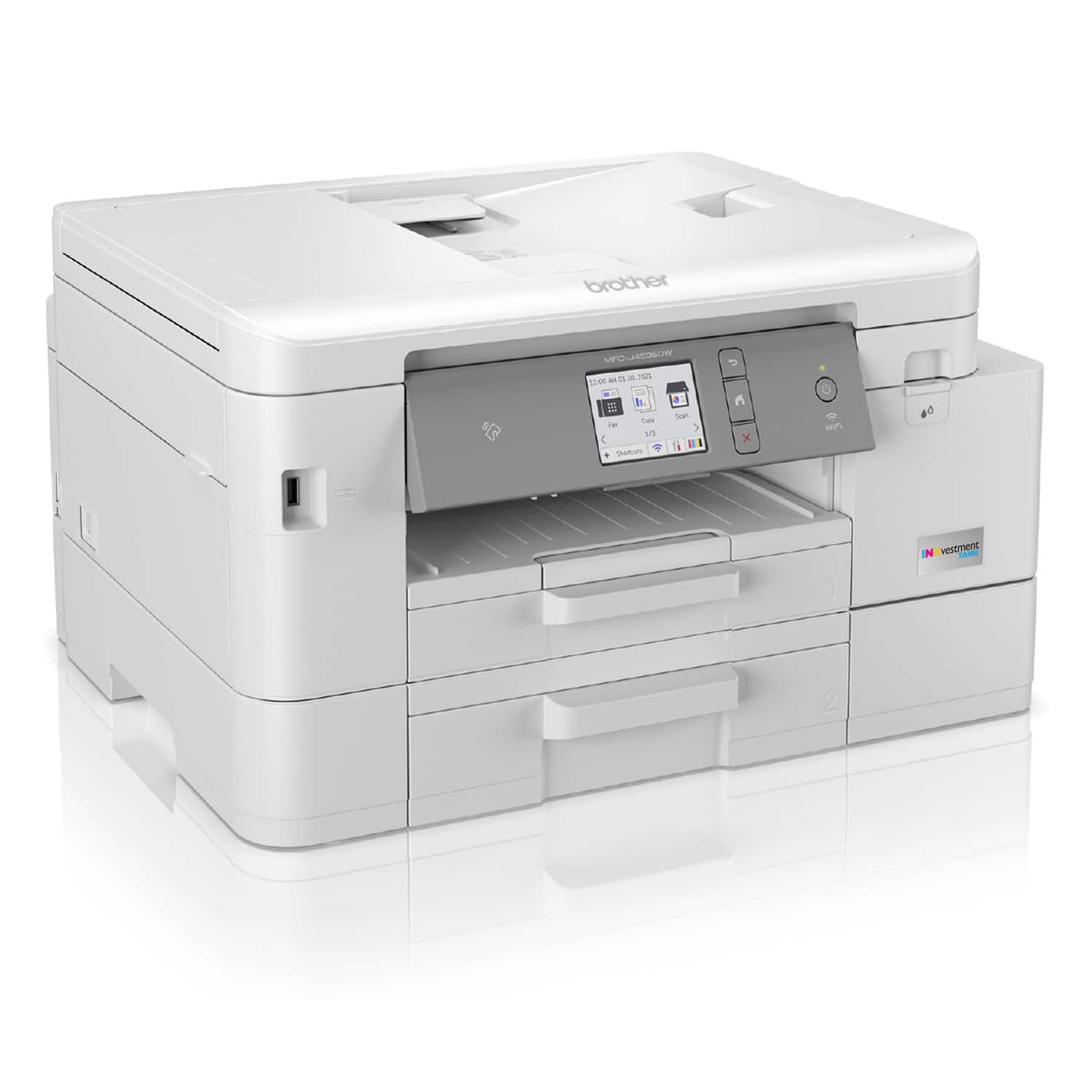
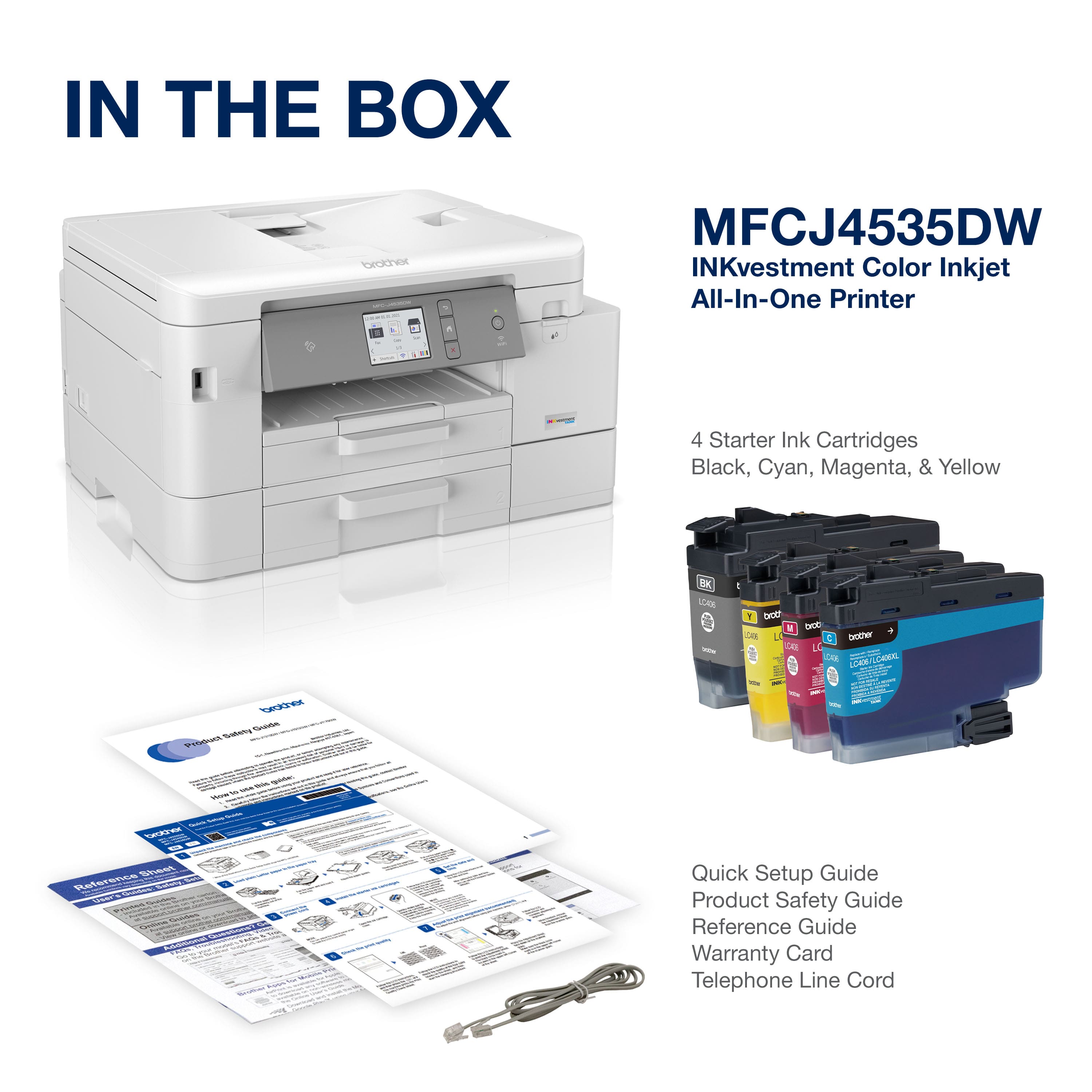
A:AnswerThe Brother MFCJ4535DW machine is a easy-to-use, front-loading plug-in INKvestment Tank ink cartridges that hold more ink than traditional cartridges to continually supply ink to the internal tank, so you get more pages without needing to refill. When refilling is needed, simply take out the empty cartridge, plug-in a replacement and get back to printing.