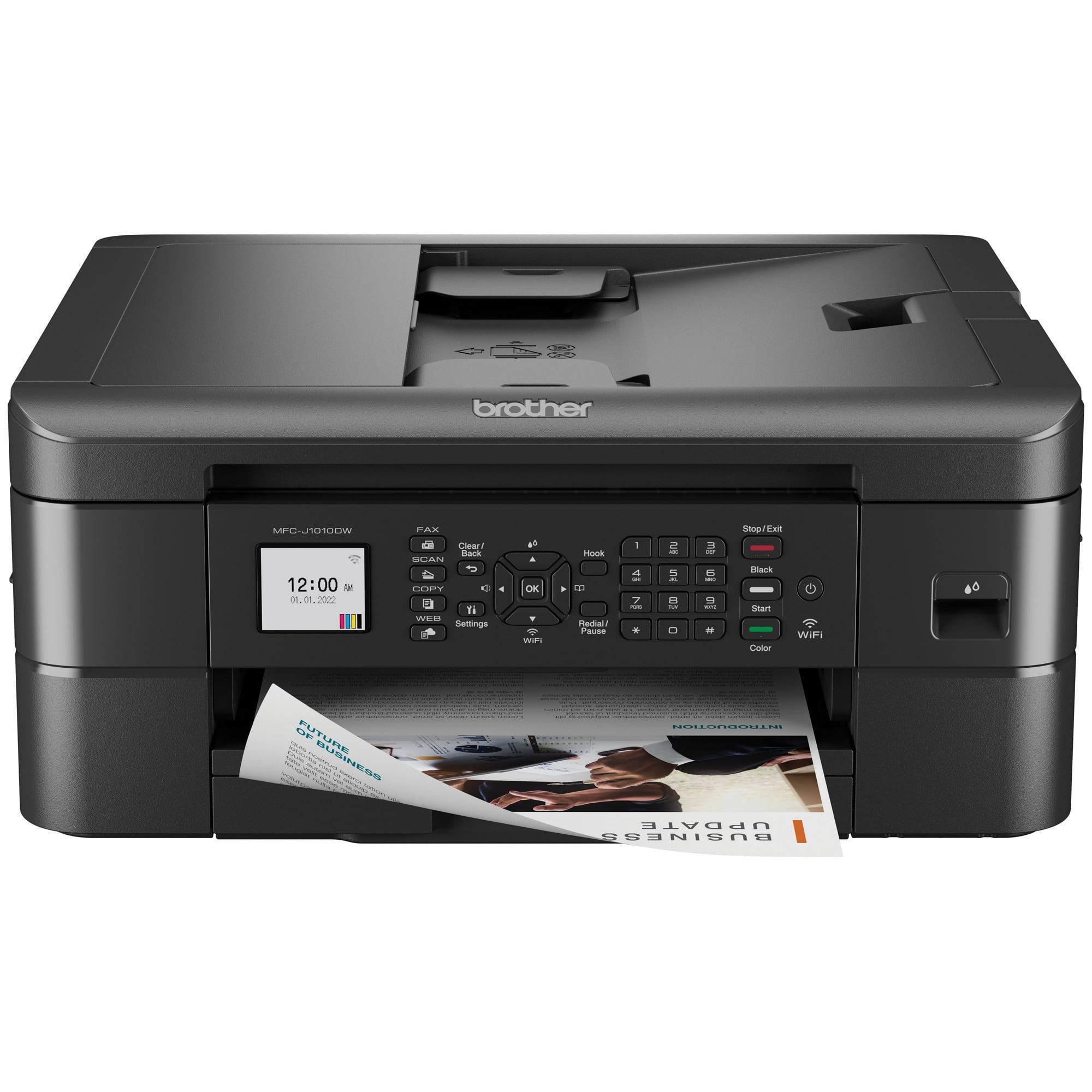
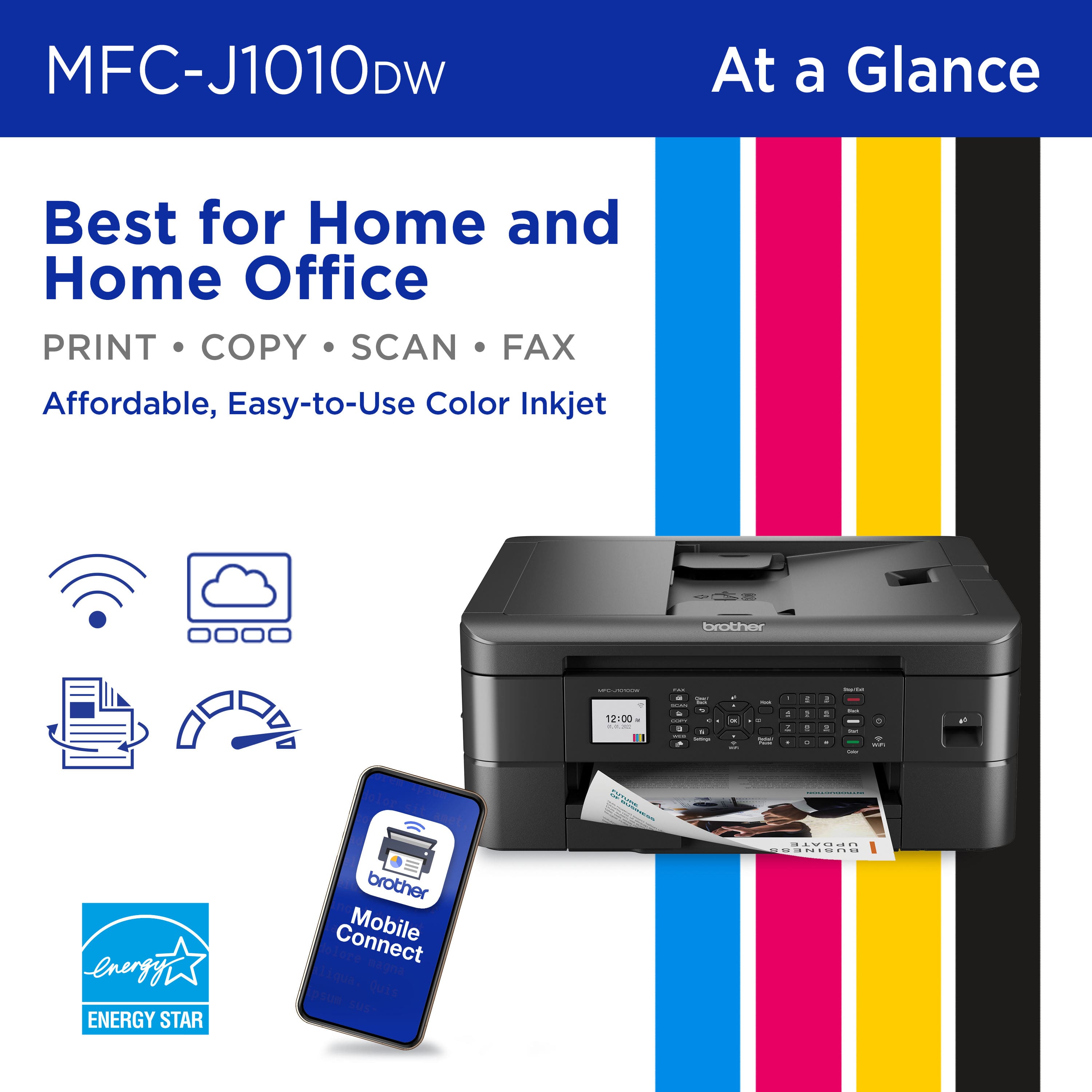
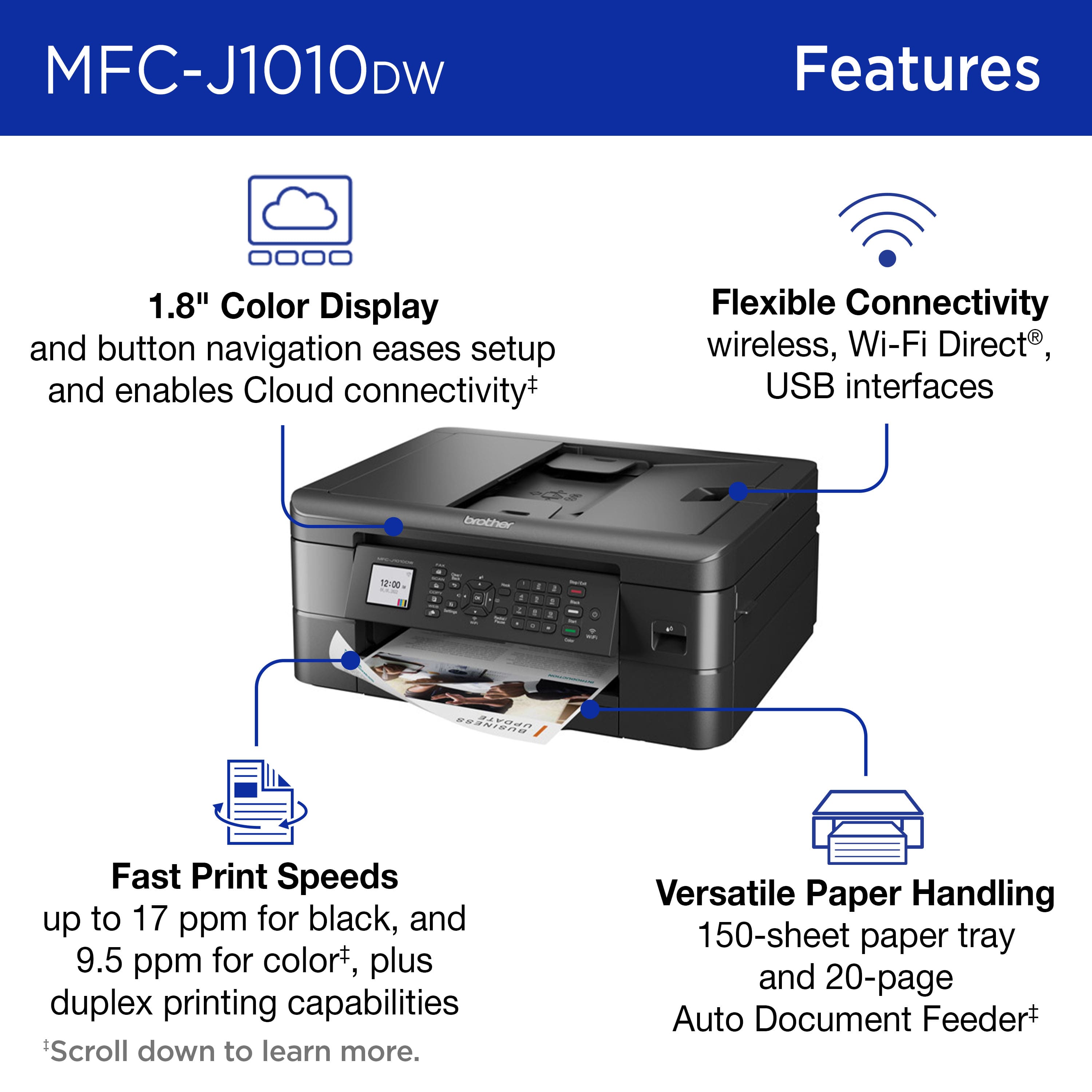
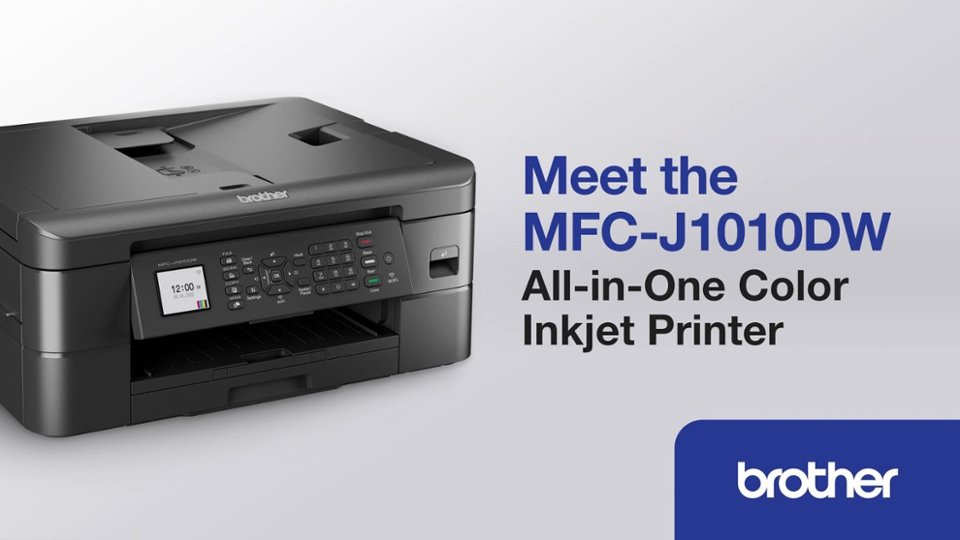
A:AnswerThe Brother MFCJ1010DW is easy to connect via wireless. You can connect to your wireless network by using the machine screen. I have included a link to the FAQ answer that should assist you. Please follow all the steps listed in the following link.
Answer Link: https://help.brother-usa.com/AgentWeb/api/contextmanager/v.32311020002/workspaceContext/workspace/processedPrint/Answer/174309
If you need more assistance, we would be glad to help you. Our Brother customer support team is available to assist you directly at www.brother-usa.com/brother-support.
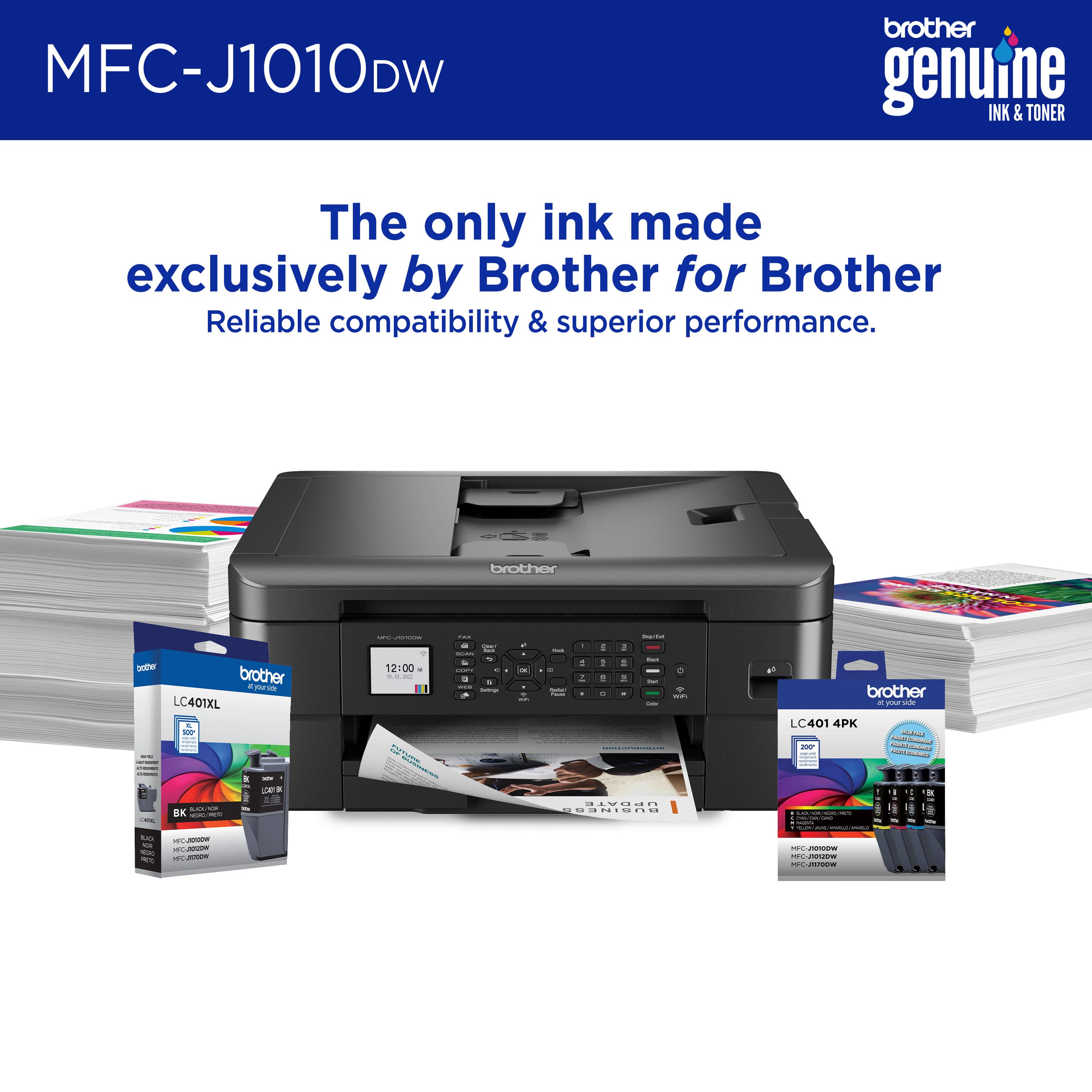
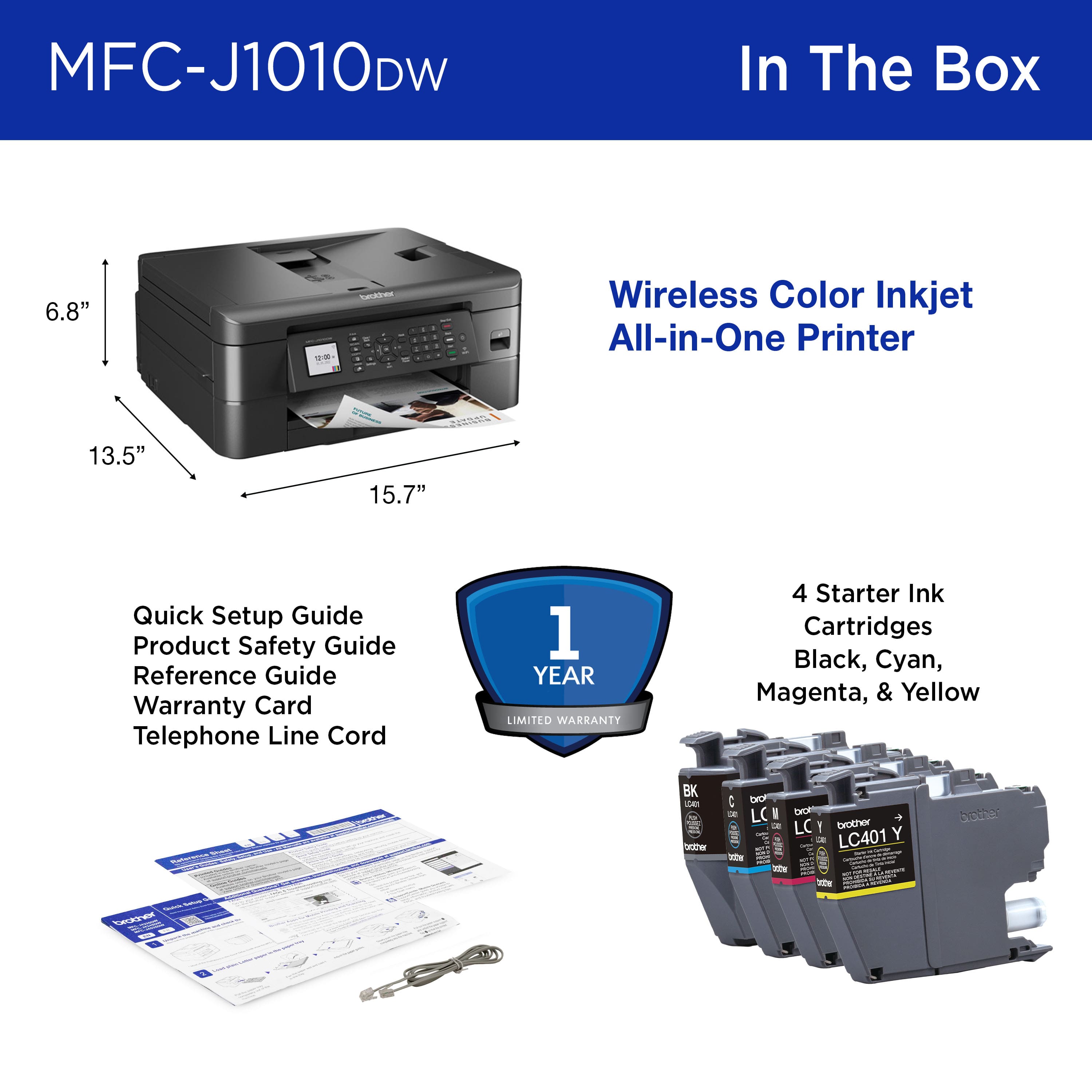
A:AnswerPlease note Brother only has the MFCJ1010DW. You said you have the MFCJ10100W. Please note your machine model is MFCJ1010DW you are getting the D mistaken for a 0. Your machine is MFCJ1010DW and it is compatible with the inks LC401XL yes.
A:AnswerThe Brother MFCJ1010DW only uses ink cartridges to print and does not require toner. Your Brother machine is designed to stop all printing operations when any of the ink cartridges are low. This is to ensure the life of the print head and maintain premium print quality. If the unit were to continue printing, print jobs and cleaning cycles would suck air from the empty cartridge and damage the print head.
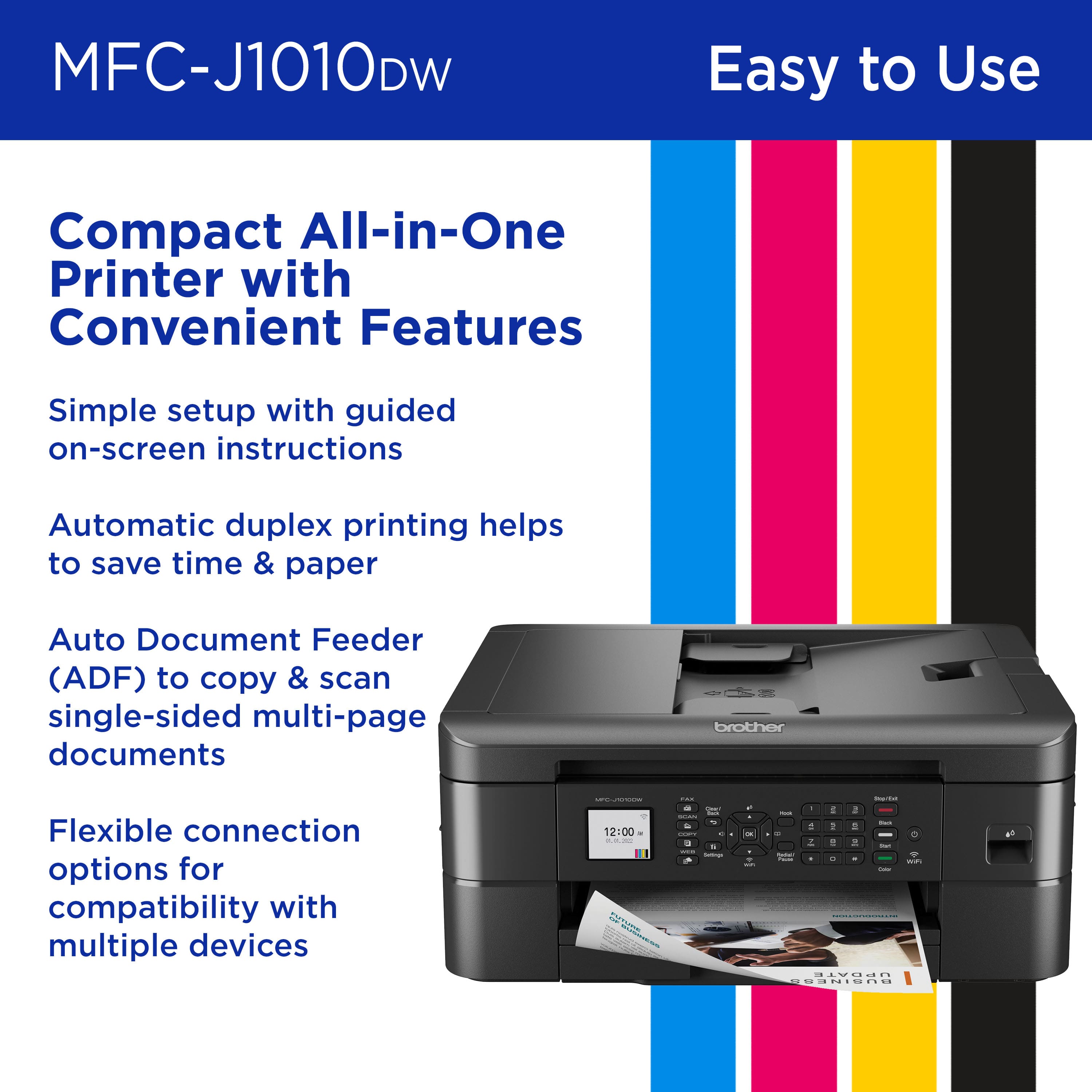
A:AnswerThe Brother MFC-J1010DW is able to make copies without the use of a computer or mobile device however, you would need a mobile device or computer for printing and scanning.
A:AnswerThe Brother MFC-J1010DW delivers high quality photo printing. We recommend using photo paper that is specifically designed for inkjet printer for best results.