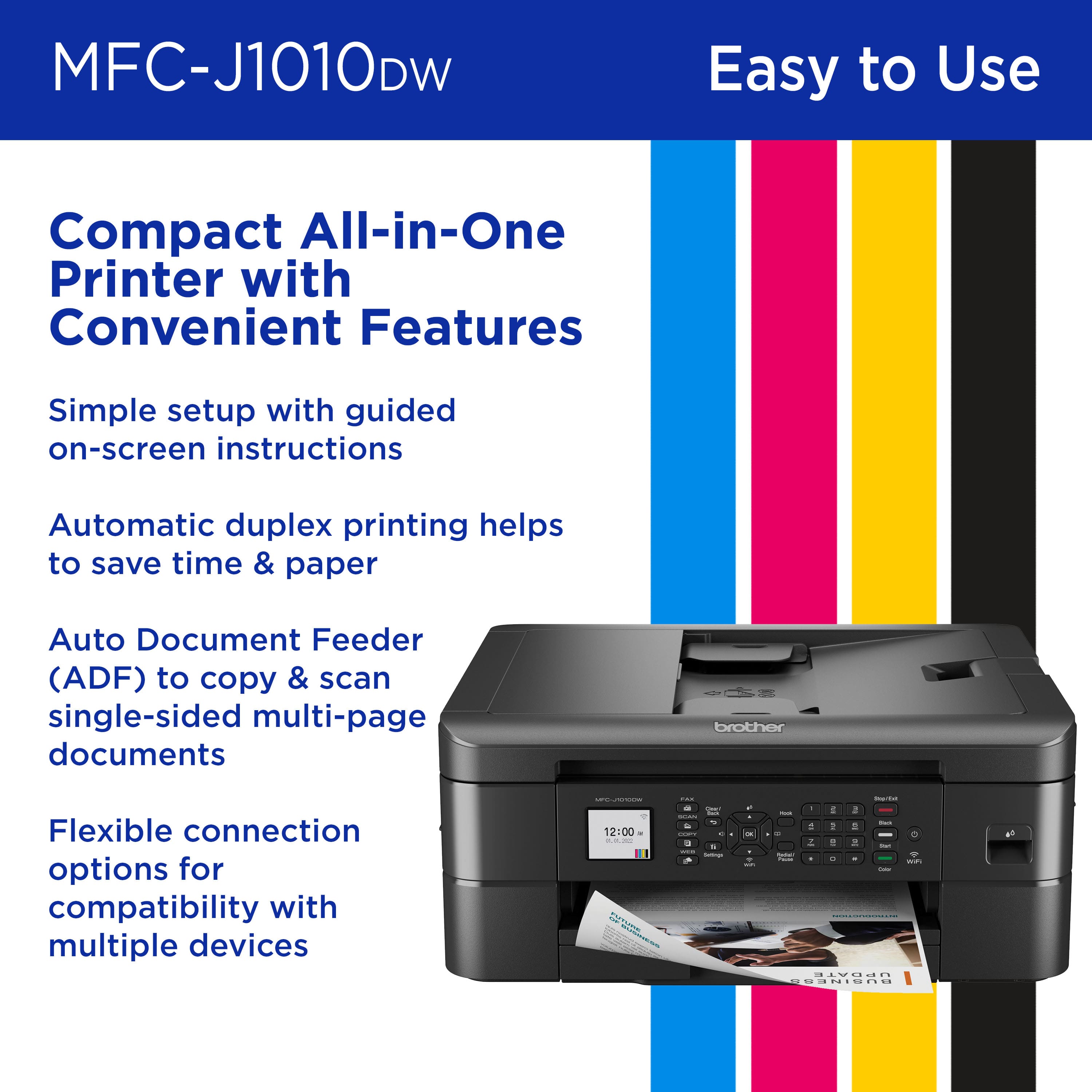
A:AnswerI'm 85 and I managed it, but I did have to go online and download the user's manual, under installation. Follow instructions on your iPad first -- I found the buttons on the printer itself rather confusing. Be patient, and keep trying ... you'll get it. The machines are just smarter than we are, I guess.
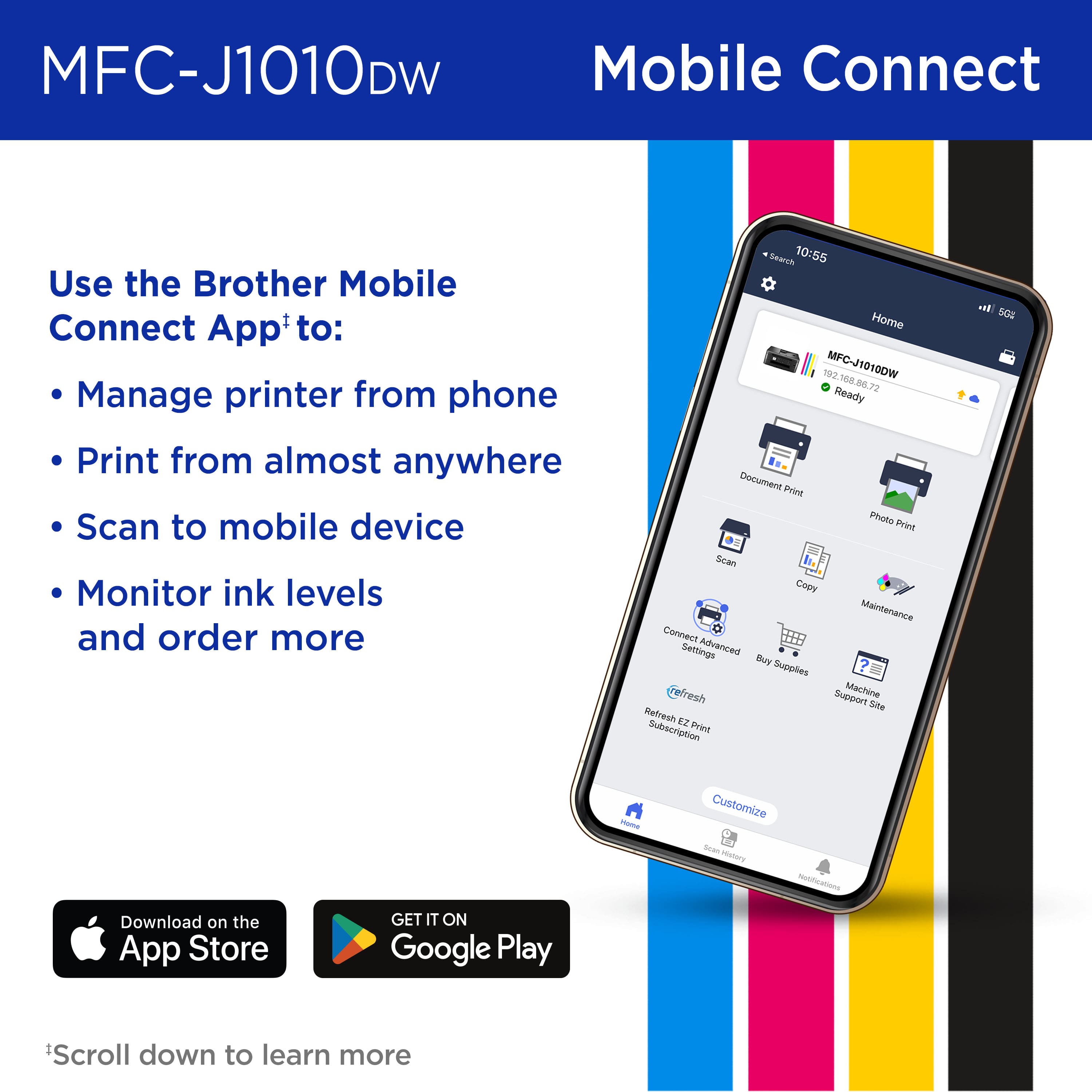
A:AnswerThe manual is online -- just to to the Brother website and search for manual ... you might have to sign in to use their app. You can download the entire manual, and read it from your own screen.
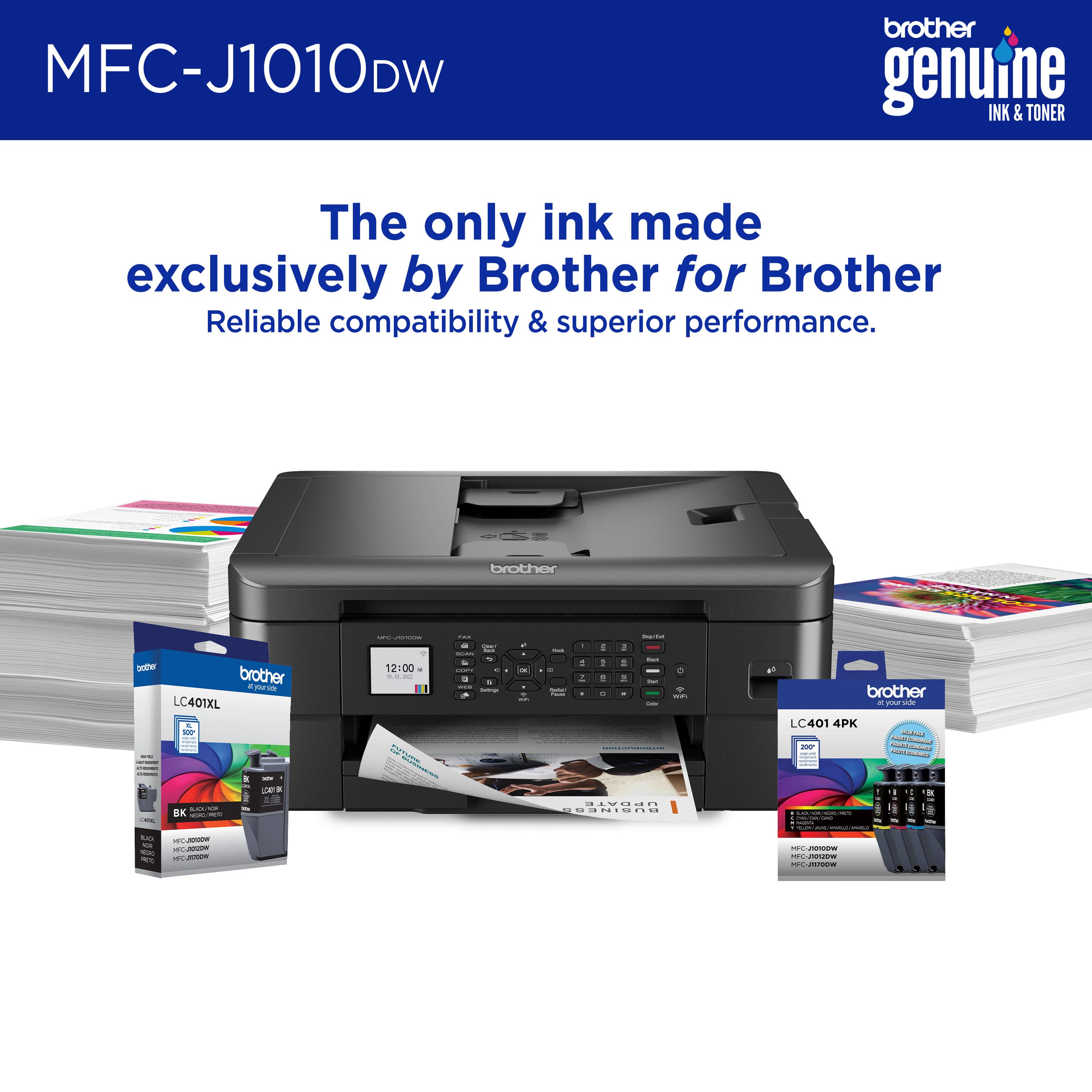
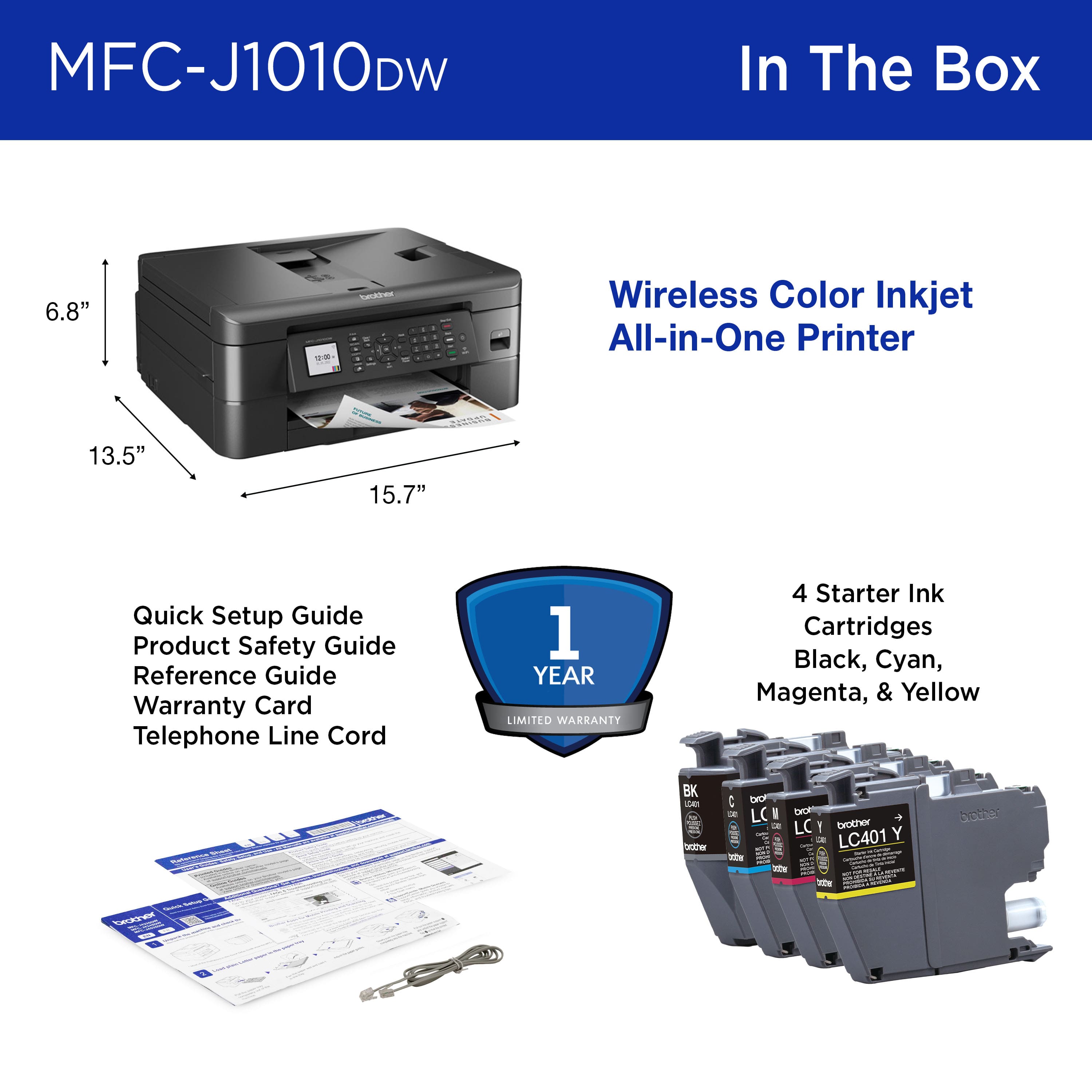
A:AnswerComes with ‘starter’ cartridges. They are low capacity, and the machine uses some extra ink when first turned on out of the box to fill ink tubes, so don’t expect them to last too long. But you can begin printing as soon as you set it up with what is included.