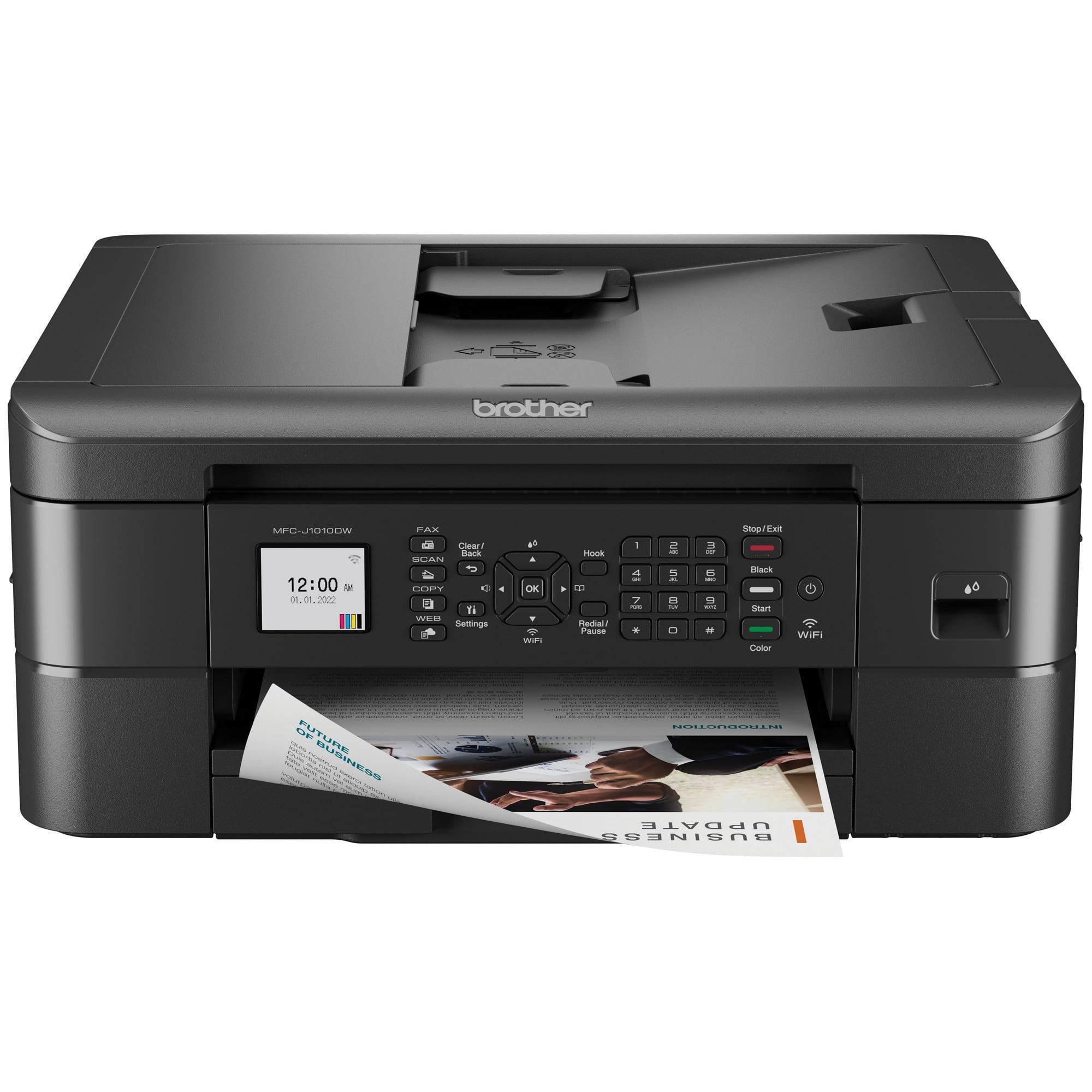
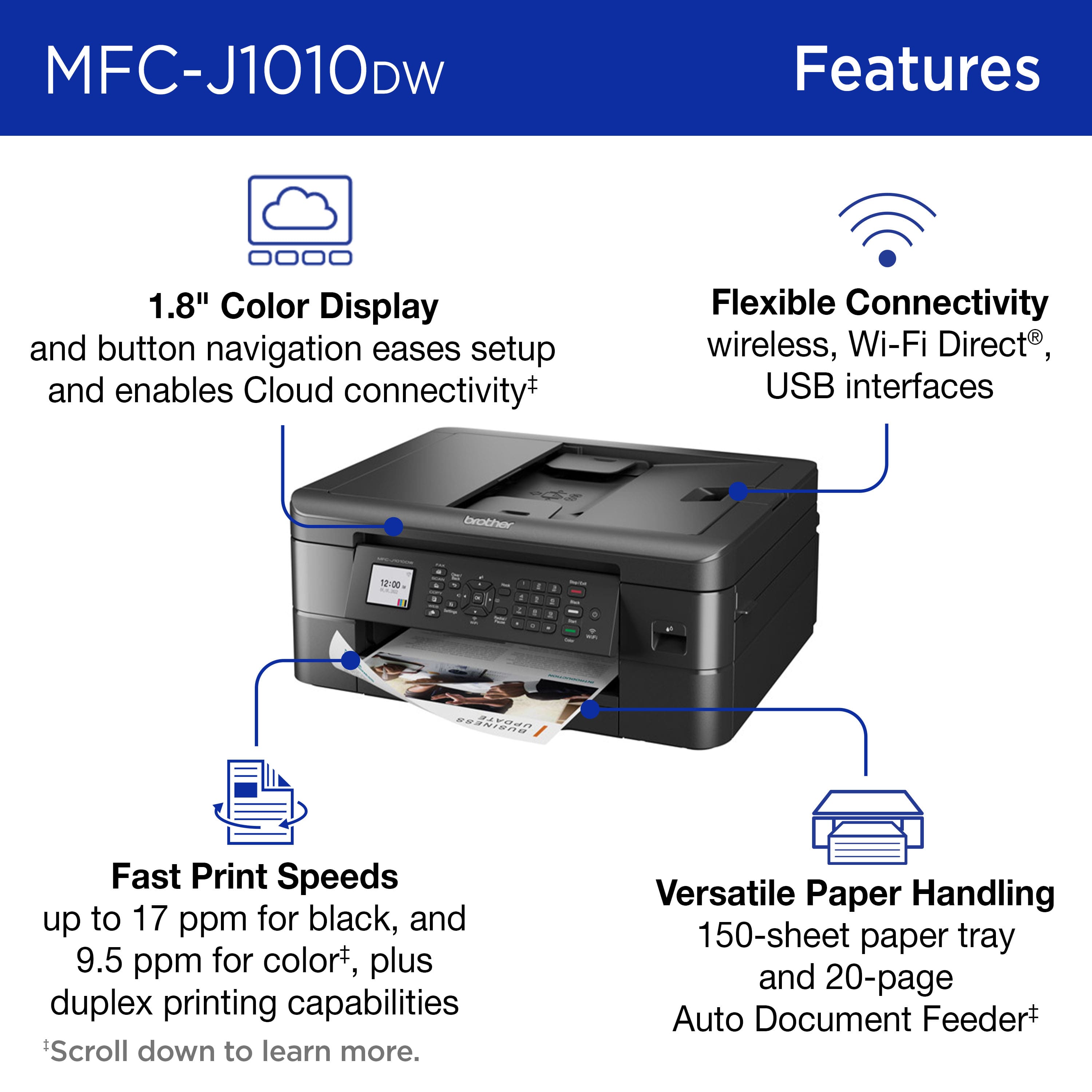
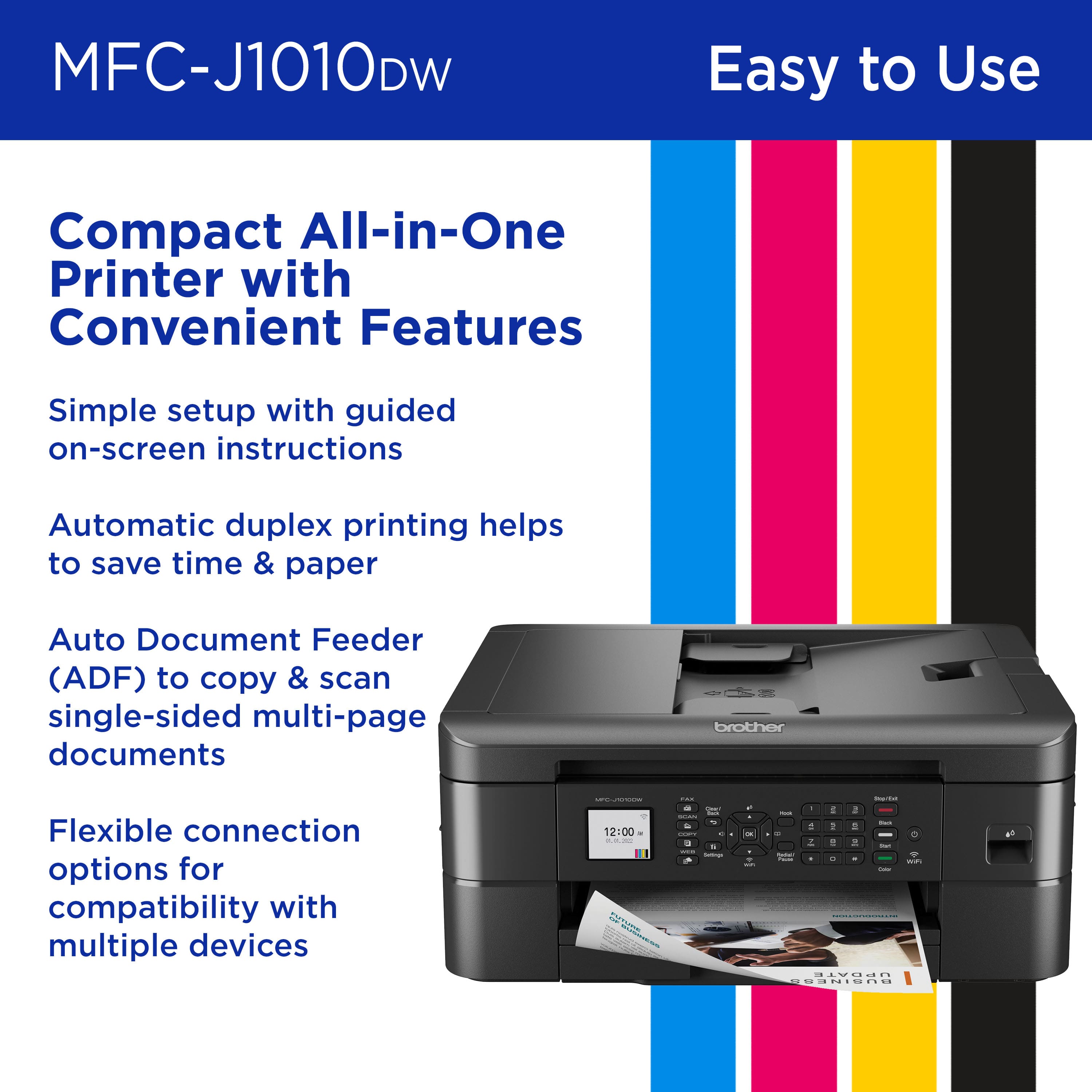
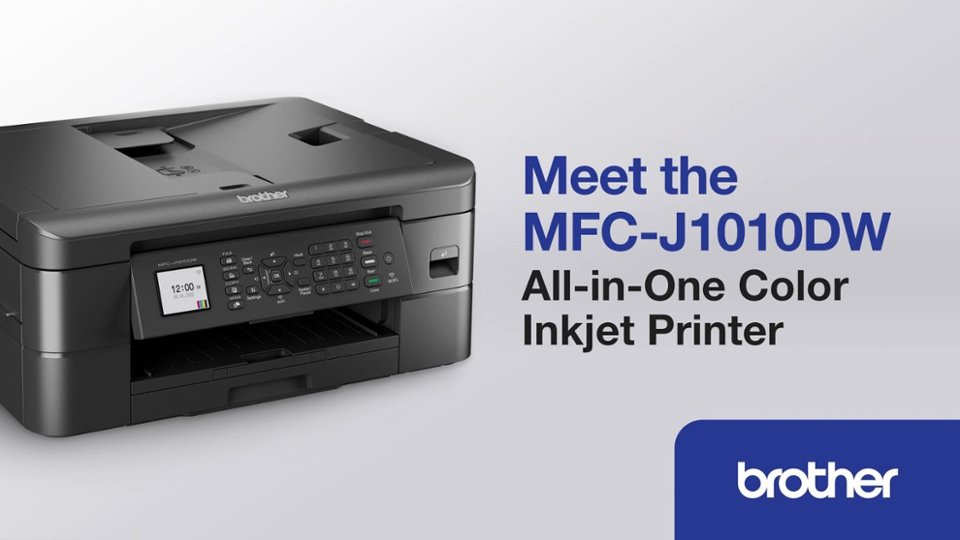
A:AnswerYes, the Brother MFCJ1010DW is able to fax. Below is a link with the Brother MFCJ1010DW specifications.
Specifications: https://support.brother.com/g/b/spec.aspx?c=us&lang=en&prod=mfcj1010dw_us_eu_as
A:AnswerBrother does offer an ink subscription. More information can be found using the following link: https://www.brother-usa.com/supplies/subscription-info
A:AnswerSo, I did the same thing the first time I tried to make a copy, but I pushed the incorrect button. The next button is the copy button. You push the button under the word copy and then select black or color button and you should have your printed copy. Hope this helps.
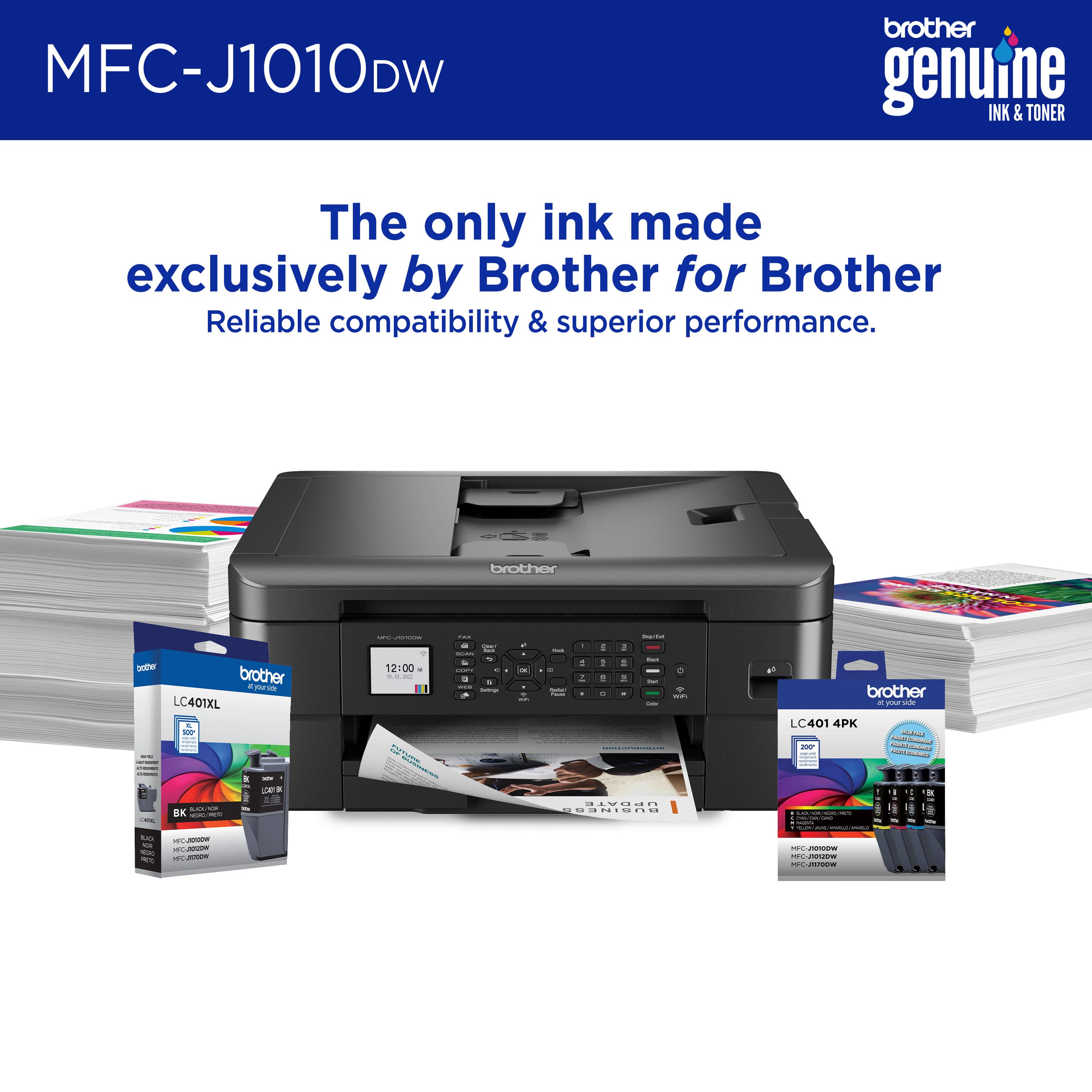
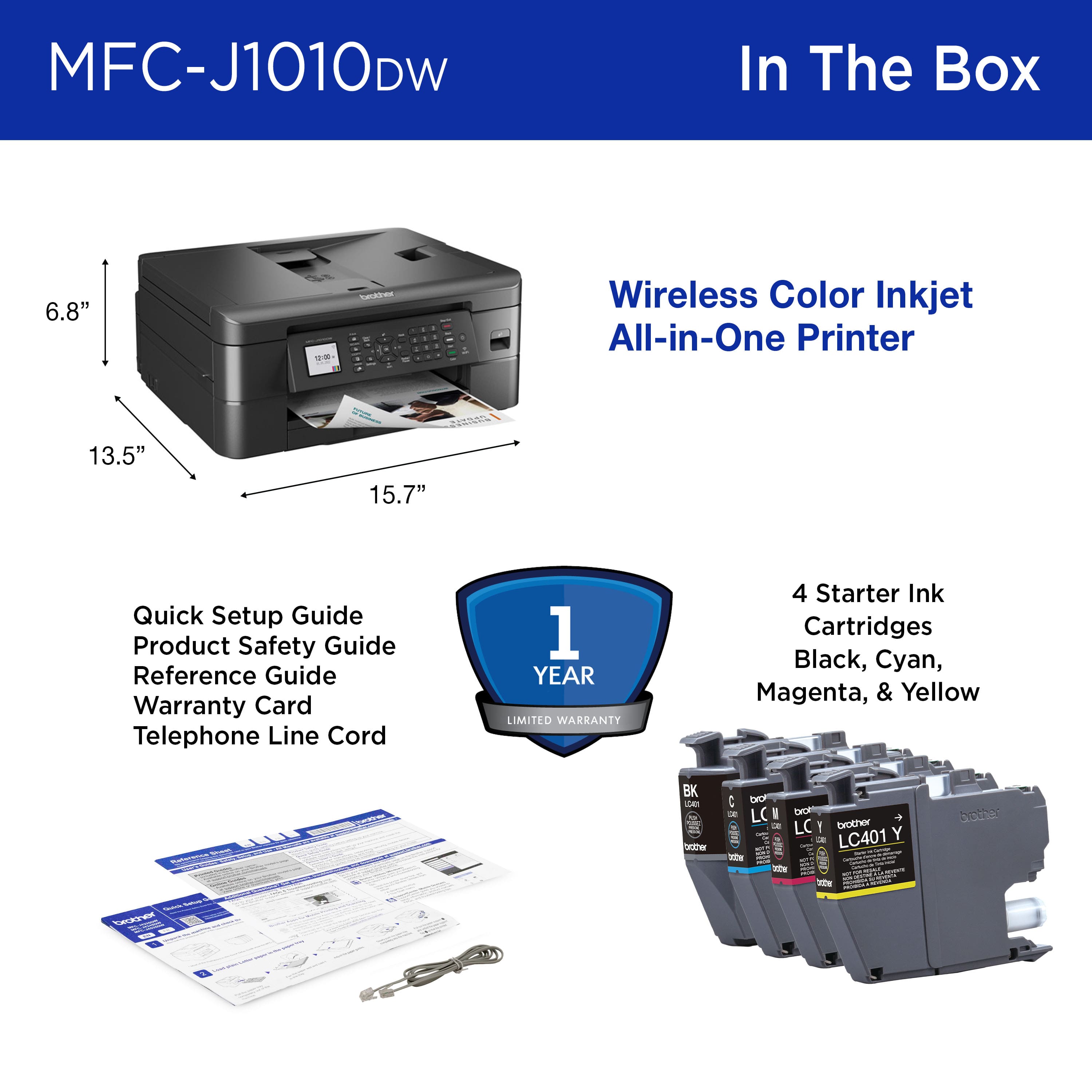
A:AnswerYes, the Brother MFCJ1010DW comes with inks in box. The Brother MFCJ1010DW comes with Black, Cyan, Magenta, Yellow Starter Ink Cartridges, Quick Setup Guide, Product Safety Guide, Reference Guide, Warranty Card, Telephone Line Cord.
A:AnswerTruthfully I have not tried it yet it will with a land line don’t know if it will through WiFi sorry couldn’t give any info on that but it does have fax capability and you should be able to
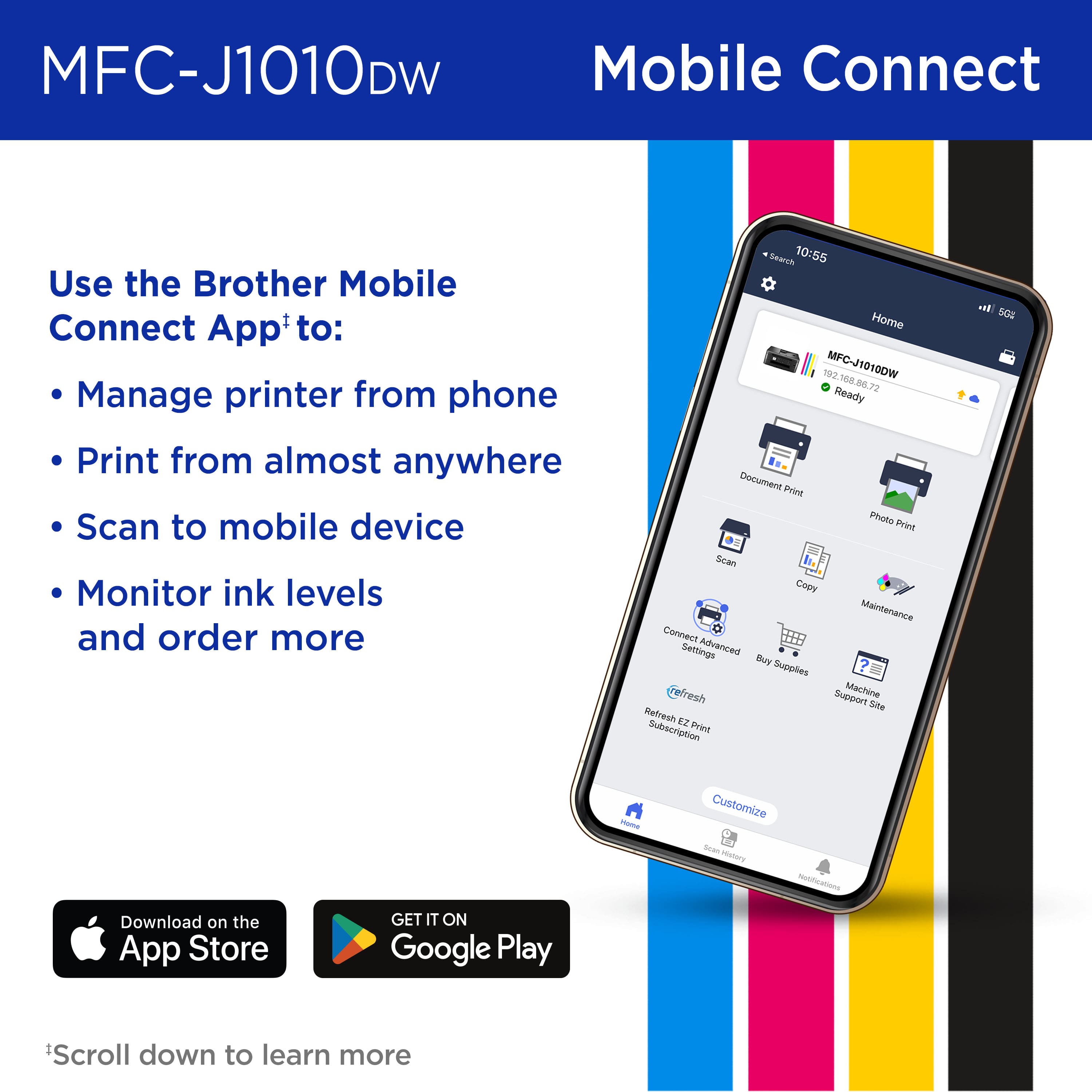
A:AnswerI just successfully used Image Capture version 8.0 on my MacMini to scan with it. However, Image Capture limited the resolution to 600x600 dpi. When I use Brother's iPrint&Scan utility version 10.5.2, the resolution goes up to 1200x1200 dpi.