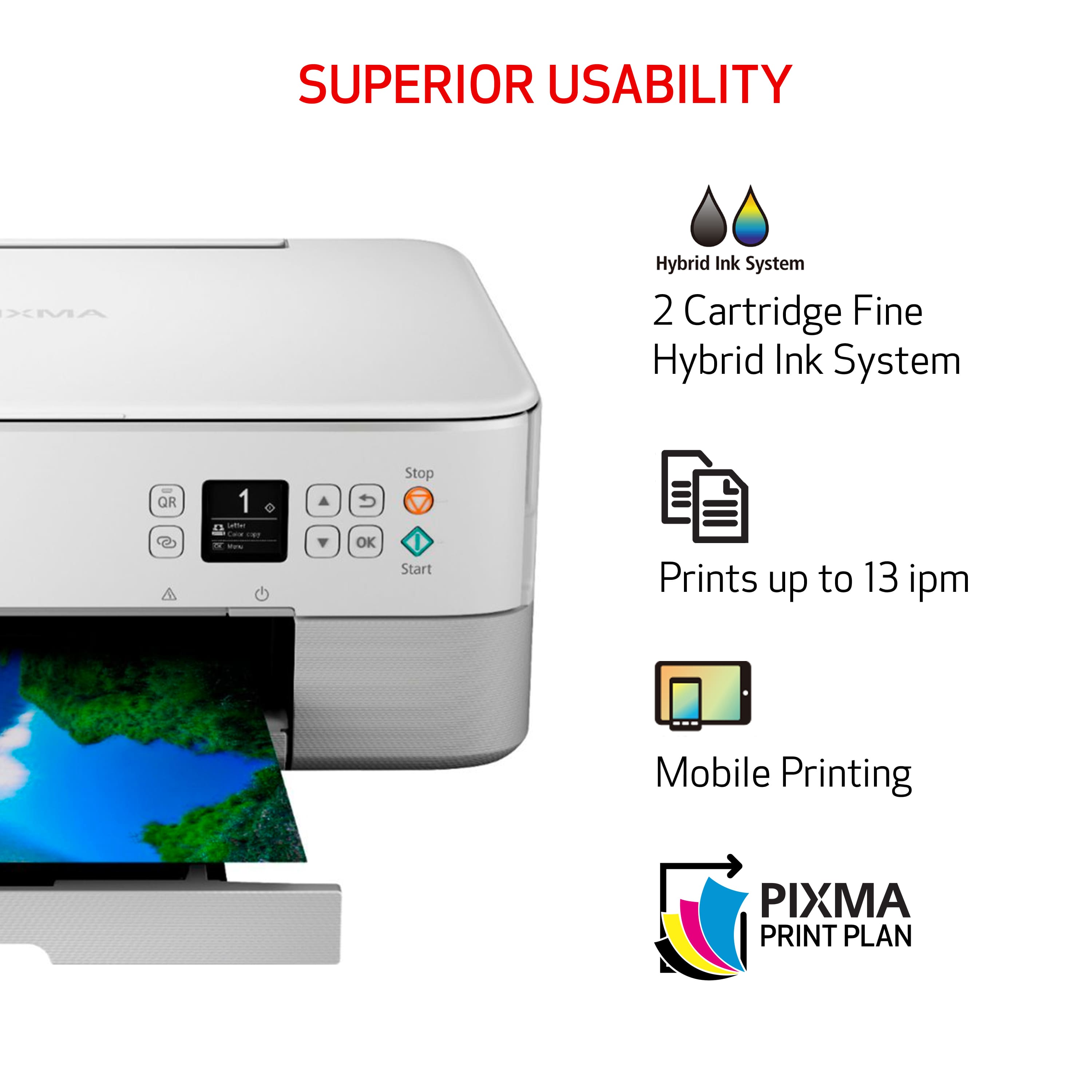
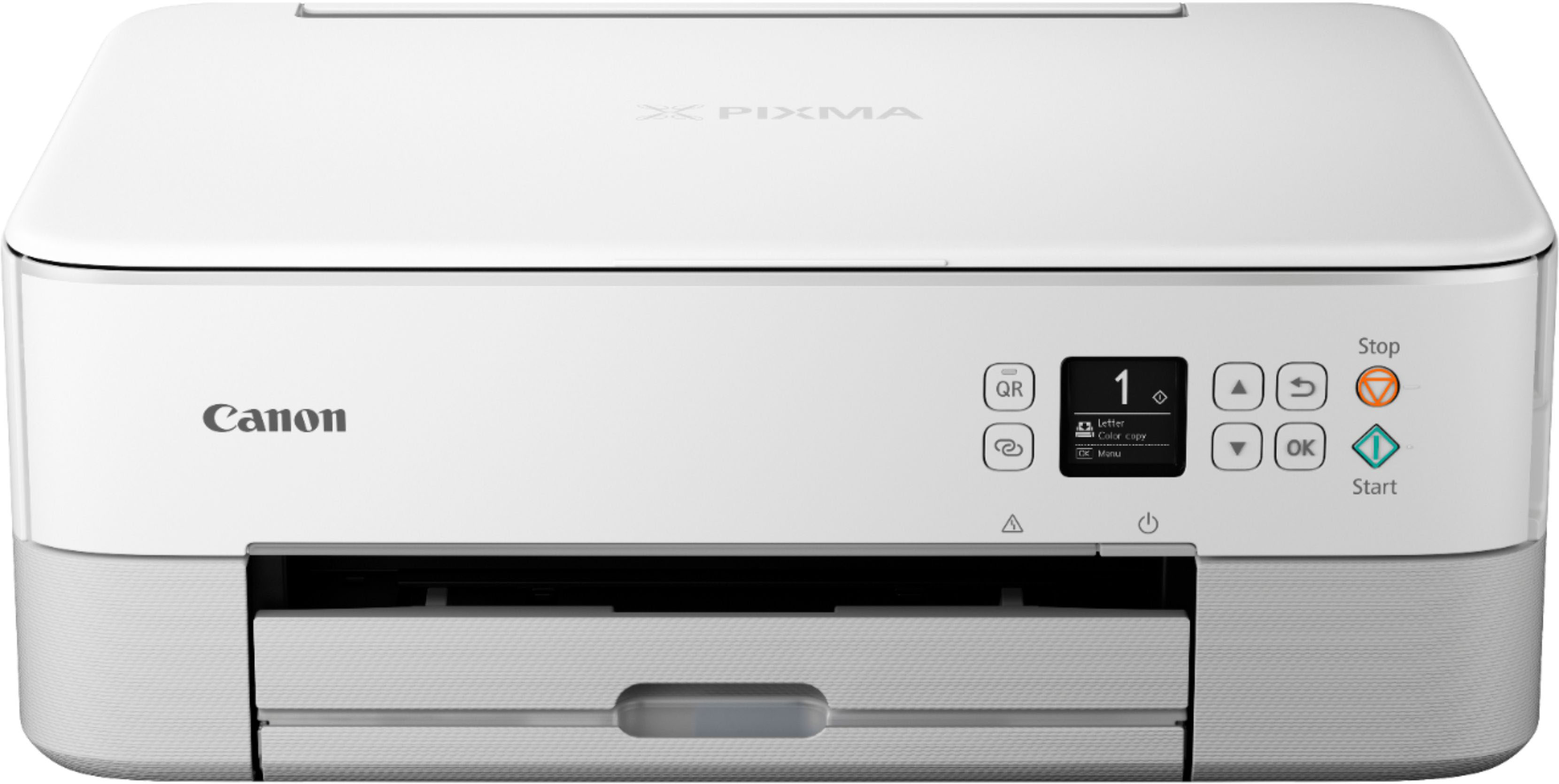
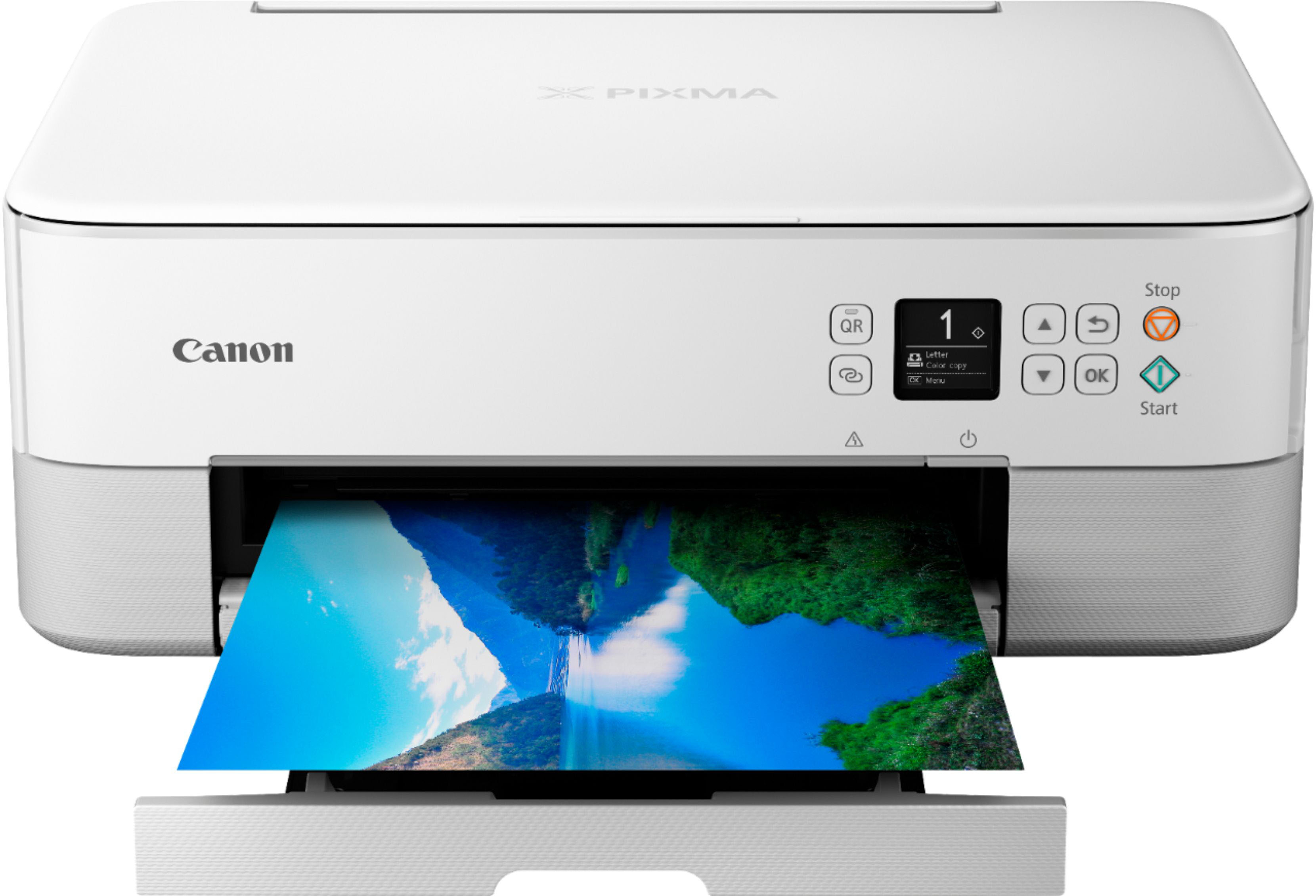
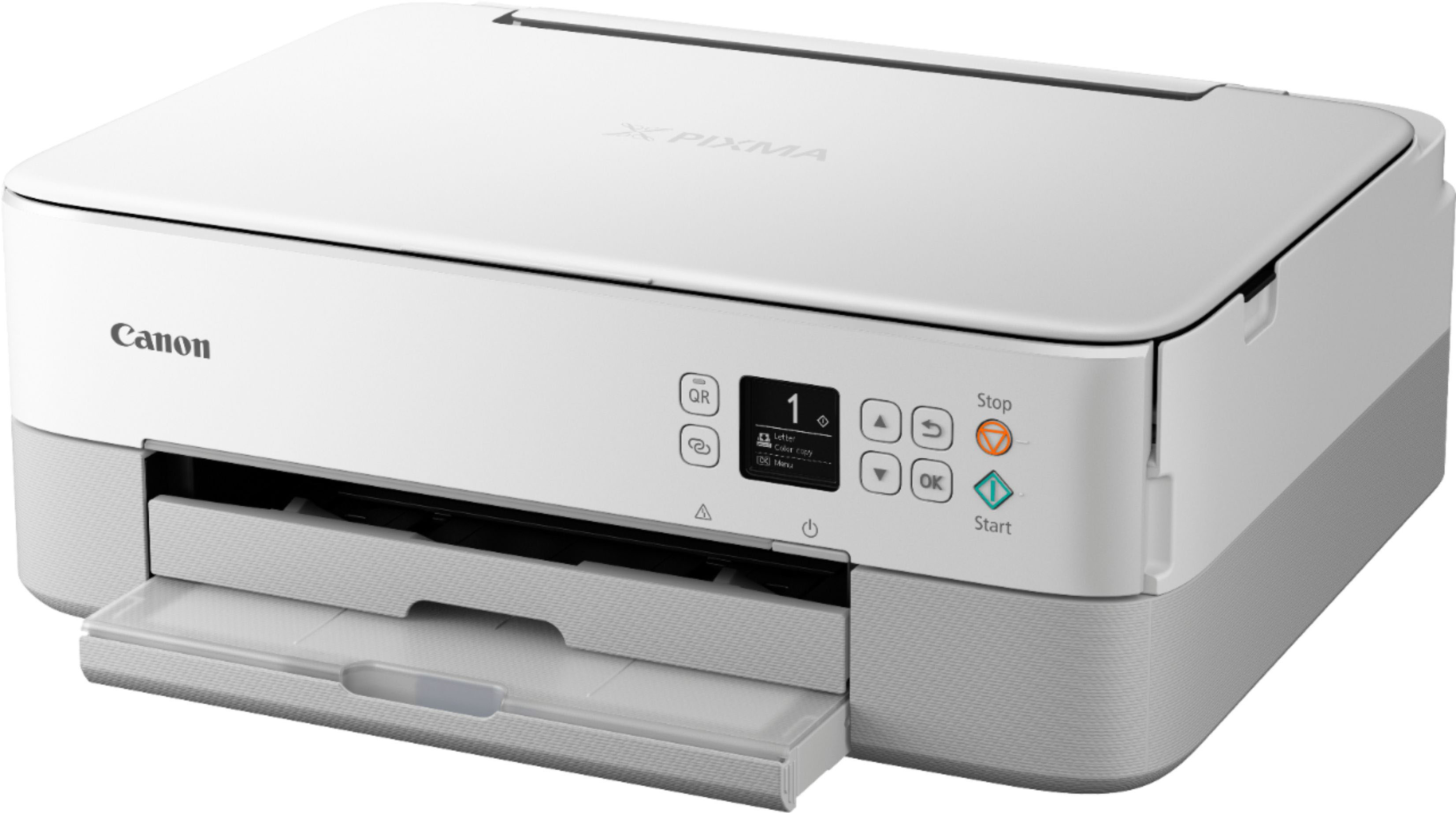
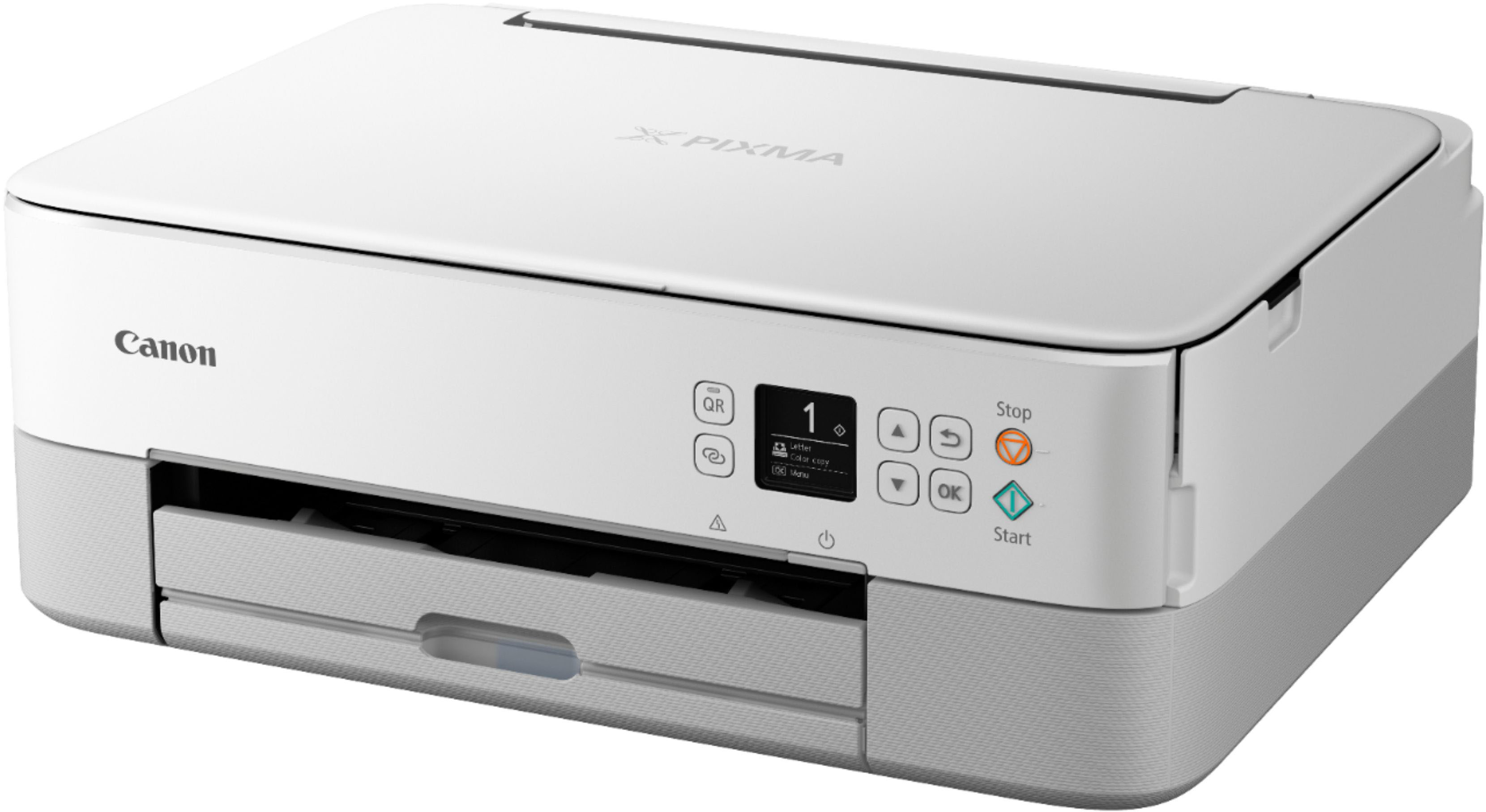
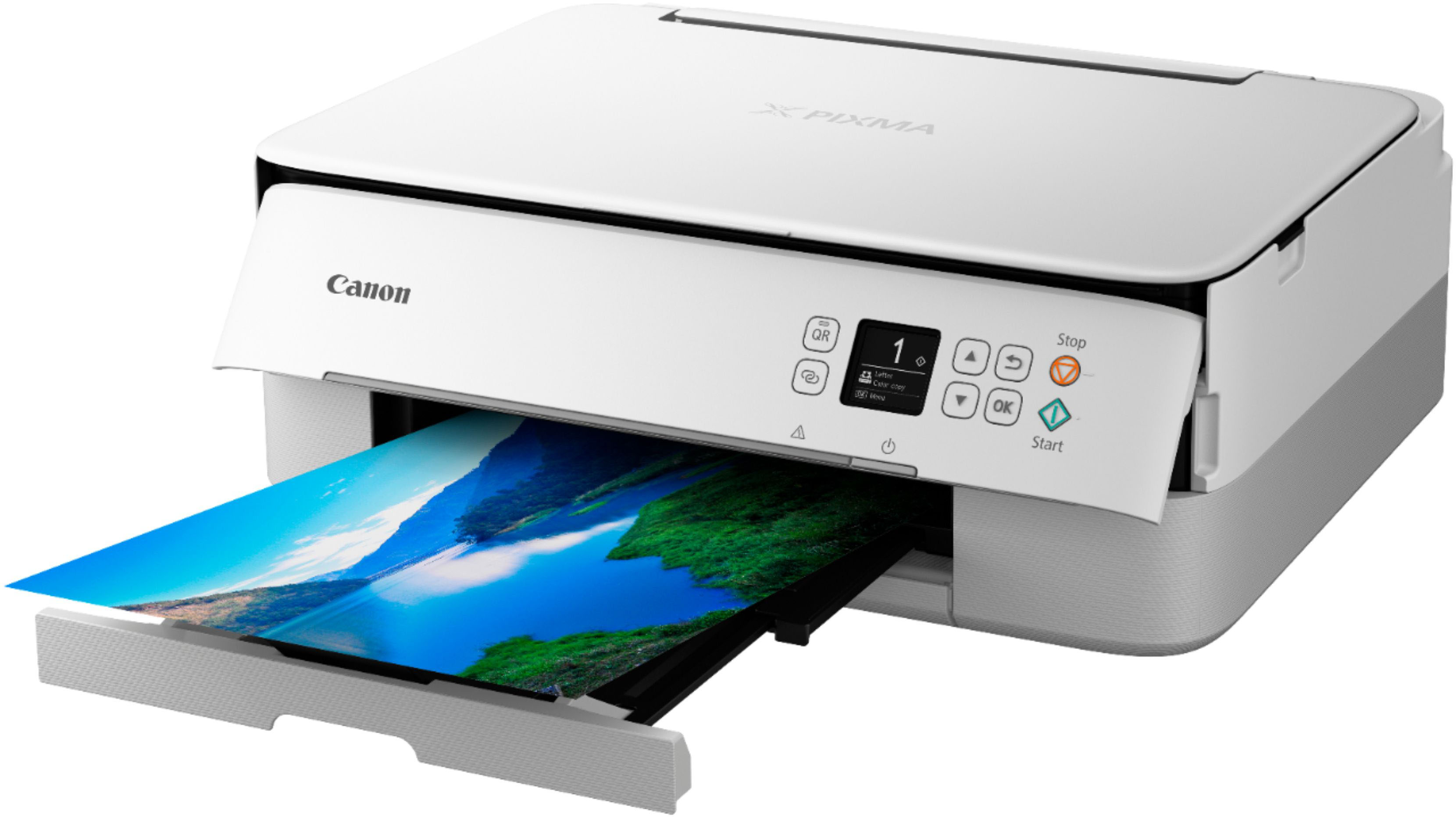
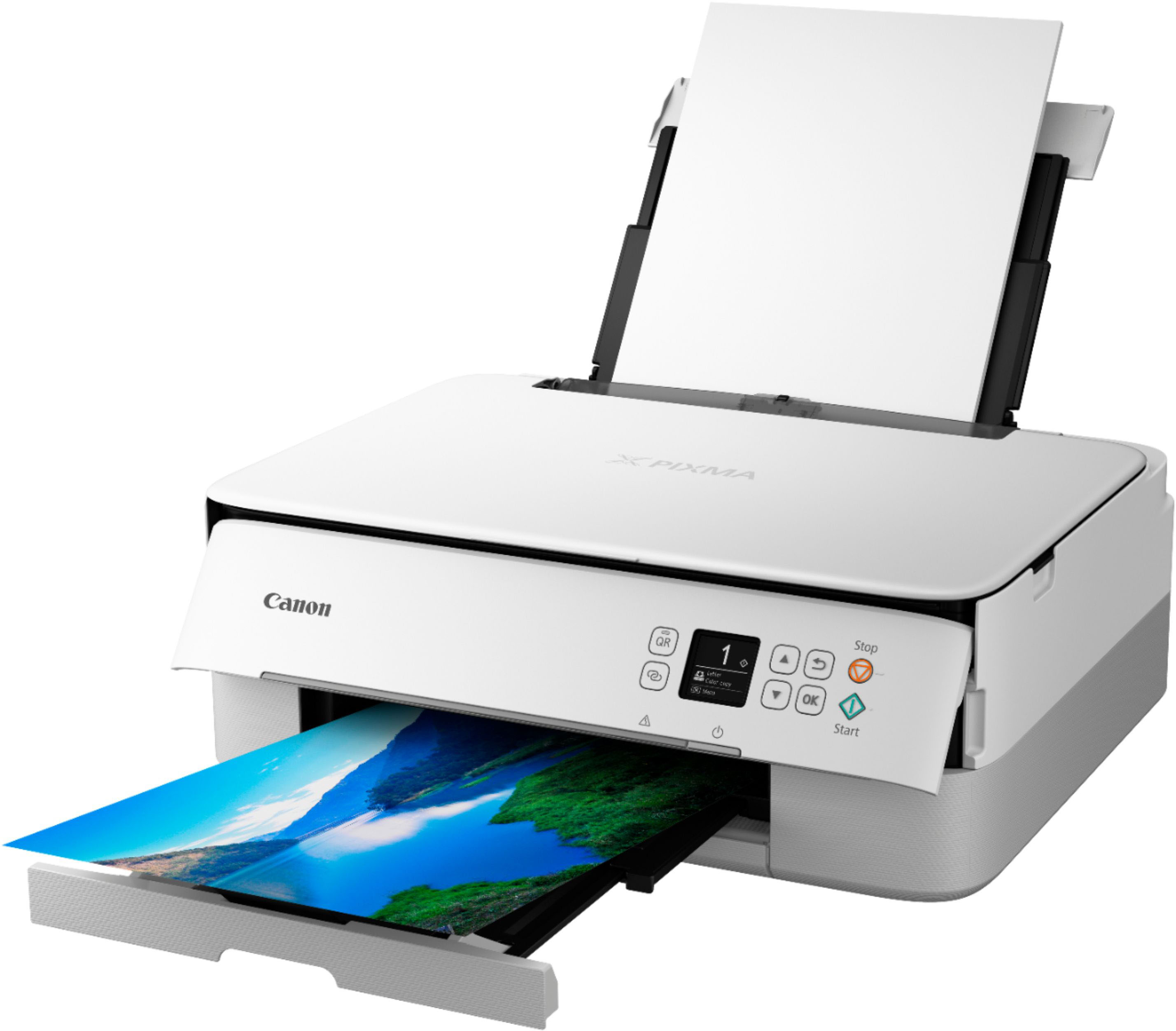
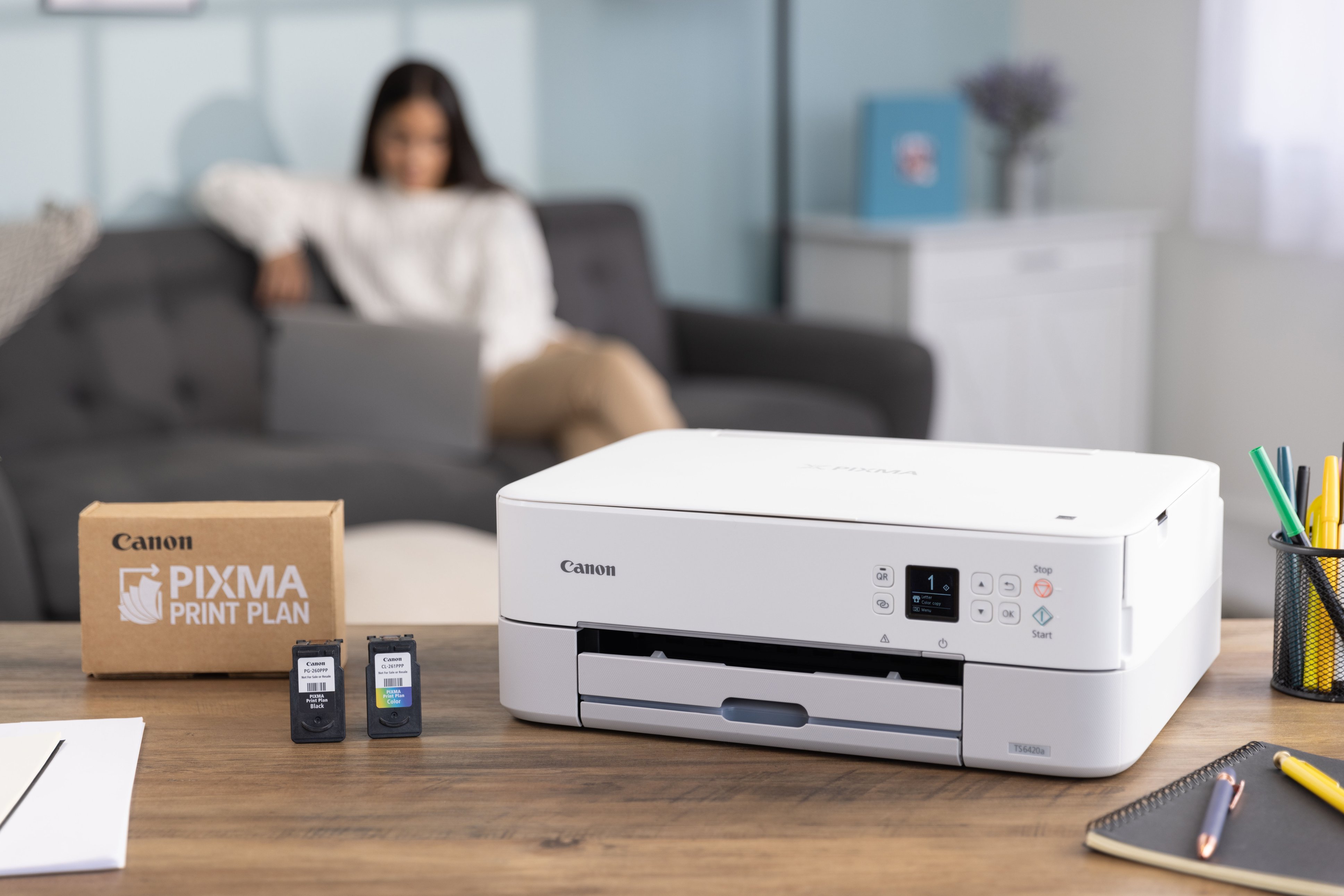
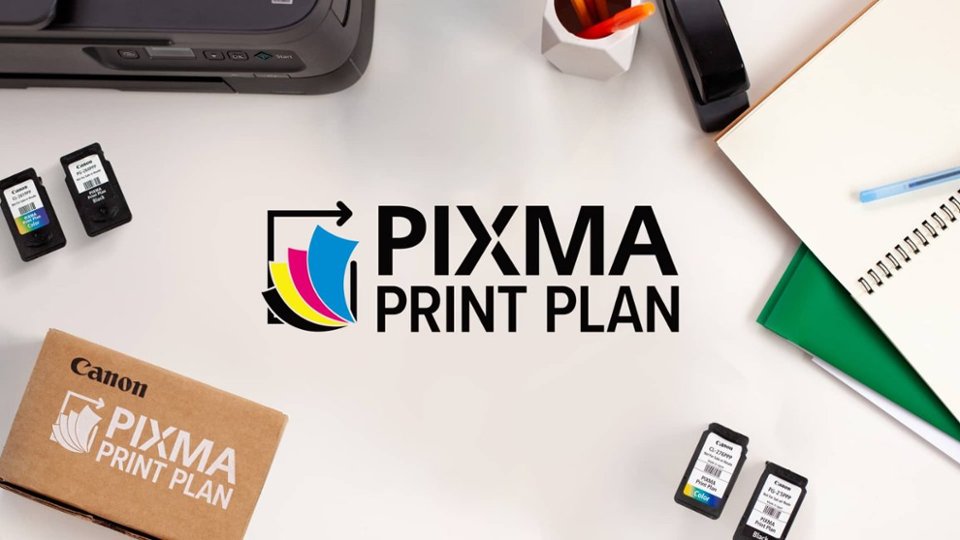
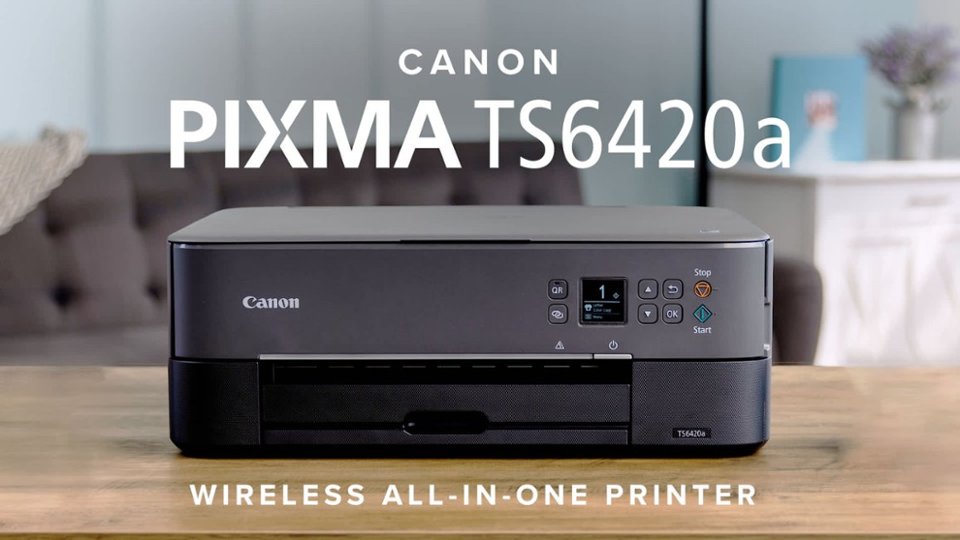
A:Answer Prixma TS6420a takes a black cartridge and a color cartridge. They are Canon cartridges. You can get a set of one (1) black and one (1) color cartridge PG-260 Black and CL-261 Color for about $40.
If you are looking for separate supplies, Black comes in regular or XL size. Again, Canon code PG-260 Black XL roughly $32, and PG-260 regular Black about $18.
Color cartridges come in separate packages as well. Color XL is CL-261 XL Color for about $30, and a regular size CL-261 Color is about $25.
I am sure prices vary by vendor (as well as delivery, shipping, or other charges like tax).
They are easy to remove and install.