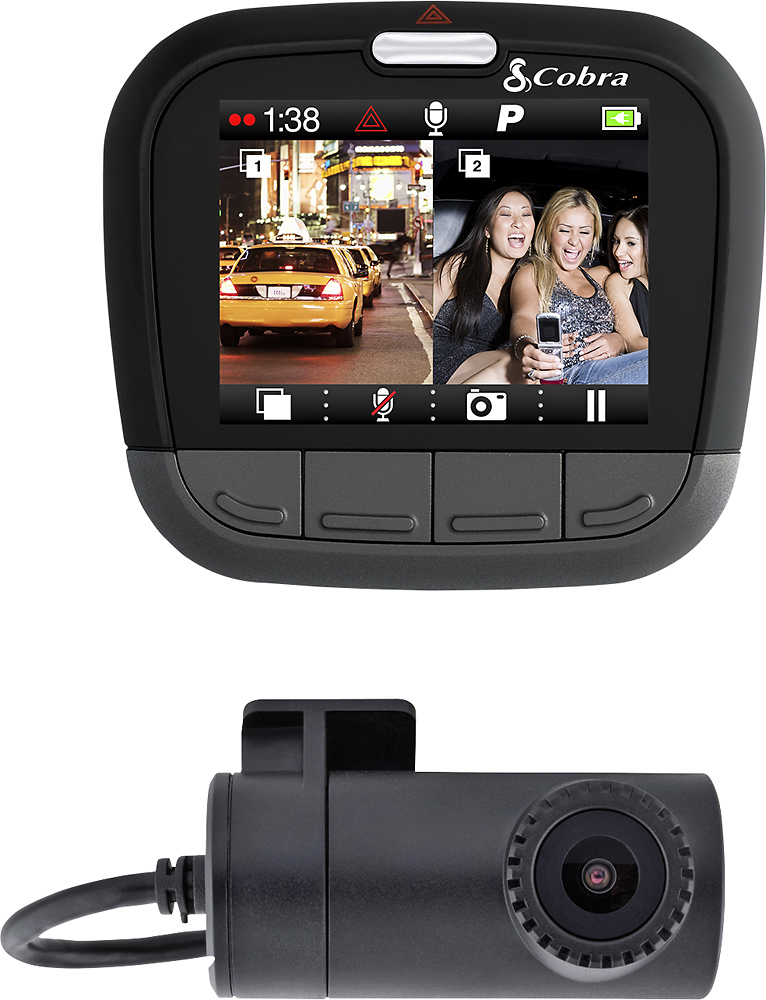
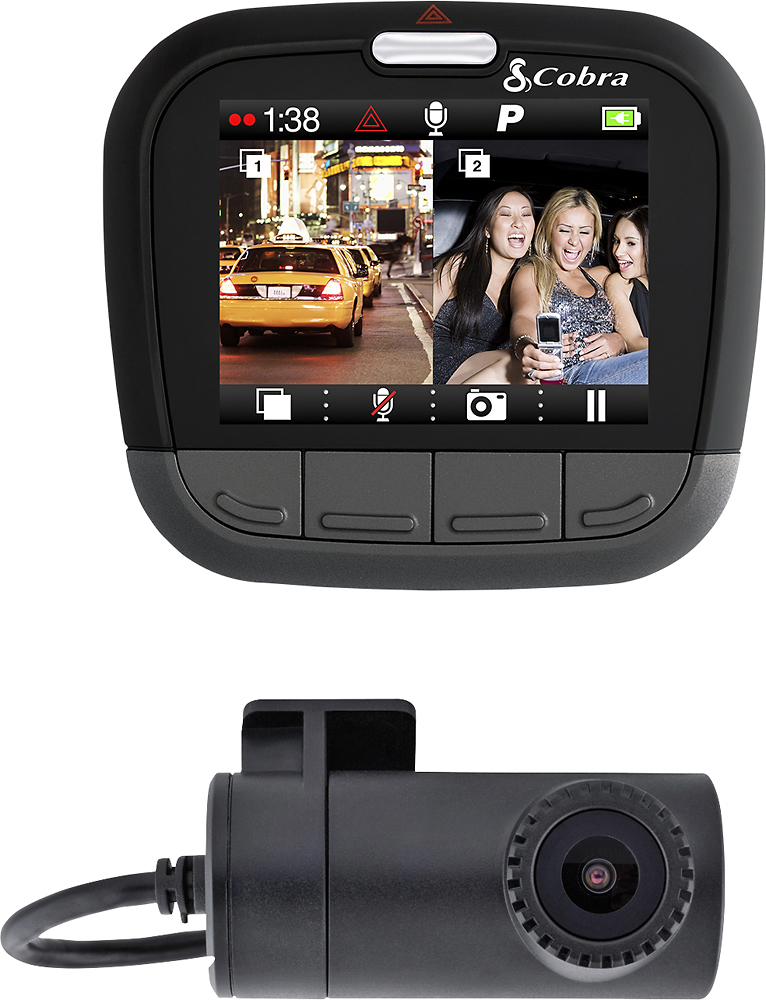
A:AnswerIt comes with 2 sided 3m tape that is used to mount it. Its not permanent but its also not temporary as the tape would lose its stickiness after being removed and stored
A:AnswerIts held on with 3m tape so it could be taken off easily but not re mounted with ease. Camera broke in about 12 hours after mounting it in my car. Returned to best buy for my money back
A:AnswerIt is optional. You can have the screen on all of the time or you can set it to turn off after a number of minutes. If you set it to turn off you will still have a blinking red light you can see to let you know it is recording.
A:AnswerI have found that the back camera is only good enough for the back seat area. It will show some of the area behind the vehicle but not like the front camera. Very narrow - does not sound like what you are looking for.
A:AnswerI found the issue, I tried resetting it multiple times without prevale, it still remained on the "drive HD" (load up screen). I plugged it into my computer and the computer wouldn't bring the device up. I removed the device from the computer and removed the SD card....it started up and was ready to go. I replaced the SD card with a new one and it works fine. Somehow the SD card seemed to of got messed up. Hope this helps anyone else with a similar situation.
A:AnswerYou have to go into settings on the cam and set it up to record either 3min, 5 min or 10 min loop recording. If you dont set it on any of these it will stop recording once the card is full, because it is set as action mode. If your card is full you have to format sd card on the cam that way it will erase everything on it and you can start recording again. Hope this was helpful
A:AnswerYes, but if you have a sleep mode, it'll go to a screen after it detects you are parked, and wake up if anything crosses the lens. Even the jolt of you opening your car door wakes it up.