Year-End SaleEnds 1/1/26. Limited quantities. No rainchecks.

Main Content

Questions & Answers

Page Showing 21-31 of 31 questions
  • QuestionDoes this work with TABLO DVR?

    Asked by caverdude.

    • Answer Hello, thanks for getting in touch, TABLO DVRs are typically compatible with external storage devices. So if it has an external USB C slot, you can directly install Crucial X9 and start using it or else you might need a USB C to A adapter to connect it. Tablo DVRs generally feature USB 2.0 or 3.0 ports for connecting external storage, but they do not typically include USB-C slots. If you're looking for a specific model or need further clarification, I recommend checking the specifications on Tablo's official website or reaching out to their support team. If you need any more information or support, please contact us back through the link below. https://www.crucial.com/support/contact - The Crucial Team

      Answered by Micron CPG Support

  • QuestionDoes it have password protection?

    Asked by JustMe.

    • Answer Hello, Thank you for reaching out to us, Crucial X9 SSD does not support hardware encryption. However, you can protect SSD by software Encryption for Portable SSDs, Please refer the below link for more information. https://www.crucial.com/support/articles-faq-ssd/software-encryption-portable-ssds Meanwhile, if you have any further query, please feel free to visit our contact page: https://www.crucial.com/support/contact to know about other ways to reach out to us. Regards, Crucial
      Answered by Micron CPG Support

  • QuestionIt this drive compatible with macbook 2012 and 2015?

    Asked by ywlo58.

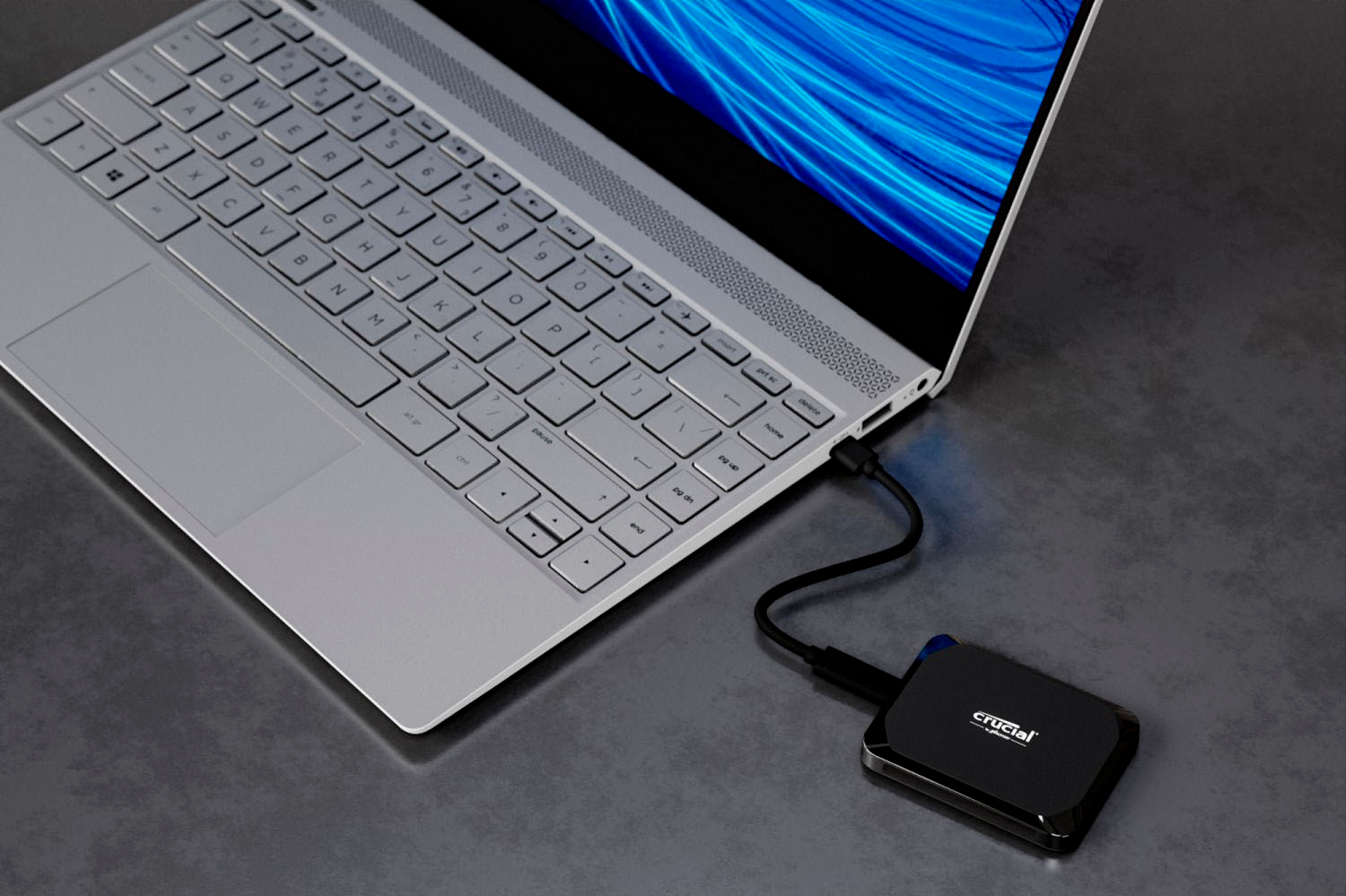
    • Answer Hello, thanks for getting in touch, Yes, the Crucial X9 1TB External USB-C SSD is compatible with both the MacBook 2012 and 2015 models. The Crucial X9 is designed to work with a wide range of devices. However, if you do not have a USB C port in your MacBook you may need a USB C to A adapter which is available separately. If you need any more information or support, please contact us back through the link below. https://www.crucial.com/support/contact - The Crucial Team

      Answered by Micron CPG Support

  • QuestionDoes this drive utilize Thunderbolt?

    Asked by Flip1Daddy.

    • Answer Hello, Thank you for reaching out to us. Yes, you can connect SSD to USB thunderbolt port. However, we recommend to connect the SSD USB 3.2 gen 2 to USB port to get advertise speed. Meanwhile, if you have any further query, please feel free to visit our contact page: https://www.crucial.com/support/contact to know about other ways to reach out to us. Regards, Crucial
      Answered by Micron CPG Support

  • QuestionIs this drive bootable (for windows 11 desktop)

    Asked by raguel.

    • Answer i had hoped that it was. The Acronis cloning software didn't clone all the files. It missed iTunes and and a lot more, i had to go buy the insignia to put my old drive in and get my files. The drive bricked 3 days after I got it. I don't recommend this or the software.

      Answered by Tech

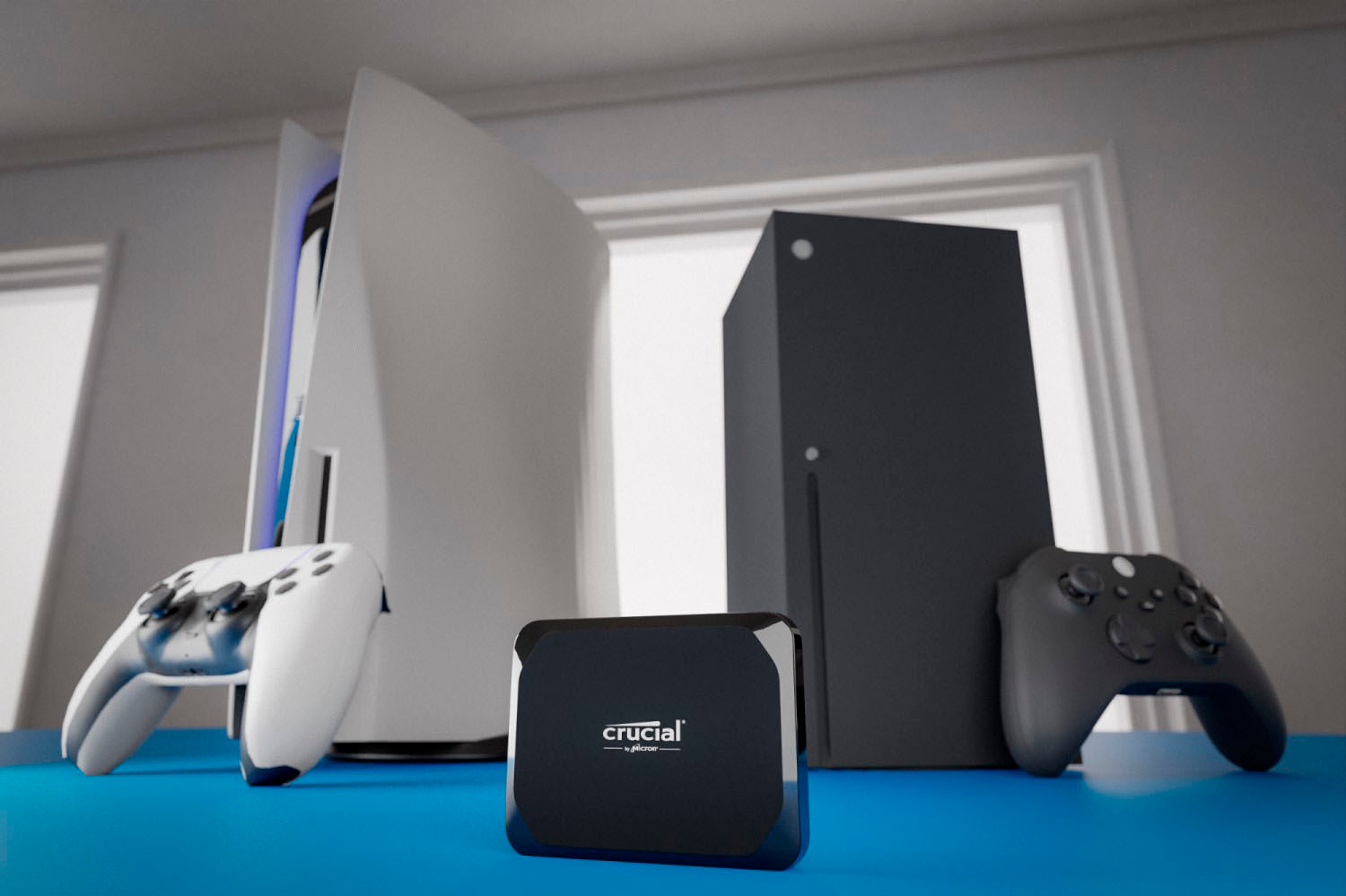
  • QuestionIs Crucial X9 compatible with ps4? I've tried two different ps4 systems and it won't format as extended storage.

    Asked by Josh.

    • Answer Hello Josh, Thank you for reaching out to us, Crucial X9 portable SSD is compatible with the PS4. Meanwhile, if you have any further query, please feel free to visit our contact page: https://www.crucial.com/support/contact to know about other ways to reach out to us. Regards, Crucial
      Answered by Micron CPG Support

  • QuestionDoes it include a USB Type-A adapter? I can se Crucial X6 include this adapter, but not sure Crucial X9 does.

    Asked by Customer.

    • Answer The X9 I got did not include it. I had to purchase it separately.

      Answered by Tech

  • QuestionCan you use to store photos from iPhone 15 pro max

    Asked by sshrado.

    • Answer Hello, Thank you for reaching out to us, Yes, you can store and save pro resolution photos from your iPhone 15 pro max. You can also visit our contact page: https://www.crucial.com/support/contact to know about other ways to reach out to us. Crucial Regards,

      Answered by Micron CPG Support

  • Questionhello. will this external SSD work as an external boot disk for a late 2019 iMac running Sonoma 14.5.

    Asked by Anything87.

    • Answer Hello, Thank you for your post, You can install portable SSD as boot drive in your Mac system. A boot drive is a storage medium with all the crucial files to start and run your computer device. This means that if you want to set up your external SSD as a boot drive, you must load it with your computer’s operating system (for example, macOS or Windows). If you choose an external SSD as a boot drive, keep in mind that your PC or Mac will not turn on (specifically, boot up) without the external SSD plugged in. Please refer the below link for more information. https://www.crucial.com/articles/external-ssd/how-to-use-an-external-ssd-as-boot-drive Regards, Crucial

      Answered by Micron CPG Support

  • QuestionCould this external SSD perform as well (fast) as an internal SSD if the (Windows) computer has a USB Type C port and supports 3.2 Gen2?

    Asked by danh.

    • Answer It didn't on mine

      Answered by Tech

  • QuestionIs a Crucial X9 Pro SSD suitable for use with a Tablo 2 Tuner Lite DVR?

    Asked by Bill.

    • Answer Hello, thanks for getting in touch, Please confirm if this is the correct model name of your Tuner - Tablo DUAL LITE Over-the-Air [OTA] DVR, because we are unable to locate this model"Tablo 2 Tuner Lite DVR". As per the support page and specification for this model "Tablo DUAL LITE Over-the-Air [OTA] DVR" supports USB-connected portable hard drives - (USB 2.0 or 3.0, 1 TB to 8 TB in size). check support page for reference - https://support.tablotv.com/hc/en-us/articles/15709939286804-Hard-Drive-Specifications-Recommendations. And the part you selected is not X9 Pro its X9 1TB "Crucial X9 1TB Portable SSD CT1000X9SSD9" it has interface support - USB 3.2 Gen-2 (10Gb/s). Hence this drive will run at the speed of your device specs not as per SSD specs. It will get downgrade in speed. And for crucial SSD "Crucial X9 Pro 1TB Portable SSD CT1000X9PROSSD9" it has interface support - USB 3.2 Gen-2 (10Gb/s). This drive will also run at the speed of your device specs not as per SSD specs. It will get downgrade in speed. As your device support (USB 2.0 or 3.0) USB drives hence you can use this drive. But you need to purchase "Crucial USB-C to USB-A Adapter - CTUSBCFUSBAMAD" to connect the crucial SSD in your device, because drive will come with USB C cable only. - The Crucial Team

      Answered by Micron CPG Support