A:Answerit records to cloud or microsd and send you a notification link. when you click on the link, you watch from these recording. it does not send picture or video.
A:AnswerI had a similar problem. I ended up downloading the loader from dlink and installed it while wired. The phone app didn't want to seem to work for me.
A:AnswerShouldn't be a problem. If you register your camera with mydlink, the camera will send the feed to dlink's servers and you can access it there regardless of what type of connection you're using to get to dlink's site/app.
A:AnswerYes, there is some initial setup to connect to the internet, you need a PC or MAC HOWEVER, if all you want is a standalone unit then you could literally just leave it anywhere and it will record even without internet. You're still going to want to do the initial setup as there are a few settings you should fiddle with. Once you install the card the camera is going to want to format it and you need to setup how the camera handles the recordings (continuous, triggered by motion/sound, etc).
A:AnswerIf set up right it will only record after it hears noise or has a visual motion alert..
It will hold a 32G SD card. I don't know how long it will last as I returned it (got hacked)
You can either have the SD CARD stop recording when it's full or delete the oldest recordings as it adds new ones.
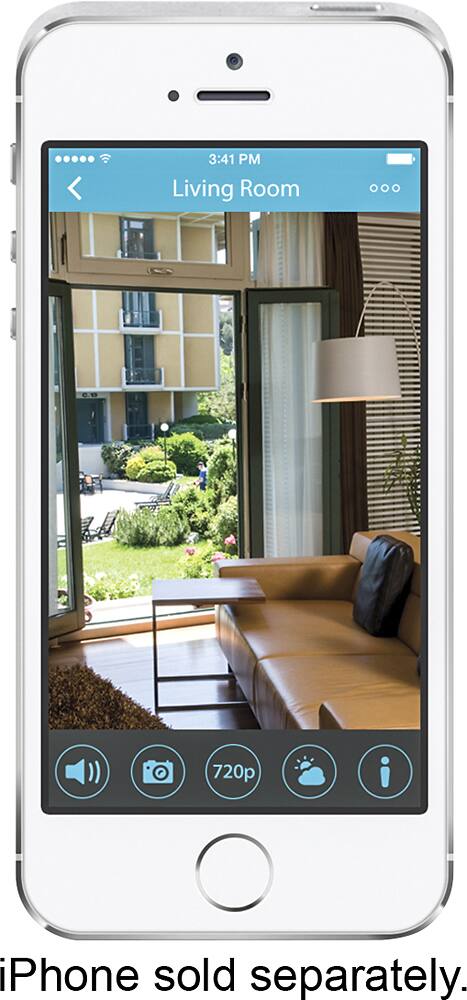
You can watch and adjust settings remotely by phone or computer if you have WIFI.
A:AnswerThank you for your interest in the product. You will be able to stop recording by adjusting the settings. You can also set recording based on your preferred schedule.