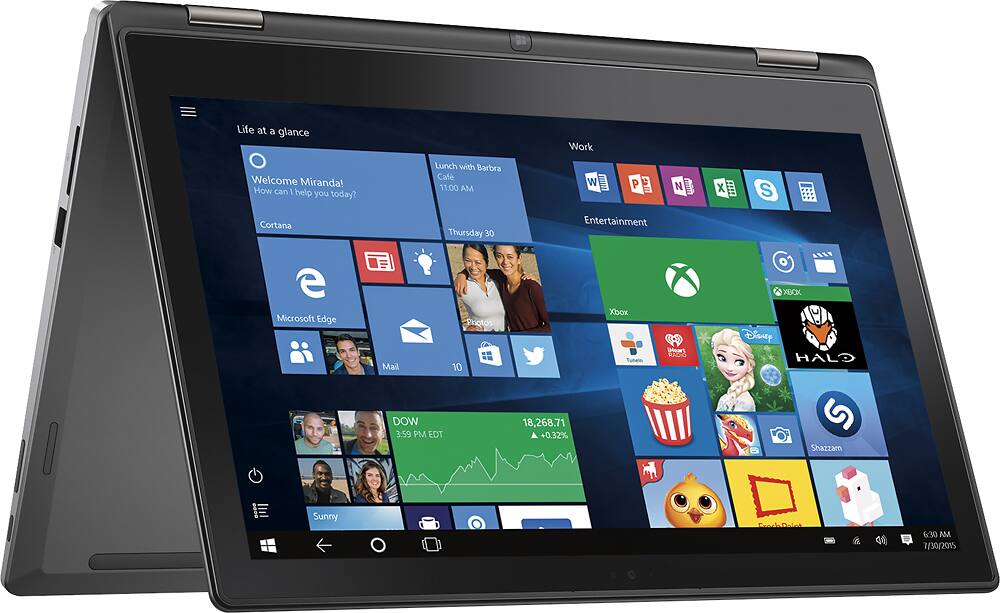
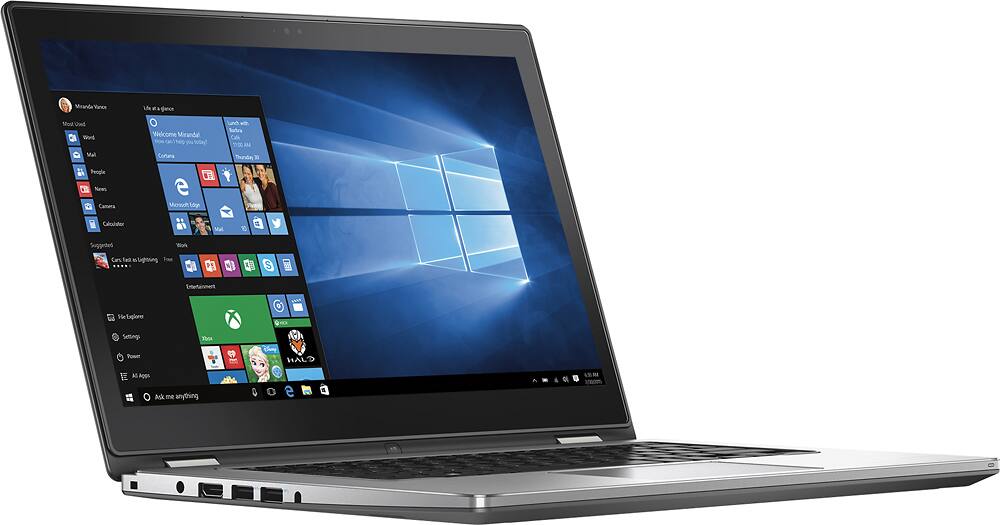
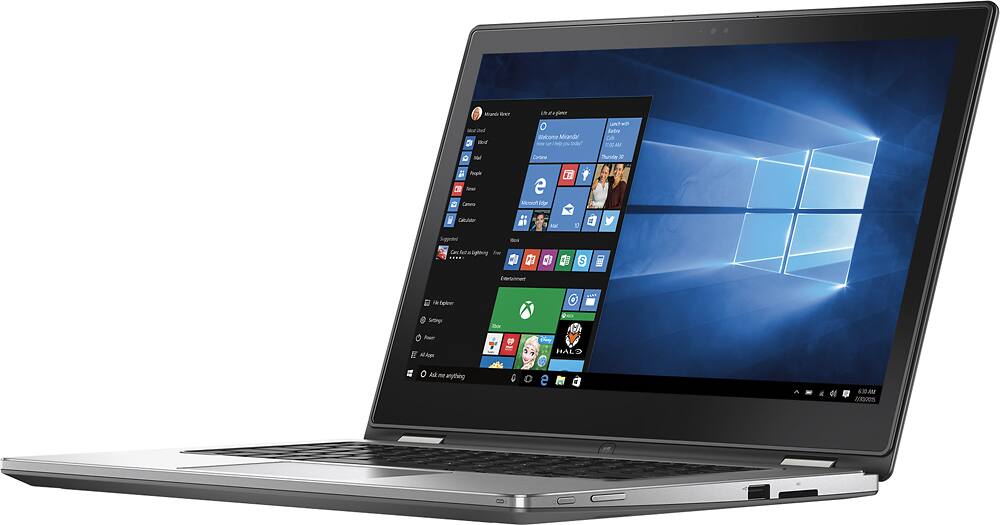
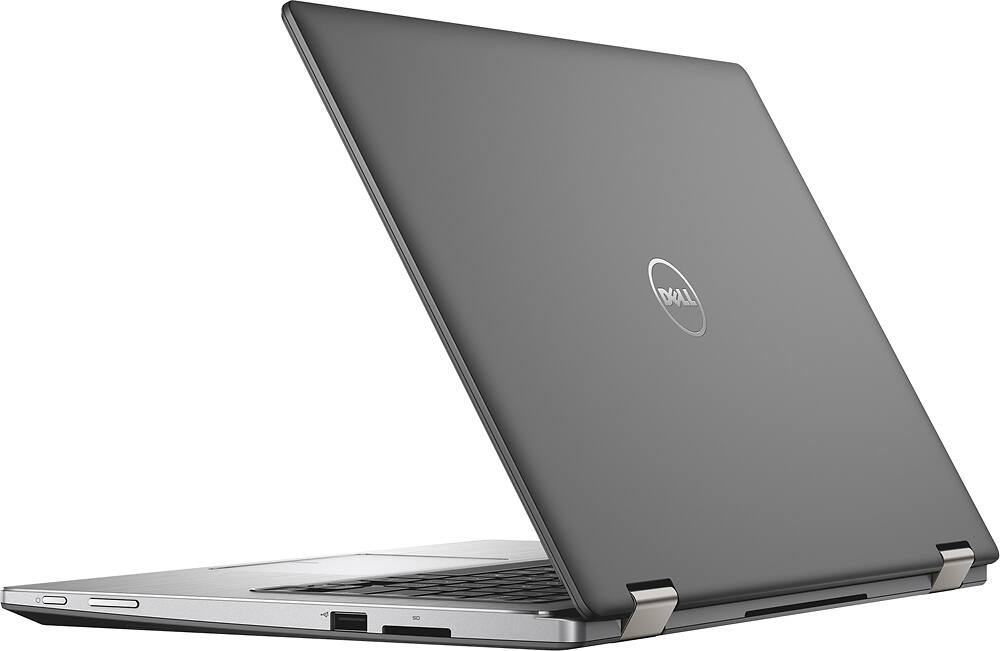
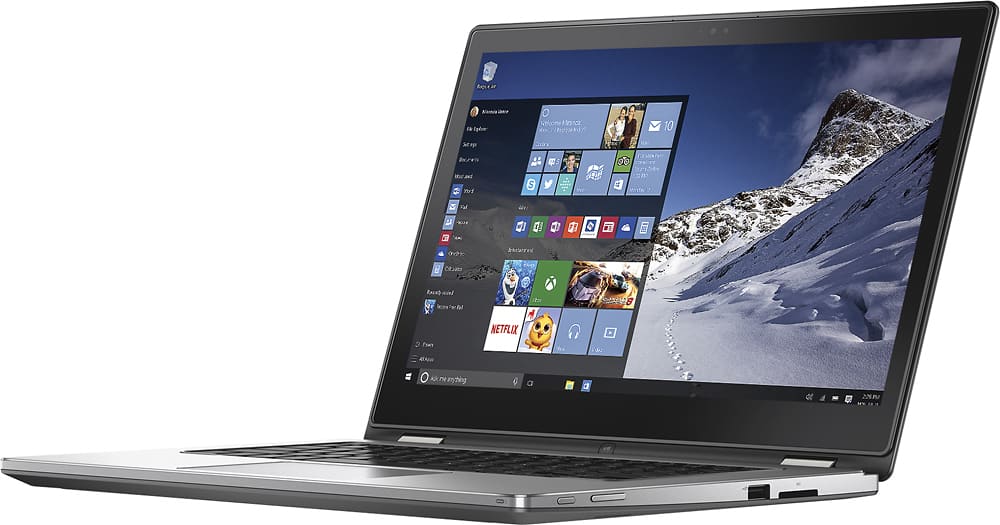
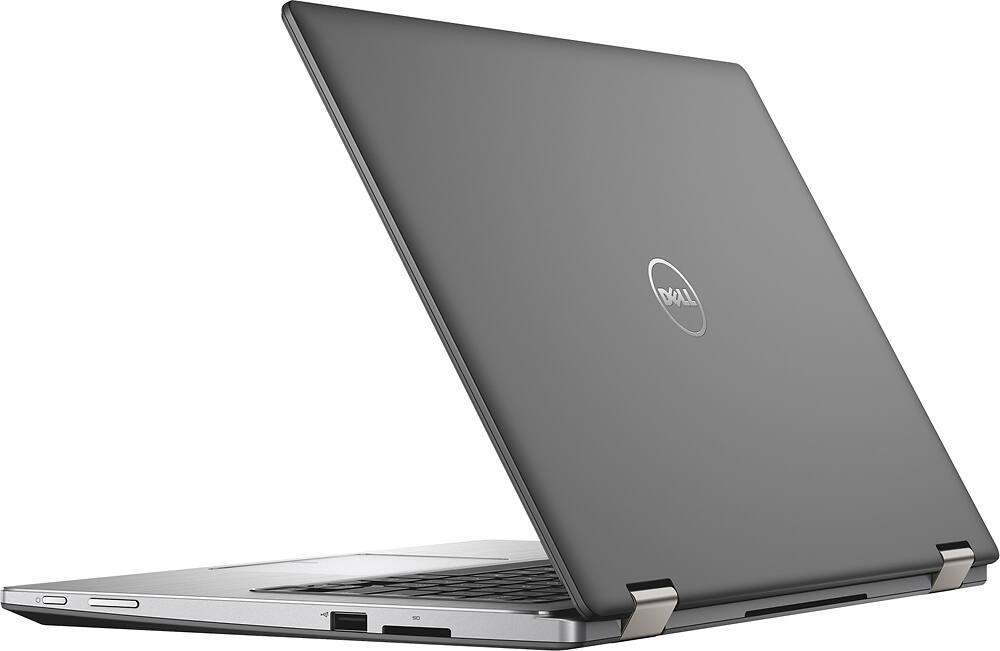
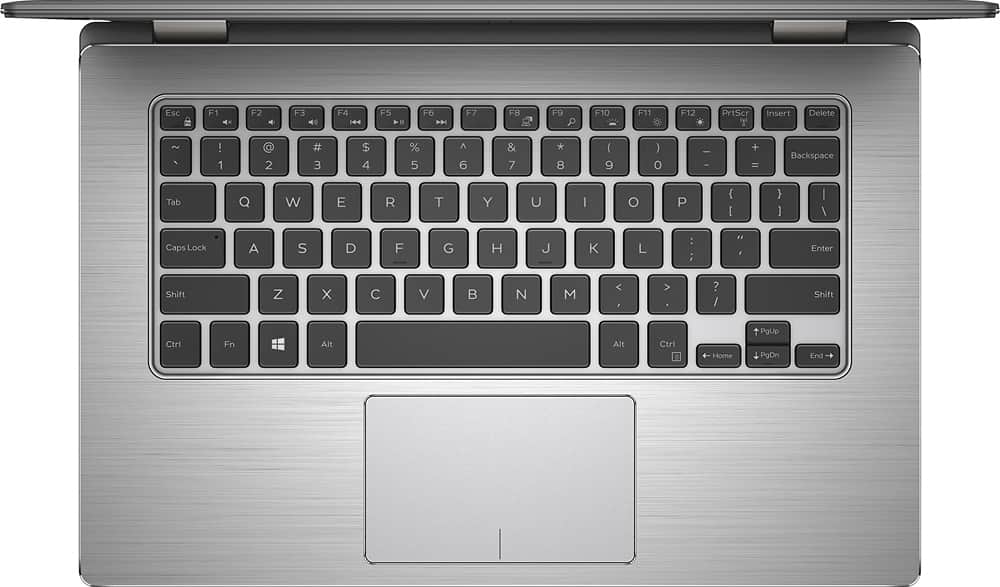
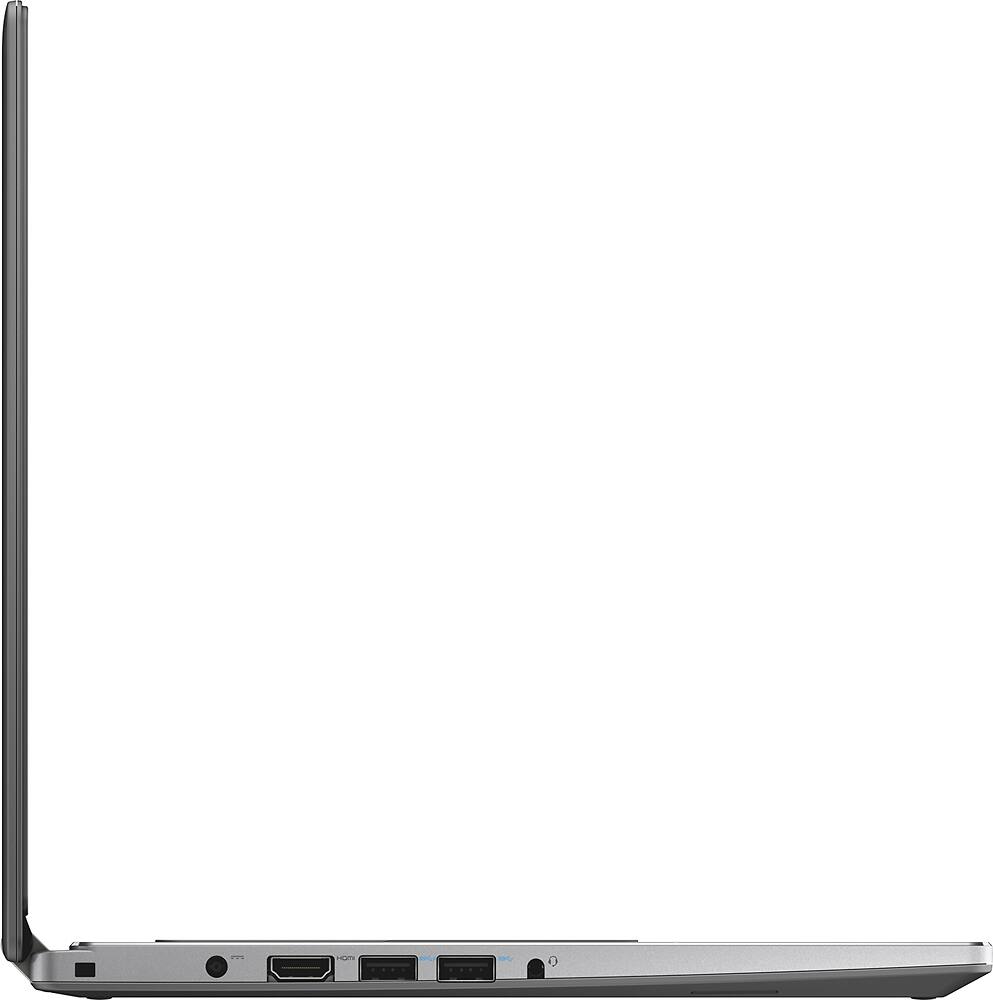
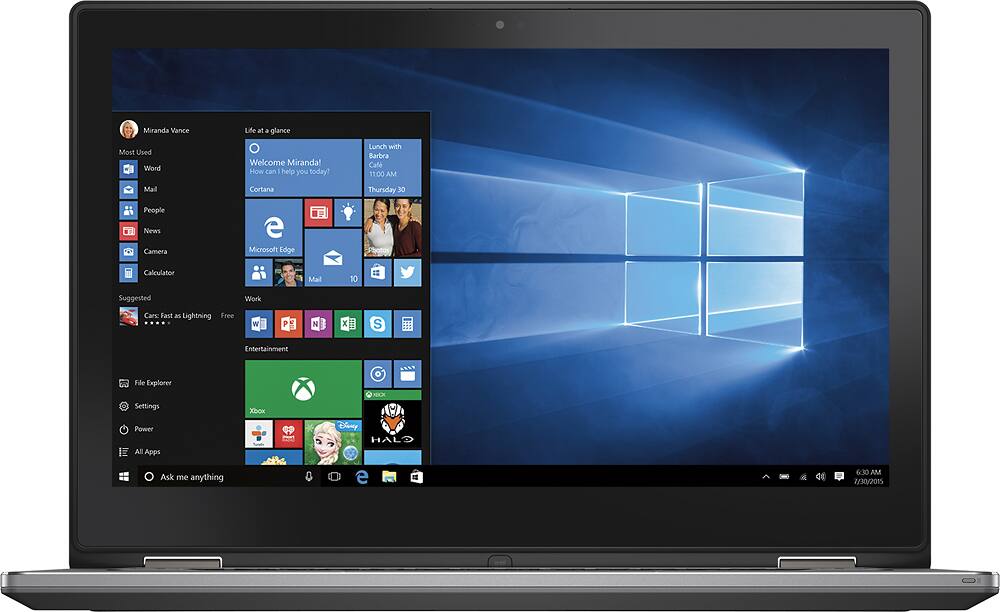
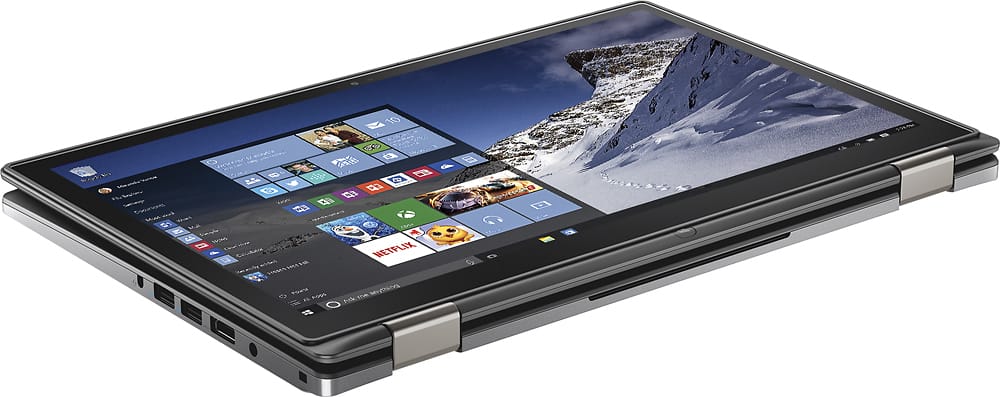
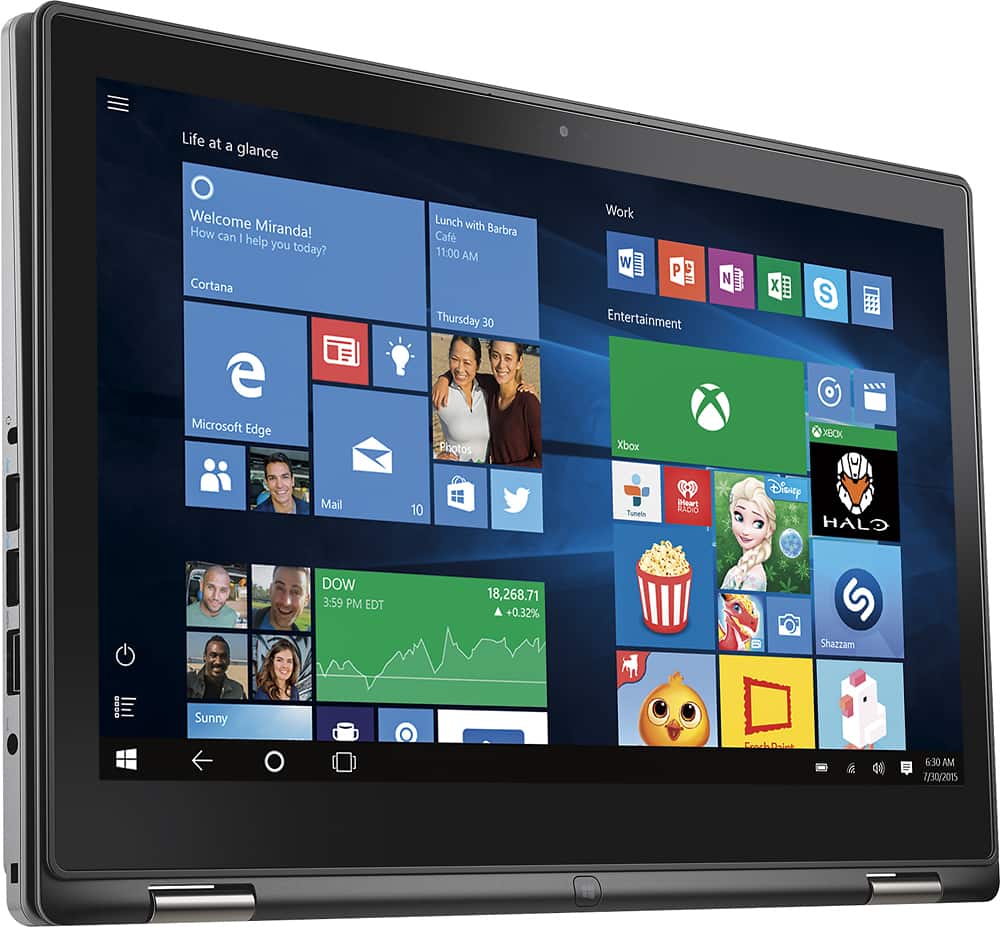
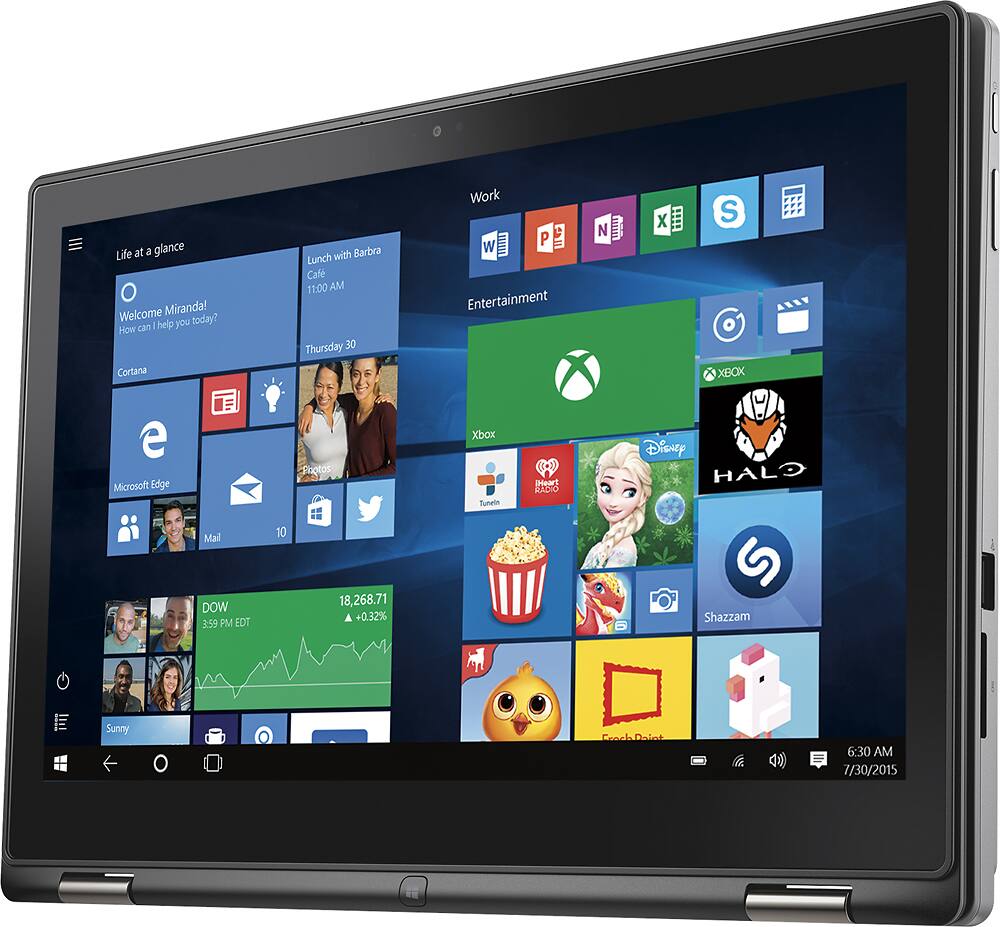
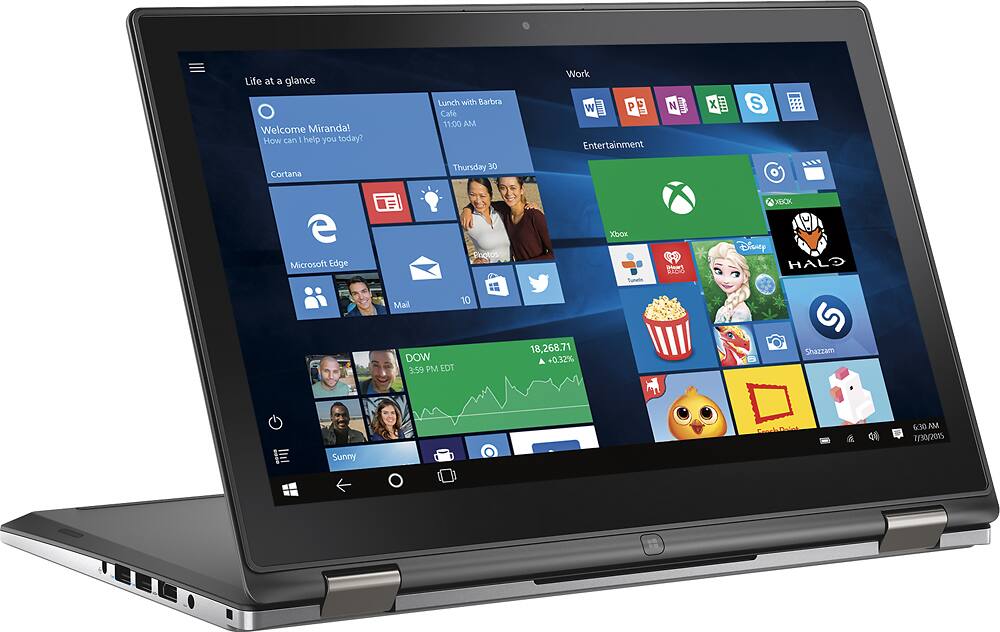
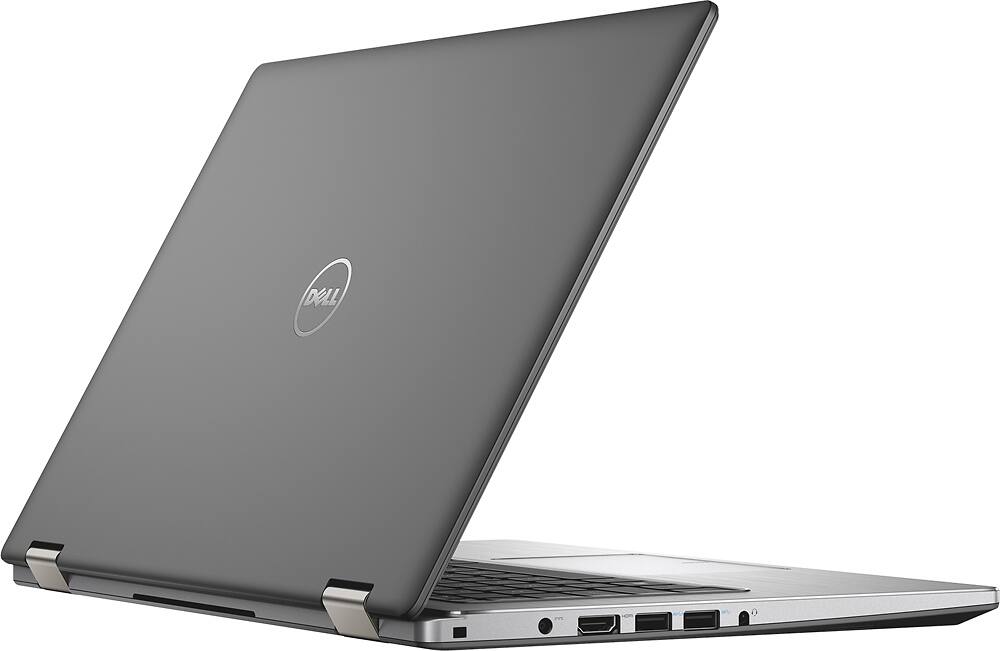
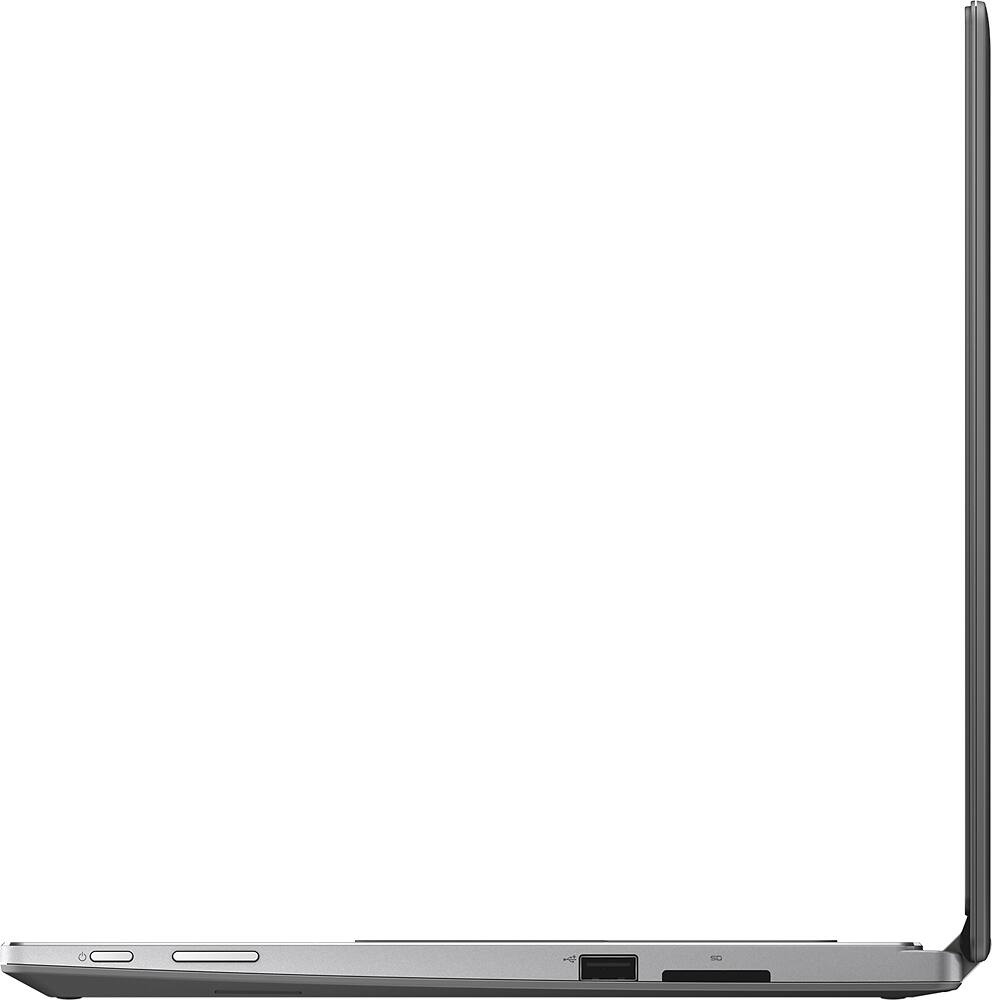
A:AnswerThis Dell model does not come with a port into which you can plug an ethernet cable. You would have to use an adapter cable (or other device) that would connect your ethernet cable to an available USB port on the laptop.
A:AnswerNo, it's a traditional 2.5" x 7mm laptop hard drive that operates at 5400 rpm. It's an extremely power efficient model that only uses like 2 watts to operate, but performance wise it's pretty slow.
The upside is that it's extremely easy to upgrade to an SSD if you choose to as the original HDD is not soldered in and is removable.
A:AnswerI was in the store today and purchased this model Dell Inspiron 13 ending in SKU 9514008. So far Windows 10 is the only difference between this new model and the old one. I feel that the price is the same so why not pick up the one with Windows 10 pre-installed. Best of luck!
A:AnswerIt's the newest WiFi technology. After 802.11G, then 802.11N, there is now 802.11AC. It is backward compatible with all the 802.11 A/B/G/N networks, so it will pretty much work with any standard out there these days.
A:AnswerYou should probably double check at BBuy, or Dell for that matter because things change. But as of today I do not believe you can expand to 16G on this machine.
A:AnswerIgnore the ignorance in this Q&A section.
The HDD is easily replaceable with a SSD or SSHD
and it will NOT void your warranty. The bottom cover
removes easily and the drive bay is very simple to get at.
This upgrade DOES NOT require an expert.
A:Answer6 to 9 hours with an SSD and tightly controlled power settings.
No way in ^%$# this 2 in 1 lasts 10 hours with the default
mechanical hard drive. 6 - 7 hours tops.
A:AnswerIn this age, every one relies on internet and usb for their digital entertainment needs. In case you choose to use CD-ROM. You can use as an external usb, but that defeats the purpose of being portable.
I'd suggest copy CD in the laptop and then watch as 1TB can hold 100s of movies and 1000nds of songs.
A:AnswerThis is a Bluetooth enabled laptop.
I think, it should, but to be sure, visit a Best Buy and try connecting before buying a I'm not sure which stylus you are trying to connect.
A:AnswerYes, the HD 5500 graphics chip can handle League at the native 1080p resolution with medium to low settings depending shadows and AA and you should get an average of like 30-40fps I think.