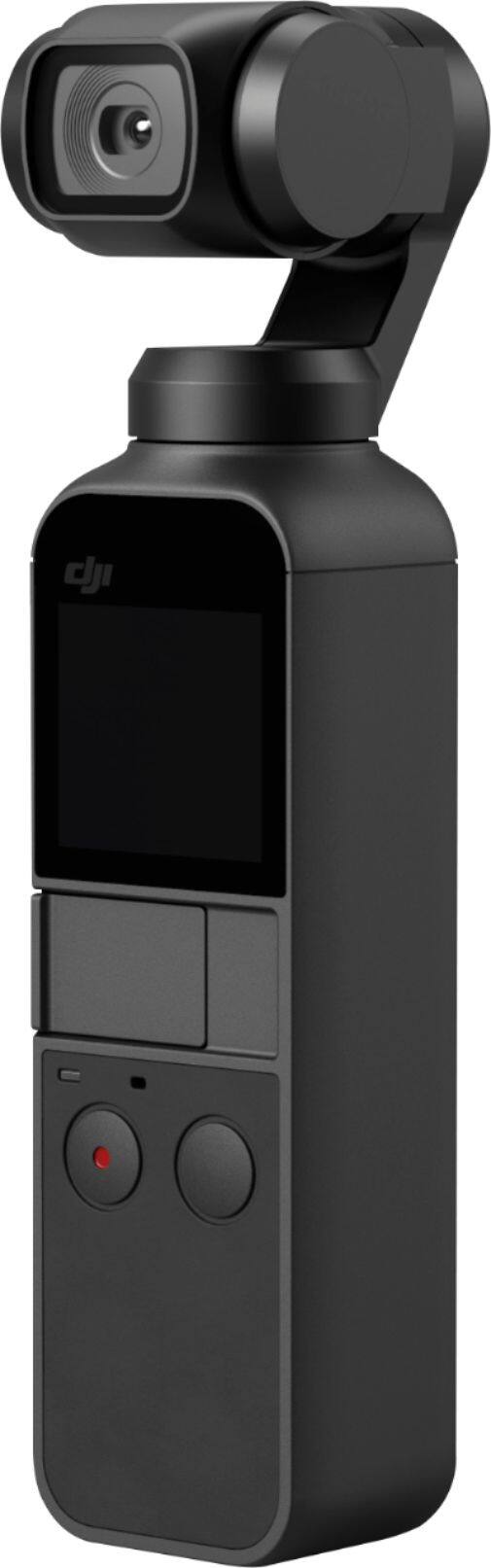
A:AnswerNot possible as of this time, may be a firmware update that DJI will be working to fulfill in the future. As of now the Osmo Pocket only allows for the sd card to be read when connected to a Pc or Mac.
A:AnswerYea, the DJI comes with both a USB-C & APPLE adapter so you can connect it to a Ipod. Also if u buy the kit , it come with a bluetooth adapter where you dont need a full connection.
A:AnswerThe Micro SD card is not included, but you can pick one up pretty cheap. It works with both Android and Apple. I use a GS9+. You will have to buy the DJI adapter for the mic attachment.
A:AnswerYou can use an adapter. I got them through Amazon. Just make sure you get the USB micro (Male) to USB-c (female). This will allow you to make the connection, HOWEVER, it feels very flimsy to me. I had concerns working at my dining room table and I would NEVER take it into the field for fear of breaking the Universal Connector, the adapter, or the connection to my phone. A cable might work better for doing updates and making advanced settings in the app.
https://www.amazon.com/gp/product/B072J5B3BR/ref=oh_aui_detailpage_o00_s00?ie=UTF8&psc=1
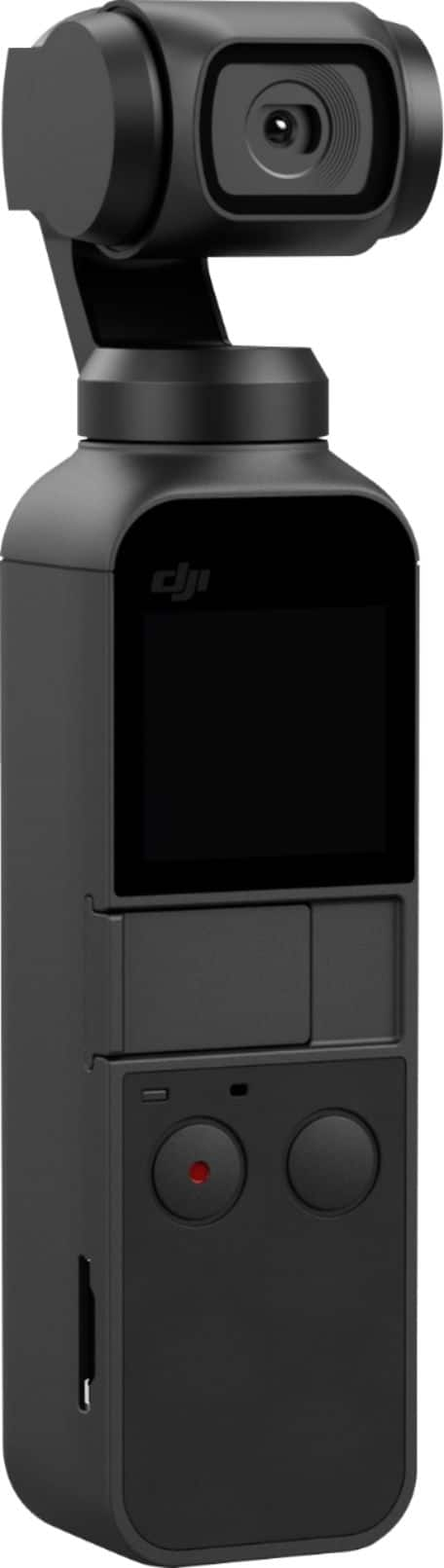
A:AnswerAs you may already know, this device is what’s called a gimbal. It is NOT a camera. It basically makes whatever your phone shoots less shaky. So when it comes to face tracking and getting wider shots, it’s all of question of whether your iPhone does those things already. If it does, then it will still do them when hooked up to the Osmo gimbal. If your iPhone doesn’t do those things, hooking it up to the Osmo is not going to magically make that happen inside your phone. Hope that info helps.