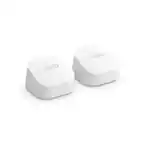
A:AnswerI have Verizon and i remove my old Verizon modem and put the eero 6+ directly to the fiber box using an ethernet cable. The internet works without problems.
A:AnswerThey hook up to the WiFi and do not need to be plugged into the modem as long as there is one central until that is. At least that’s how it works in my home. It can all be done through the Eero app.
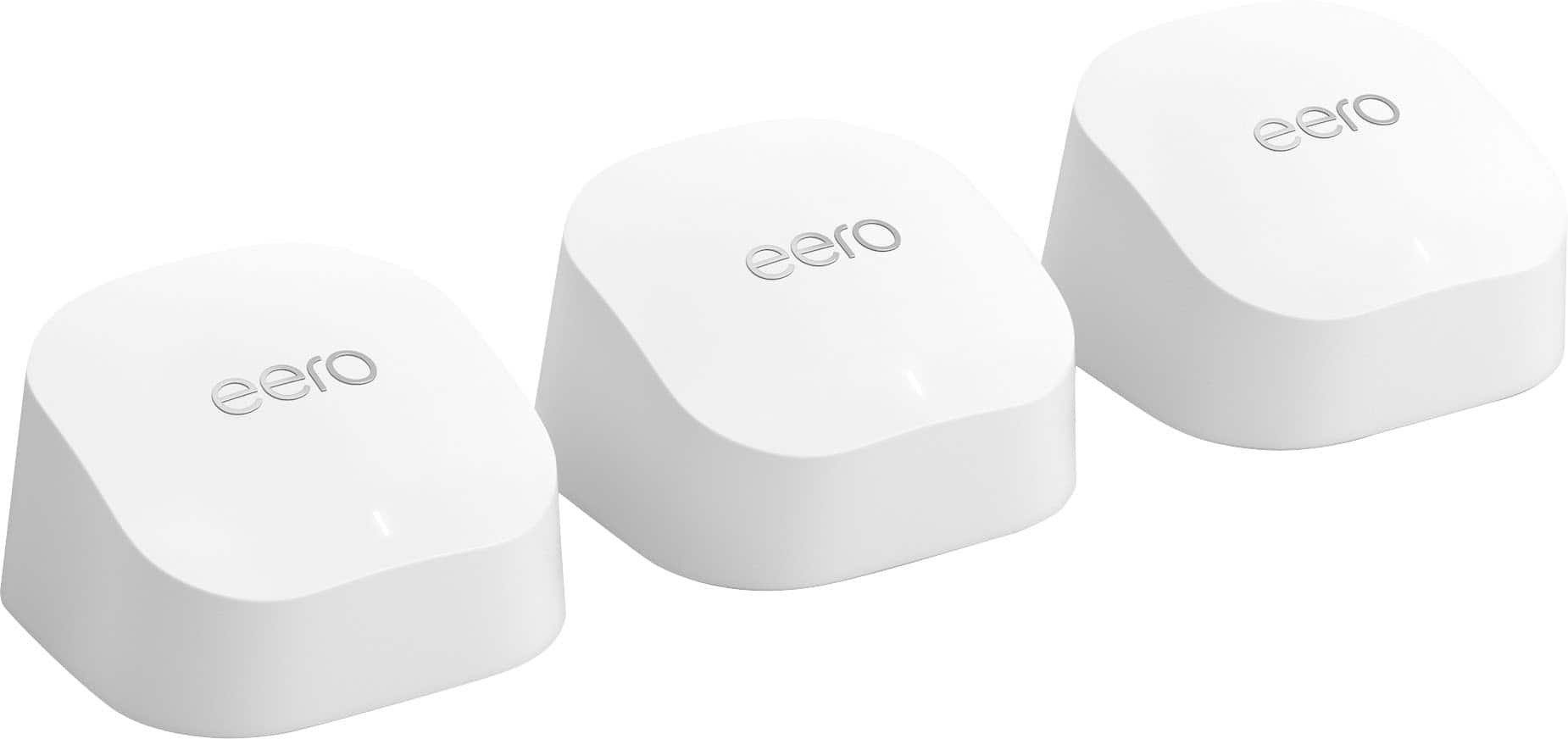
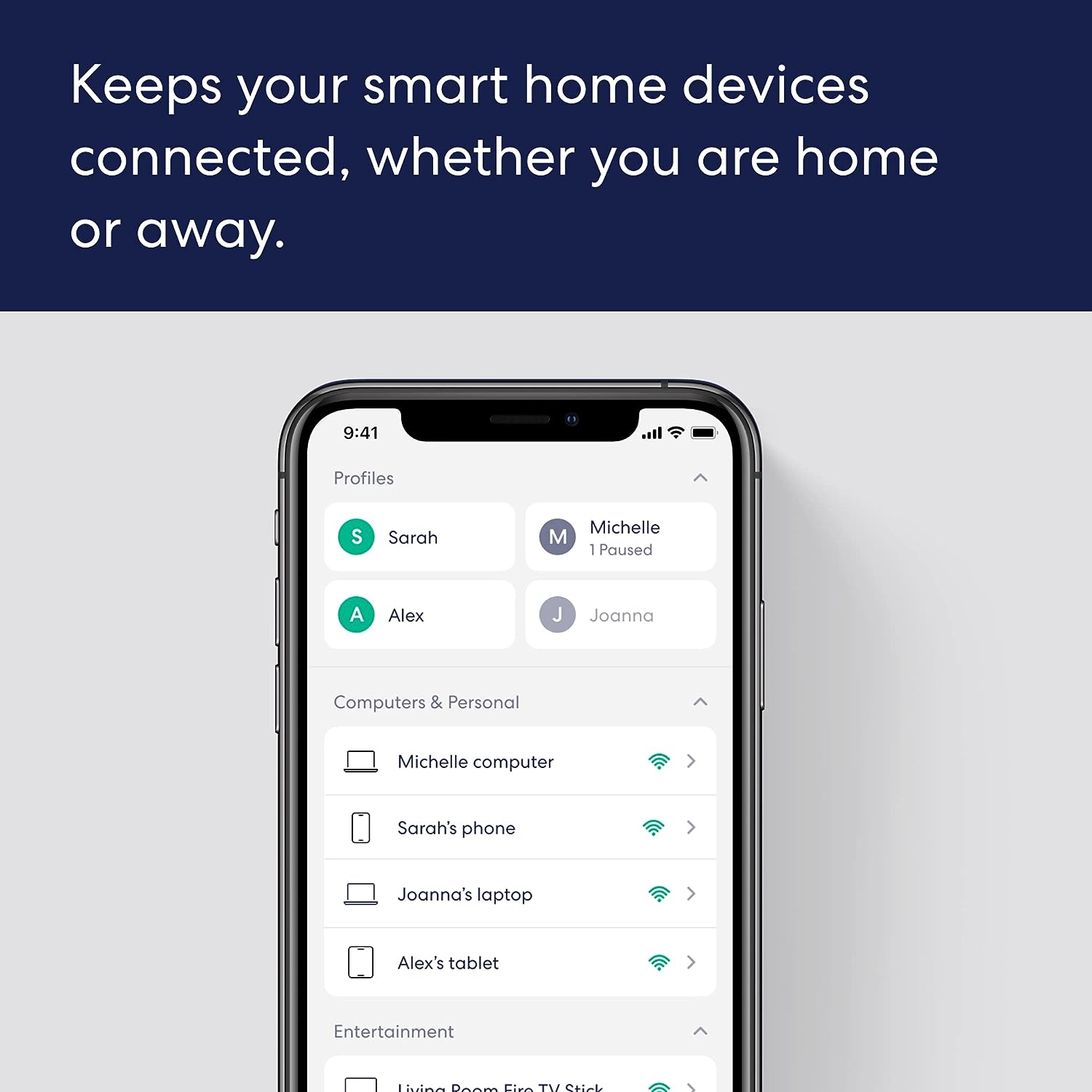
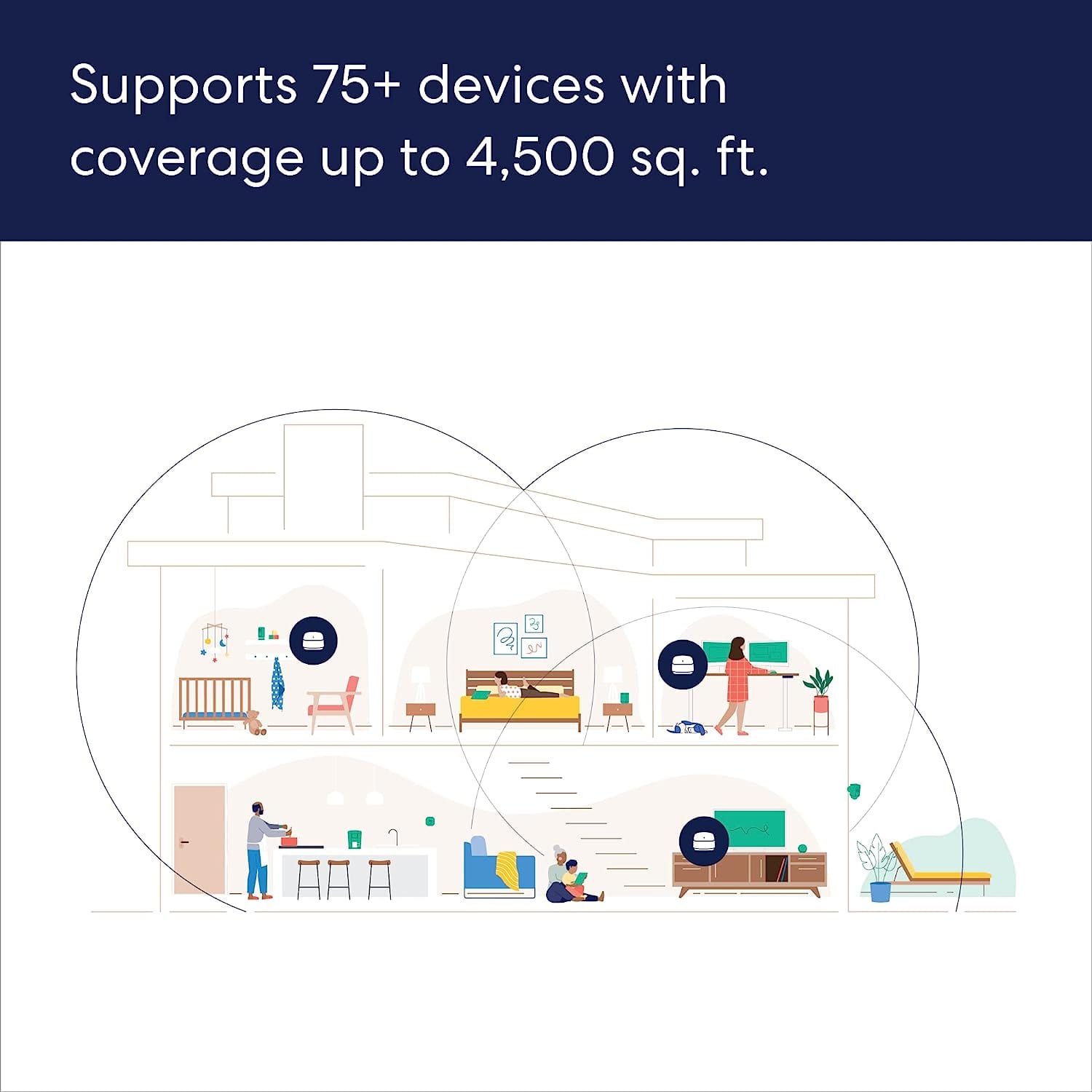
A:AnswerHi Brendan! The eero 6+ is a full router by itself, you just connect it to your modem like any other router and use the free eero app to set everything up! Once you've got the eero connected to your modem, the app will help you find great spots for the rest of them around your home to ensure you've got a great network connection no matter where you are! I hope that helps, have a great rest of your day!
A:AnswerIt plugs directly into your modem using an Ethernet cable. Then you also plug it into an outlet to power it. From there it wirelessly send the signal to the next unit that you place further away in your house. That further unit you only need to plug into an outlet. Using the setup instructions on the app it will connect the devices. Once they are all set up you just connect your devices to the WiFi like you normally would with a WiFi name and password and you’re good to go!
A:AnswerYou should be able to purchase a single and add it via the Eero app. Easy process. There may be a slight argument about placement if the new one is "too close" to the others, but the app should help with placement.
A:AnswerThere is no way, that I can see, to change the channel. Mine sits almost directly behind my microwave, only a wall separates them, and I've never lost a signal. Have you considered moving the WiFi further down the wall from the microwave to see if that might help? eero 6+ is awesome!
A:AnswerIt can max out at very close to 1Gbps/1 Gigabit. That is the max this system supports.
On our gigabit internet, we saw speeds very close to 1Gbps at the Eero "router" (the first Eero you install and connect to your ISP modem/router). Usually it was 850+Mbps.
On satellites we could see average 450-500 Mbps depending on the device used, and range from a satellite.