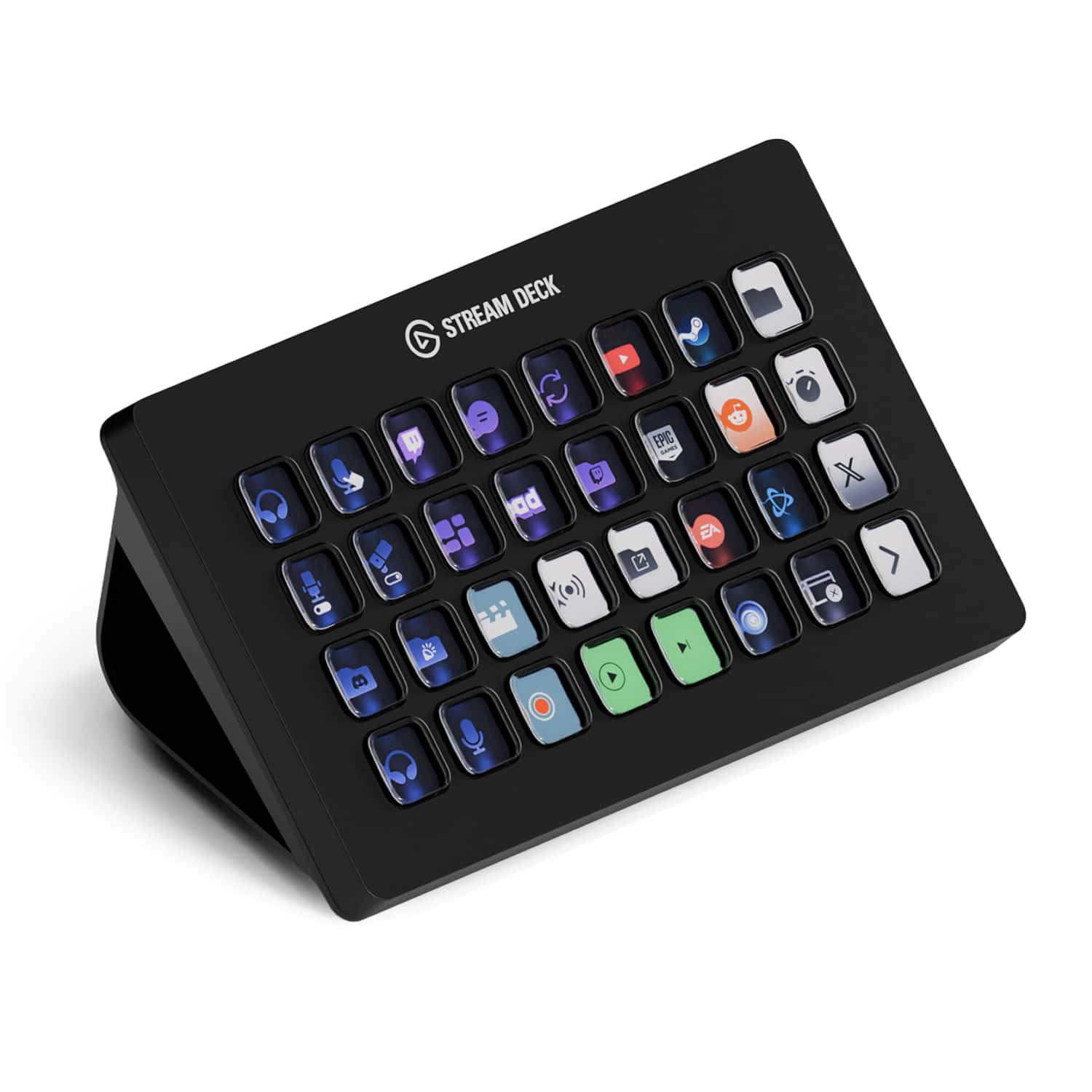
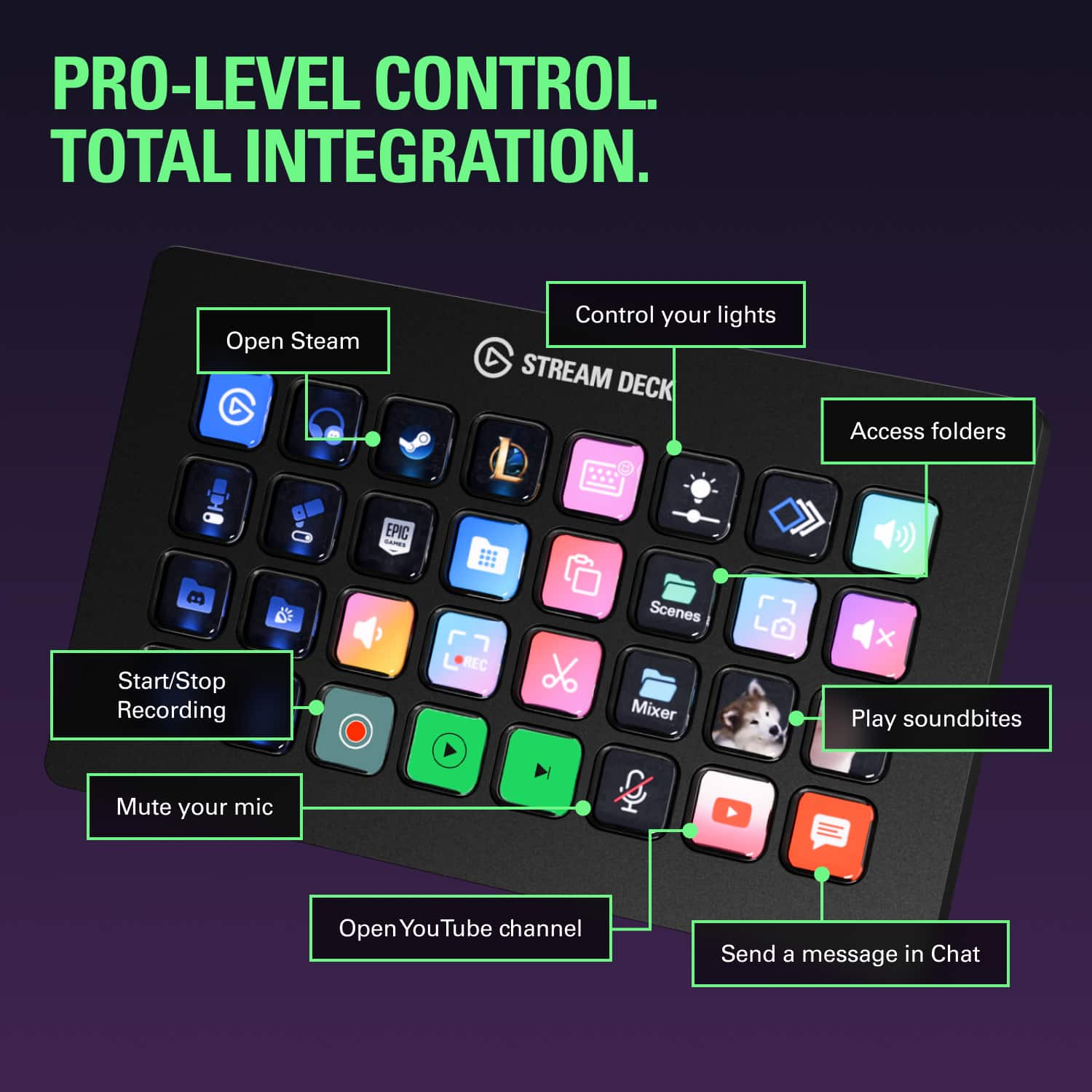

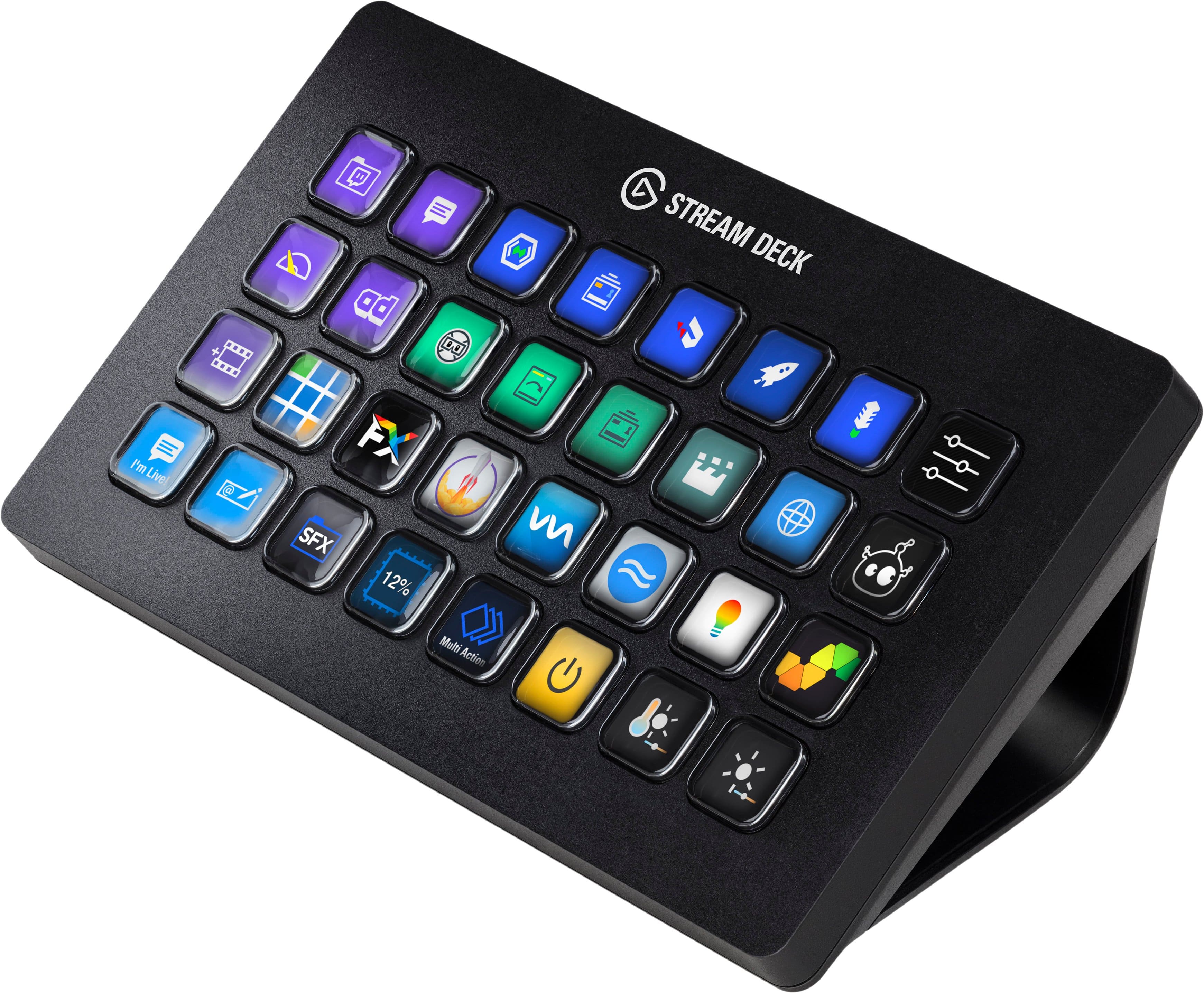
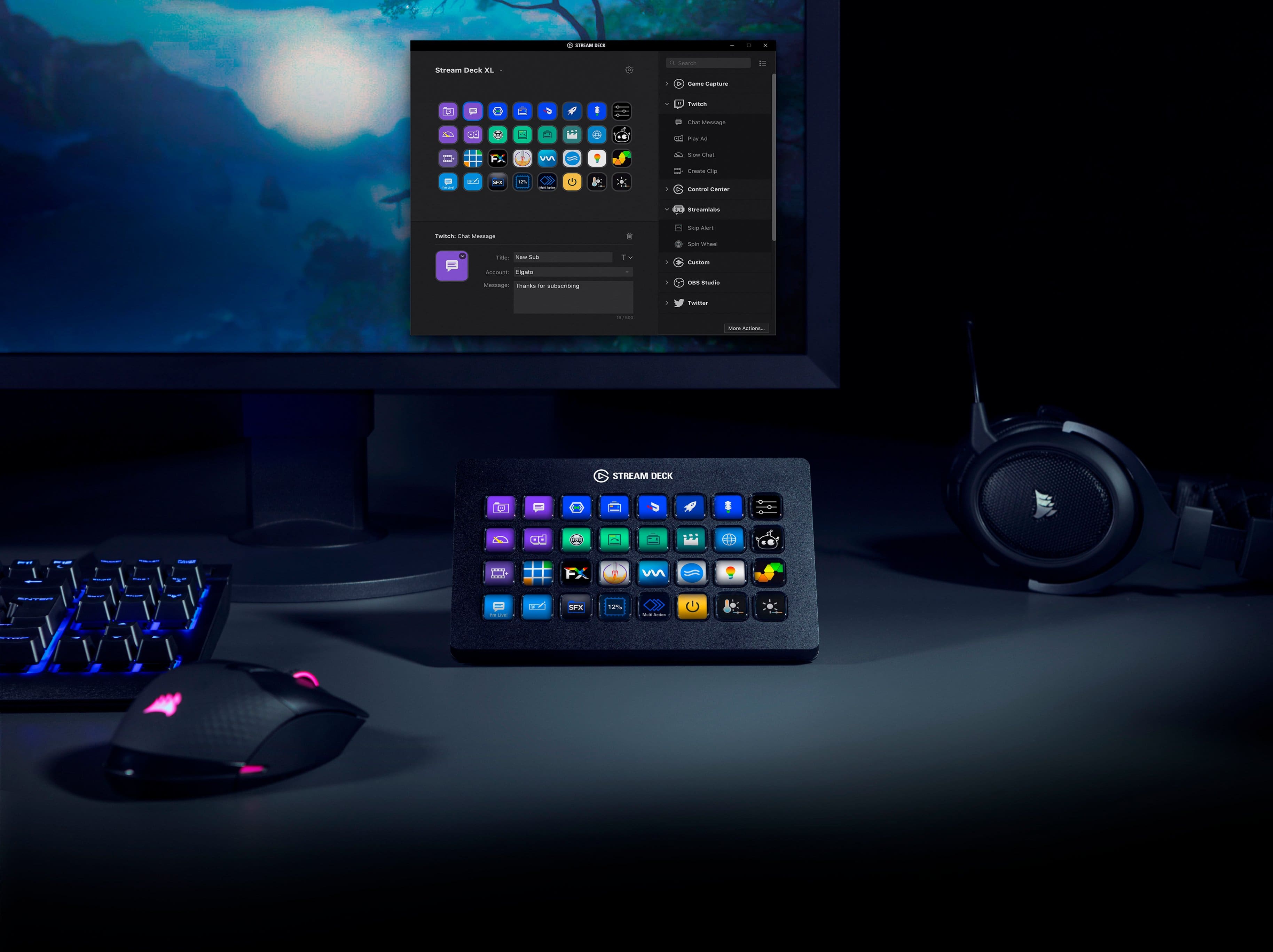
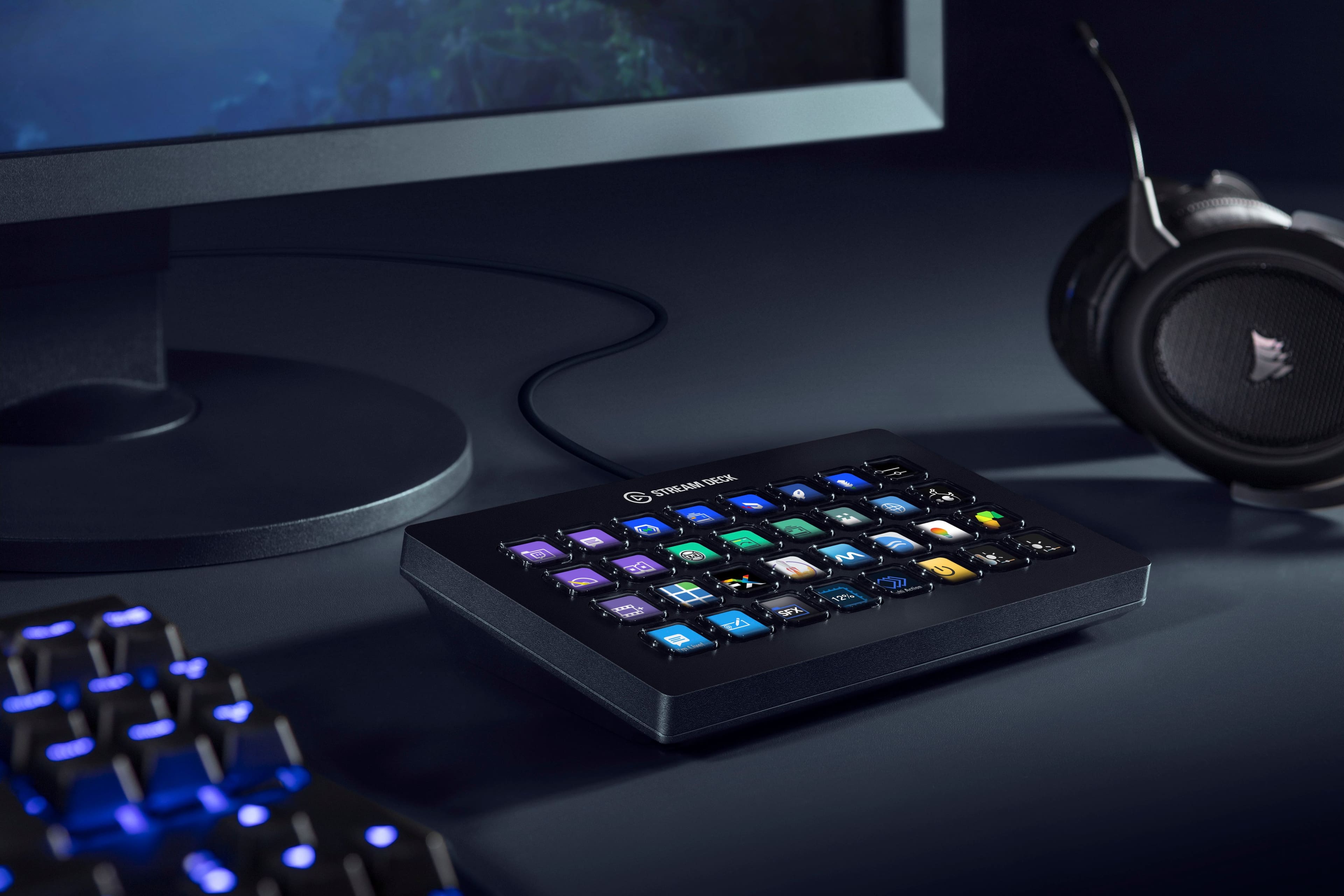
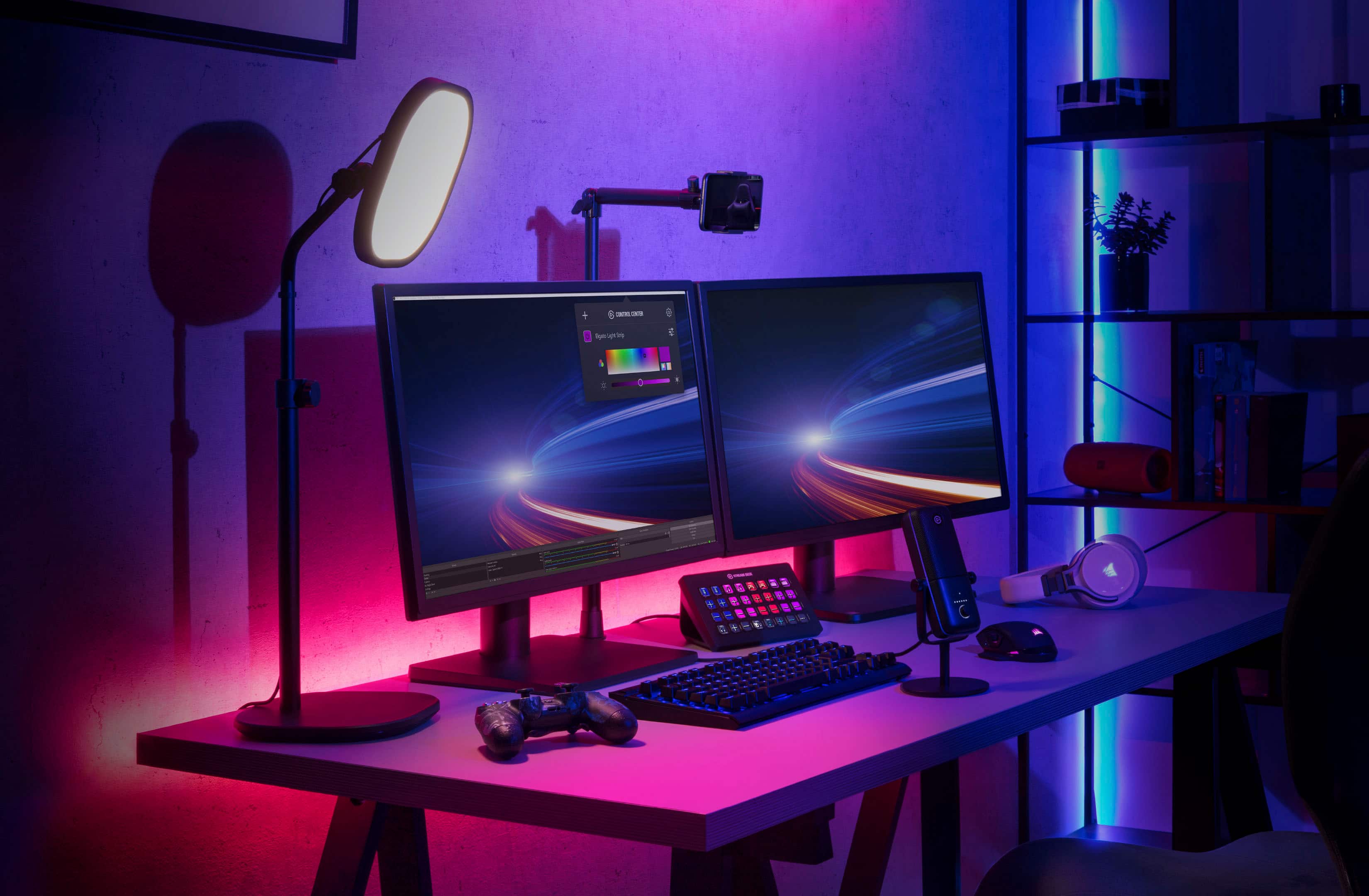
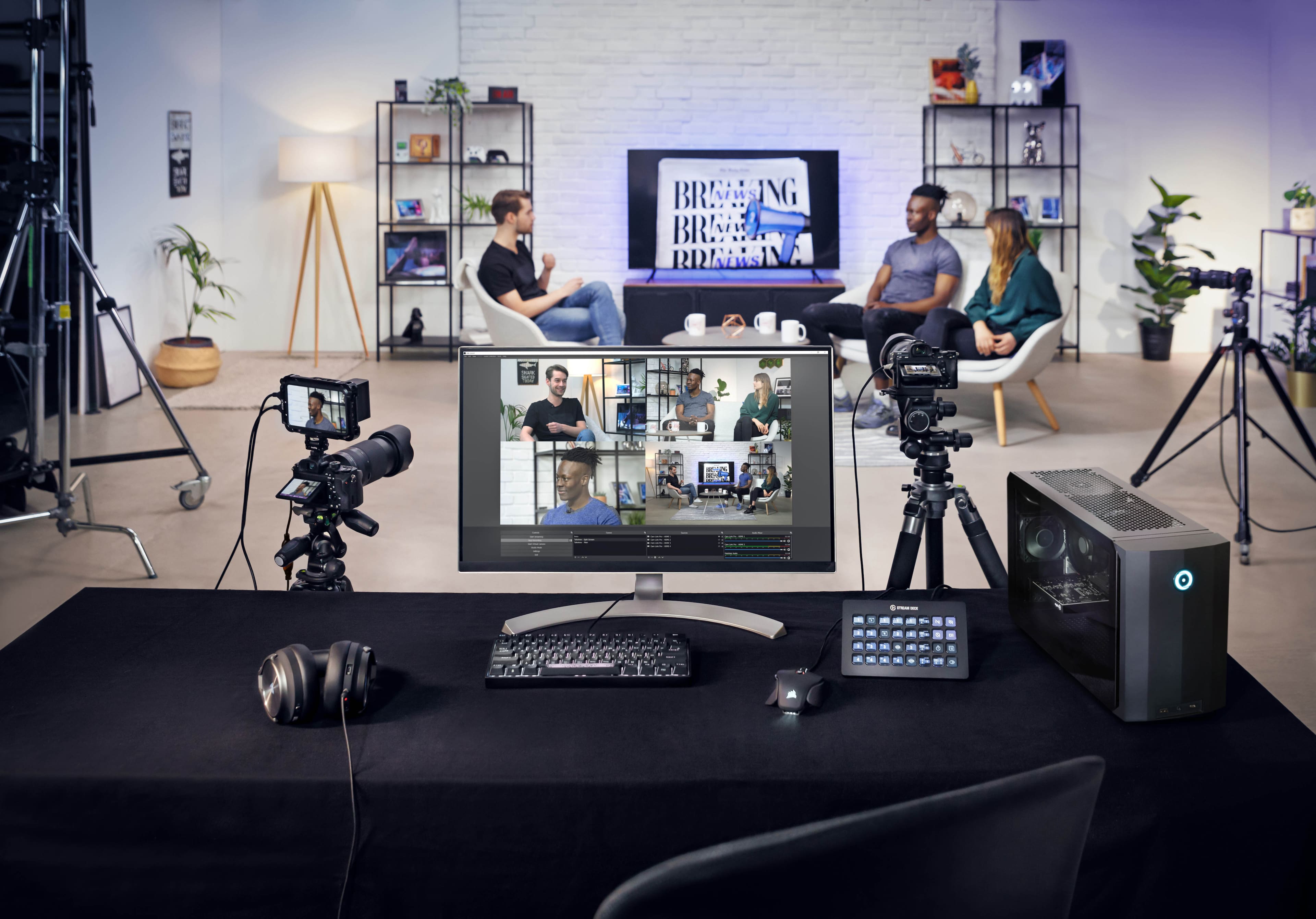
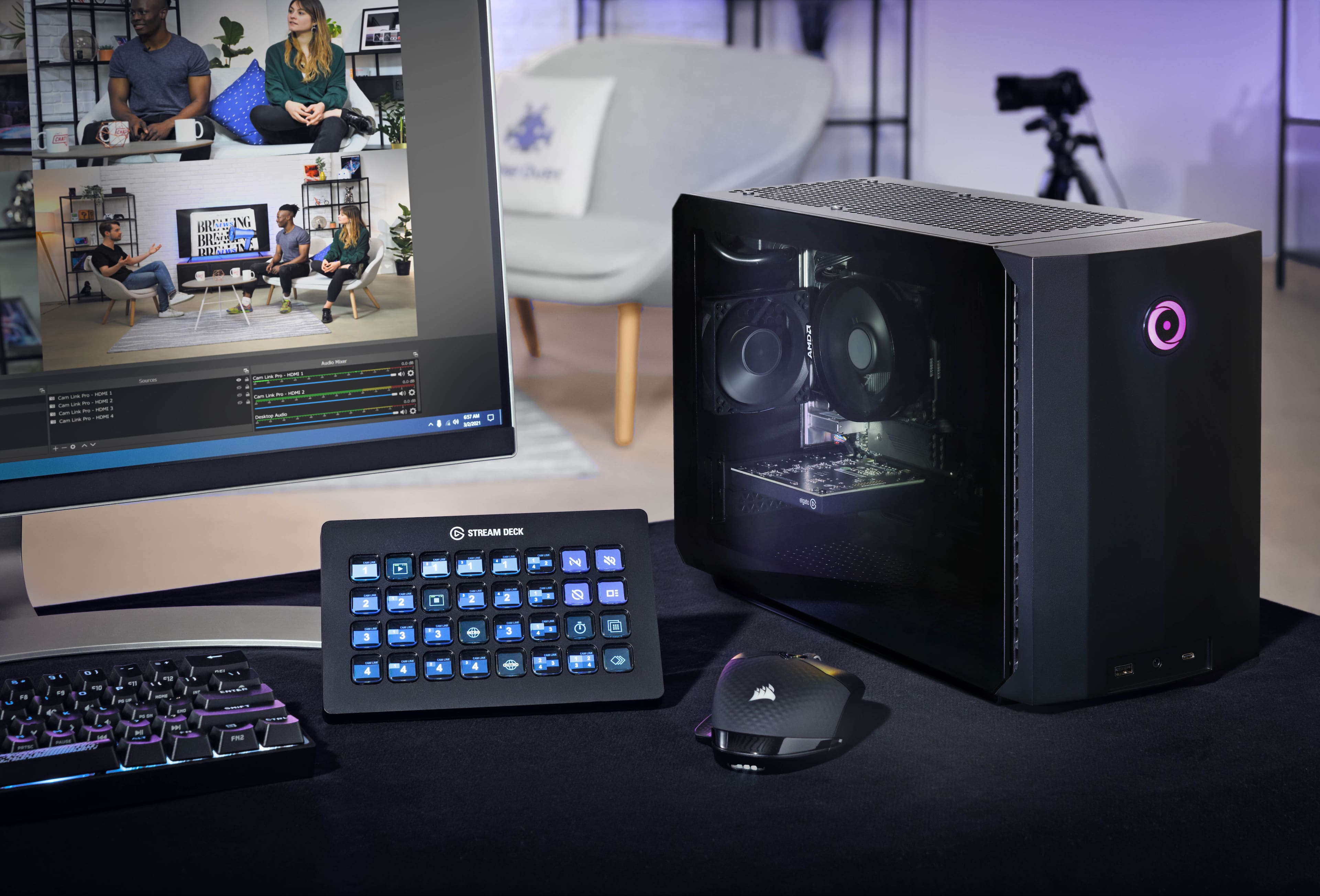
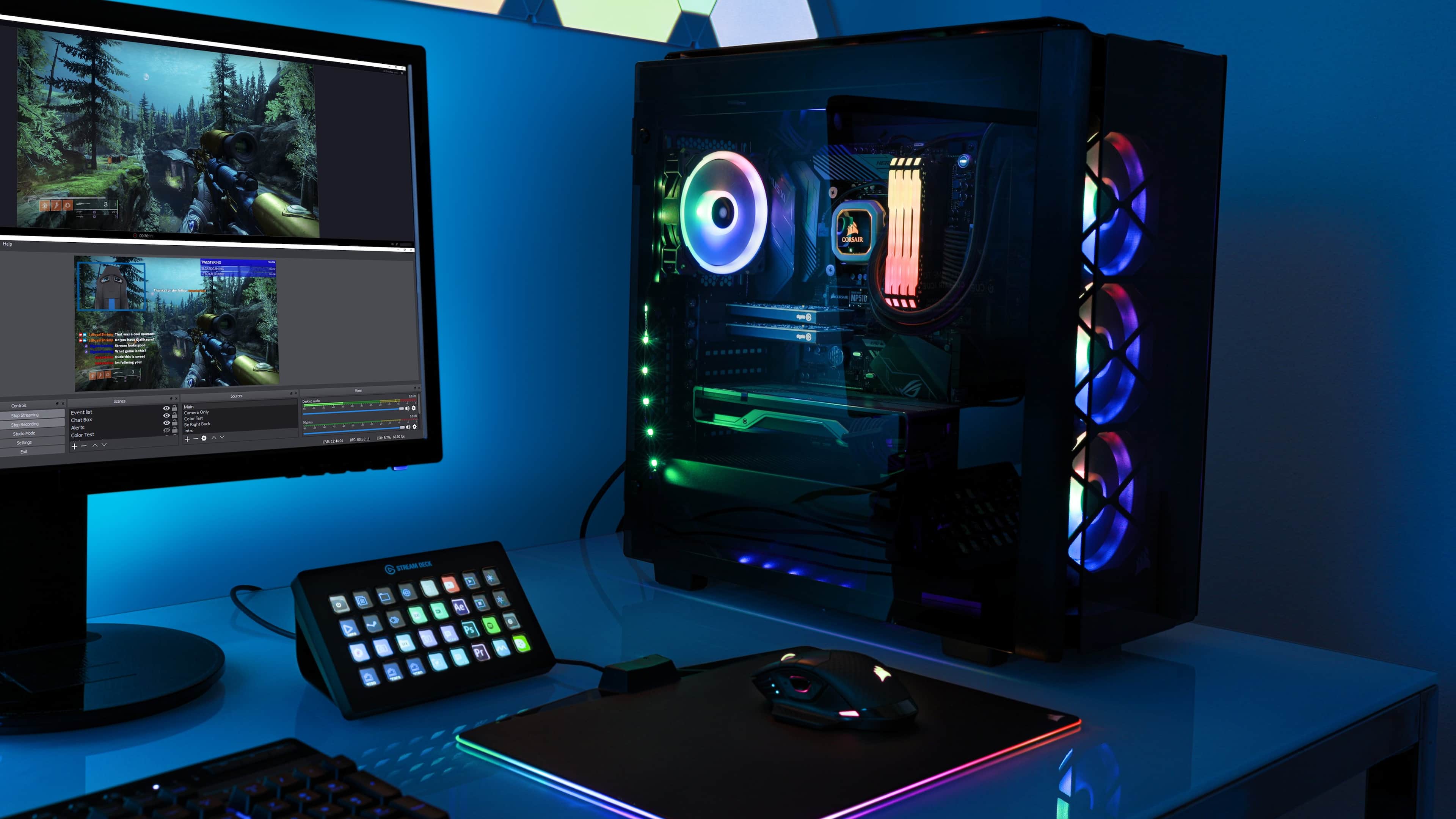
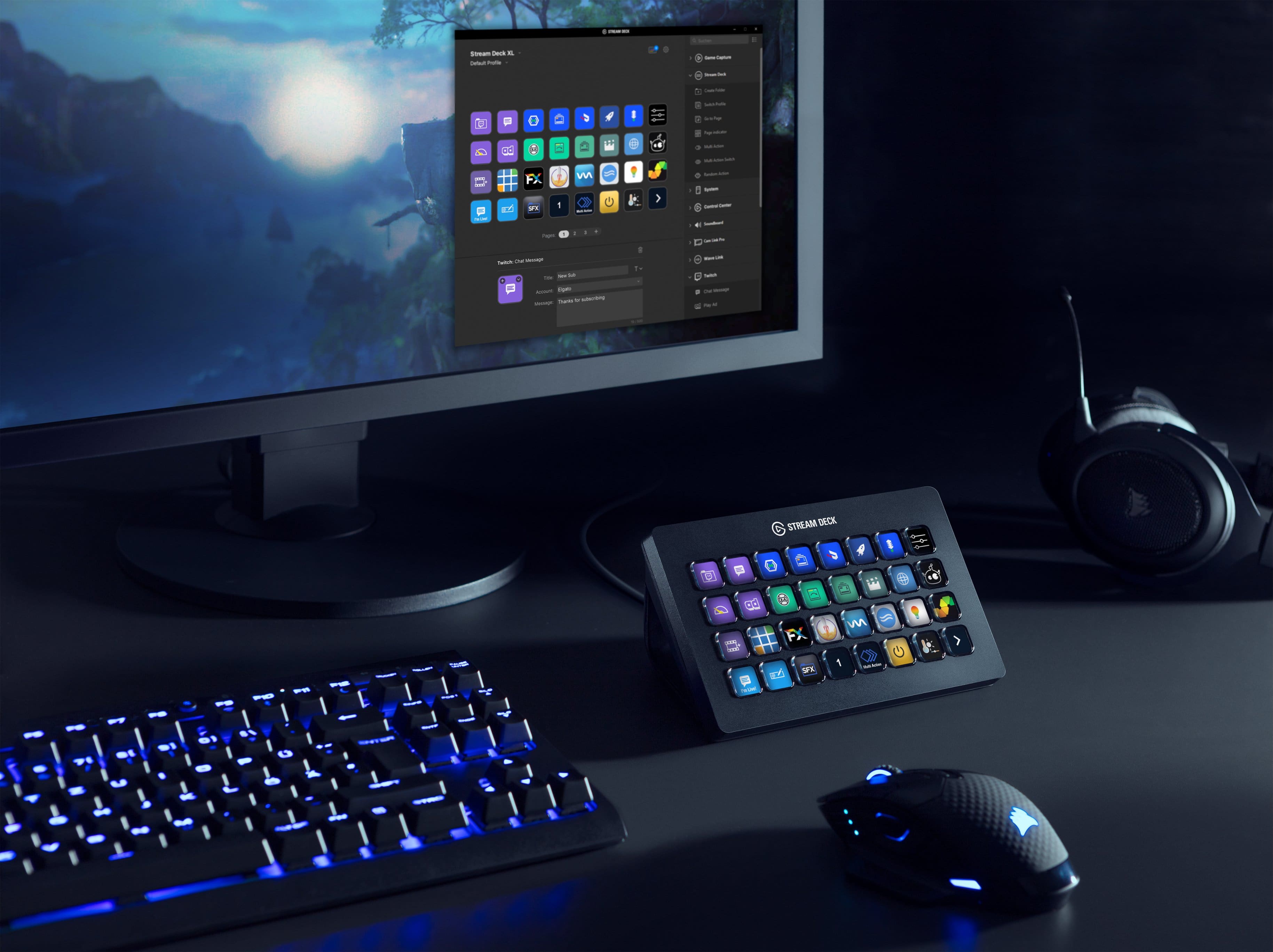
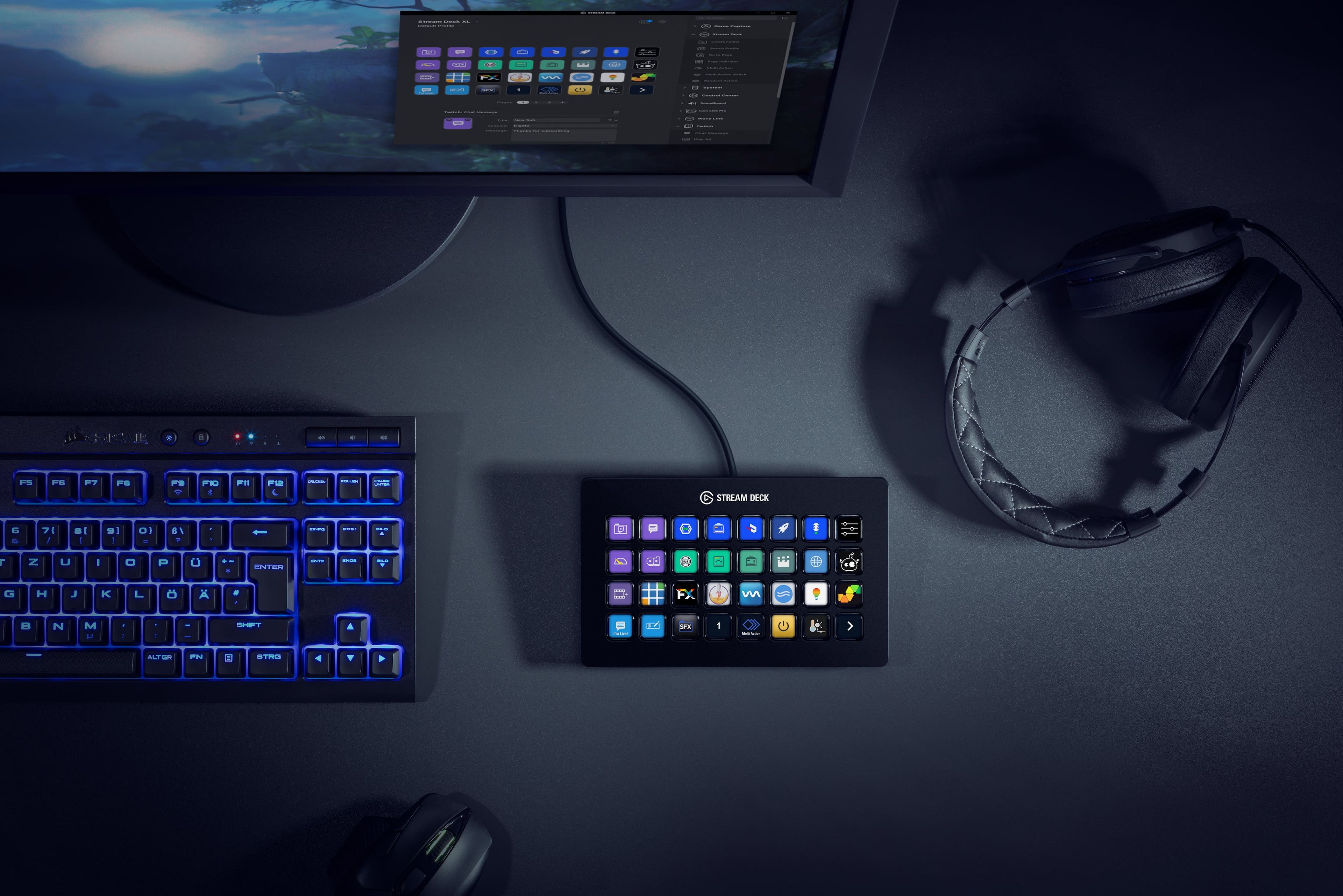
A:Answerits basically a device that you can set macros up for streams and other things. I stream, and for my stream I have 6 or so themes that I use. one is just a webcam view, one just the game, one for stream starting, ending, taking a break etc. all of those thru stream labs you can set for hot keys like alt+f9 or something. a lot of times though you forget what hot key is what. this helps with that, plus makes if fast. so alt+f9 might be just my webcam. on the stream deck for themes I label it webcam and set it up as the hot key, alt+f9. so now when I press it while streaming, my stream will go to webcam only.
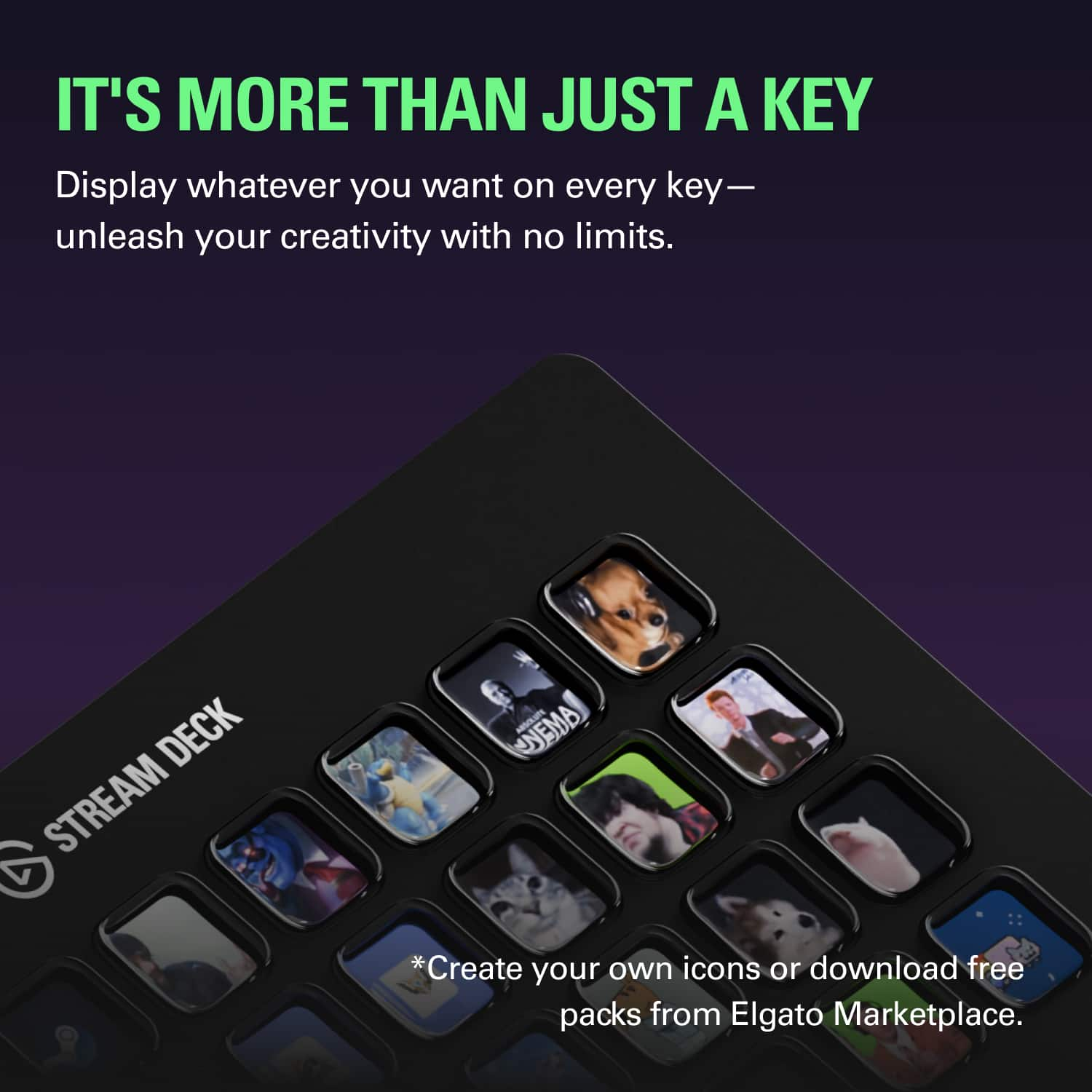
you can also set it up to do websites, start/stop streaming, etc. can set it up for songs, if you use a mic like a blue yeti, and a sound board or something, you can set up different sounds. a lot you can do with it.
A:AnswerI downloaded the iphone app just to make sure that it would work with Revit and Navisworks before I bought the actual touchpad and it works great! I spoke with someone who is one of the heads of the software we use a couple of months ago about productivity and that when you are doing modeling eventually increasing your productivity gets down to minimizing mouse clicks. I love that The keys change with whichever software you are using. Hotkeys are nice but trying to remember what the shortcut is for a function that you may not use everyday can be cumbersome. I programmed a key to type in the shortcut for copy followed by the shortcut for snapping to center. That would normally be a total of 4 mouse clicks and I was able to take it down to 1. Hopefully I can get the company to purchase the stream deck otherwise I will most likely buy it on my own dime.
A:AnswerHi Michael, Yes they work perfectly on the M1. I have 2 and the phone app as well running on mine. The new software release is very good as well. Hope this helps. R.
A:AnswerHi West,
That should be dependent MacOS remembering your app position and reopening it in the same position. If you're having issues, please feel free to reach out to our support team, we'd be happy to help: support.elgato.com
-Brian
A:AnswerHello,
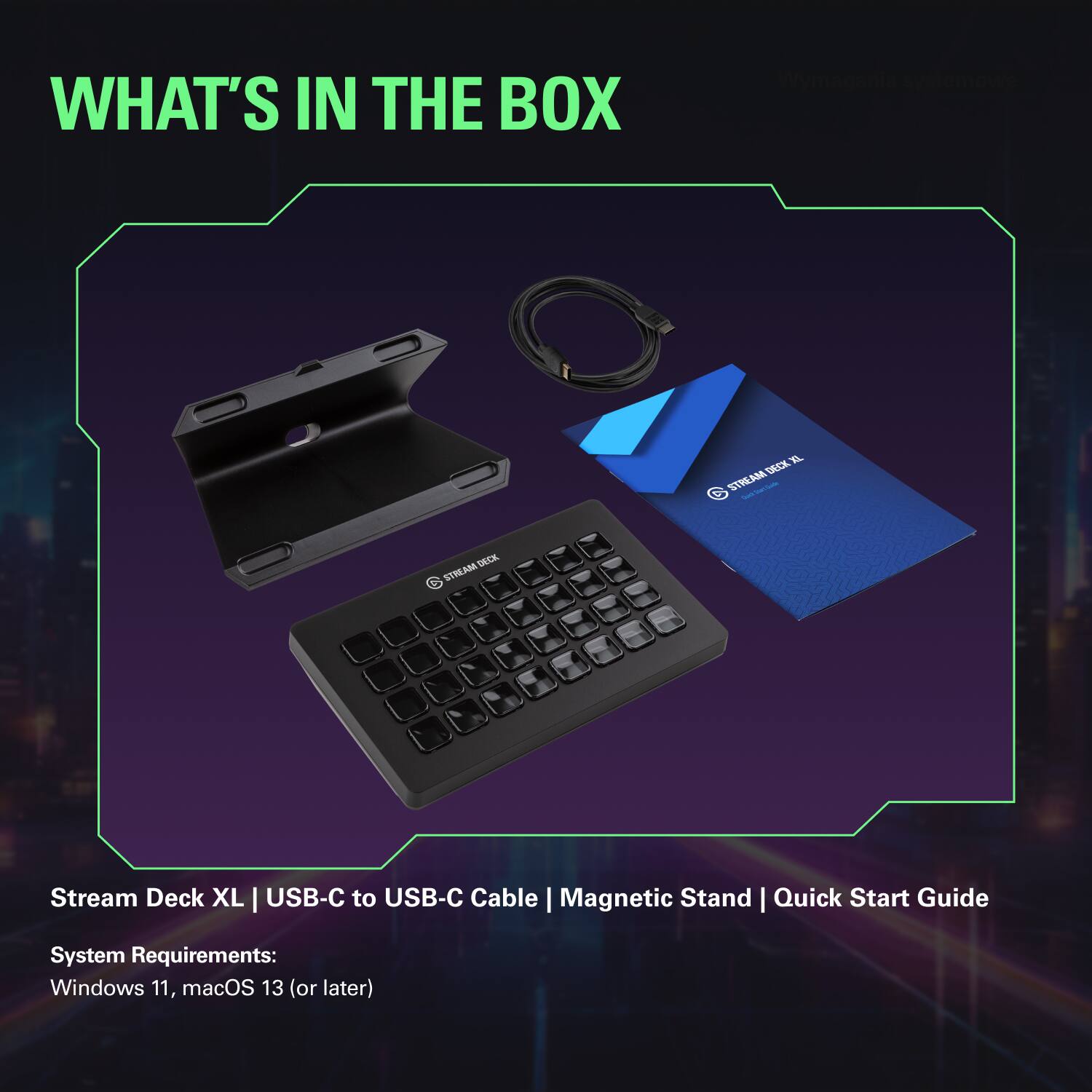
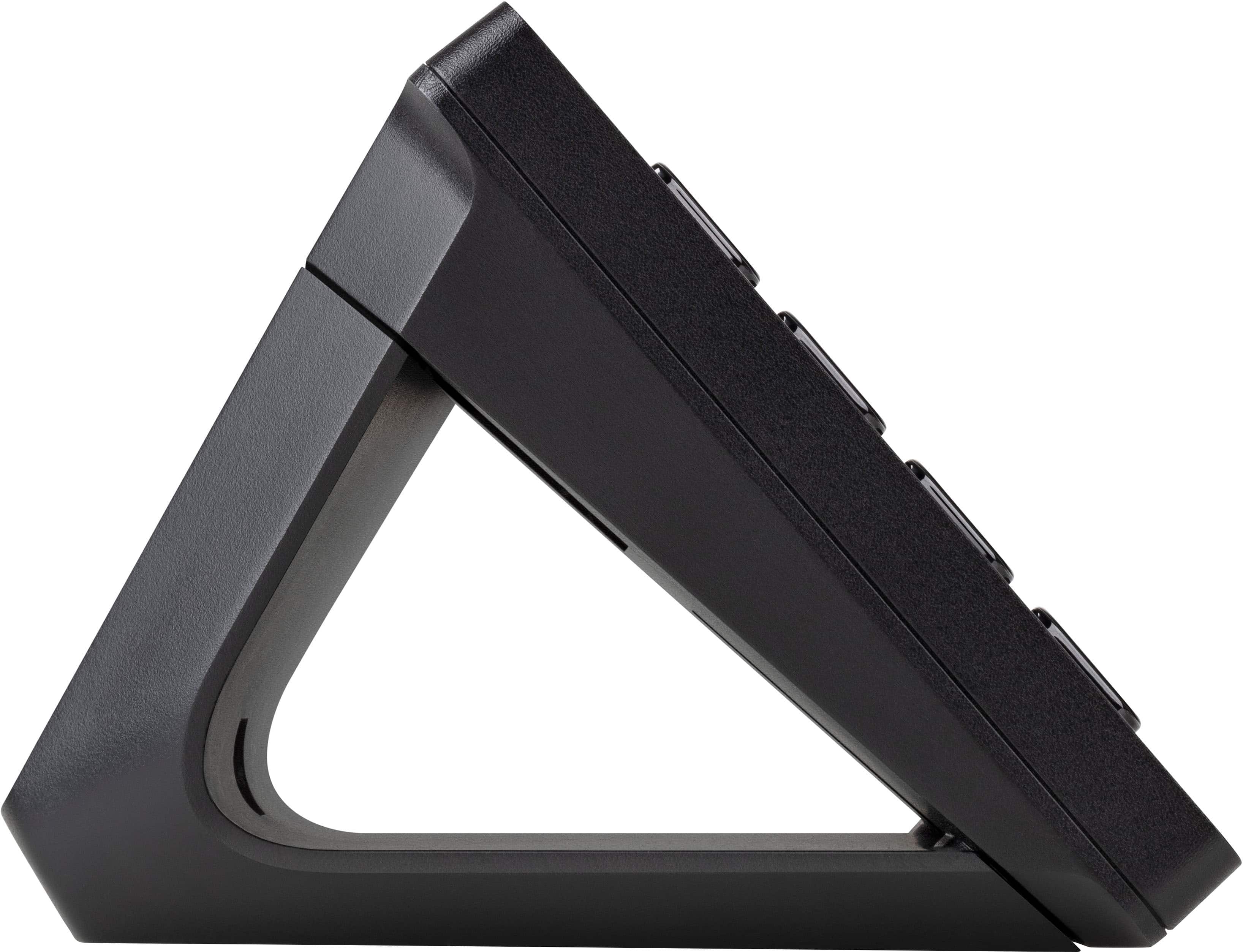
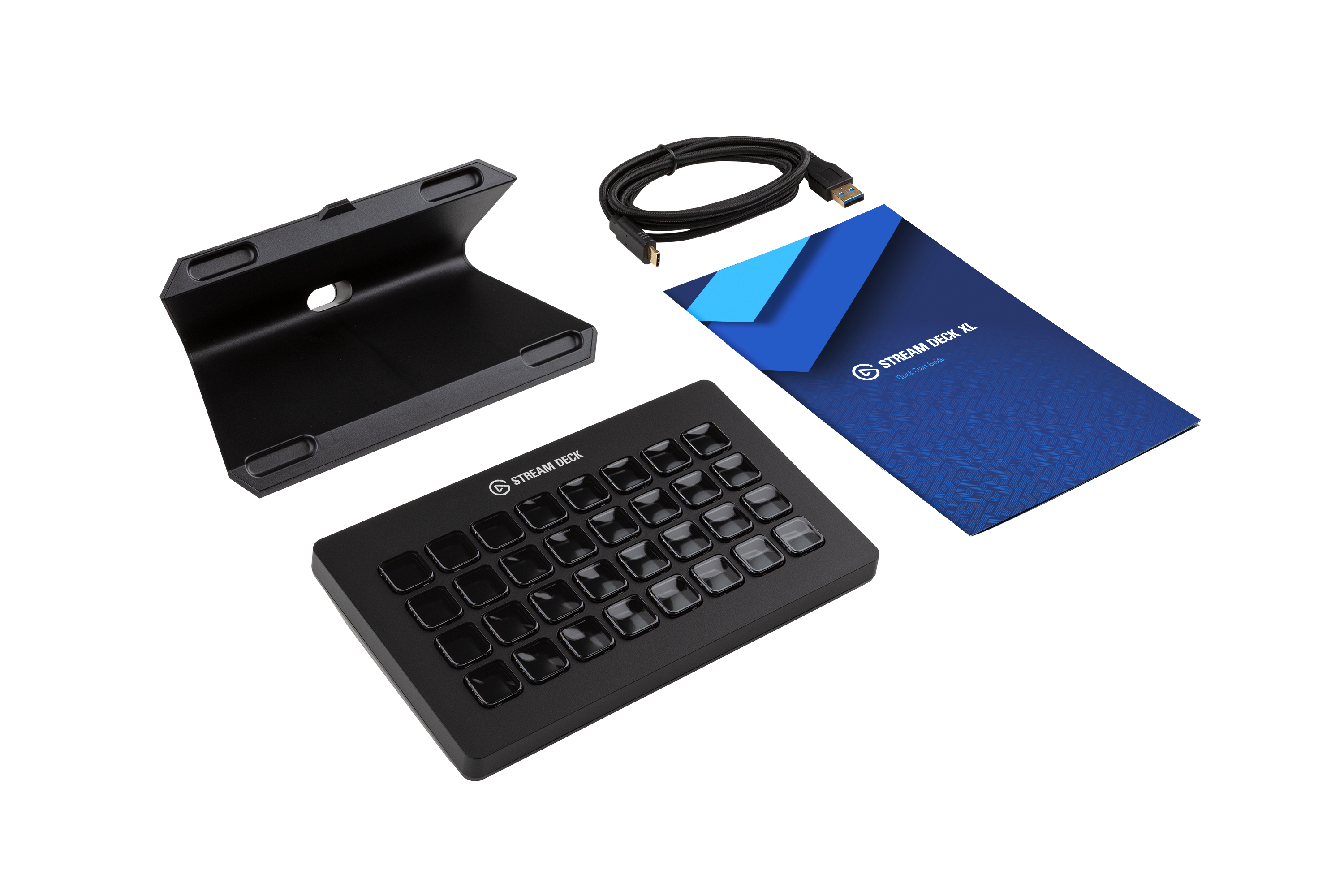
They'd be 182 x 112 x 34 mm / 7.17 x 4.41 x 1.34 in. without stand. Do reach out to our team directly on the elgato site for any further questions you may have.
-Art
A:AnswerHi,
While it may be possible to program such a functionality, there is not any existing function available on the Stream Deck software. It is possible to monitor the values of various stocks however. If you have any additional questions, please let us know: support.corsair.com
-Albert
A:AnswerThe big difference is that each button is programable and even by applications with different profiles.
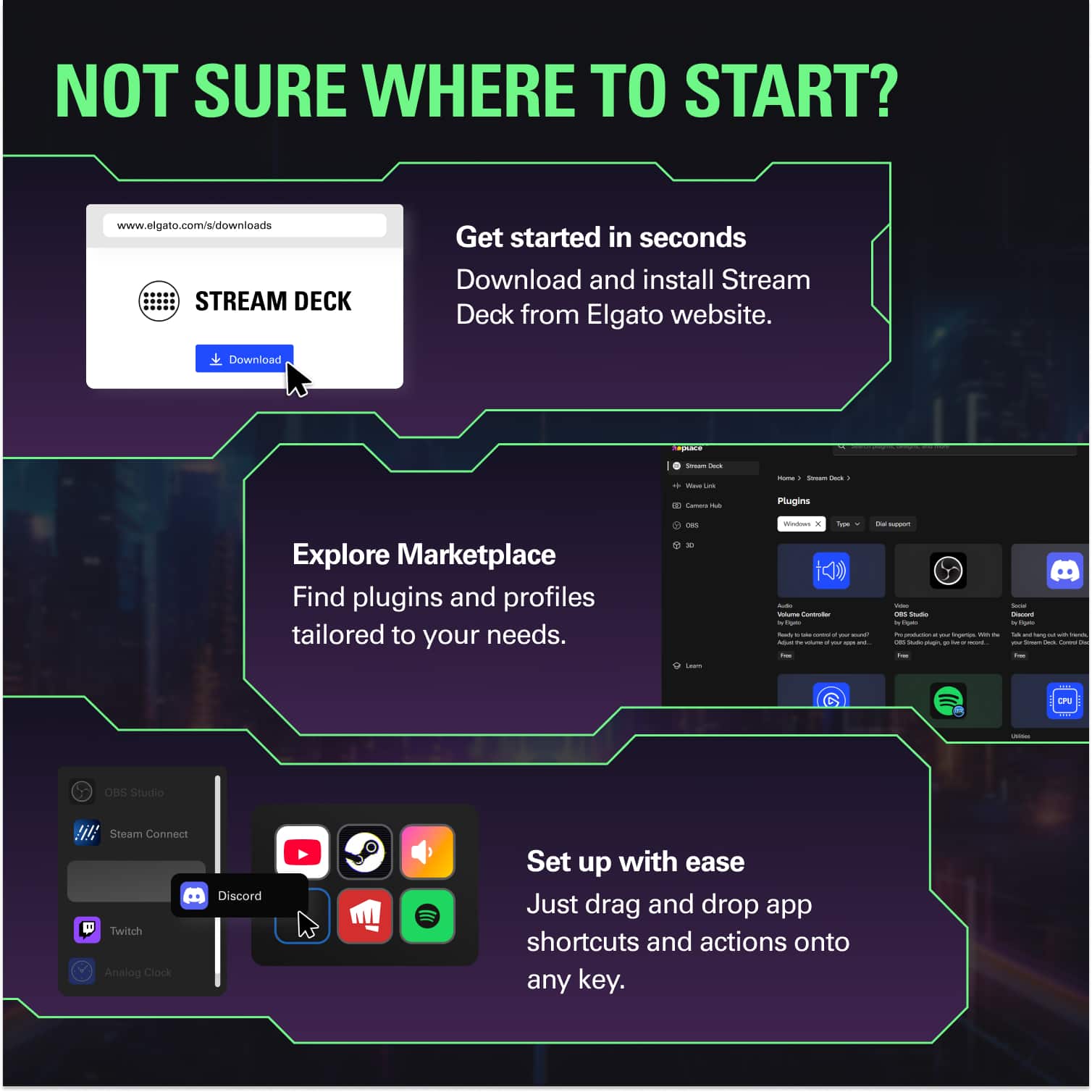
Any application or keyboard short cut can be link to key.
Mk2 has 15 keys and half the price. I have 2 of these now because I accidently purchase a 2nd one. But I thinking of getting XL because I like it so much.
A:AnswerNo this is only for keyboard actions that can be program, of course if you have seperate CD, Radio or Tape devices. you can control them if you have way to do that with programs or commands.