Winter SaleEnds 1/19. Limited quantities. No rainchecks.Shop now

Main Content

Questions & Answers

Your price for this item is $449.99
The comparable value price is $699.99
Page Showing 21-40 of 108 questions
  • QuestionDoes this printer work with Amazon Alexa?

    Asked by Stevie.

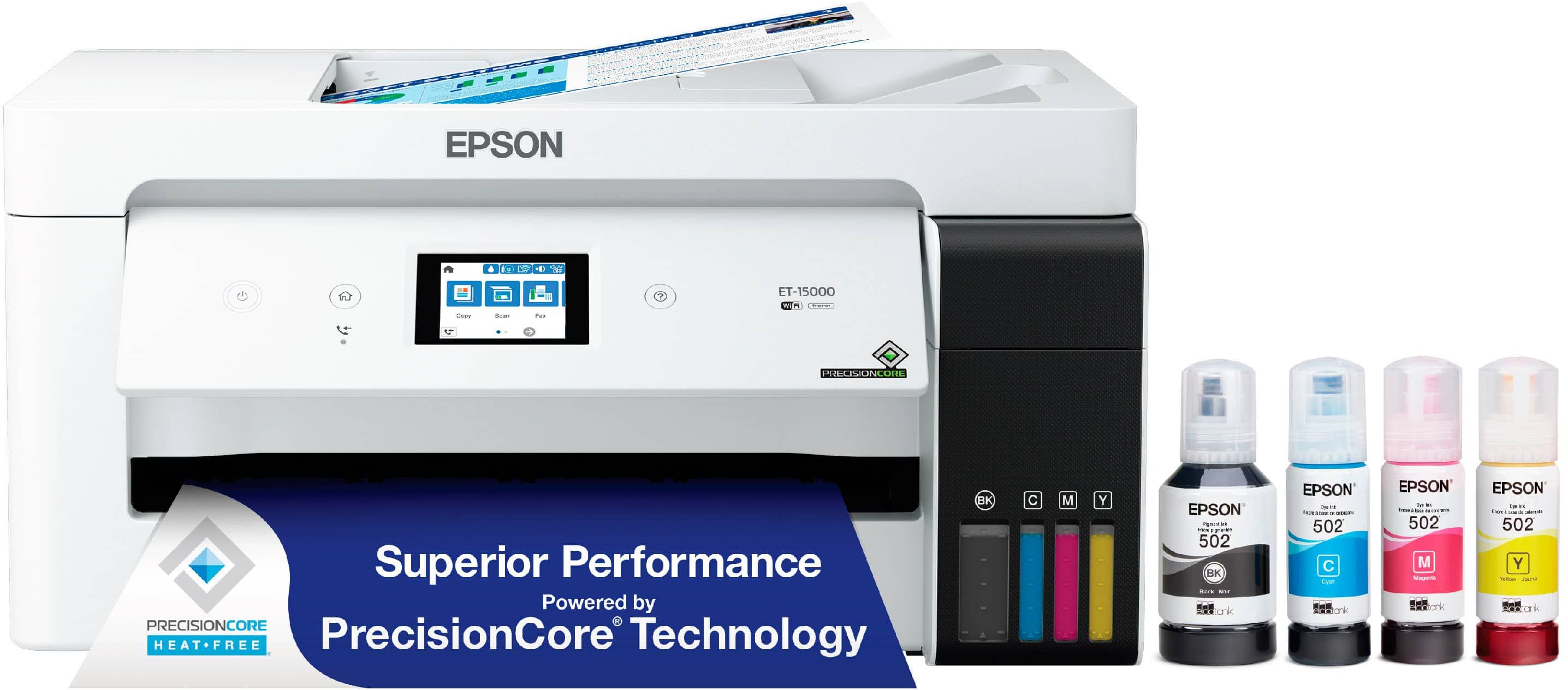
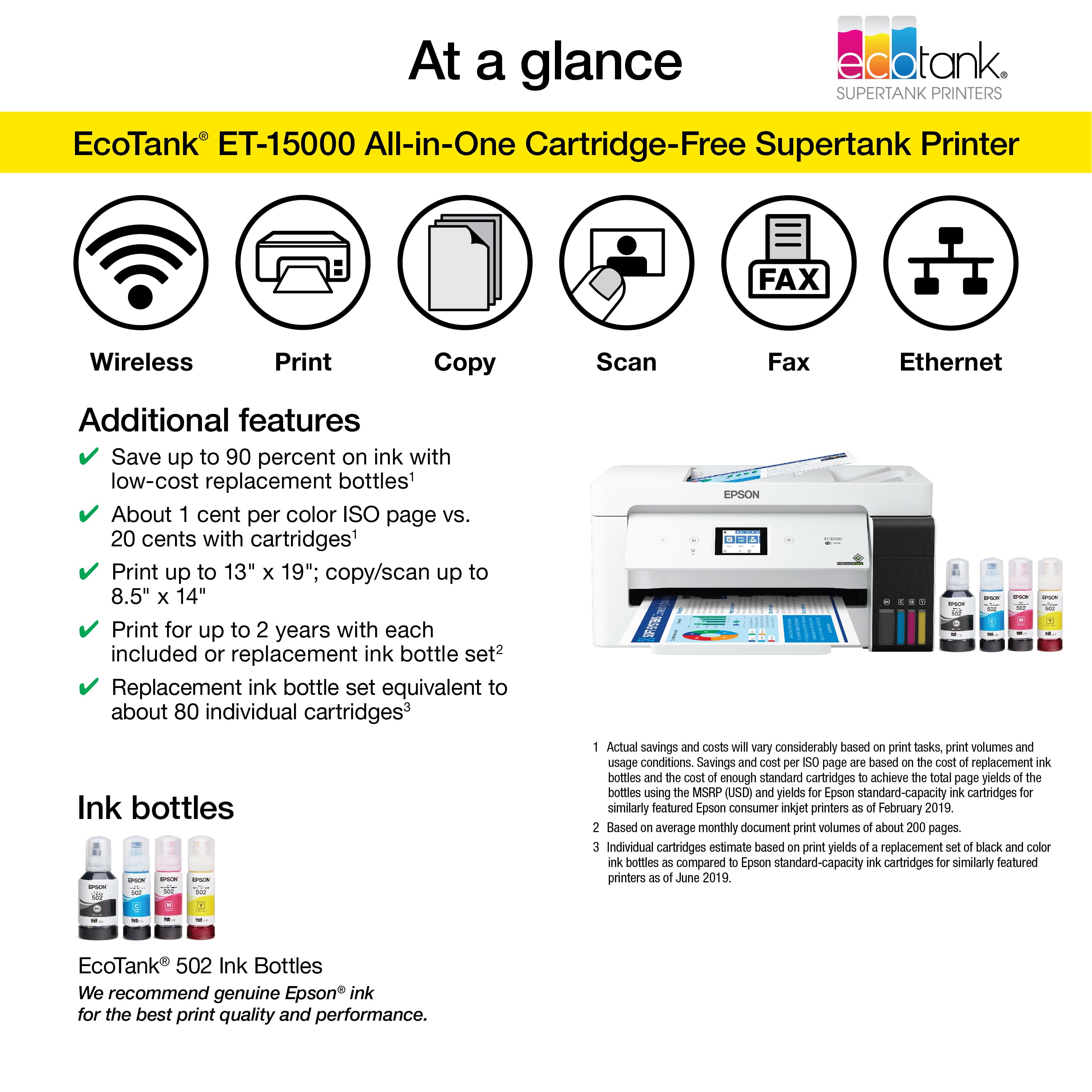
    • Answer Hi Stevie, Yes, the EcoTank ET-15000 features voice-activated, hands-free printing using Alexa, Siri® and Google Assistant. A free Epson Connect account and voice-activated account registration are required. Regards, Mark - The Epson Team.

      Answered by Epson

  • QuestionUp to what size paper it use.?

    Asked by Gwilliams.

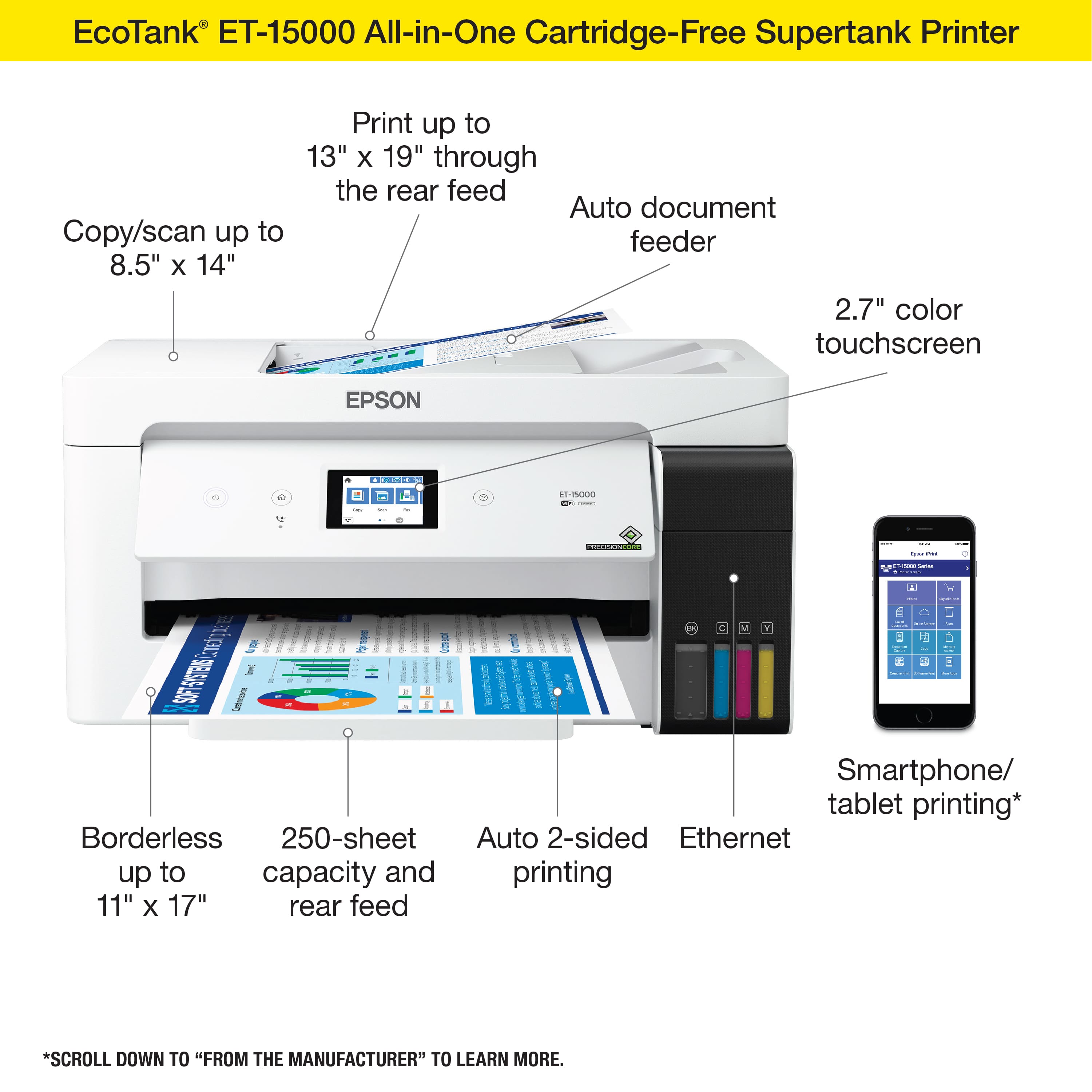
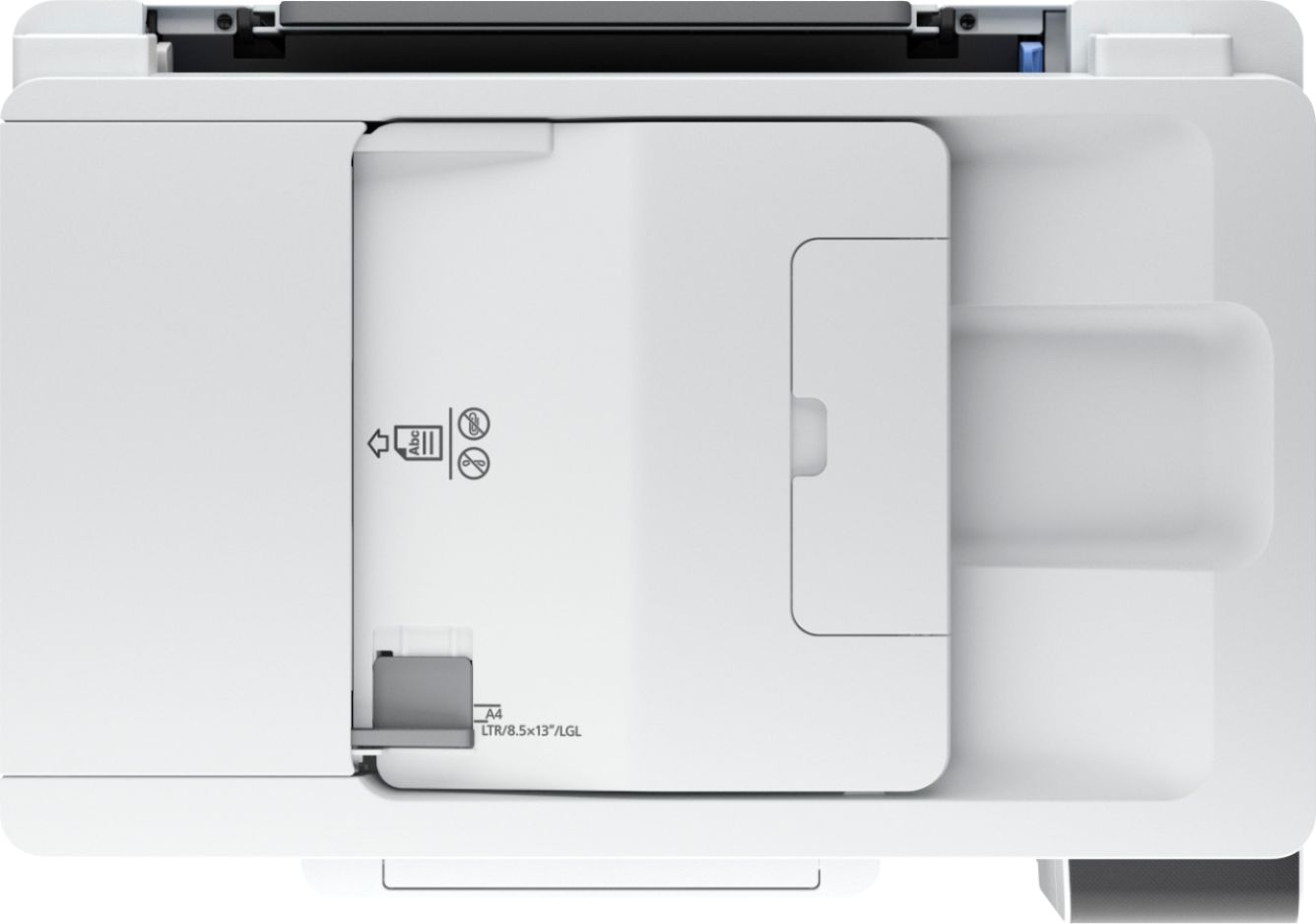
    • Answer Hi Gwilliams, The EcoTank ET-15000 can print on paper up to 13" x 19" and scan sheets up to 8.5" x 14". Regards, Mark - The Epson Team.

      Answered by Epson

  • QuestionET-1500 is the only affordable Epson-ecoTank which print 13x19?

    Asked by JossM.

    • Answer I found several 13 X 19 format printers. The ET-15000 fit my needs best of all of them for features, functions, prices. I don't need fine photo reproduction. I am a leather craftsman. I need to need to print patterns of large leather parts that are accurate to size, have clear, precise lines, and etc.

      Answered by MichaelC

  • QuestionDoes this print photos ?

    Asked by Robert.

    • Answer Hello Robert. The Epson EcoTank ET‑15000 can print photos, but it’s not really built for high‑end photo work. It does a solid job for everyday color prints, but it doesn’t have the specialized photo inks you’d find in Epson’s dedicated photo printers. For better photo quality, we recommend looking at the ET-8500, which is a 6-color printer. Regards, Kevin - The Epson Team.
      Answered by Epson

  • QuestionDoes the Epson ET-1500 have duplex scanning for fax and scanning?

    Asked by MikePR.

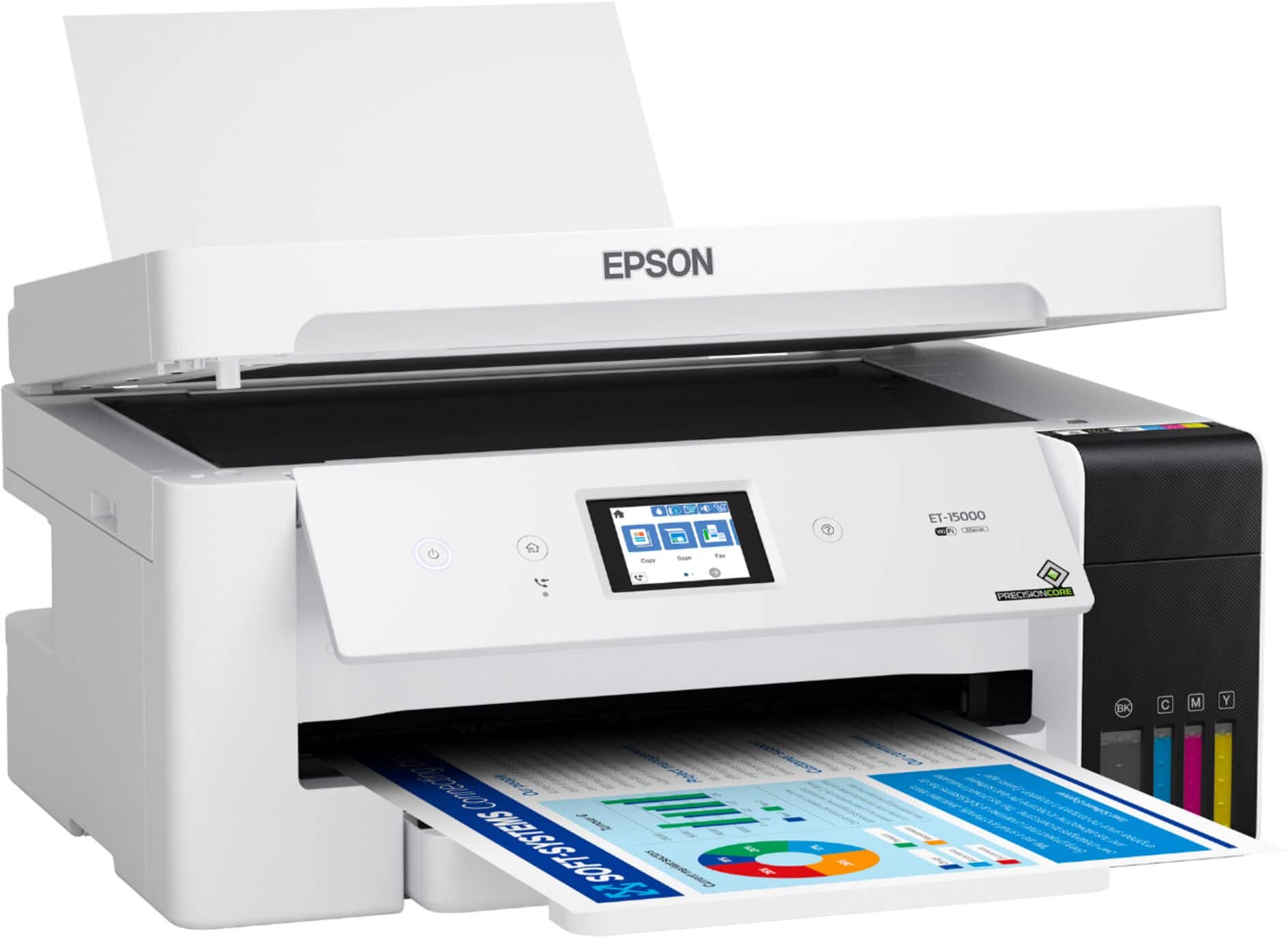
    • Answer Hello MikePR. The ET-15000 includes automatic 2-sided printing only. Unfortunately, duplex scanning and faxing are not available for this model. Regards, Kevin - The Epson Team.
      Answered by Epson

  • QuestionDo you have to use color ink to get it to print just black? Other printers I’ve had will not print once one of the colors runs out until you replace it.

    Asked by Anonymous.

    • Answer Hello. Epson printers, including the ET-15000, contain a permanent print head that needs to be charged with all colors for normal operation. A small amount of color ink is used to keep the print head charged, even when you're printing black text only. This prevents air bubbles from entering and damaging the print head itself. Also, please note that even when selecting to print in Black & White, the printer could still use a mixture of color inks to create black on your prints. Regards - Kevin - The Epson Team.

      Answered by Epson

  • Questionwhat the warranty

    Asked by arobert.

    • Answer Hello arobert. The EcoTank ET-15000 comes with a 1-year Limited Warranty and includes free lifetime technical support. Regards. Kevin - The Epson Team.

      Answered by Epson

  • QuestionCan I print envelopes with the Epson 1500 printer

    Asked by Anonymous.

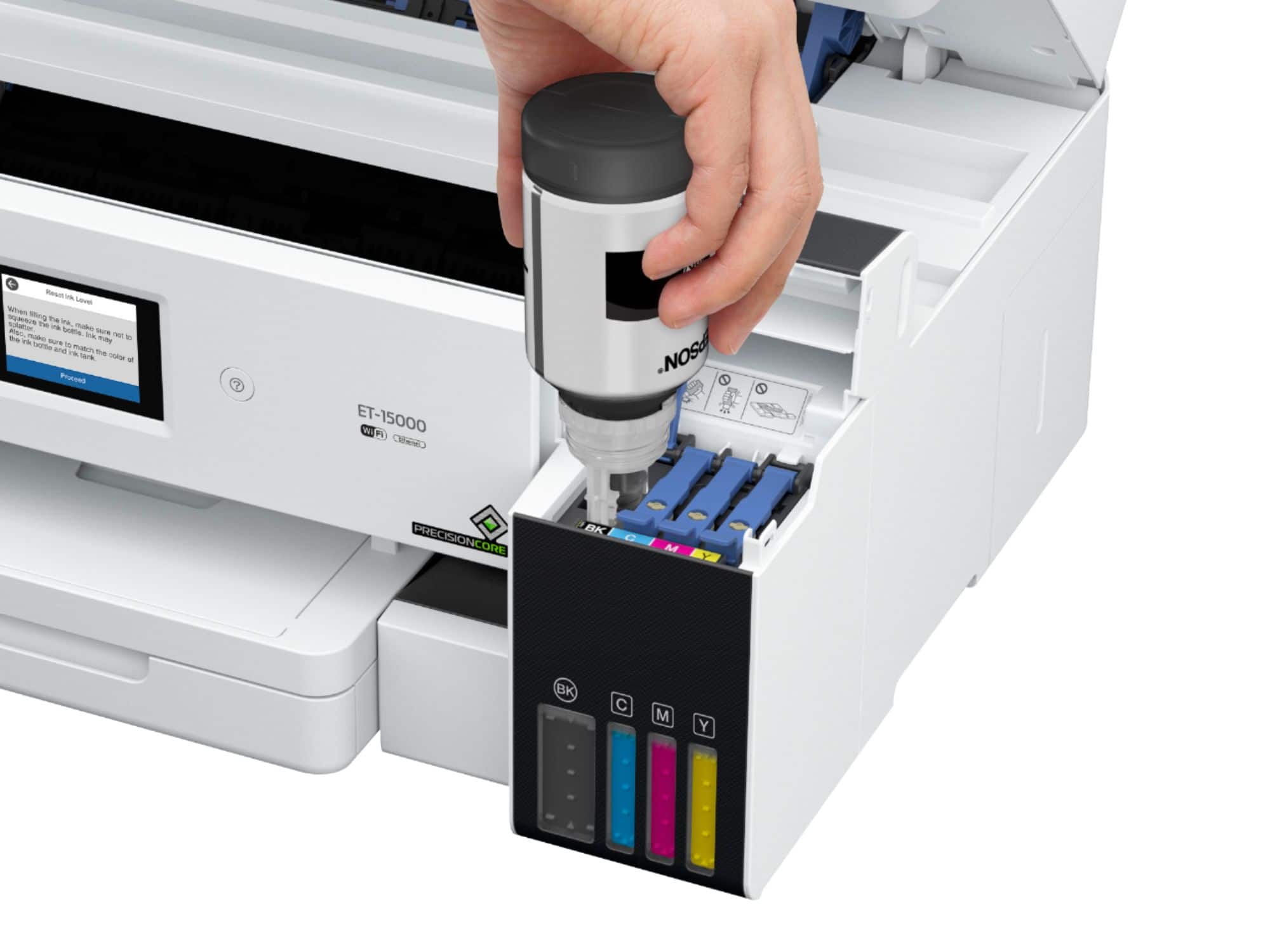
    • Answer Hello. Yes, the ET-15000 can only print on No. 10 envelopes, and you can load up to 10 at a time. Regards, Kevin - The Epson Team.
      Answered by Epson

  • QuestionWhat is the depth of the printer (not including the document feeder) ?

    Asked by JayLefler.

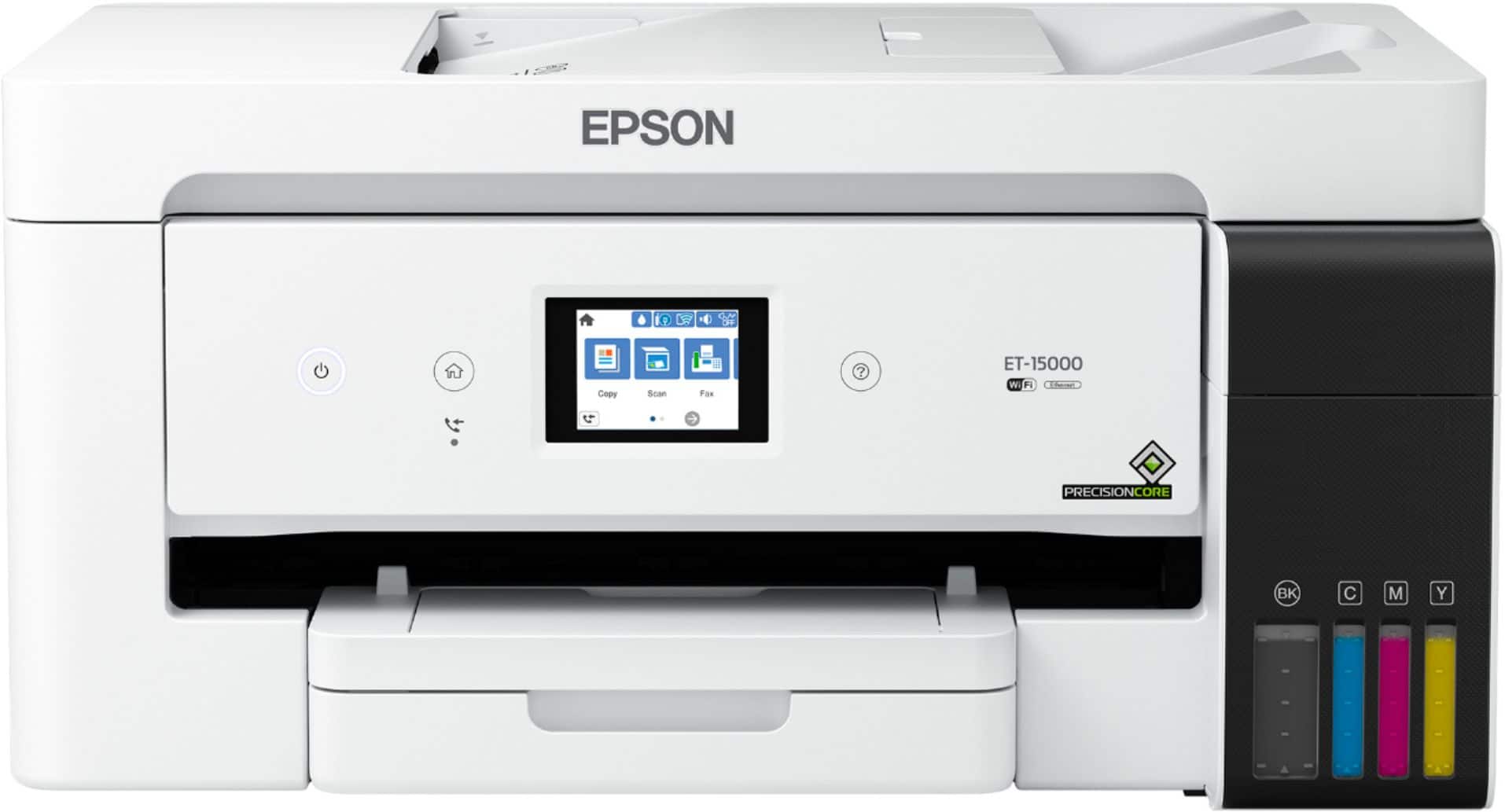
    • Answer Hello JayLefler. The depth of the ET-15000 is 14.1 inches with both the rear paper feed and front paper cassette closed. Regards, Kevin - The Epson Team.
      Answered by Epson

  • QuestionThis has 2-sided auto printing. Does it have 2-side auto copying???

    Asked by Lorene.

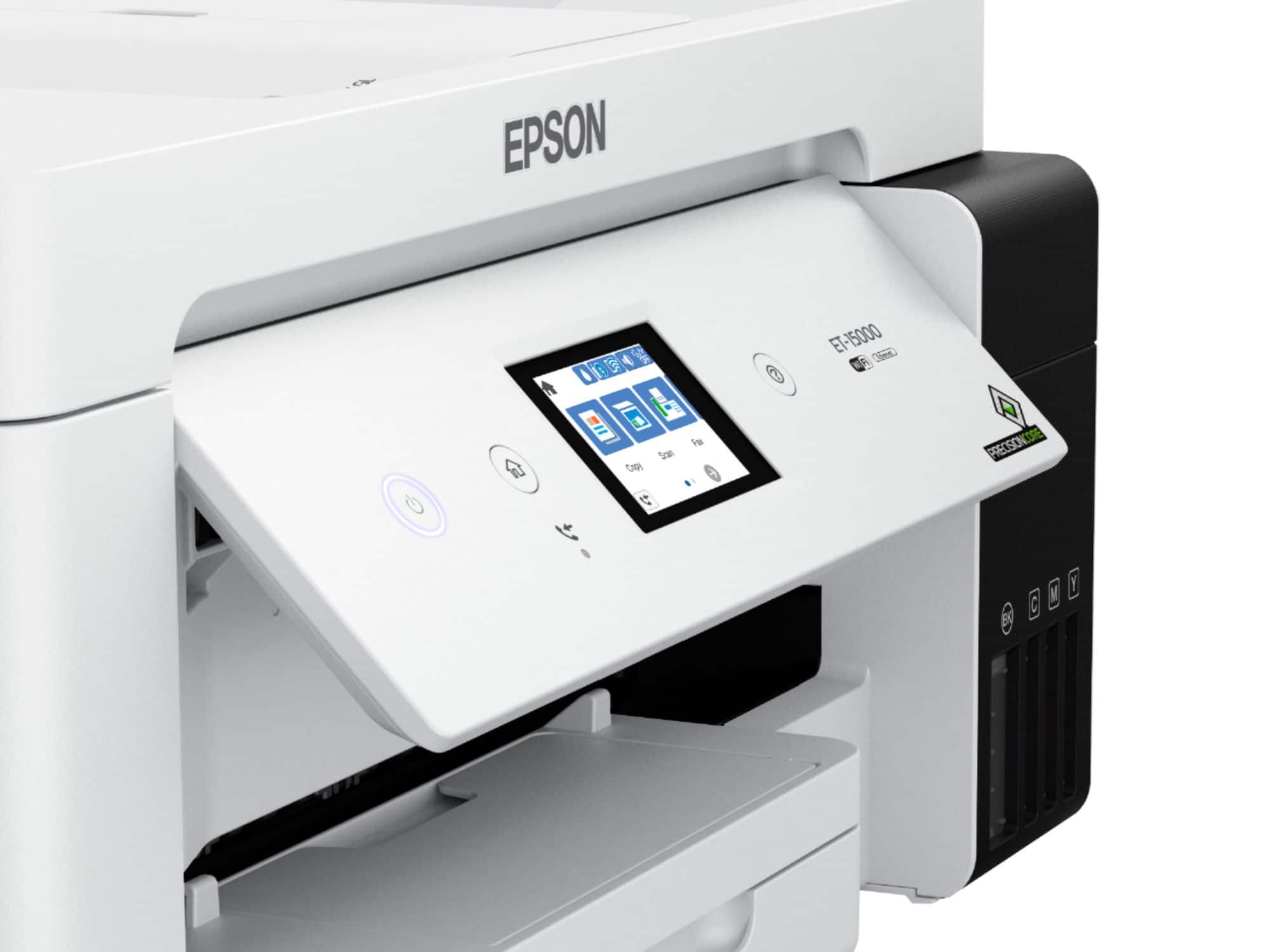
    • Answer Hello Lorene. Yes, the ET-15000 includes automatic 2-sided printing and copying. You can enable the option from Copy Settings on the control panel. Regards, Kevin - The Epson Team.
      Answered by Epson

  • Questionis it compatable with windows 10 & will it send scanned documents to my laptop?

    Asked by red.

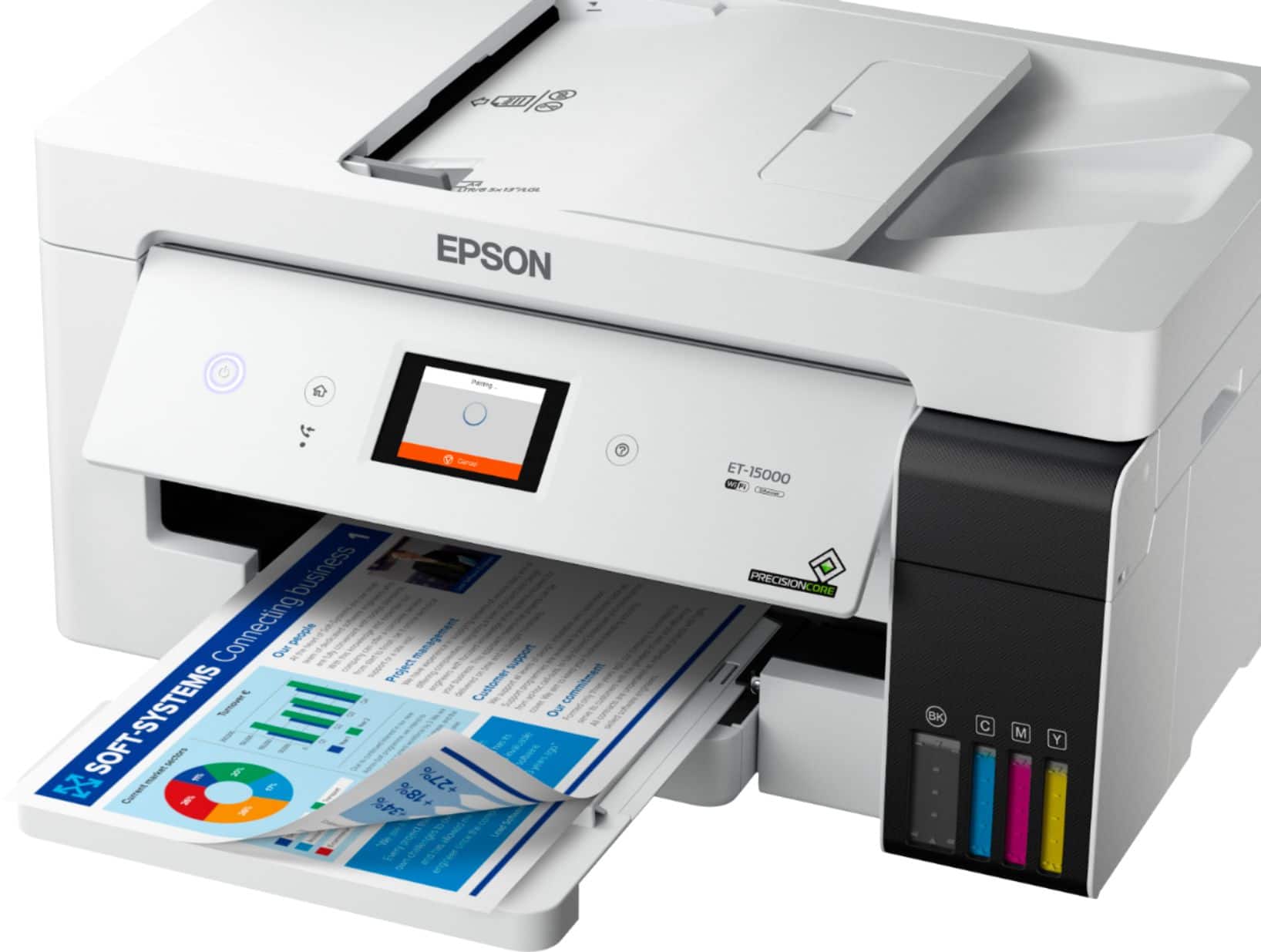
    • Answer Hello red. Yes, the ET-15000 is compatible with Windows 10 and can save scanned documents directly to your laptop. You can connect the printer either wirelessly or via a USB cable. Scanned documents can also be saved to a smartphone or tablet if you prefer to use those devices. Regards, Kevin - The Epson Team.
      Answered by Epson

  • QuestionIs a cable included? If not what should it be?

    Asked by Dave.

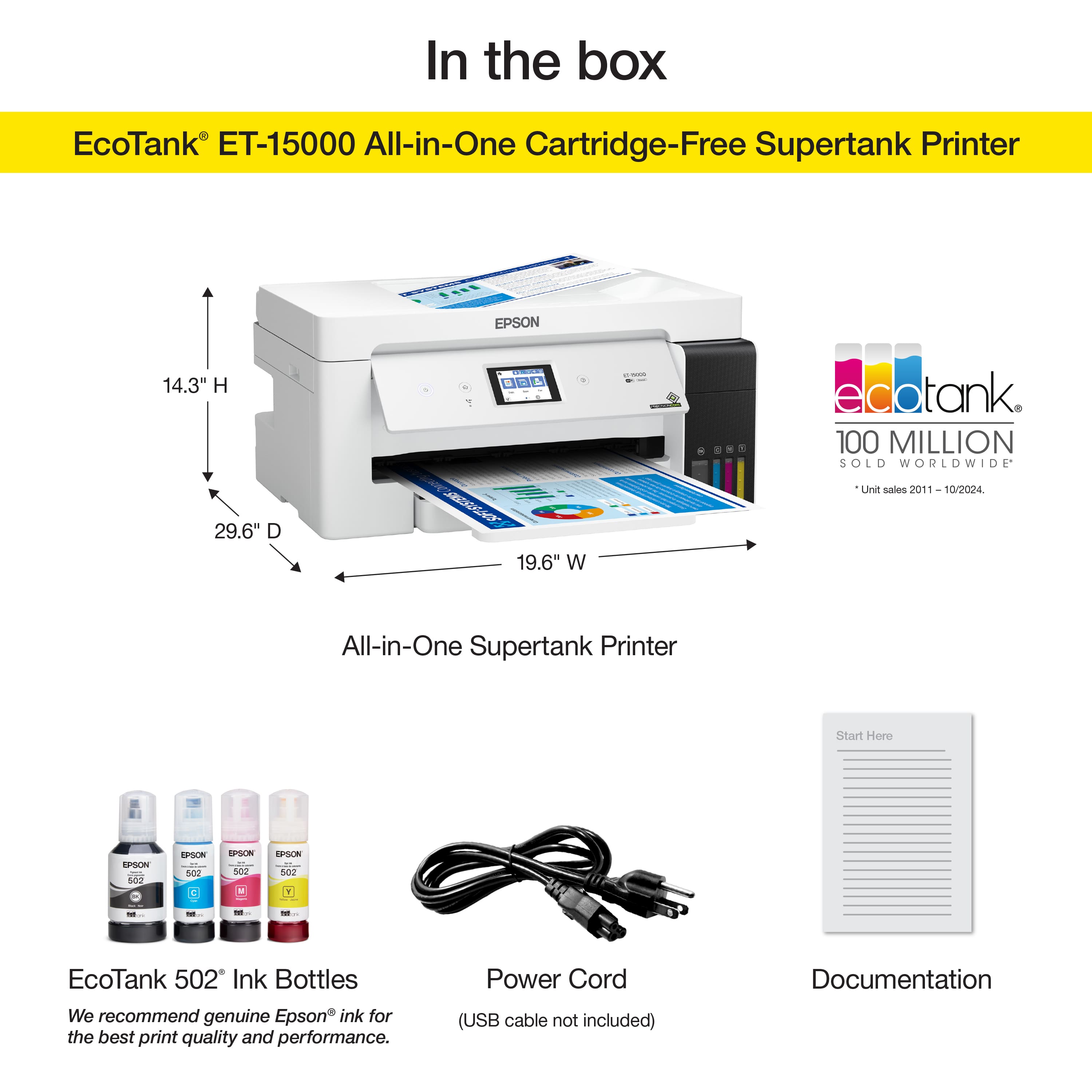
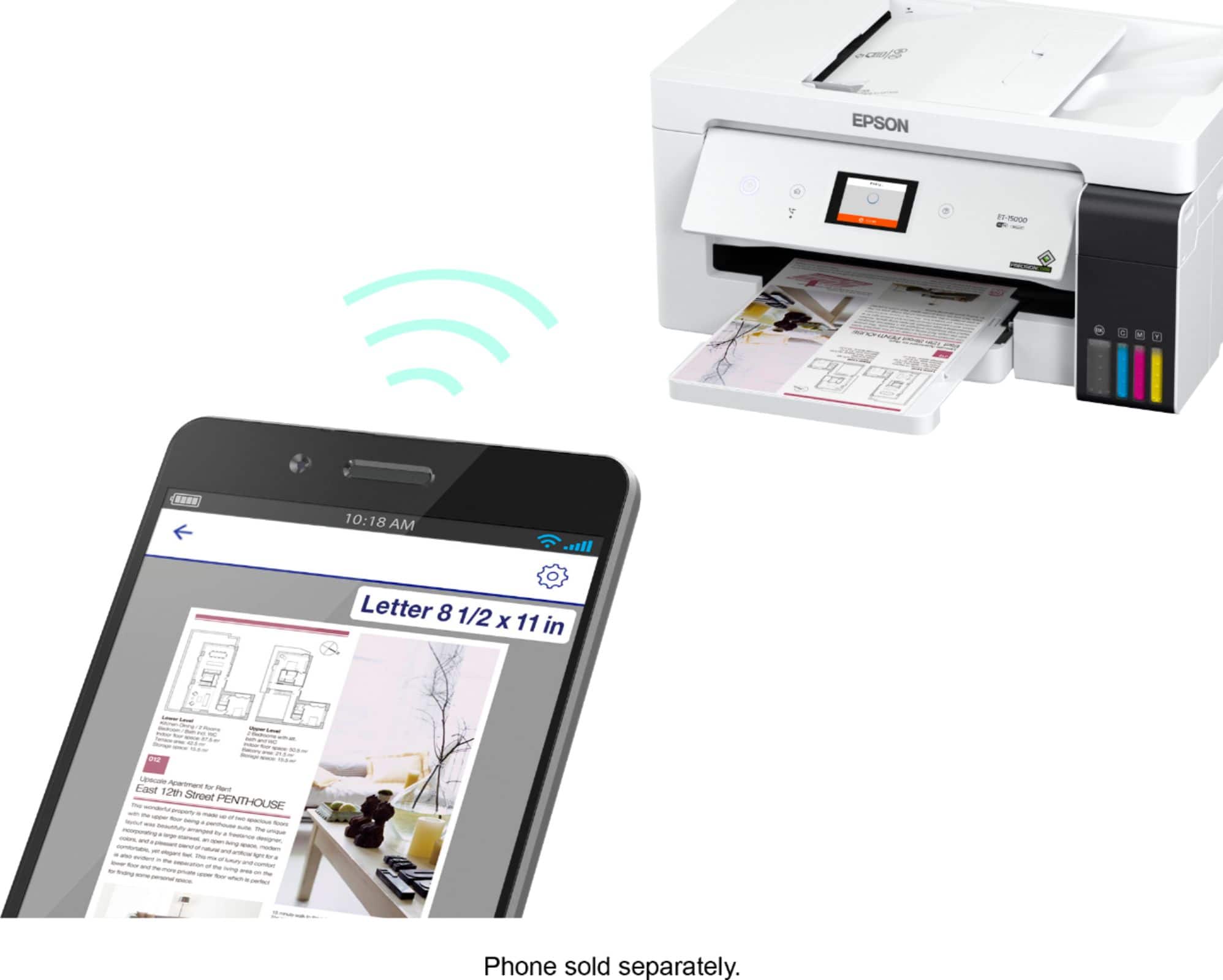
    • Answer Hello Dave. Note: USB cables are sold separately. Depending on your computer, you may need either a USB-A to USB-B or USB-B to USB-C cable. Also, the printer supports wireless connectivity via Wi-Fi, so a USB cable is not required if you want to use the printer wirelessly. Regards, Kevin - The Epson Team.
      Answered by Epson

  • QuestionCan this printer be used to print on Vinyl Sticker Paper/printable vinyl sticker sheets?

    Asked by PrintCharts.

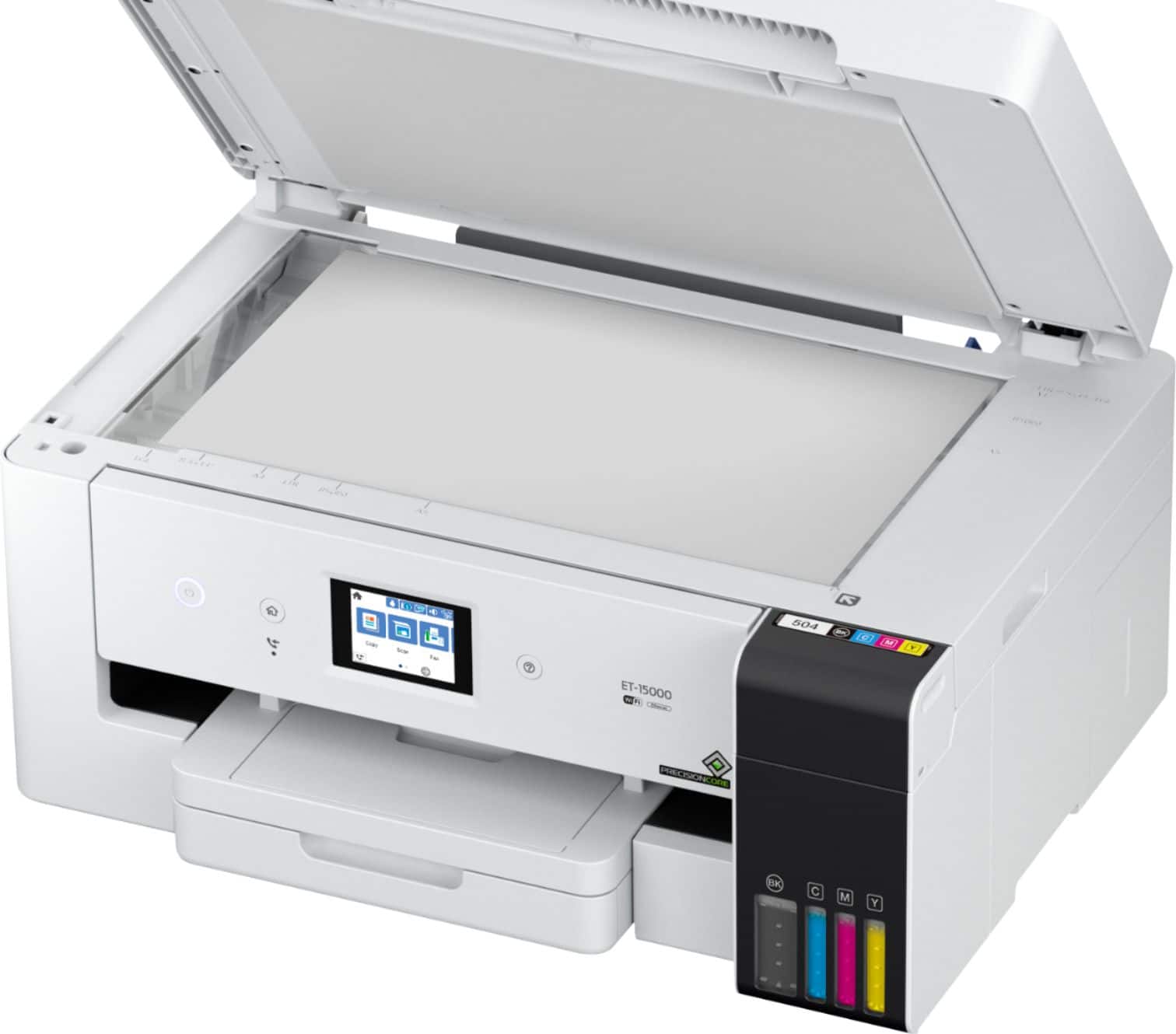
    • Answer Hello PrintCharts. We have not tested vinyl sticker paper with the ET-1500. We recommend contacting the paper manufacturer to confirm compatibility with our All-in-One printers, which use both pigment and dye-based inks. Regards, Kevin - The Epson Team.
      Answered by Epson

  • QuestionCan this scan a legal size document on the flatbed?

    Asked by RicardoS.

    • Answer Yes. It can scan legal size.

      Answered by DARIELLEM

  • QuestionHow can I change the paper feeding the back to feeding from the flat tray

    Asked by Anonymous.

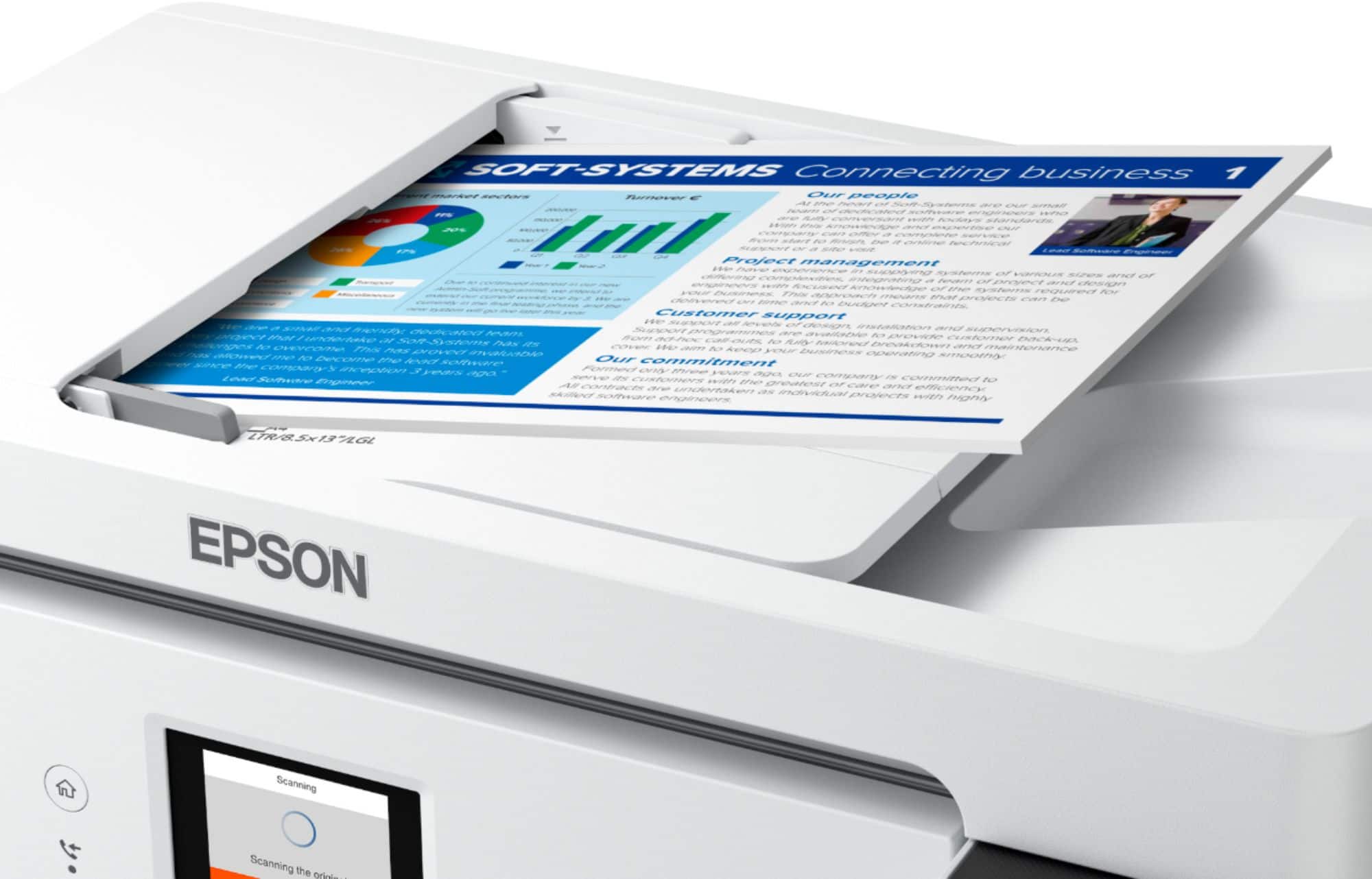
    • Answer Hello. The option for your paper source settings can be found under the print settings. From there, you can choose to print from the paper tray or paper cassette. Regards, Kevin - The Epson Team.
      Answered by Epson

  • QuestionIs this a good printer for tshirts and sublimation prints

    Asked by Twinkle.

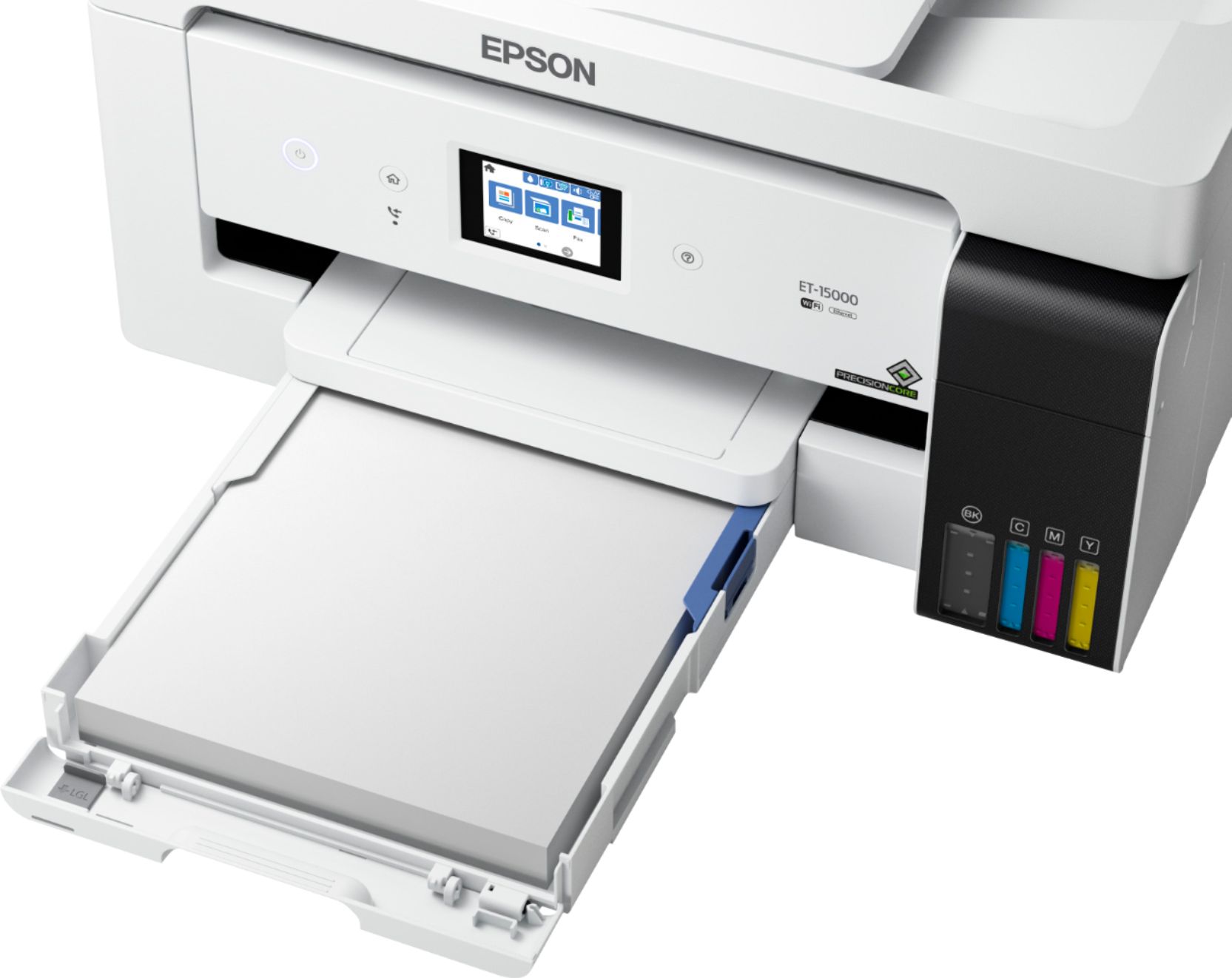
    • Answer Hello Twinkle. The ET-15000 is not designed for dye-sublimation printing or the use of non-genuine Epson Ink Cartridges. We recommend using Genuine Epson Ink for optimal print quality and performance. Non-genuine ink could cause damage not covered by the printer’s limited warranty. Regards, Kevin - The Epson Team.
      Answered by Epson

  • QuestionDoes this have a usb port so i can scan to a flash drive

    Asked by CRAIG.

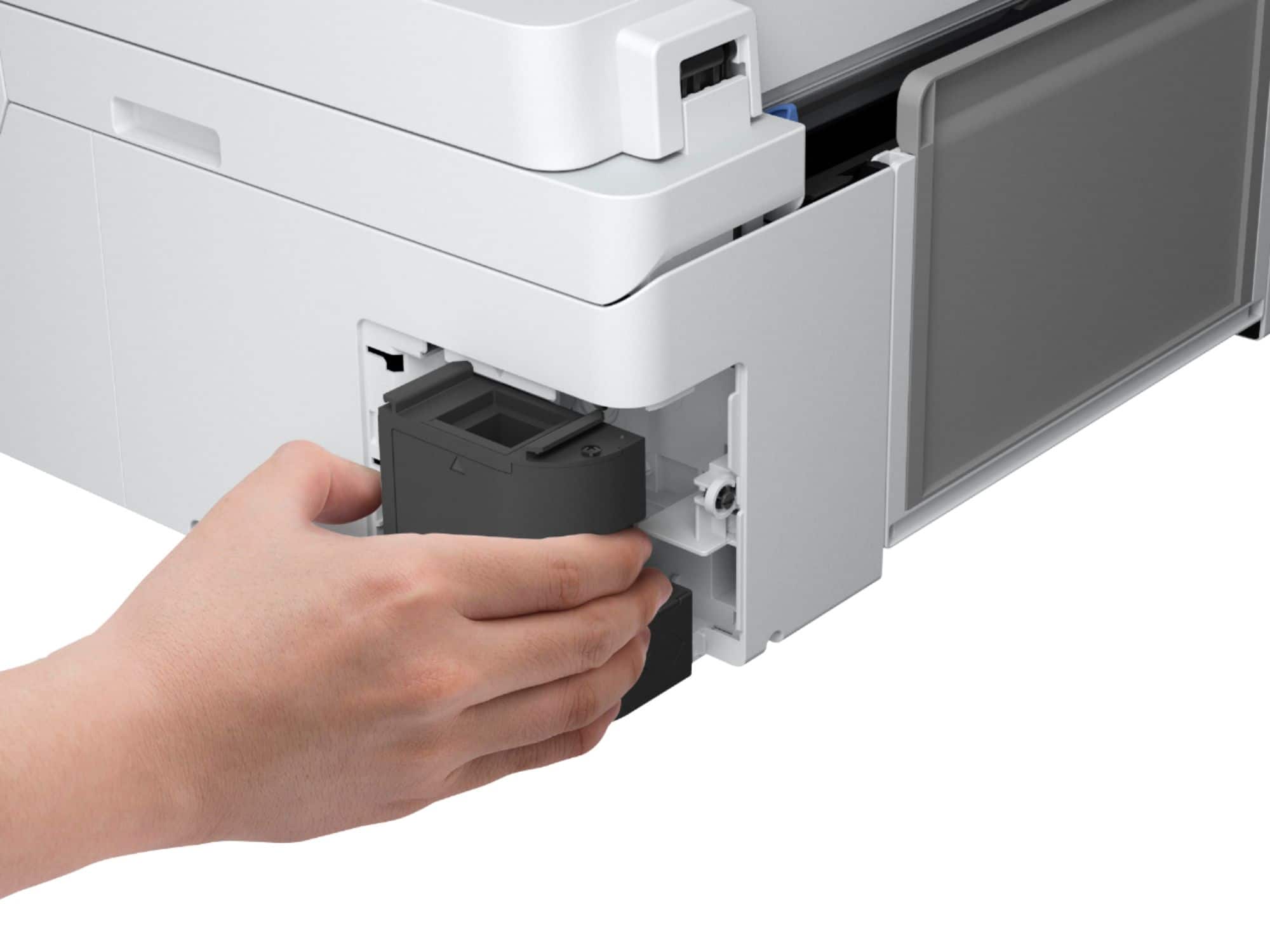
    • Answer Hello CRAIG. The USB port on the ET-15000 is designed to be used with a USB cable when you're connecting to a computer. Unfortunately, it doesn't have a port for a flash drive. Regards, Kevin - The Epson Team.
      Answered by Epson

  • Questioncan this print 4x6 and 5x7 photos

    Asked by Anonymous.

    • Answer Hello. Yes, the ET-15000 can print 4" x 6" and 5" x 7" photos. The printer supports paper sizes ranging from 2.13" x 3.39" to 13" x 19". Regards, Kevin - The Epson Team.
      Answered by Epson

  • QuestionCan you print DTF transfers with this printer?

    Asked by X.

    • Answer Hello X. Unfortunately, the ET-15000 is not designed to print DTF transfers. Regards, Kevin - The Epson Team.
      Answered by Epson

  • QuestionI purchased my Epson ET 15000 less than a year and I have been having this black lines when printing and scanning despite trouble shooting can I return this product it says it has 1 year warranty

    Asked by A.

    • Answer Hello A. We're sorry to hear that you are experiencing print quality and scanning issues with the printer. Please contact our Technical Support team for assistance. Our contact information can be found on our official Epson Support page. Regards, Kevin - The Epson Team.
      Answered by Epson