Questions & Answers
- Model:
- C11CJ66202
- |
- SKU:
- 10839752
Highly rated by customers for: Print Quality, Ease of use, Overall Performance
Page Showing 181-200 of 817 questions
Q: QuestionCan I print in Black only?
Asked by She.
- A:Answer Yes, I print mostly in black and white. The EPSON printer gives you that option on the screen of the printer. When I create a document in WORD on my pc (I have a Lenovo Yoga), I can select ‘color’ or ‘black & white’ after I select ‘print’ on the WORD document. You should be given the choice of either setting when you print any page. If you can’t, you should contact EPSON support. Their contact information is listed in the papers that came with the printer. They are very helpful. You may need to ask if your current printer software is up to date. I receive automatic updates from EPSON periodically.
Answered by Squeezbox
Q: QuestionWill it print from an iPad?
Asked by Anonymous.
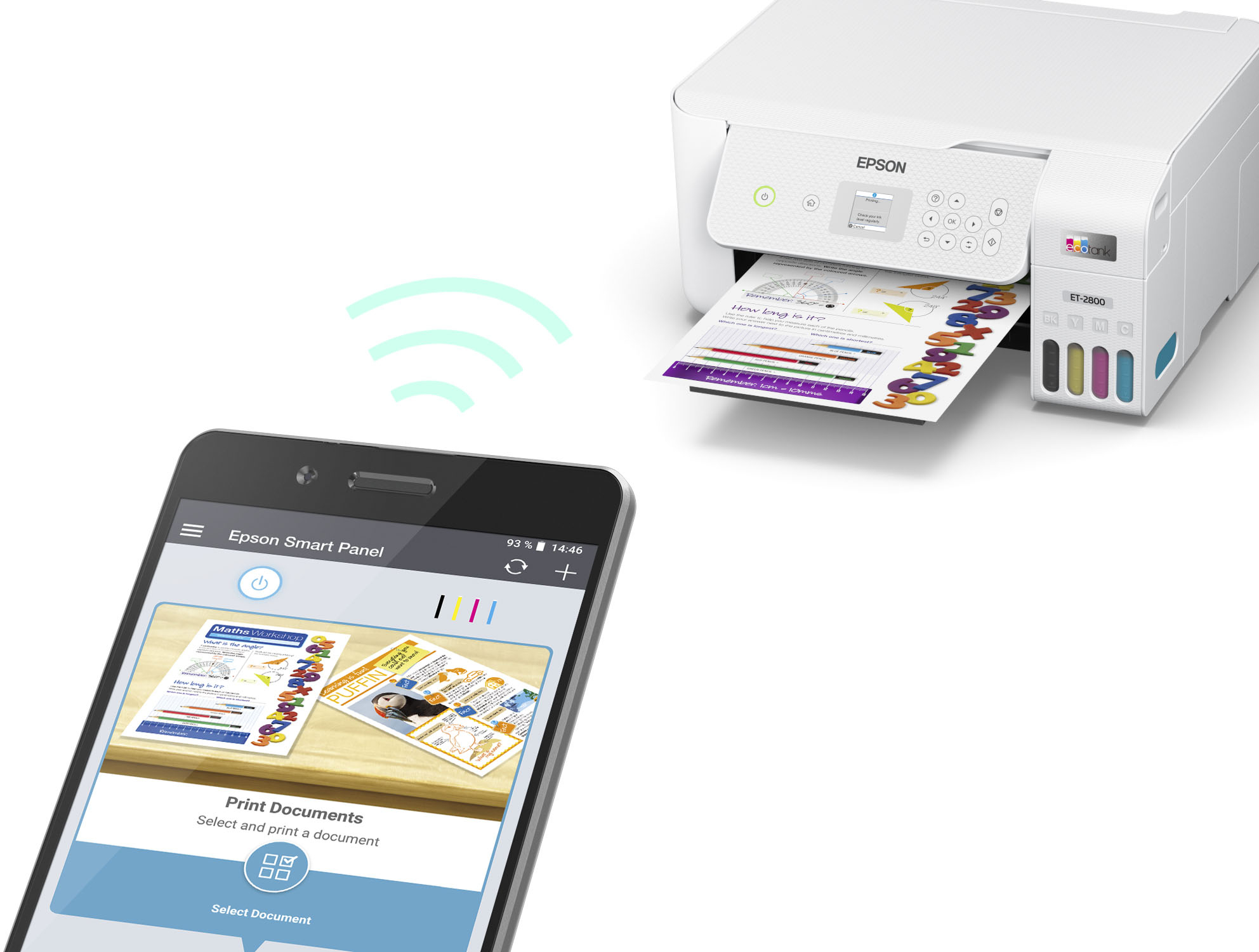
- A:Answer YES! AirPrint works great. We using it with vablet and it works perfectly.
Answered by vabletDad
Q: QuestionCan this printer be used for sublimation?
Asked by Anonymous.
- A:Answer Yes it could !!
Answered by ADAMARI
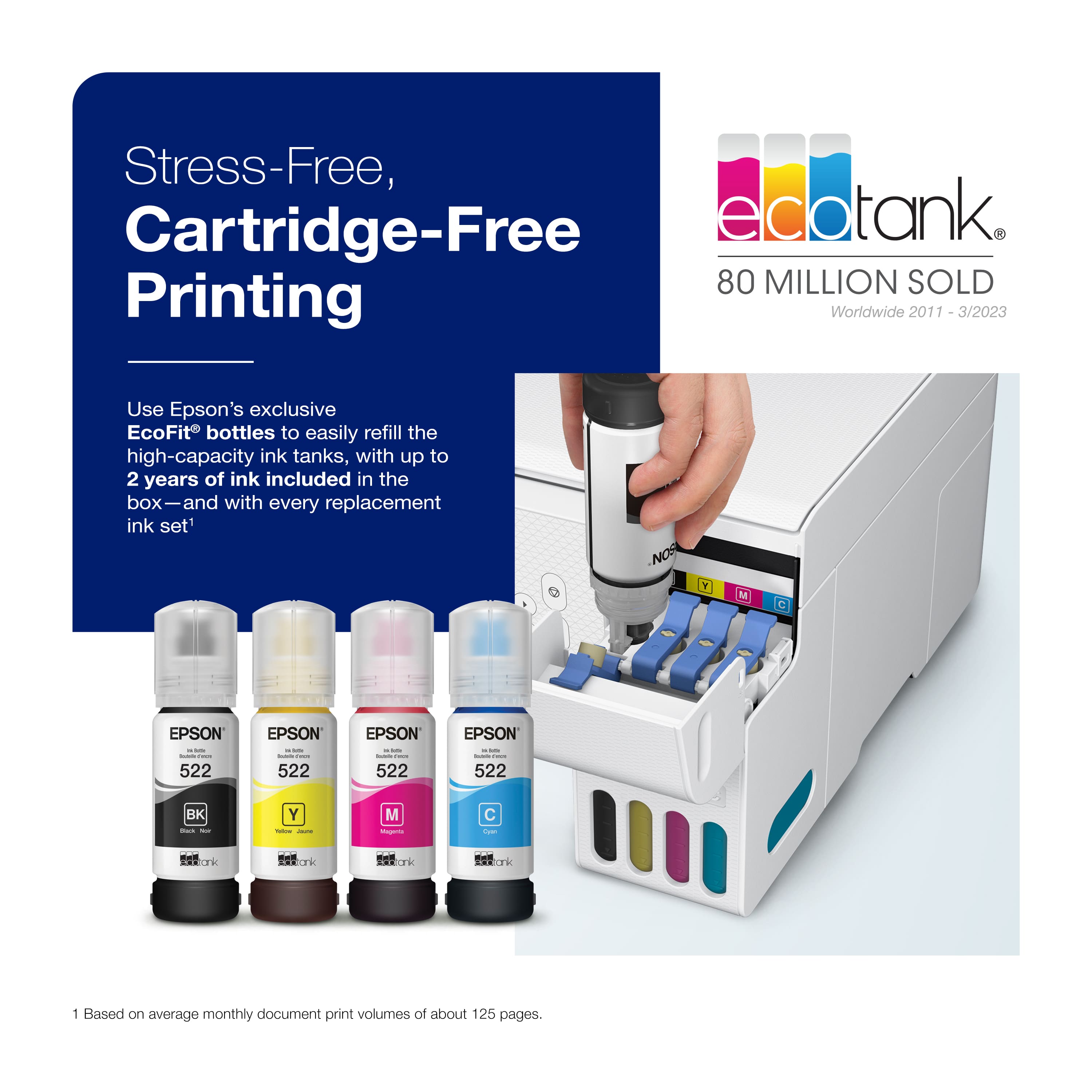
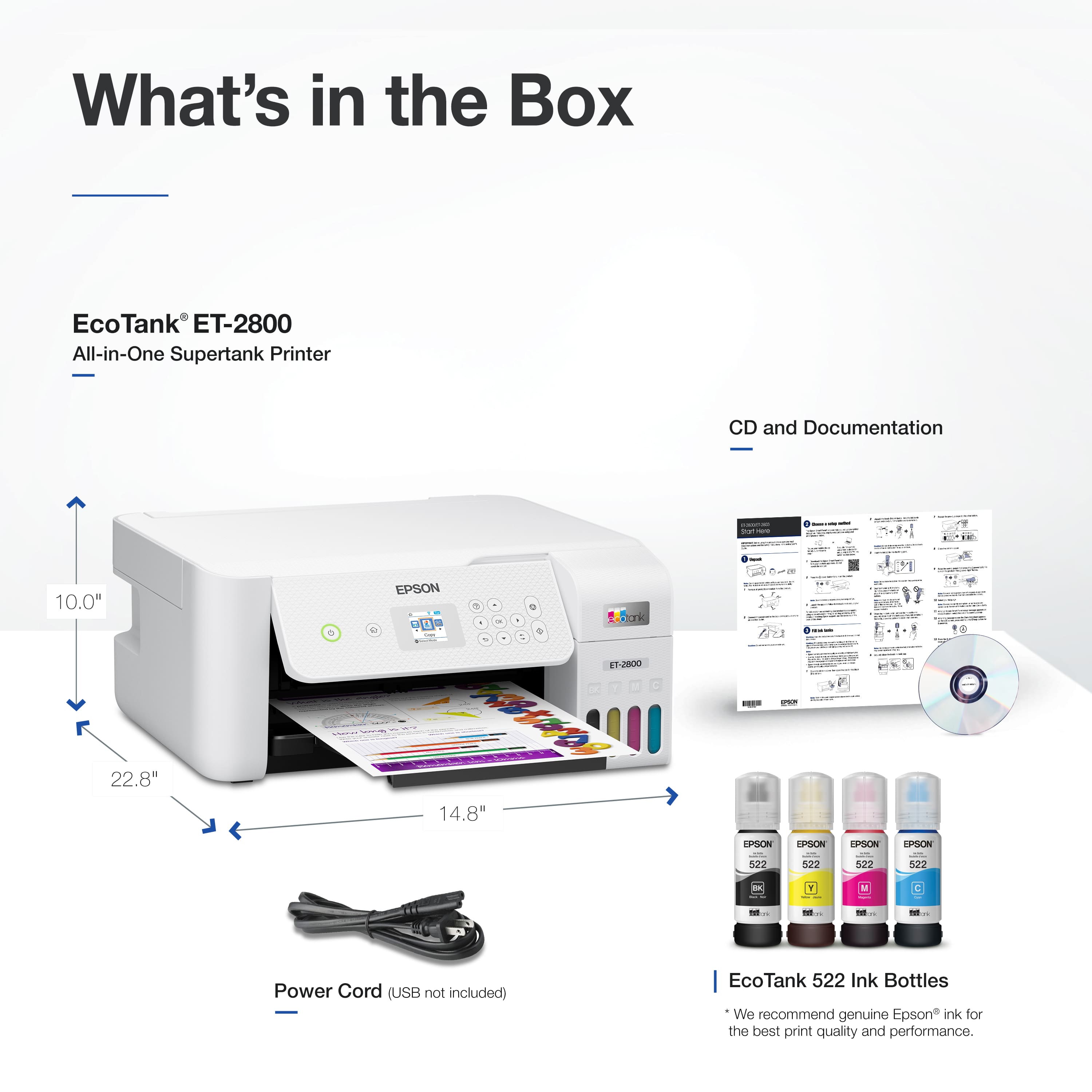
Q: QuestionDoes this printer purchase include ink bottles?
Asked by Pops.
- A:Answer Yes.
Answered by BRUNO
Q: Questiondoes it support large quantity of paper for scanning
Asked by sue.
- A:Answer NO, it does not have a feeder for multi-page scan or copy jobs.
Answered by DRSTEVE
Q: Questiondo all colors need to be filled when I usually only use black
Asked by snoflke.
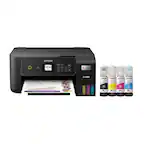
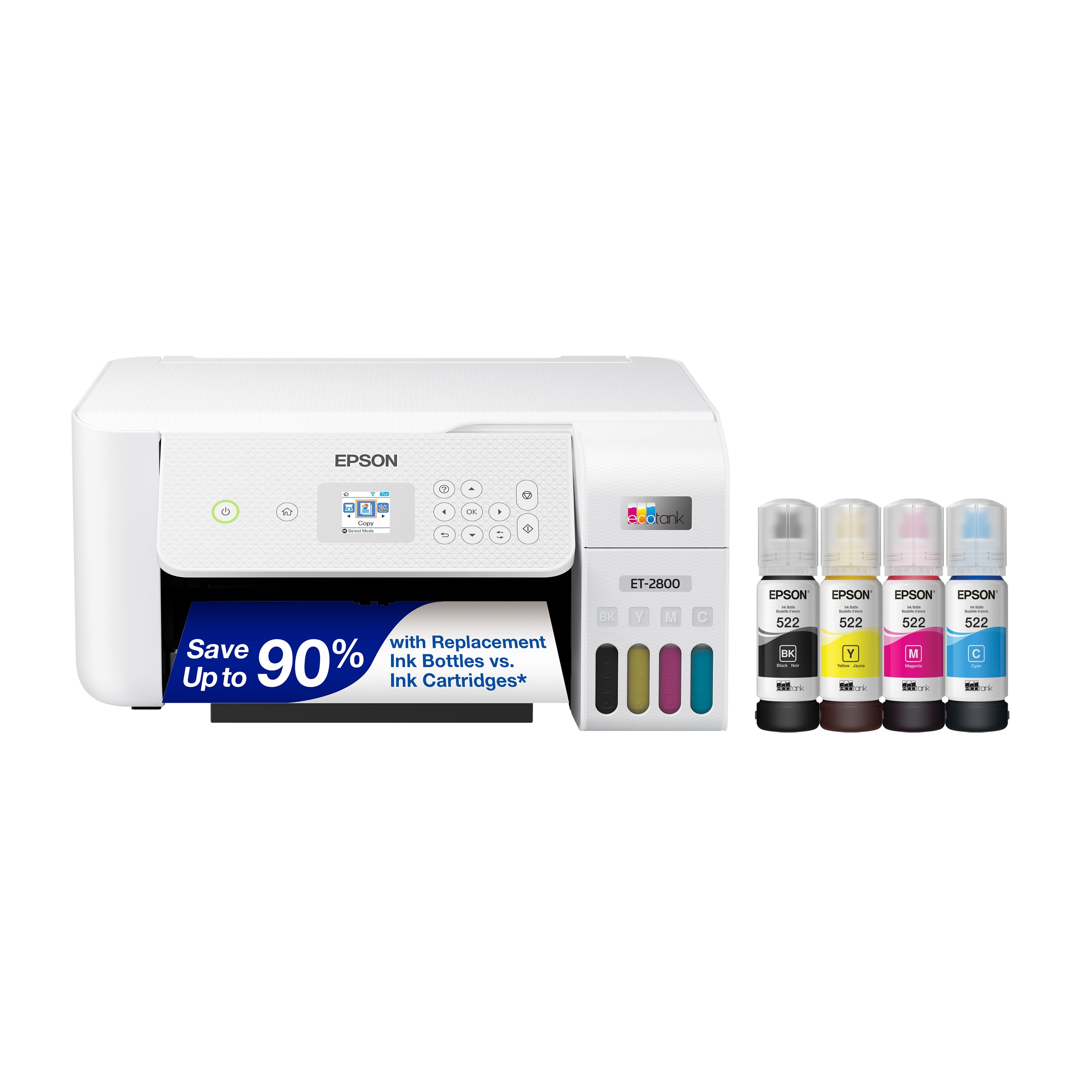
This question was asked about the related product: Epson - EcoTank ET-2800 Wireless Color All-in-One Inkjet Cartridge-Free Supertank Printer - Black
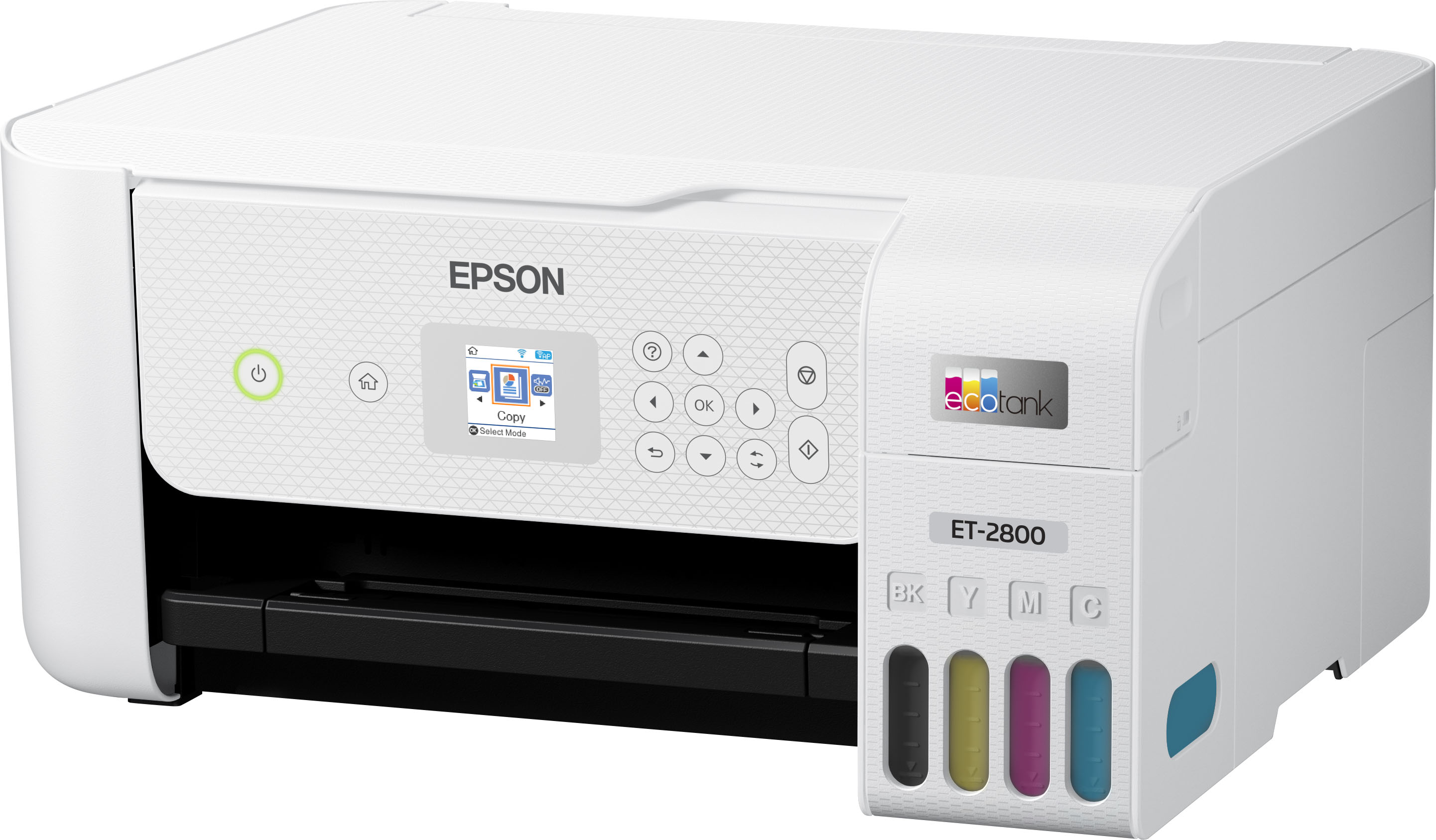
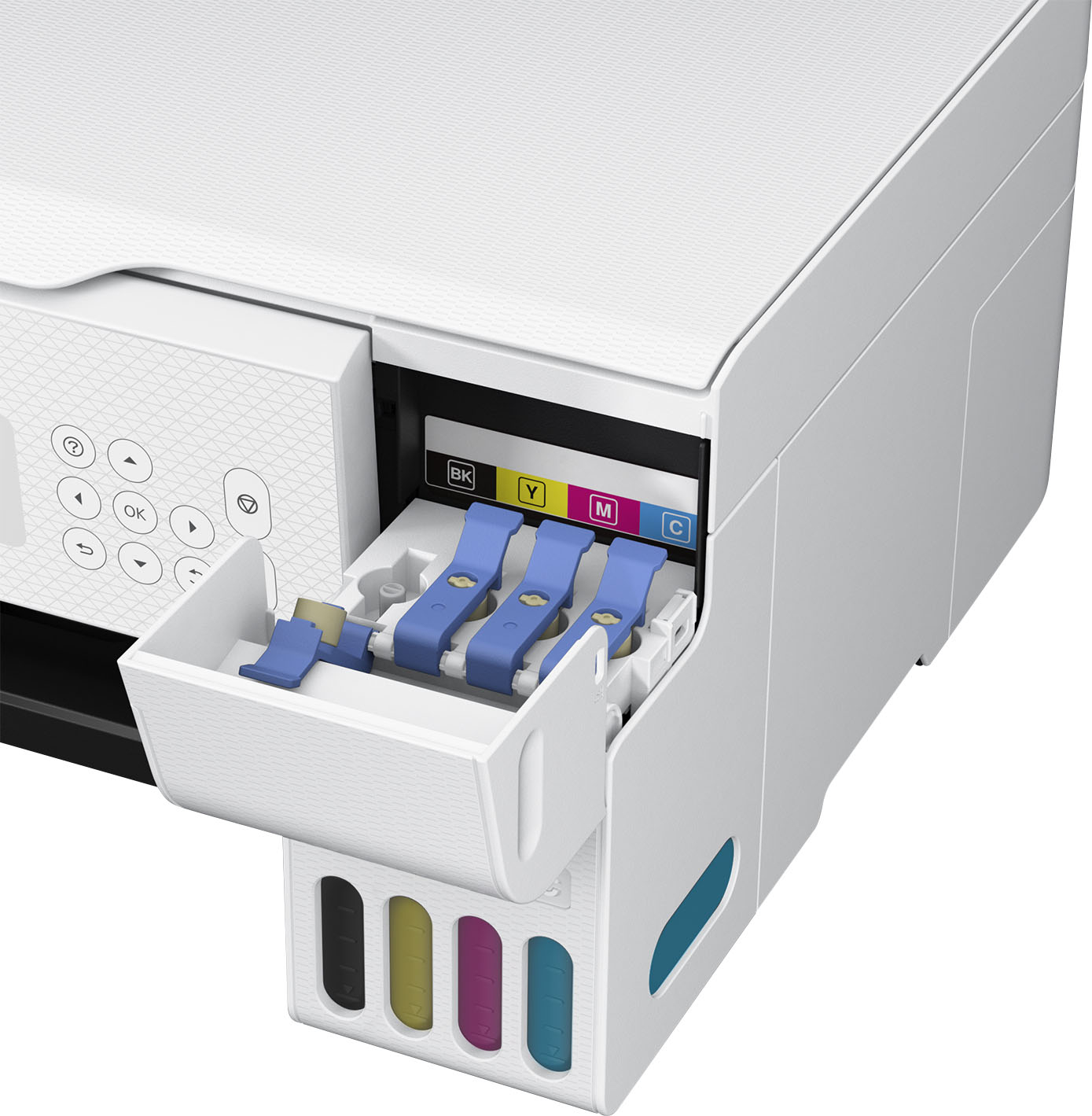
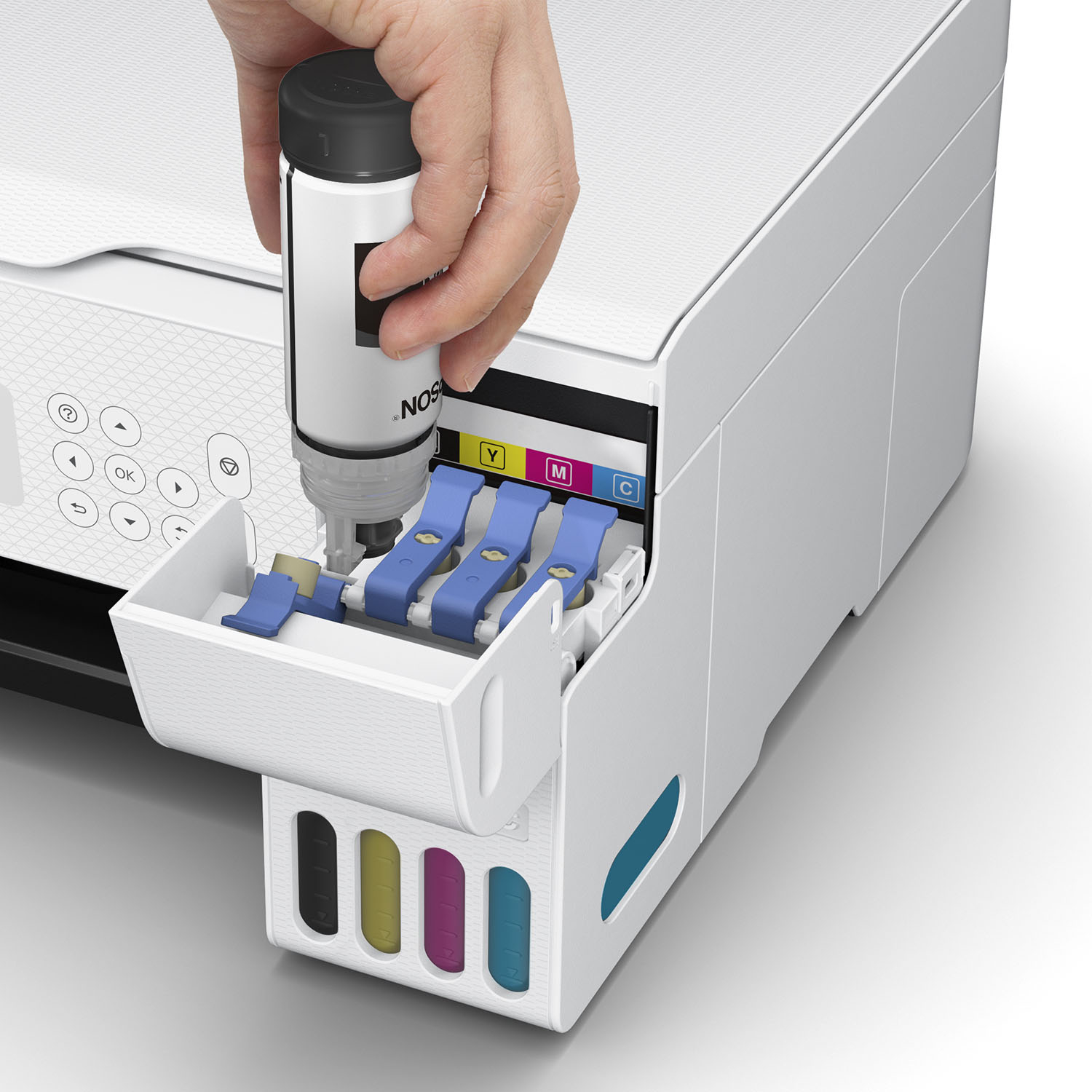
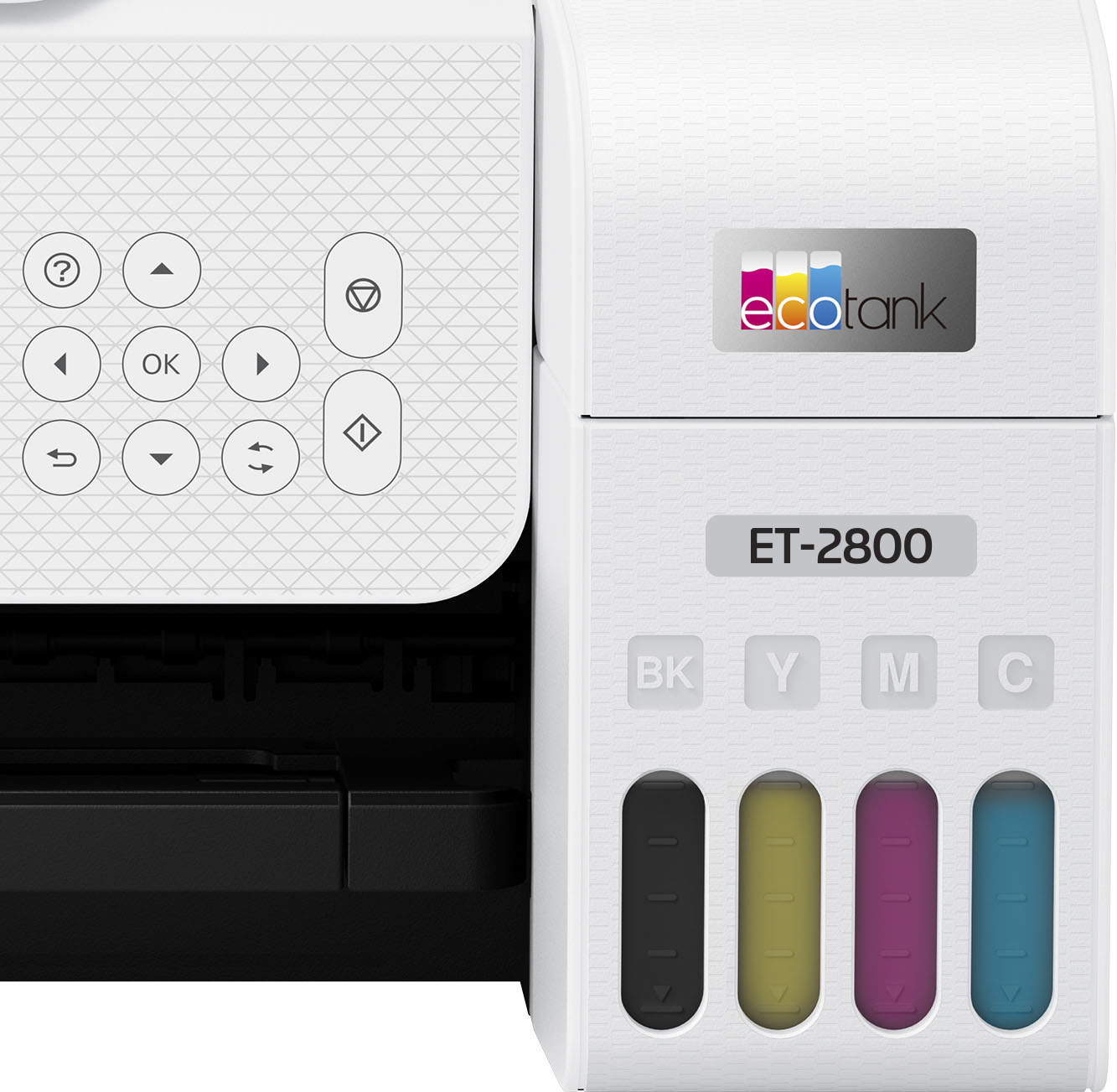
- A:Answer Hello. Yes, the ET‑2800 uses CMYK ink bottles, and all four color tanks must be filled for the printer to operate. Regards, Kevin - The Epson Team.
Answered by Epson
Q: QuestionDoes it have a document feeder
Asked by Anonymous.
- A:Answer it has a paper feeder that handles a stack of paper. to print double sided requires a manual flipping of the paper after the first side has printed.
Answered by Anonymous
Q: QuestionDoes this printer makes double side prints?
Asked by CiciR.
- A:Answer Yes, but it takes some work. You must first print the odd-number pages in your document (see options under the Print - Pages dropdown). Take these pages, flip them over and put them into the paper feeder. Finally, you must print the even-number pages.
Answered by DRSTEVE
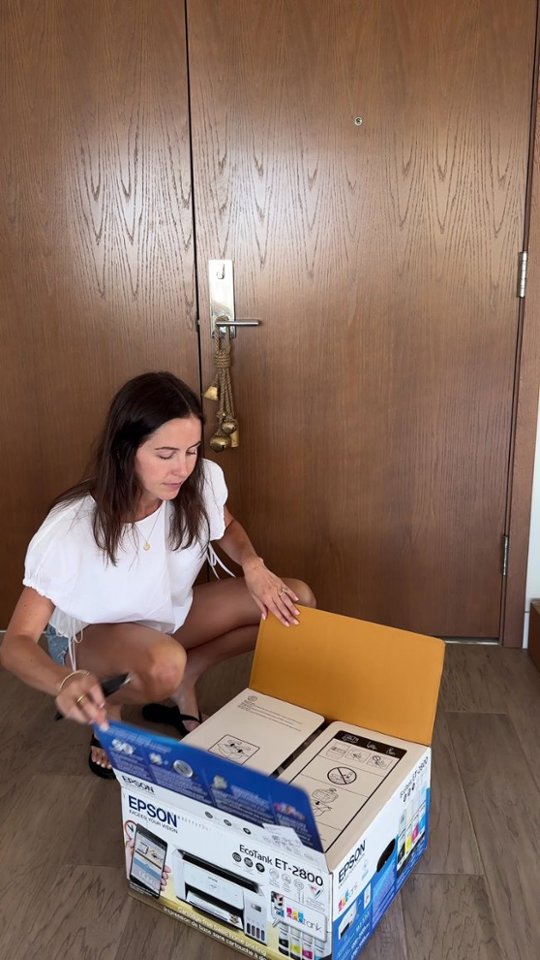
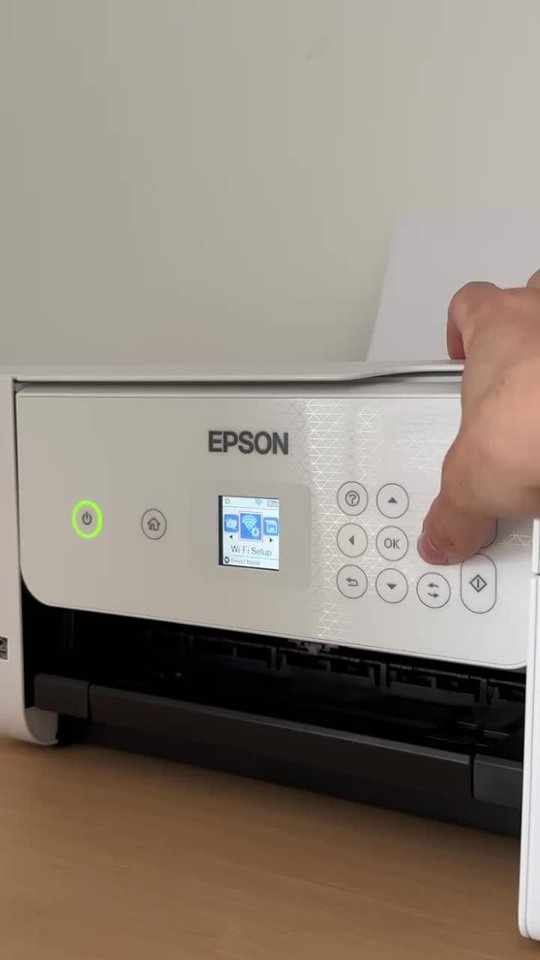
Q: QuestionHow do you set this up? Is there a disc or do we have to do by the internet
Asked by displayname.
- A:Answer I followed the written instructions but when I did not understand the next steps, I called for help at Best Buy. The tech completed the installation in approximately 20 minutes. She could have done the complete install in that amount of time. I wasted time doing it myself.
Answered by Anonymous
Q: QuestionHow much do the epon ink bottles cost
Asked by Anonymous.
- A:Answer 17.99 per bottle or 72$ for the set
Answered by MiccoM
Q: QuestionCan the 2800 wifi be set up to my Chromebook.
Asked by chromebook.
- A:Answer Yes, we have used it with a mac, a Chromebook, and an iPhone.
Answered by Boog
Q: QuestionWill this printer print card stock and labels
Asked by Sher.
- A:Answer Hello Sher. The ET-2800 can print on cardstock and inkjet-compatible labels, but feeding reliability can vary when using third-party paper based on the brand, texture, thickness, and weight. We recommend testing a sample first to make sure it works well, since Epson doesn’t guarantee compatibility with all paper types. Regards, Kevin - The Epson Team.
Answered by Epson
Q: QuestionDoes this printer work with a Mac Neo?
Asked by John.
- A:Answer Yes, we have used it with a mac, a Chromebook, and an iPhone.
Answered by Boog
Q: QuestionDoes this printer do double sided printing?
Asked by Helen.
- A:Answer Yes it does!
Answered by Dizfan5


.](https://pisces.bbystatic.com/image2/BestBuy_US/images/products/6b8343ea-50ad-4766-b78d-ebdbb694bc44.jpg;maxHeight=54;maxWidth=54;format=webp)
. 1 Most features require an Internet connection to the printer, as well as an Internet- and/or email-enabled device. For a list of Epson Connect enabled printers and compatible devices and apps, visit [www.epson.com/connect](http://www.epson.com/connect).](https://pisces.bbystatic.com/image2/BestBuy_US/images/products/5bf434fa-75e7-457c-b1f8-67b7b737348f.jpg;maxHeight=54;maxWidth=54;format=webp)