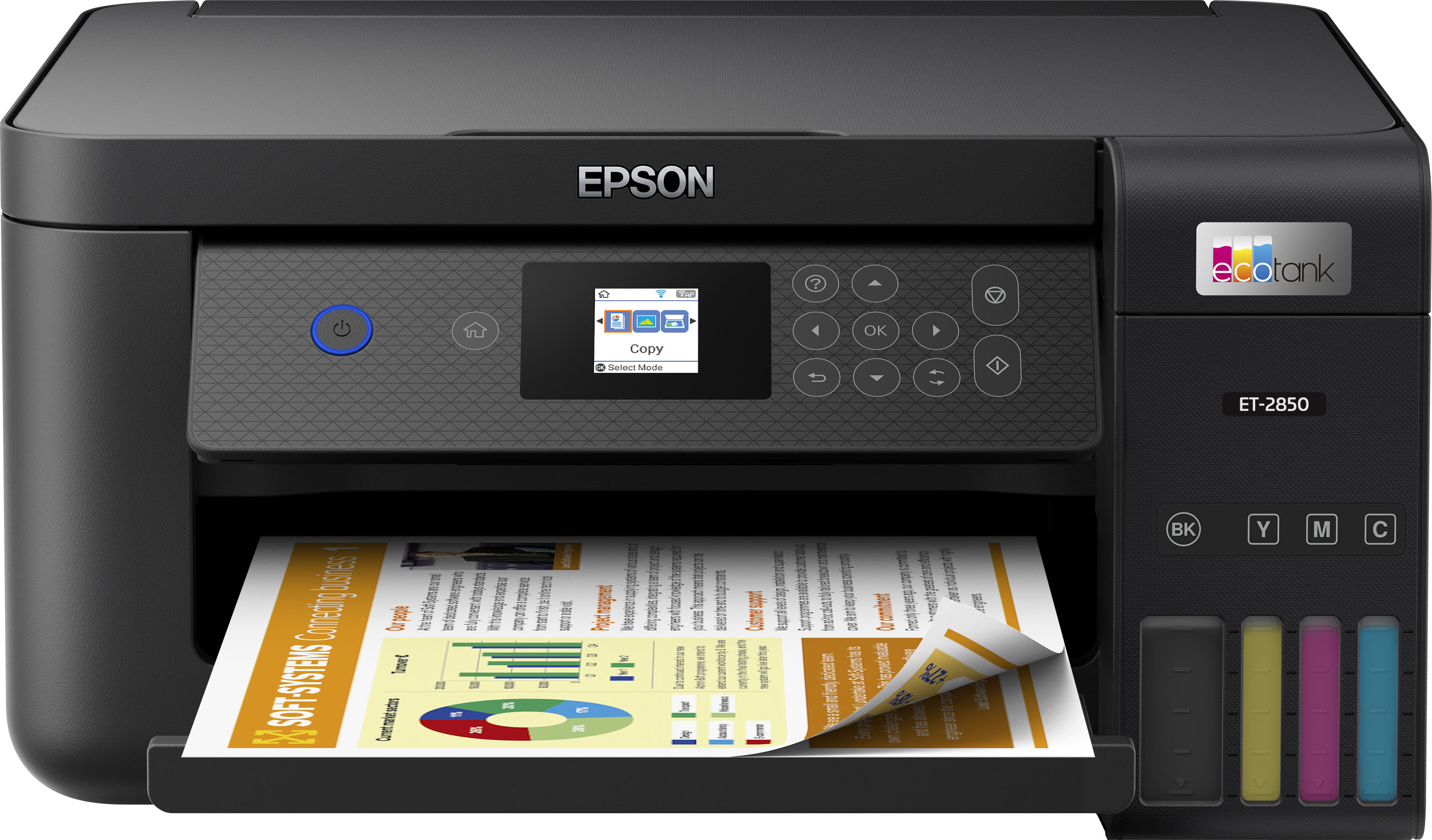
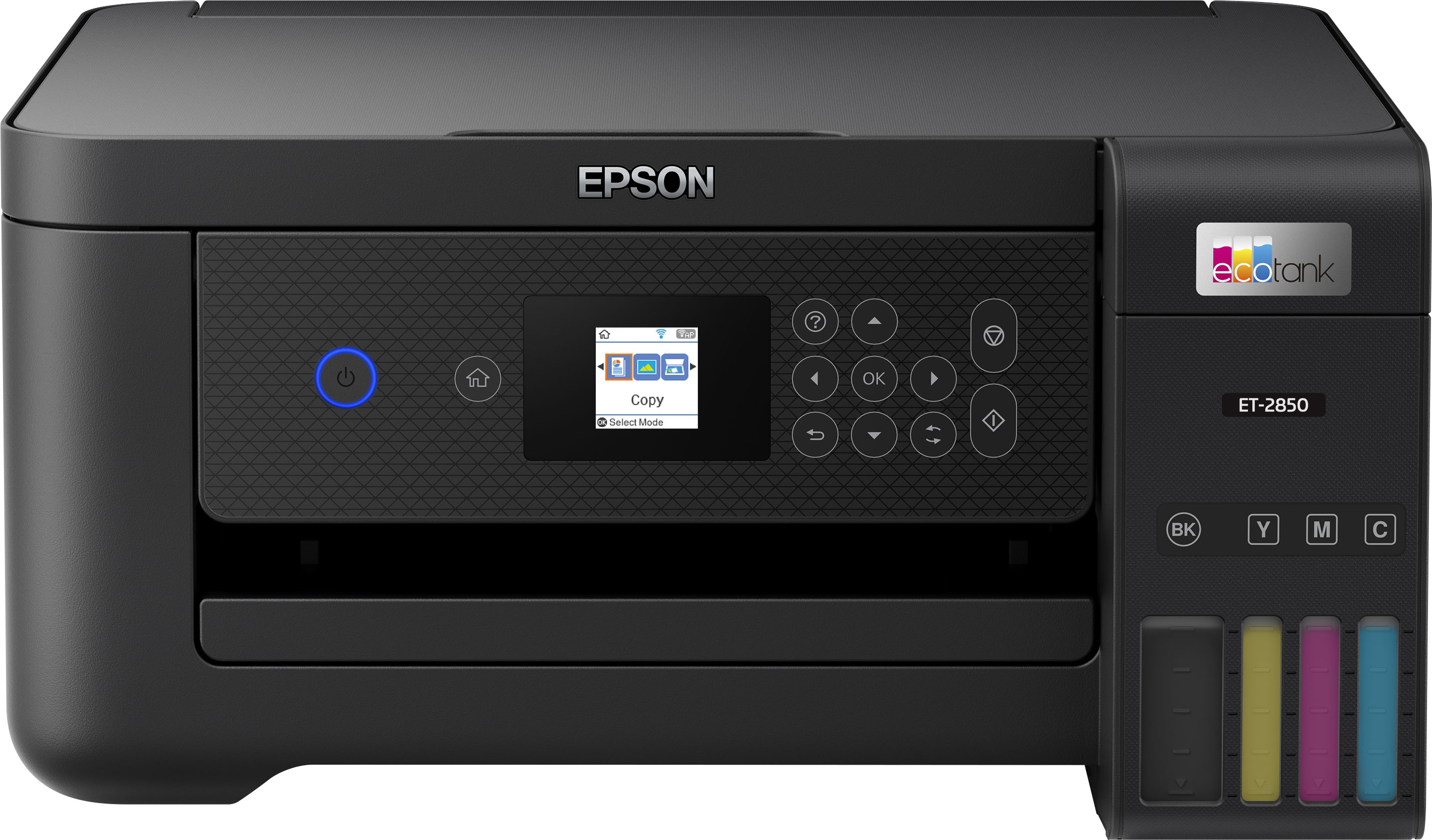
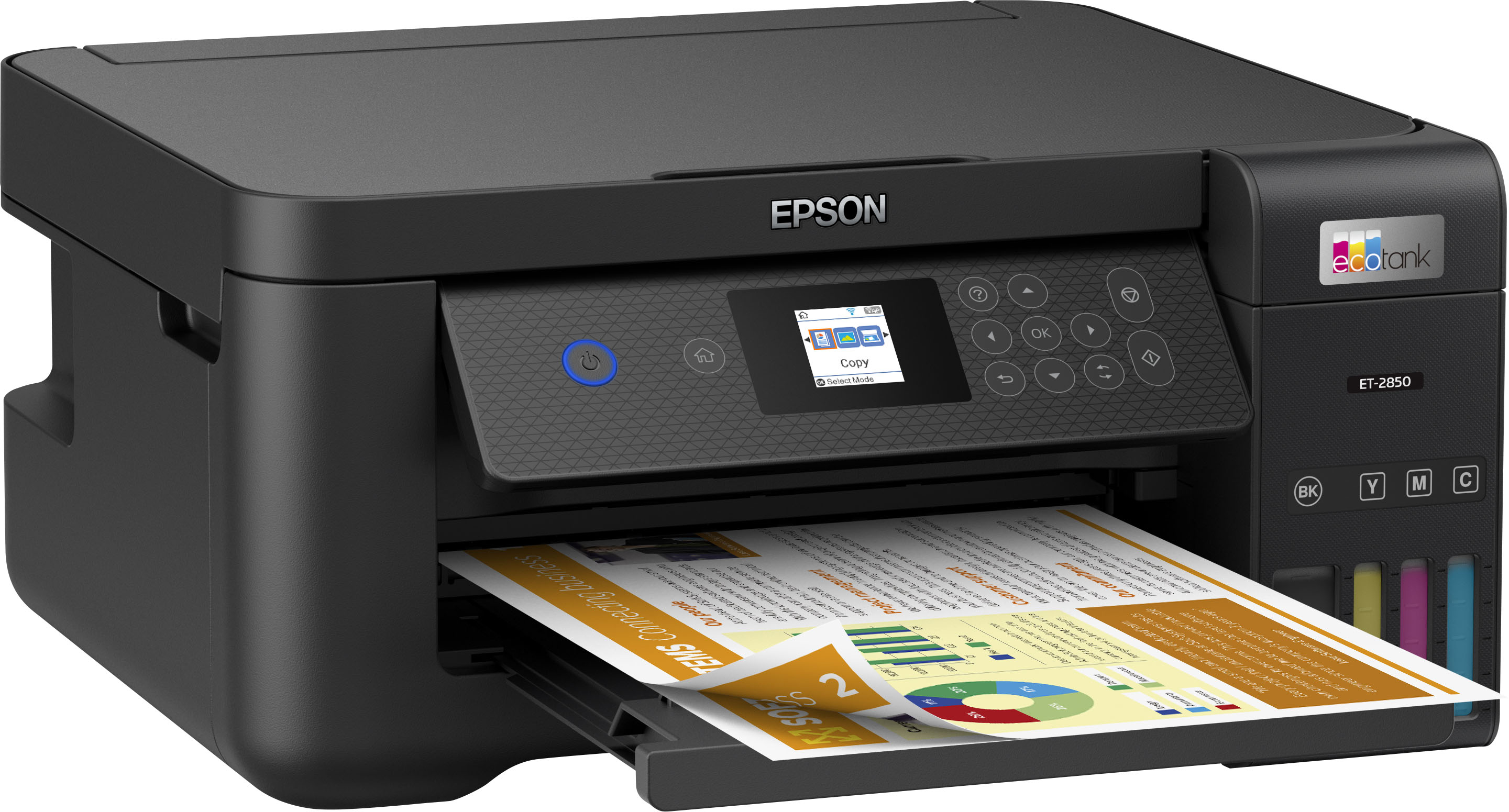
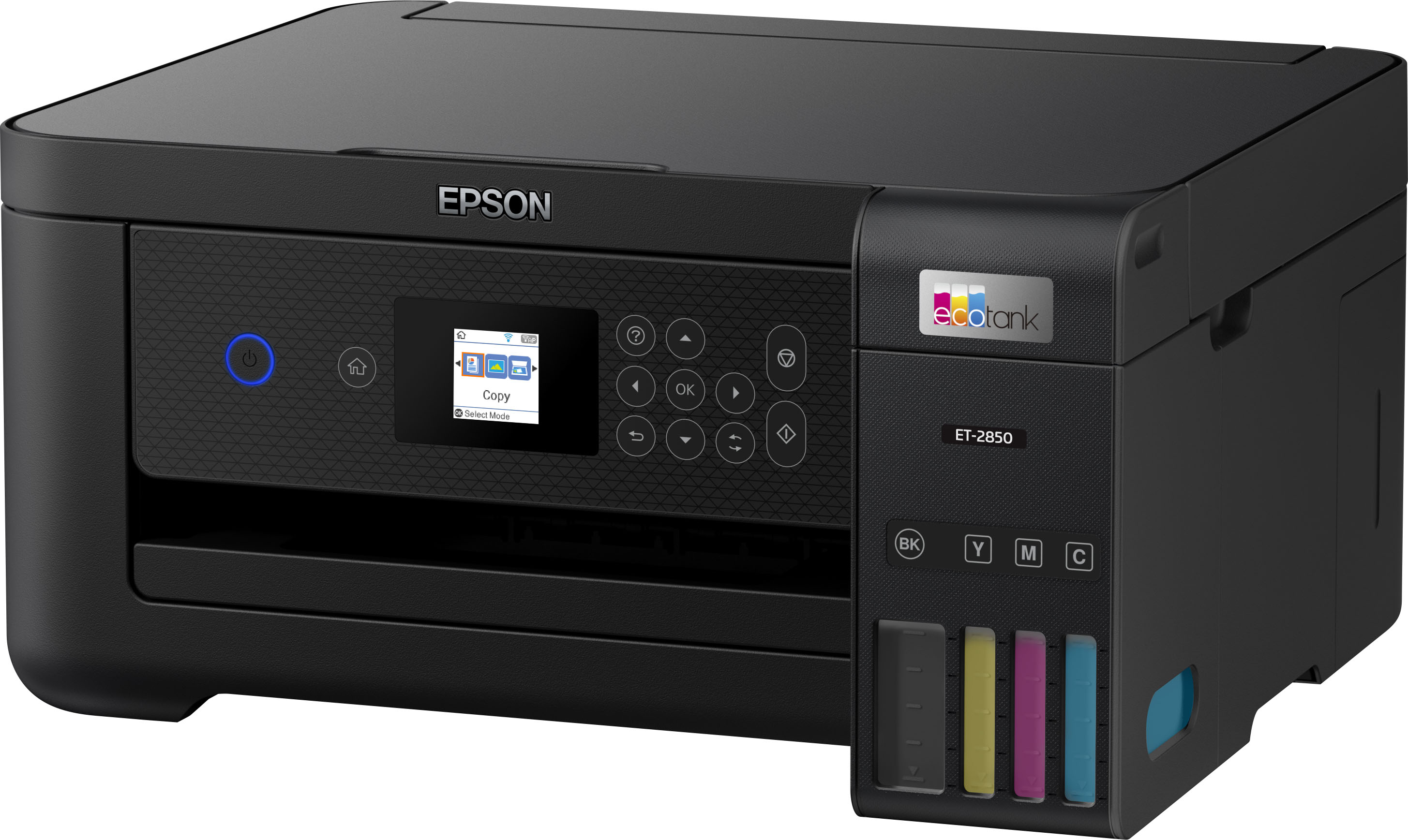
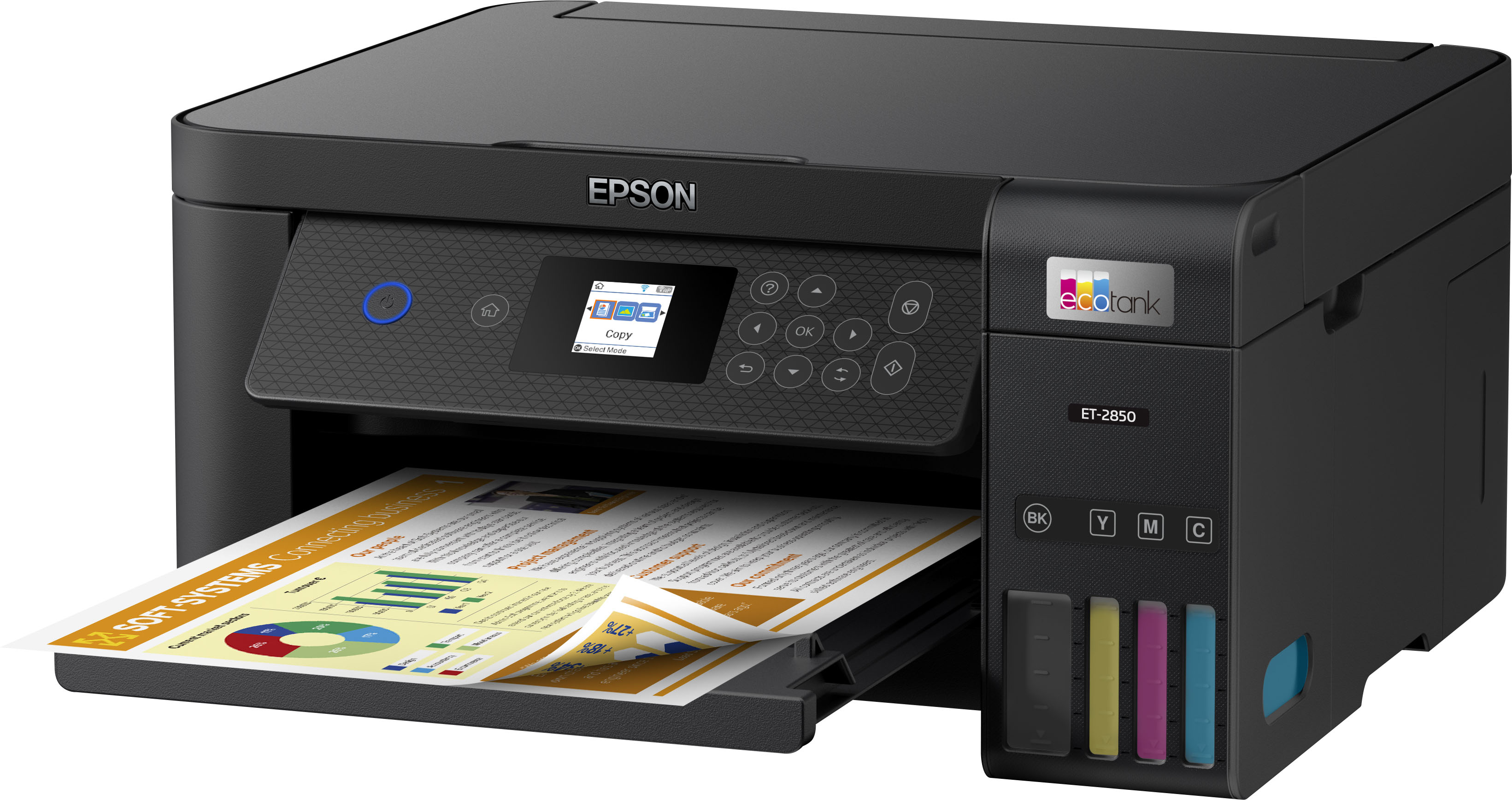
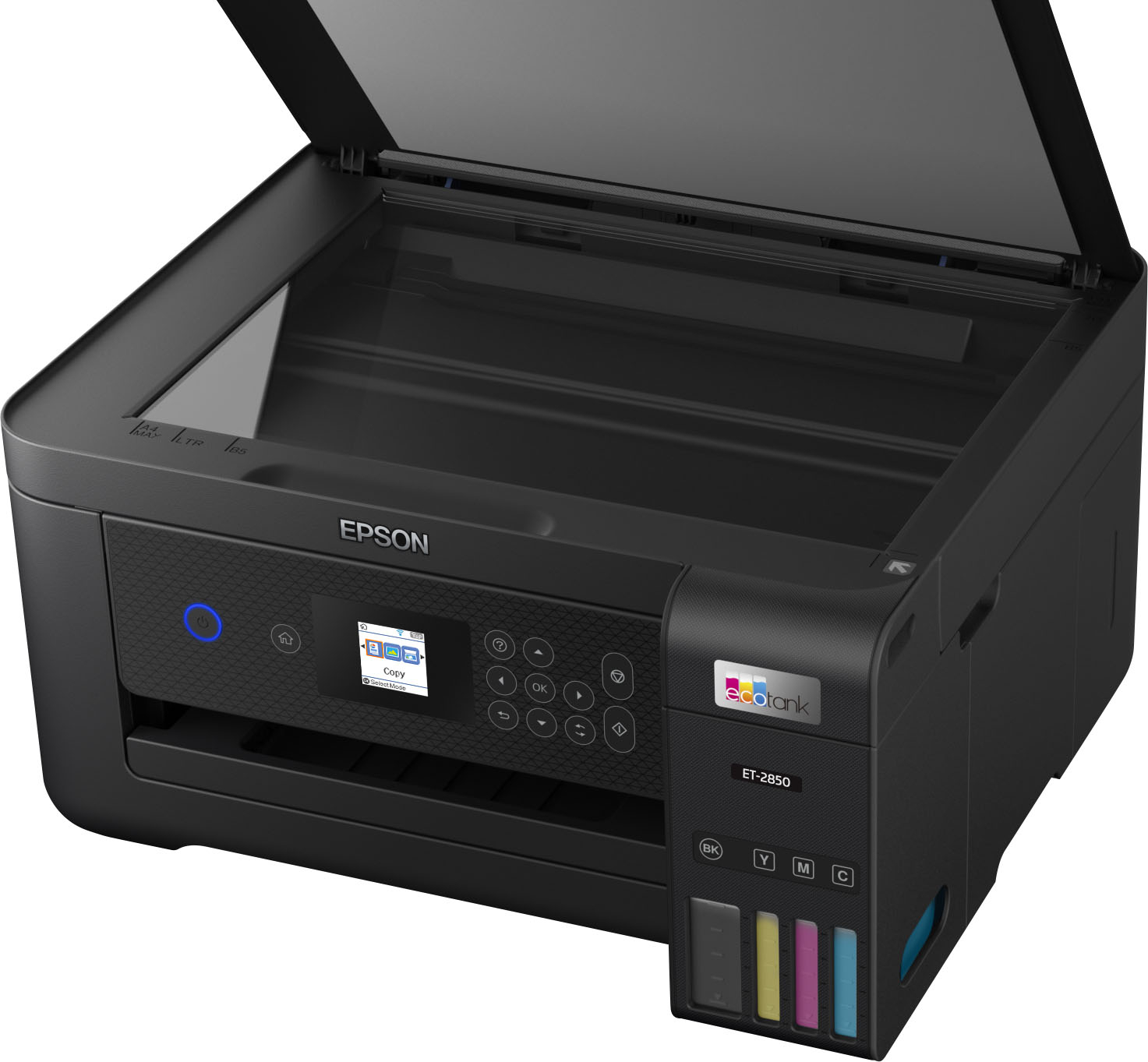
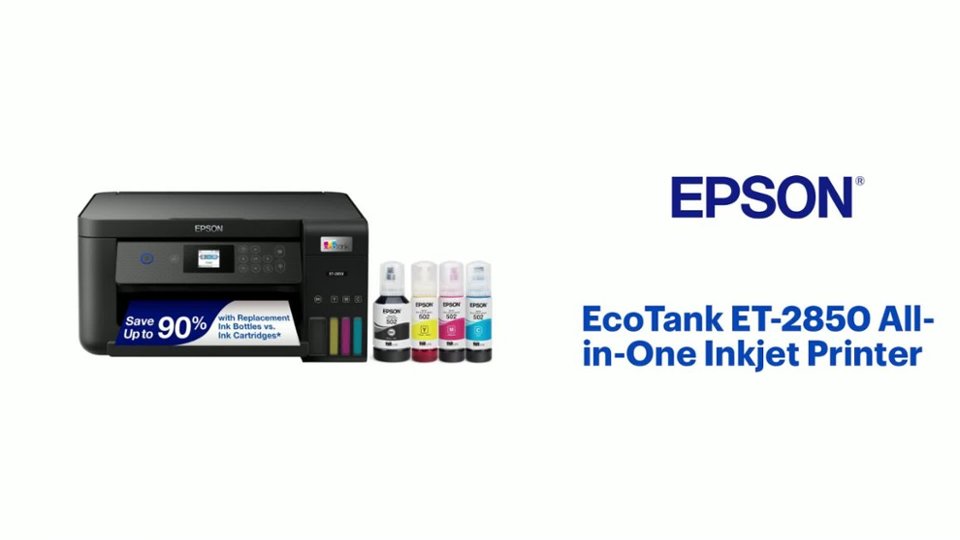
A:AnswerHello ceasarelloie. The ET-2850 only has a flatbed scanner and does not have an auto document feeder. We recommend looking at the ET-3850 as it is a similar printer in features and includes a document feeder for scanning. It is currently in stock on BestBuy's website, but please note inventory can change. Regards, Kevin - The Epson Team.
A:AnswerHello Wingnut. The ET-2850 can print on standard inkjet-compatible label sheets like Epson Photo Quality Self-Adhesive Sheets. If you are planning on using 3rd party company labels, we recommend contacting them to confirm compatibility with our printers. Regards, Kevin - The Epson Team.
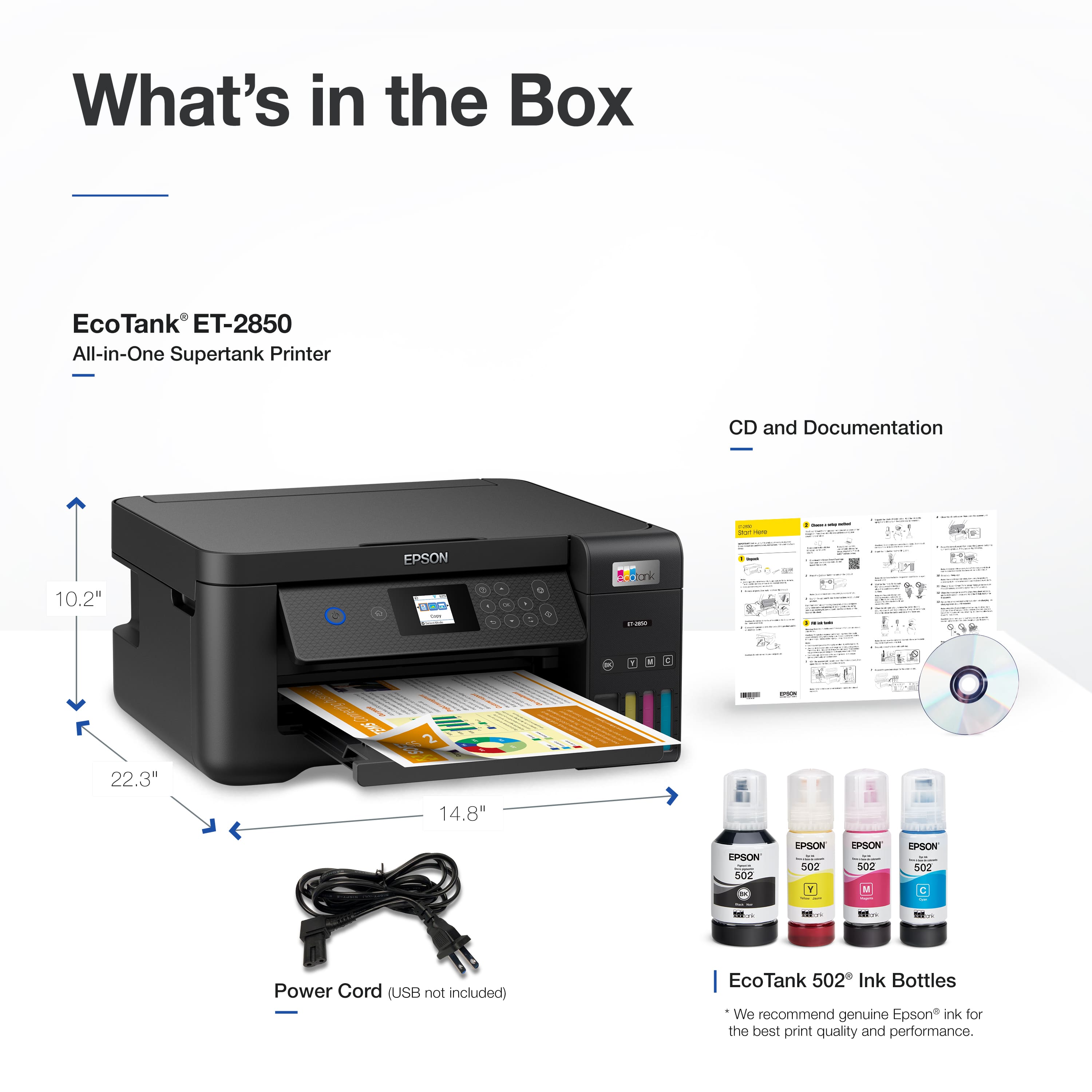
A:AnswerThe cable is not in the box. I don't know how much the cable costs. Everything else you need is in the box. You can also connect this printer wirelessly. You do not have to have the usb cable.
A:AnswerHello RgF. The thickest paper the ET-2850 can print on is Epson Premium Photo Paper Glossy which weighs 79 lb. For cardstock, we recommend using paper that weighs around 44 lb, as similar Epson paper is tested to work. You can try a cardstock that falls in that range, but your results will vary, as these recommendations are for Epson paper only. Regards, Syd - The Epson Team.
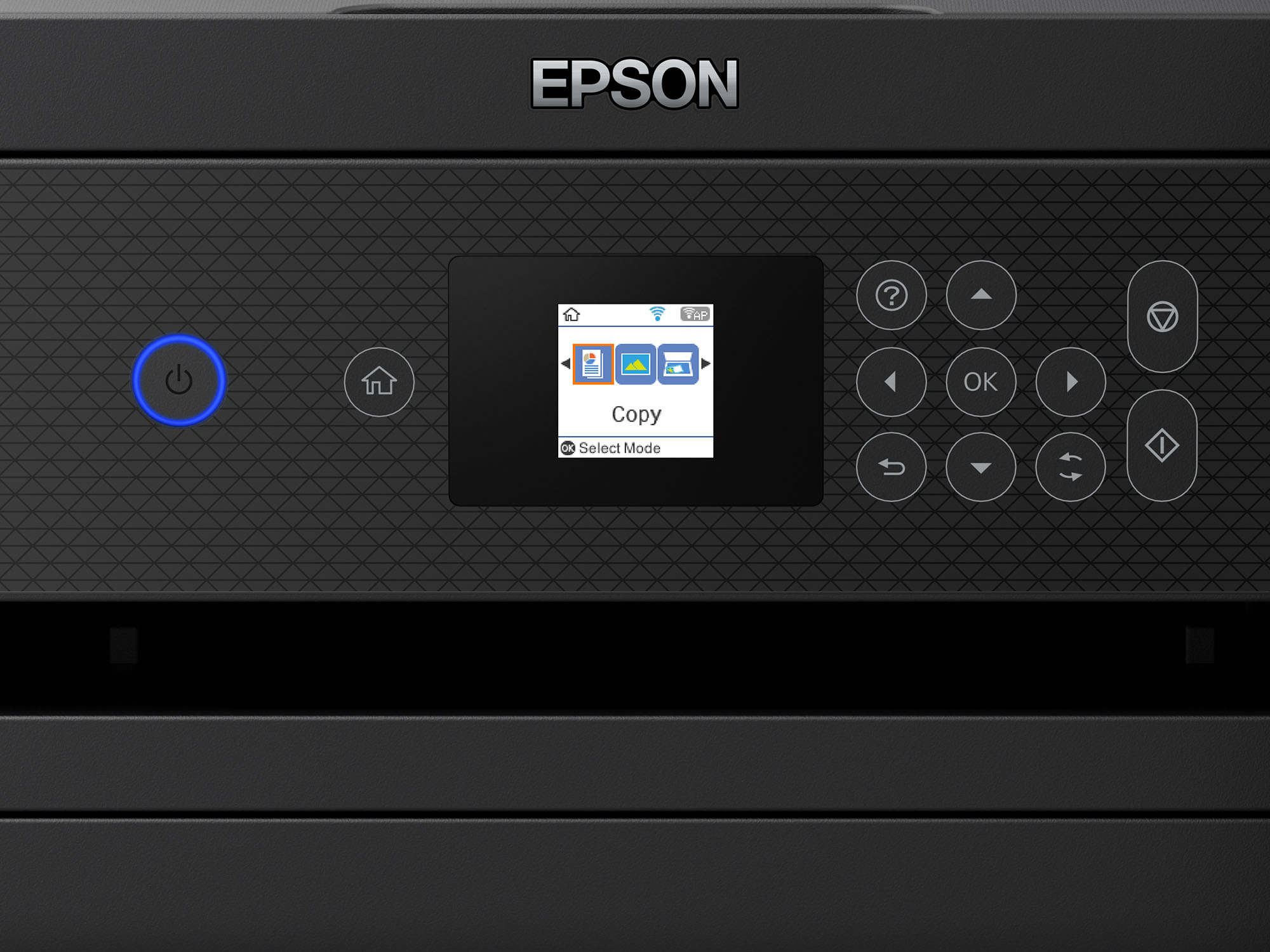
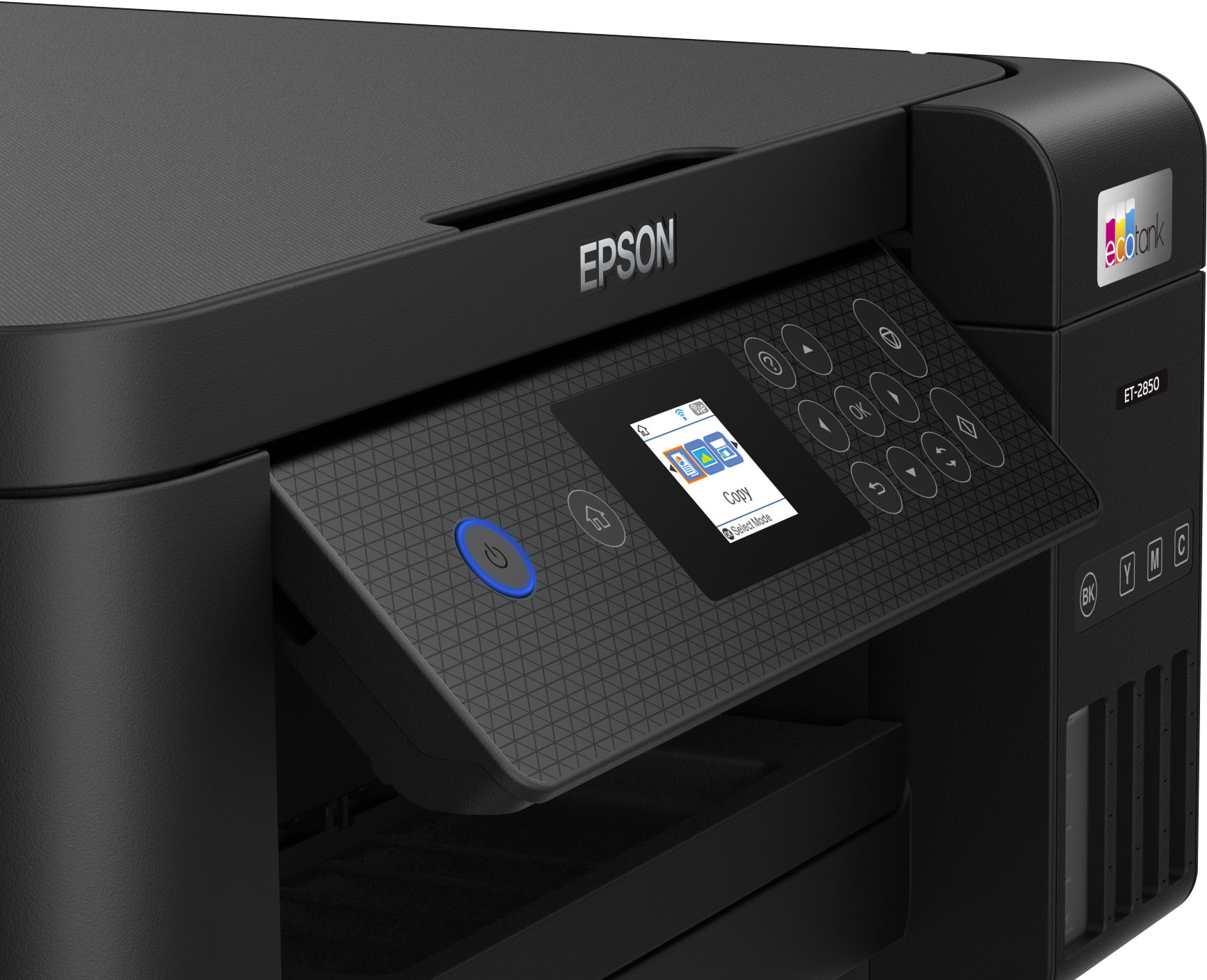
A:AnswerHello Ideal. Yes, using the Epson Scan software, you can save scanned originals in PDF format. The printer does have a color display, but it is not a touch screen. Regards, Kevin - The Epson Team.
A:AnswerHello CraftyMama. Most EcoTank printers including the ET-2850 support a paper weight of 44 lb for craft paper and 79 lb for Epson Photo paper. For thicker cardstock, we generally recommend looking at our WorkForce lineup. Regards, Kevin - The Epson Team.
A:AnswerHello Ddun. Yes, the ET-2850 can print on A4 paper. The printer supports paper sizes ranging from 3.5" x 5" up to 8.5" x 47.2". Regards, Kevin - The Epson Team.
A:AnswerHello JaneLane. The ET-2850 can only print on white paper. Unfortunately, color paper is not supported in the machine. Regards, Kevin - The Epson Team.
A:AnswerHi Cynthia, Since the quality of any particular brand or type of paper may be changed by the manufacturer at any time, Epson cannot guarantee the quality of any non-Epson brand or type of paper. Always test a sample of paper stock in the ET-2850 before purchasing large quantities or printing large jobs. If your inkjet-compatible sticker paper is coated, try the Presentation Paper Matte setting. If it is uncoated, try plain paper. Regards, Mark - The Epson Team.