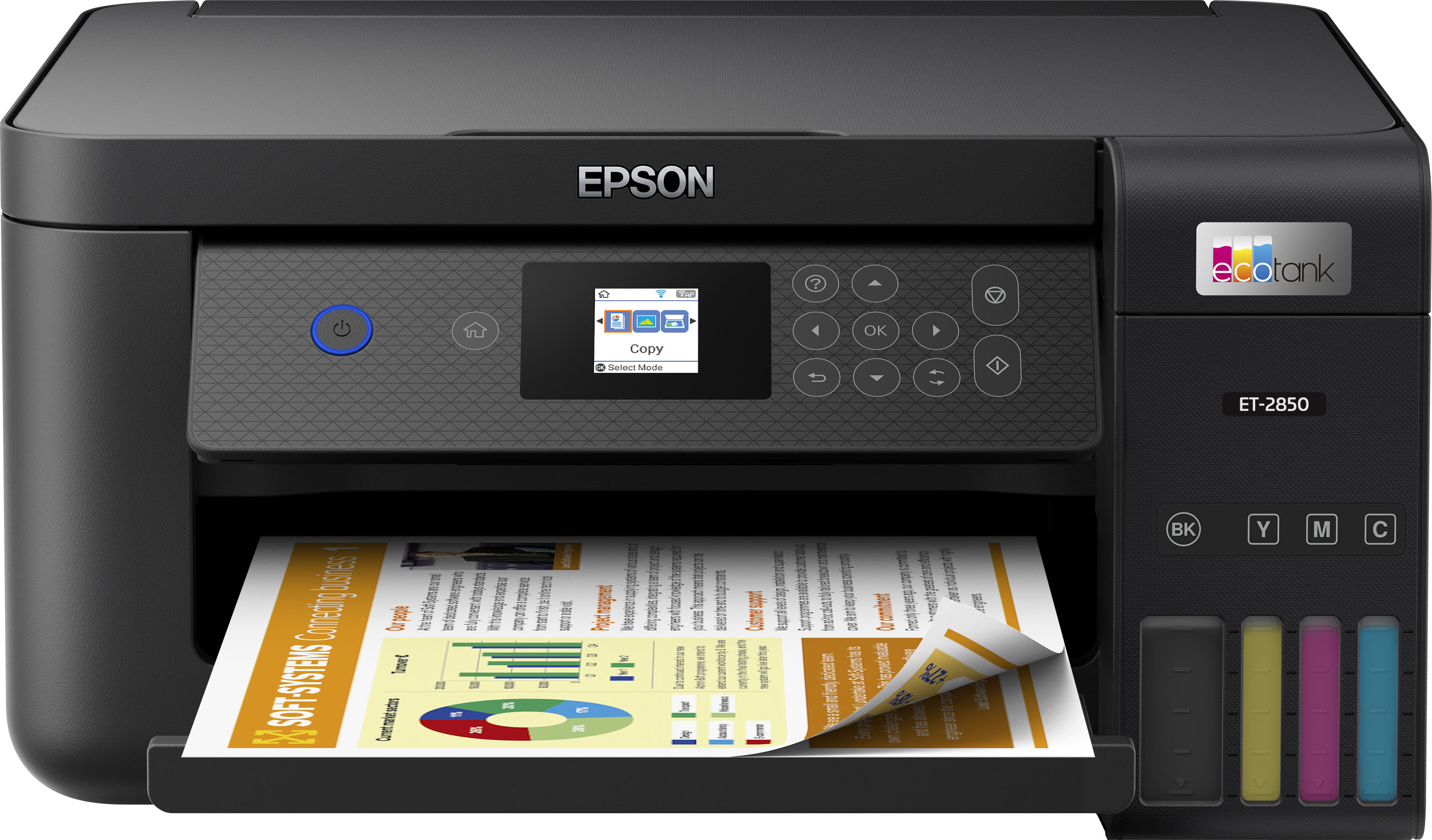
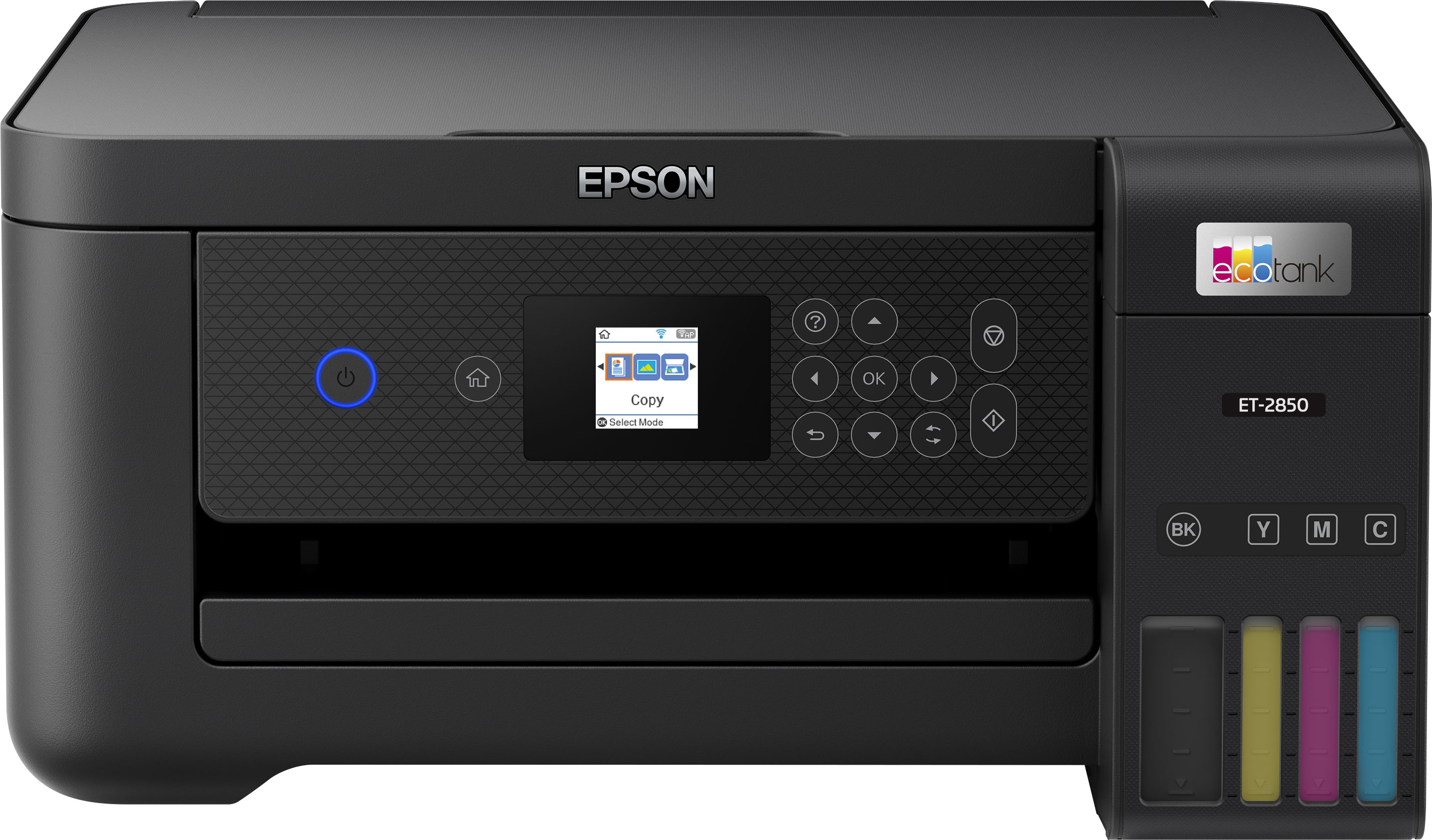
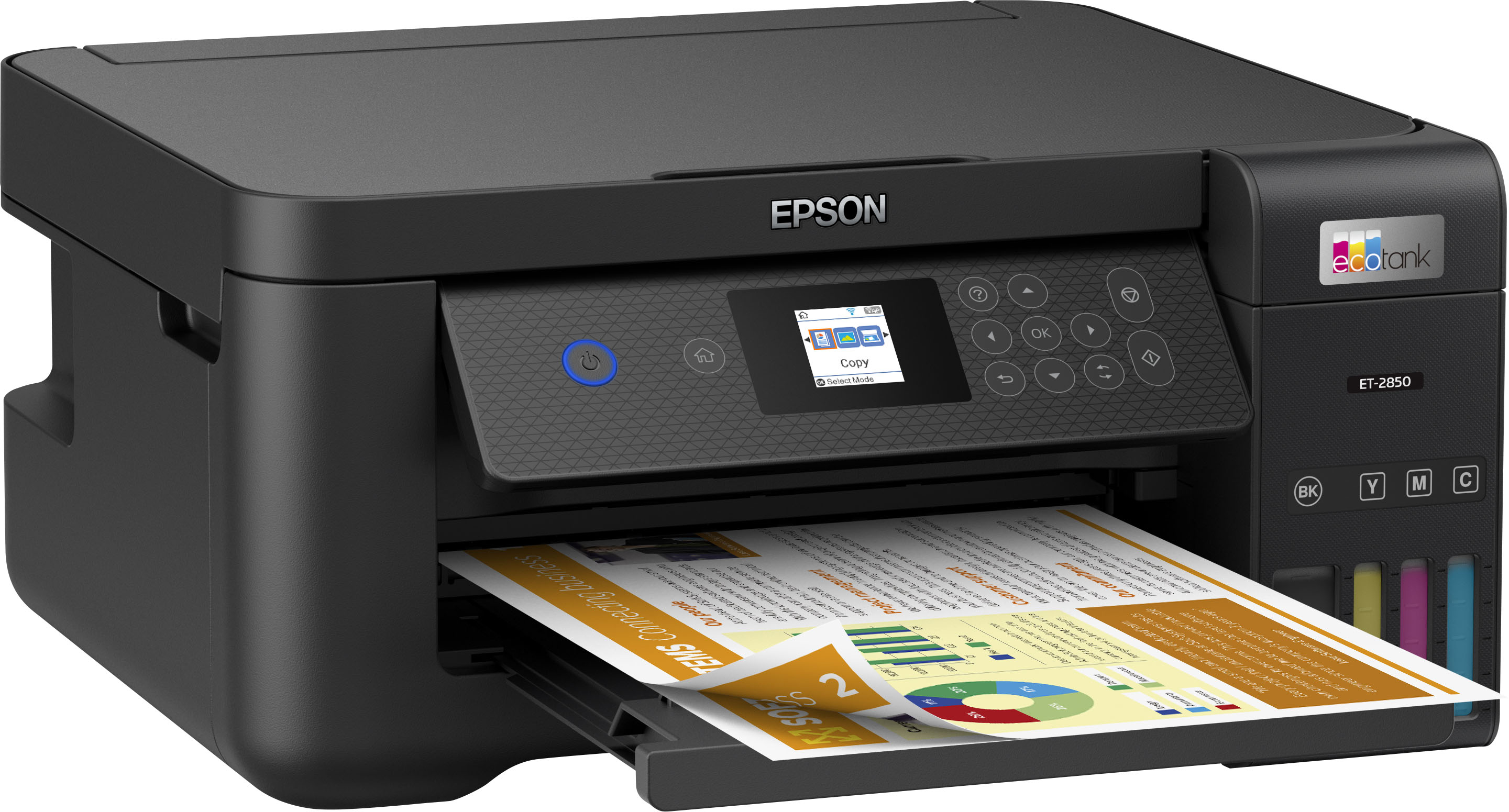
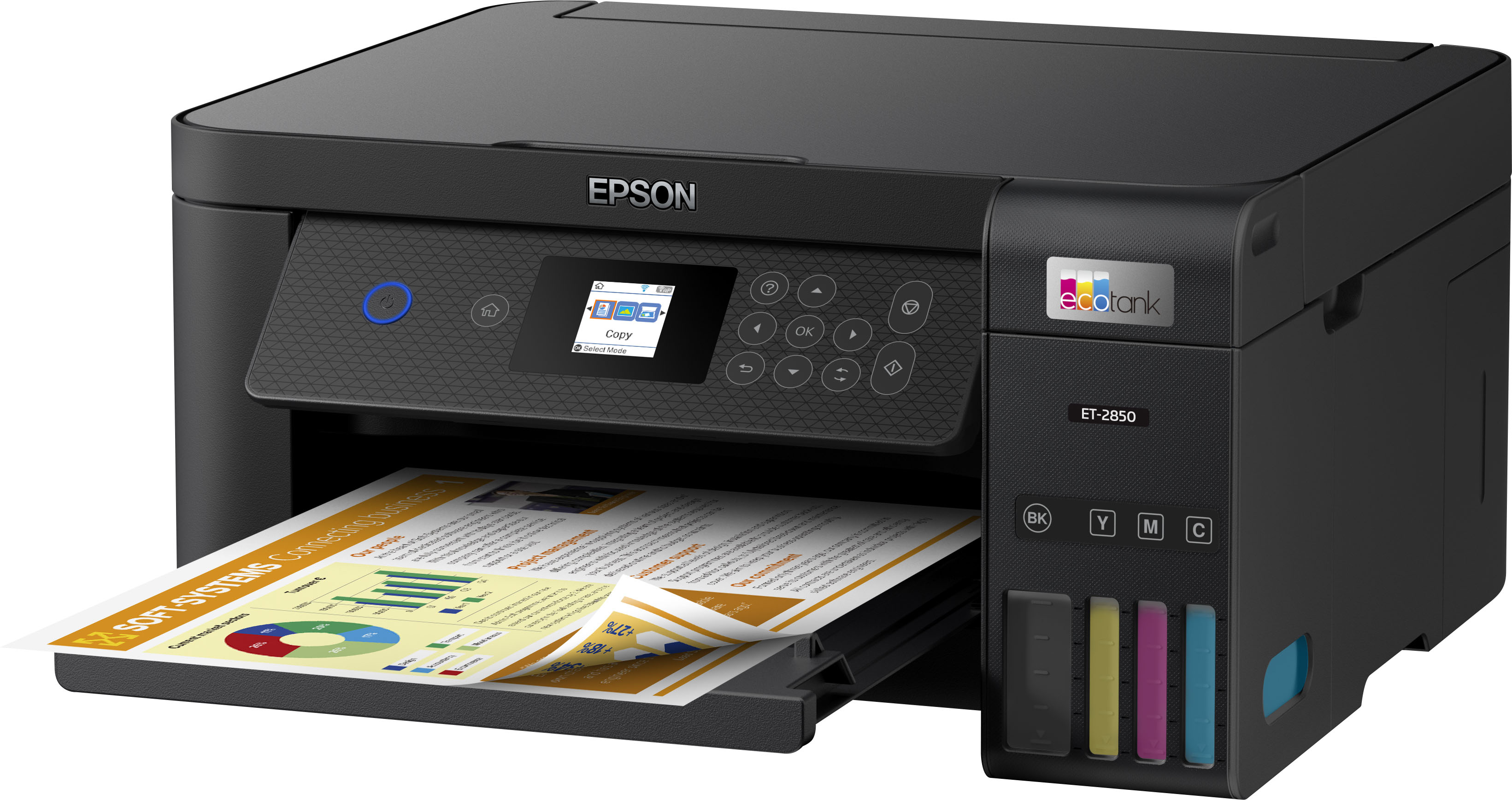
A:AnswerHello Richard. Unfortunately, the ET-2850 does not include a paper cassette. Paper can only be loaded into the printer's rear paper feed. For more information on loading paper into the printer, please visit our official Epson Support page. Regards, Kevin - The Epson Team.
A:AnswerHi Gary, Sorry, 110 lb. card stock will not feed through the EcoTank ET-2850. Anything up to 50 lbs. should work. Regards, Mark - The Epson Team.
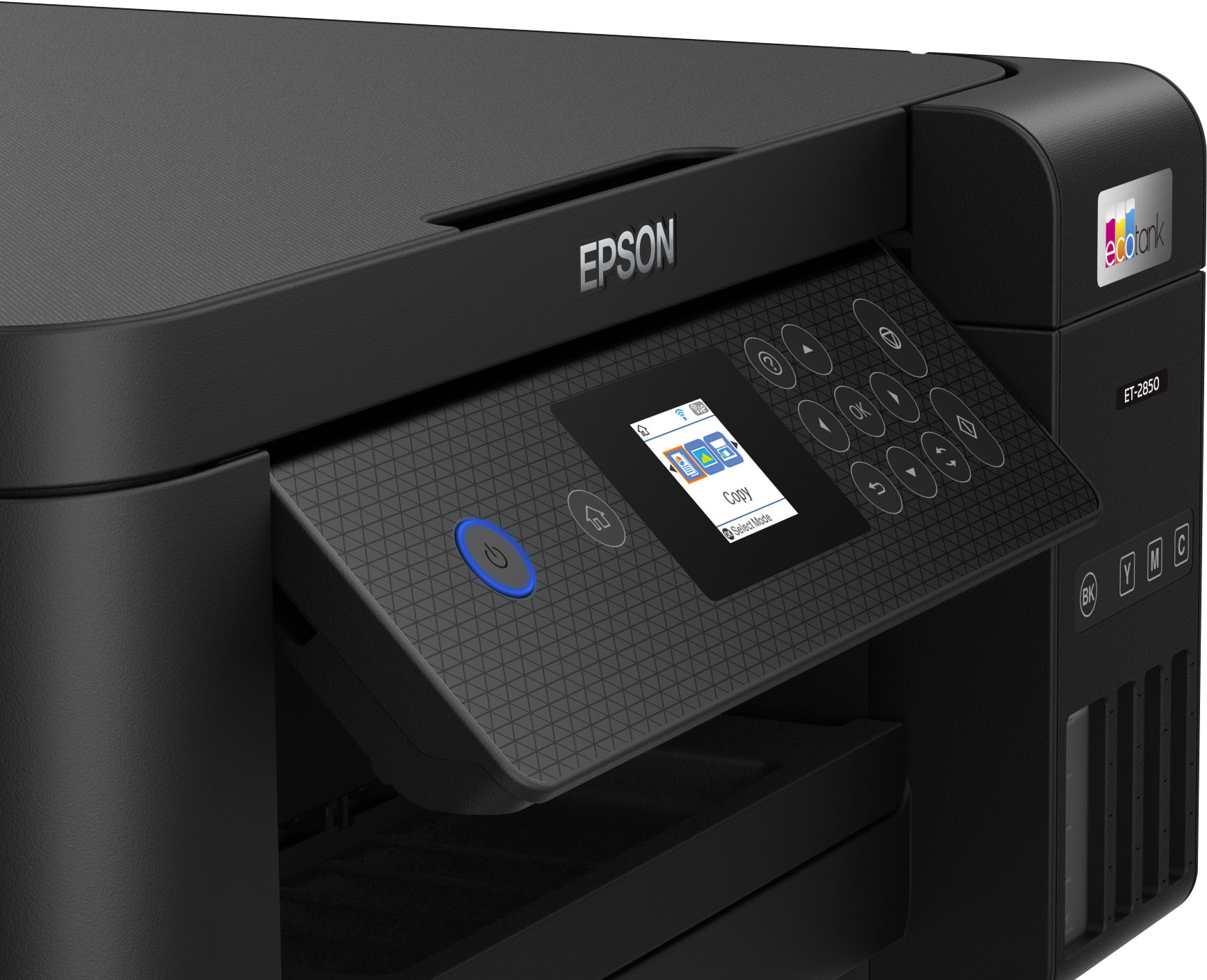
A:AnswerHello. All 3 printers are very similar. The key differences between the ET-2850 and ET-3850 are that the ET-3850 includes a 2.4" color display, Ethernet connectivity, a 250-sheet paper tray, and an automatic document feeder. The ET-4850 has all of these features, a touchscreen display, and fax functionality. Regards, Kevin - The Epson Team.
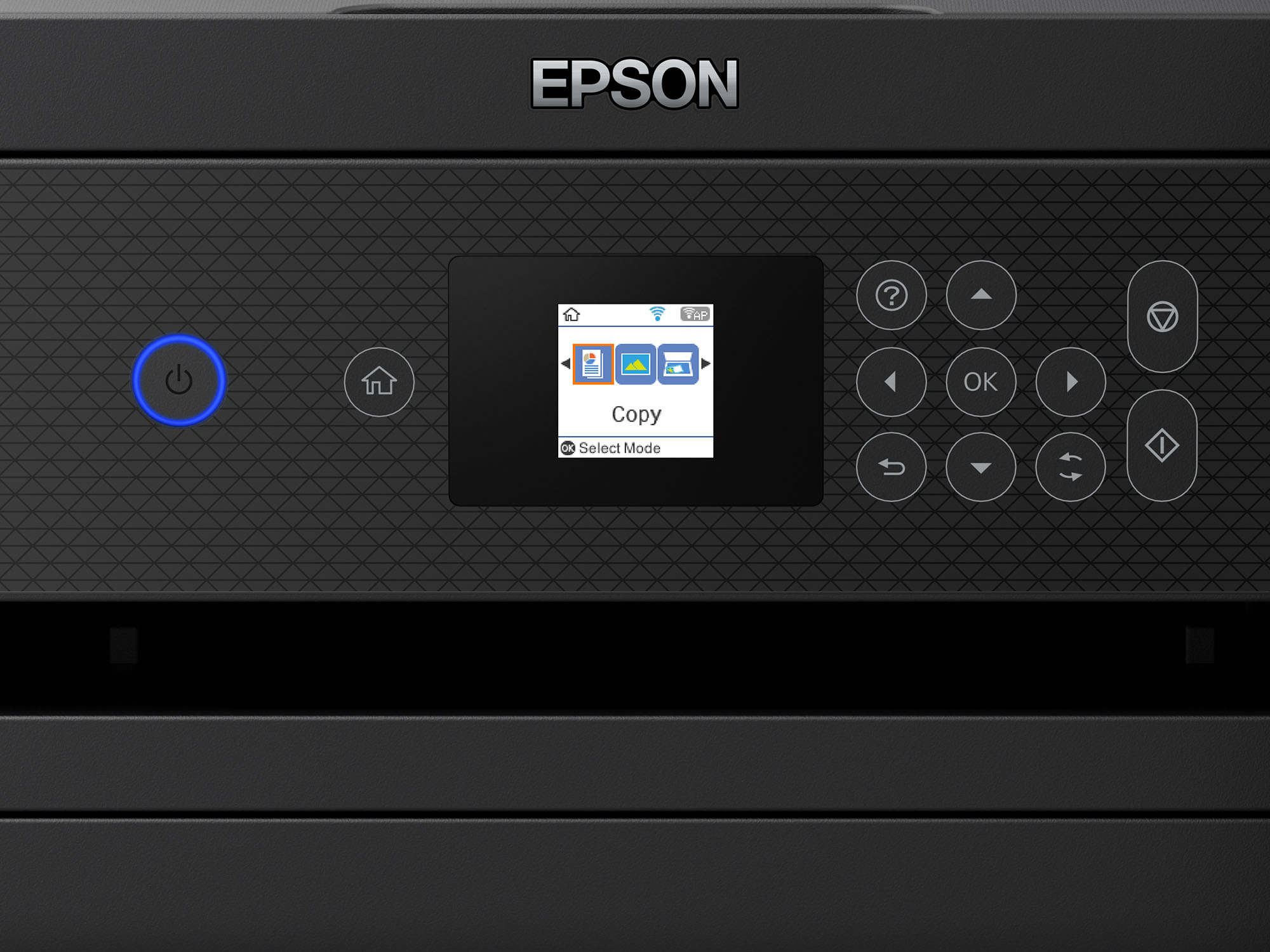
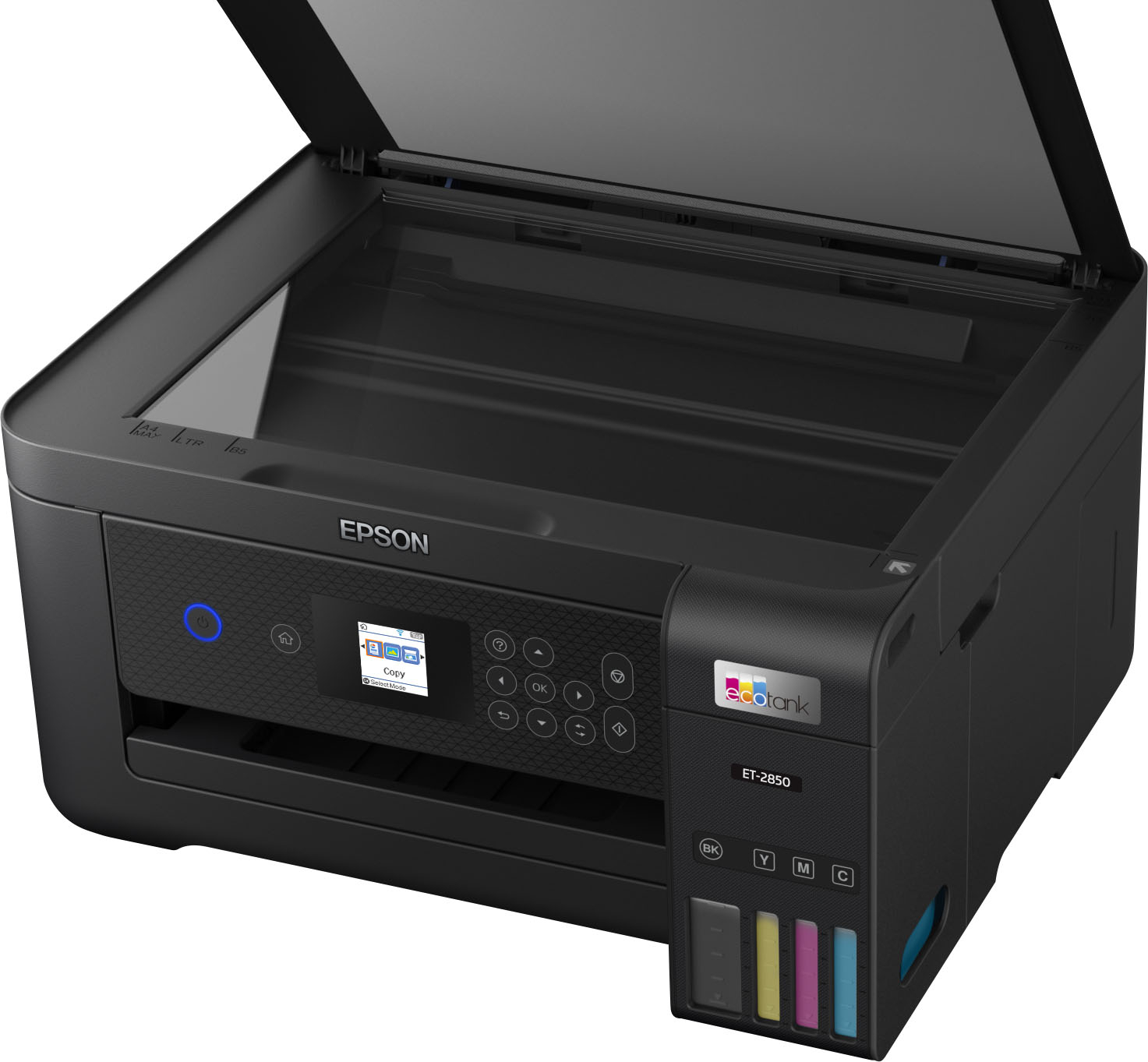
A:AnswerHello Teach. Yes, the ET-2850 can adjust density and reduce or enlarge copies between 25% up to 400% directly from the control panel. All of the settings to make these adjustments can be found under Copy Options. Regards, Kevin - The Epson Team.
A:AnswerHello Ac. Yes, the ET-2850 can print borderless on 8.5" x 11" paper. Please note that borderless printing is limited to specific paper types only. For more details, see the "Borderless Paper Type Compatibility" section in the User Guide on our official Epson Support page. Regards, Kevin - The Epson Team.
A:AnswerHello Nina. The ET-2850 cannot print on 11" x 17" paper. We recommend looking at our Epson EcoTank Wide-Format models for printers that support larger paper. Regards, Kevin - The Epson Team.
A:AnswerHi BSintSea, The EcoTank ET-2850 can print on standard inkjet-compatible labels like Epson Photo Quality Self-adhesive Sheets. Your results will vary when using 3rd party labels, as we have not tested them on the machine. Regards, Kevin - The Epson Team.
A:AnswerHello photop. The ET-2850 can print on various photo papers ranging from glossy to matte material; because the printer uses Micro Piezo Heat-Free technology, you can expect to print impressive graphics and photos at a resolution of 4800 x 1200 dpi. Regards, Kevin - The Epson Team.
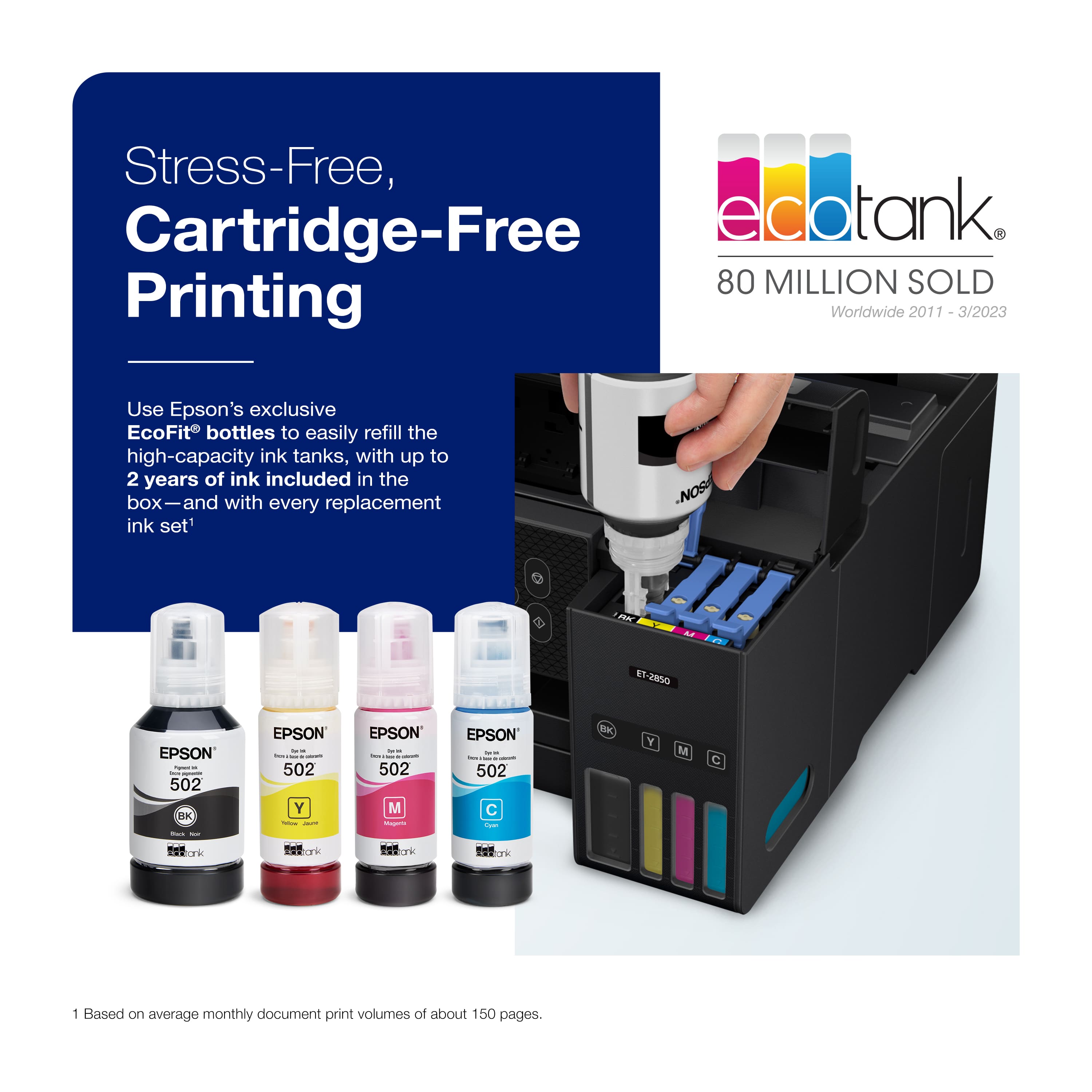
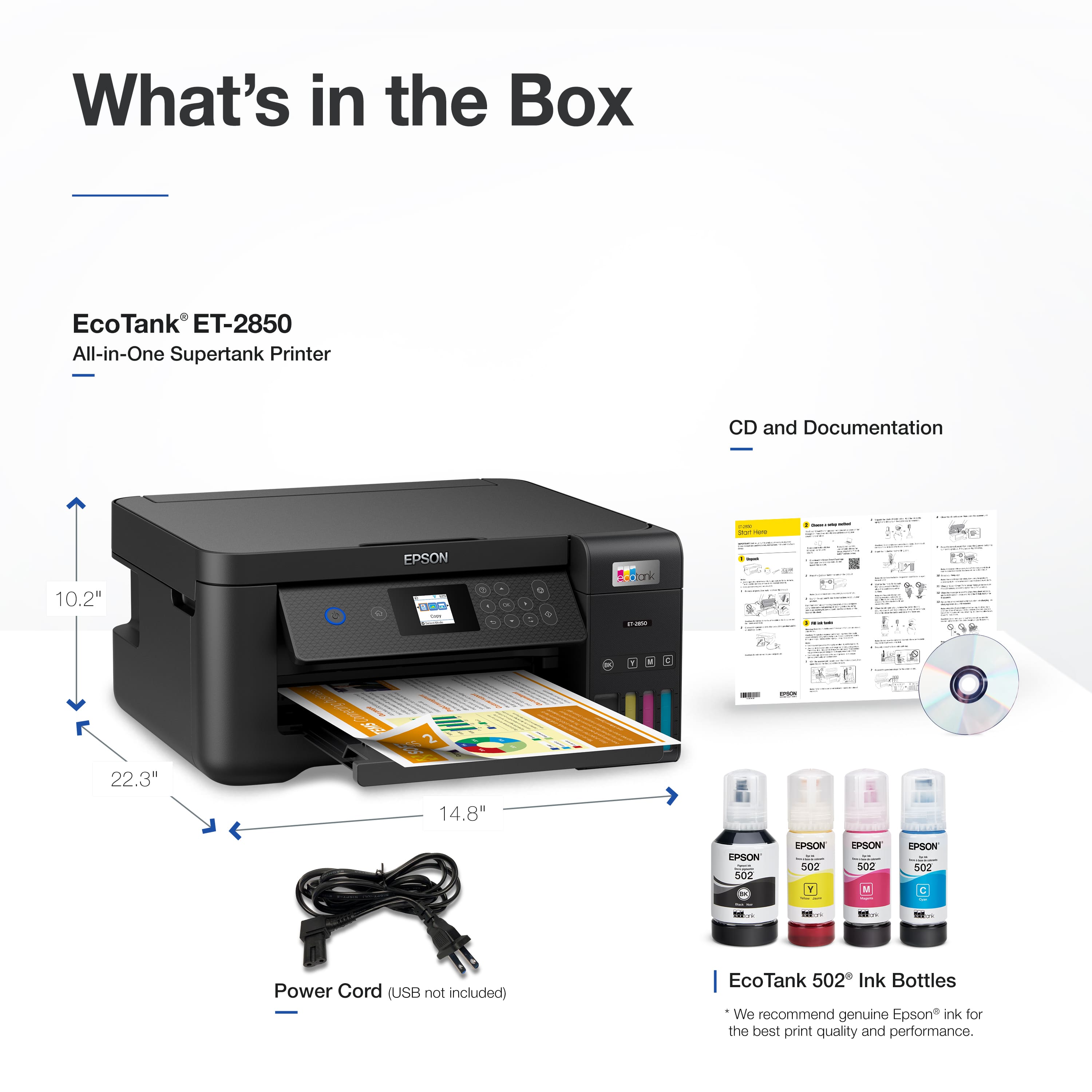
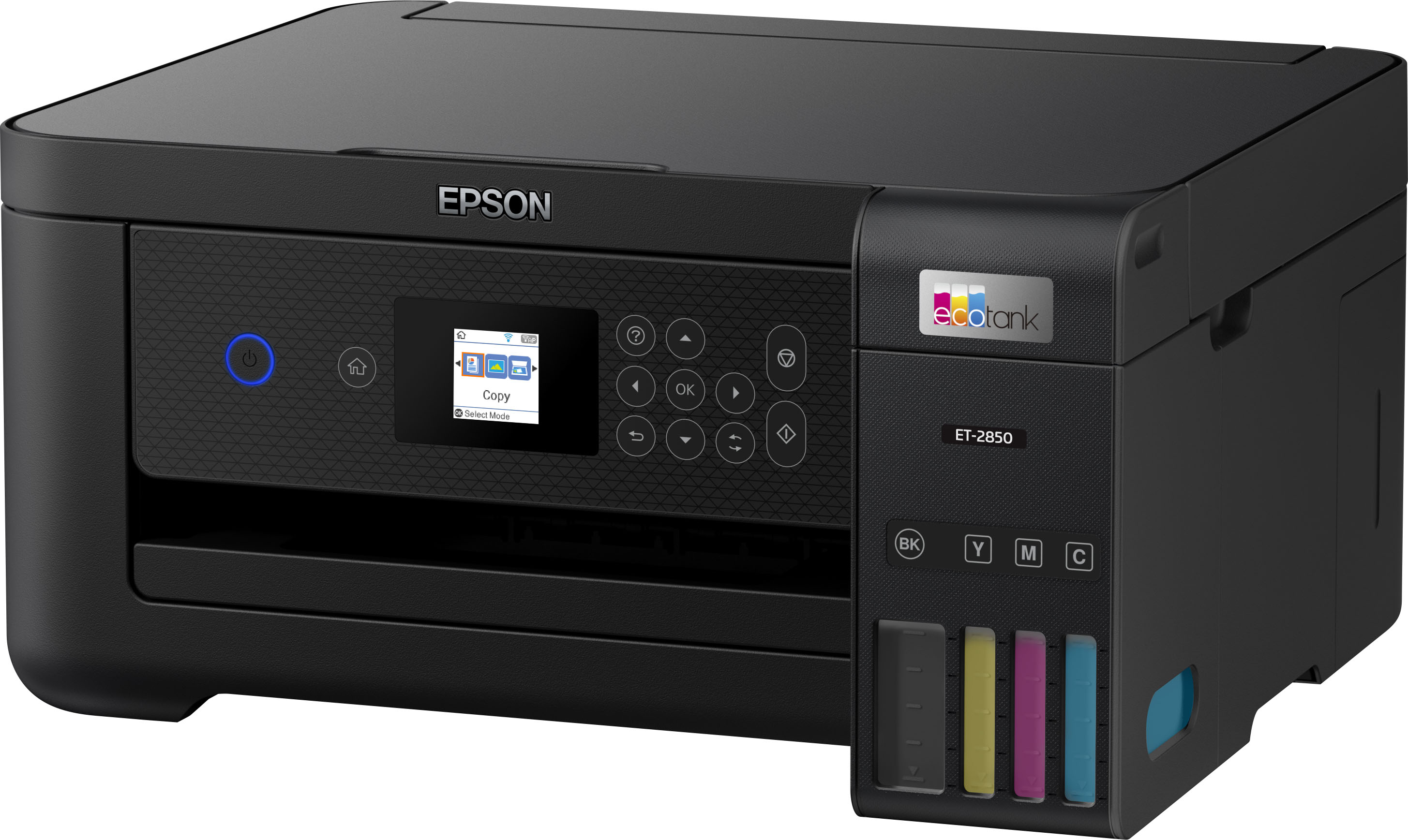
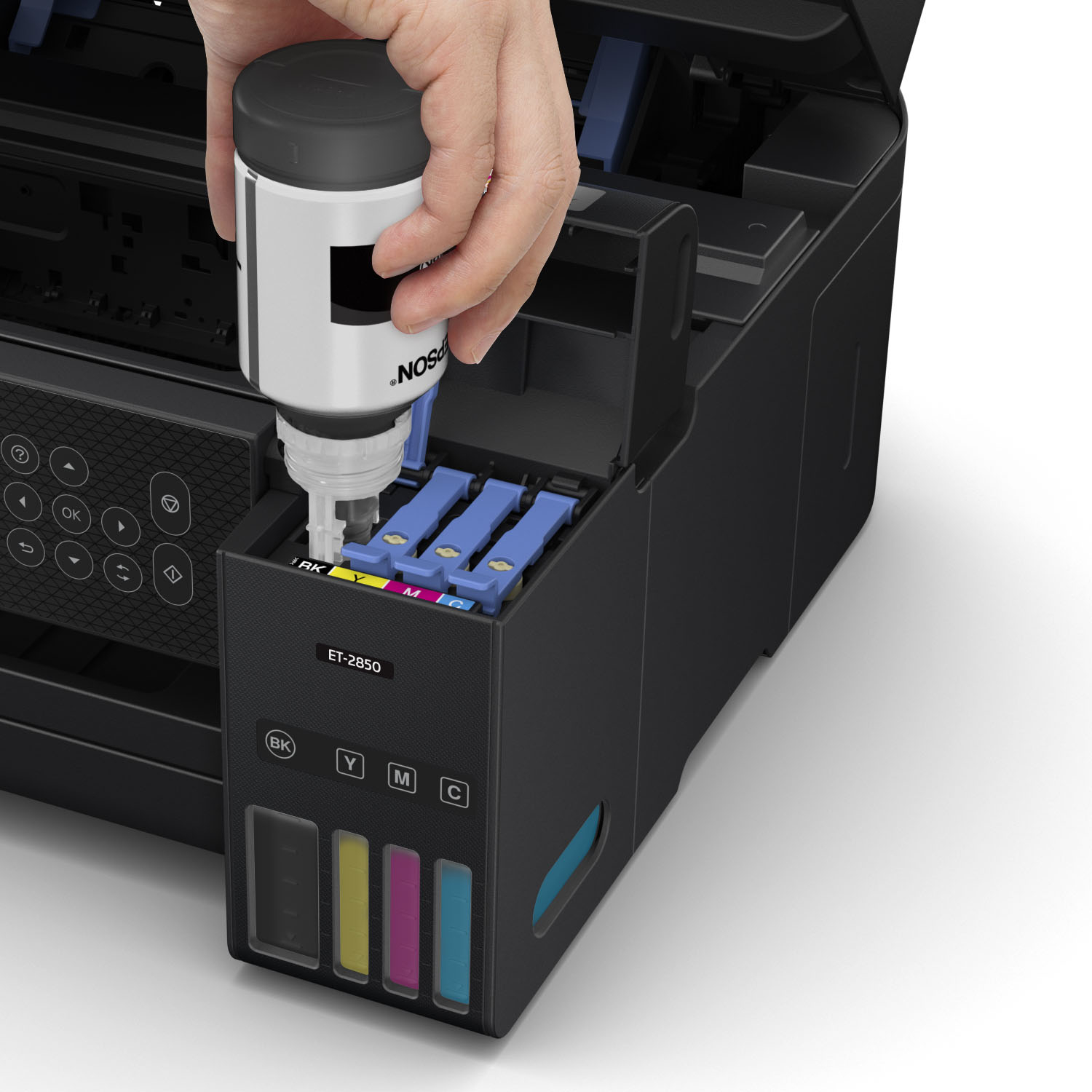
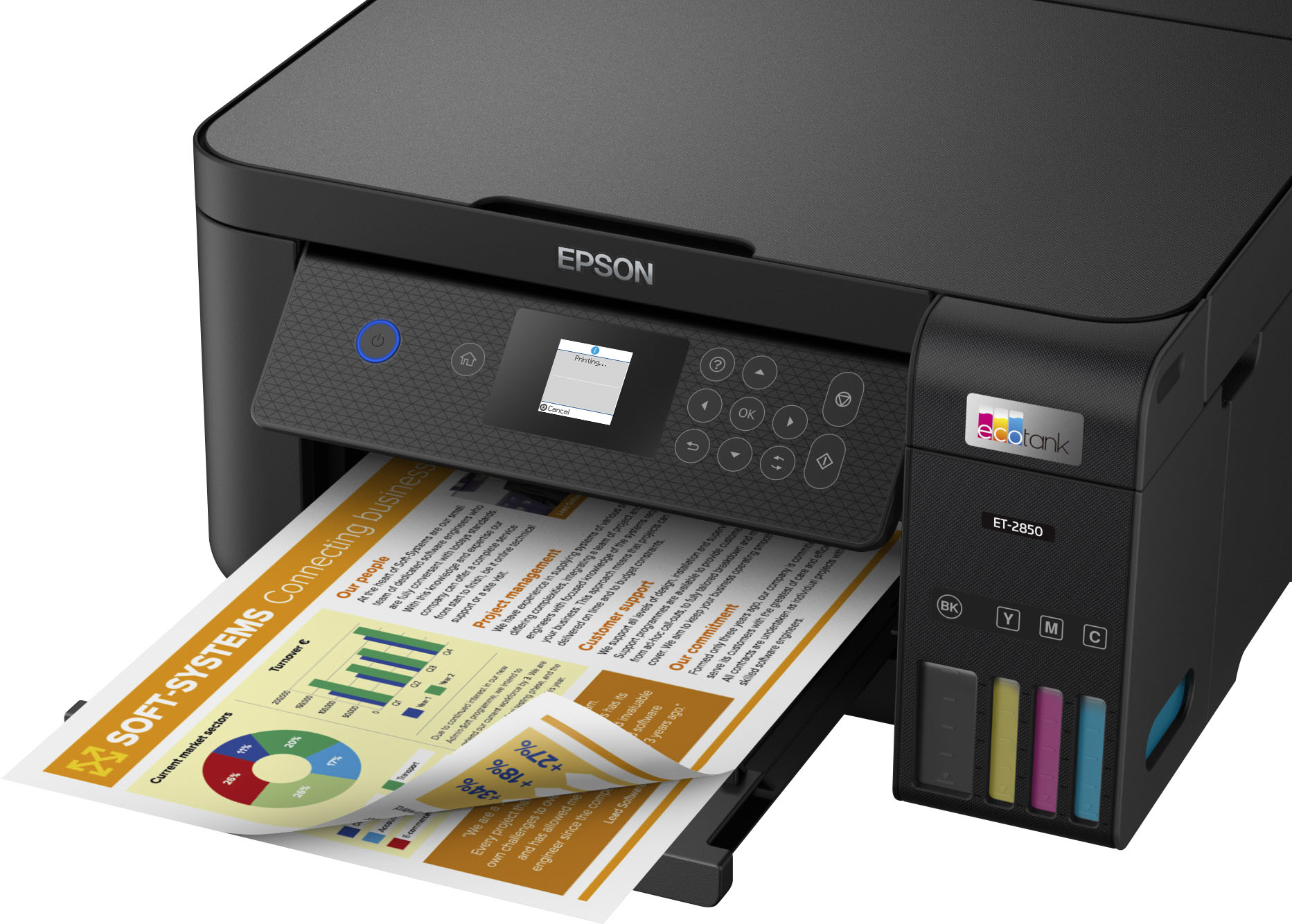
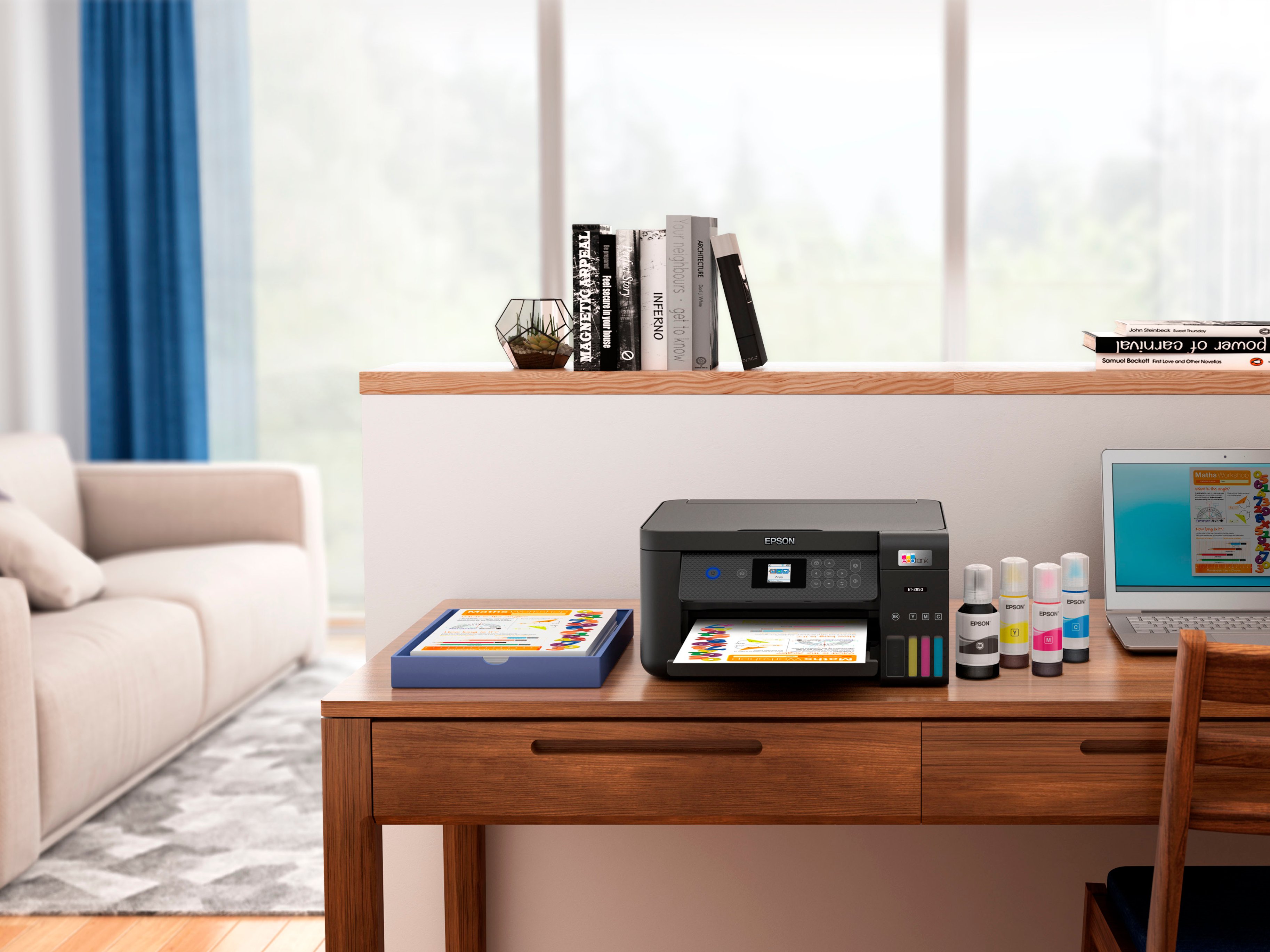
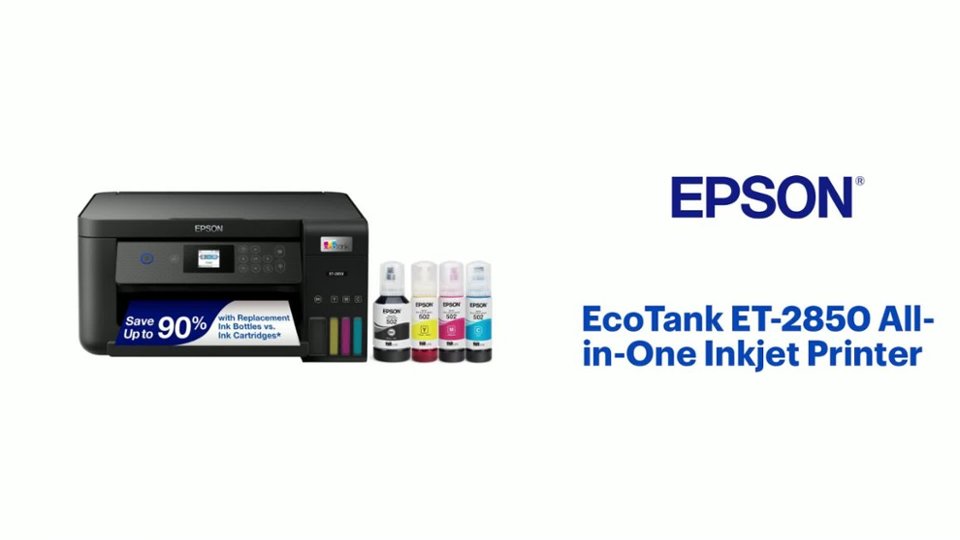
A:AnswerHello Keila. Yes, the ET-2850 comes with empty ink tanks, that you would need to fill before using the printer. Four Ink Bottles (Cyan, Magenta, Yellow, and Black) are included inside of the box. Regards, Kevin - The Epson Team.
A:AnswerHi Deb244, Yes, if you set up a free Epson Connect account and enter destination email addresses, the EcoTank ET-2850 can scan and send PDF files by email. Another option is to use the free Epson Smart Panel app on your phone to scan and save PDFs. Either way, the ET-2850 must be connected to a Wi-Fi network. Regards, Mark - The Epson Team.
A:AnswerHi, Yes the EcoTank ET-2850 can enlarge or reduce images when you copy or print them. You can change the copy size from 25% to 400% or the original using the front panel controls. The printer driver has settings to reduce or enlarge a printout from 10% to 400%. Regards, Mark - The Epson Team.