Questions & Answers
- Model:
- C11CJ62201
- |
- SKU:
- 12373767
$329.99$329.99
Page Showing 61-80 of 226 questions
Q: QuestionWhat is the biggest paper size it can take?
Asked by Squid.
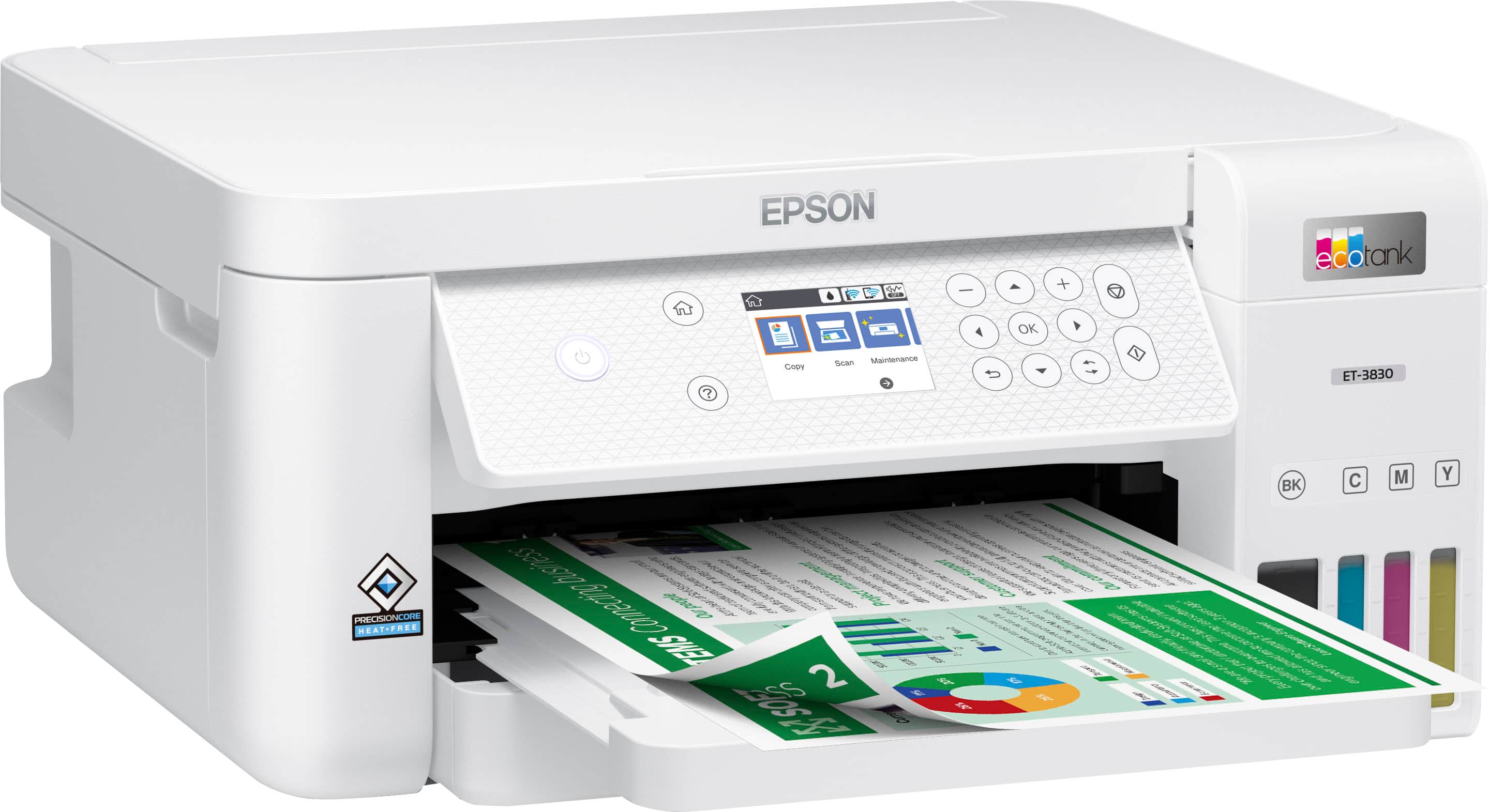
- A:Answer Hello Squid. The ET-3830 can print on paper sizes ranging from 3.5" x 5" to 8.5" x 47.2". Regards, Kevin - The Epson Team.
Answered by Epson
Q: QuestionMy Epson printer model #3830 series 2 leaves a gap in the print output and I have performed every cleaning and alignment that the printer offers, to no avail!! Very frustrated at this point, any ideas??
Asked by Barney.
- A:Answer Hello Barney. We're sorry to hear you're experiencing print quality issues with your printer. If you're noticing gaps in the print head nozzle check, performing cleanings, as you've already done, is typically the recommended first step. To help resolve this further, we'd like to gather more details. Please reach out to our Tech Support team by phone so we can assist you directly. Regards, Kevin - The Epson Team.
Answered by Epson
Q: QuestionWhat is the difference between the Epson 2980 and the Epson 3830?
Asked by kathy.
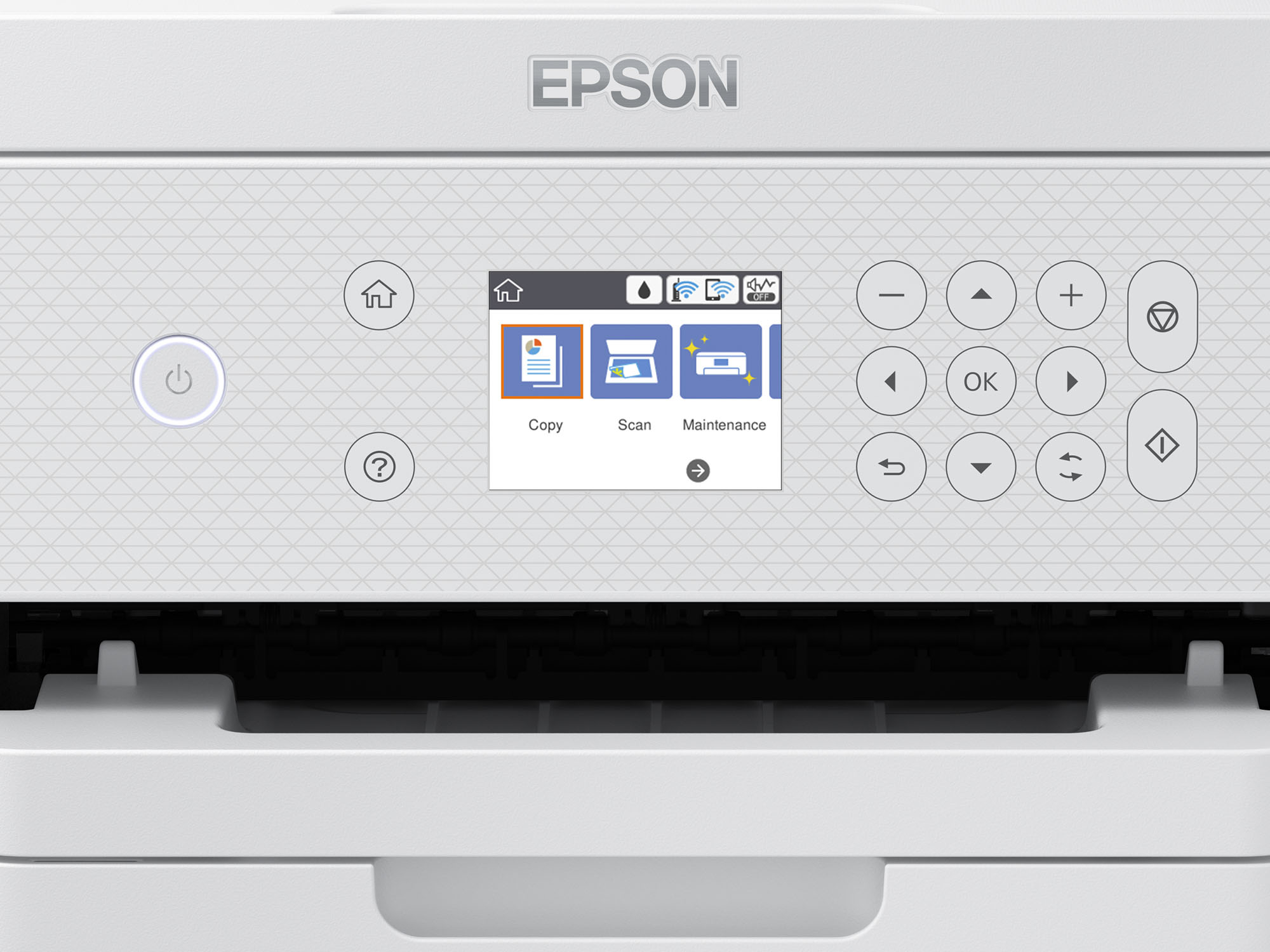
- A:Answer Hello kathy. The ET-3830 has a larger 2.4" display screen, supports an Ethernet connection, and has a larger paper tray that holds 250 sheets compared to the ET-2980’s 100-sheet tray. Both printers have similar print speeds and use the same ink, but if you need a printer that can hold more paper, go with the ET-3830. Regards, Kevin - The Epson Team.
Answered by Epson
Q: Questionwill this printer connect to windows 11pro?
Asked by REDDOG.
- A:Answer Hello REDDOG. Yes, the ET-3830 will work with Windows 11. You can download the latest driver on our official Epson Support page. Regards, Kevin - The Epson Team.
Answered by Epson
Q: QuestionDoes this printer come with the ink bottles included????
Asked by Anonymous.
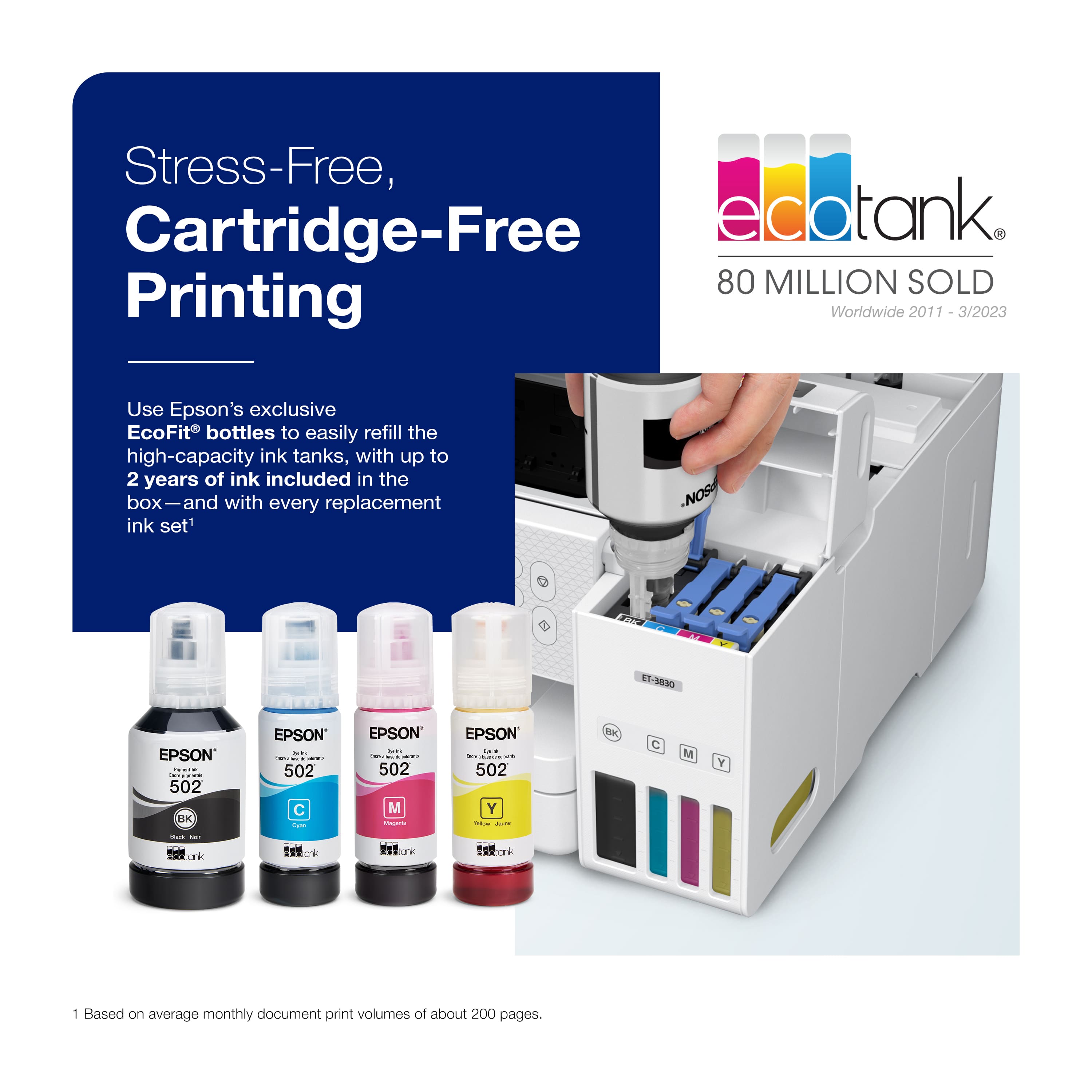
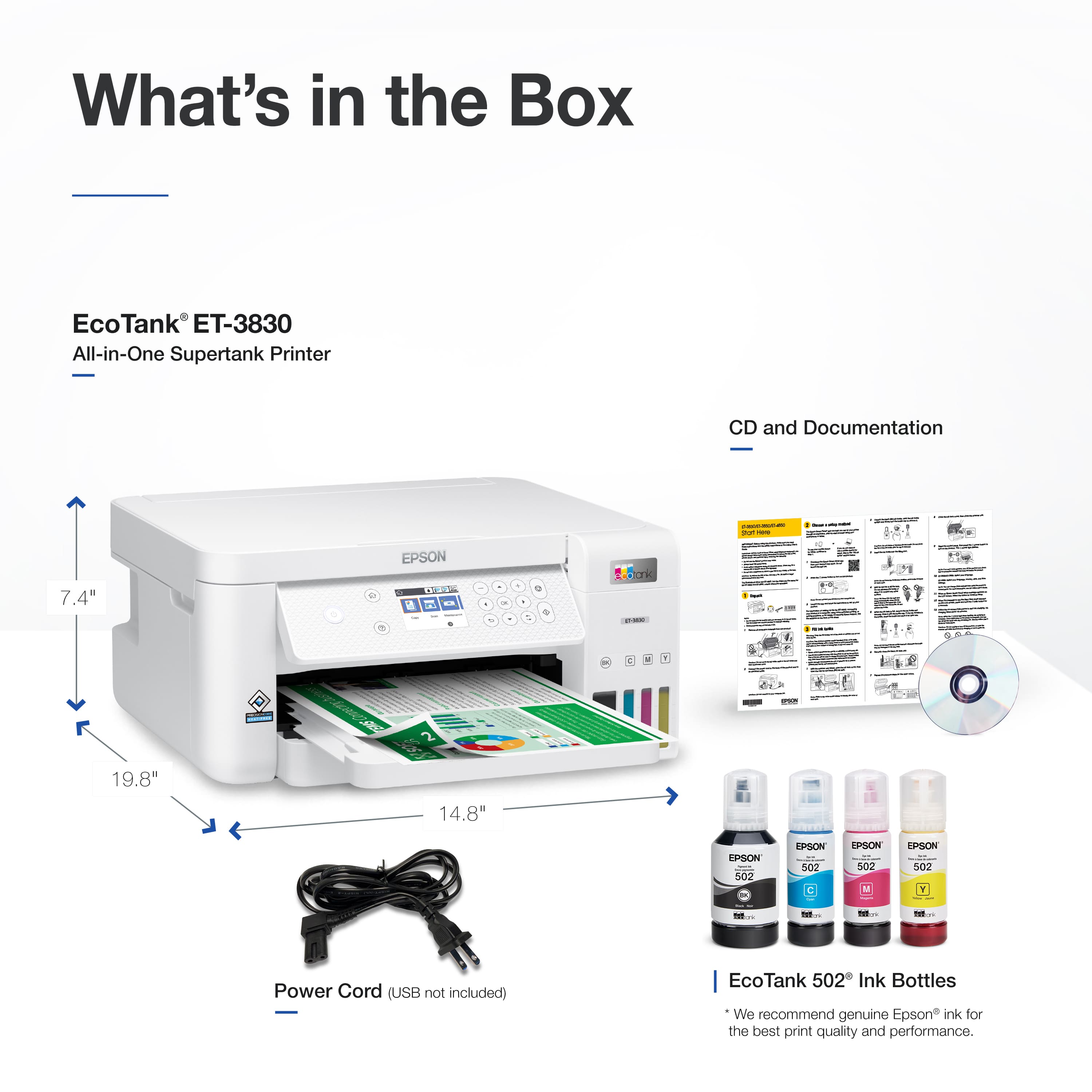
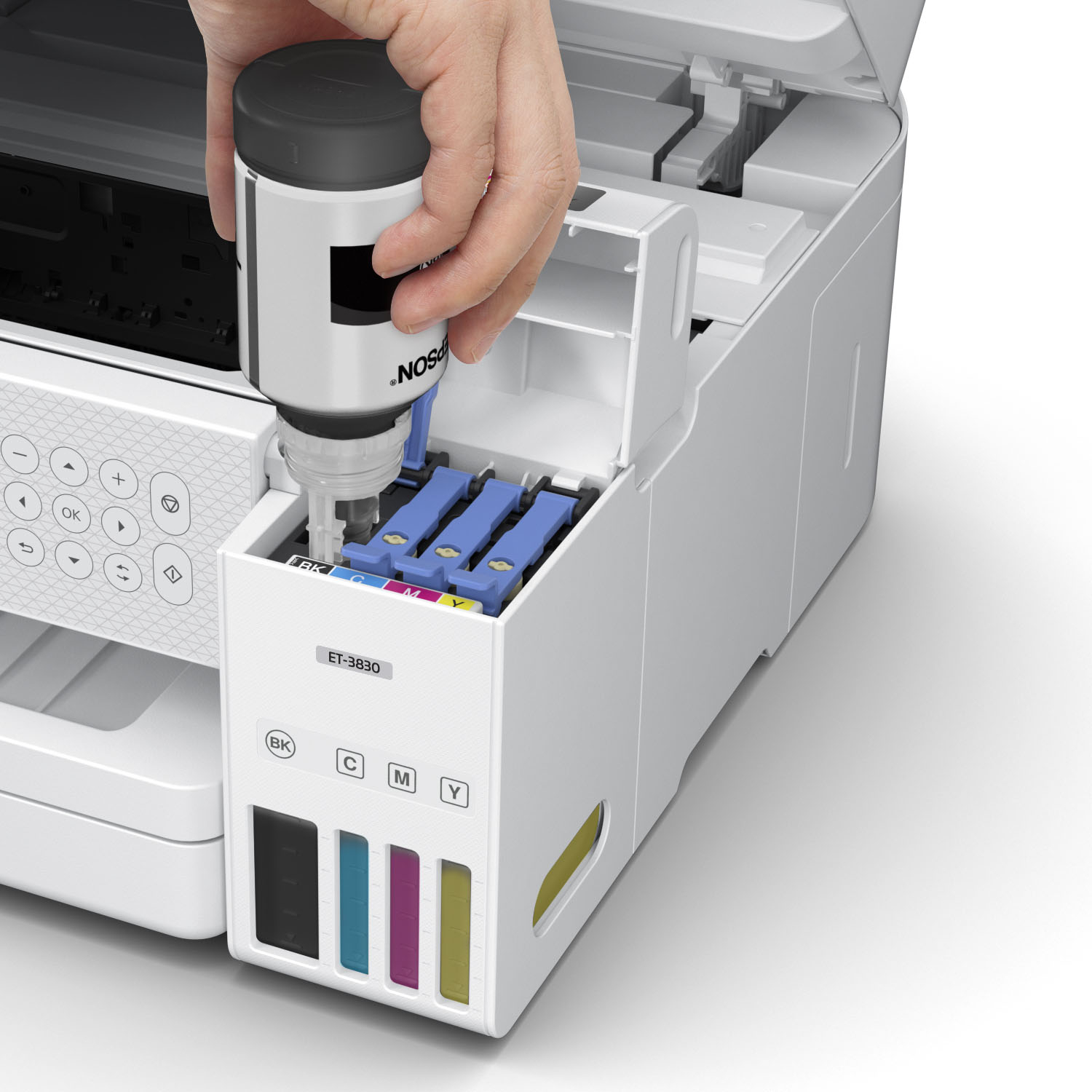
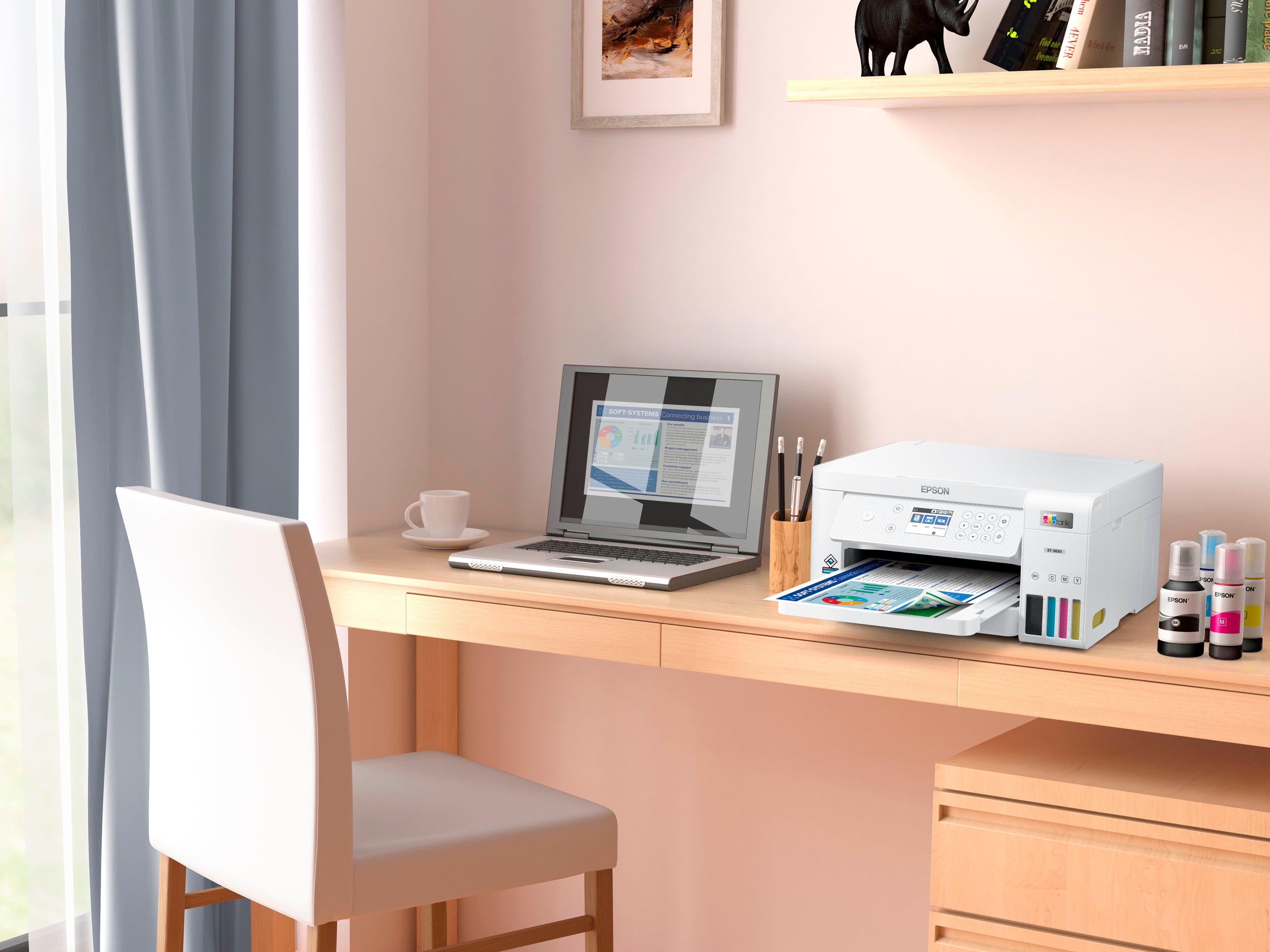
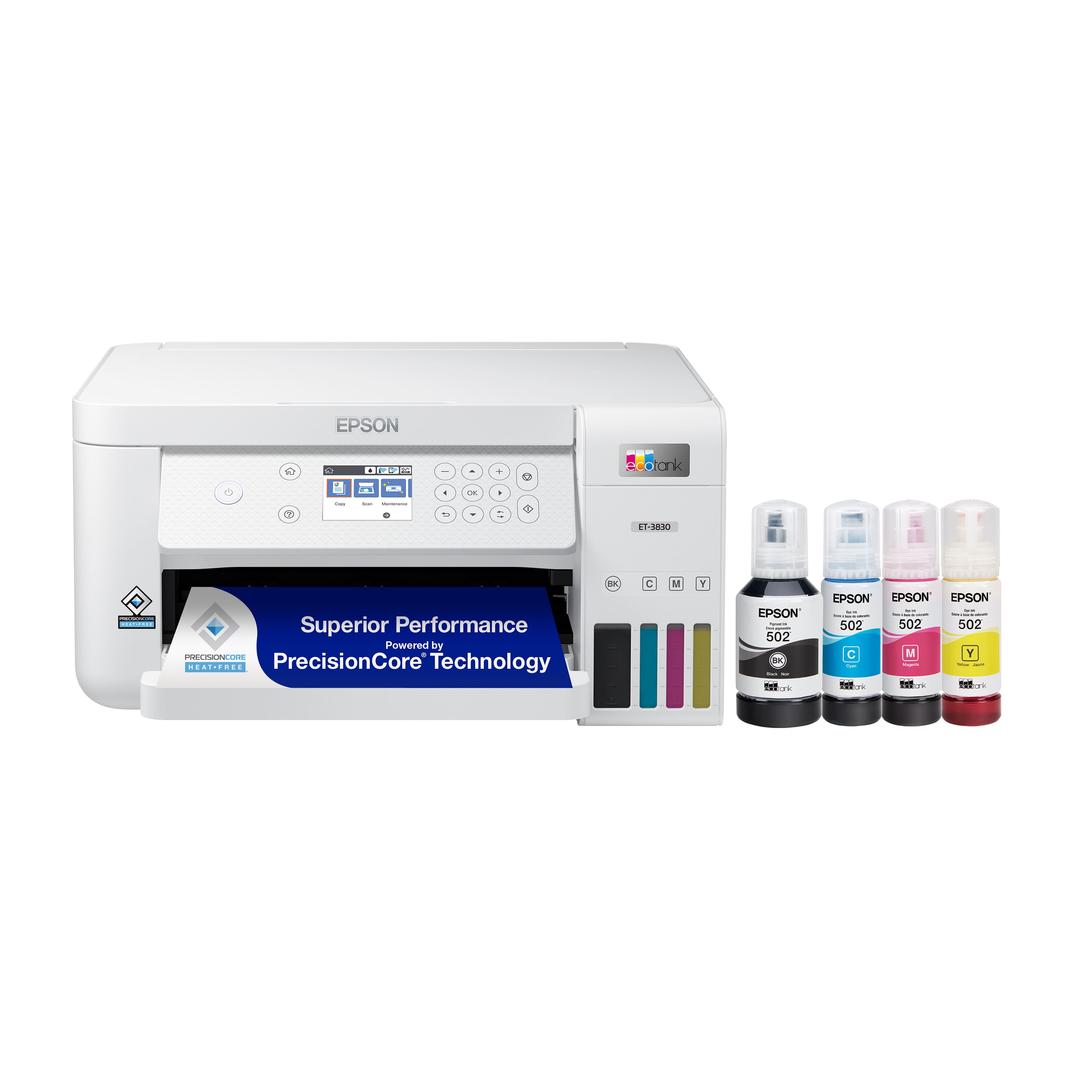
- A:Answer Yes ink bottles are included.
Answered by Lulu
Q: QuestionCan this print 11x17 sheets of paper?
Asked by Anonymous.
- A:Answer Yes
Answered by JMURRAY711
Q: QuestionHow is the photo printing quality of this printer?
Asked by Janice.
- A:Answer Hello Janice. The ET-3830 uses a combination of both dye and pigment-based inks. It also includes Epson’s PrecisionCore Heat-Free Technology, designed to deliver sharp and impressive photos. Please be aware that photo quality can always vary depending on the original image, print settings, and the type of paper used. Regards, Kevin - The Epson Team.
Answered by Epson
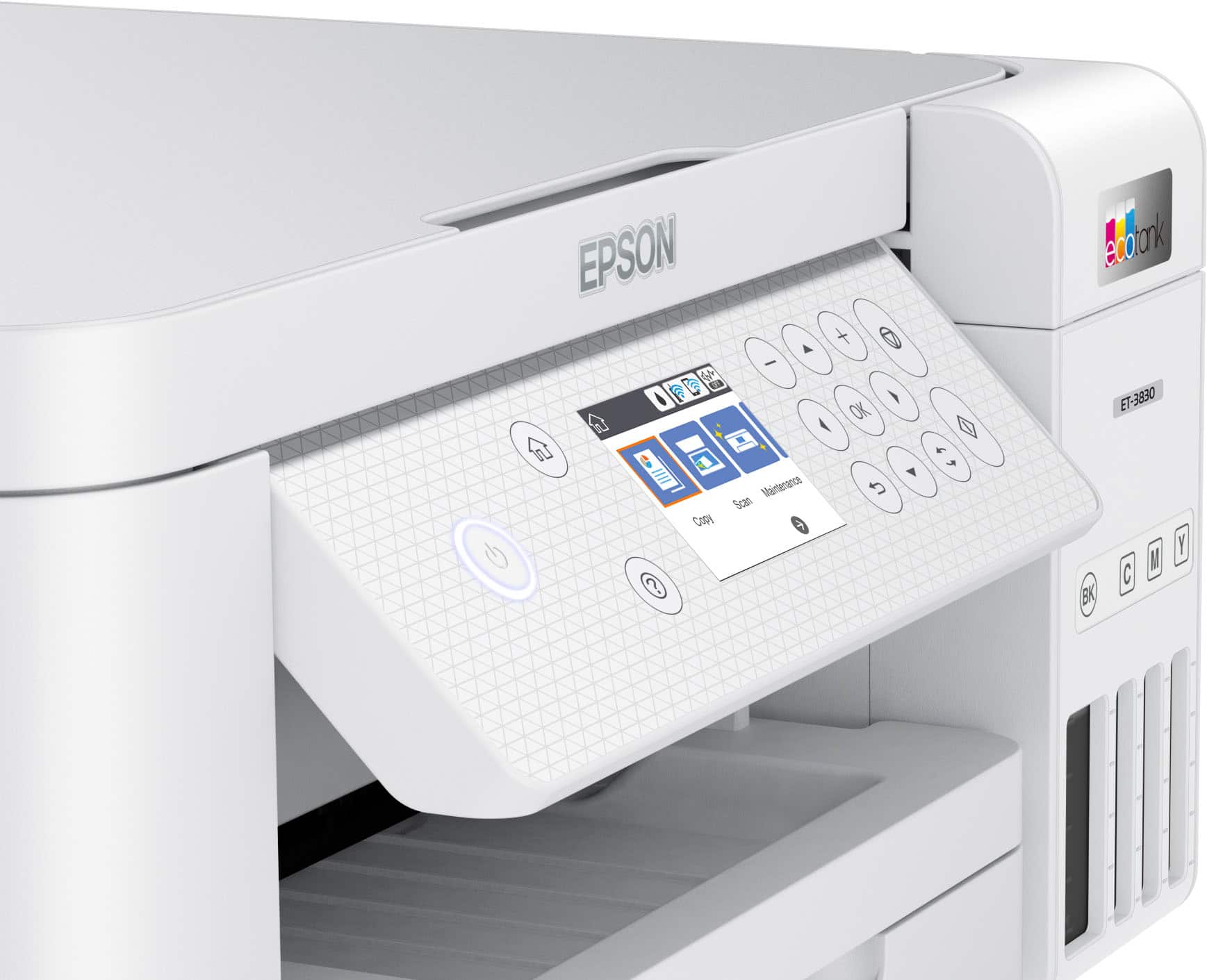
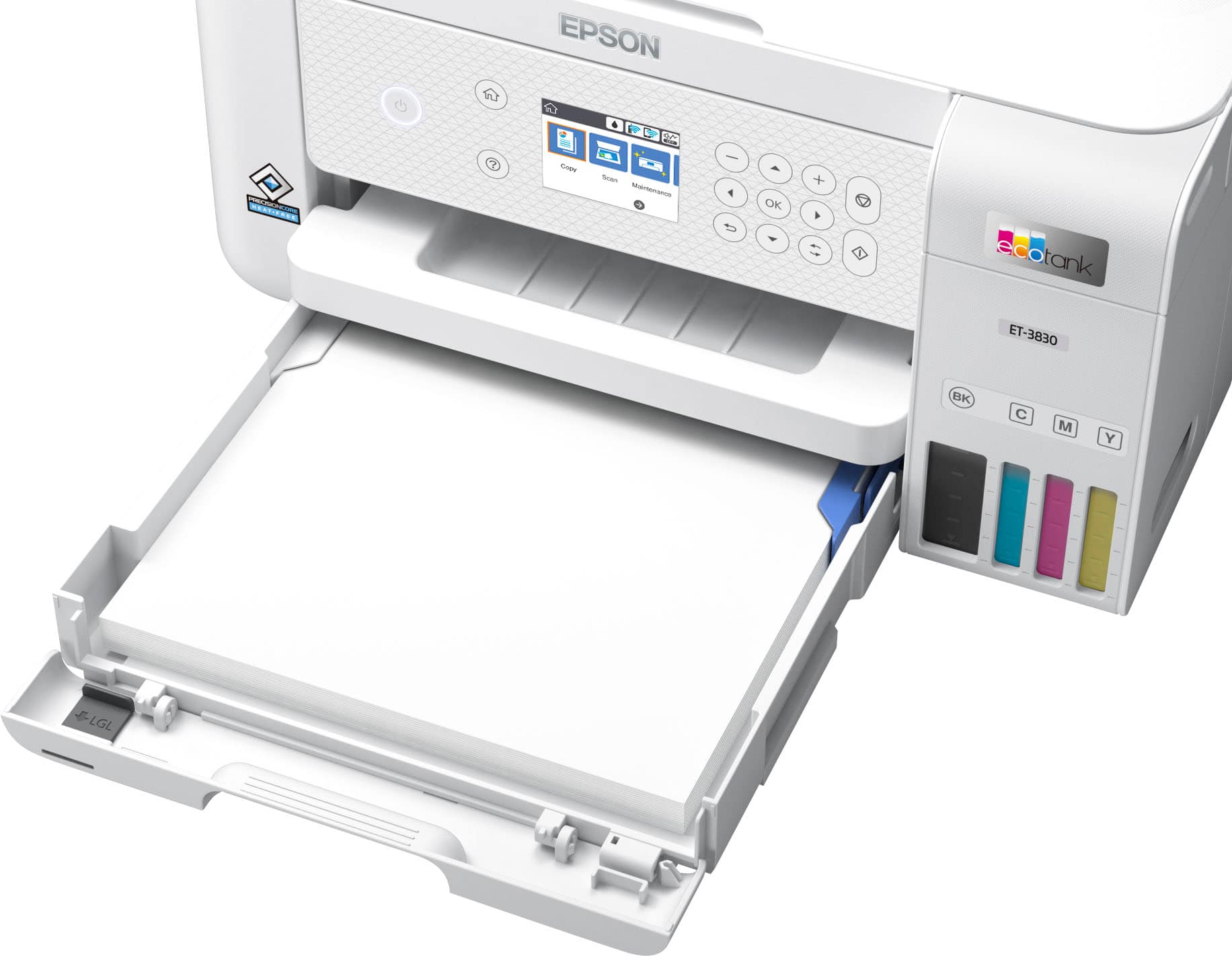
Q: QuestionDoes the paper tray load from the front?
Asked by Zeb.
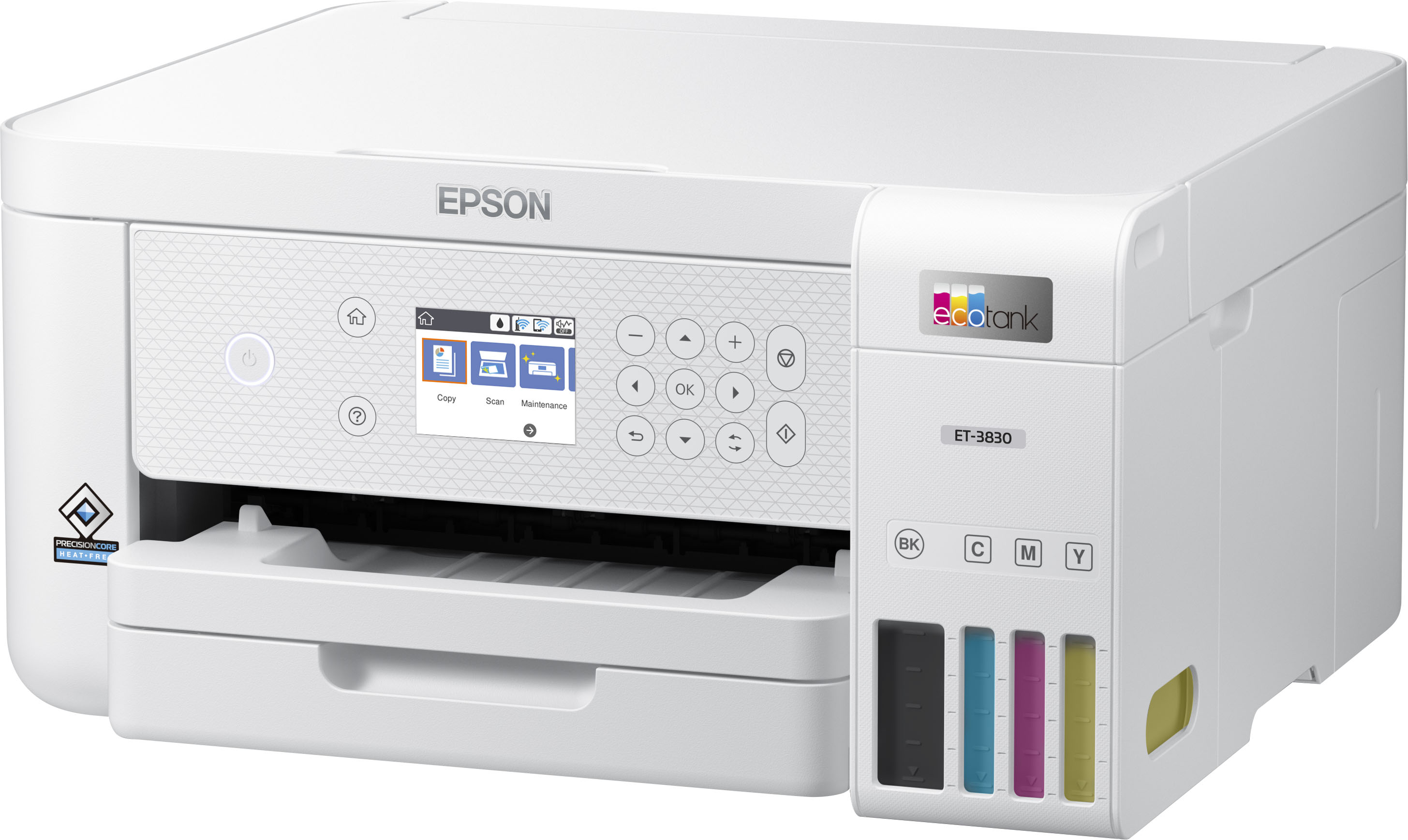
- A:Answer Yes, you load the paper in the front of the printer.
Answered by JocelynV
Q: QuestionIs it Apple compatible?
Asked by Anonymous.
- A:Answer Yes, u use both my iPhone and iPad to print easily.
Answered by JocelynV
Q: QuestionI want to print photos that are bright and sharp. My last printer was a 2750 and was excellent. What type of ink does the 3830 use--dye or pigment based? Do the photos come out bright and sharp? Some people are saying the photos are blurry.
Asked by Char.
- A:Answer Hello Char. The ET-3830 uses the same Epson 502 ink set as the ET-2750, which combines both dye and pigment-based inks. It also includes Epson’s PrecisionCore Heat-Free Technology, designed to deliver sharp and impressive photos. Please be aware that photo quality can always vary depending on the original image, print settings, and the type of paper used. Regards, Kevin - The Epson Team.
Answered by Epson
Q: Questiondoes this printer print 8and one half by fourteen documents
Asked by lu.
- A:Answer Hello lu. Yes, the ET-3830 can print on legal-size paper (8.5" x 14"). Regards, Kevin - The Epson Team.
Answered by Epson
Q: QuestionWILL THIS PRINTER WORK ON WINDOWS 11 PRO?
Asked by REDDOG.
- A:Answer Hello. Yes, the ET-3830 will work with Windows 11 Pro. You can find our print driver on our official Epson Support page. Regards, Kevin - The Epson Team.
Answered by Epson
Q: QuestionWhat sizes of paper does this printer print besides letter size ? Does it print legal or lever size too?
Asked by Georgie.
- A:Answer Hello Georgie. The ET-3830 can print on paper sizes ranging from 3.5" x 5" to 8.5" x 47.2". Regards, Kevin - The Epson Team.
Answered by Epson
Q: QuestionHow easy is it to hook up wireless?
Asked by Mik.
- A:Answer Super easy. Just find the wi-fi network on the screen. Select it and add your password.
Answered by isdmaster
Q: QuestionWhat’s the biggest phot crop I can print with this printer?
Asked by Bigballah18.
- A:Answer Hello Bigballah18. The ET-3830 can print on paper sizes ranging from 3.5" x 5" to 8.5" x 47.2". Regards, Kevin - The Epson Team.
Answered by Epson
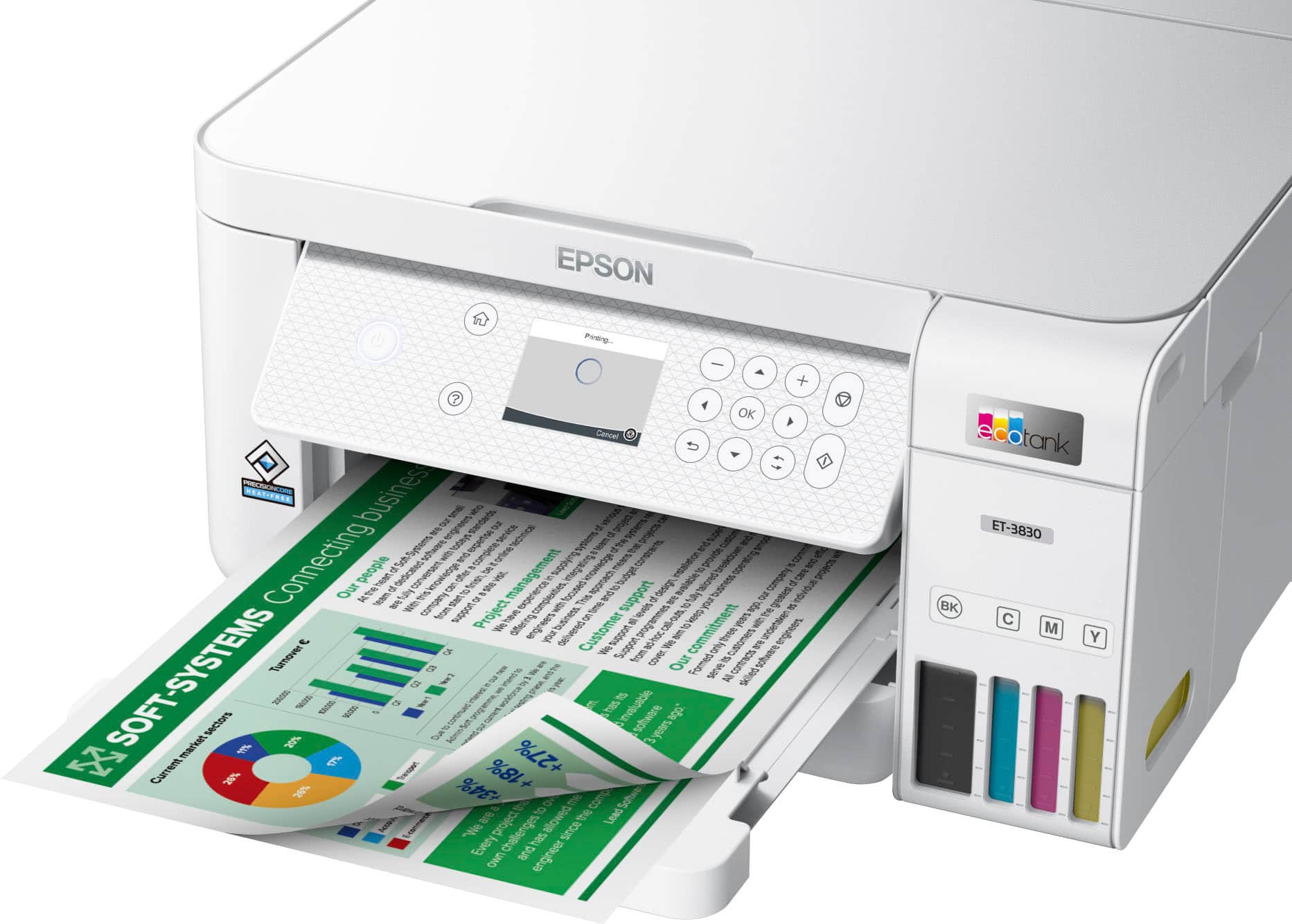
Q: QuestionCan I print double sided with this printer?
Asked by acegab34.
- A:Answer Hello ara. Yes, the ET-3830 includes automatic 2-sided printing. Regards, Kevin - The Epson Team.
Answered by Epson
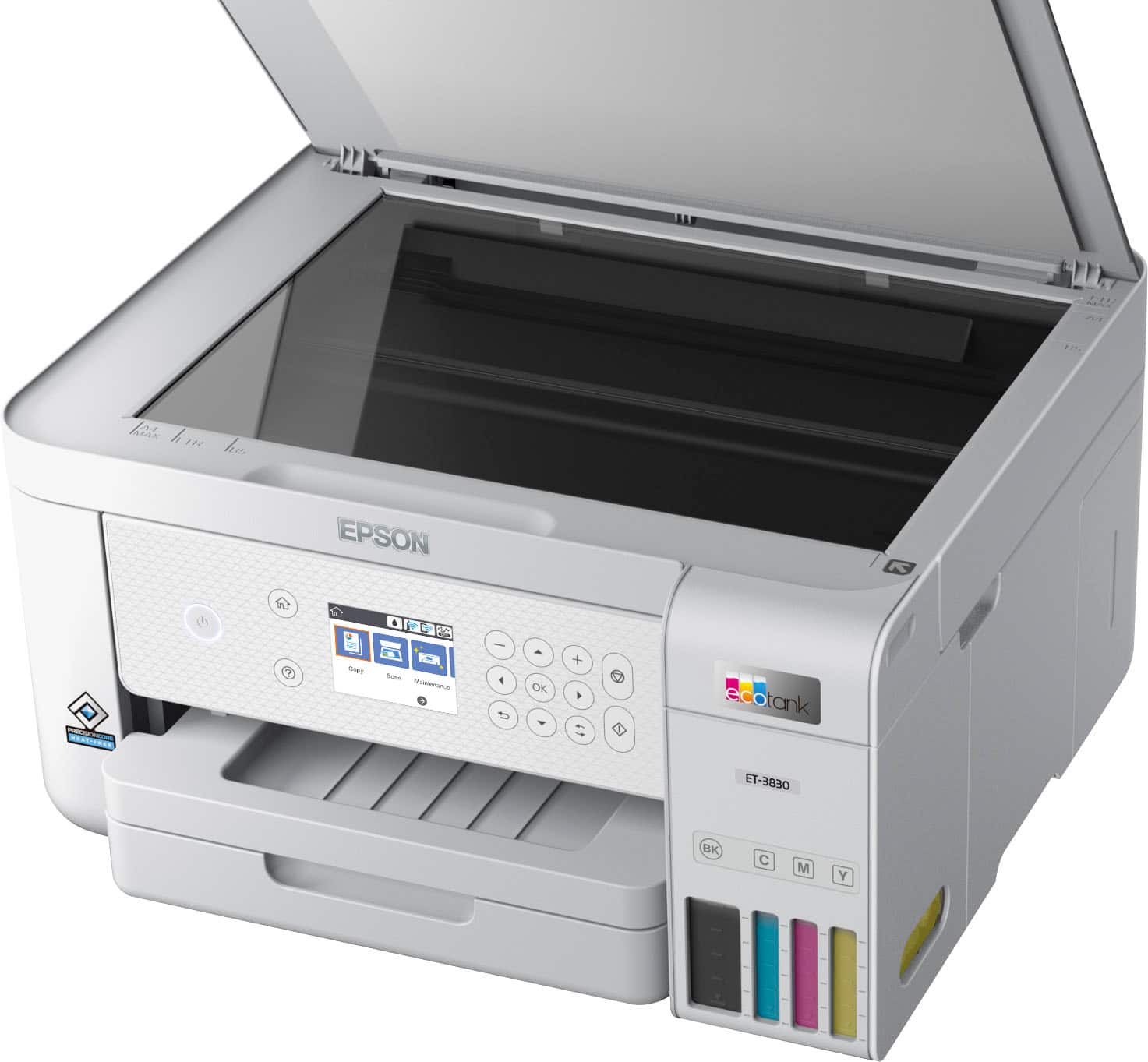
Q: QuestionDoes this machine fax?
Asked by Grich.
- A:Answer Hello Grich. The ET-3830 does not have fax functionality. We recommend looking at the ET-4950 for a similar printer with fax features included. Regards, Kevin - The Epson Team.
Answered by Epson

Most-viewed items
- $199.99$199.99The price was $239.99
- $179.99$179.99The price was $229.99
- $549.99$549.99The price was $699.99
- $249.00$249.00The price was $323.00
- $799.99$799.99The price was $849.99
- $269.99$269.99The price was $329.99
- $149.99$149.99The price was $169.99
- $229.99$229.99The price was $317.55


.](https://pisces.bbystatic.com/image2/BestBuy_US/images/products/ae1649ec-8302-4f88-8b9b-d104978b3f04.jpg;maxHeight=54;maxWidth=54;format=webp)

. 1 Most features require an Internet connection to the printer, as well as an Internet- and/or email-enabled device. For a list of Epson Connect enabled printers and compatible devices and apps, visit [www.epson.com/connect](http://www.epson.com/connect).](https://pisces.bbystatic.com/image2/BestBuy_US/images/products/9c542c50-85ee-4815-a2ca-cf245f57e253.jpg;maxHeight=54;maxWidth=54;format=webp)