Outlet EventEnds Jan. 19. Limited quantities. No rainchecks.Shop now

Main Content

Questions & Answers

Your price for this item is $269.99
The comparable value price is $369.99
Page Showing 41-60 of 226 questions
  • Questiondoes it print good quality pictures? Also is the replacement ink costly?

    Asked by WDM.

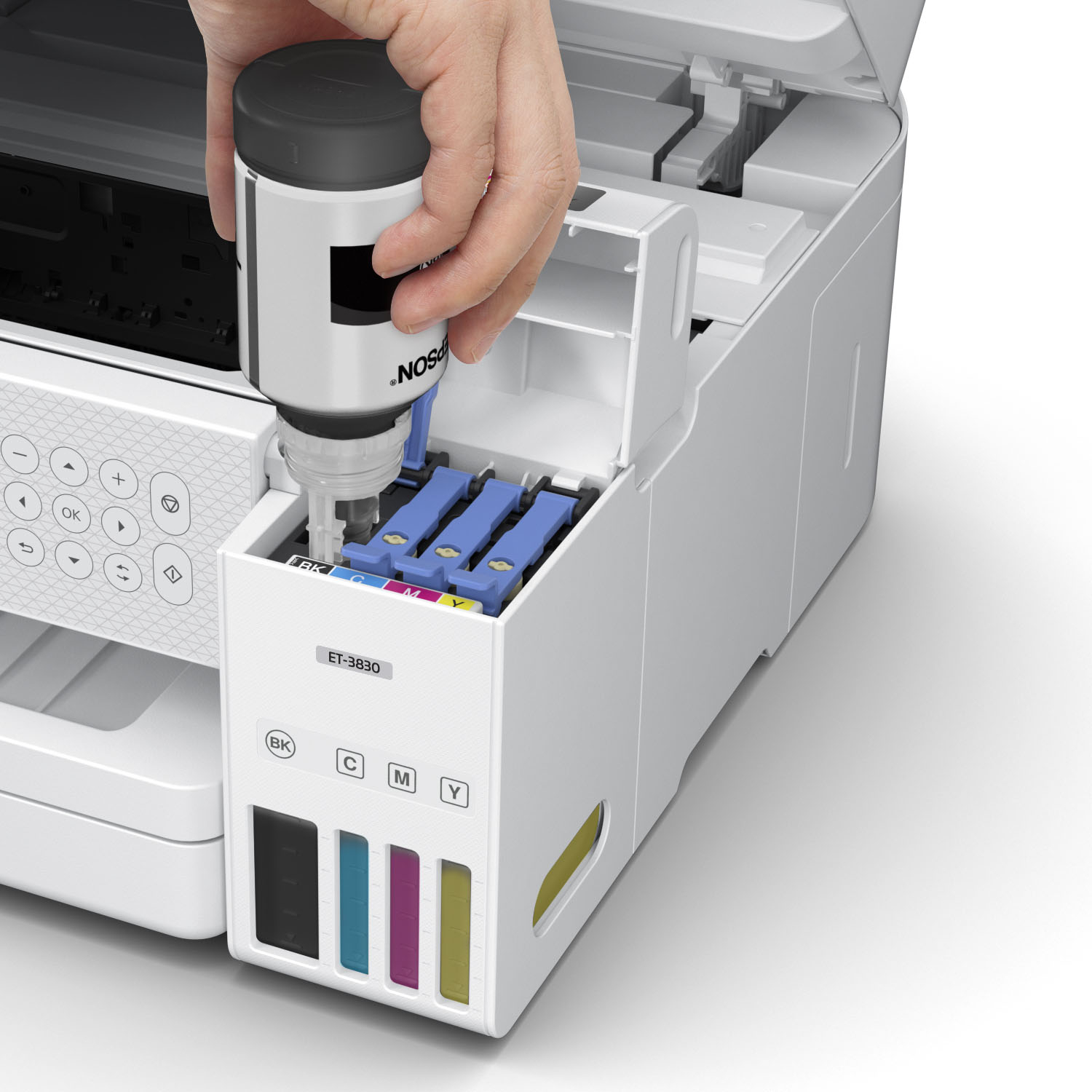
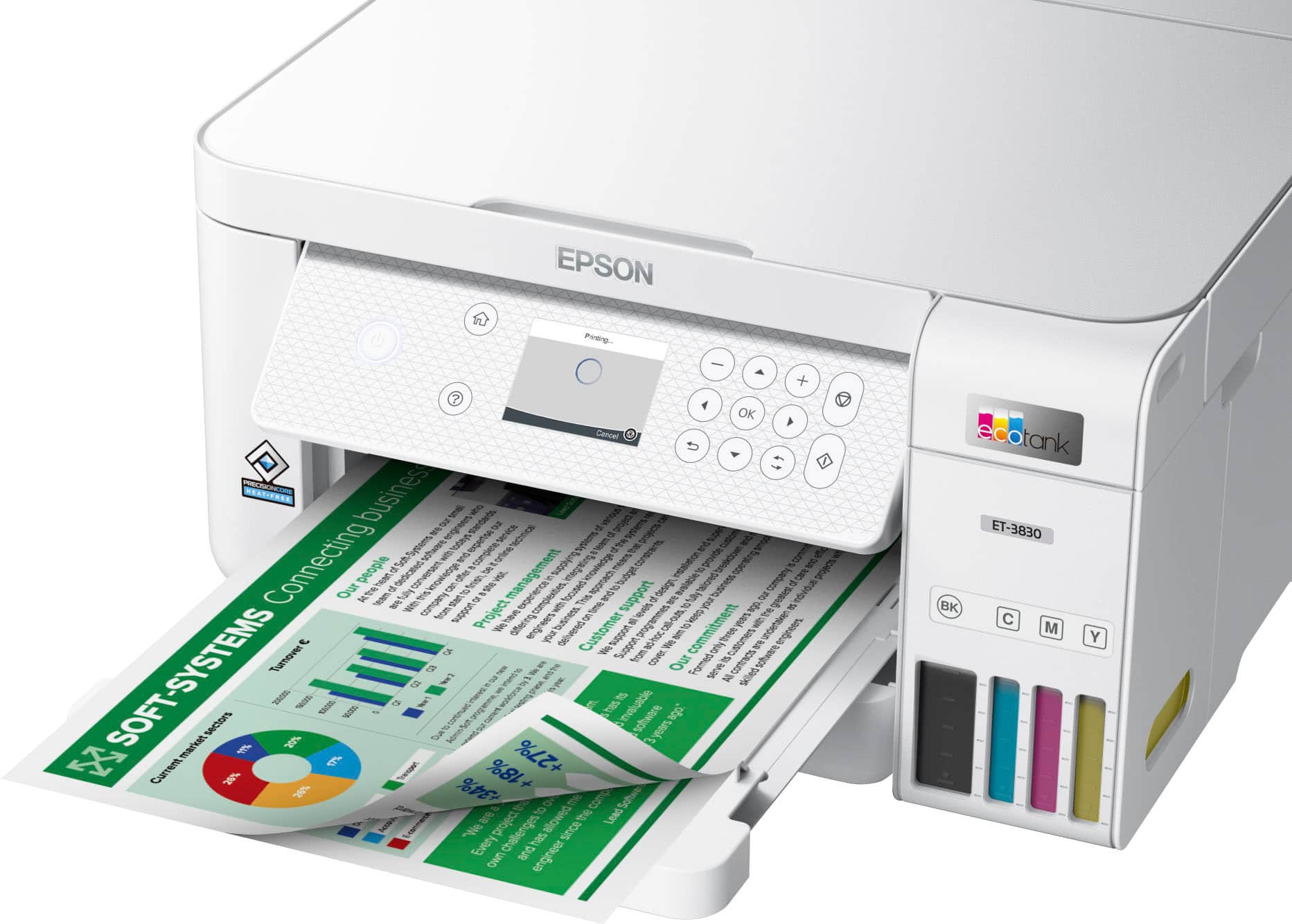
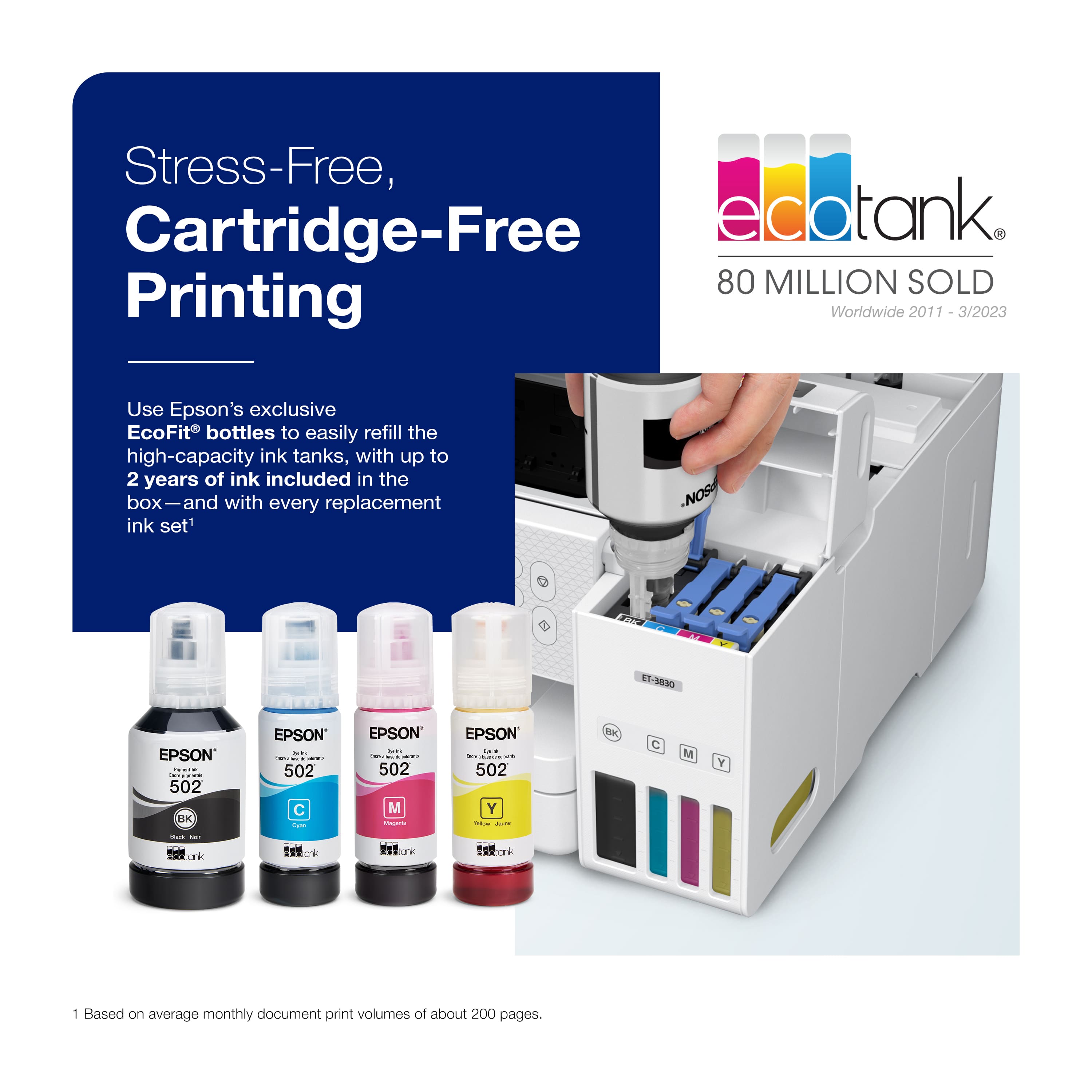
    • Answer Hello WDM. Yes, the ET-3830 has a maximum print quality of 4800 x 1200 dpi. The machine uses our latest PrecisionCore heat-free technology and pigment black ink to produce impressive print quality. For ink pricing, we recommend looking at BestBuy's website for pricing on T502 ink bottles. Regards, Kevin - The Epson Team.

      Answered by Epson

  • Questiondoes the Epson 3830 have a document feeder

    Asked by Anonymous.

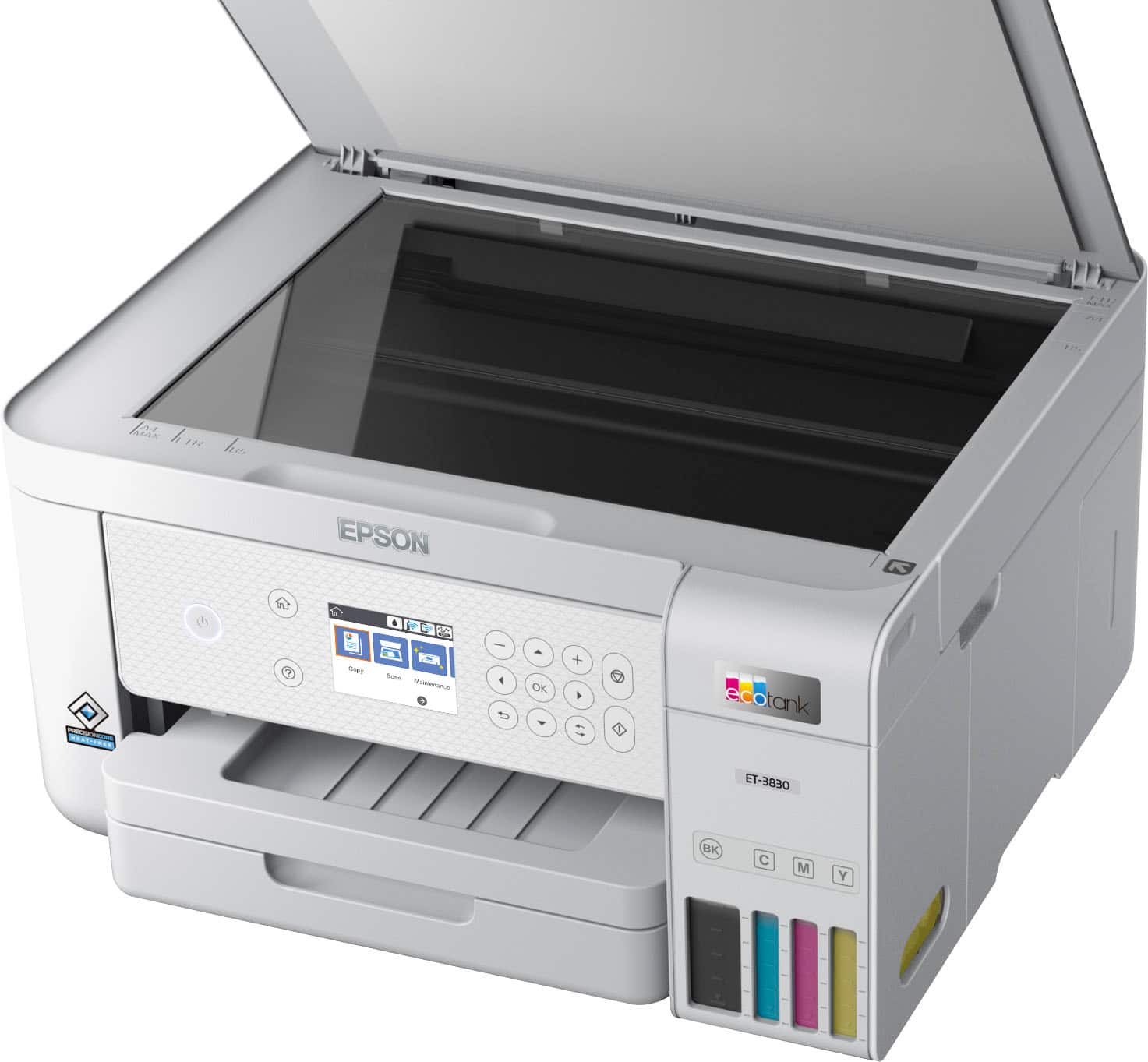
    • Answer No, this printer does not have a document feeder. There is a different model that is only slightly more expensive with a doc. feeder.

      Answered by atir

  • Questiondoes it feed multiple pages for scanning?

    Asked by karl.

    • Answer Single page no document feeder

      Answered by Averageordinaryguy

  • QuestionDoes this printer have a scanner function

    Asked by Anonymous.

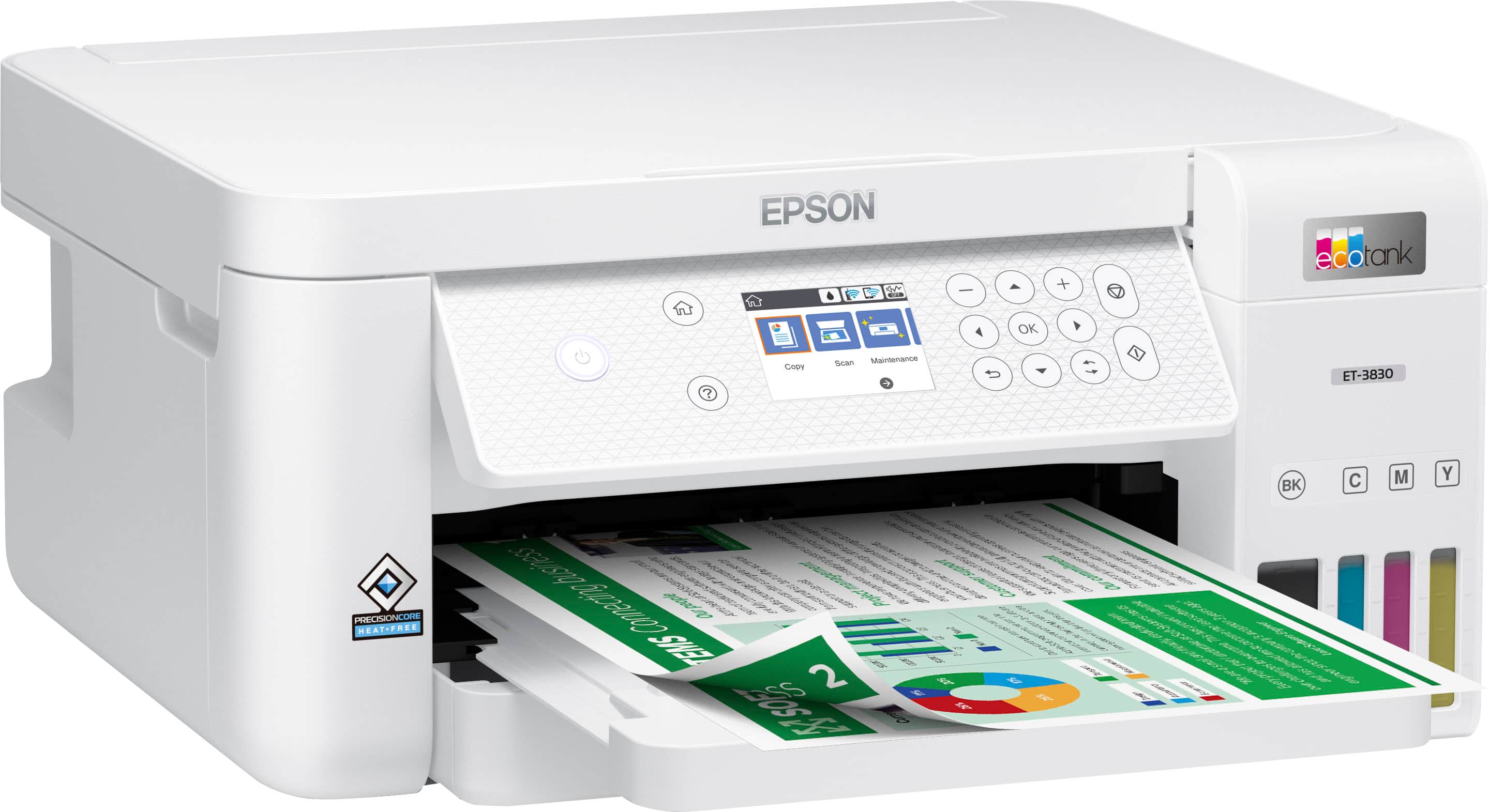
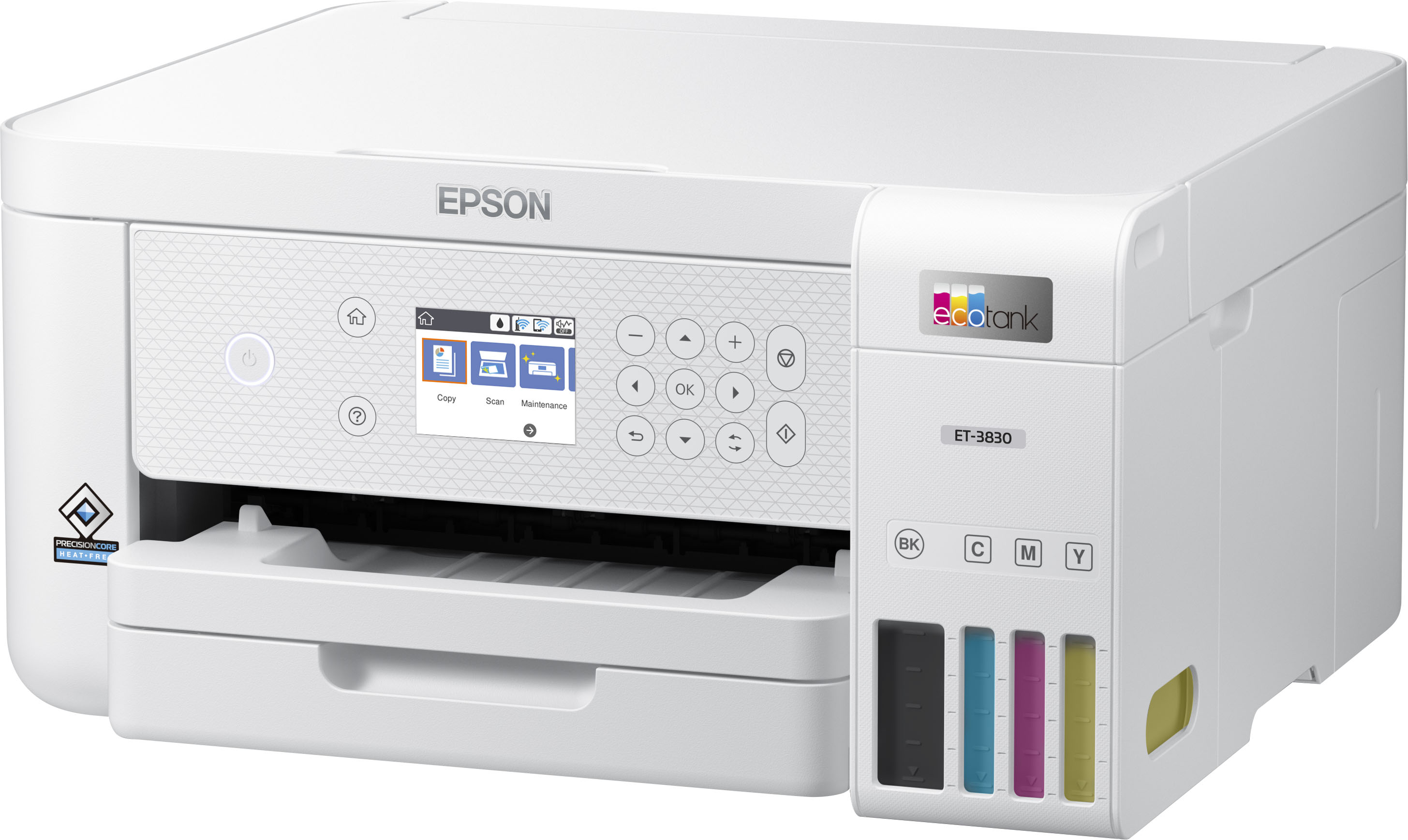
    • Answer Hello. Yes, the ET-3830 is an All-In-One printer that includes printing, copy, and scan functionality. Regards, Kevin - The Epson Team.

      Answered by Epson

  • QuestionCan the paper be stored internally ?

    Asked by Anonymous.

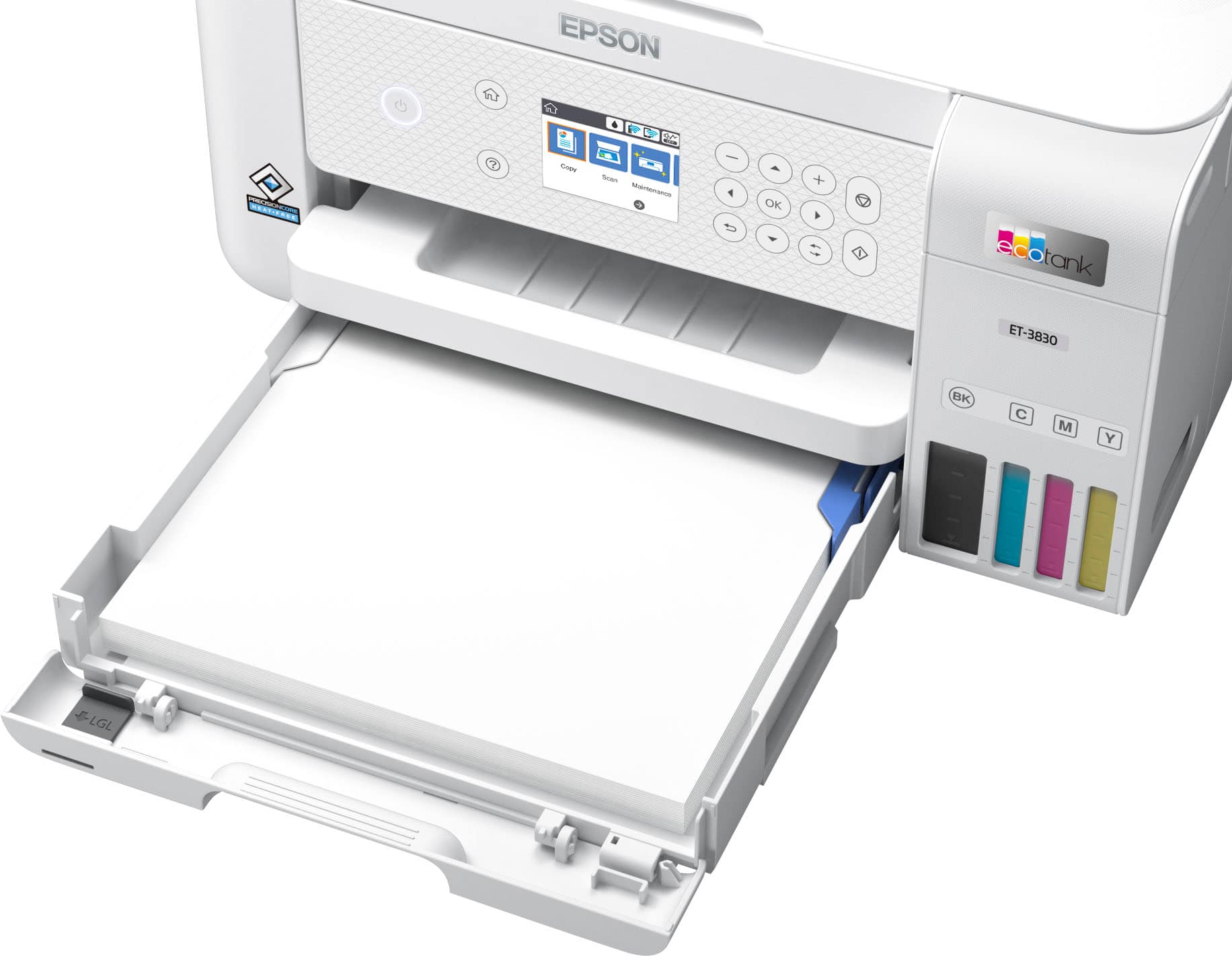
    • Answer Yes, definitely as long as the required sized of the computer paper 8.5 x 11.

      Answered by Lastlonginkprinter

  • QuestionDoes this printer use dye ink and can it print on sticker paper for crafts?

    Asked by Jag.

    • Answer Hello Jag. The ET-3830 uses a combination of dye and pigment-based inks. It can print on standard inkjet-compatible label sheets like Epson Photo Quality Self-adhesive Sheets. Inkjet sticker paper should work, but your results can vary when using third-party paper with the machine. So, we always recommend contacting the paper manufacturer first to ensure compatibility with our printers. Regards, Kevin -The Epson Team.

      Answered by Epson

  • QuestionIs this a sublimation printer?

    Asked by Sublimation.

    • Answer Hello. The ET-3830 is not designed for dye-sublimation printing or the use of non-genuine Epson Ink Cartridges. We recommend using Genuine Epson Ink for optimal print quality and performance. Non-genuine ink could cause damage not covered by the printer’s limited warranty. Regards, Kevin - The Epson Team.

      Answered by Epson

  • QuestionDoes it scan

    Asked by JJ.

    • Answer Hello JJ. Yes, the ET-3830 is an All-in-One printer that includes print, copy, and scan functionality. Regards, Kevin - The Epson Team.

      Answered by Epson

  • QuestionWill this printer work with sublimation ink?

    Asked by Randy.

    • Answer Hello Randy. The ET-3830 is not designed for sublimation. Using any ink or ink-like substance other than 502 Epson Ink Bottles may damage the print head and affect warranty coverage. Regards, Kevin - The Epson Team.

      Answered by Epson

  • QuestionIs this a sublimation printer

    Asked by Tjspar.

    • Answer Hello TJ. The ET-3830 is not designed for dye-sublimation printing or the use of non-genuine Epson Ink Cartridges. We recommend using Genuine Epson Ink for optimal print quality and performance. Non-genuine ink could cause damage not covered by the printer’s limited warranty. Regards, Kevin - The Epson Team.

      Answered by Epson

  • QuestionMy printer is not printing in red, The inkl levels are all good. The black is about 50% full. What do I have to do to correct this situation.

    Asked by Anonymous.

    • Answer Hello. We recommend printing a nozzle check from the maintenance menu. You can run print head cleanings from the same menu if you have any missing segments. If you need additional assistance, don't hesitate to contact our Technical Support team by phone. Regards, Kevin - The Epson Team.

      Answered by Epson

  • Questionwill this printer print 4 x 6 and 5 x 7 inch photos on photo paper ?

    Asked by gllynnie.

    • Answer Hello gllynnie. Yes, the ET-3830 can print on both sizes and supports printing on photo paper. Regards, Kevin - The Epson Team.

      Answered by Epson

  • Questionwill it print on thicker than cardstock paper

    Asked by Anonymous.

    • Answer Hello. The ET-3830 can print on cardstock, but feeding reliability can vary when using third-party paper based on the brand, texture, thickness, and weight. We recommend testing a sample first to make sure it works well, since Epson doesn’t guarantee compatibility with all paper types. Regards, Kevin - The Epson Team.

      Answered by Epson

  • QuestionWhat is the Resolution for Black & What is DPI for Scanning

    Asked by AFG.

    • Answer Hello AFG. The Epson ET-3830 prints in black at a resolution of up to 4800 × 1200 dpi. The scanner has an optical resolution of up to 1200 × 2400 dpi. Regards, Kevin - The Epson Team.

      Answered by Epson

  • Questiondoes printer accept SD card

    Asked by xpkrat.

    • Answer Hello xpkrat. Unfortunately, the ET‑3830 does not include an SD card slot. You can connect the printer via USB or Wi‑Fi, and it also supports wireless printing and scanning from a smartphone or tablet. Regards, Kevin - The Epson Team.

      Answered by Epson

  • QuestionWhat’s the gms limit per page for printing?

    Asked by Smc1997.

    • Answer Hello Smc1997. The heaviest paper we've tested with the ET-3830 is Epson Ultra Premium Photo Paper Glossy, which is 297 gsm. Feeding reliability can vary when using third-party paper based on the brand, texture, thickness, and weight. We recommend testing a sample first to make sure it works well, since Epson doesn’t guarantee compatibility with all paper types. Regards, Kevin - The Epson Team.

      Answered by Epson

  • QuestionDoes this printer work with Linux?

    Asked by LinuxGuy.

    • Answer Hello. There are Linux Drivers available for the ET-3830 on our official Epson Download Center website. Please be aware that Epson does not offer support for Linux drivers, and performance may vary depending on your system. Regards, Kevin - The Epson Team.

      Answered by Epson

  • QuestionWhat is the difference between the 2980, the 3830 and the 3850?

    Asked by Anonymous.

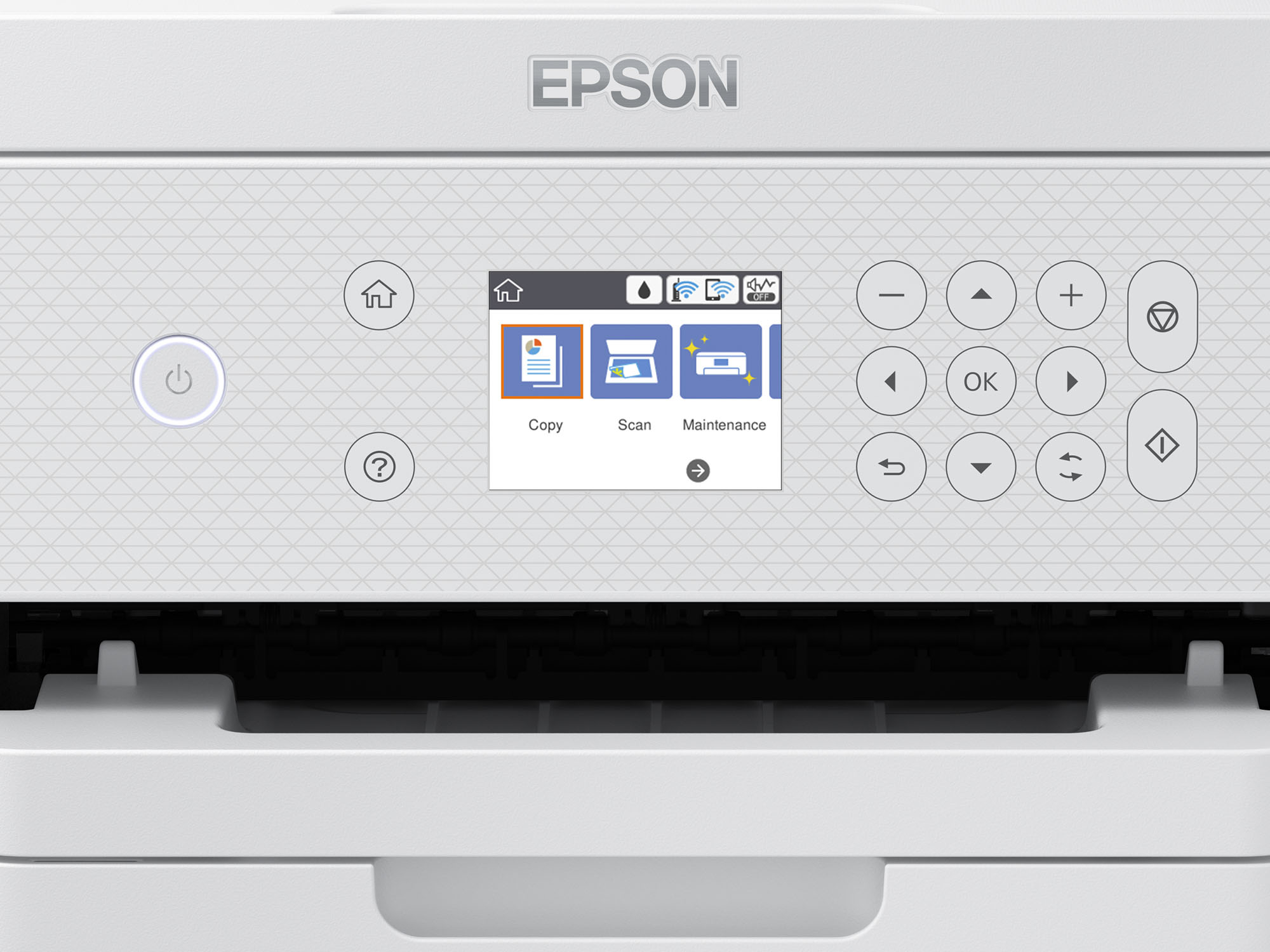
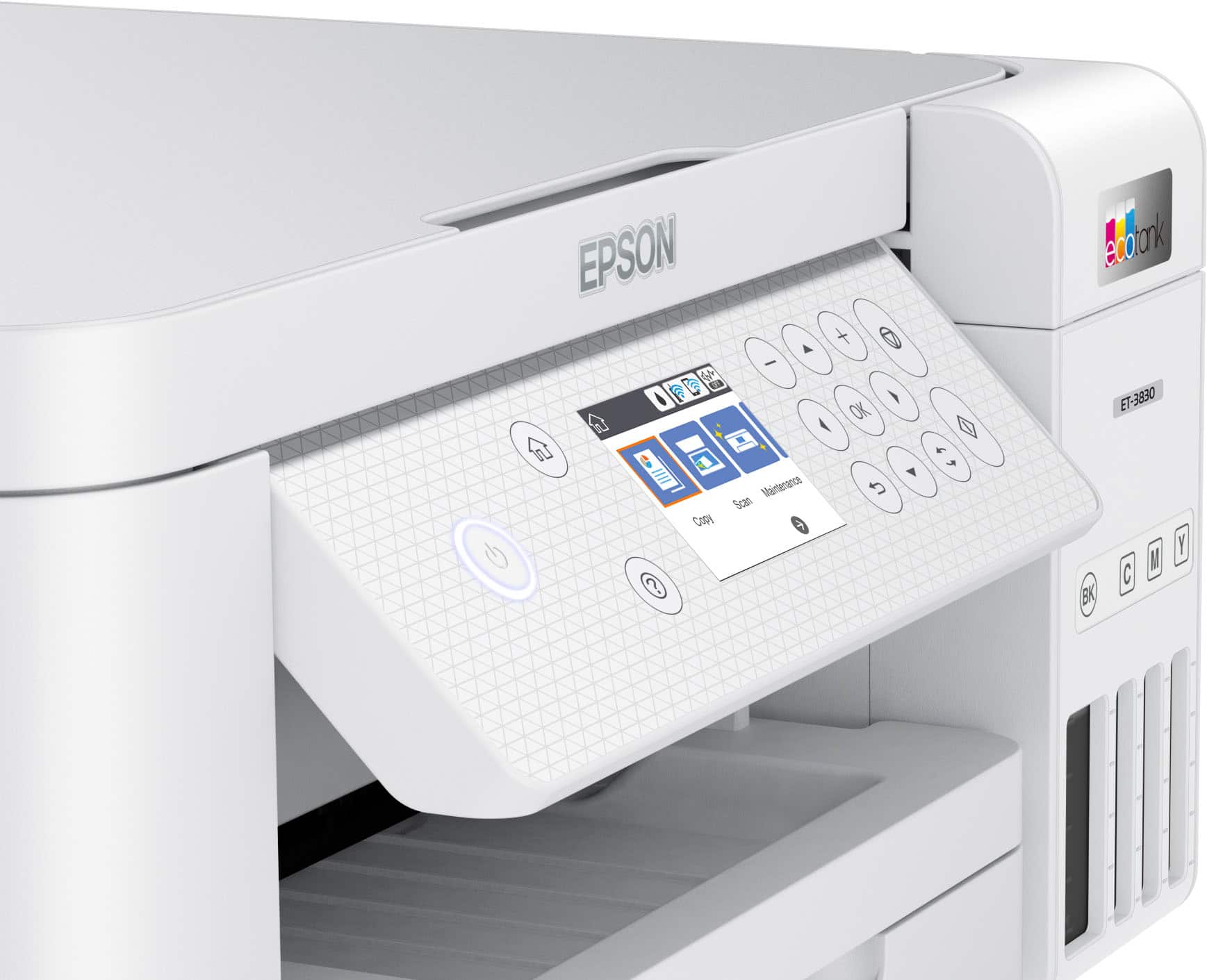
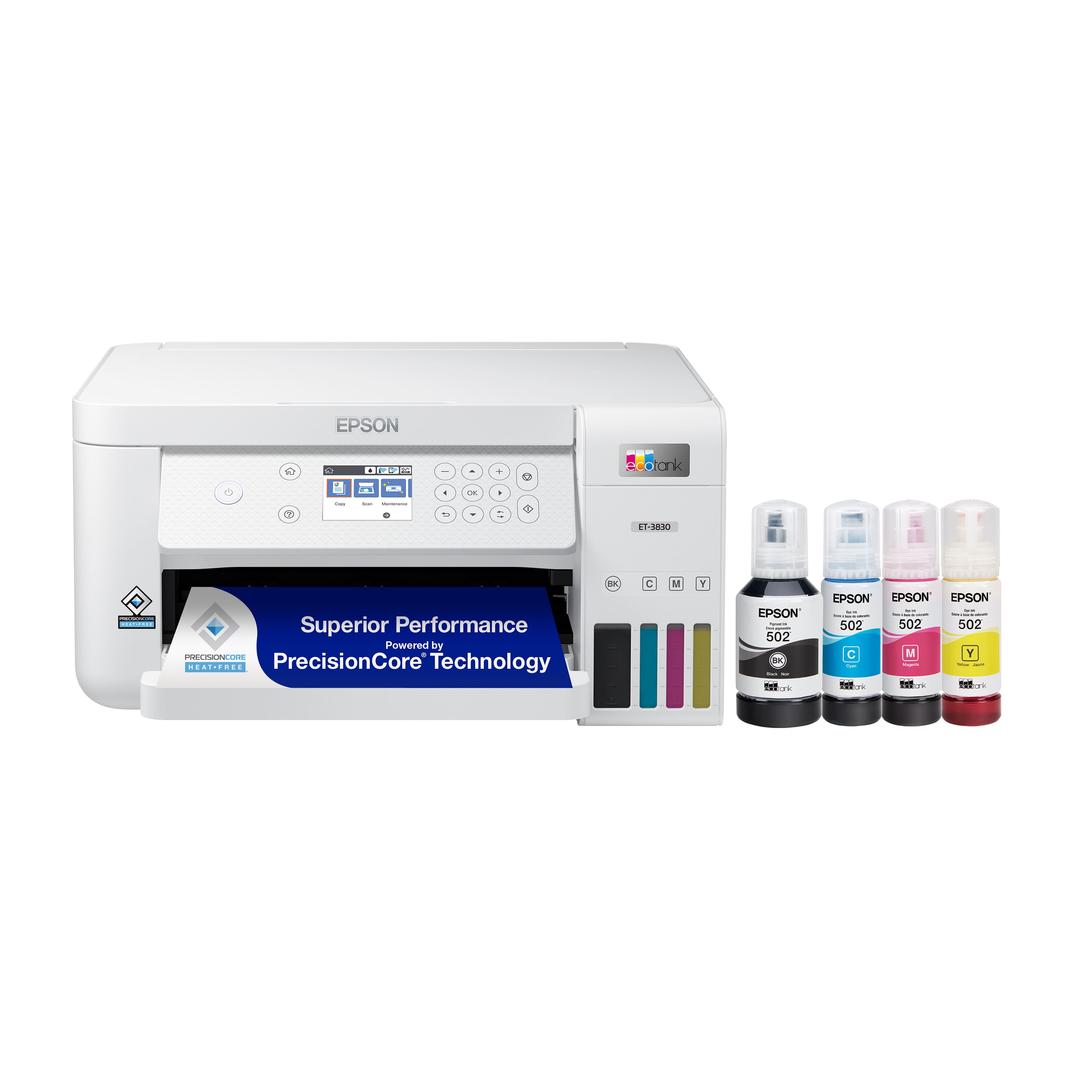
    • Answer Hello. The ET‑2980, ET‑3830, and ET‑3850 differ in speed, resolution, paper handling, and display. The ET‑2980 prints at about 10 ppm in black and 5 ppm in color, with 4800 × 1200 dpi resolution, a 1.44″ LCD screen, and a 100‑sheet paper tray. The ET‑3830 prints at 15 ppm in black and 8 ppm in color, offers higher resolution at 5760 × 1440 dpi, features a 1.44″ LCD, and includes a 250‑sheet paper tray. The ET‑3850 prints at about 15.5 ppm in black and 8.5 ppm in color, keeps the 5760 × 1440 dpi resolution, has a larger 2.4″ color touchscreen, a 250‑sheet paper tray, and adds a 30‑sheet auto document feeder (ADF) for multi‑page scanning. Regards, Kevin - The Epson Team.
      Answered by Epson

  • QuestionDoes this machine fax

    Asked by Pt.

    • Answer Hello Pt. Unfortunately, the ET-3830 does not include fax functionality. We recommend looking at the ET-4850/ET-4950 for a similar printer with fax functionality included. Regards, Kevin - The Epson Team.

      Answered by Epson

  • QuestionCan this printer handle card stock?

    Asked by Kathy.

    • Answer Hello Kathy. Yes, the ET-3830 can print on cardstock, but feeding reliability can vary when using thicker third-party paper based on the brand, texture, and weight. We recommend testing a sample first to make sure it works well, since Epson doesn’t guarantee compatibility with all paper types. Regards, Kevin - The Epson Team.

      Answered by Epson