
Questions & Answers
- Model:
- C11CL42201
- |
- SKU:
- 6630480
Highly rated by customers for: Print Quality, Setup, Connectivity
$309.99Your price for this item is $309.99
Comp. Value: $389.99
The comparable value price is $389.99
Page Showing 1-17 of 17 questions
Q: QuestionCan this printer also be hardwired to a laptop?
Asked by Hardwiring.
- A:Answer My printer is hardwired to my desktop. The wires to make the connection is not included.
Answered by CaptK
Q: QuestionDoes this model have a cassette input tray on the FRONT of the printer or the rear input tray?
Asked by BoHamm88.
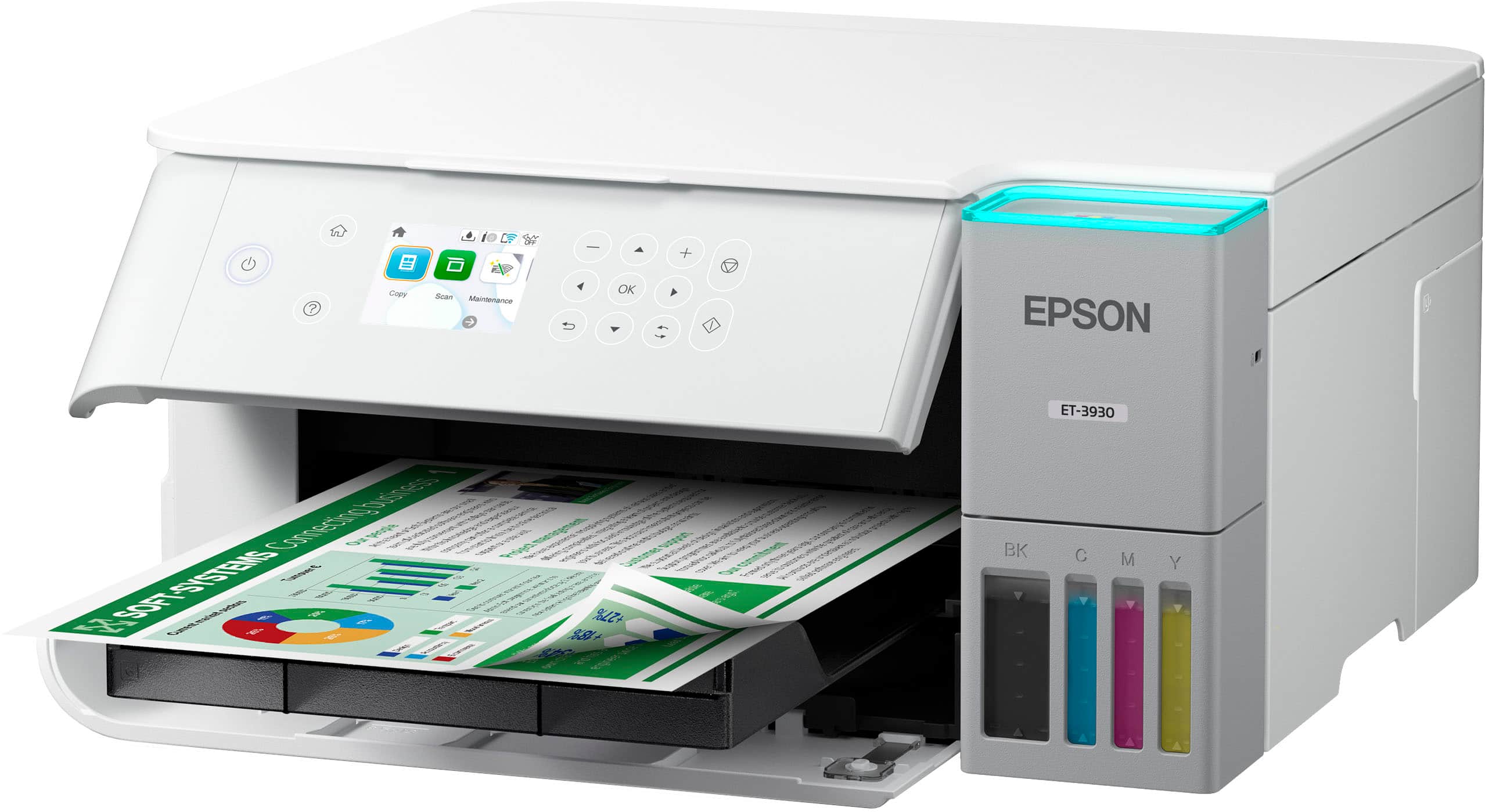
- A:Answer Load from front
Answered by CarolynFallettaFineArt
Q: QuestionDoes this printer work well for printing labels, particularly on glossy label paper. I use Avery Design and Print with Avery labels for a small food business.
Asked by Lauren.
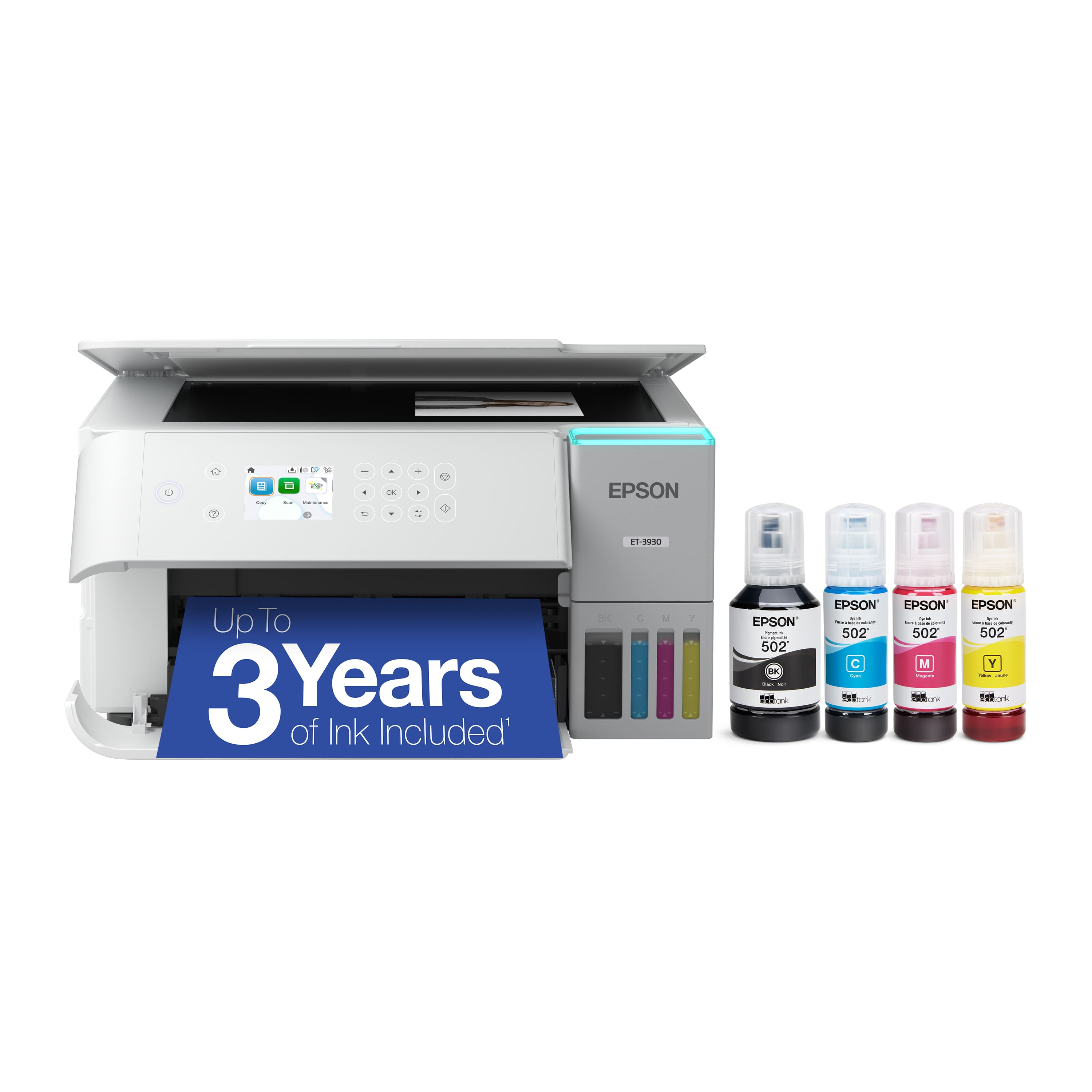
- A:Answer Hello Lauren. The EcoTank ET-3930 can print on many types of label sheets, including Epson Photo Quality Self-Adhesive Sheets. We haven't tested them, but there are third-party labels that work with our products. If you plan to use label tabs, ensure they are inkjet labels and check with the manufacturer to make sure they will work with our All-in-One printers. Regards, Kevin - The Epson Team.
Answered by Epson
Q: QuestionDoes this printer print up to 13x19
Asked by Anonymous.
- A:Answer Hello. The ET-3930 can print on paper sizes ranging from 3.5" x 5" to 8.5" x 14". Unfortunately, 13" x 19" paper would be too large for the printer. Regards, Kevin - The Epson Team.
Answered by Epson
Q: QuestionCan it use iron transfer paper to make custom tshirt design
Asked by Td.
- A:Answer Hello Td. The ET-3930 will work with Epson Iron-on Cool Peel Transfer Paper, which can be used with T-shirts. Other transfer papers may work, but we haven’t tested them, so results can vary depending on the brand. Please be aware that this printer is also not compatible with direct-to-film (DTF) printing. Regards, Kevin - The Epson Team.
Answered by Epson
Q: QuestionDoes the Epson Eco Tank ET-3930 print on both sides of the paper?
Asked by BAM26.
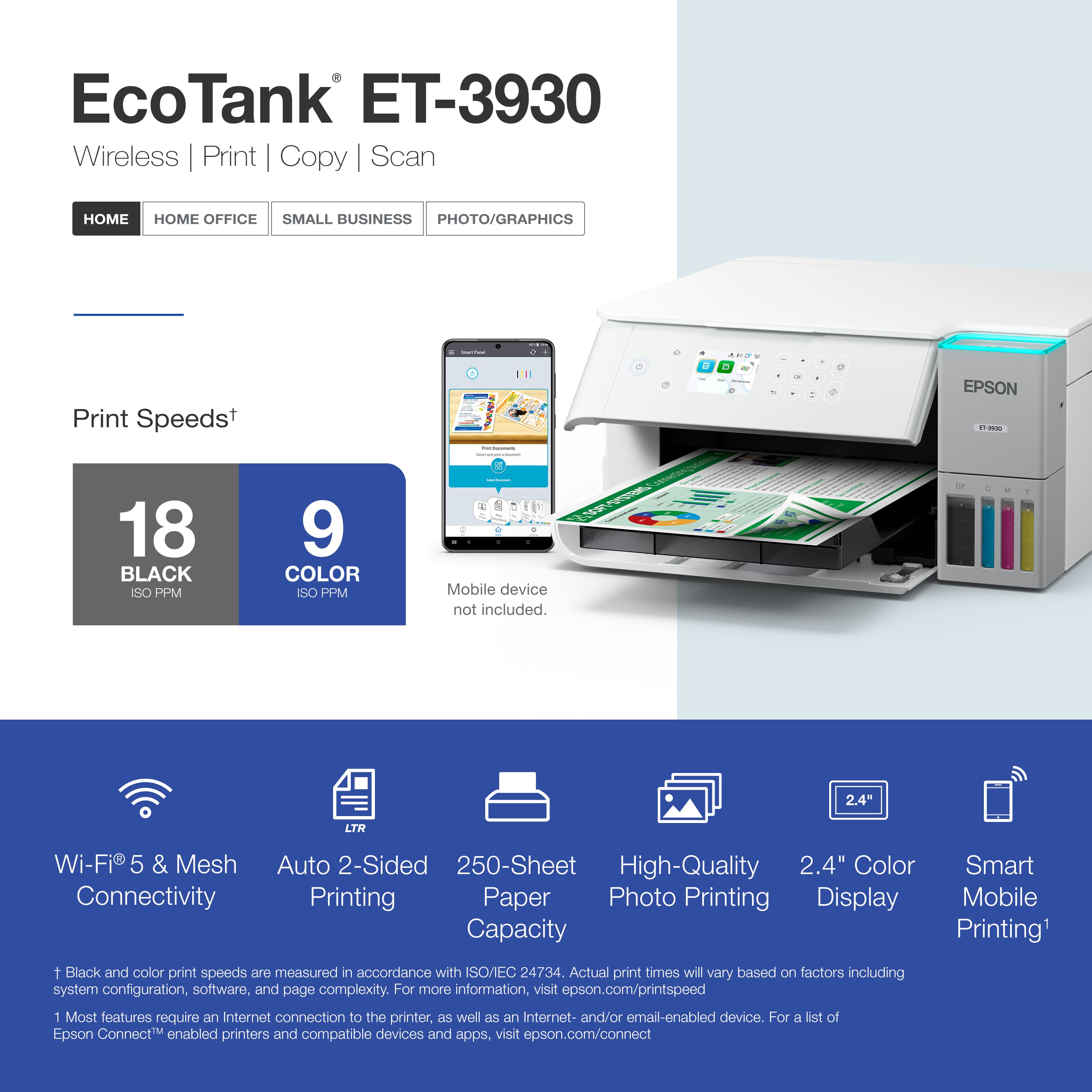
- A:Answer Hello BAM26. Yes, the ET-3930 includes automatic 2-sided printing. Regards, Kevin - The Epson Team.
Answered by Epson
Q: QuestionHello Does this printer support Wireless printing from computer as well as Wwireless transfer of scans/prints back to the computer? Thanks
Asked by Mike.
- A:Answer Yes
Answered by GERALDW
Q: QuestionCan the epson 3830 print cardstock paper and legal size?
Asked by dizzy.
- A:Answer Hello dizzy. The ET-3930 can print on card stock. However, the thickest paper we have tested on the machine is Epson Ultra Premium Photo Paper Glossy, which weighs 79 lb. For cardstock, we have tested similar Epson paper that weighs around 44 lb. Please be aware that these recommendations are for Epson paper only. You can try a cardstock that falls in that range, but your results can vary when using other brands and heavier paper. Regards, Kevin - The Epson Team
Answered by Epson
Q: QuestionWhat is the difference between the Epson Eco Tank ET 3830 and the Epson Eco Tank ET 3930?
Asked by GeoM.
- A:Answer Hello GeoM. The Epson EcoTank ET-3830 and ET-3930 are both All-in-One printers with similar features, but the ET-3930 offers slightly faster print speeds, a larger color display, and a cassette tray with a larger capacity that can hold 250 pages. Regards, Kevin - The Epson Team.
Answered by Epson

Q: QuestionCan this printer be wired directly to my modem/router to avoid any wifi connection issues? What ports are on the back of the printer?
Asked by Dan.
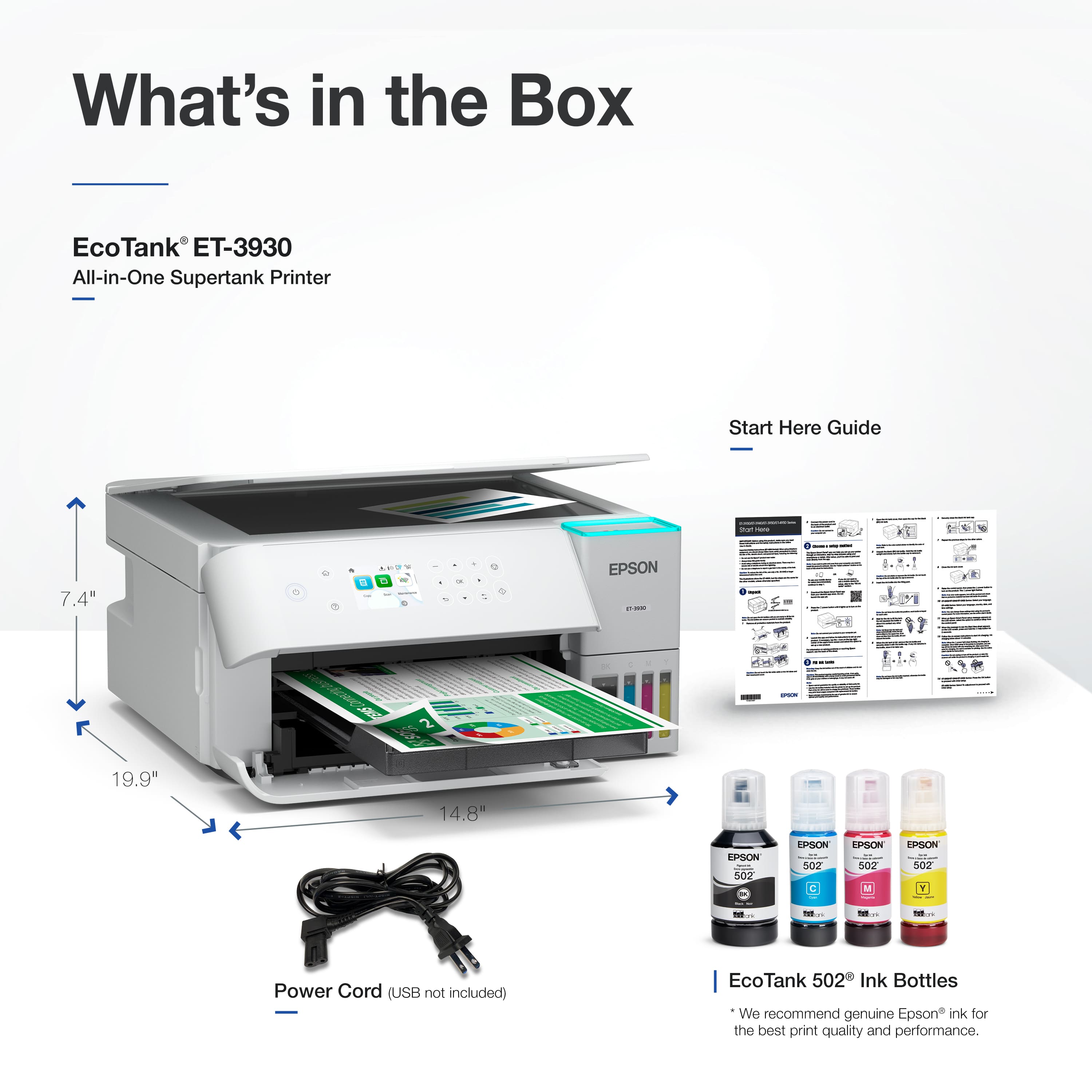
- A:Answer Hello Dan. Yes, the ET‑3930 supports USB, Wi‑Fi, and Ethernet connections. You can connect the printer directly to your router using Ethernet. Regards, Kevin - The Epson Team.
Answered by Epson
Q: QuestionCan I print photos on my Epson ET-3930 printer and is it paper specific?
Asked by Elaina.
- A:Answer Hello Elaina. Yes, the ET‑3930 can print on a variety of photo papers, from glossy to matte. For a full list of supported paper types, please refer to the User’s Guide on Epson’s official support page. Regards, Kevin - The Epson Team.
Answered by Epson
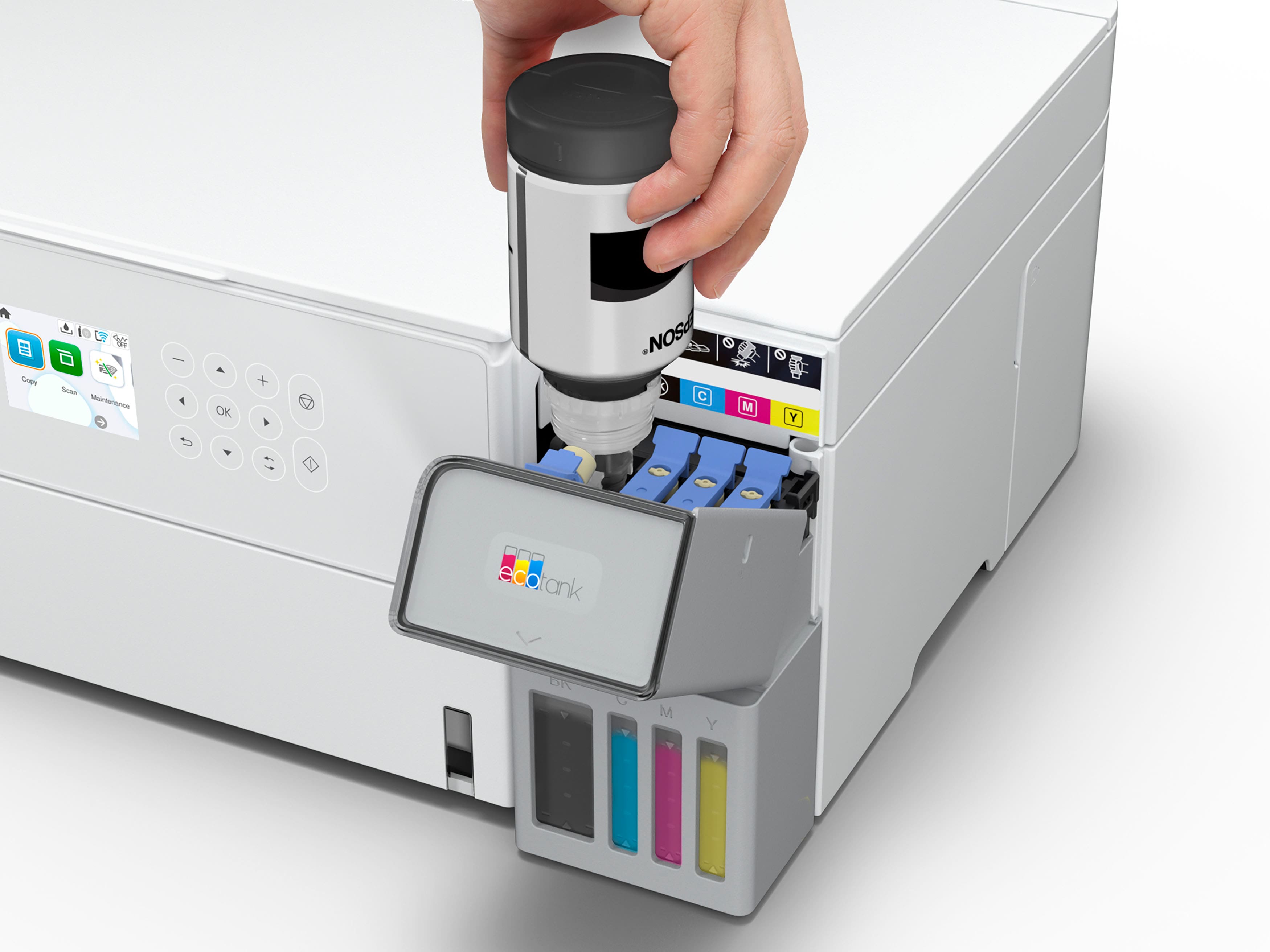
Q: QuestionCan you use any other ink cartridge besides Epson?
Asked by Shirley.
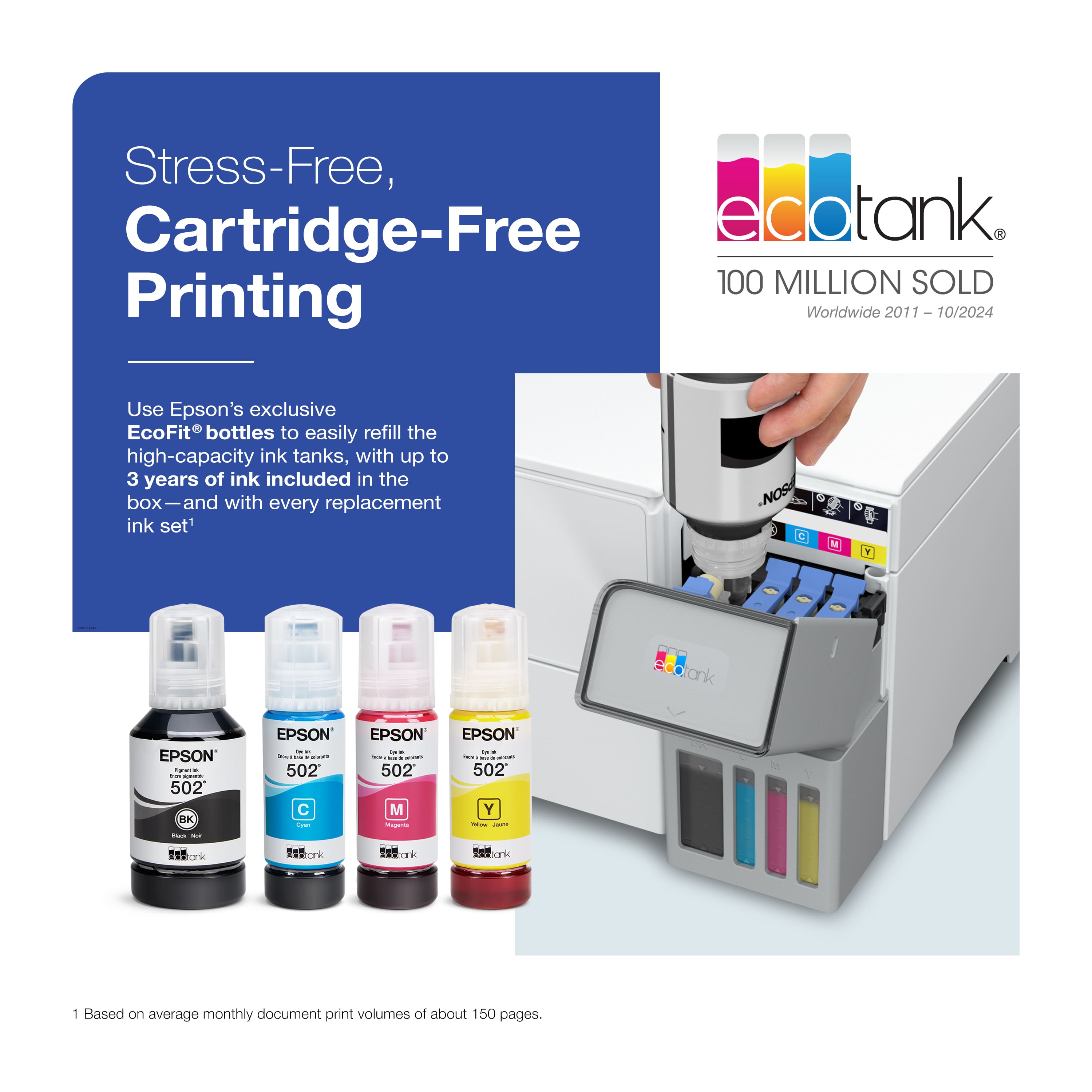
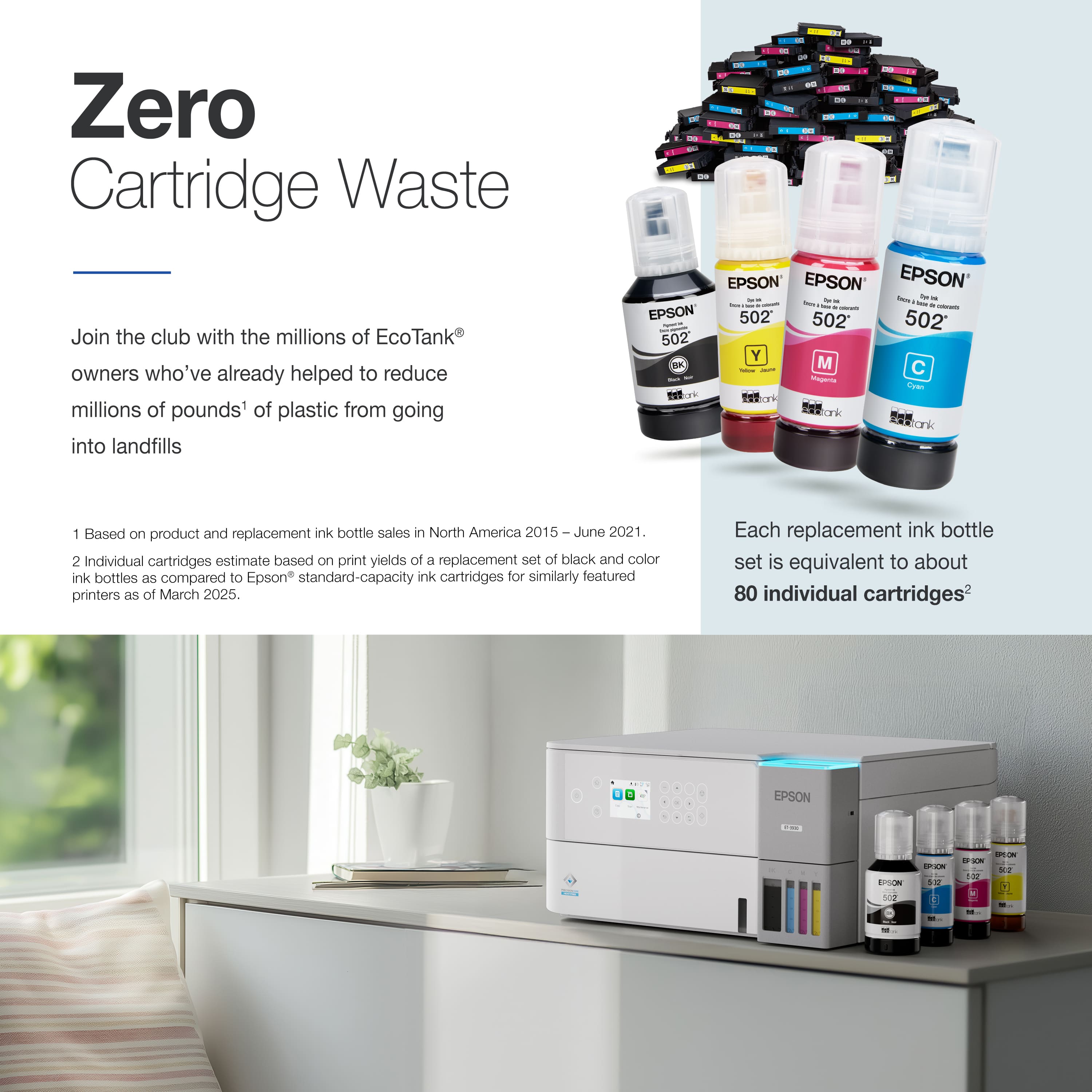
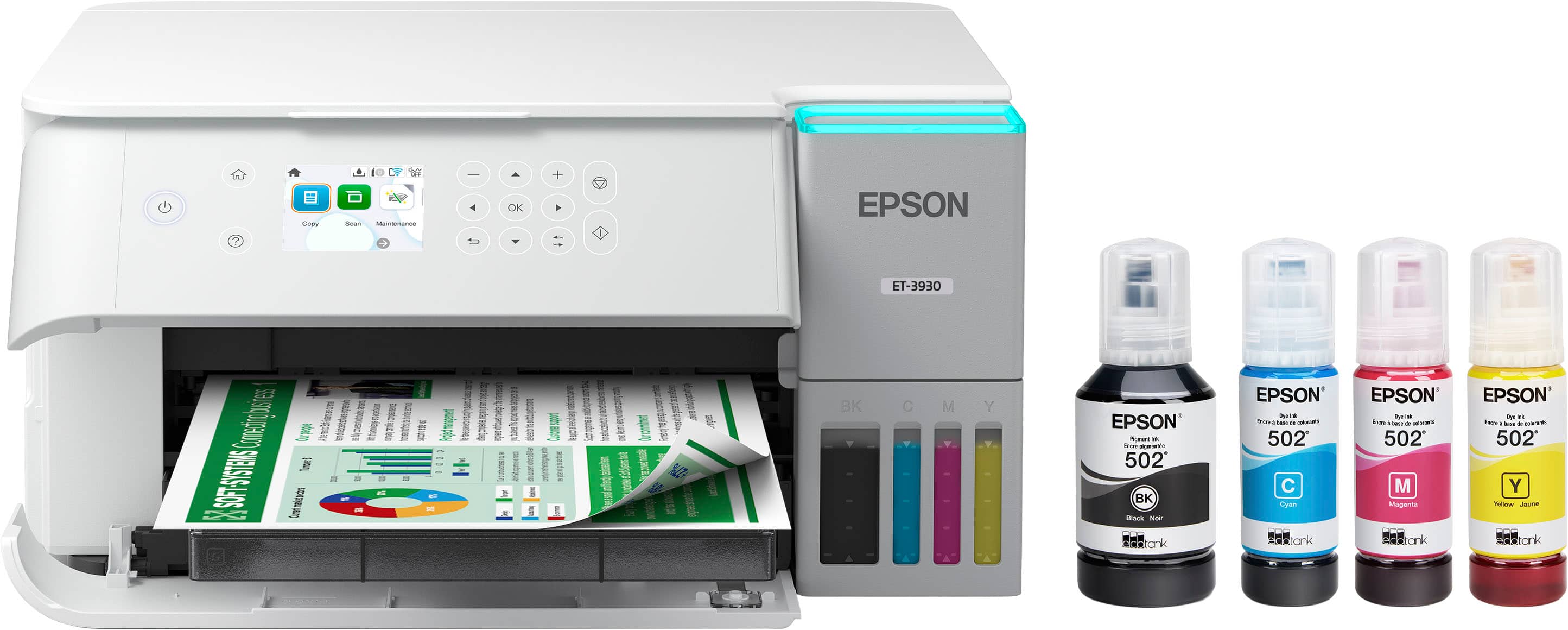
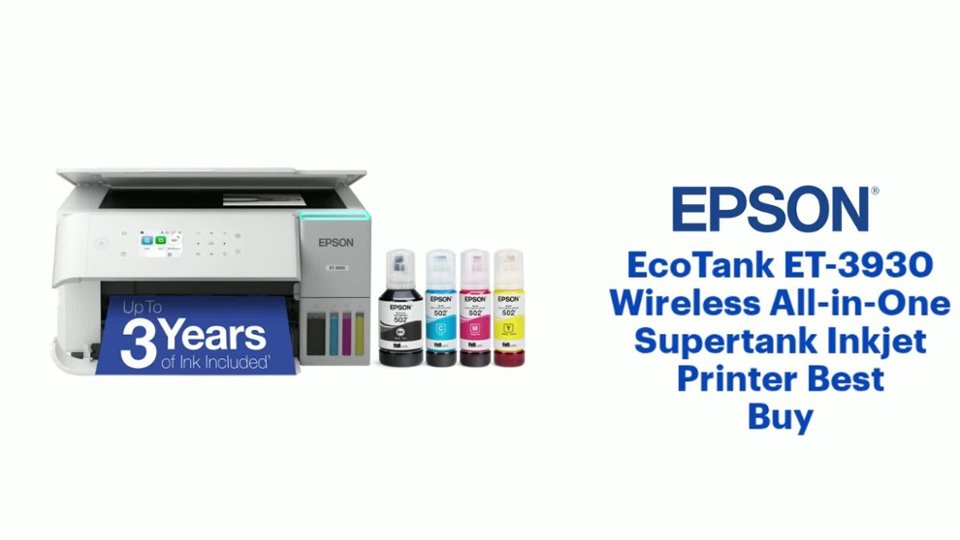
- A:Answer Hello Shirley. The Epson ET-3930 is designed to use Epson 502 Ink Bottles. Using any Ink or Ink-like substance other than 502 Epson Ink Bottles may damage the print head and affect warranty coverage. Regards, Kevin - The Epson Team.
Answered by Epson
Q: QuestionDo any of the ink tank printers have a port for a flash drive?
Asked by onlineshopper.
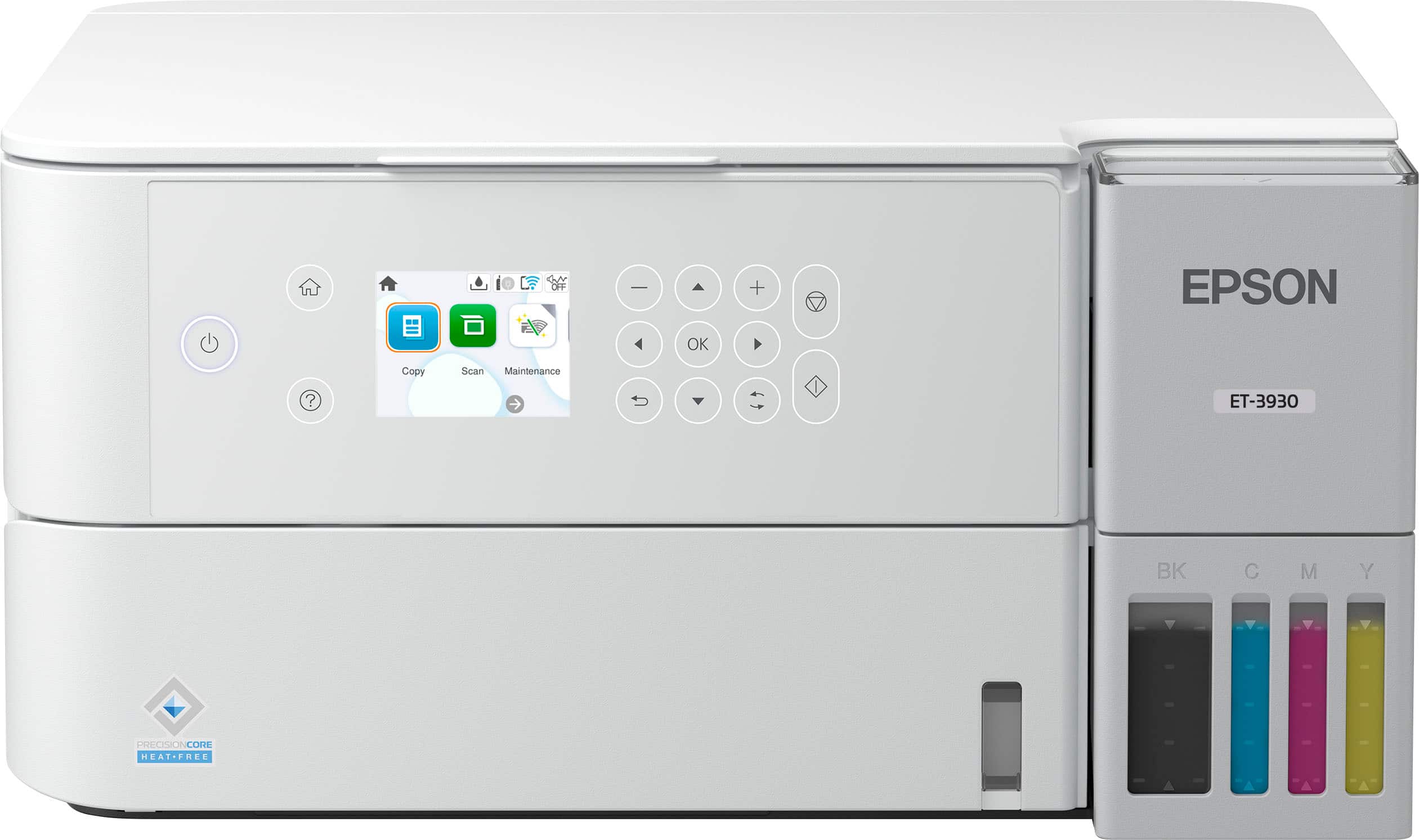
- A:Answer Hello onlineshopper. Unfortunately, the ET-3930 does not include a port for flash drives. Regards, Kevin - The Epson Team.
Answered by Epson
Q: QuestionI understand that when printing starts, the tray that holds the printed paper extends out. What happens if this is blocked by a cabinet door?
Asked by Adam.
- A:Answer Hello adamb. When you send a print job, the output tray will automatically extend. Please ensure there are no obstructions, as blocking the tray could cause hardware malfunctions. Unfortunately, this feature cannot be disabled on the printer. Regards, Kevin - The Epson Team.
Answered by Epson
Q: QuestionCan i print on different size envelopes ?
Asked by tmiguel.
- A:Answer Hello tmiguel. The ET-3930 can only print on No.10-sized envelopes. Regards, Kevin - The Epson Team.
Answered by Epson
Q: QuestionIs this compatible with windows 10, and iPad os?
Asked by Seeker.
- A:Answer Hello Seeker. Yes, the ET-3930 is compatible with both Windows 10 and iPads. For PC use, we recommend downloading the latest driver from the official Epson Support page. To print from an iPad, you can install the Epson Smart Panel app from the Apple App Store. Regards, Kevin - The Epson Team.
Answered by Epson
Q: Questionconnectivity issues to home WiFi?
Asked by Us53352.
- A:Answer No issues with wi-fi if you follow the prompts on the tiny screen and follow the steps.
Answered by JoesphN
Page 1, Showing 1-17 of 17 questions
Most-viewed items
- Black Friday Deal$179.99Your price for this item is $179.99
- Black Friday Deal$499.99Your price for this item is $499.99
- $139.99Your price for this item is $139.99$169.99The comparable value for this item is $169.99
- $179.89Your price for this item is $179.89$259.89The comparable value for this item is $259.89
- $269.99Your price for this item is $269.99$369.99The comparable value for this item is $369.99
- $141.00Your price for this item is $141.00$248.00The comparable value for this item is $248.00
- Black Friday Deal$229.99Your price for this item is $229.99
- $319.89Your price for this item is $319.89$469.89The comparable value for this item is $469.89
- $349.99Your price for this item is $349.99$499.99The comparable value for this item is $499.99
- $449.99Your price for this item is $449.99$699.99The comparable value for this item is $699.99
- $239.89Your price for this item is $239.89$369.89The comparable value for this item is $369.89
- $329.99Your price for this item is $329.99$419.99The comparable value for this item is $419.99
- $159.99Your price for this item is $159.99$189.99The comparable value for this item is $189.99
- $649.99Your price for this item is $649.99$849.99The comparable value for this item is $849.99
- $229.89Your price for this item is $229.89$329.89The comparable value for this item is $329.89
- $699.99Your price for this item is $699.99
- $199.99Your price for this item is $199.99$269.99The comparable value for this item is $269.99
- $299.99Your price for this item is $299.99$429.99The comparable value for this item is $429.99
- $279.00Your price for this item is $279.00$349.99The comparable value for this item is $349.99