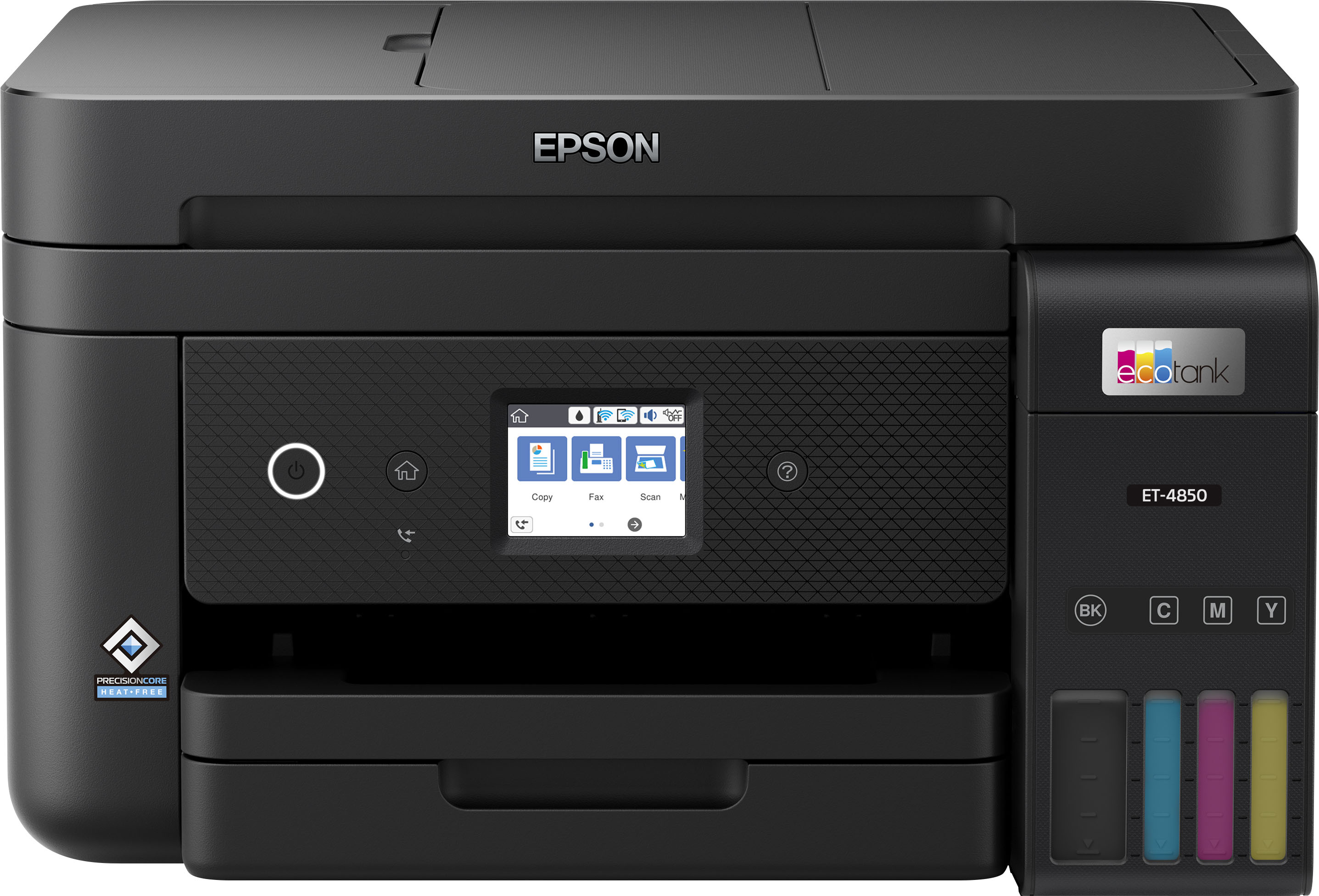
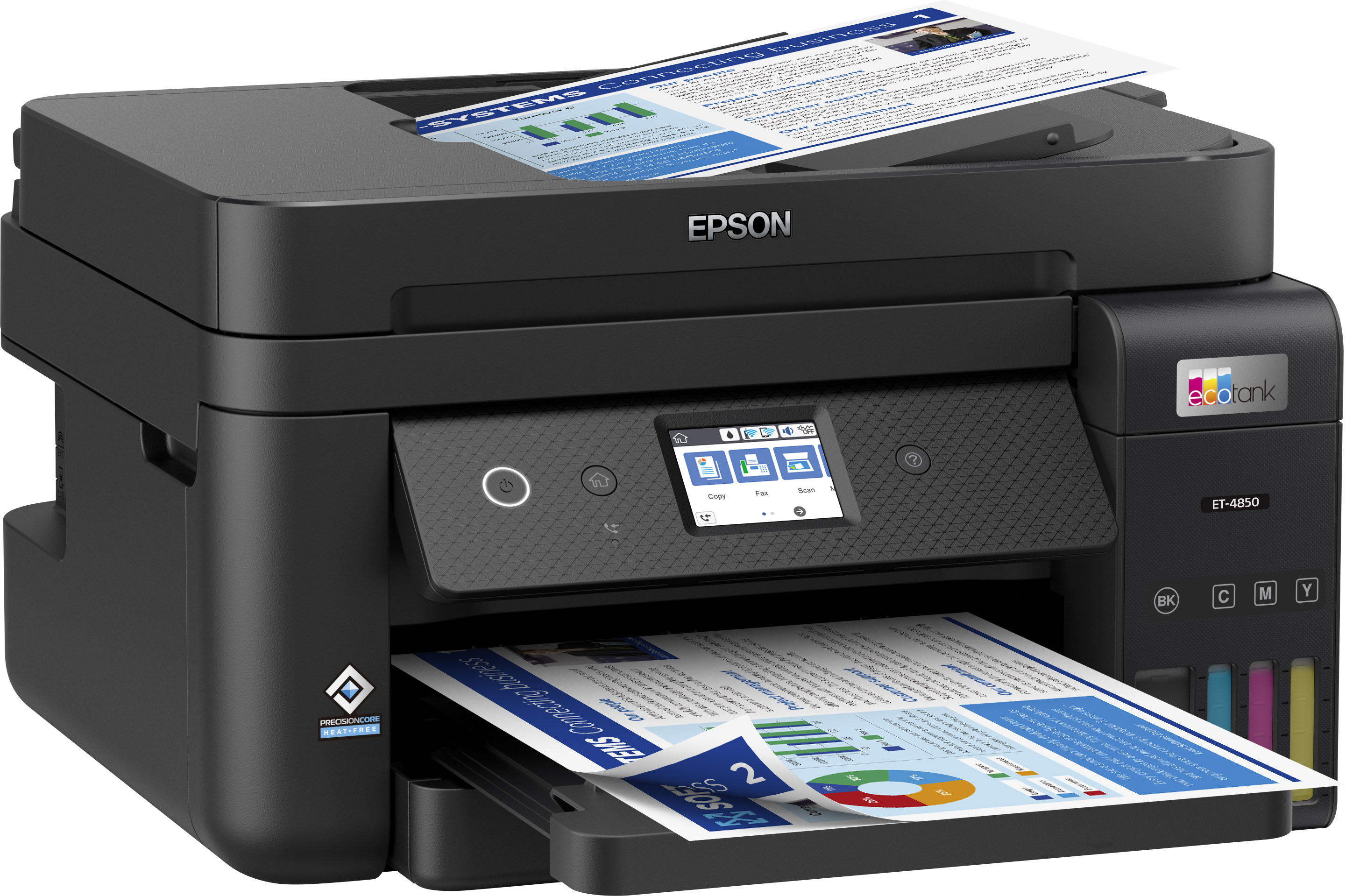
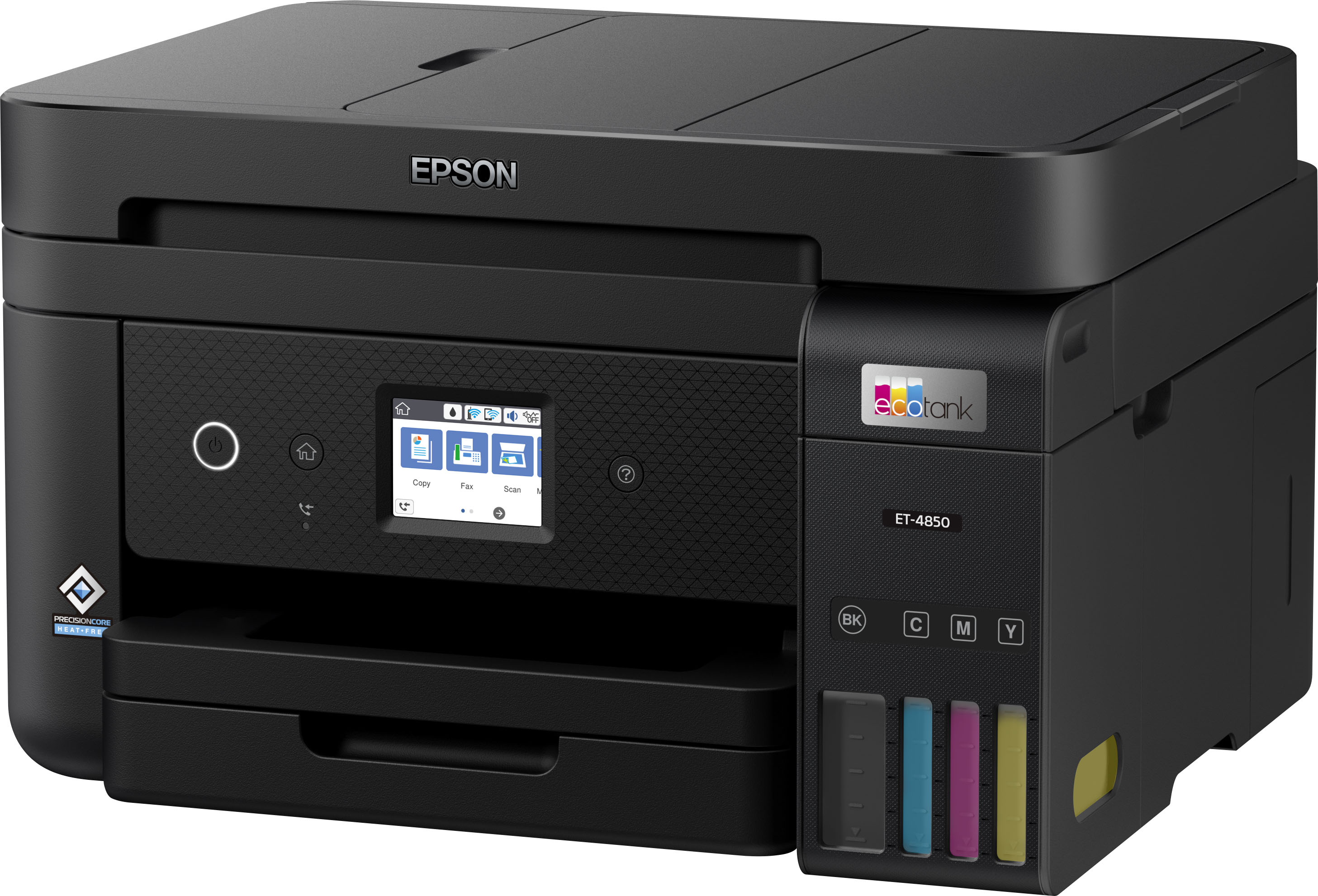
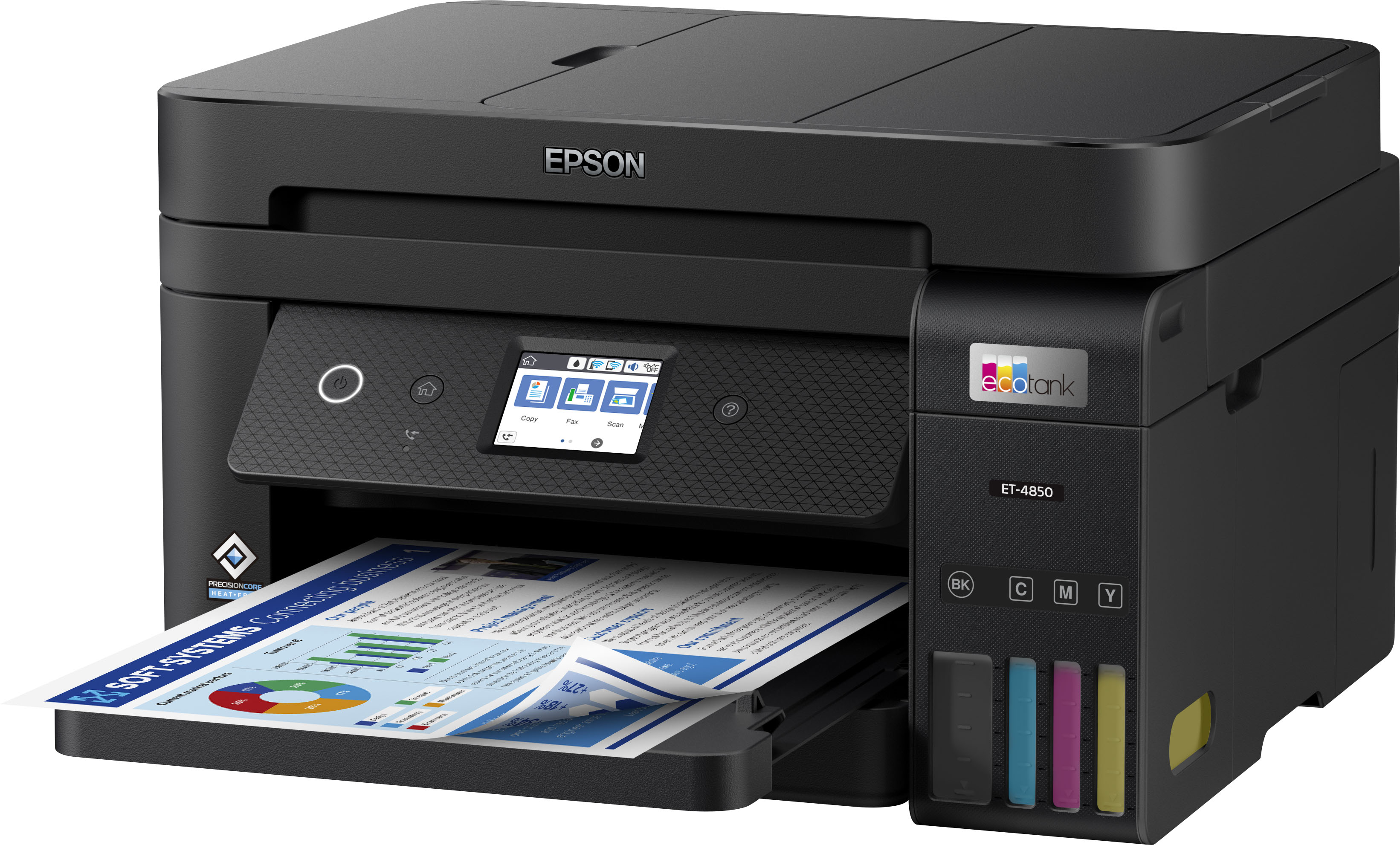
A:AnswerHello janetn. You can load up to ten No. 10-sized envelopes through the lower paper cassette at a time. Unfortunately, multiple-sized envelopes are not supported. Regards, Kevin - The Epson Team.
A:AnswerIt will use sublimation ink, you can’t mix the inks. So if you have already loaded the ink that came with it you can not switch to sublimation.
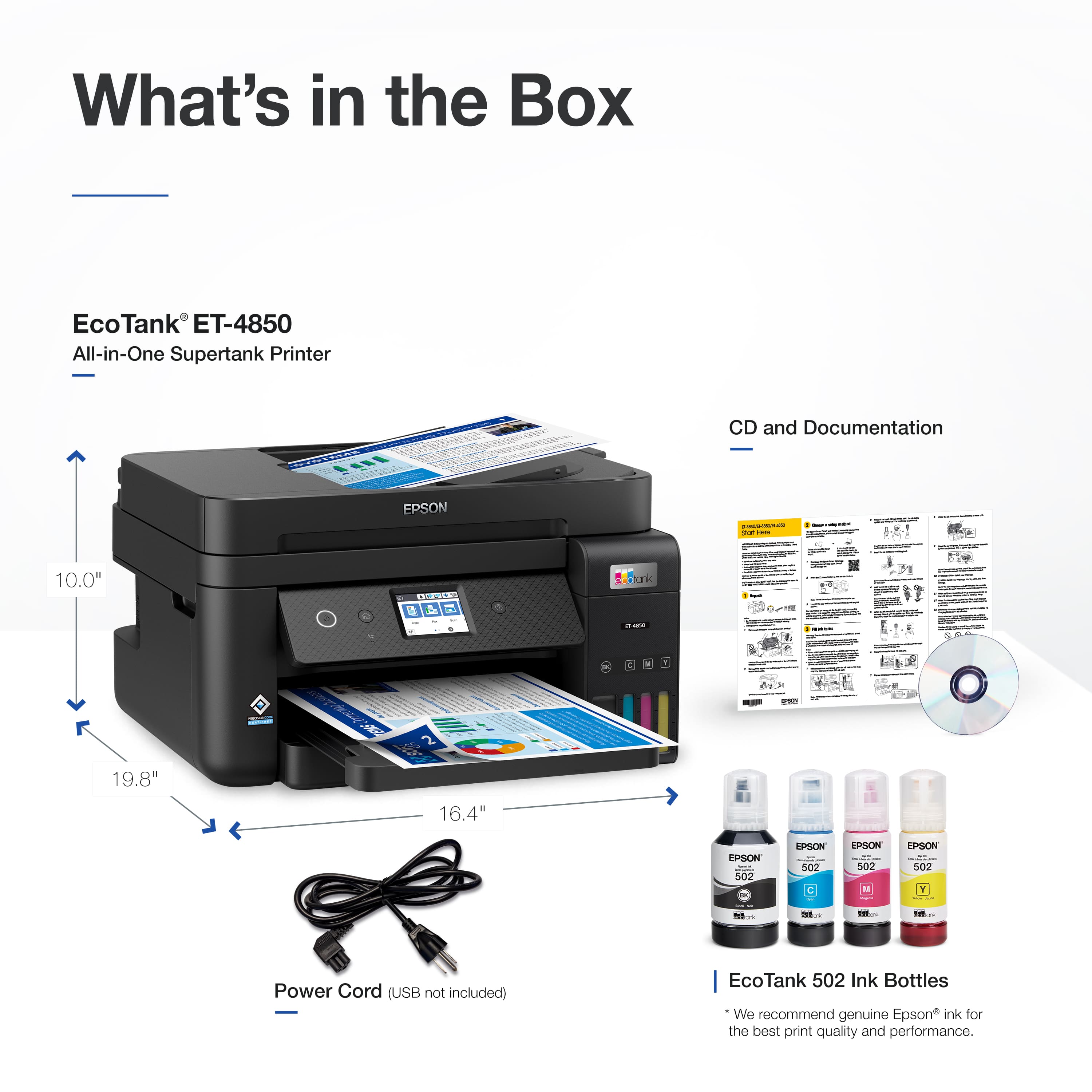
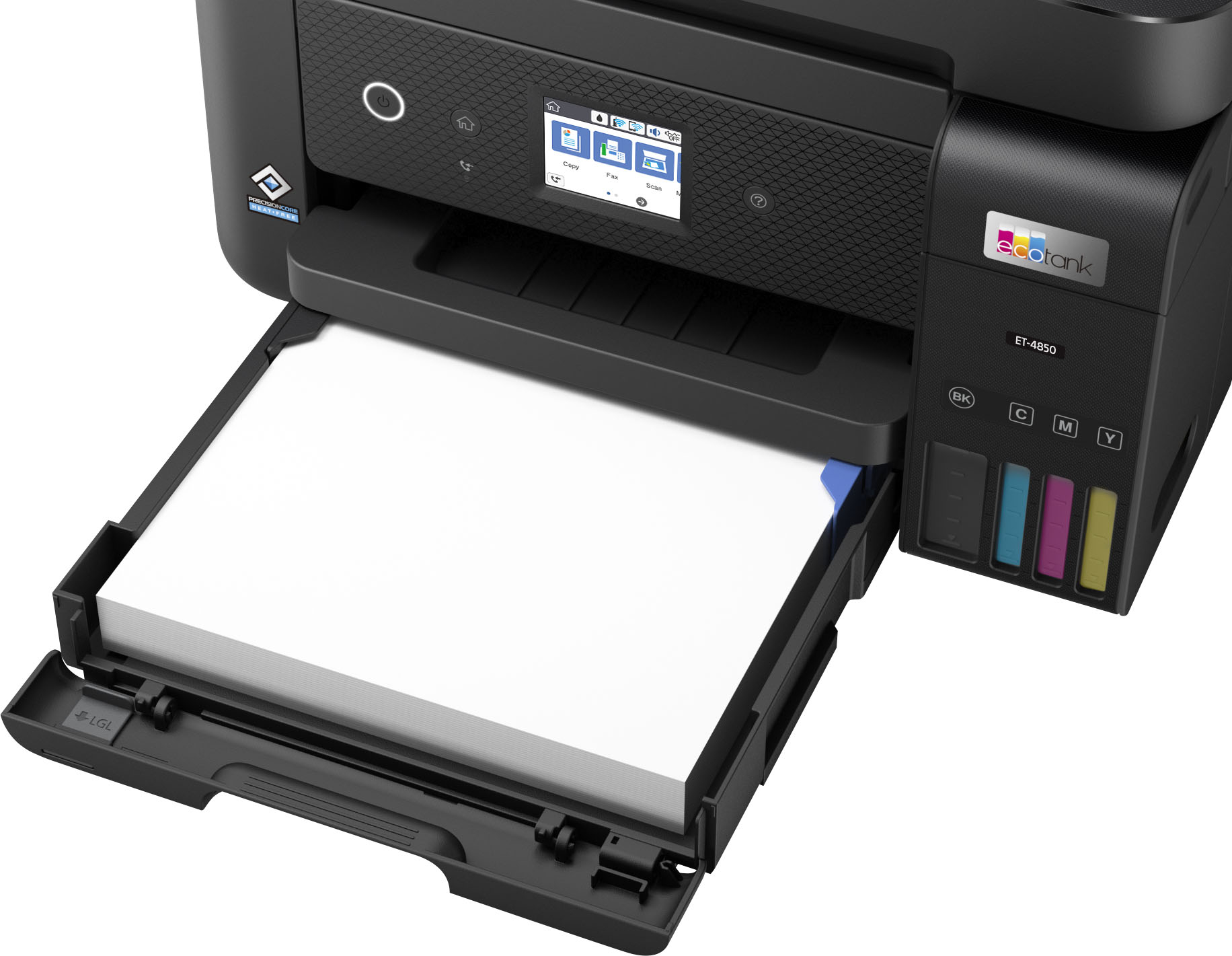
A:AnswerHi Kathy, The EcoTank ET-4850's paper cassette has a lip that hinges down allowing you to load paper longer than Letter size. Visit the Epson support site for details. Regards, Mark - The Epson Team.
A:AnswerHi Leoblaze, Yes, the EcoTank Pro ET-16650 Wide-format All-in-One Supertank Printer can print 11" x 17" sheets. In fact it can print even larger paper at 13" x 19". The ET-16650 is currently available at Bestbuy.com (inventory levels can change). Regards, Mark - The Epson Team.
A:AnswerHello Kinnyr90. We recommend visiting our official Epson Support page and looking at the "Solving Scanned Image Quality Problems" section in the User's Guide for the ET-4800. You can take several steps to resolve a black line issue in your scans. If the problem does persist, then please contact our Technical Support team directly, and we should be able to help you out over the phone. Regards, Kevin - The Epson Team.
A:AnswerHi Shelby, The ET-4850's paper path is 8.5" wide. Best Buy offers the Epson WorkForce Pro WF-7840 and Expression Pro HD XP-15000, both of which have a 13" paper path. At the time of this post, they were both available on Bestbuy.com. In order to print on a nonstandard size like 11" x 19", you must create and save a user-defined size using the printer driver. Regards, Mark - The Epson Team.
A:AnswerHi Papersize, The printer that meets your criteria is sold out at Bestbuy.com. The Epson Expression Premium EcoTank ET-7750 prints on 11" x 17" paper, is designed to print premium-quality photos, and uses Epson 512 ink refill bottles. Regards, Mark - The Epson Team.
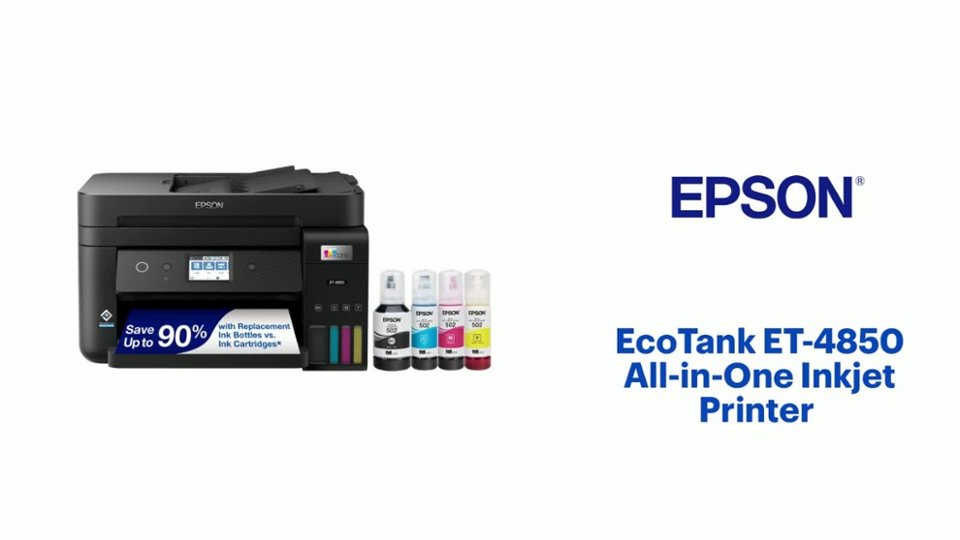
A:AnswerHi MHBRC, The EcoTank ET-4850 is not designed for sublimation printing. It is a light-office printer for use with Epson 502 refill bottles. Regards, Mark - The Epson Team.
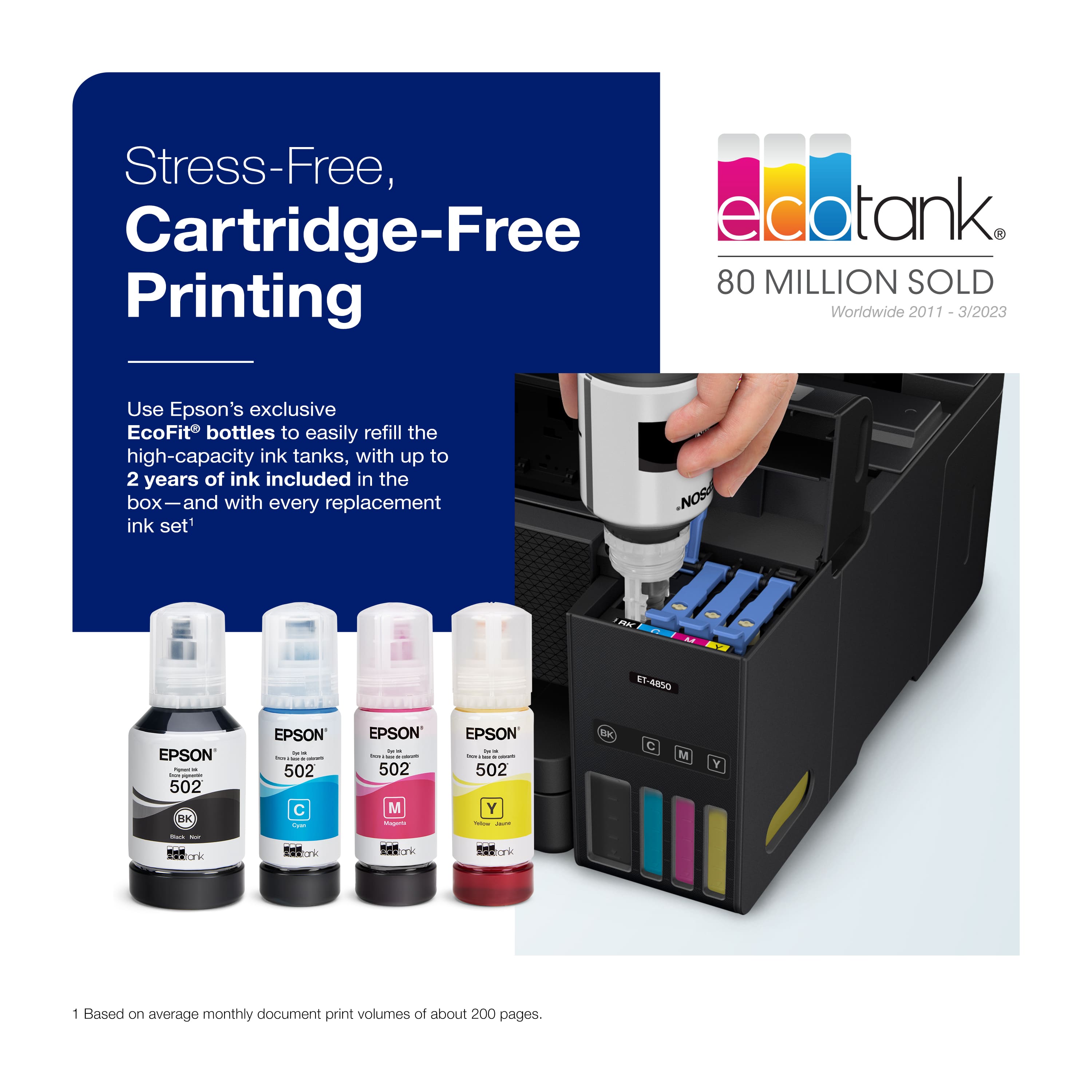
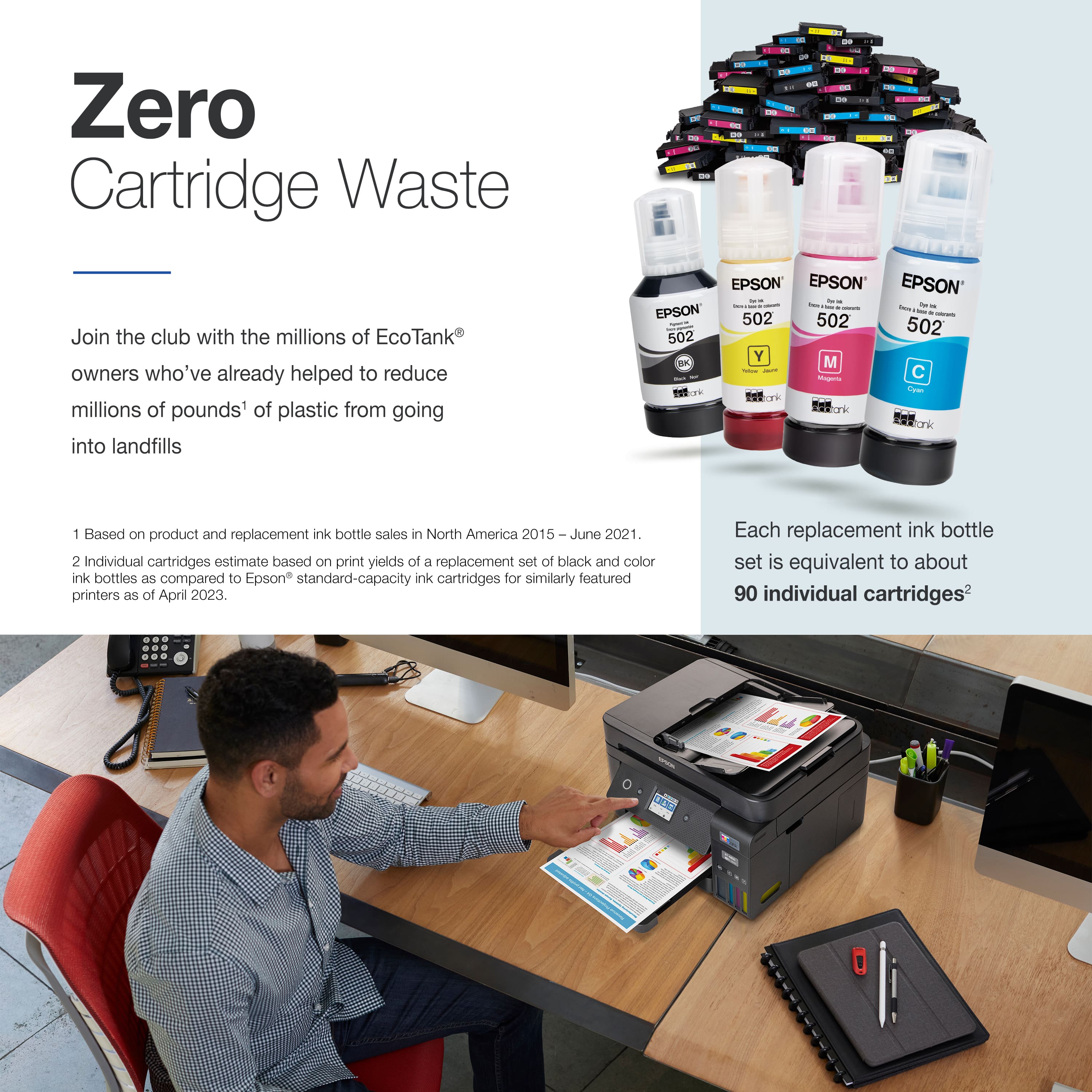
A:AnswerDepends on where you buy it and if you buy aftermarket or OEM. OEM will run you around $40, aftermarket under $20. These tanks last a long time, about 7,500 B&W pages, 6,500 color. Equivalent to about 90 ink cartridges by Epson's estimate.
A:AnswerHello Lex. The ET-4850 can print on paper up to 8.5" x 47.2" in size. Unfortunately, the printer does not support 13" x 19" paper. We recommend looking at our All-In-One, wide-format models. Regards, Kevin - The Epson Team.
A:AnswerCheck the software program that you use when you get tic tac toe on all your pages when you print. Some applications have a feature called "Watermark," and if yours is one of them, go into the instructions for that software and follow the instructions for turning on/off watermarks.
A:AnswerHello StLeger. Yes, the ET-4850 can print one-sided documents. Additionally, you can choose to automatically print 2-sided documents as well. Regards, Kevin - The Epson Team.
A:AnswerHi JJ, It depends on various factors, including the source, sheet size and settings. If you connect an ET-4850 to a computer using Wi-Fi, then scan a Letter-size sheet on the scan bed, set to 300 dpi, color, it takes about 10 seconds. Regards, Mark - The Epson Team.
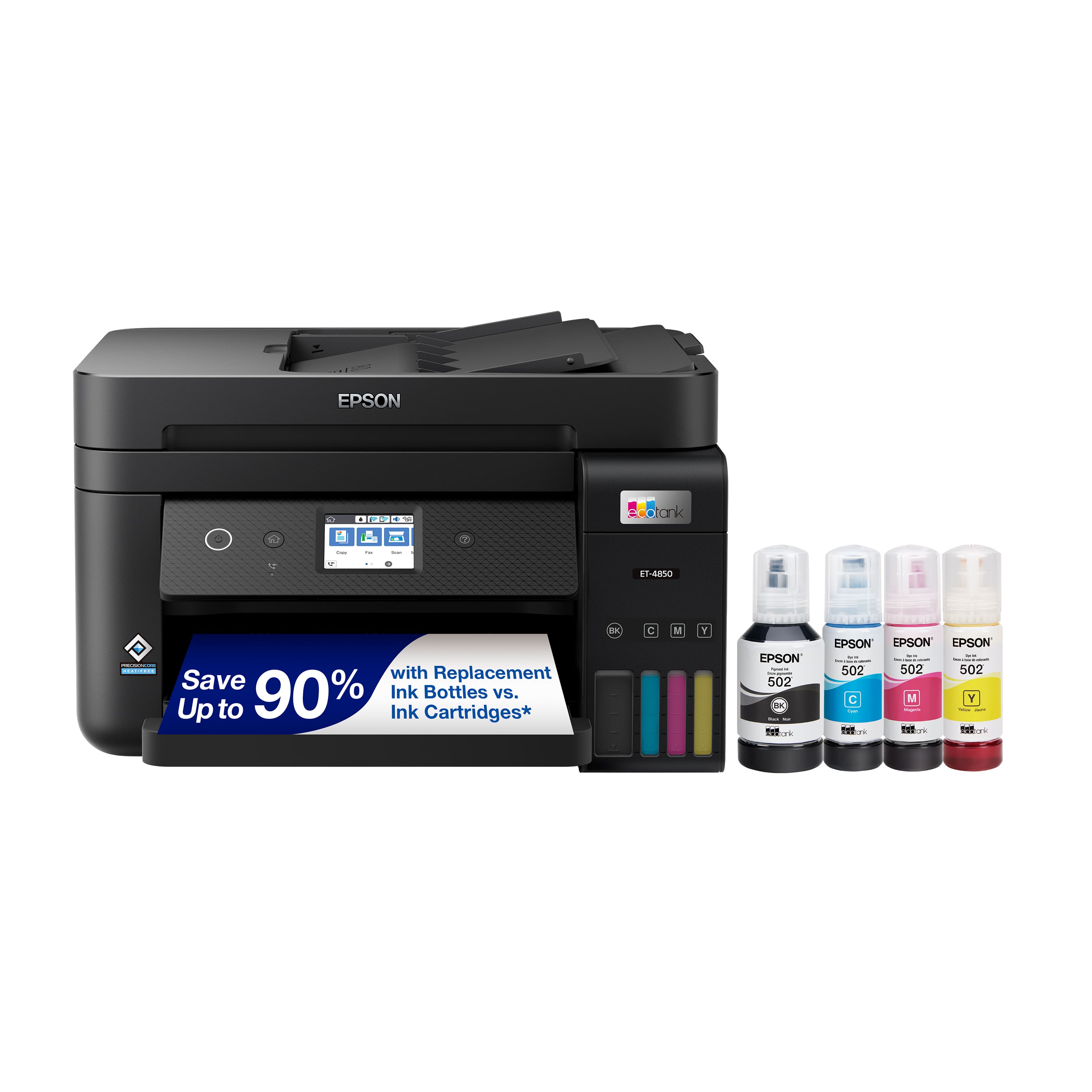
A:AnswerHello Harold. Different variables can cause a shift in color on the ET-4850. You want to make sure that you have installed the correct print driver from our official Epson Support page. Paper selection could also be an issue If you use third-party paper not tested on the machine. Lastly, we would recommend printing a nozzle check from the maintenance menu. If you have any missing segments, you can complete cleanings as necessary. If you need additional assistance, don't hesitate to contact our Technical Support team. Regards, Kevin - The Epson Team.