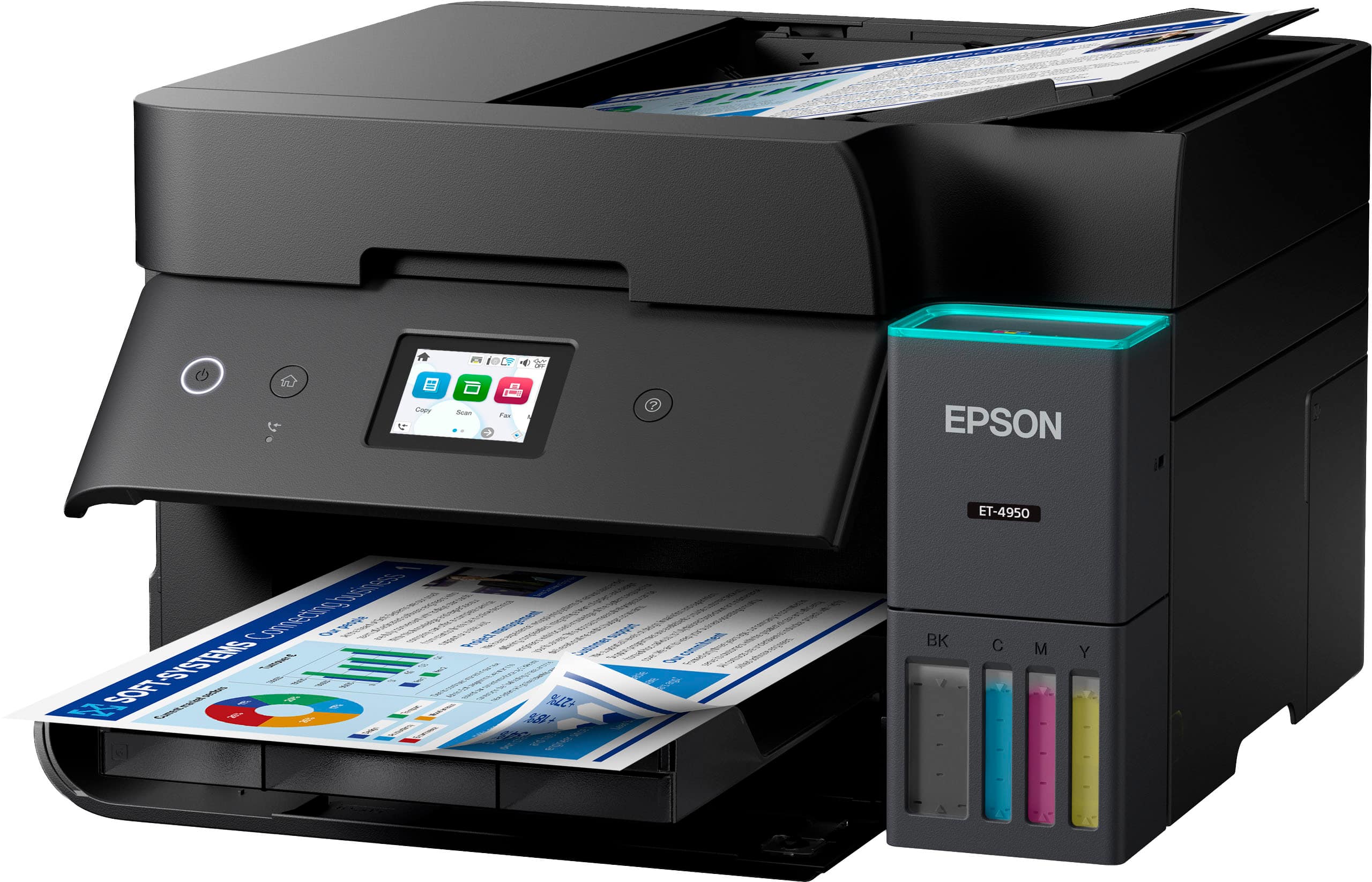
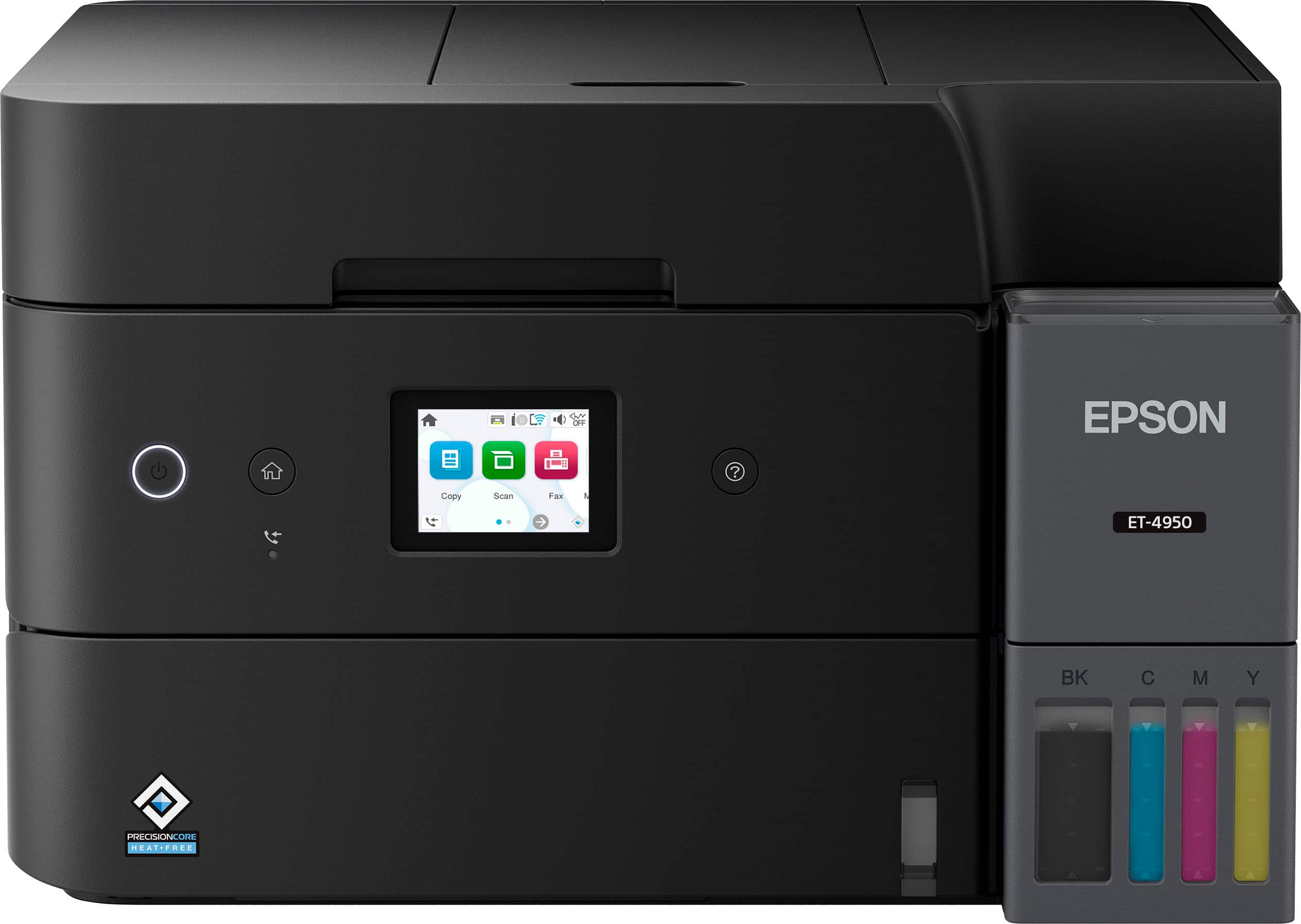
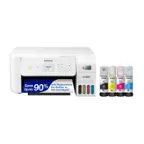
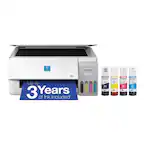
A:AnswerHello. Yes, the ET-4950 will work with Windows 7. You can download the driver from our official Epson Support page. Regards, Kevin - The Epson Team.
A:AnswerHello Sonya. Both printers offer similar functionality. However, if printing on larger paper sizes matters to you, we recommend the ET‑15000. As a Supertank printer, it can handle paper sizes up to 13" × 19". Regards, Kevin - The Epson Team.
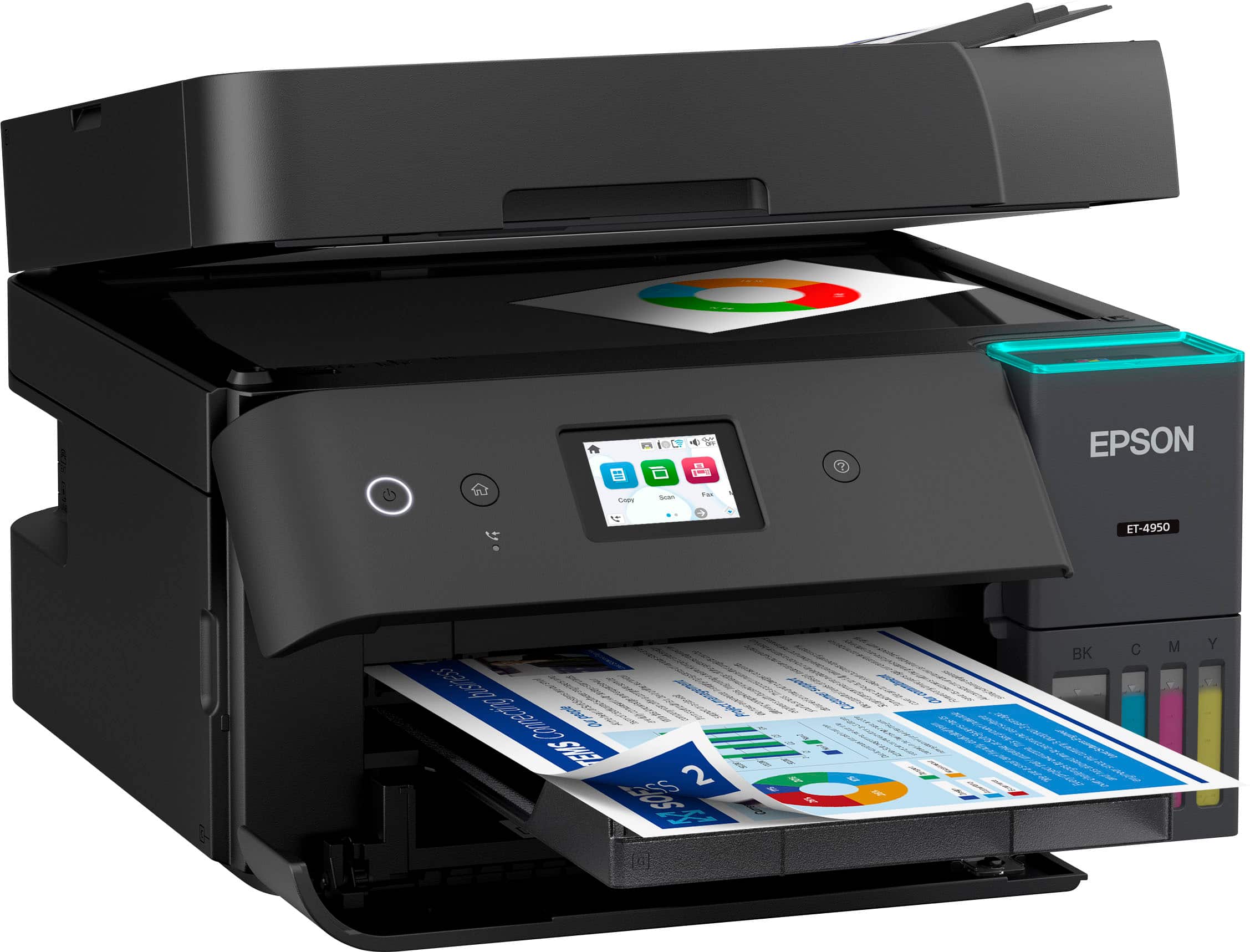
A:AnswerHello Robbie. Paper can only be loaded from the paper cassette on the ET-4950 as it does not have a rear paper feeder. Regards, Kevin - The Epson Team.
A:AnswerHello Feetfirst5. Yes, the ET-4950 will work with dual-band routers. The printer can connect to both 2.4 GHz & 5 GHz networks. Regards, Kevin - The Epson Team.
A:AnswerYes, we use this for our business and we have multiple staff with both iphone and android, as well as several different tablet devices. They all interact without any trouble throughout the day.
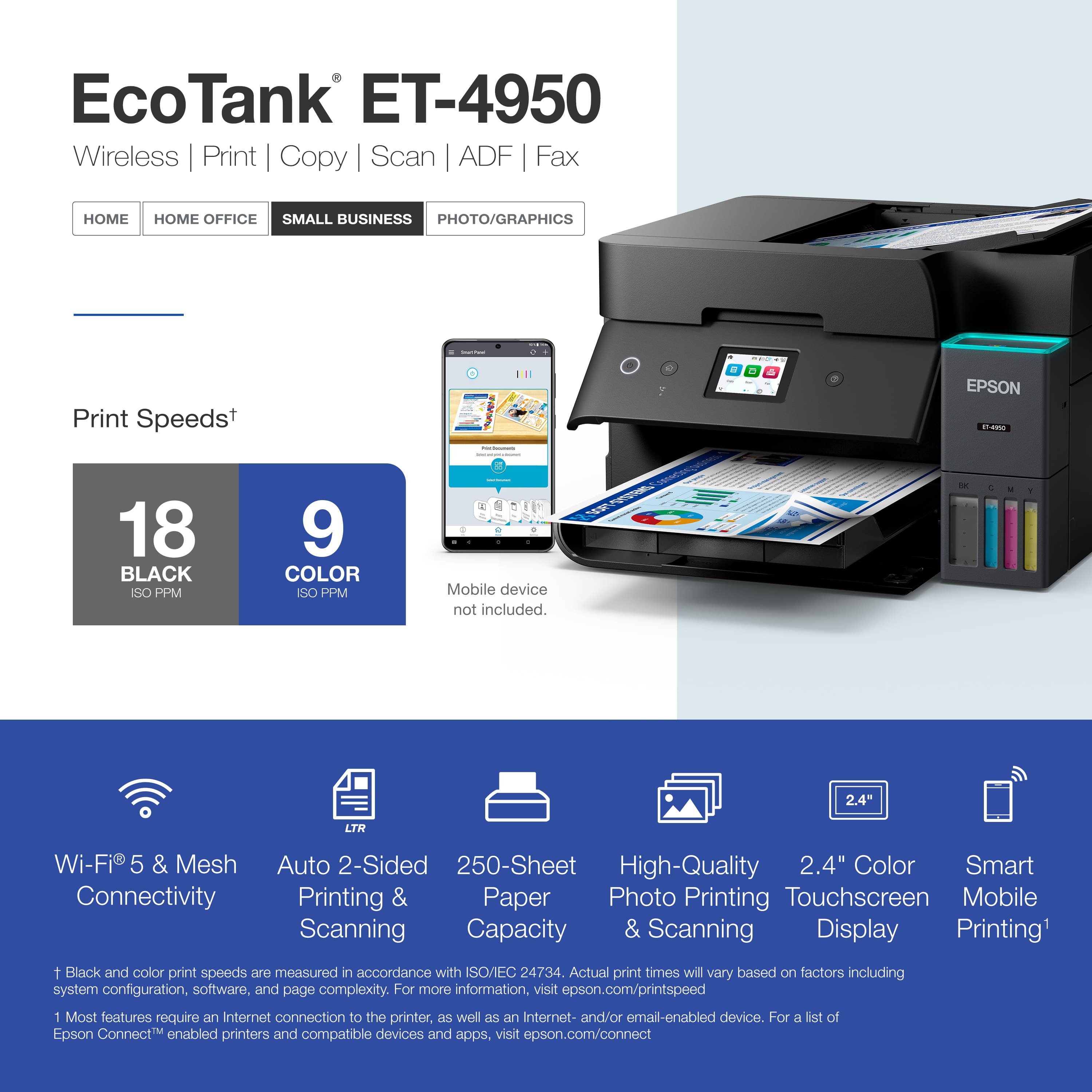
A:AnswerHello Wired. Yes, the ET-4950 can be used with a physical USB or Ethernet connection, and if you want to use it wirelessly, you can connect it to a computer, smartphone, or tablet using Wi-Fi. Regards, Kevin - The Epson Team.
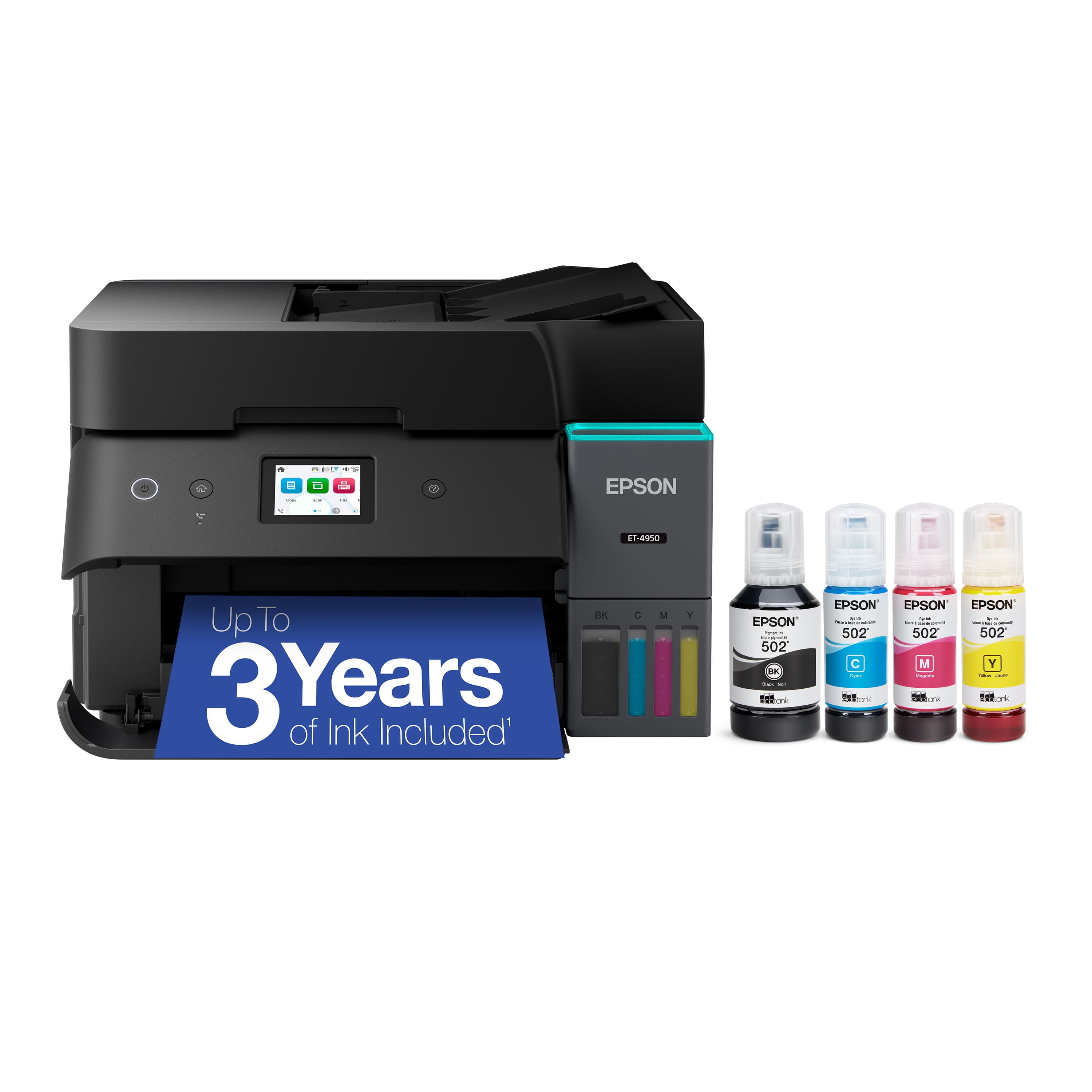
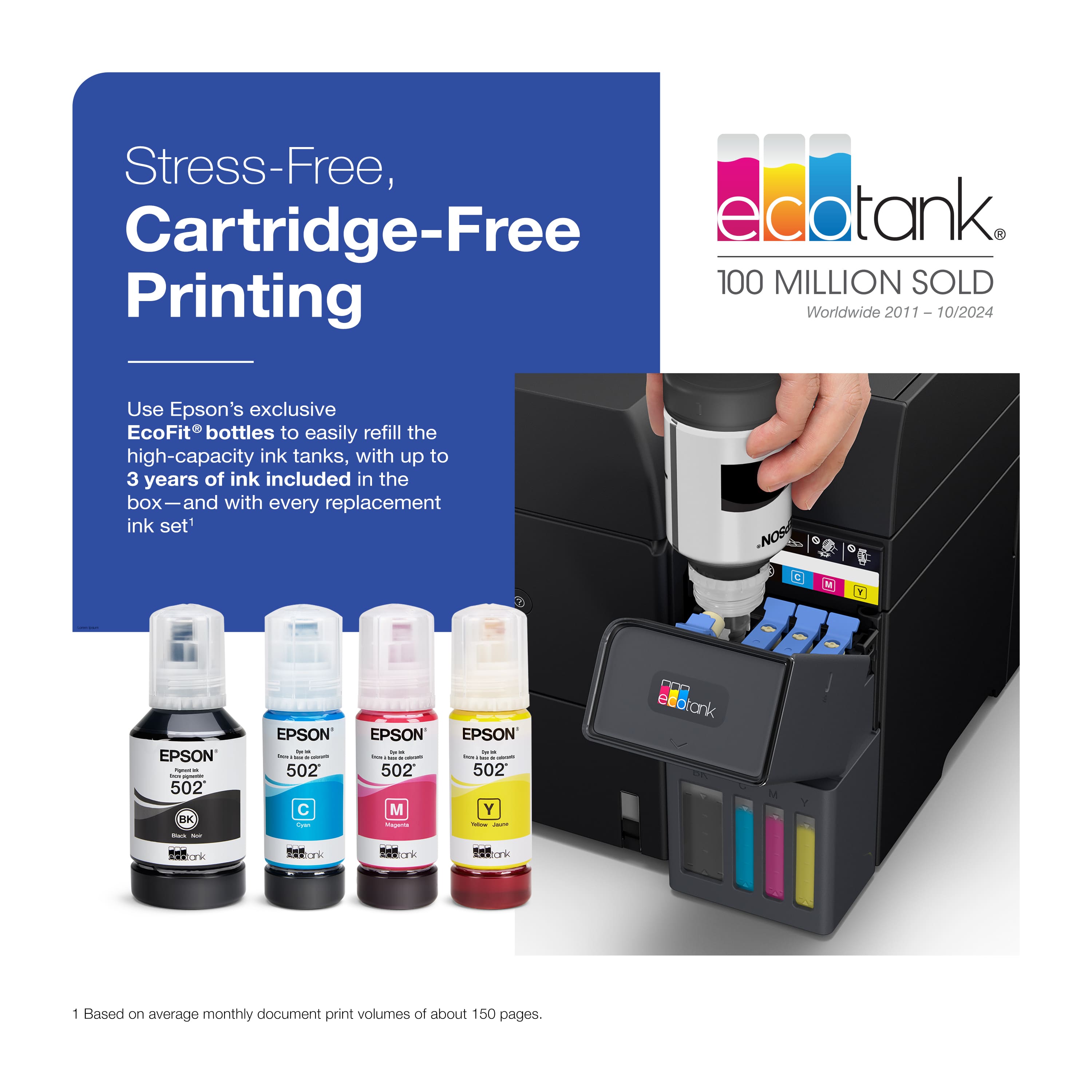
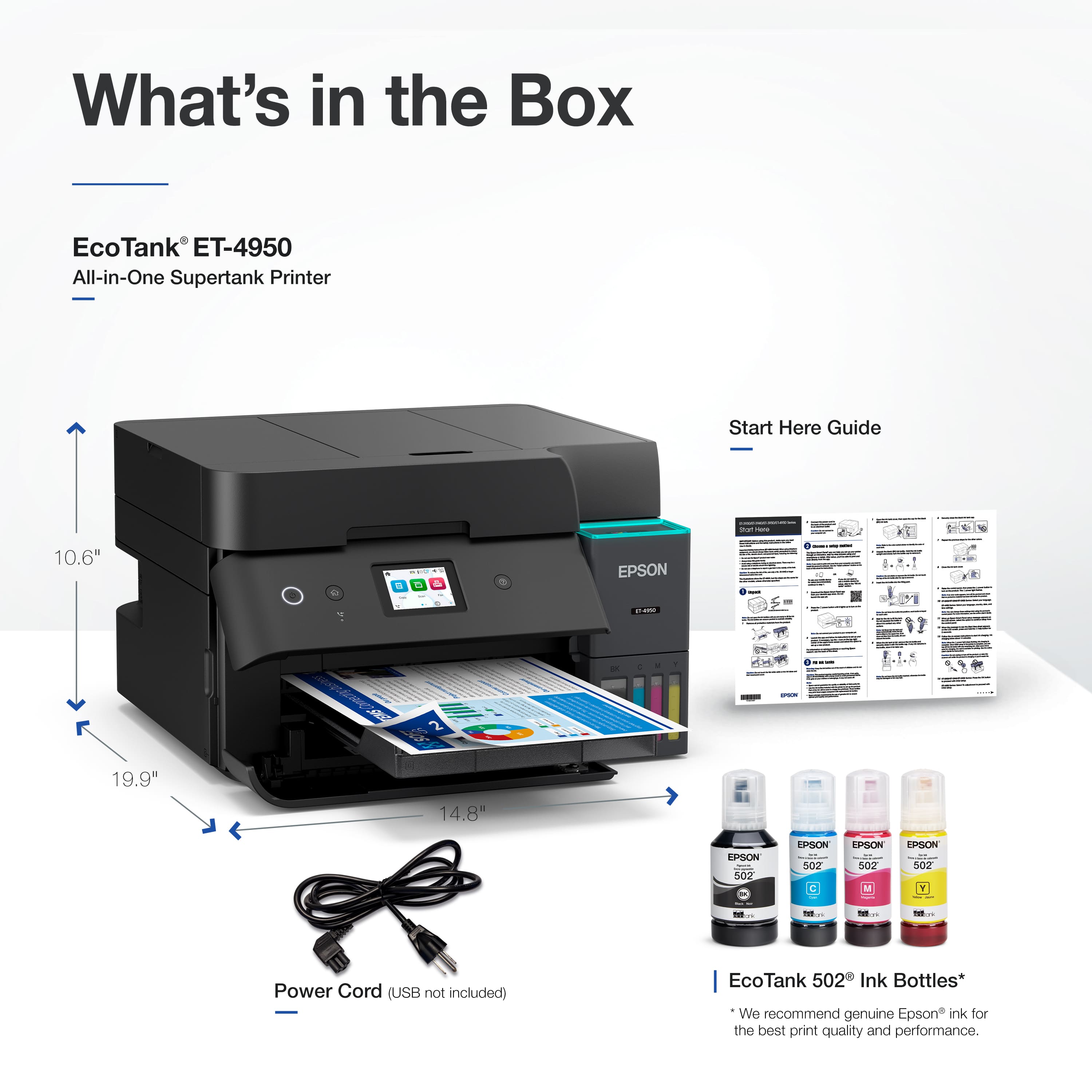
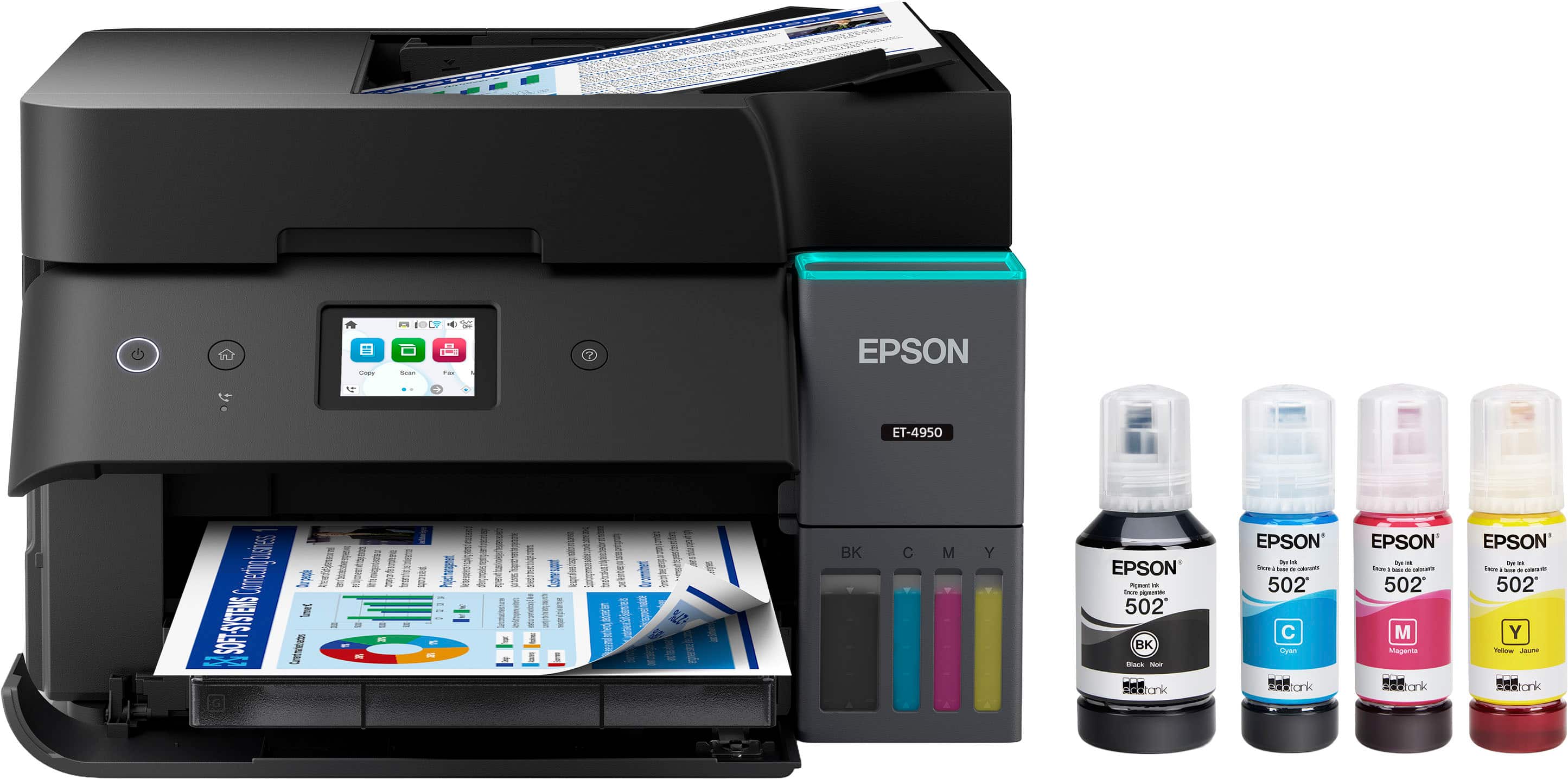
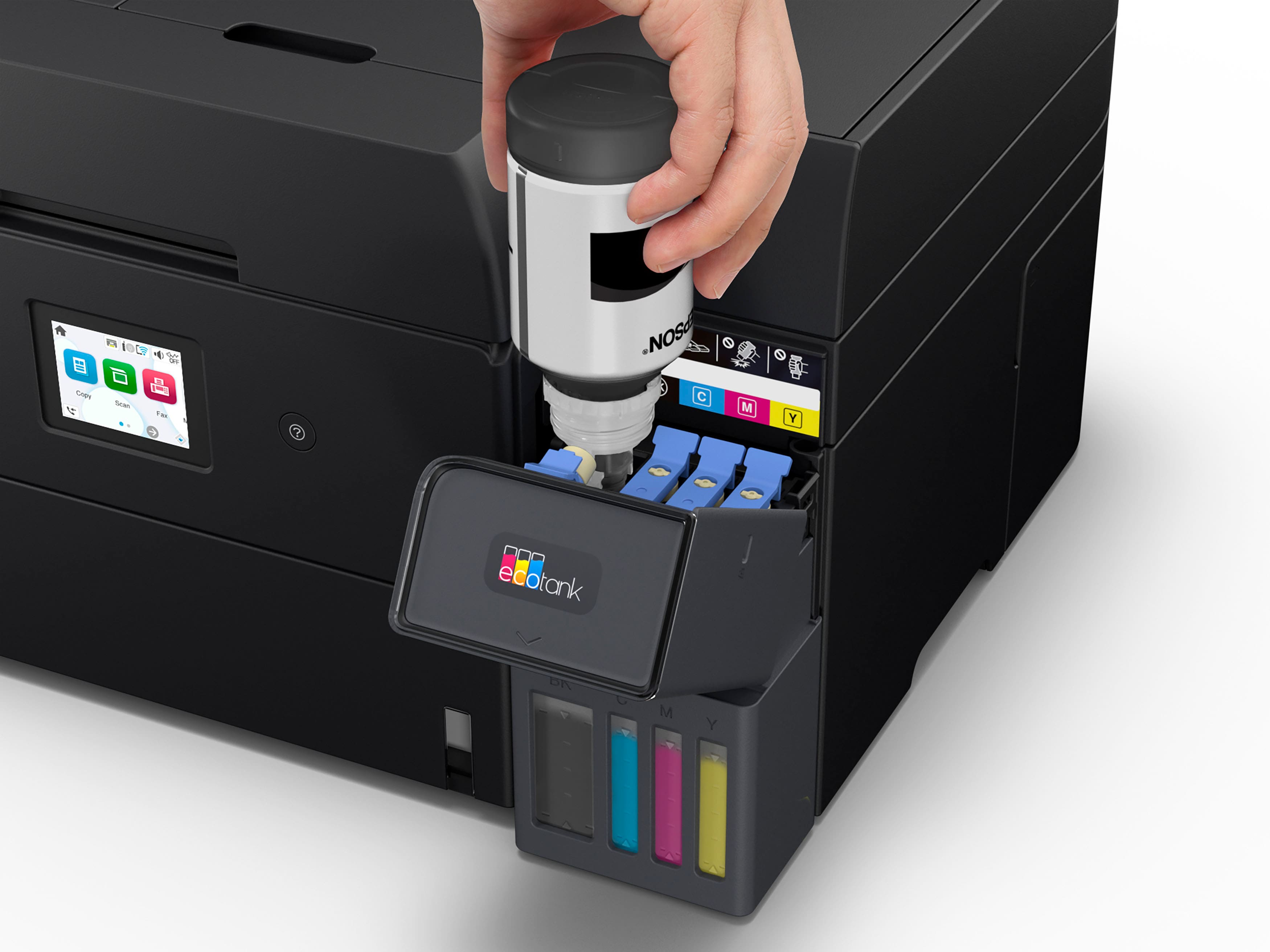
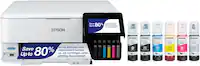
A:AnswerHello Stan. Yes, the Epson ET-4950 includes four ink bottles. Some of the ink will be used for the initial setup, and the remaining ink will be available for printing. Regards, Kevin - The Epson Team
A:AnswerHello KT. Yes, the ET-4950 can print on no.10-sized envelopes. It can also print on many types of label sheets, including Epson Photo Quality Self-Adhesive Sheets. We haven't tested them, but there are third-party labels that work with our products. If you plan to use label tabs, ensure they are inkjet labels and check with the manufacturer to make sure they will work with our All-in-One printers. Regards, Kevin - The Epson Team.