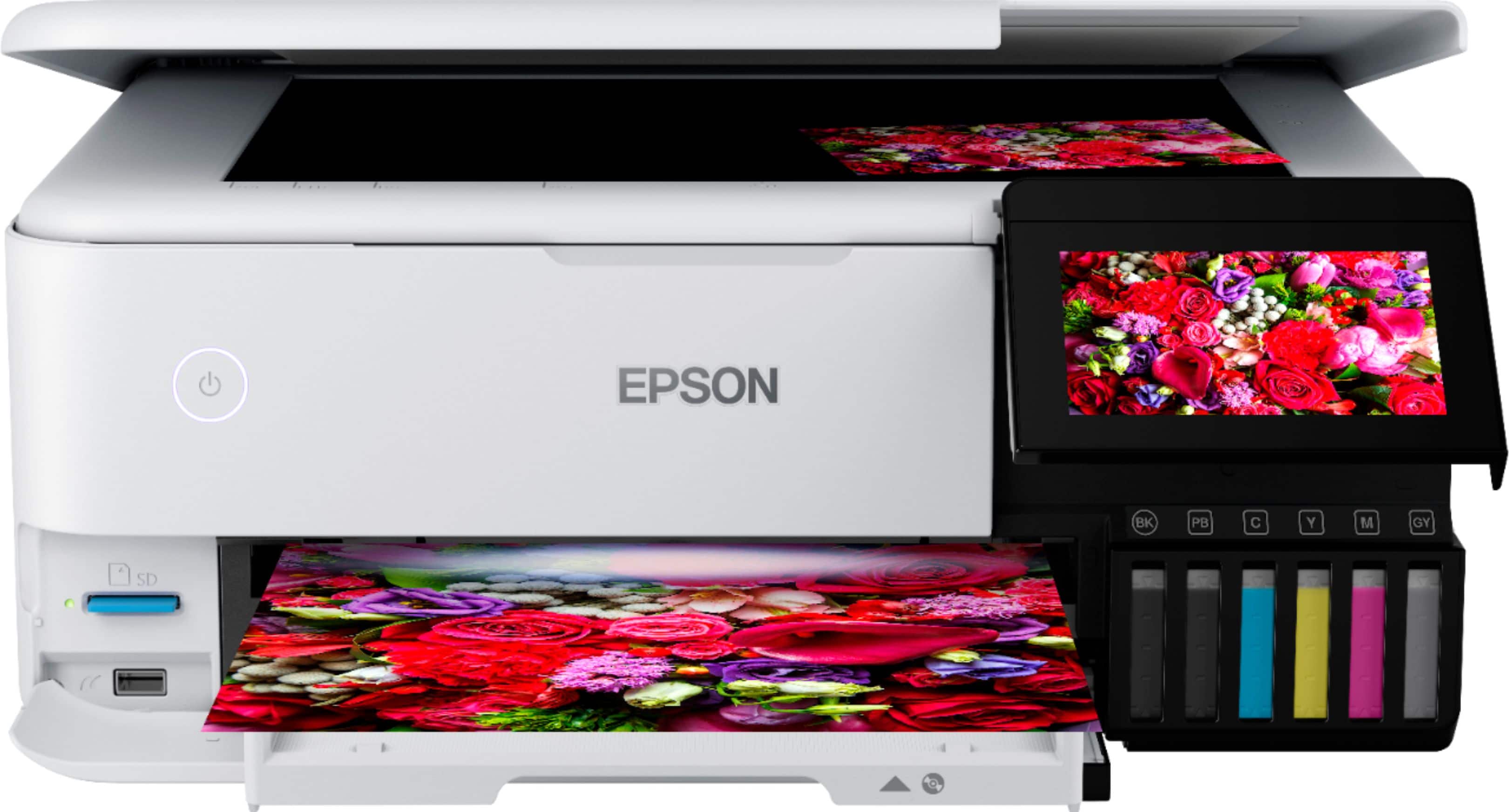
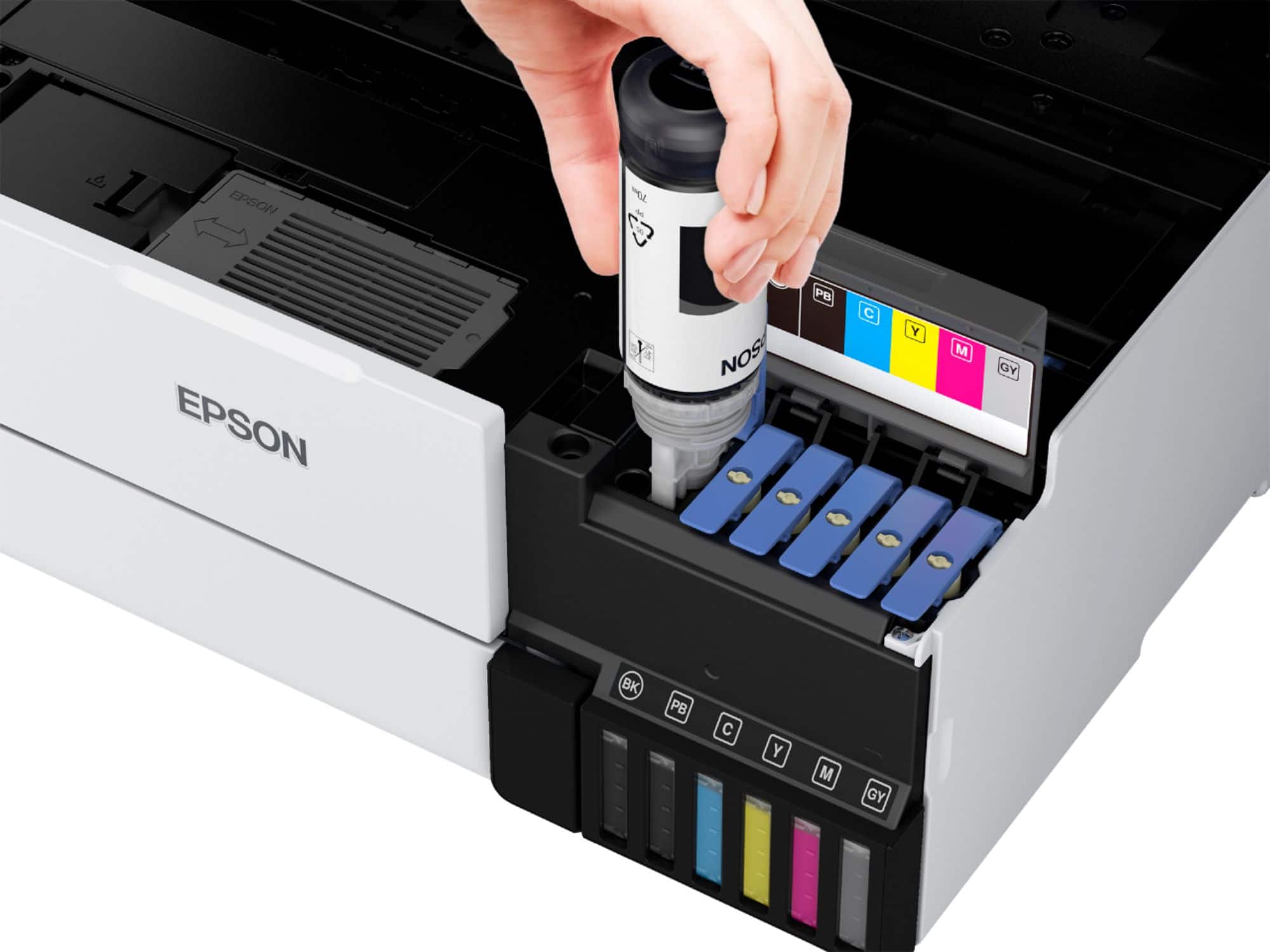
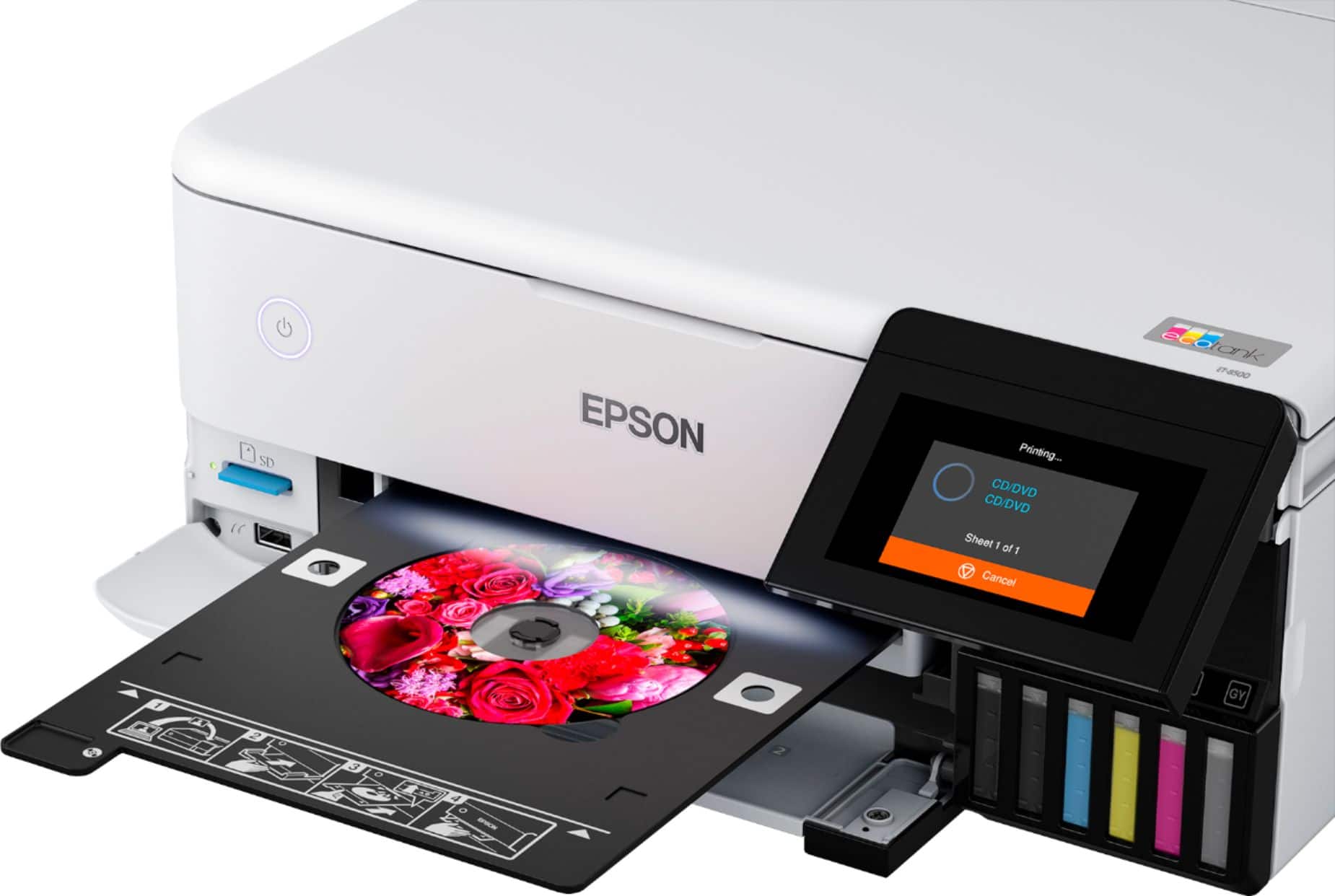
A:AnswerHello. The ET-8500 requires an ink tank to be refilled when the printer indicates that a specific color is expended. Once re-filled, printing functionality can resume. Regards, Kevin - The Epson Team.
A:AnswerHi Brenda. The Epson ET-8500 was not designed for dye-sublimation printing nor the use of non-genuine Epson ink cartridges. Using sublimation ink in this printer could damage the print head and impact warranty coverage. Regards, Kevin - The Epson Team.
A:AnswerHello PrinterRabbithole. The ET-8500 only features automatic 2-sided printing. Unfortunately, automatic 2-sided scanning is not available, and your original would need to be flipped manually to scan both sides. Regards, Kevin - The Epson Team.
A:AnswerHi James, The EcoTank Photo ET-8500 will work with your MacBook Pro as long as it is running a version of Mac OS from 10.5 through the latest 10.13. Drivers are available for download on the Epson support site for the ET-8500. Regards, Mark - The Epson Team.
A:AnswerHello. The Epson ET-8500 was not designed for dye-sublimation printing nor the use of non-genuine Epson ink cartridges. Using sublimation ink in this printer could damage the print head and impact warranty coverage. Regards, Kevin - The Epson Team.
A:AnswerHi Mimi, The EcoTank Photo ET-8500 produces clear images using Epson Iron-On Cool Peel Transfer Paper. We do not test the ET-8500 with third-party paper so cannot guarantee print quality. Regards, Mark - The Epson Team.
A:AnswerHello Wayne. Before printing a picture, restoring color to a photo is generally a process that is done by 3rd party software. However, the ET-8500 print settings do include options for color management. Regards, Kevin - The Epson Team.
A:AnswerHi Kensai, The largest sheet the EcoTank Photo ET-8500 can print without borders is 8.5" x 14" (Legal). The other available borderless sizes are: Letter, A4, 8” x 10”, 5” x 7”, 4” x 6”, and 3.5” x 5”. In order to print without borders, photo or photo matte paper must be selected in the printer driver. Regards, Mark - The Epson Team.
A:AnswerHello Sybille. Yes, both printers are very similar. However, the ET-8550 is a Wide-format printer that can print on paper up to 13" x 19" in size. Regards, Kevin - The Epson Team.
A:AnswerHello Sswazz. The ET-8500 is mainly used with plain paper, various photo paper, and some matte paper types. Unfortunately, you would likely run into paper feed issues on the machine trying to use canvas. An alternative for supported art paper compatible with the printer would be Epson Velvet Fine Art. Regards, Kevin - The Epson Team.
A:AnswerHello ginnavive. Most EcoTank printers, including the ET-8500, can run into paper feed issues when using 110lb card stock as it is not supported. We recommend looking at our photo and art printers as they are better suited for thicker paper. Regards, Kevin - The Epson Team.
A:AnswerHello Melissa. The ET-8500 is not considered a wide format printer. The maximum supported paper size is 8.5" x 14". Although it is currently out of stock on Bestbuy's website, the ET-8550 is considered a wide format printer similar in design that can print up to 13" x 19" in size. Regards, Kevin - The Epson Team.
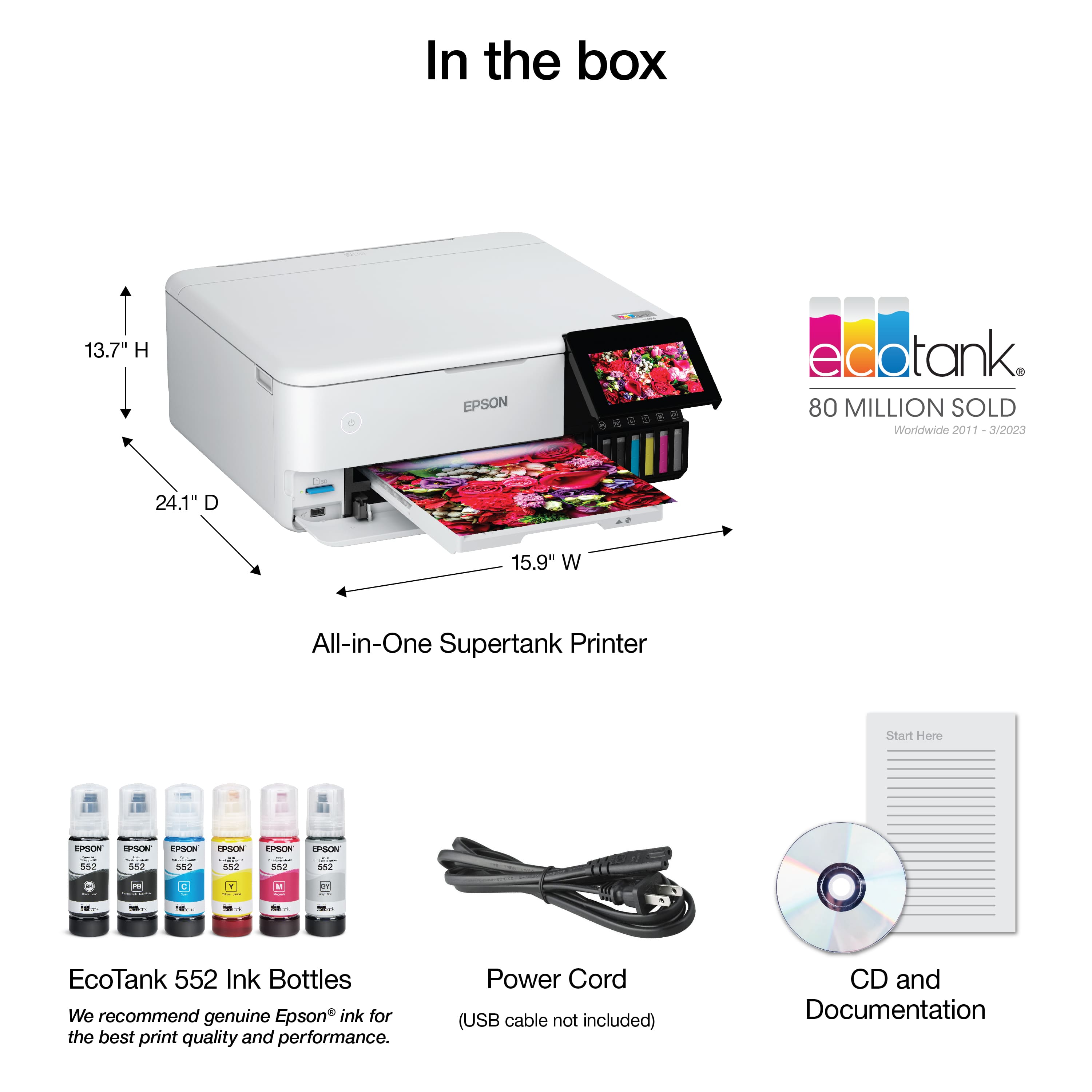
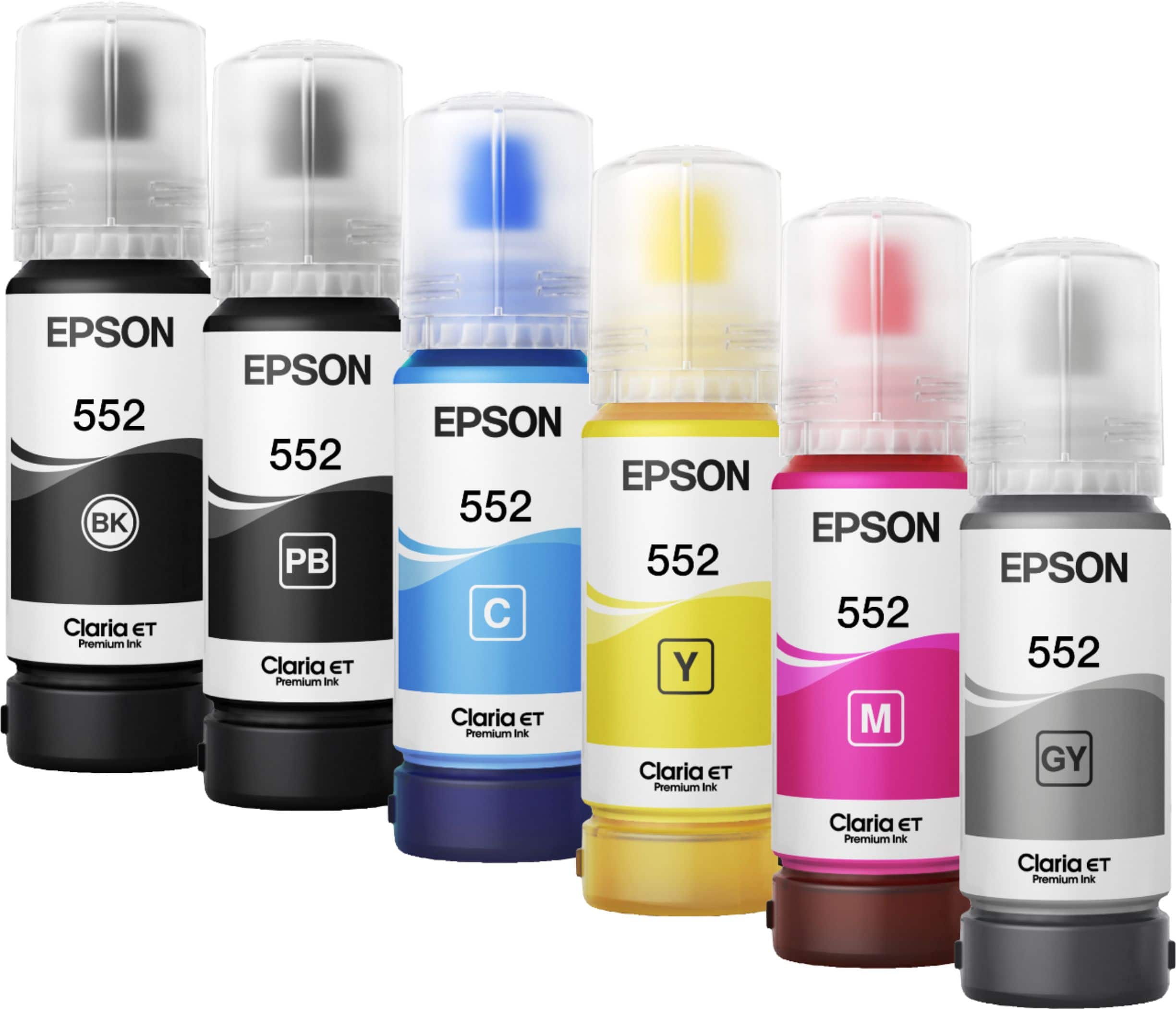
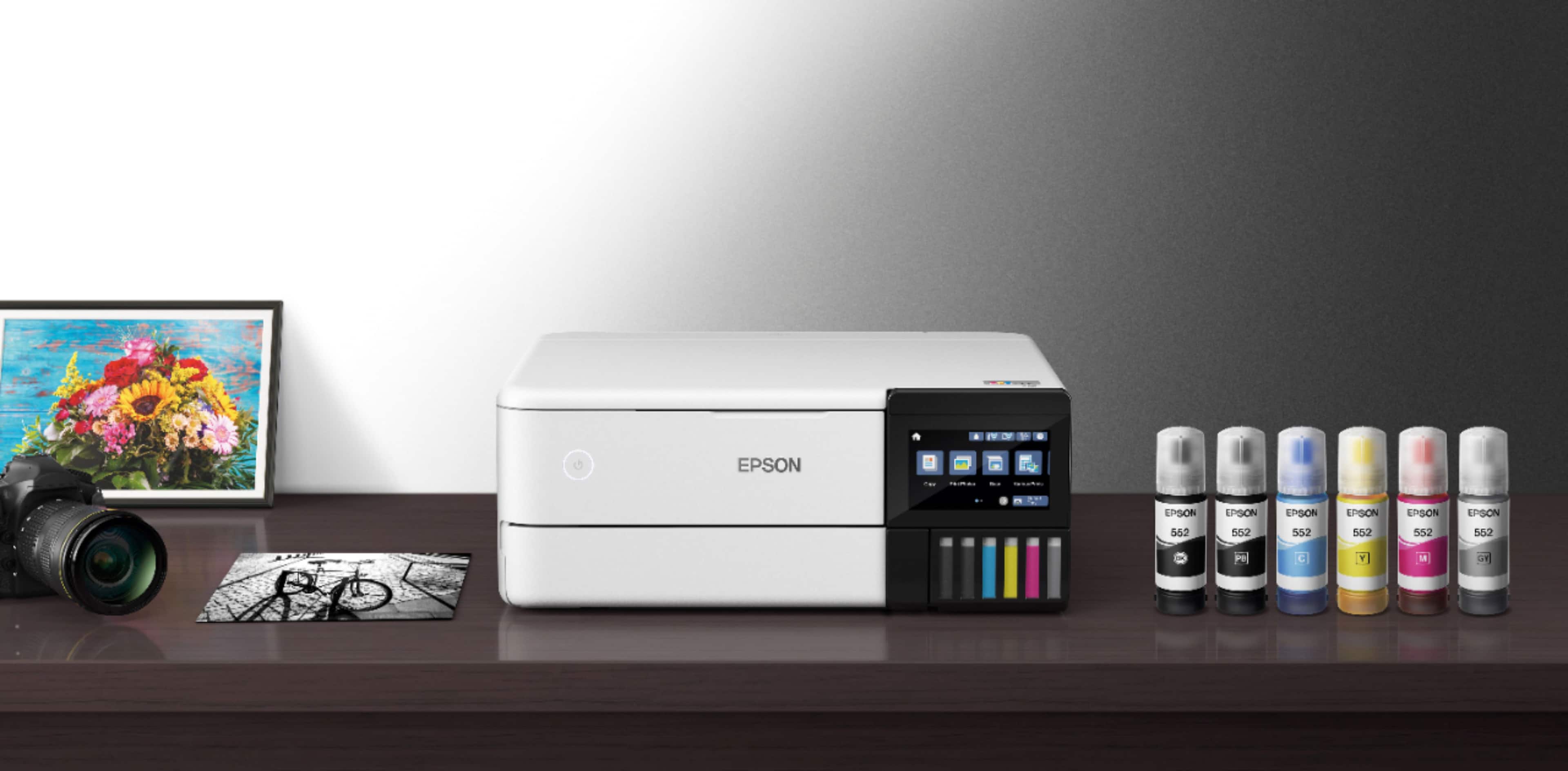
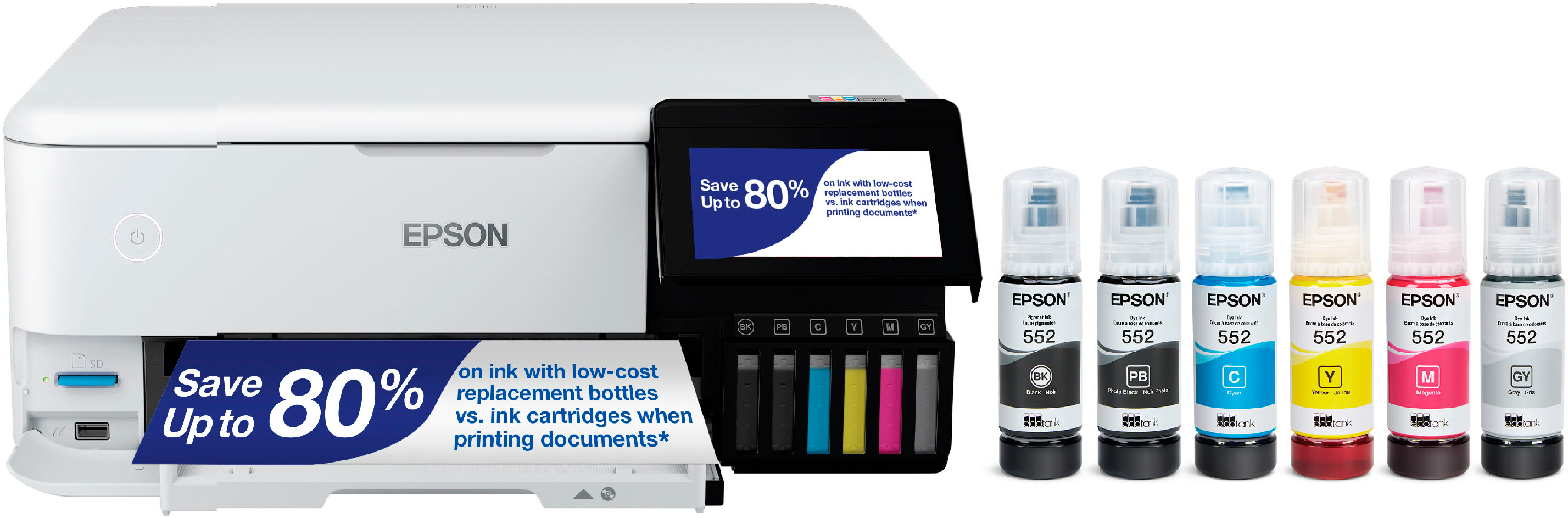
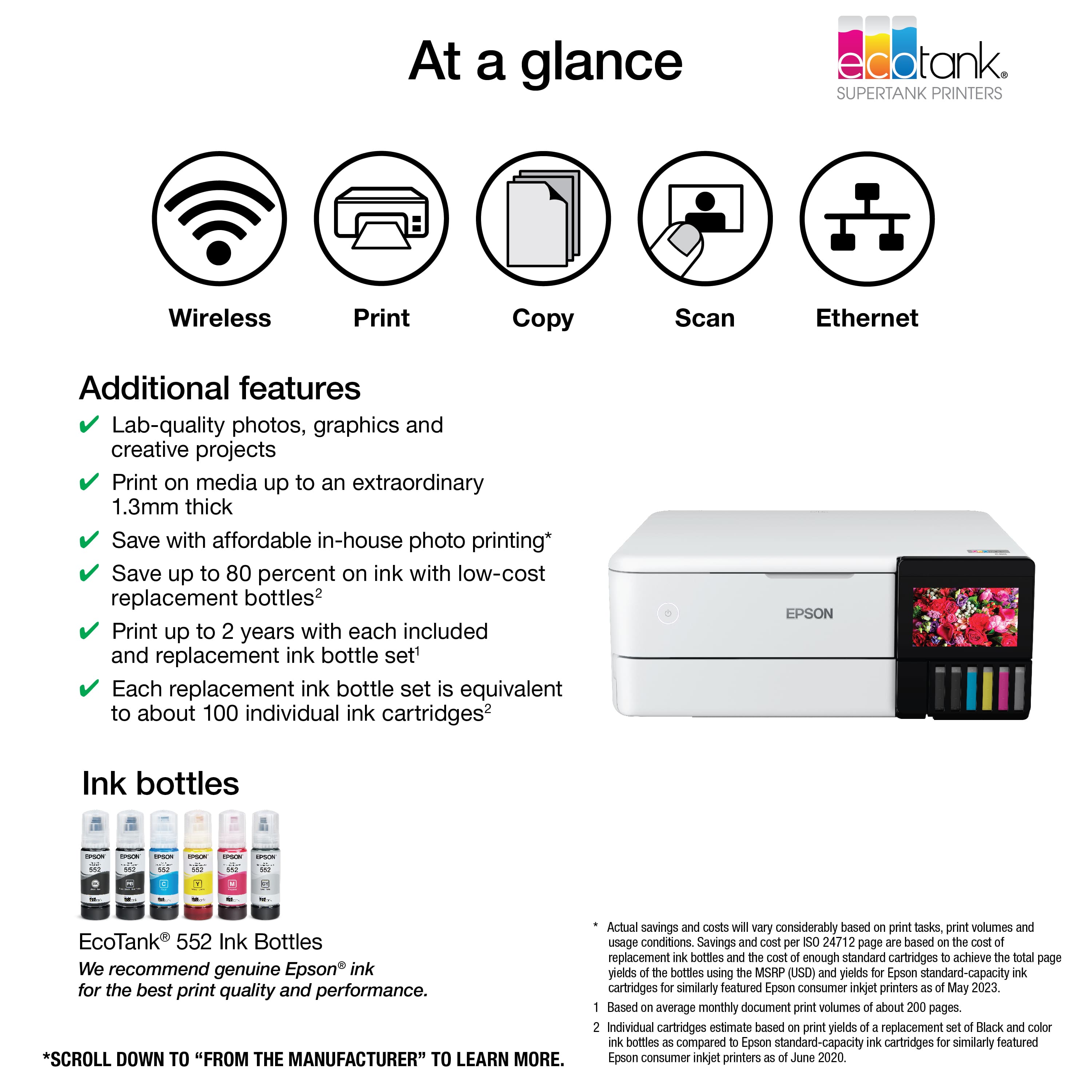
A:AnswerHi Nana, The EcoTank Photo ET-8500 is designed for Epson Claria ET Premium 552 ink refill bottles. Using sublimation ink may damage the print head and affect warranty coverage. Regards, Mark - The Epson Team.
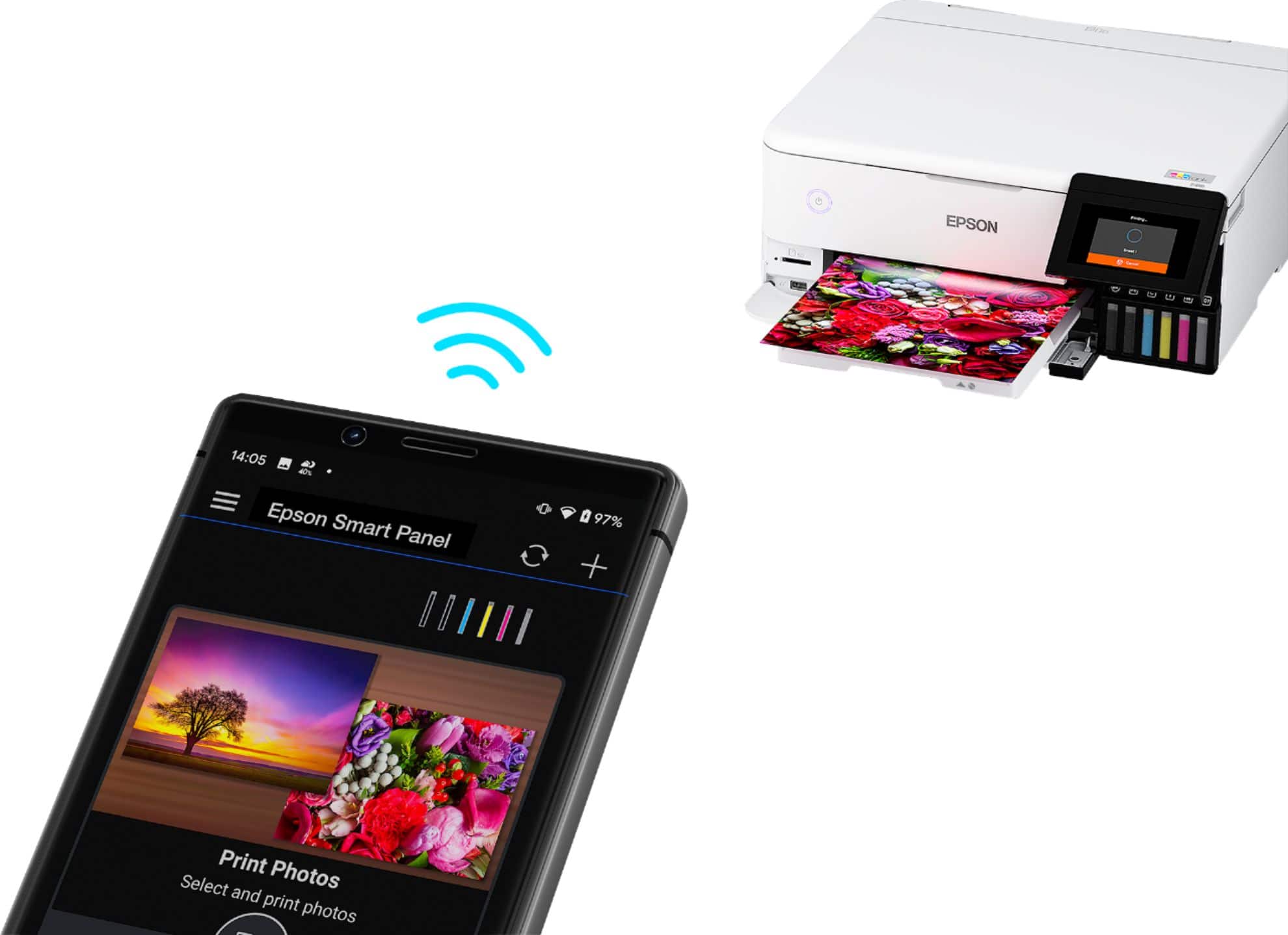
 2 Epson Smart Panel App download required. Data usage fees may apply](https://pisces.bbystatic.com/image2/BestBuy_US/images/products/9afaa04a-aec9-4227-921d-cec57841e8d6.jpg)